 bhdesign
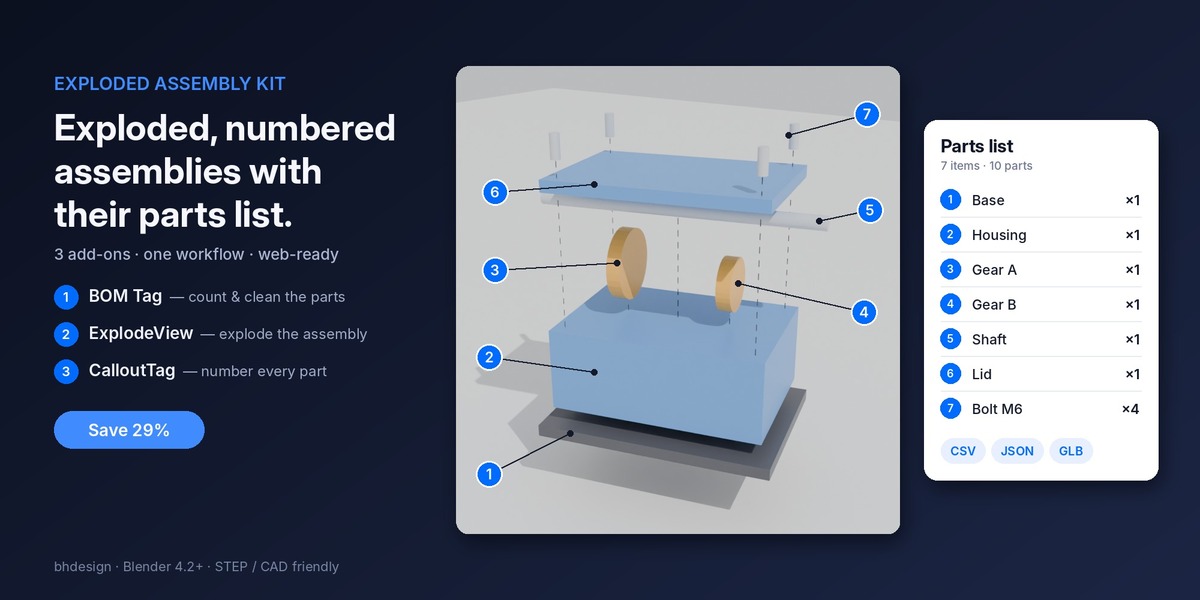

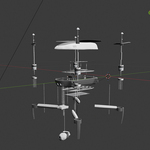
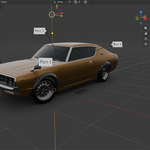
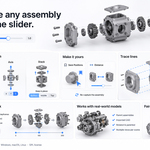
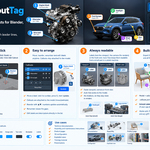
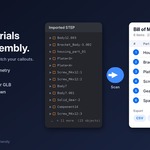
Exploded Assembly Kit: exploded, numbered assemblies with their parts list.
Three add-ons, one workflow: count the parts, explode the assembly, number every part, then ship it all to a document, a spreadsheet or a web viewer. It’s the classic technical-drawing convention (numbered exploded view + parts list) in Blender, from a STEP import to the web.
Save 22% compared to buying them separately.
▶ Try it live: hover any part to see its BOM data
What’s included
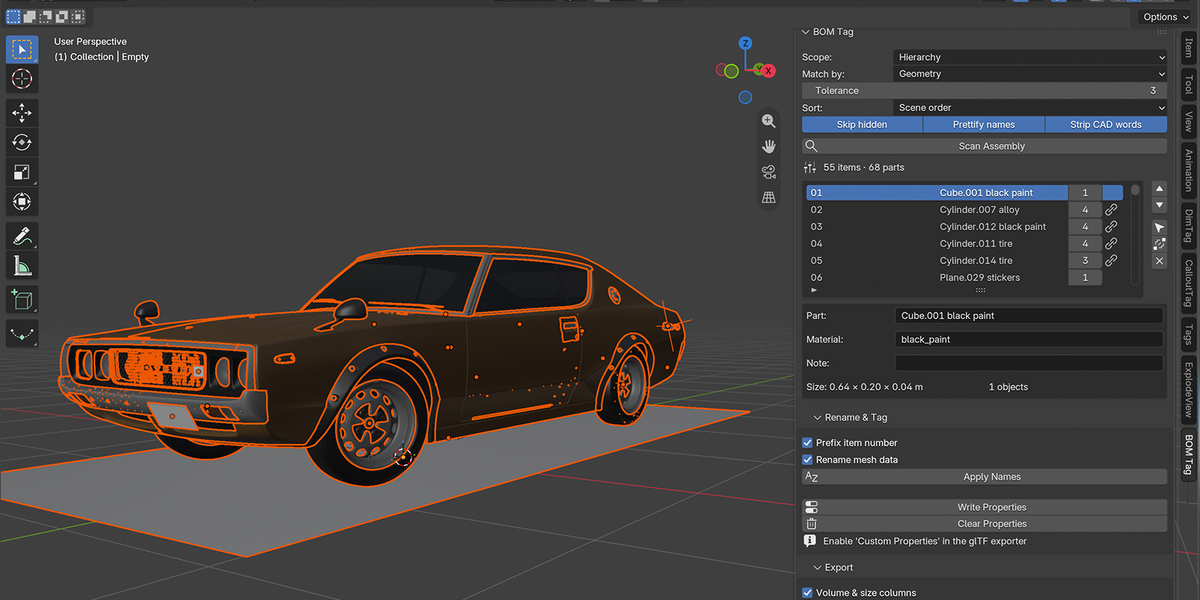
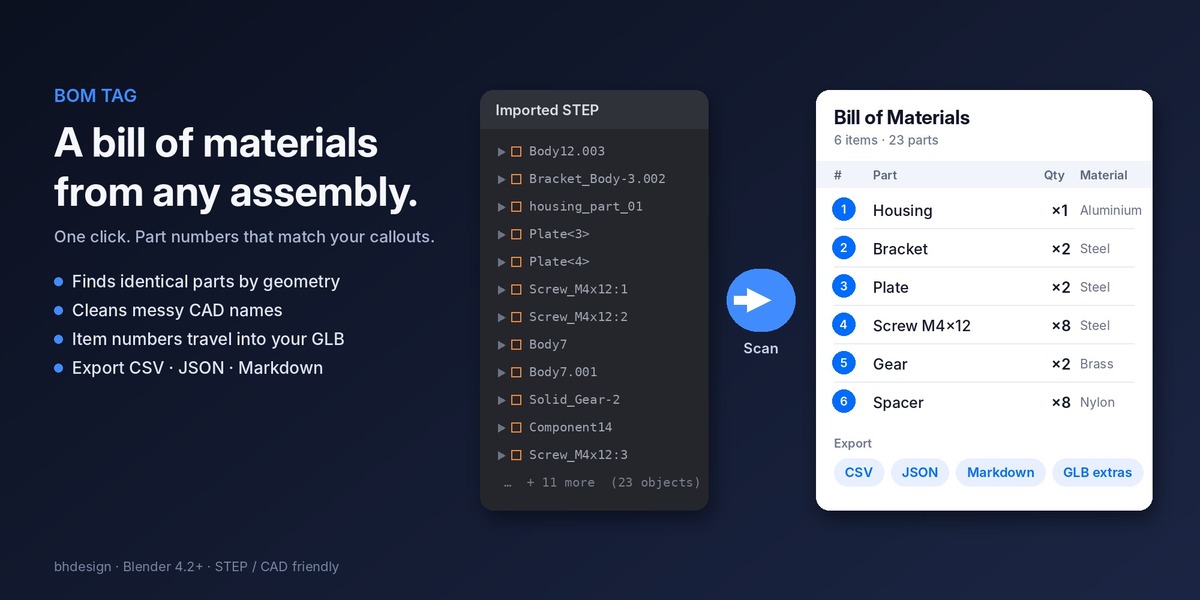
BOM Tag: the parts list
- Finds identical parts by geometry, even with messy CAD names
- Cleans names:
Body12.003→Housing - Item numbers written on every part, exported to GLB
- Export CSV, JSON, Markdown
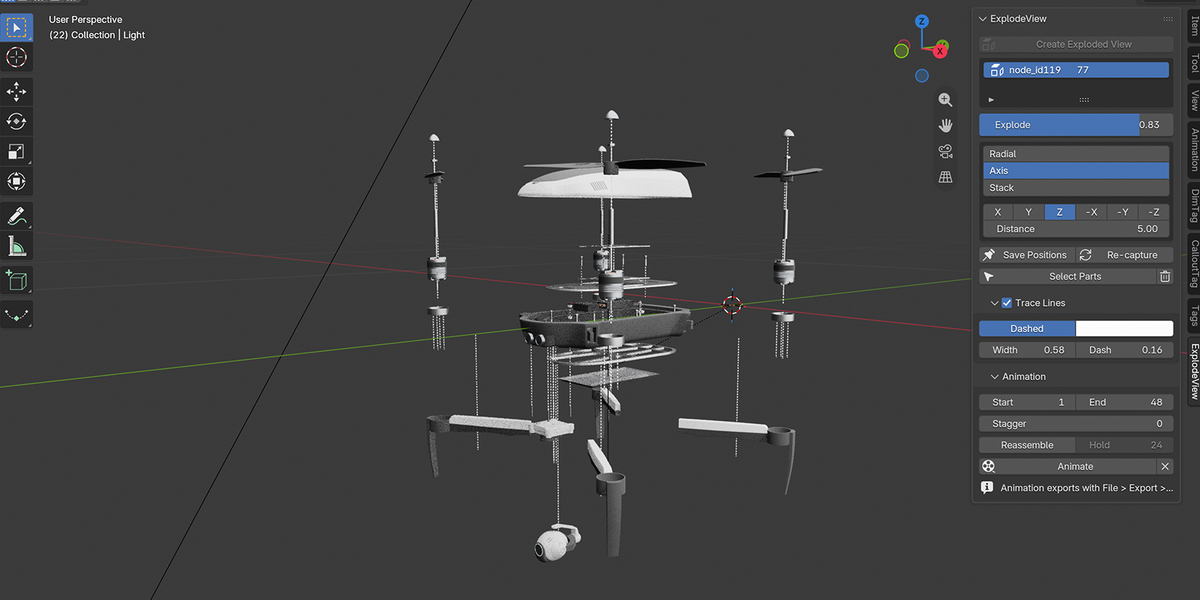
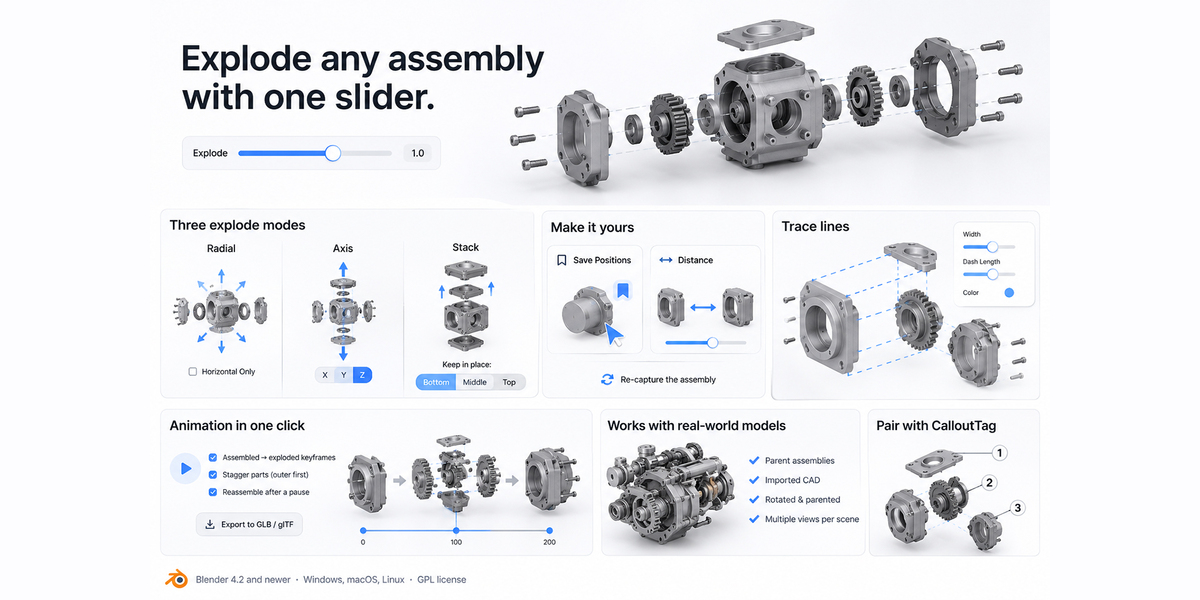
ExplodeView: the exploded view
- Live Explode slider, with original positions always kept
- Radial, Axis and Stack modes (no overlapping parts)
- Dashed trace lines, staggered animation, GLB export
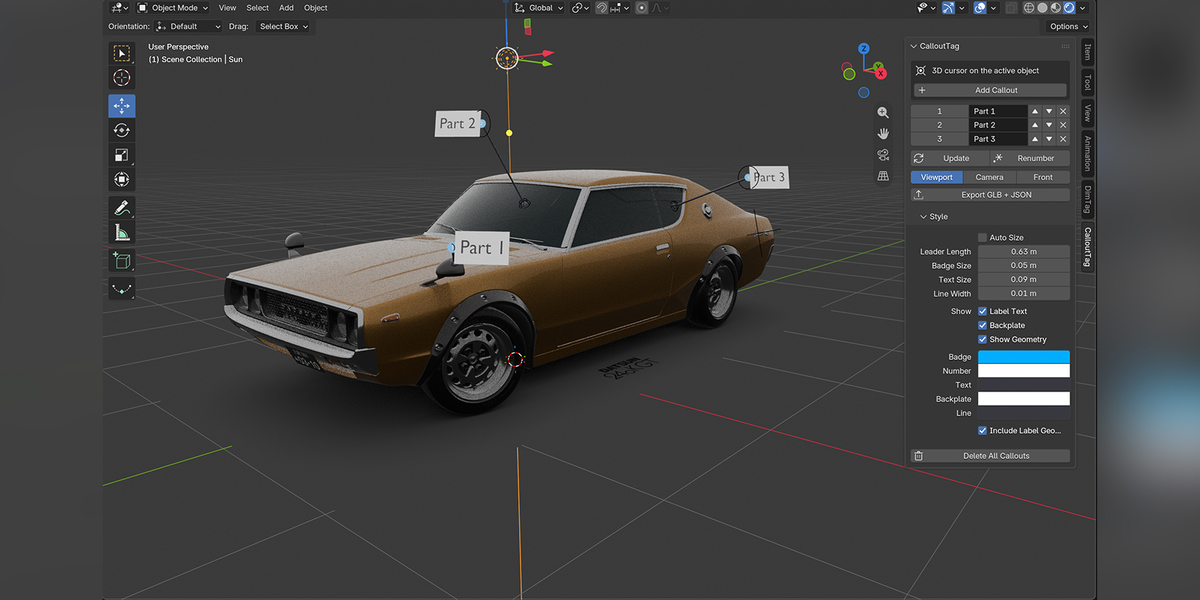
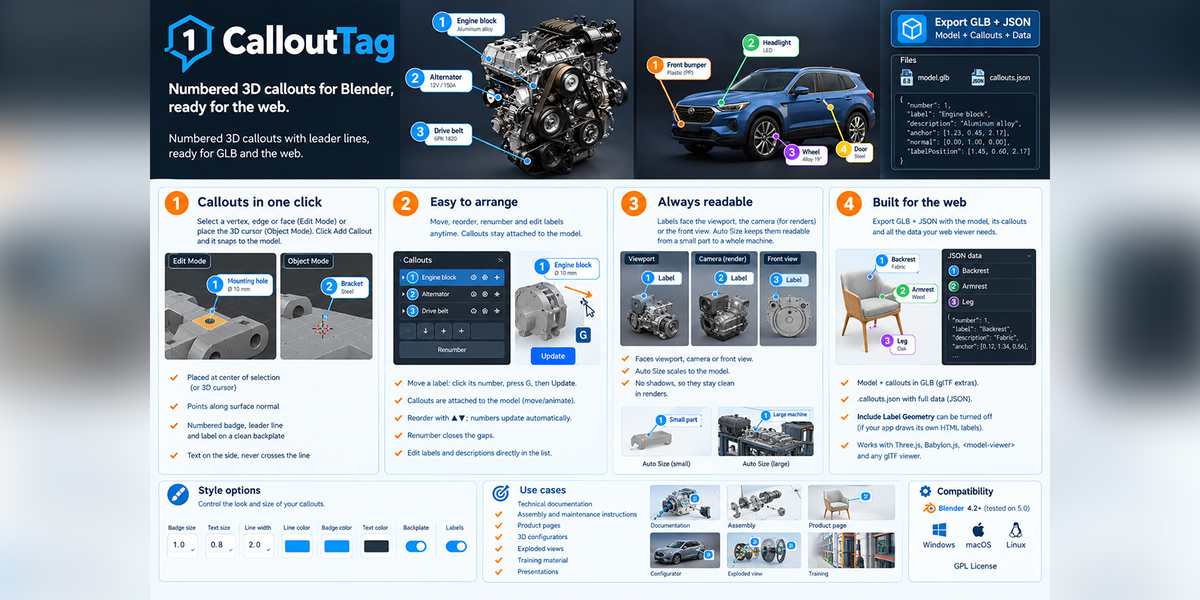
CalloutTag: the numbers
- Numbered badges with leader lines and labels
- Labels face the camera or the viewport, and follow the model
- GLB + JSON export for web viewers
The workflow
- BOM Tag: import your STEP, scan, clean names, number the parts.
- ExplodeView: explode the assembly in one click and adjust it with the slider.
- CalloutTag: add a callout on each part, using the same numbers as the parts list.
- Export: the parts list as CSV or JSON, and the 3D model as GLB, with item numbers, callouts and animation, for your web viewer.
Perfect for
Assembly and maintenance instructions · technical documentation · product pages and configurators · training material · CAD presentations