 ZEG

Installation
In Blender open Edit, Preferences, Get Extensions, then use Install from Disk and pick the eye_generator zip.
Usage
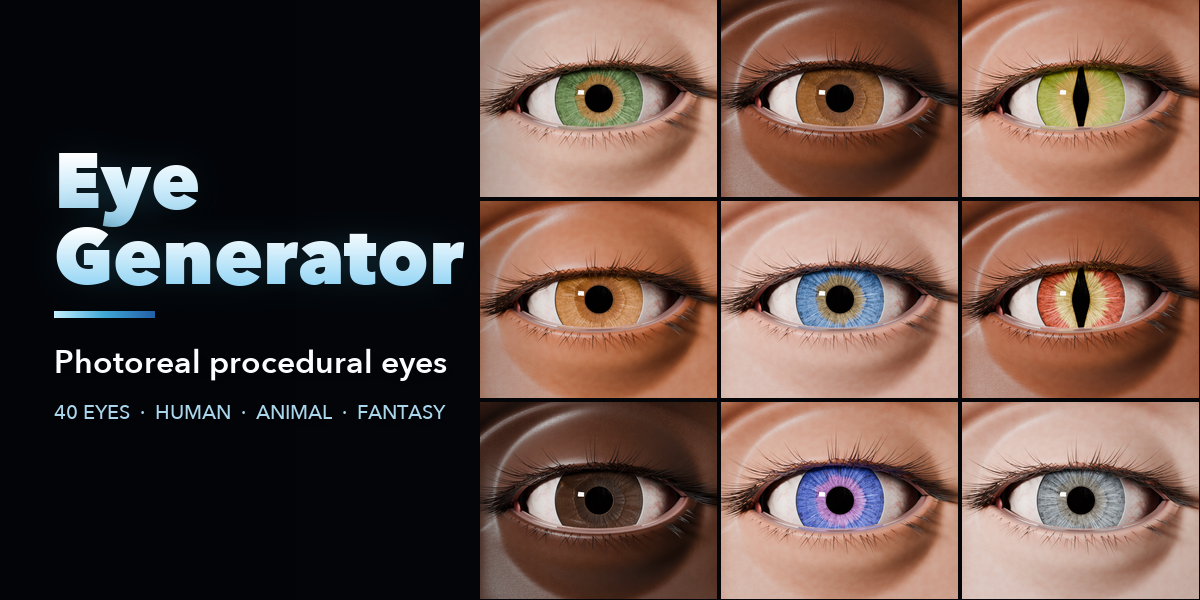
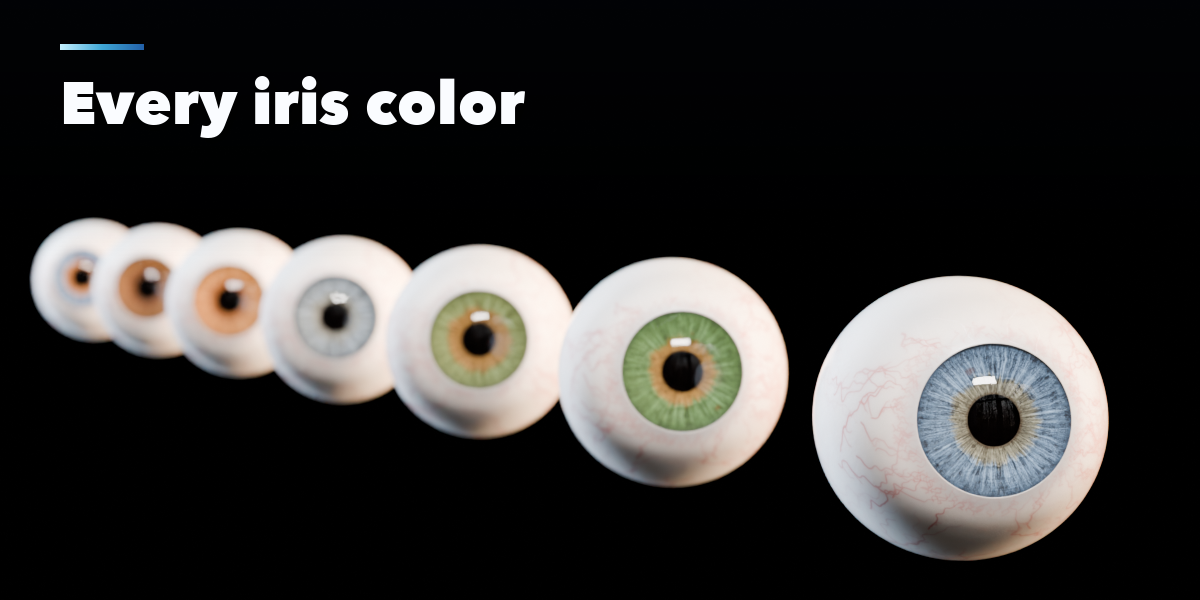
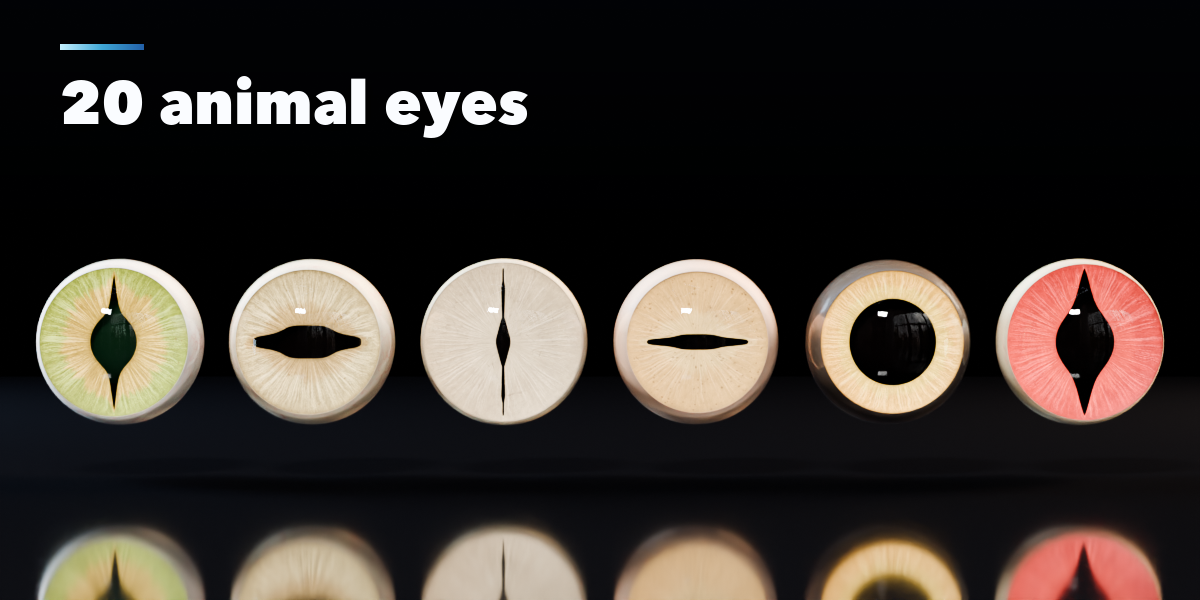
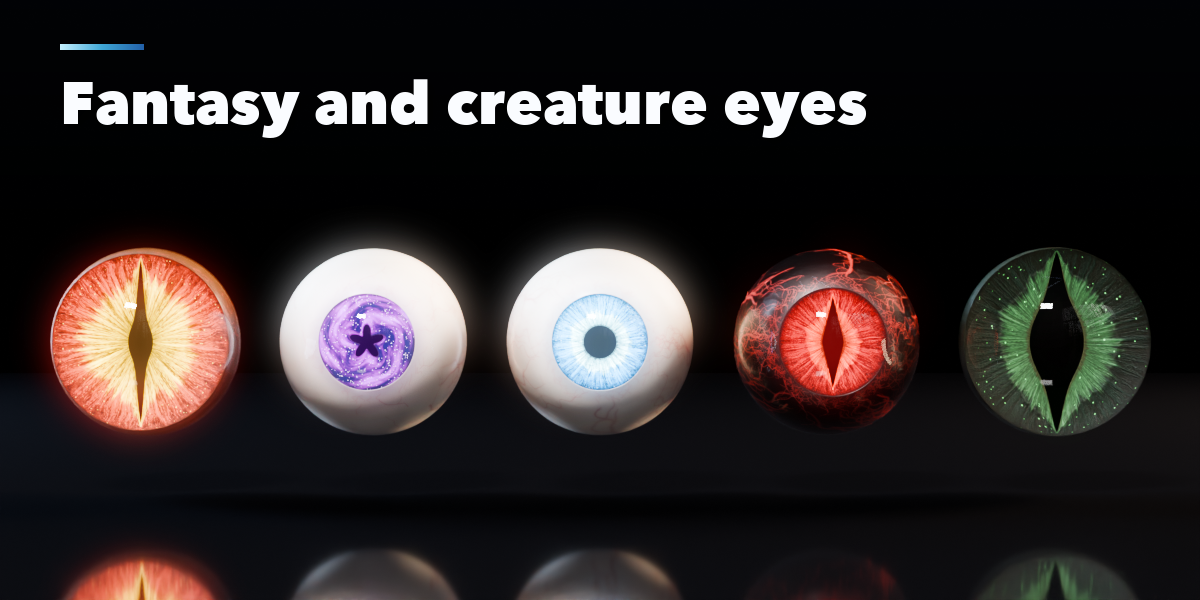
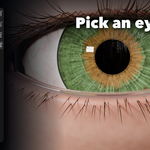
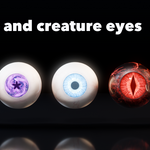
- Open the Eye tab in the 3D viewport sidebar (N). With no eye selected, click the picture to choose an eye from the gallery and press Add. You can also use Shift+A, Mesh, Eyes.
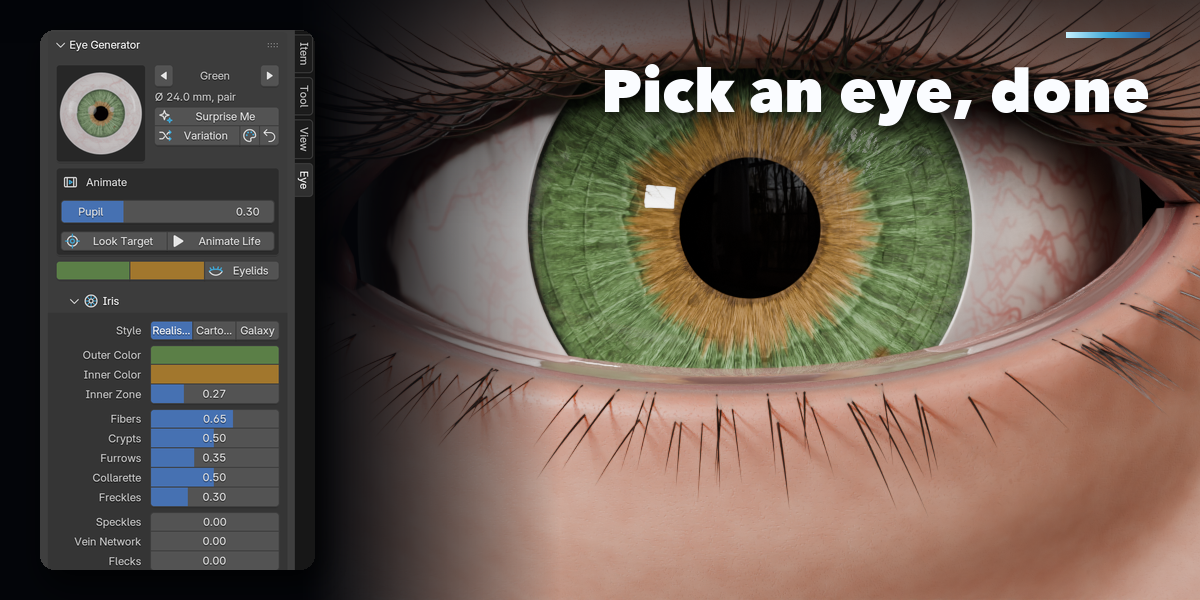
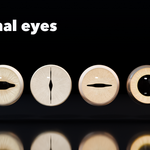
- With the eyes selected, the picture switches the eye type. Surprise Me makes a random eye, Variation changes the pattern and colors a little, and the palette button picks new iris colors.
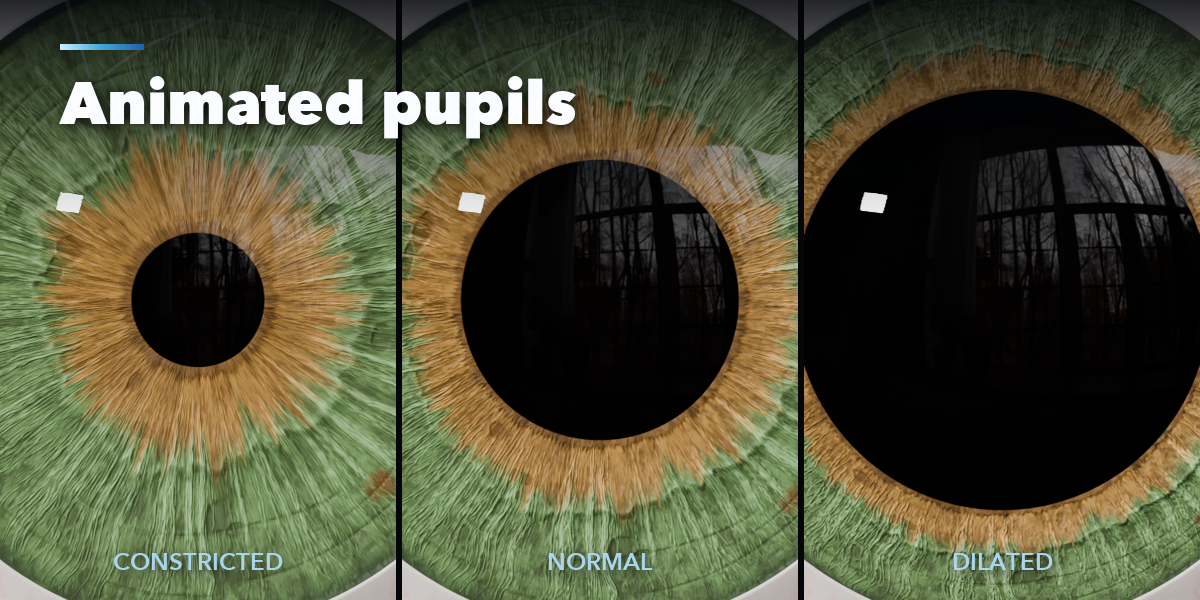
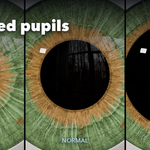
- Pupil and Blink are animatable sliders. Look Target selects the empty both eyes follow; Animate Life keys gaze shifts, blinks and pupil changes over the scene's frame range.
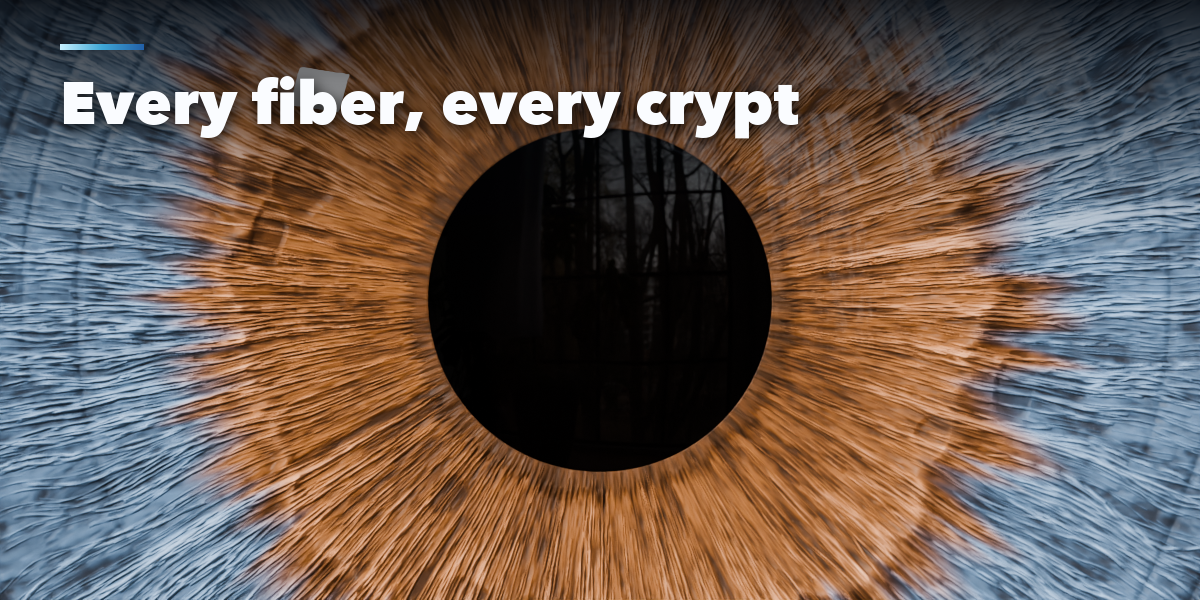
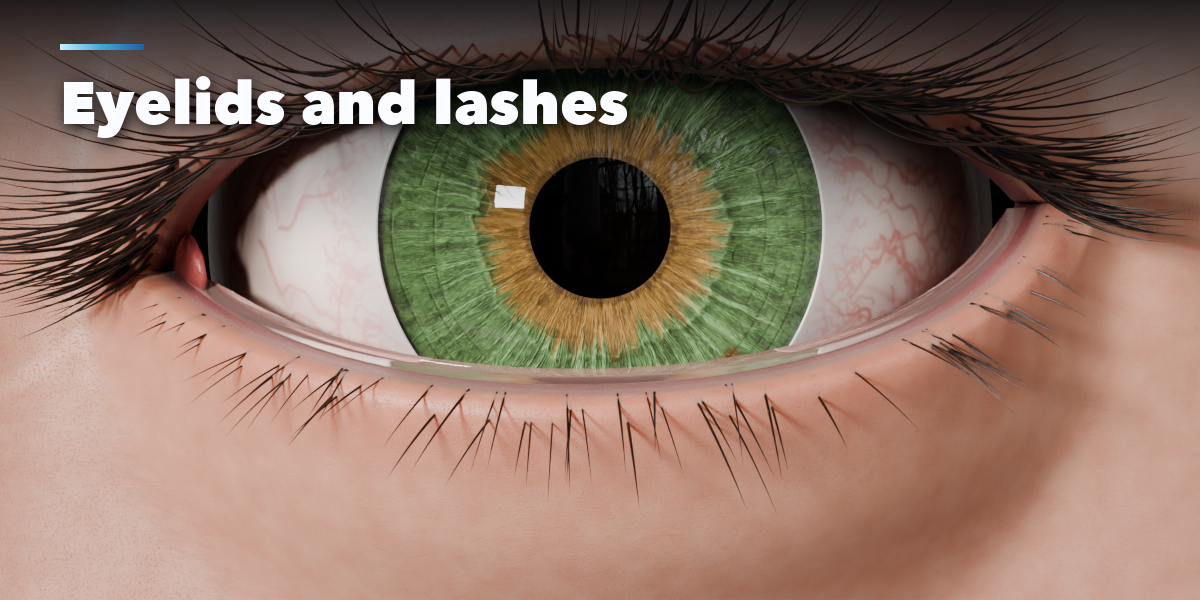
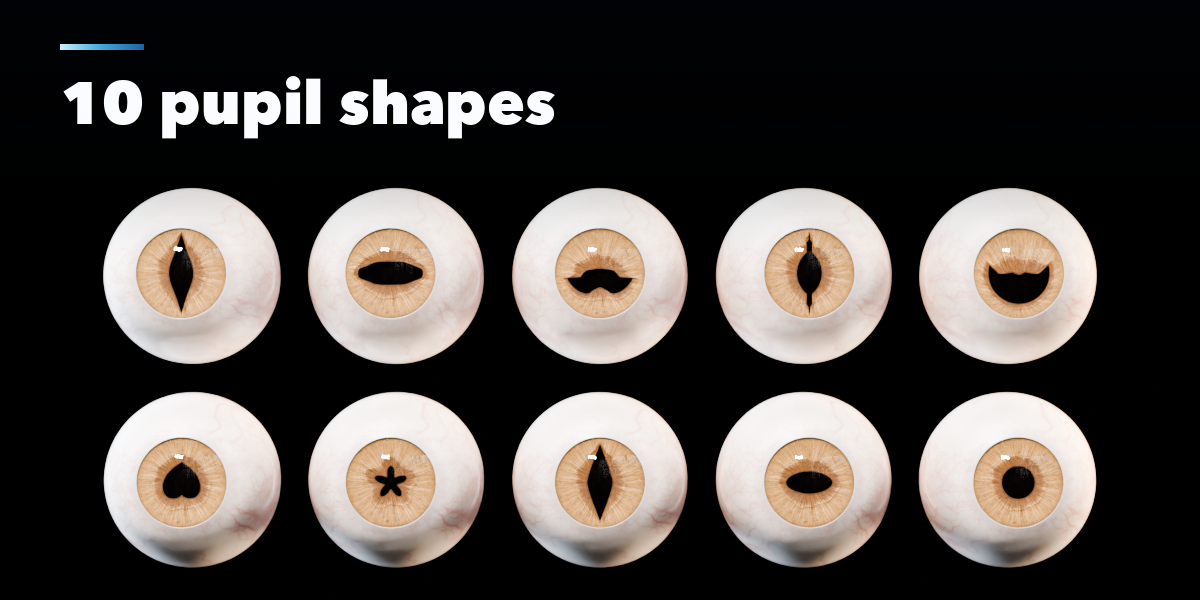
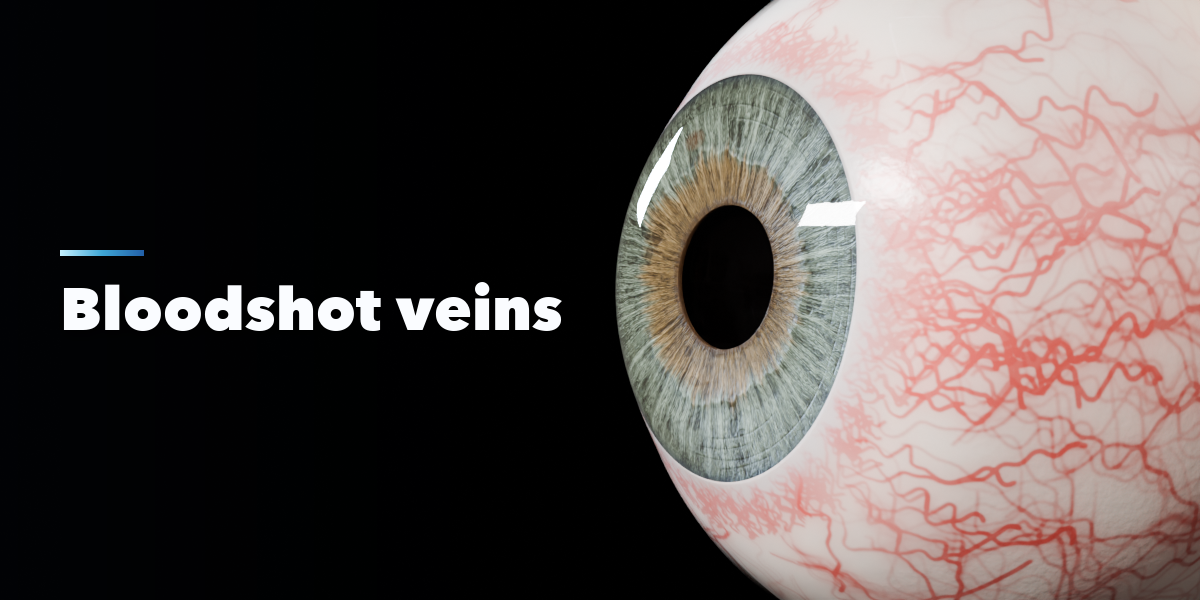
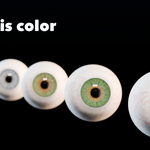
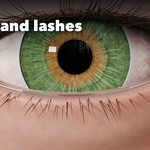
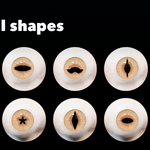
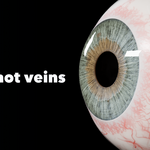
- The sub-panels hold every setting: Iris (style, colors, fibers, crypts, furrows, heterochromia), Pupil (shape pictures and dilation range), Eyeball (size, cornea bulge, limbus, lens), Sclera (color, veins, eye shine), Eyelids (opening, shape, lashes) and Rig and Render (pair or single, spacing, IOR, caustics, texture size, Save Textures, Delete).
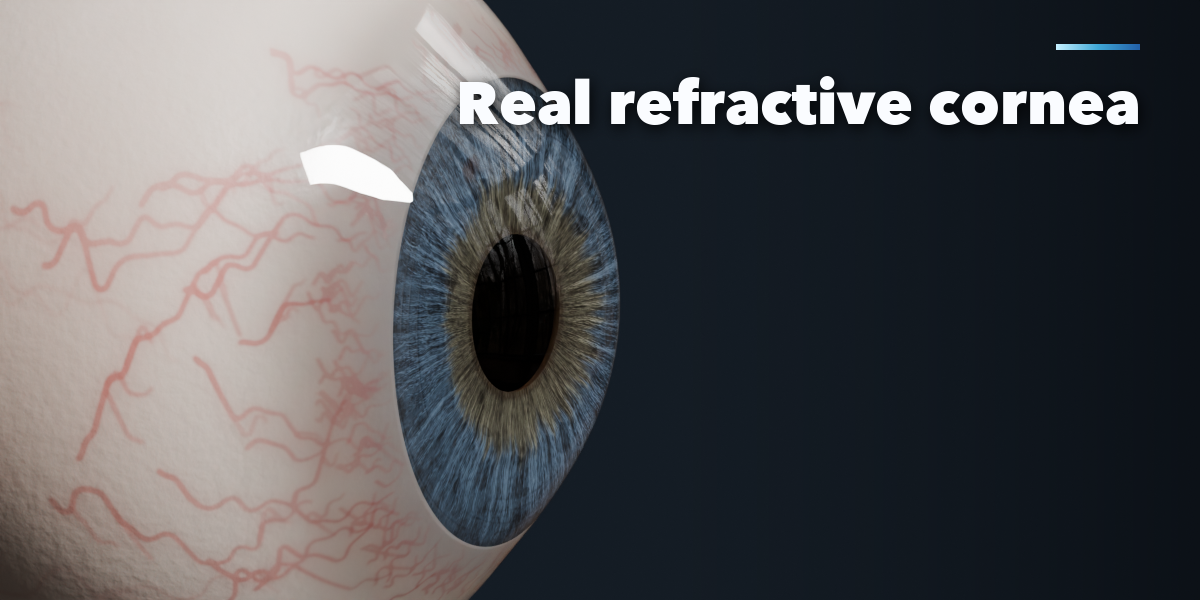
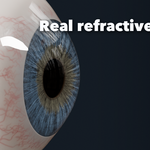
For the most realistic cornea use Cycles. Set Caustics to MNEE to let light focus through the cornea onto the iris.
Have questions about this product?
Login to message
| Blender Extension Compatible | Yes |
| Published | 4 days ago |
| Blender Version | 4.2 - 5.2 |
| Extension Type | Add-on |
| Render Engine Used | Cycles, Eevee |
| License | GPL |
