 CG Cookie


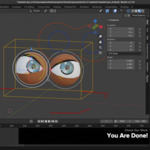
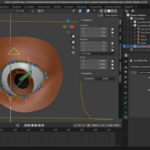
Moving the soul of your characters
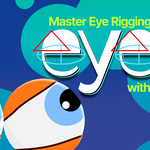
Welcome to the Eyes course! I’m Wayne, your instructor, and if you’ve taken my Rig and Shape courses, you’ll know this is the next step in your journey.
I’ve designed this series in a modular way to help you develop the skills needed to rig any character—not just copy a singular rig that I demonstrate in a tutorial.
Follow along with the full series with RIG and SHAPE!
❤️ CG Cookie, a project of Autotroph, contributes to Blender development through Autotroph’s Corporate Gold sponsorship of the Blender Development Fund. Your support of CG Cookie helps make this possible!
What you will learn
Through this curriculum, I’ll walk you through everything from the basics of eyeballs and eyelids to more advanced techniques like:
-
Eye tracking
-
Pupil dilation (using multiple approaches)
-
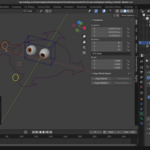
Rigging non-spherical eyes that can be animated.
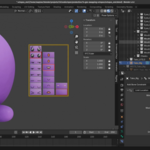
- Geo-swapping for a stop-motion effect, including a fun face picker together.
You’ll learn how to rig classic clamshell-style eyes, use shape keys for blinking, and create a 2D Grease Pencil eye rig. The final project dives into using the action constraint for an advanced eye setup.
I’ve structured each lesson with on-screen step-by-step guidance to support all types of learners—including non-native English speakers and neurodiverse folks. Over time, I scale back the hand-holding so you can start thinking and problem-solving on your own.
With 11 hands-on exercises and detailed PDFs for reference, my goal is to help you build real, lasting rigging skills for your own projects. Let’s get started—eye can’t wait!
Course Curriculum
Chapter 1 – Introduction: Understand what is going to be taught in this course, how Wayne sets up his Blender workspace, and an overview of the schematics Wayne has provided.
Chapter 2 – Eyeball 101: Breakdown fundamental concepts about eye motion, anatomy, technical methodologies, and types of eyes. Implement a basic eye focused on the eye tracking mechanism.
Chapter 3 – Simplified Eyes: Learn another method of rigging eyes through the geo-swapping method. This is fairly simple to setup and the result fits a claymation-like aesthetic.
Chapter 4 – Clamshell Eyes: Wayne demonstrates how to setup the classic 'clamshell' eyes. This includes the ability to deform the base spherical shape for more expressive, stylized emotional range.
Chapter 5 – Action Constraint Eye: This final rig is the most flexible and most difficult to setup. But it's nothing you haven't be prepped to achieve! These techniques apply to higher fidelity / more realistic character animation goals.
Chapter 6 – What Next?: Congratulations you finished the course! So what do you do next? Wayne gives you guidance for how to continue developing your rigging skills.
About the Instructor
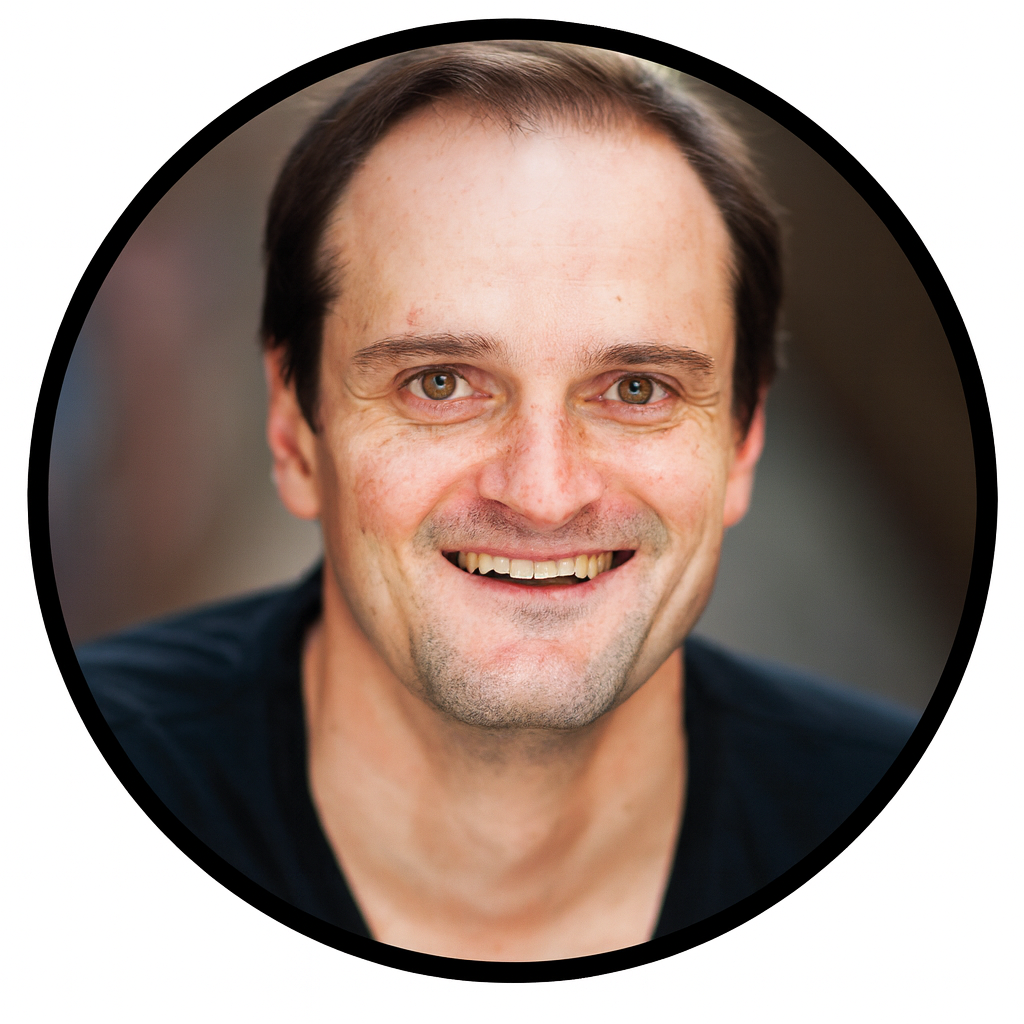
Wayne Dixon is the the head animation instructor at CG Cookie. - "I have 18+ years of experience in animation, my mentors included some of the world's best animators from Dreamworks - and I love to teach Blender. I believe learning should be a fun adventure, so I make sure there's never a dull moment in my courses."
Who this course is for
Intermediate-to-Advanced 3D Riggers and Animators
- This course builds upon two earlier ones — “Rig” and “Shape.”
- This means students are expected to already understand character rigging fundamentals, including bone hierarchies, deformation systems, and animation workflows in Blender
Artists Expanding Their Technical Skillset
EYES is ideal for people who want to develop mastery and flexibility — those ready to go beyond following instructions and into problem-solving and customization.
- Freelance or studio 3D artists improving their rigging pipeline.
-
Blender enthusiasts moving toward professional-level animation.
- Technical artists bridging between art and code.
- Artists who want to streamline rigging workflows and automate repetitive rig-building tasks.
FAQ
Is the Bone Widget add-on included?
Yes. A version of the Bone Widget add-on used in the lessons is included with the course downloads. You can also access the latest updates from the add-on’s GitHub repository.
Wayne provides guidance on installing and customizing it to match your workflow.
Can I use this knowledge outside Blender?
While the demonstrations are in Blender, the core principles — such as eye tracking, rotation constraints, and modular rigging — can apply to any 3D software that supports bones, constraints, and driven keys (e.g., Maya, 3ds Max, Houdini).
Can I contact the instructor or community?
Sort of. This course is part of the CG Cookie learning platform, where you can interact with the instructor and other students, share your progress, and ask questions.
If you would like to convert this purchase to a CG Cookie subscription in order to unlock exercise feedback from Wayne and access our community for questions and support, you can contact us at [email protected], include your Superhive order ID and we will generate a coupon code to apply your purchase to a CG Cookie subscription.