Face Align Node - Geometry Node
 JoJuice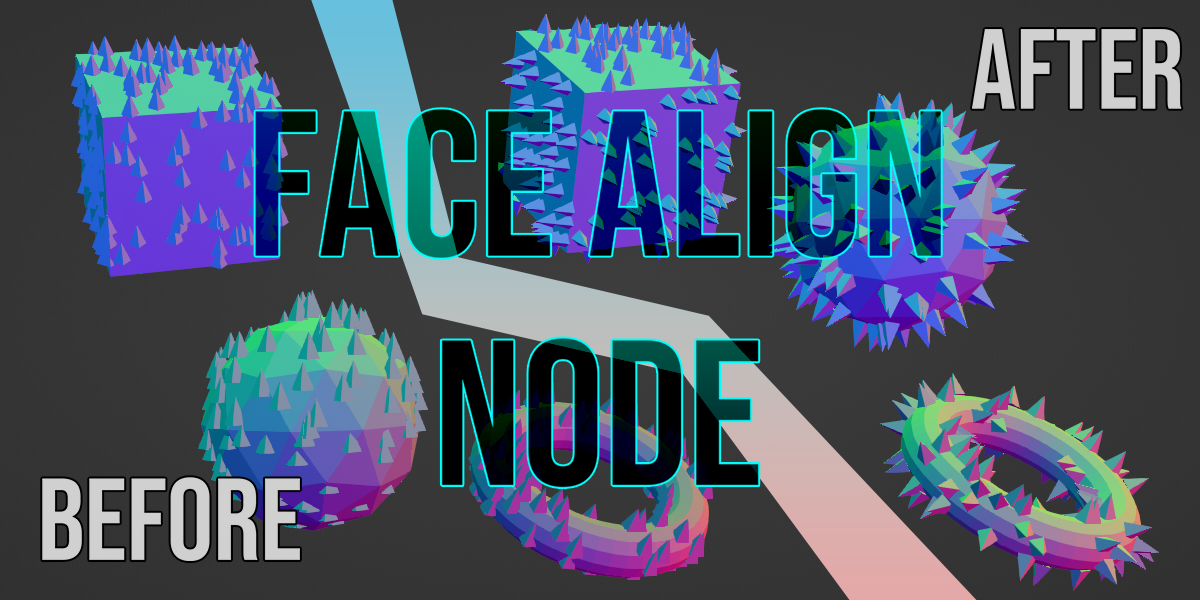
Choose File then hit append

Now locate the Face Align Node.blend and double click it, choose node tree.

Double click the "Face Align Node" group.

To set it up do this VVV (these nodes are in the example project)

$1
Have questions about this product?
Login to message
| Sales | 30+ |
| Dev Fund Contributor | |
| Published | over 3 years ago |
| Blender Version | 3.4, 3.5, 3.6, 4.0 |
| License | Royalty Free |
