Face Tracking Set: FaceKeys Full + BlinkMend for VRChat Avatars
 Meshwright
Install
- Download the 2 zips. Do not unzip them.
- In Blender 4.2 or later: Edit > Preferences > Get Extensions. Open the menu at the top right (the small arrow) and choose Install from Disk. Pick one zip.
- Repeat for the other zip. Each tool installs on its own.
Japanese interface: Edit > Preferences > Interface > Translation, set the language to Japanese and tick Interface and Tooltips.
Where each tool is
Both are in the 3D Viewport sidebar (press N). FaceKeys has its own tab, FaceKeys. BlinkMend is in the Meshwright tab.
Quick start
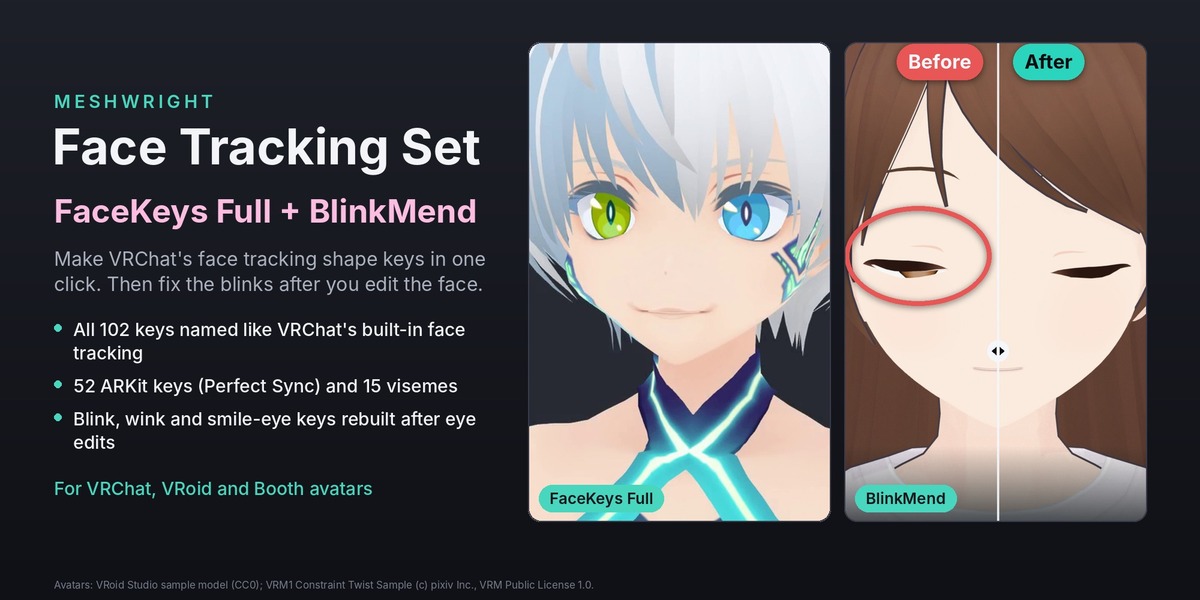
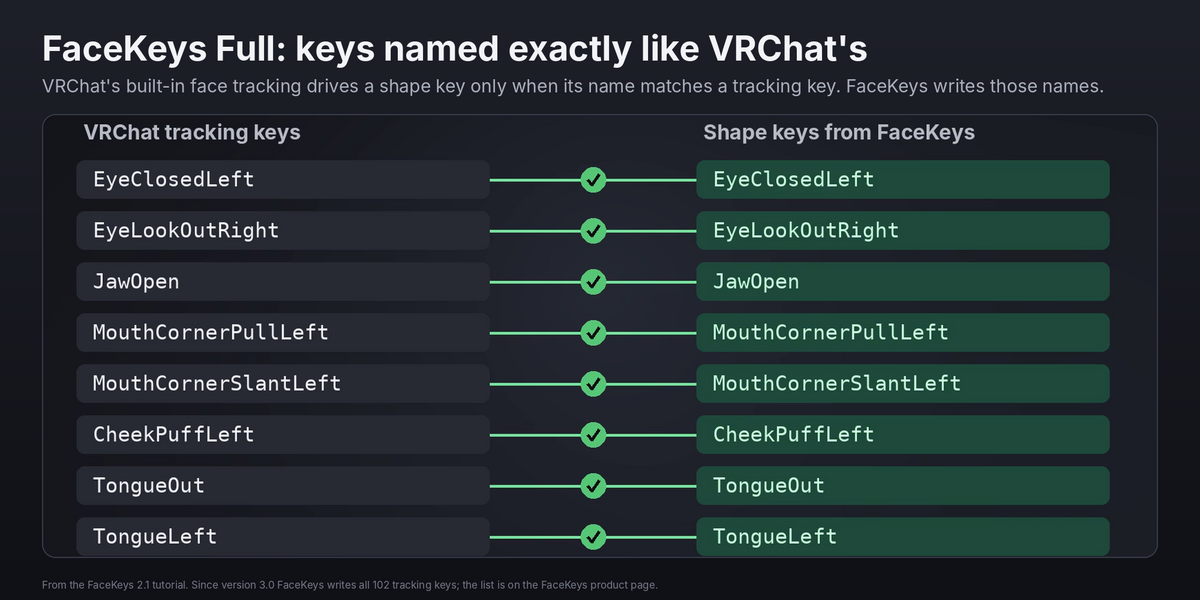
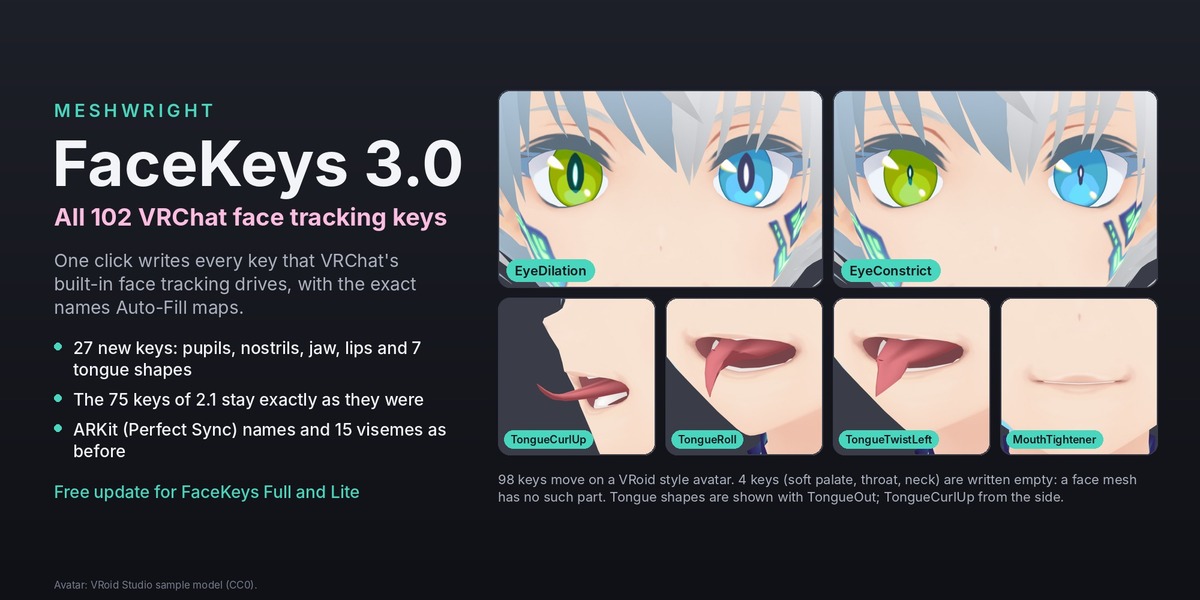
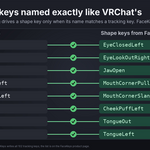
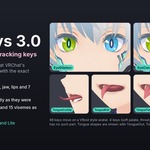
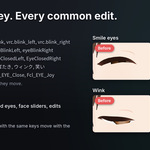
- FaceKeys Full: select the face mesh, pick the names under Names (VRChat (Unified Expressions) for VRChat's built-in face tracking), press Generate Shape Keys. Make Visemes adds the 15 VRChat visemes.
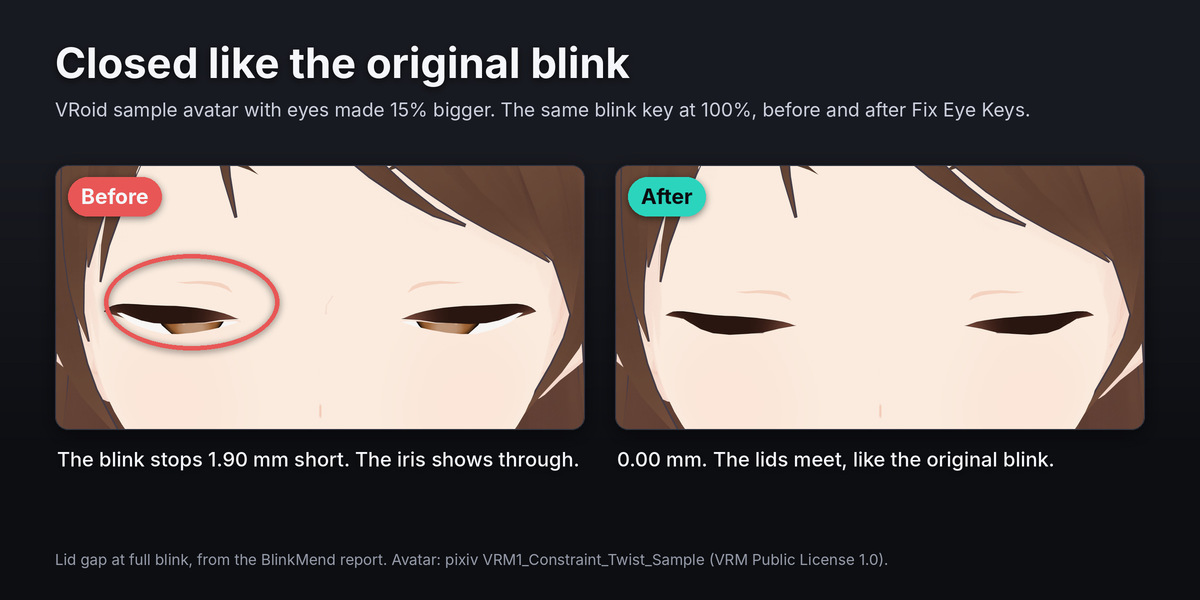
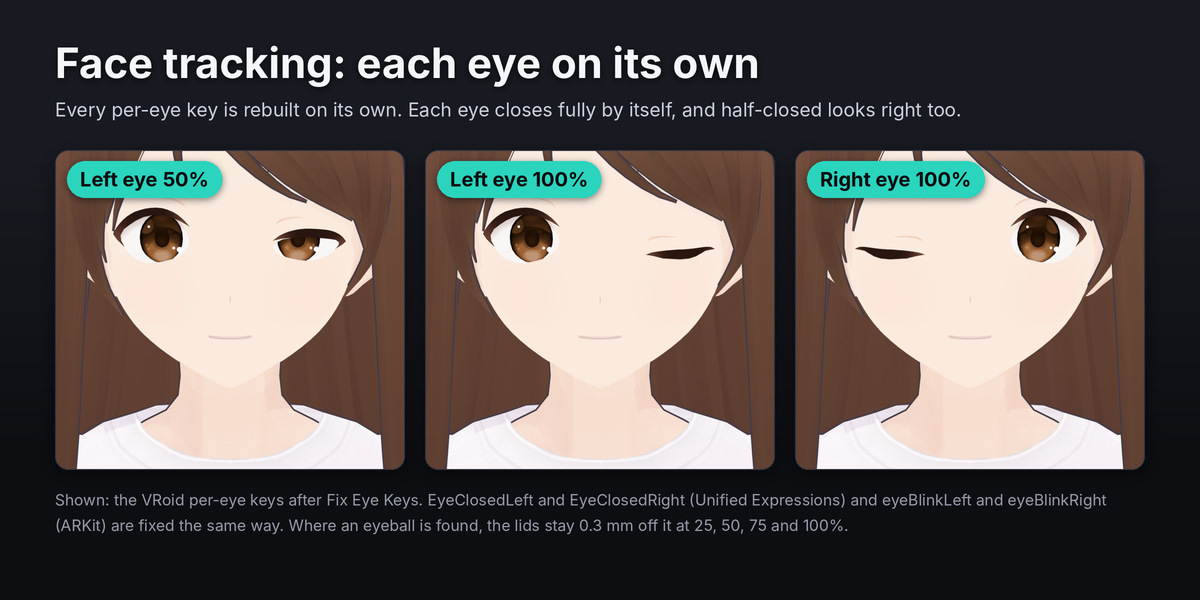
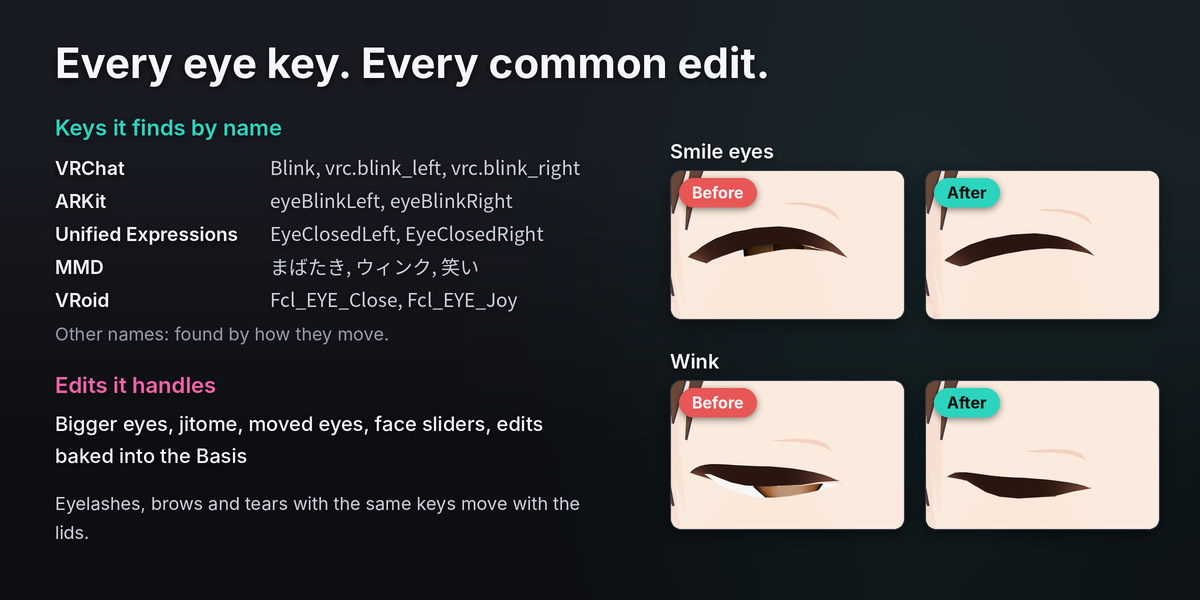
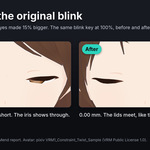
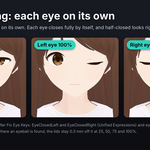
- BlinkMend: click the face mesh, type the slider values you use in Unity (they are prefilled from the key values in Blender), press Fix Eye Keys. Check shows the lid gap of every key first and changes nothing. Restore Originals puts the old keys back.
Each product page has the full guide for its tool: FaceKeys, BlinkMend.
Have questions about this product?
Login to message
| Blender Extension Compatible | Yes |
| Published | 1 day ago |
| Blender Version | 4.2 - 5.2 |
| Extension Type | Add-on |
| License | GPL |
Discover more products like this
vroid ARKit perfect sync bundle blink vrchat face-tracking avatar unified expressions visemes shape keys