 Easy Team





Make your selections easier in Edit Mode.
Face Maps let you define and quickly select specific face areas — perfect for organizing complex meshes and speeding up your workflow.
Quickly create, mirror, merge, and convert face maps with intuitive tools. Shared faces, Object Mode overlay, import/export support, and conversion to Materials, Vertex Weights, or Face Sets make character rigging, sculpting, and asset prep faster and more flexible than ever.Key Features:
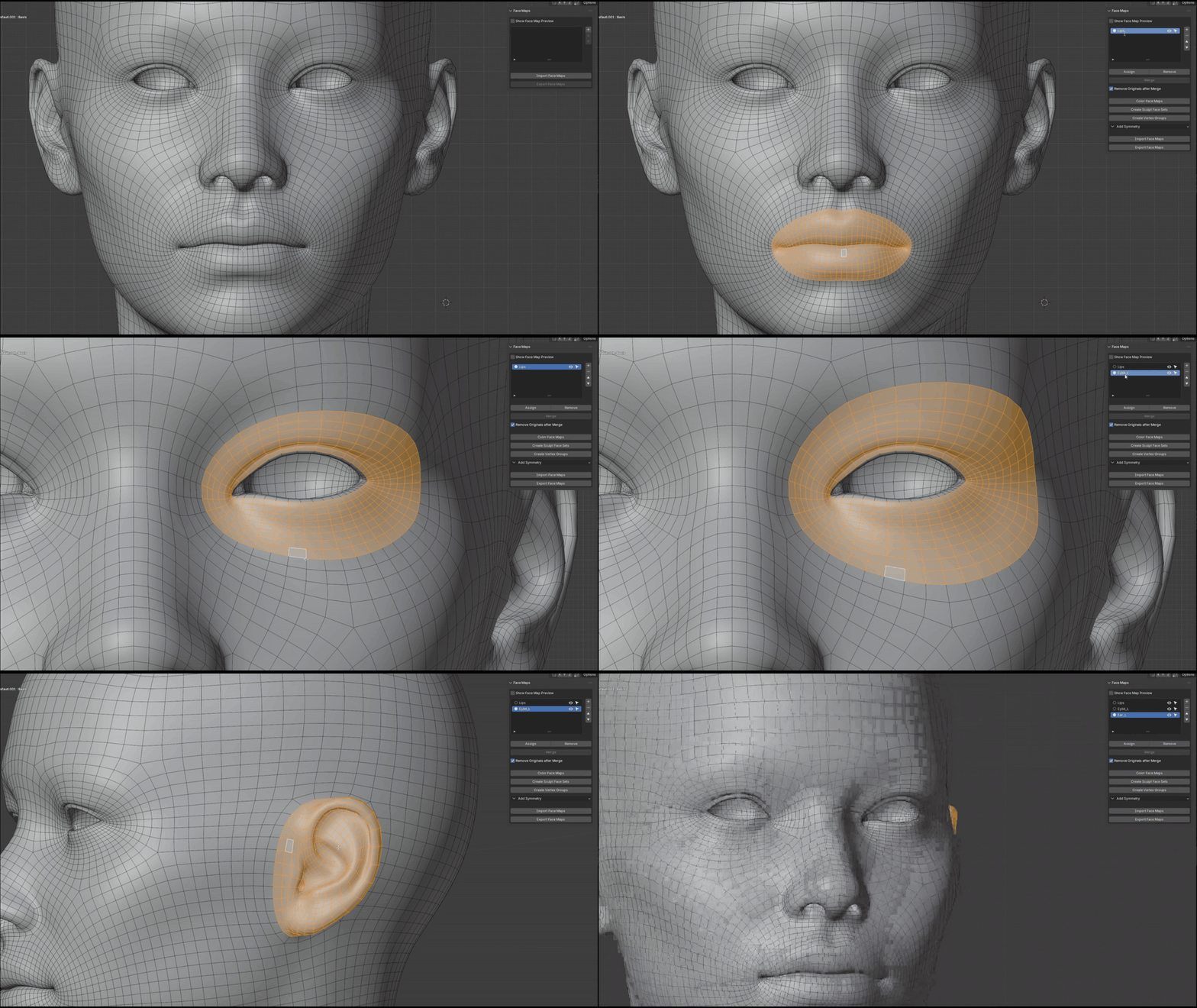
Quickly generate face maps by selecting faces on your mesh and clicking the "+" button in the add-on panel – no complex setups required.
Import/Export Support
Seamlessly import and export face maps for easy sharing, collaboration, or backups across projects.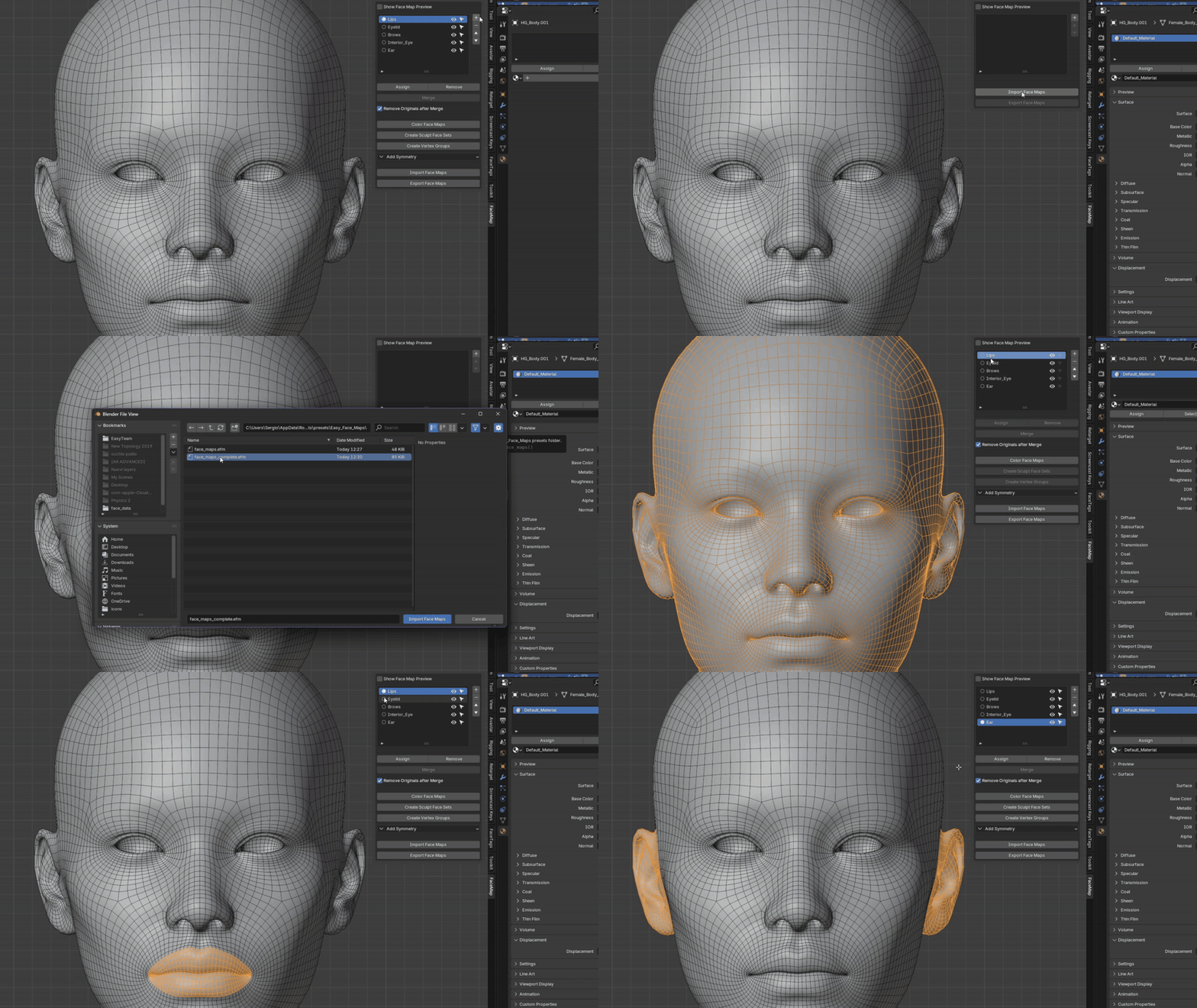
Shared Faces Flexibility
Unlike older Blender versions, face maps can now overlap and share the same faces, giving you greater control without restrictions.

Symmetry Tools
Select faces on one side (e.g., an ear on a head mesh) and automatically mirror them to create the opposite side with perfect symmetry.
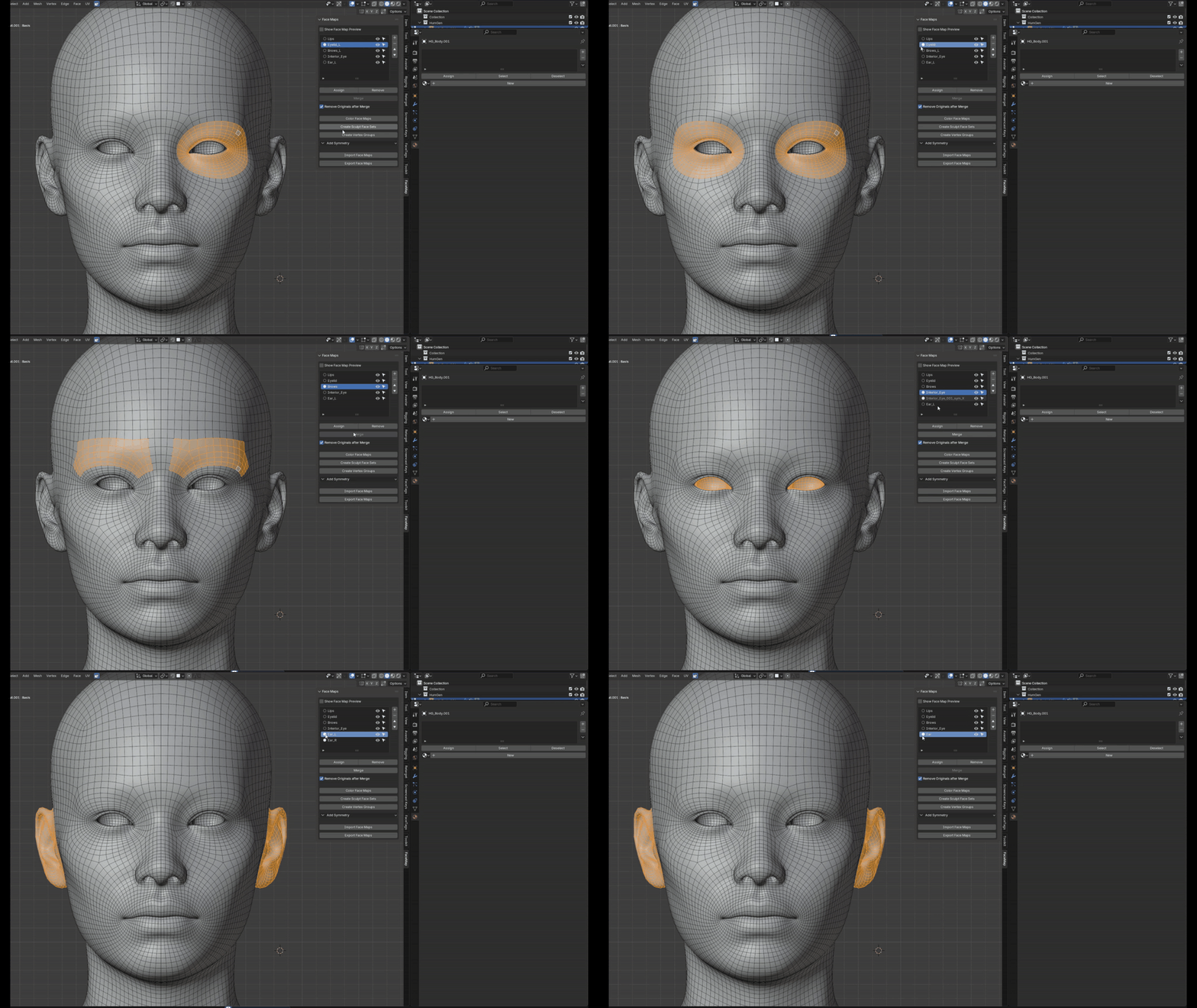
Merge Functionality
Combine multiple face maps into one for streamlined organization and advanced editing.
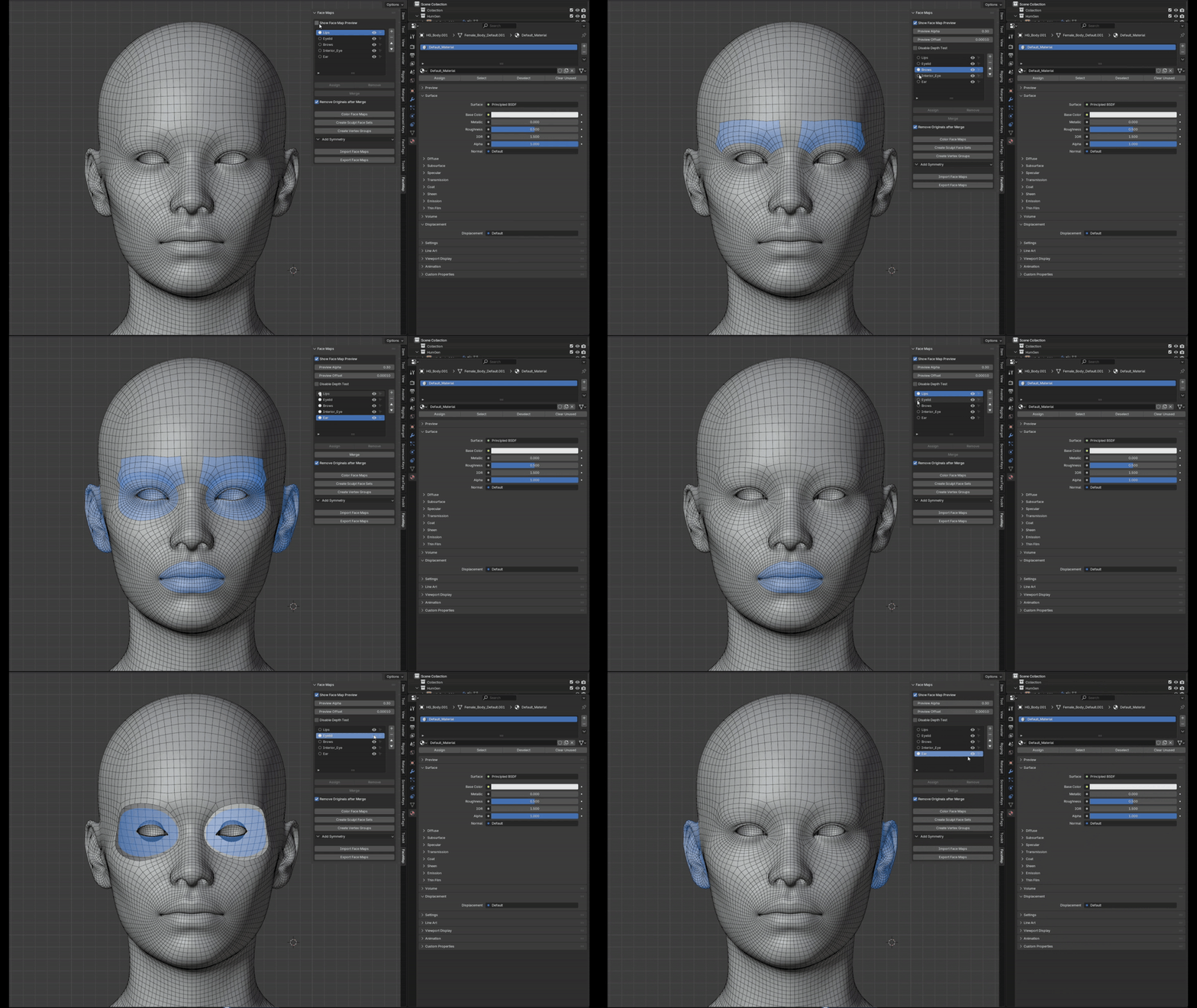
Object Mode Overlay
View and manage face maps directly in Object Mode (not just Edit Mode) via a customizable overlay – toggle it on for quick inspections without mode switching.
Conversion Options
Effortlessly convert face maps into Materials, Vertex Weights, or Face Sets for sculpting, unlocking integration with Blender's broader toolset.

NEW IN VERSION 1.1:
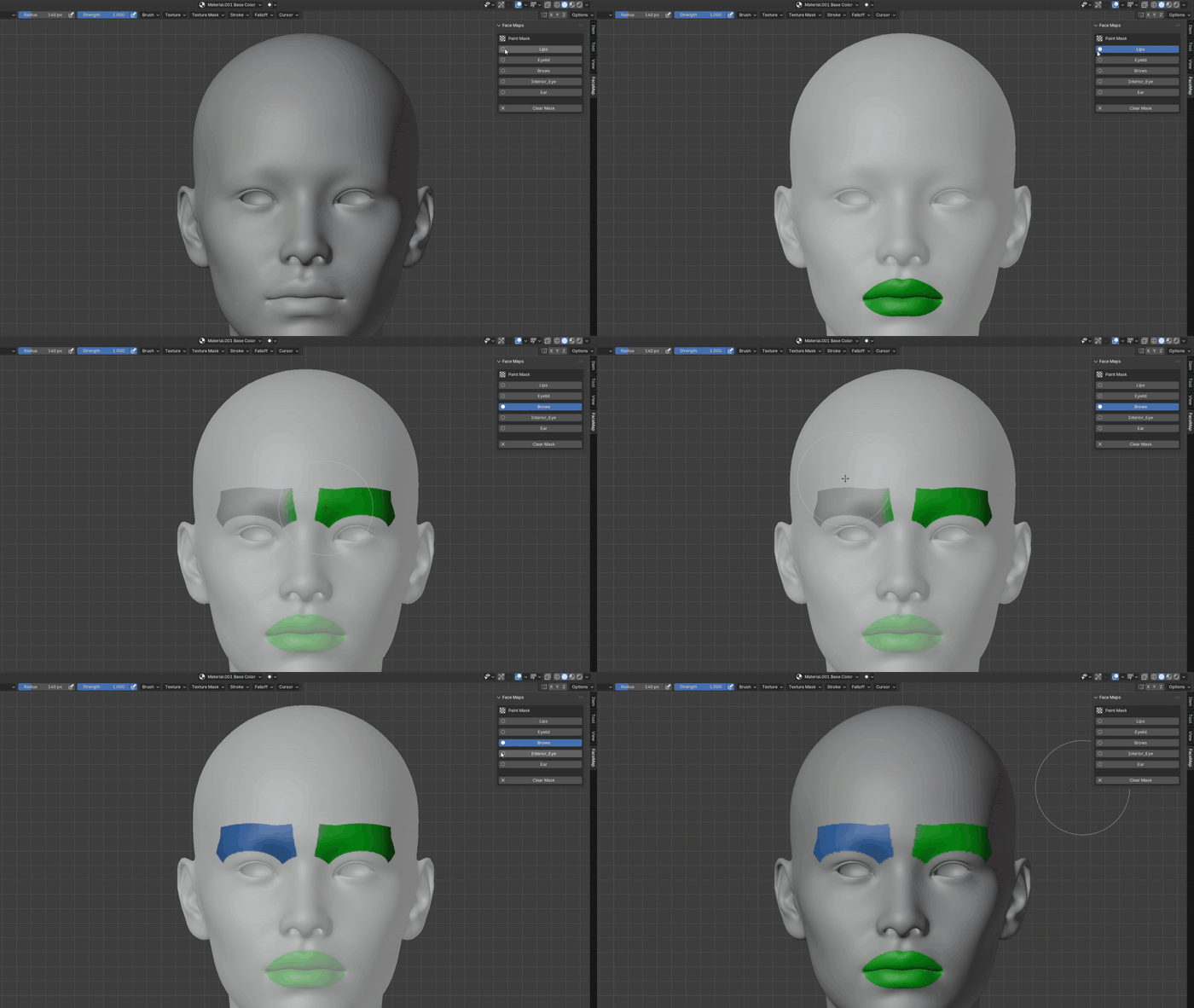
Selective Texture PaintWe've improved the integration of Face Maps with Texture Paint, allowing you to now use Face Maps as masks for selective painting.