 KVD
KVD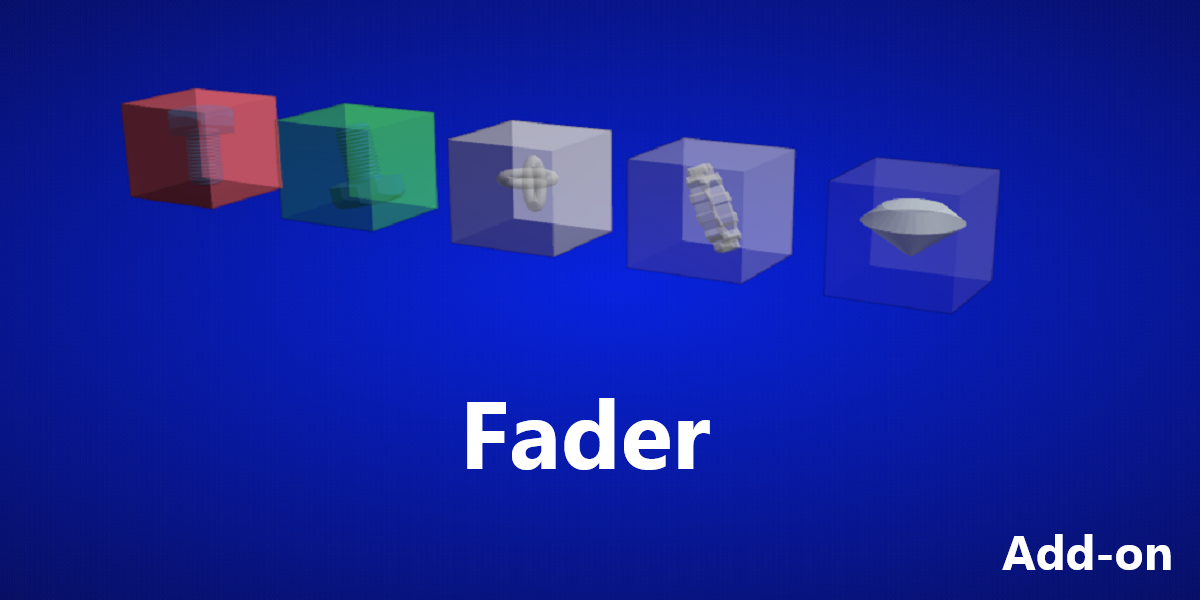
Fader Add-on
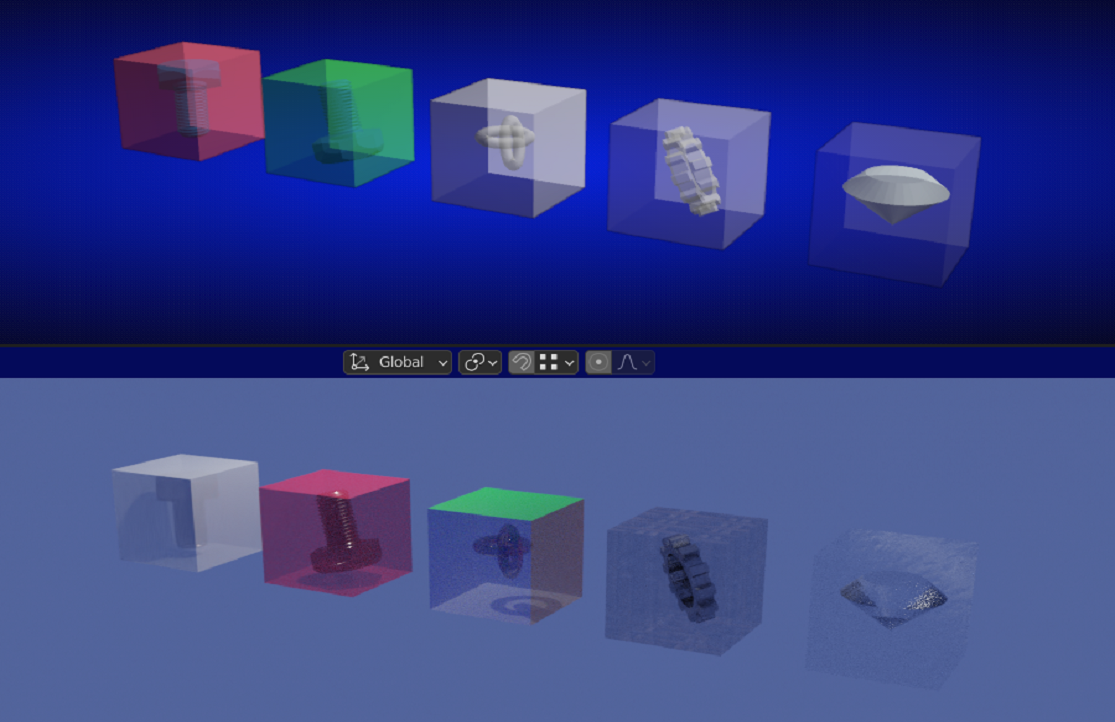
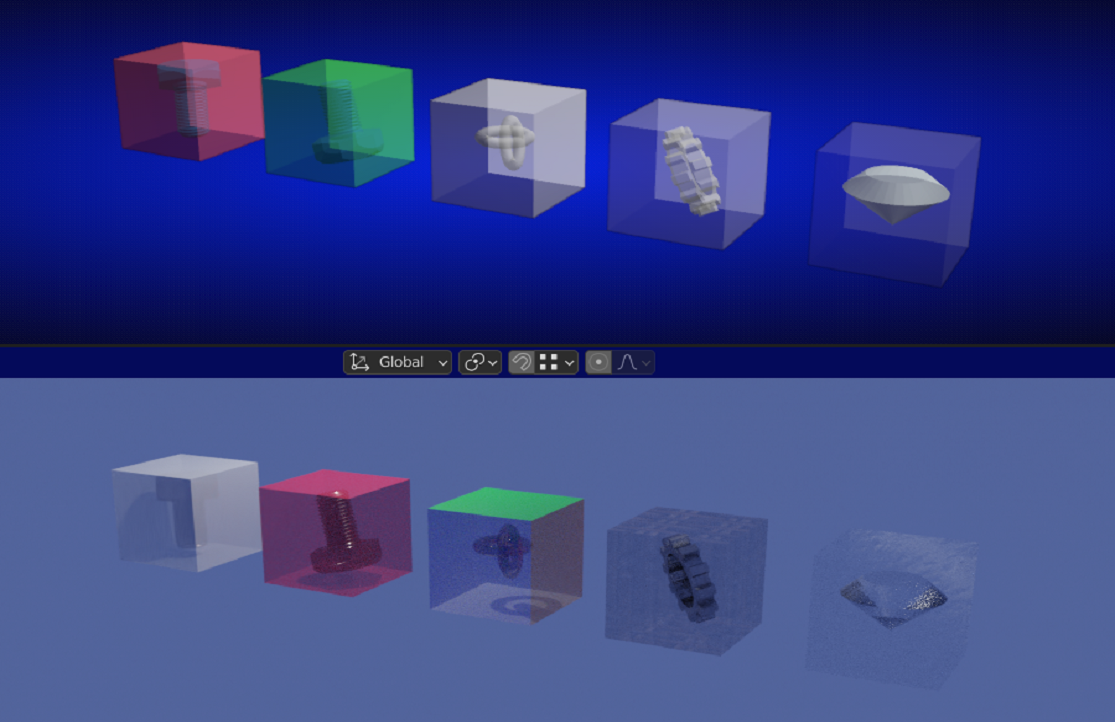
With this add-on you can give an object or objects different transparency levels with the help of a slider.
This gives you the opportunity to see the inside of your model or design and make some changes to that hidden part or object.
Or just make some cool renderings with gradients of visibility of your designed objects.
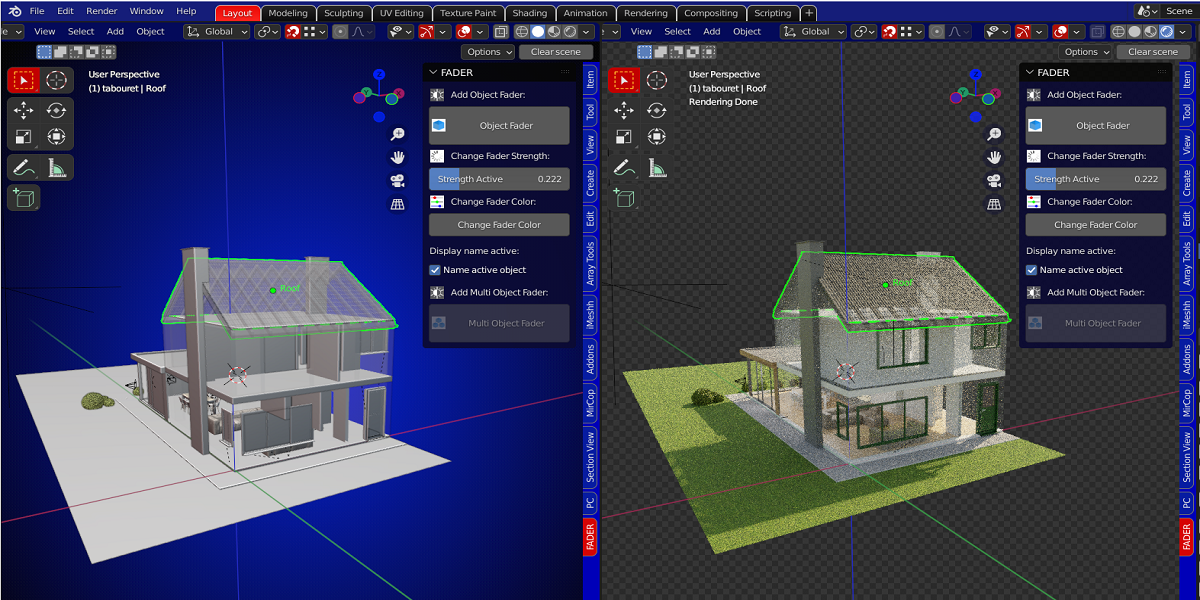
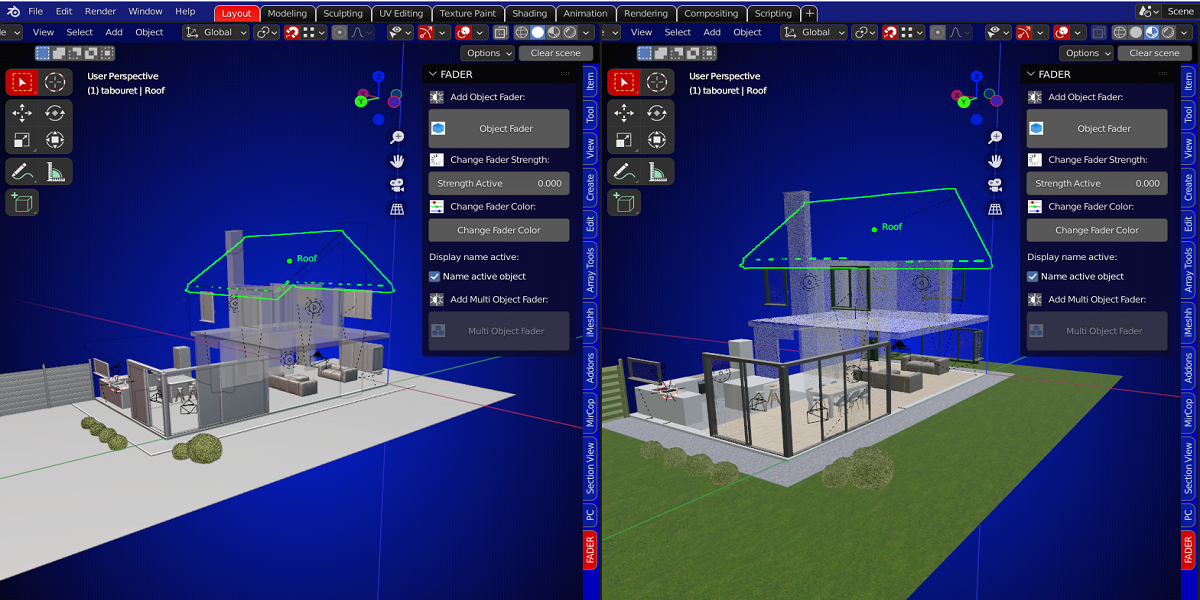
To look at some parts of the inside of an engine, give outside walls some transparency to see the interior but still have the building visible, or maybe to make some animations.
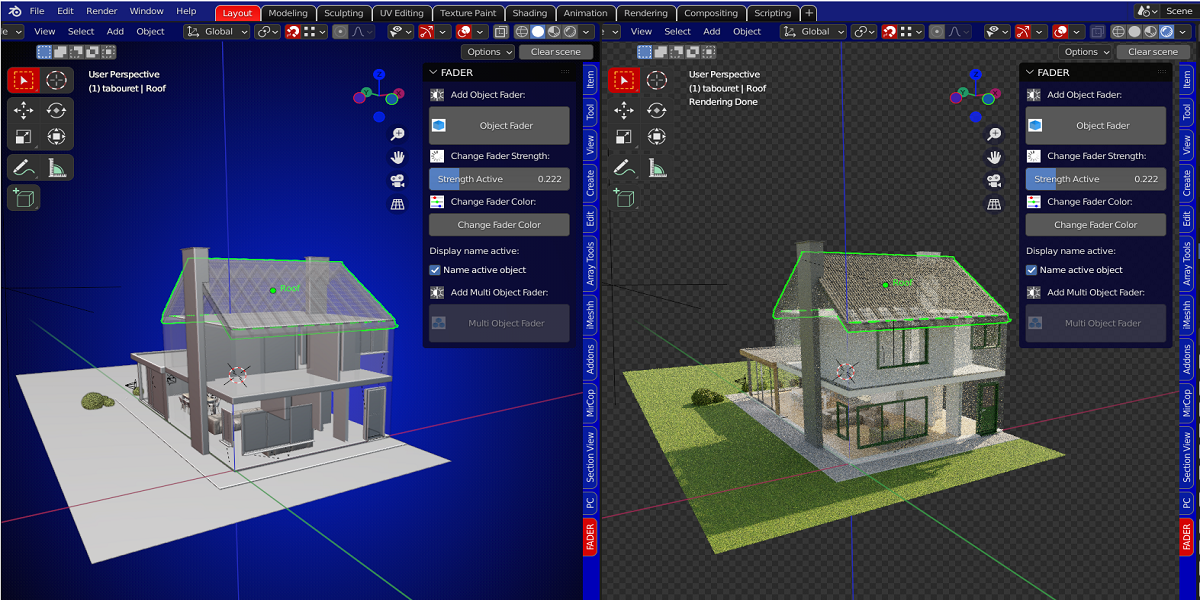
Object fader:
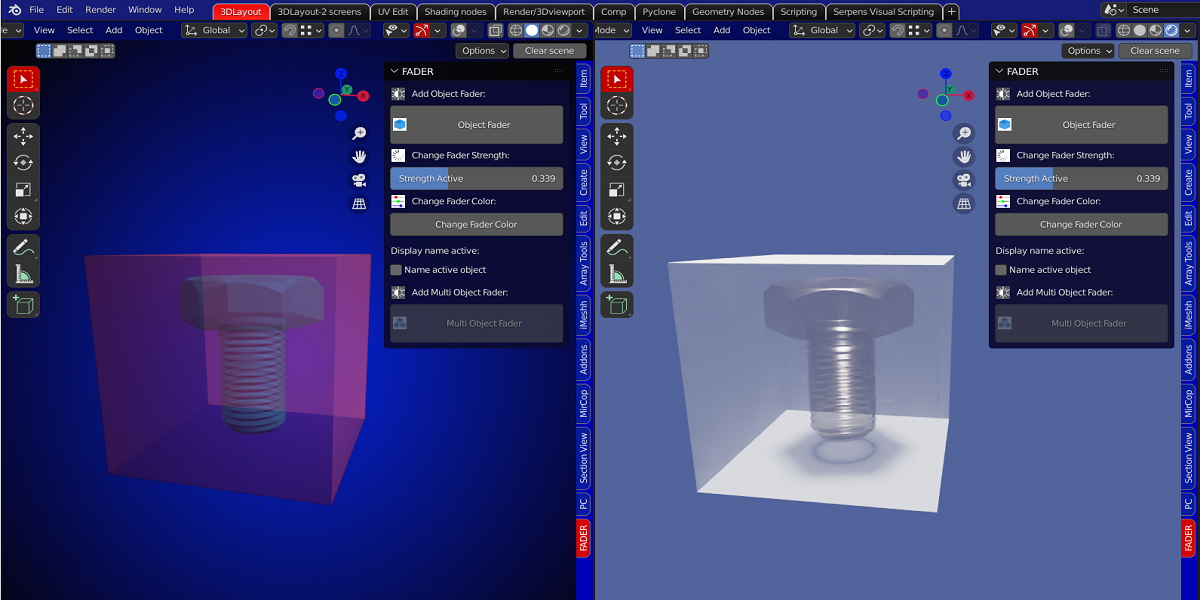
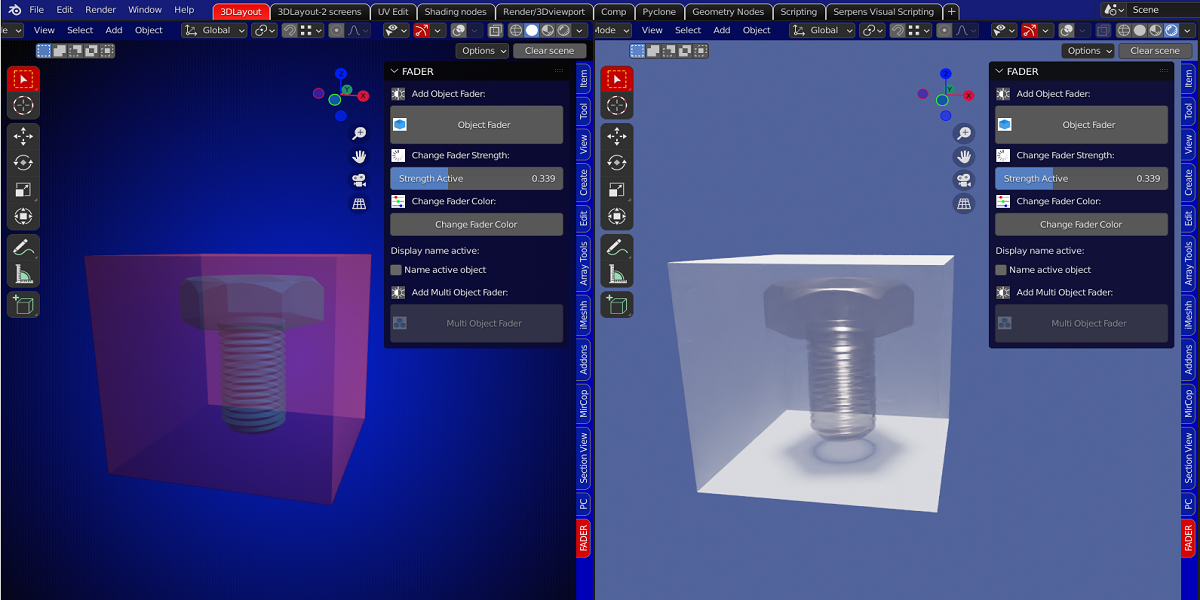
Just select your object and hit the "Object Fader" button. When your object has no material, there will be a material assigned to it.
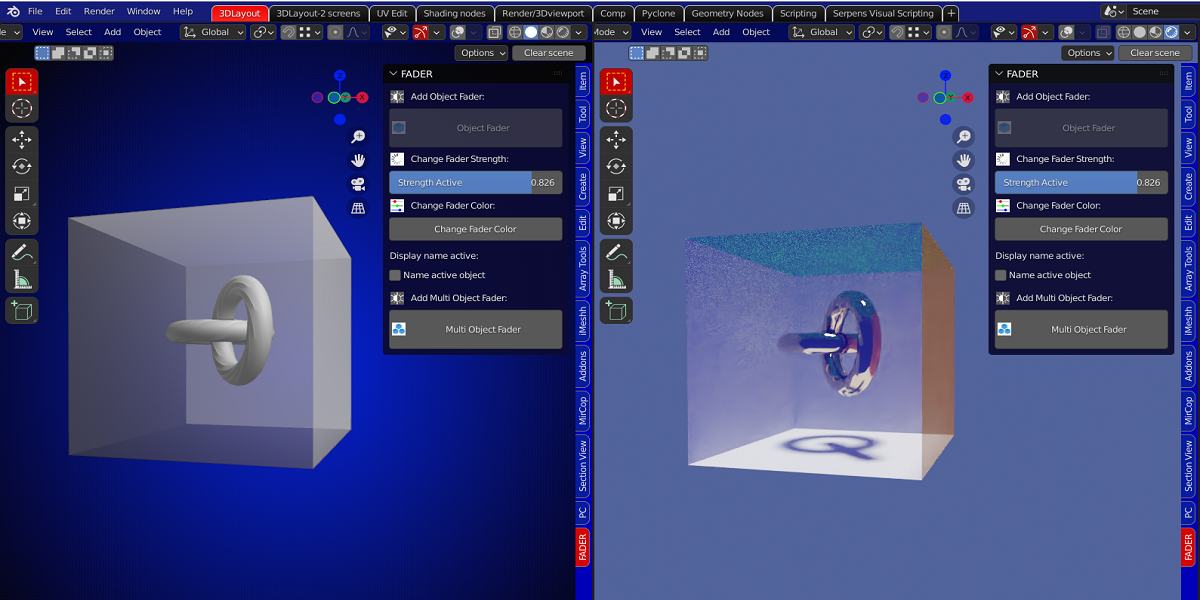
With the slider "Fader Strength", previously "Strength Active", you adjust your level of transparency for your object.
The checkbox 'Fade All Materials' will now fade all the materials assigned to that object. Previously, it was only possible to fade the active material of the object. This still works if the checkbox is unchecked.
Working in solid mode or in material preview mode gives the same result.
You can give a color to your object that will be visible in solid mode with the "Change Fader Color" button.
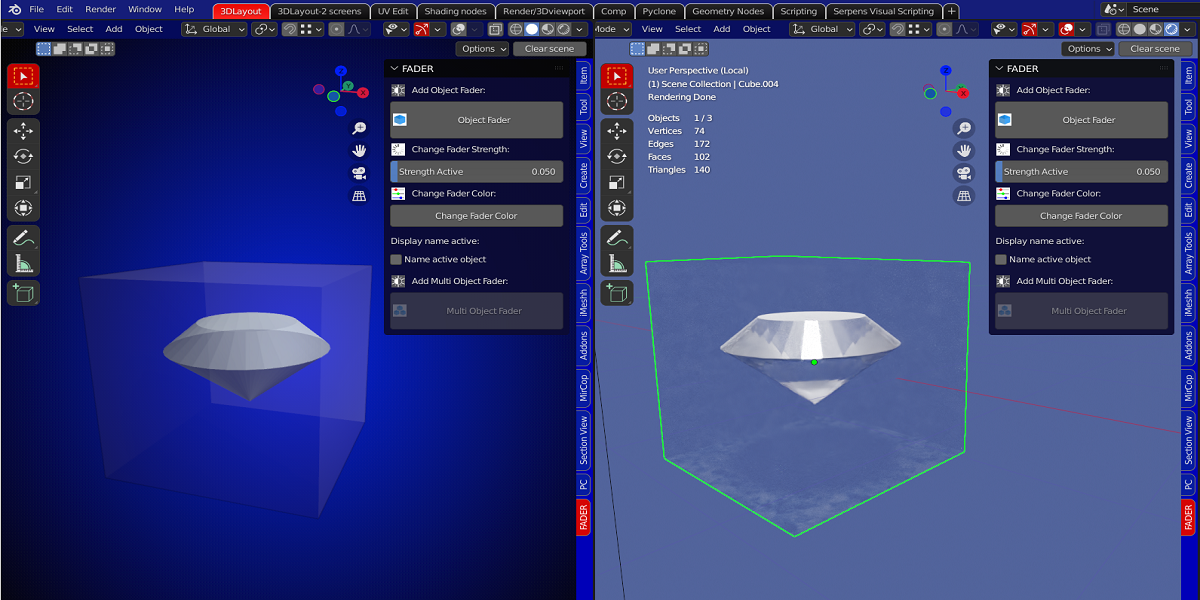
If your object already has a material, using the "Object Fader" button will give your object a 50% transparency but keeping your own material.
Switching over to Solid Mode, you still can give your object a color, this will not affect your material.
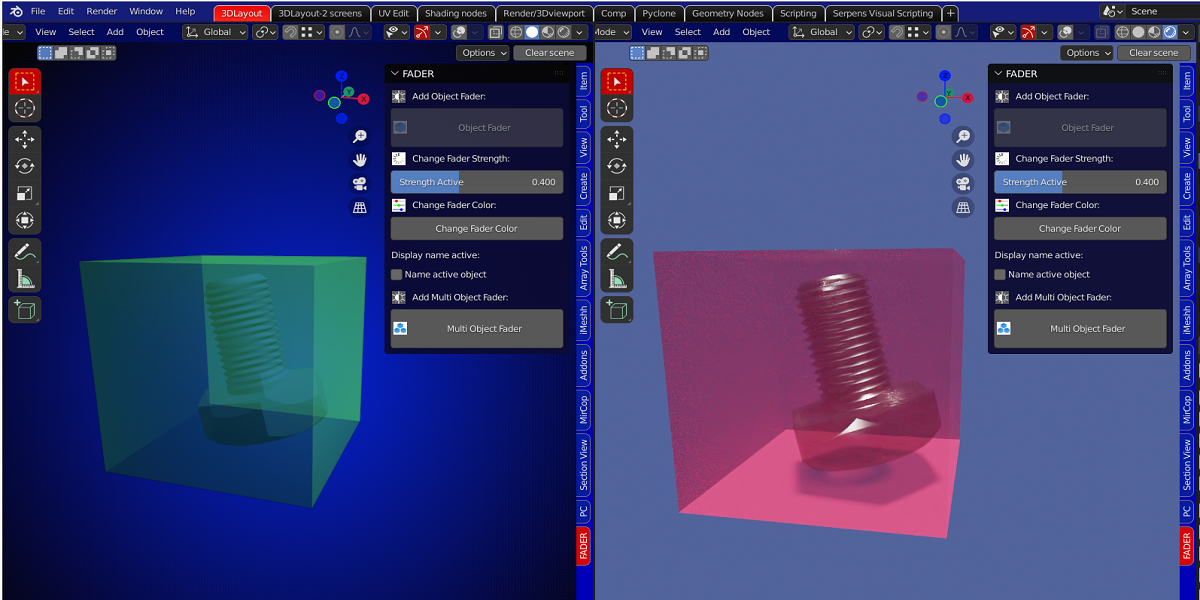
Multi Object fader:
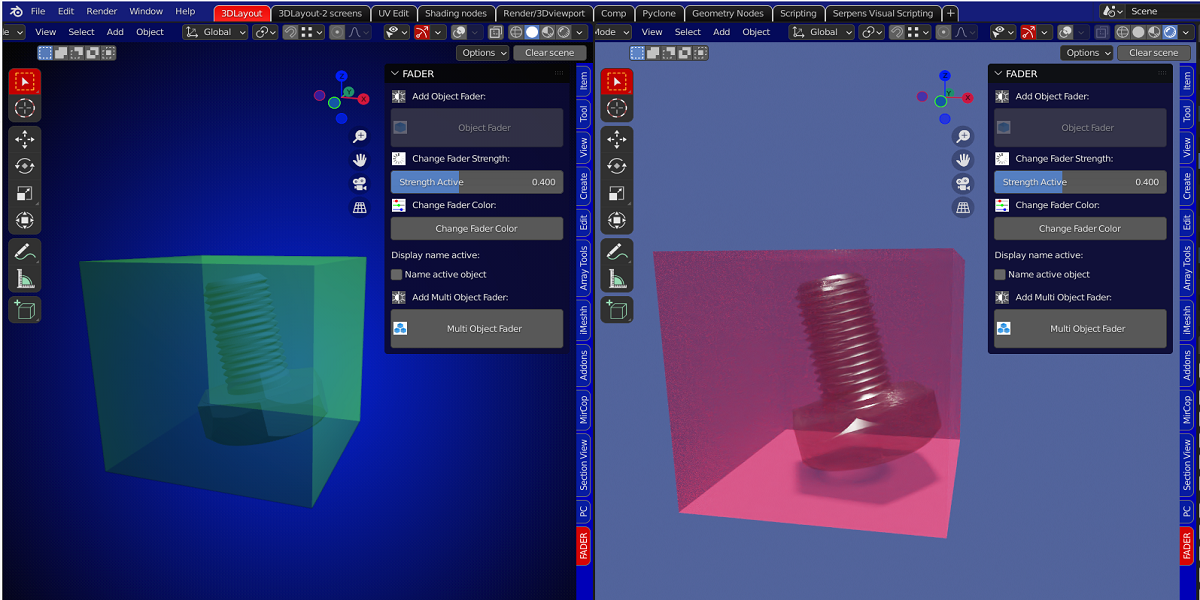
This works in the same way as the Object Fader but you can select multiple objects at once.
All mesh objects will be given a 50% transparency by selecting the "Multi Object Fader" button.
But only the active object will change if the " Fader Strength" slider is used.
In this way, all objects can have a different fader strength.
Hitting the "Multi Object Fader" again on selected objects that already have a fader strength, will change them back to the default 0.5.
The checkbox "Name active object" will show the name of the object. This can be useful if the slider is set to 0 and your object is no more visible.
With this you still can keep track of your object when it is totally transparent.
