Falling Leaves And Petals Pack V2
 AAA
AAA



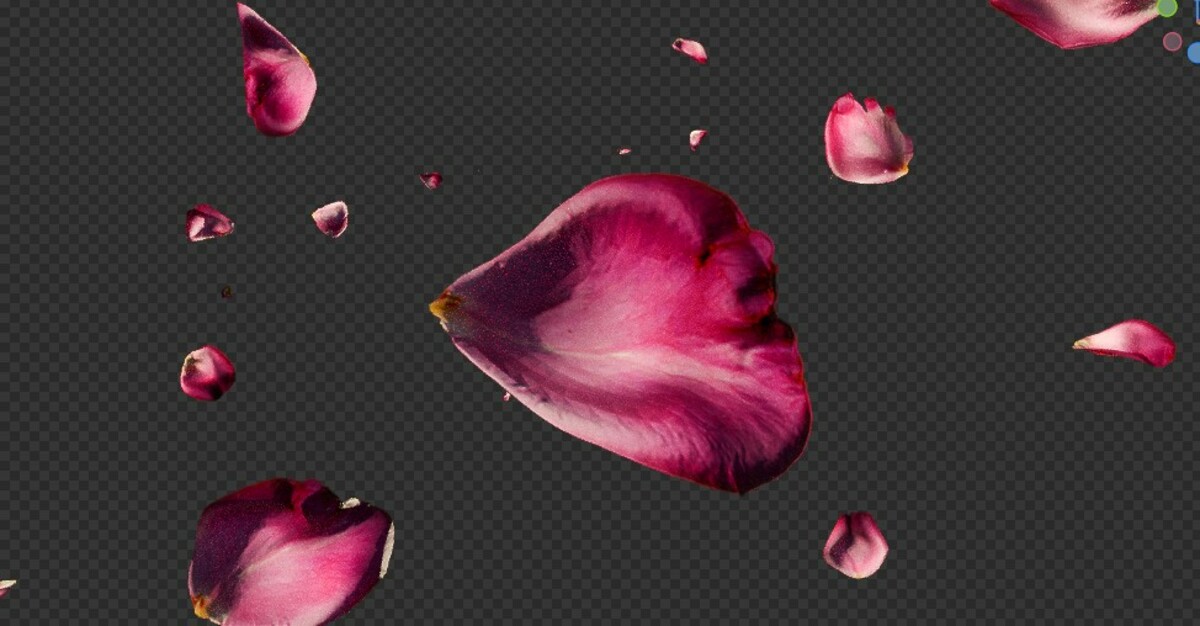








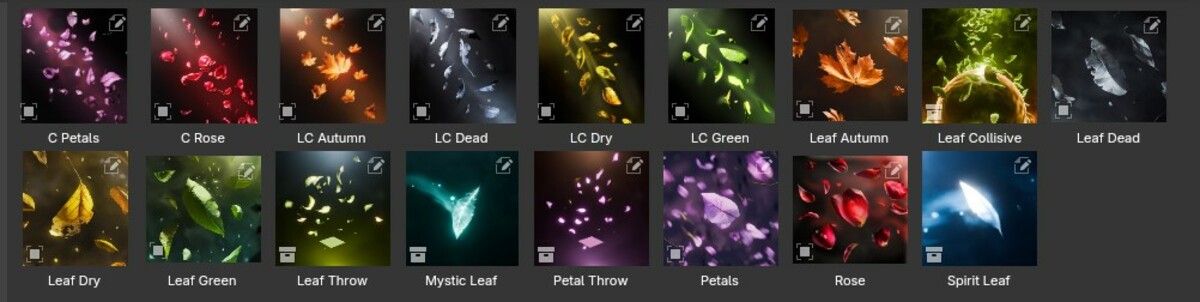













For using the Assets :
you need to set an Asset Library Folder first
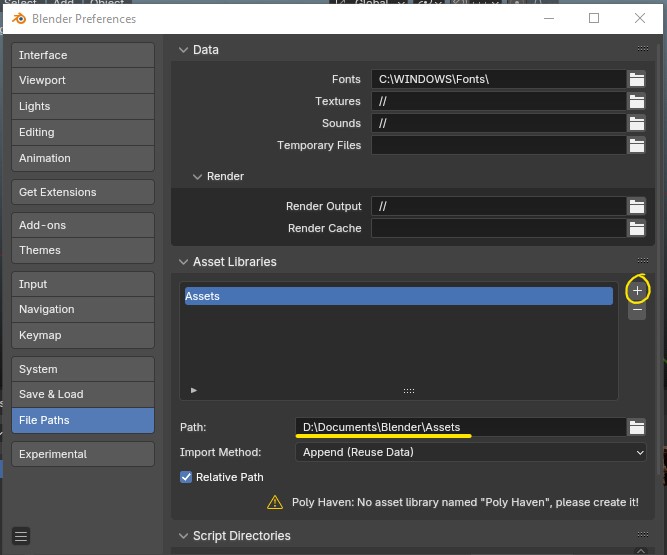
Then in that folder just extract the provided .rar file and you should be ready to go
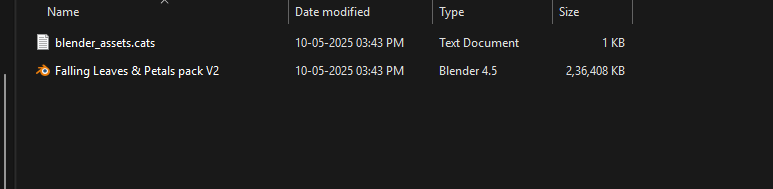
The .cats file here is for organizing the Assets.
if there's already a .cats file in your Asset Library folder then just copy this text from the provided cats file:
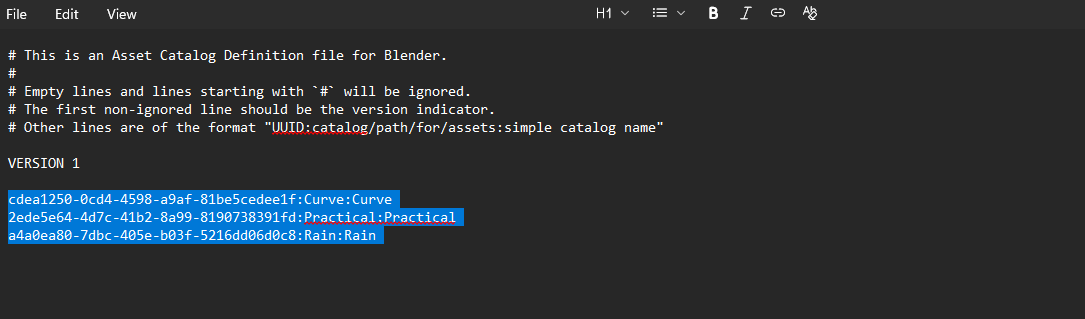
and paste it in the existing .cats file:
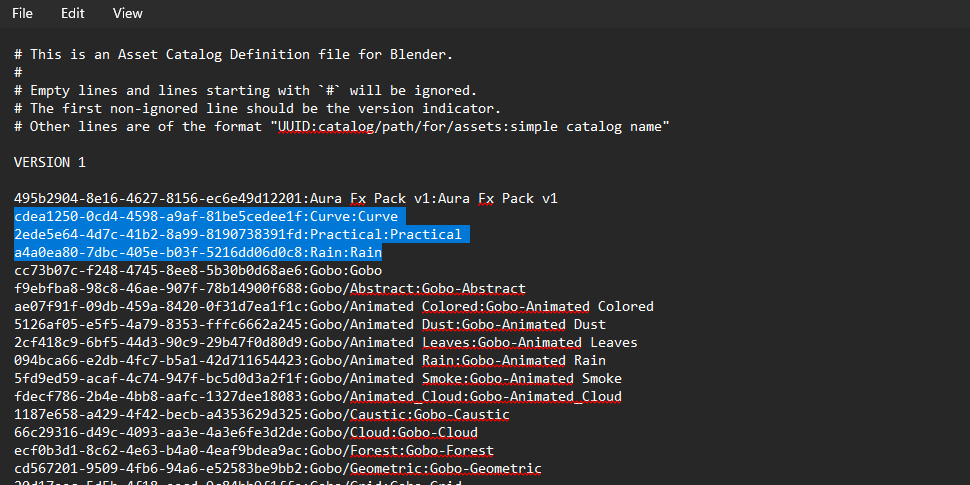
Now all the Assets should be visible in the Asset browser:
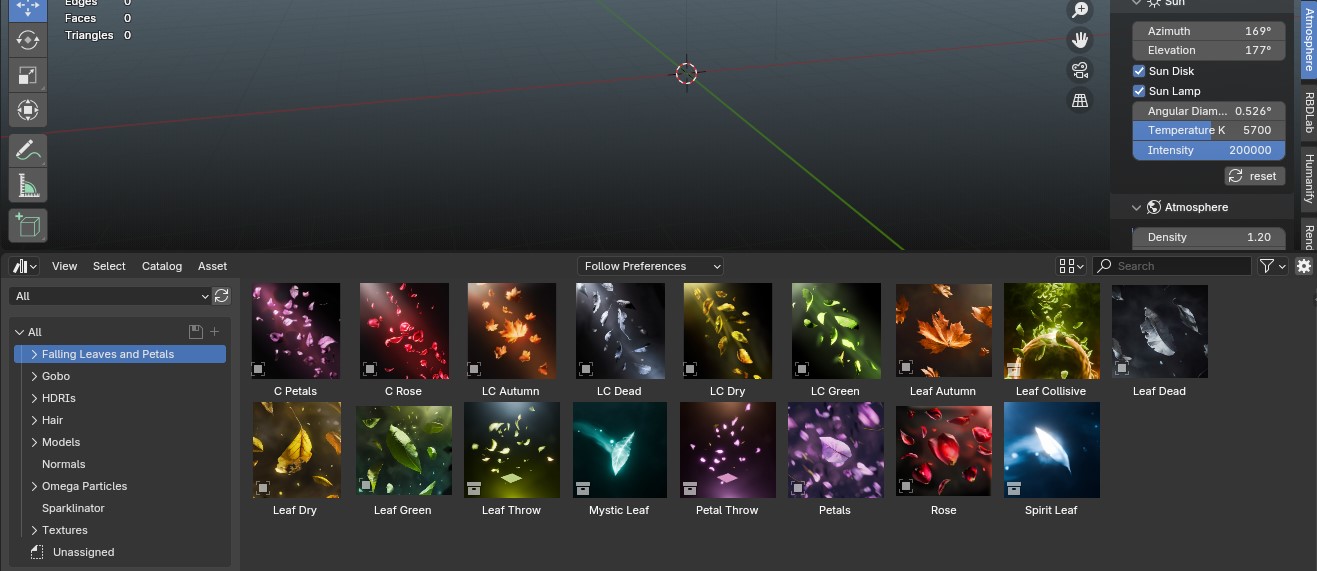
In the Pack there are two types of Assets - Collection & Object:
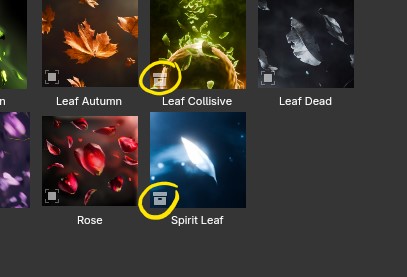
After dropping the Collection Assets, just click on Add Collection -
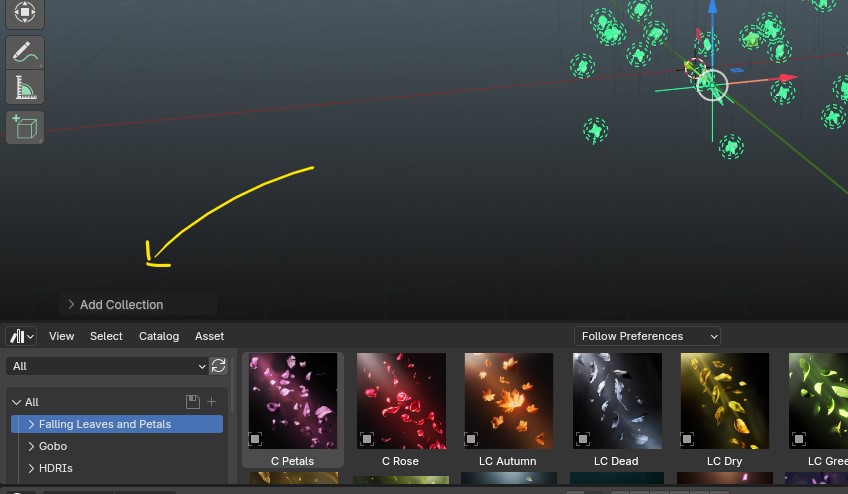
and uncheck the Instance option -
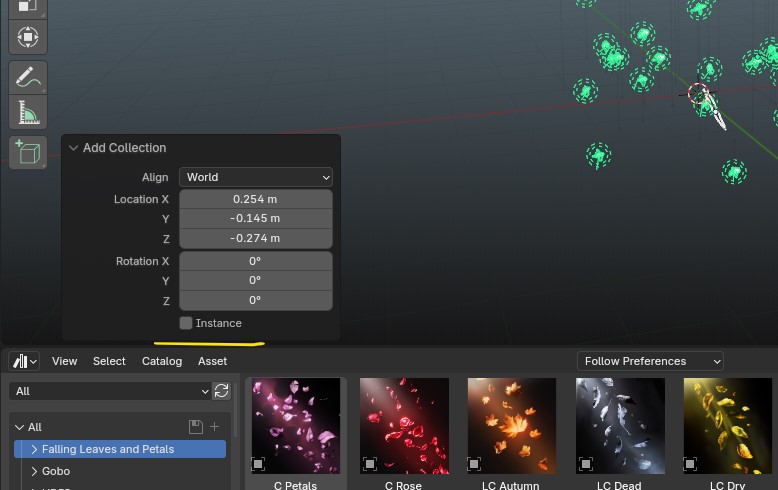
◆ In Blender 5.0 for using collection Assets :
In Preferences -> File Paths just set the Import method to Append and then save preferences :


You can set this in Asset manager as well :

For the Curve Assets -
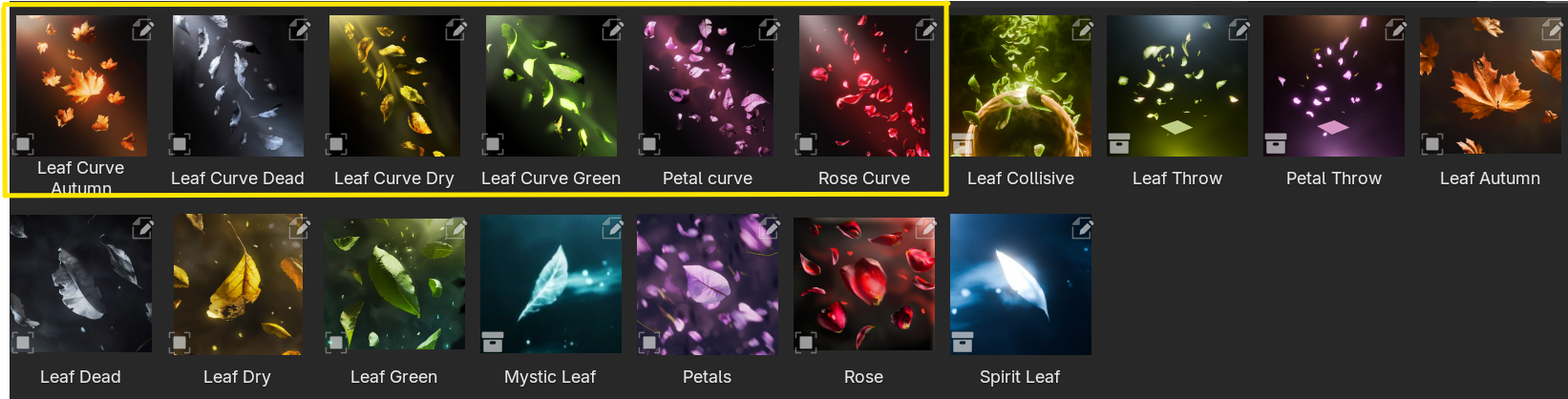
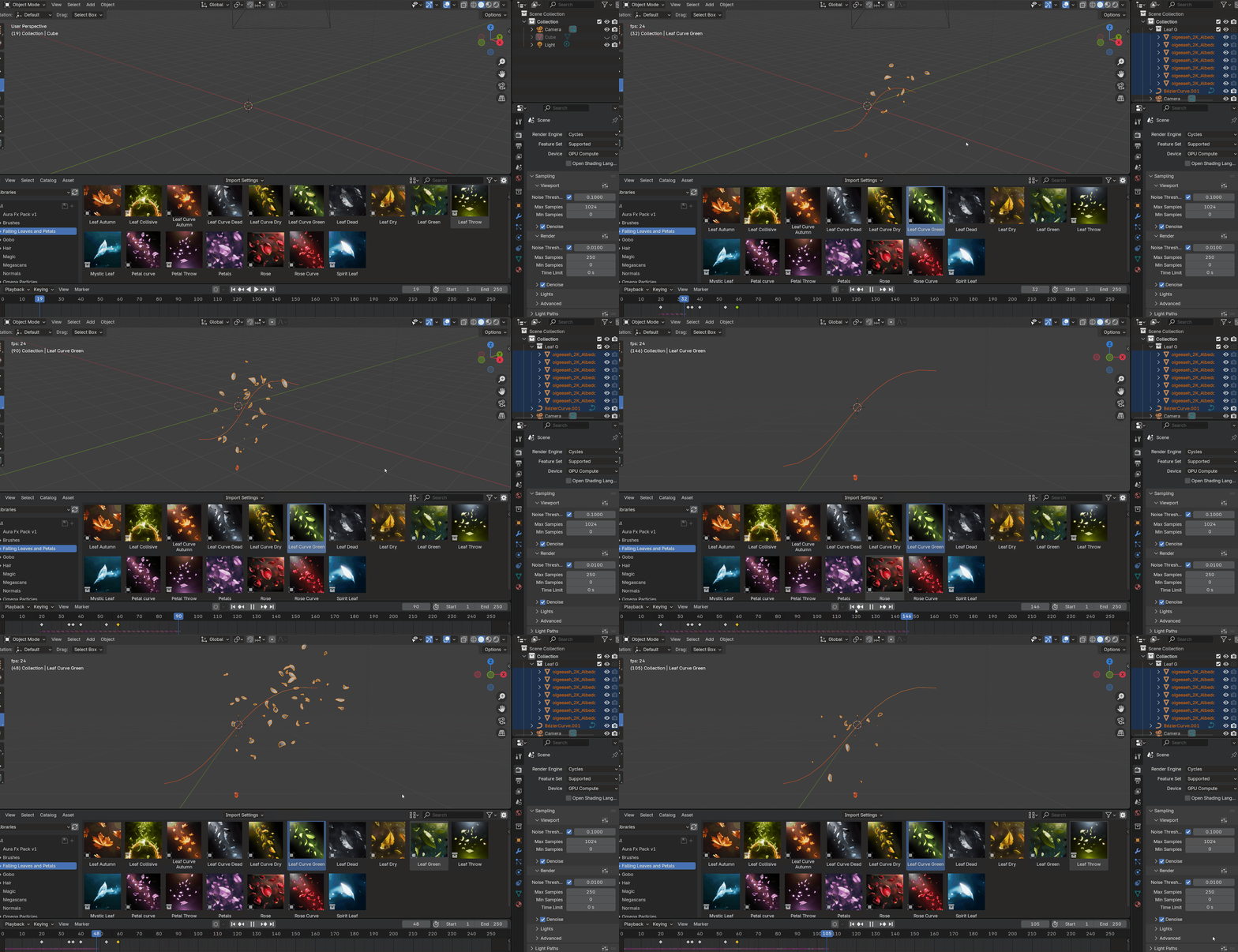
By default i animated the speed of leaves for showcasing this feature -
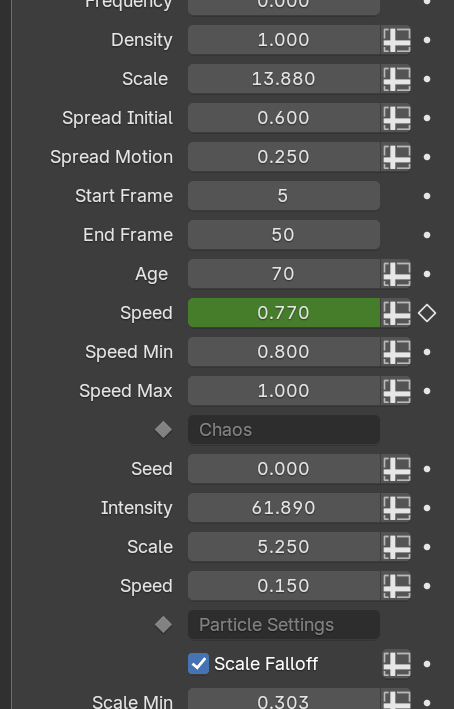
The Density of leaves can be controlled with the density and frequency options:
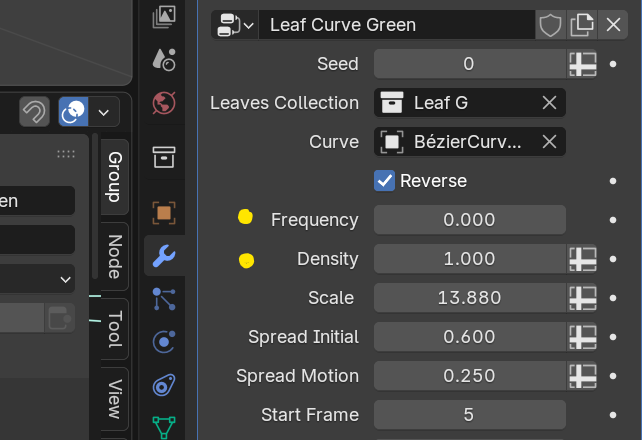
For now this means only one leaf will spawn each frame, we can increase the number of leaves spawned by just increasing the density value,
but for reducing the density we can increase the frequency value, for eg. - setting the frequency to 10 and density to 1 means only 1 leaf will be spawned every 10 frames.
rest you can just edit the curve object as you wish and the leaves will follow,
If the curve is quite big then you need to increase the Age value till the leaves make it to the other end.
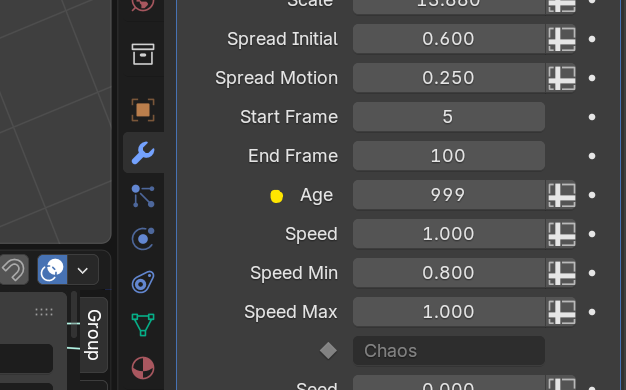
by doing so you will notice the leaves have shrunk down in size, that's because of the Age Falloff option which scales the leaves from 0 to 1 then 1 to 0 from Age 0 to the specified Age, here 999, so you can just disable it to make the size constant
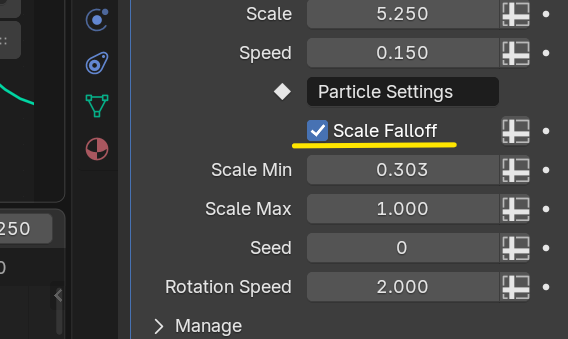
or you can change the Age Falloff factor value inside the geonode setup of the fx here:
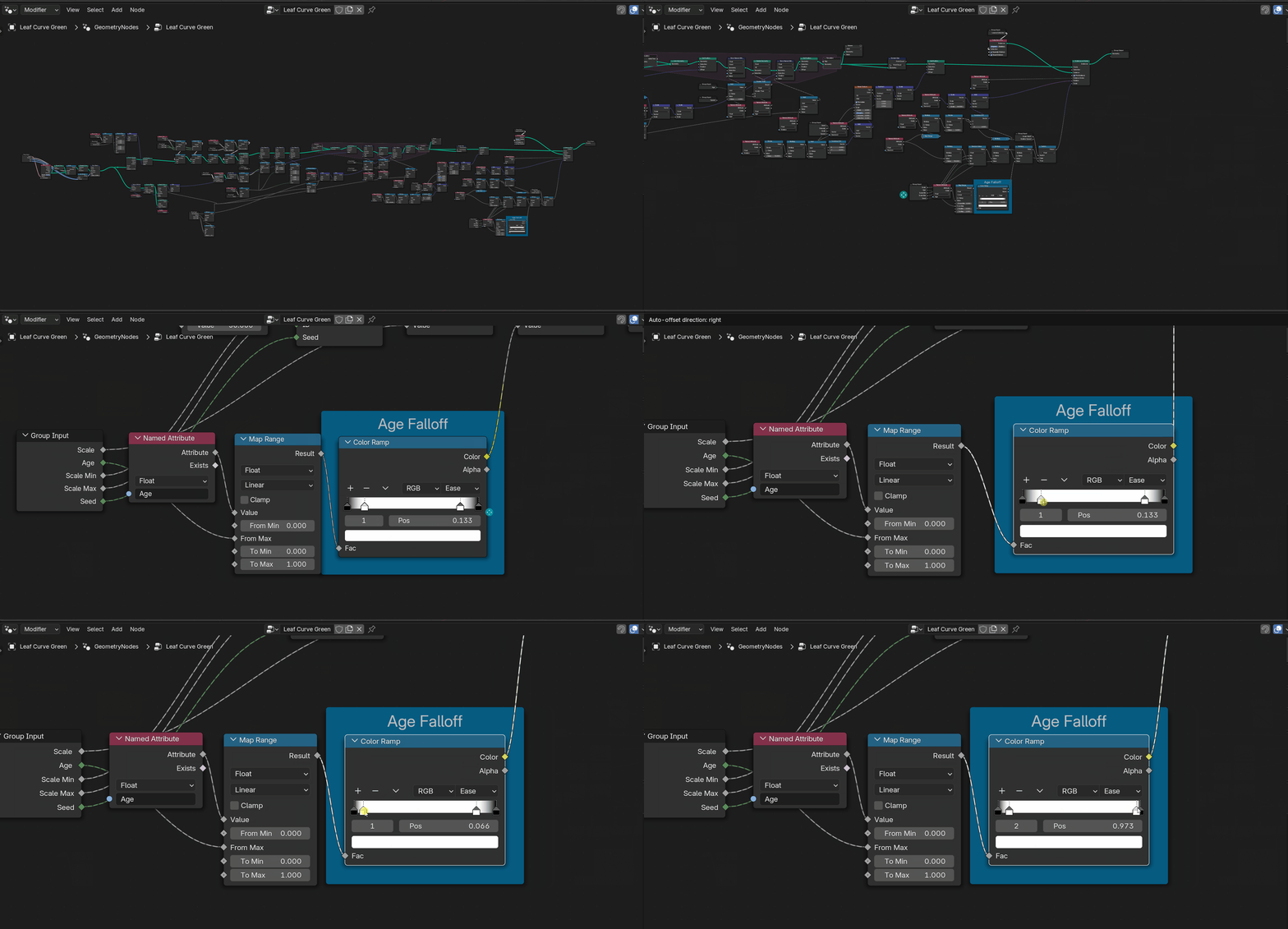
Also since these assets are using simulation nodes, you need to reset the timeline for seeing the updated results after changing any values like density etc.,
simulation cache is displayed with the purple line below the timeline -

finally don't forget to bake the sim before rendering!
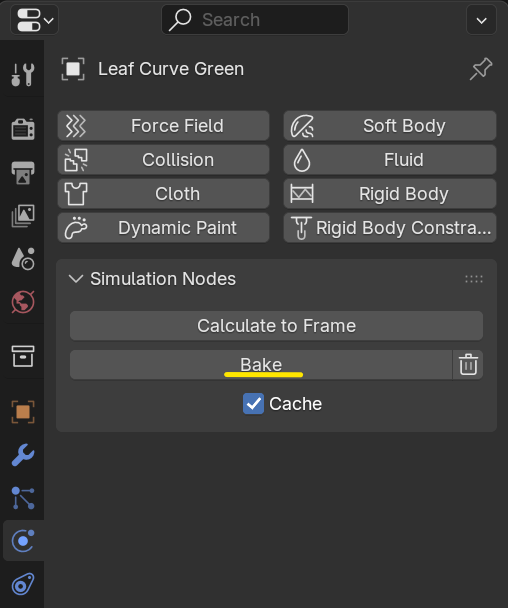
Rest settings are quite self explanatory i think, so just have fun!
ENJOY :D!
Have questions about this product?
Login to message
| Sales | 200+ |
| Rating | 1 ratings |
| Published | almost 2 years ago |
| Blender Version | 4.3 - 5.0 |
| Render Engine Used | Cycles, Eevee |
| License | Royalty Free |

Discover more products like this
procedural realtime flower plant #nature petal curve blossom dead-leaves tree .leaves falling autumn particles aaa magic falling leaves vegetation forest curve leaf storm leaf wind falling petals spring particle dry-leaves dust Rose VFX leaves FX green omega petals curve leaves natural rain