Fantasy Eukarya - Plants, Shrooms & Hybrids
 Da_Drood's Grove


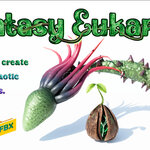
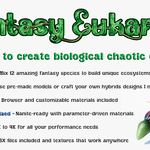
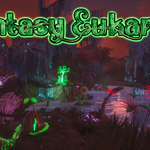
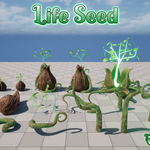
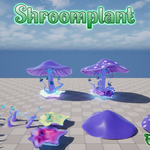
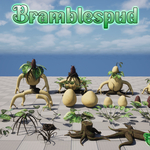
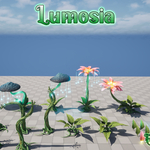
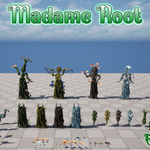
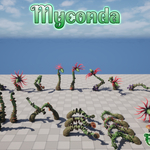
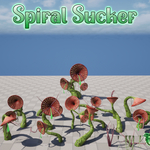
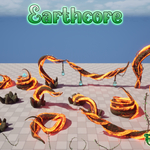
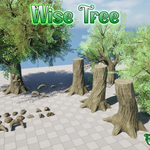
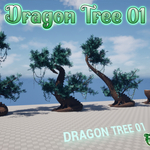
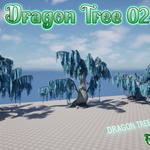
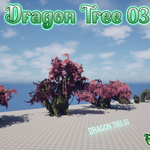
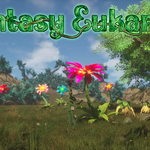
After purchasing, download the files from your Superhive library. The pack includes several different formats so you can use it in the software that fits your workflow.
Blender users:
The pack includes a .blend file designed to be used as an Asset Browser library. To set it up, open Blender, go to Edit → Preferences → File Paths, and under Asset Libraries click the + button. Navigate to the folder where you saved the .blend
file (select the folder, not the file itself) and add it as a library.
You can then open the Asset Browser editor, select the library, and drag
and drop assets directly into your scenes. Textures in Blender are set in 2K to keep performance as good as possible. You can find 1K and 4K textures in the separated folder included among the files in the order page.
Unreal Engine users:
The pack includes a full Unreal Engine 5.5 project. Simply extract the folder and open the .uproject file. The assets are already configured with Nanite and materials, so they're ready to use in your levels. You can migrate the assets you need into your own UE project.
Other engines:
For
Unity, Godot, or any other 3D software, the pack includes an FBX folder
with all the meshes and textures. Textures are provided in 1K, 2K, and
4K resolutions, so you can choose the quality that best fits your
project.
If you run into any issues, feel free to contact me through Superhive or via email at [email protected]
Have questions about this product?
Login to message
| Dev Fund Contributor | |
| Published | about 1 year ago |
| Blender Version | 4.3 - 4.5 |
| Render Engine Used | Cycles, Eevee |
| Misc Data | Uvs-Unwrapped, Low-High-Resolution, Normal-Mapped, Textured |
| License | Royalty Free |