 ZEG
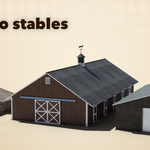
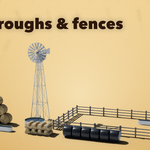
Installation
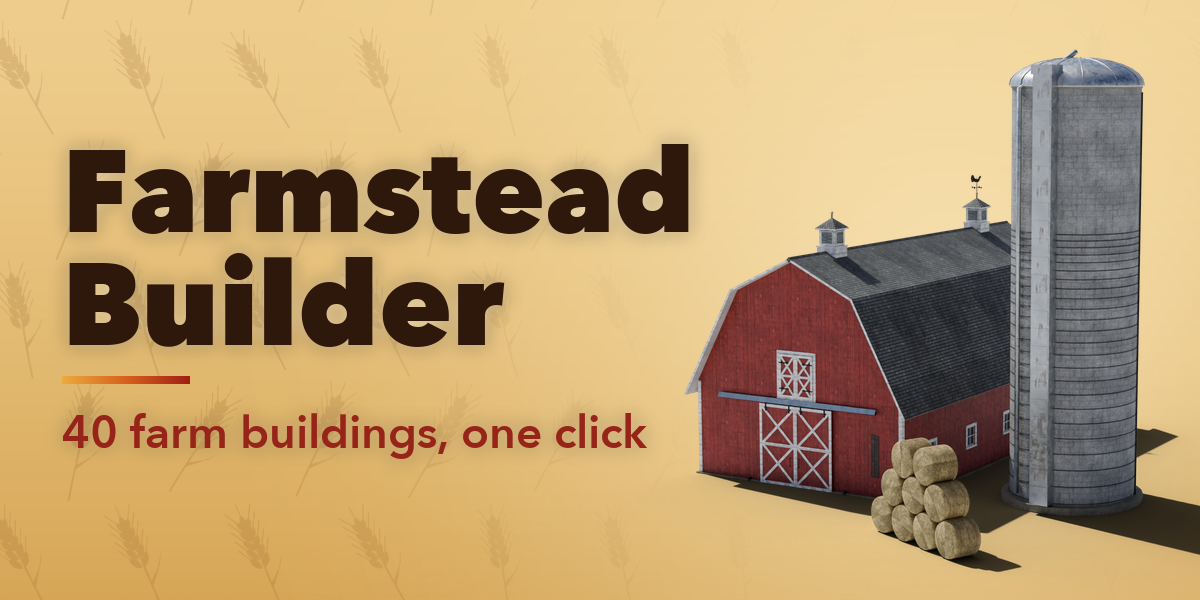
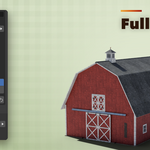
In Blender open Edit, Preferences, Get Extensions, then use Install from Disk and pick the farm_buildings_generator zip. The add-on is listed as Farmstead Builder.
Usage
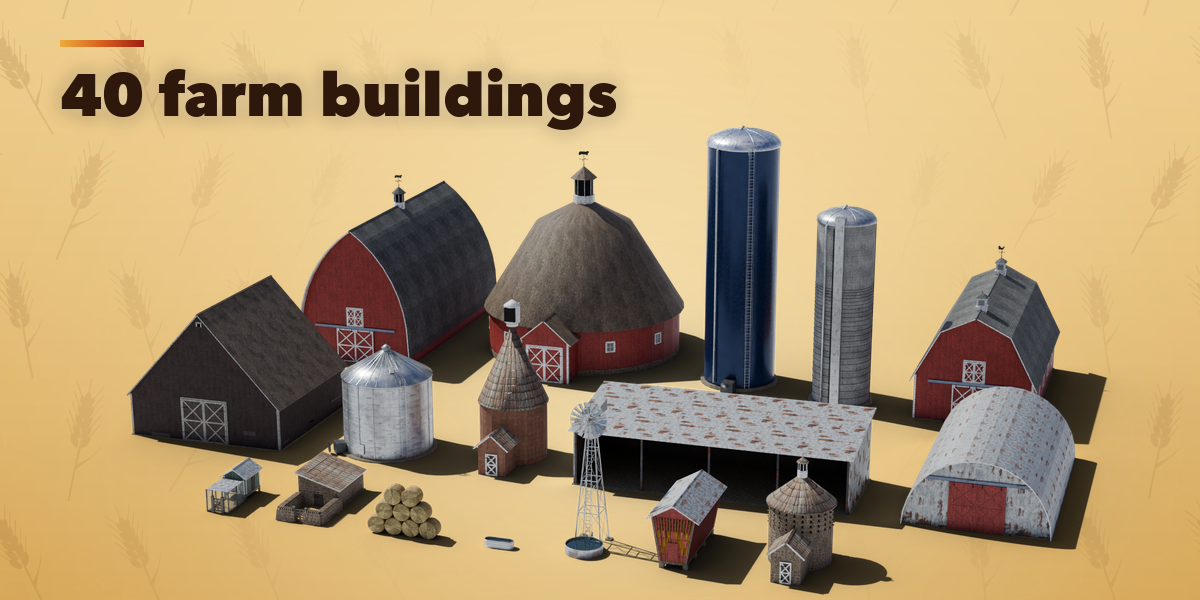
- In Object Mode press Shift+A and choose Mesh, Farm Building, then pick a preset. You can also open the Farmstead tab in the 3D viewport sidebar (N) and press Add Building.
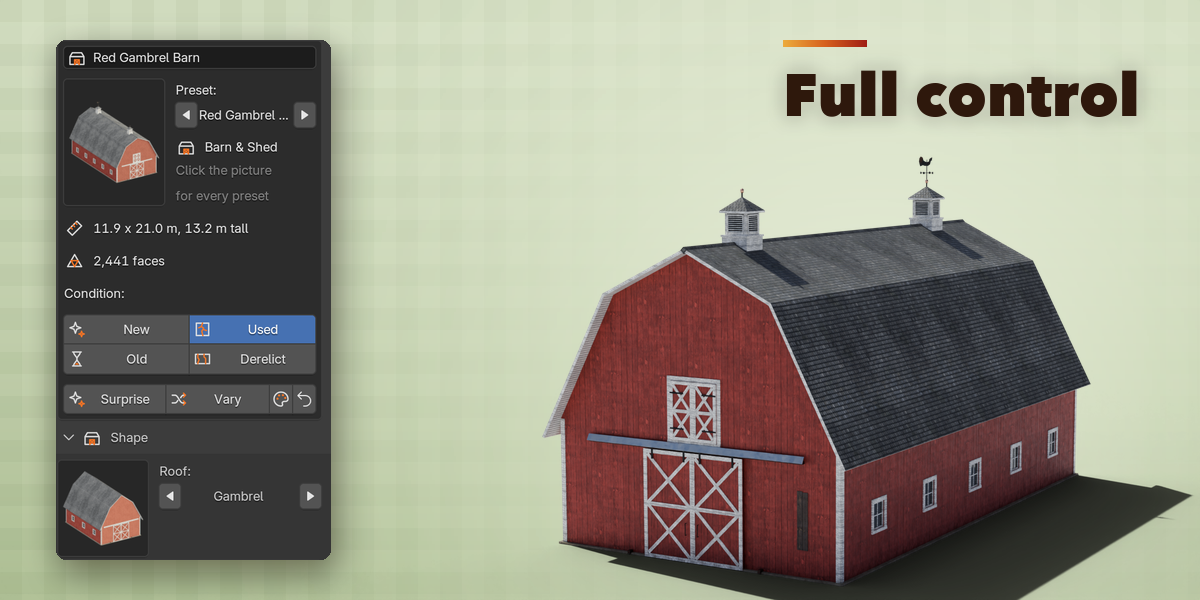
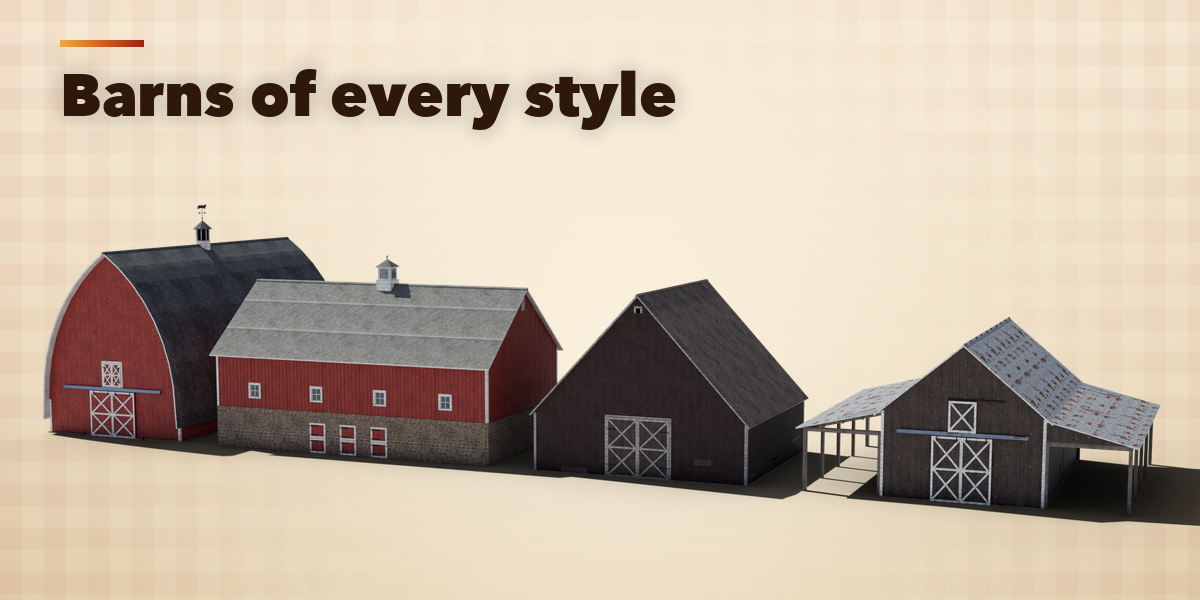
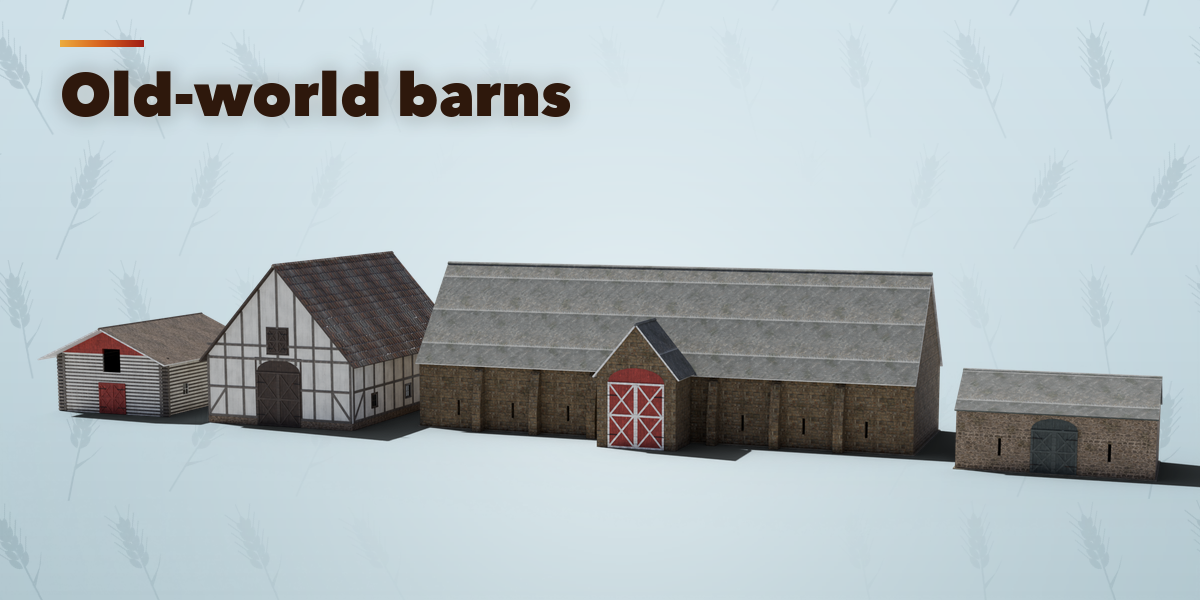
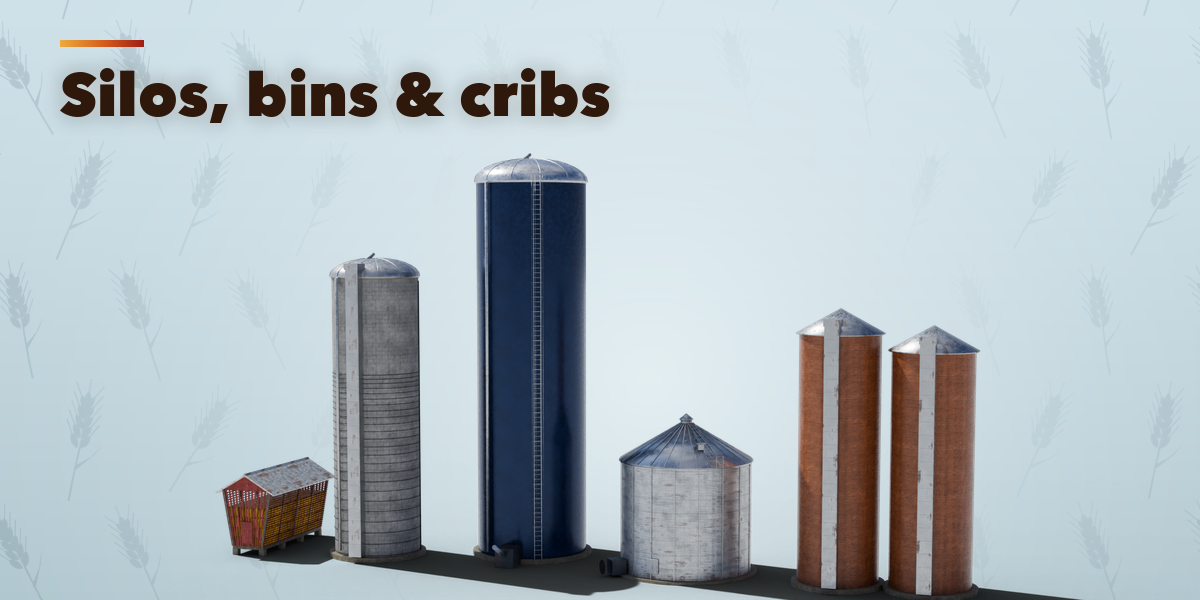
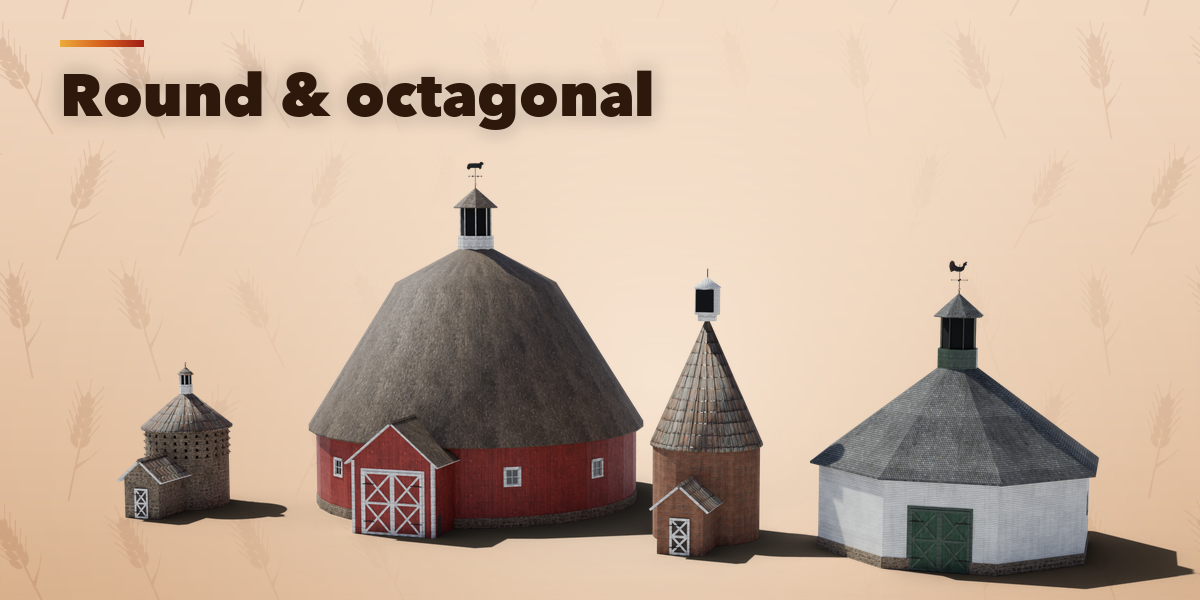
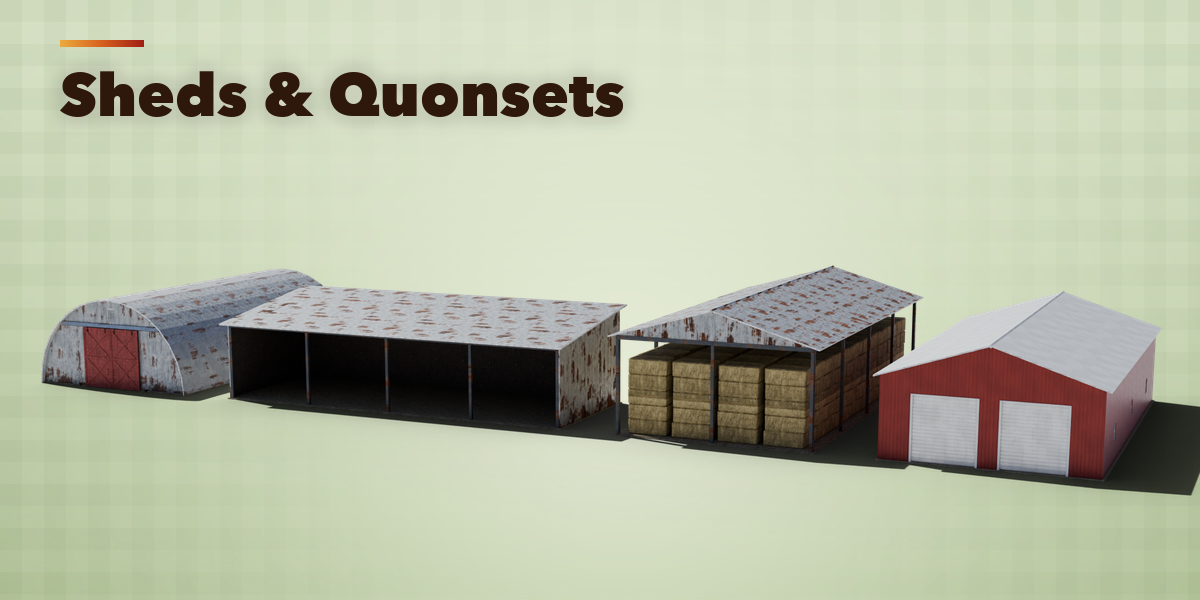
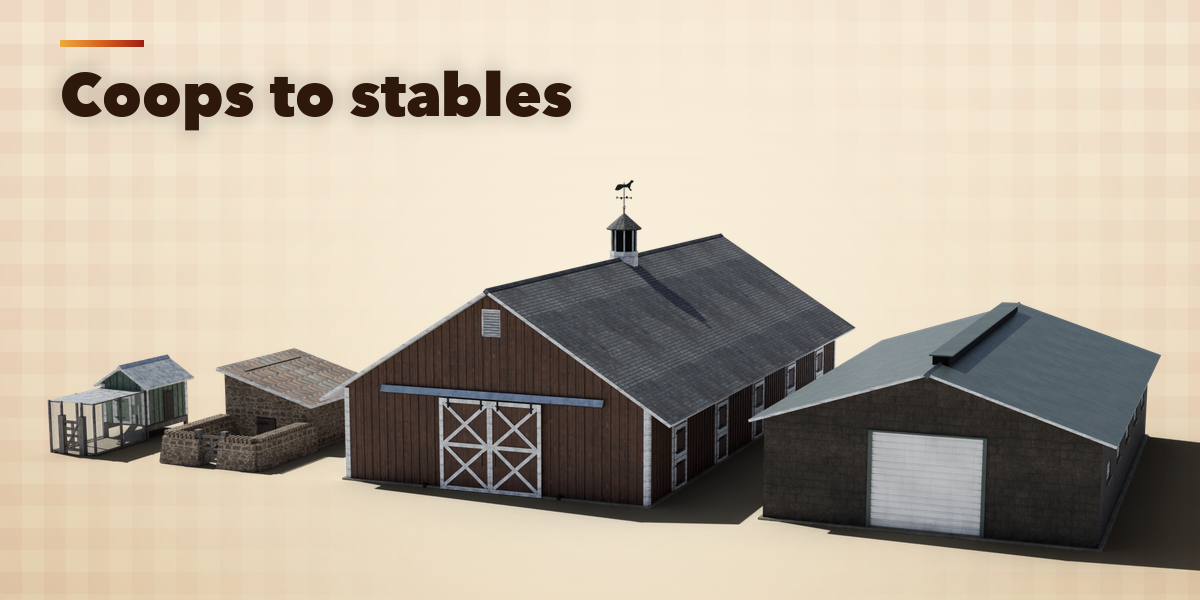
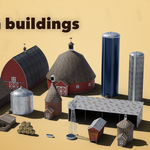
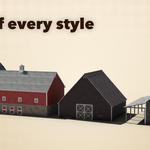
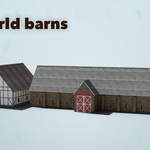
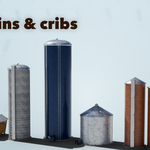
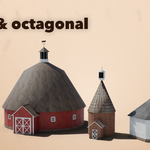
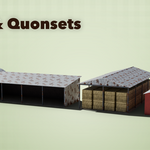
- With a building selected, click the big picture in the sidebar to see every preset as a picture and pick one. The building changes in place.
- Press Surprise for a random real-world farm building, or Vary to change the current one a little. The paint button picks new colors and the arrow button resets the building to its preset.
- Open the sections below to change the shape (size, roof shape, pitch), walls and roofing, doors and windows, extras (cupolas, weathervanes, lean-tos, yard) and the finish (paint colors and weathering). Every change rebuilds the building live.
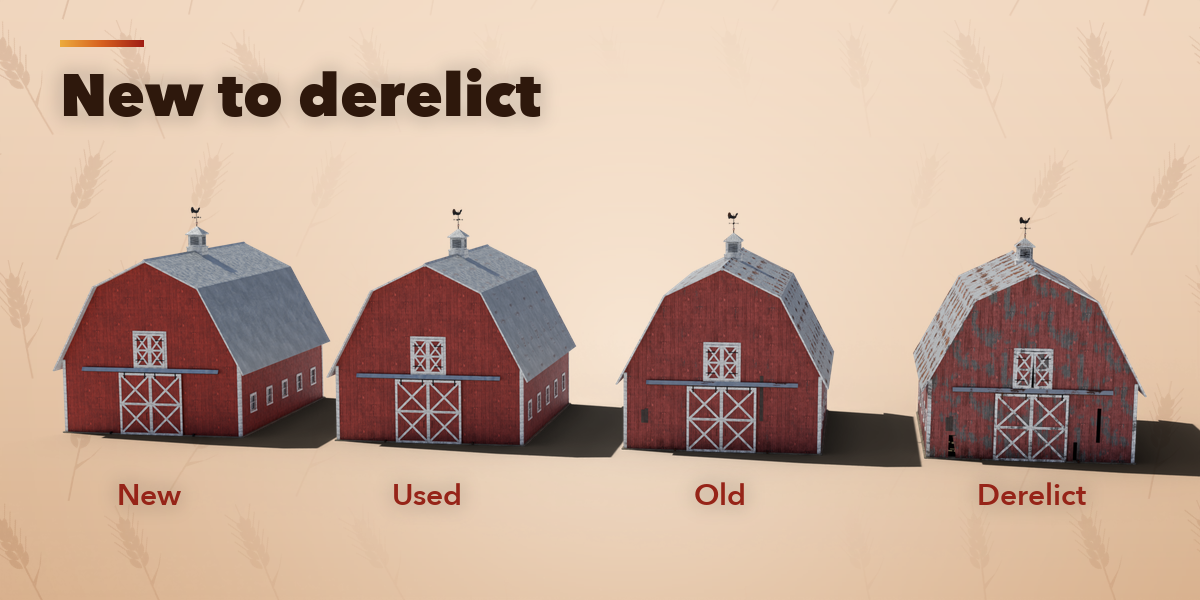
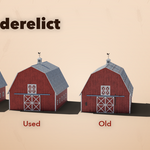
- The Condition buttons on the first panel age the building: New, Used, Old or Derelict changes the paint, rust and dirt and adds real damage (missing boards, broken panes, patched or lifted roof sheets, a sagging ridge). The Weathering slider fine-tunes it.
- Detail sets how round the curved parts are: Low for distant buildings and mobile games, High for close-ups.
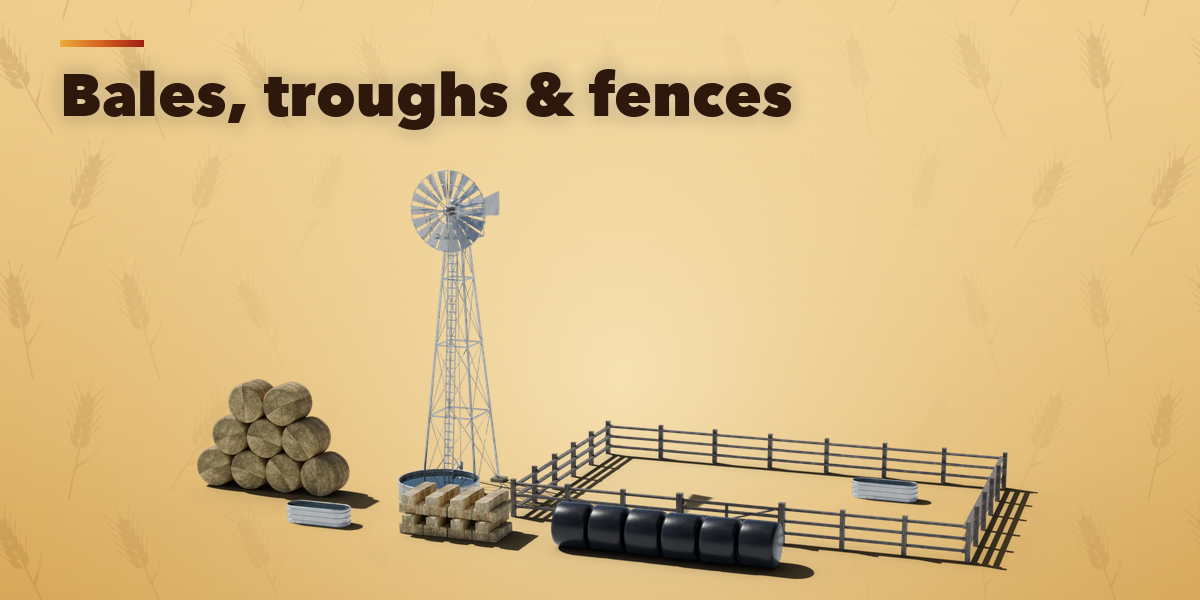
- The windpump wheel is animated: press Play to see it turn and set its speed in turns per minute.
- Convert to Mesh turns a building into plain mesh objects for export (FBX, OBJ, glTF). Delete removes a building with all its parts.
Switch the viewport to Material Preview or Rendered to see the photo textures.
Have questions about this product?
Login to message
| Blender Extension Compatible | Yes |
| Published | about 9 hours ago |
| Blender Version | 4.2 - 5.2 |
| Extension Type | Add-on |
| Render Engine Used | Cycles, Eevee |
| License | GPL |

Discover more products like this
building silo rural procedural barn game ready countryside Generator environment windmill farm architecture