 ZEG
Installation
- In Blender open Edit, Preferences, Get Extensions, then use Install from Disk and pick the bundle zip (do not unzip it).
- In Edit, Preferences, Add-ons, expand the bundle's entry and click Install all addons. Every addon is installed and enabled.
To install only some addons, unzip the bundle and install the zips you want from its addons folder the same way.
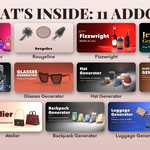
Included addons
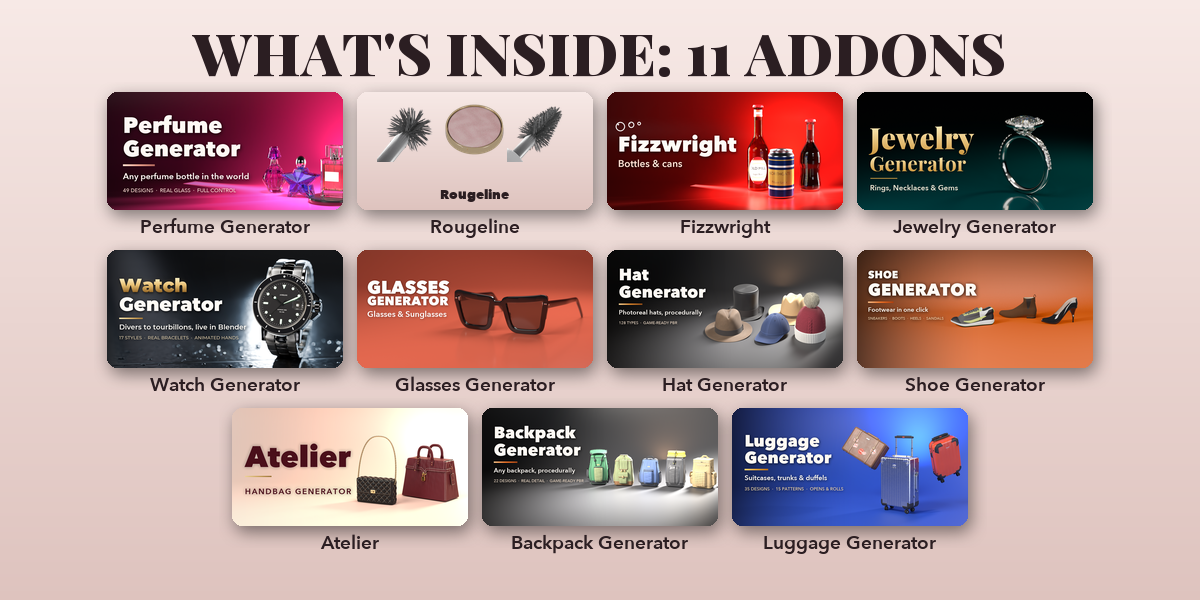
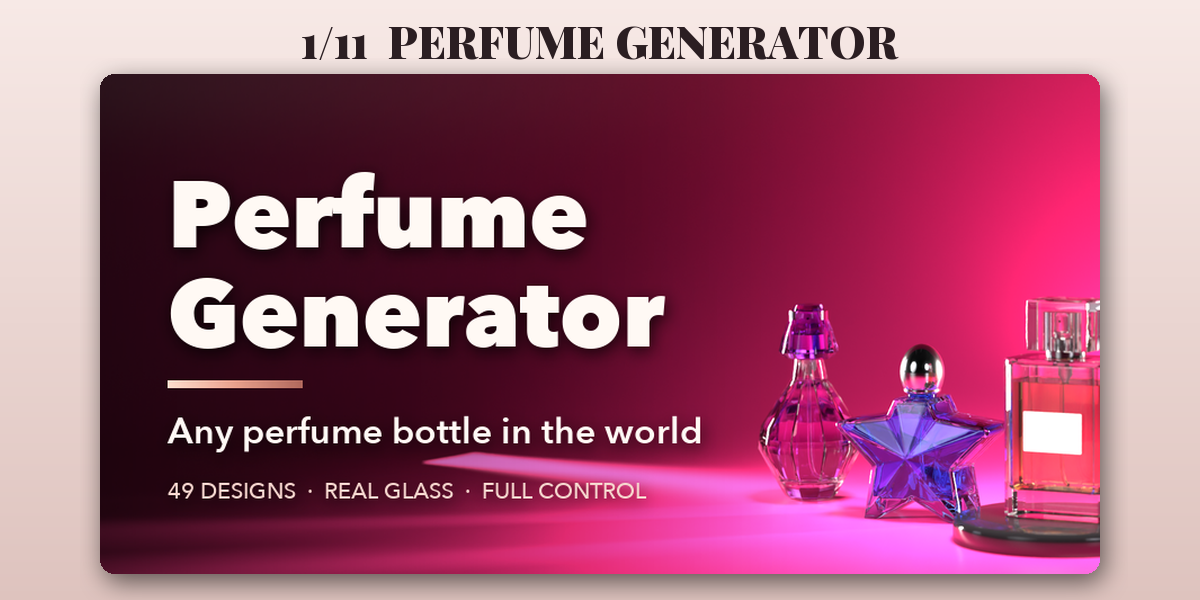
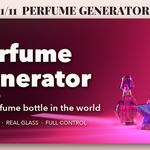
- Perfume Generator: Procedural perfume bottles from classic flacons to modern sprays
- Rougeline: Lipsticks, palettes, mascara, brushes and skincare in one click
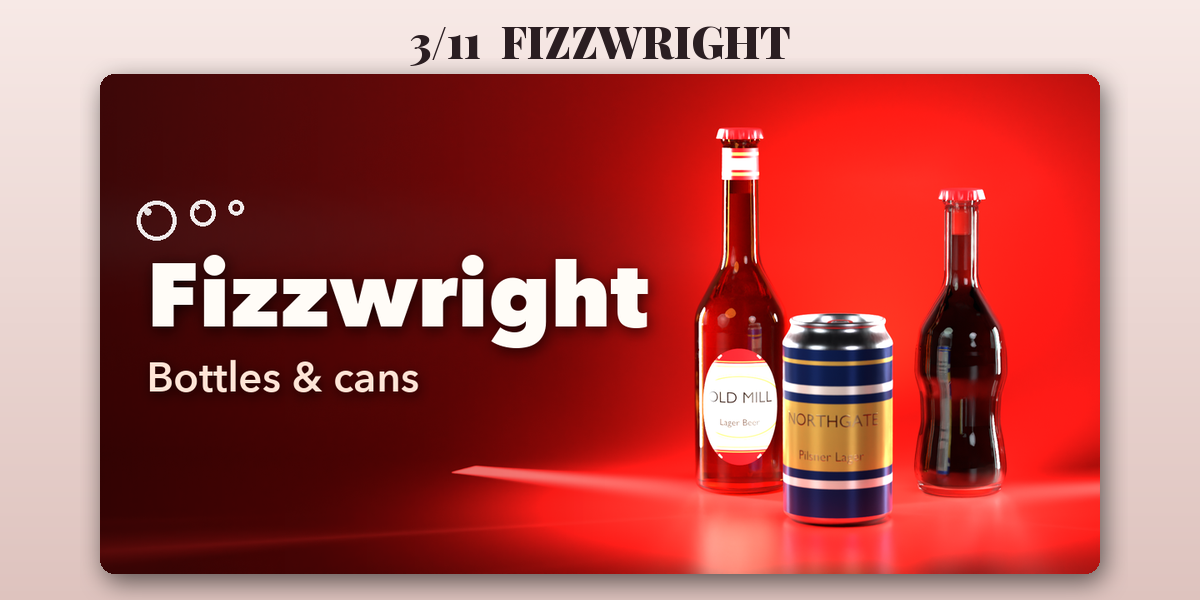
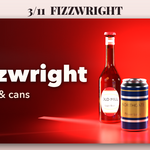
- Fizzwright: Beverage cans, bottles, cartons and kegs with labels
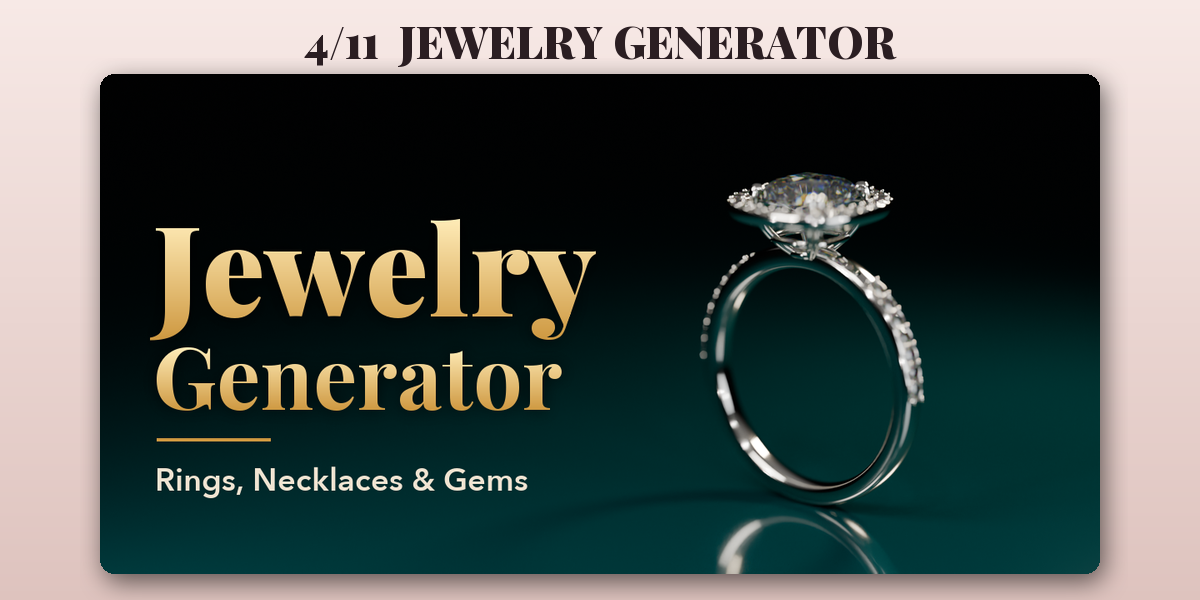
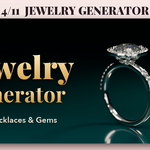
- Jewelry Generator: Photoreal rings, earrings, necklaces and gemstones
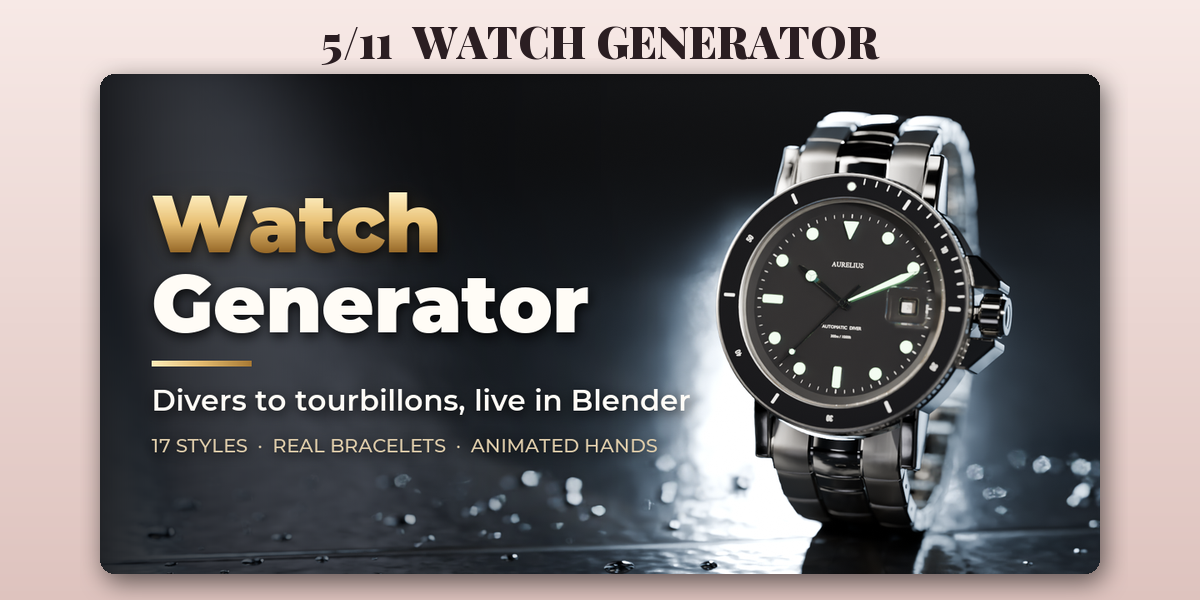
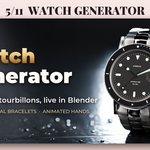
- Watch Generator: Procedural wristwatches, smartwatches and pocket watches
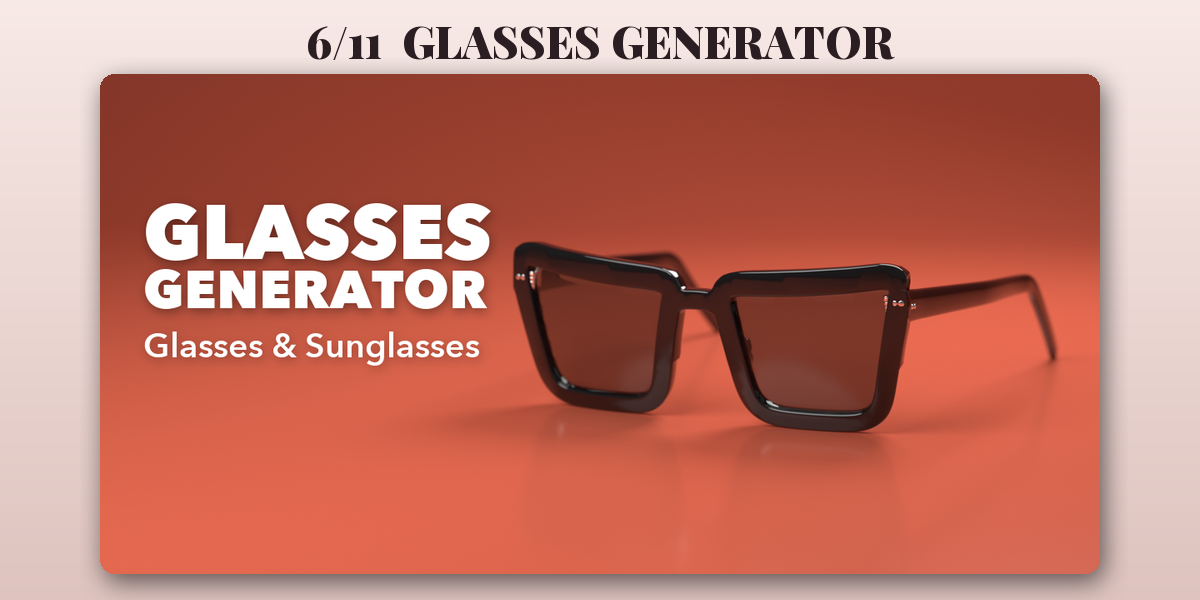
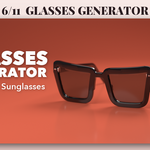
- Glasses Generator: Procedural eyeglasses, sunglasses, goggles and monocles
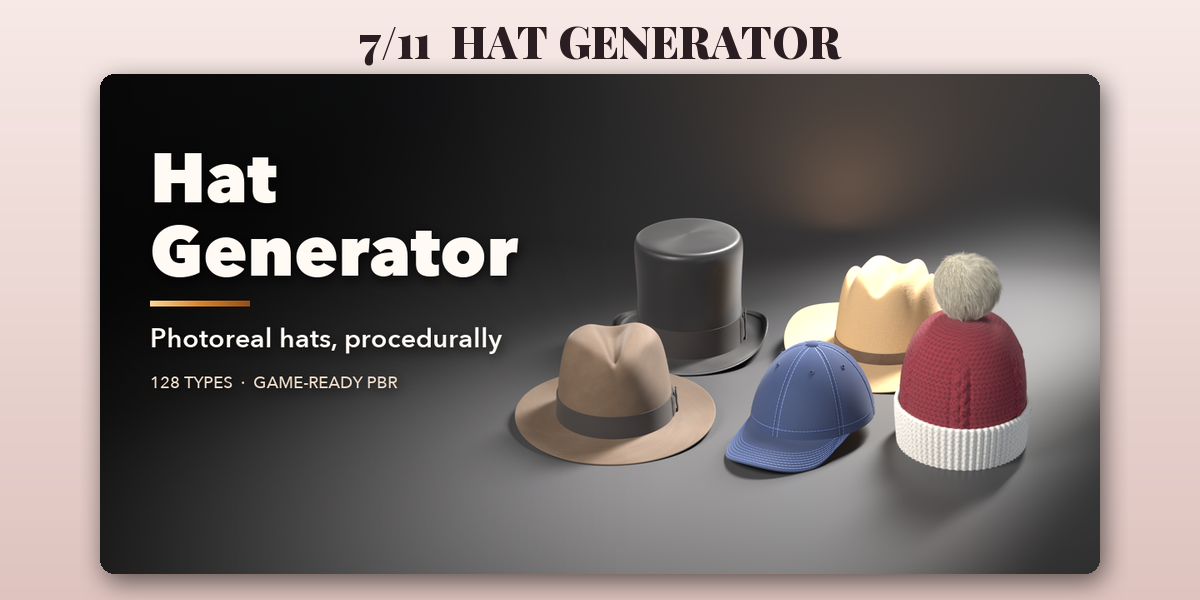
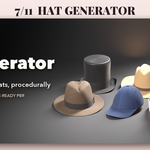
- Hat Generator: Procedural hats of every kind, from baseball caps to top hats
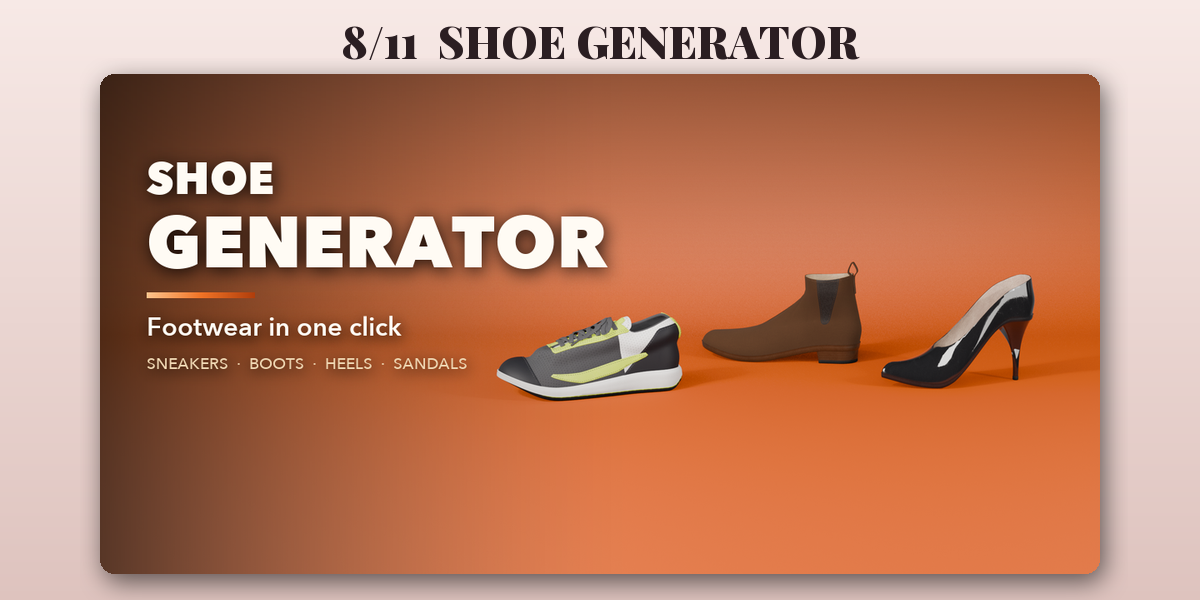
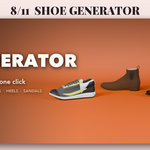
- Shoe Generator: Procedural sneakers, boots, heels and sandals in matching pairs
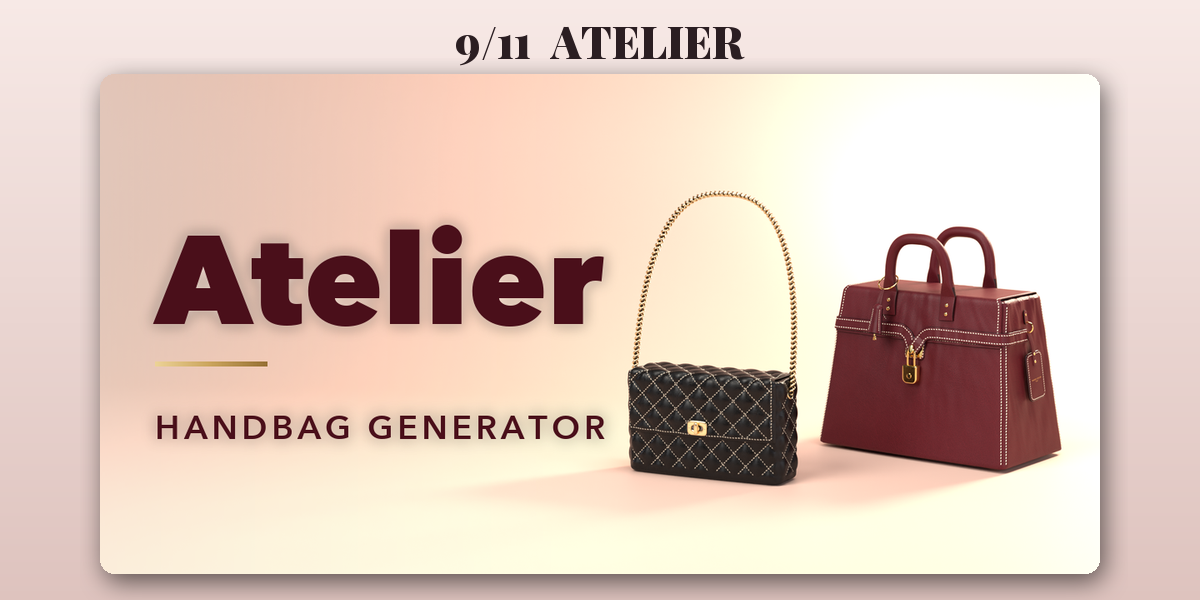
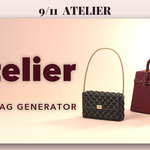
- Atelier: Luxury leather handbags, totes, clutches and wallets
- Backpack Generator: Procedural backpacks, from daypacks to tactical and hiking packs
- Luggage Generator: Procedural suitcases, trunks and travel cases
Each addon has its own tab in the 3D viewport sidebar (N); see each addon's product page for its full guide.
Have questions about this product?
Login to message
| Blender Extension Compatible | Yes |
| Published | about 22 hours ago |
| Blender Version | 4.2 - 5.2 |
| Extension Type | Add-on |
| Render Engine Used | Cycles, Eevee |
| License | GPL |
