 Contrast 3D Design Studio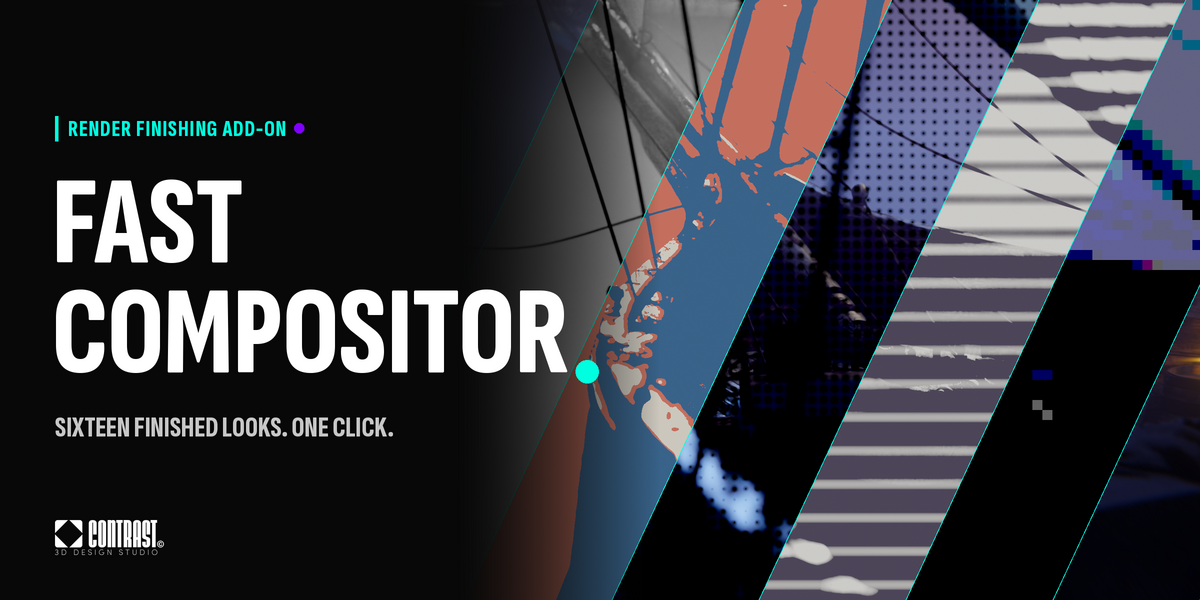
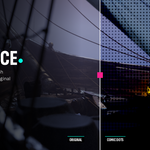
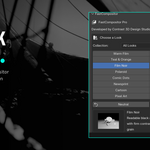
A finishing add-on for Blender that turns a render into a finished look in one click: film, print, comic, paint and light styles built on the compositor, live in the viewport and fully reversible.
It gives you sixteen ready looks, a Look Strength slider, a one-click comparison with the original and a full editor to build and save your own, directly inside Blender, without wiring compositor nodes by hand.
Perfect for product shots, stylized renders, illustrations, concept art, social media stills, animations, look development and any project where you want to try several finishes on the same render before choosing one.
FastCompositor is not a colour grading suite or a LUT pack. It is a fast finishing layer for artists who want good-looking results from Blender's own compositor without building node trees.
WHAT IT DOES
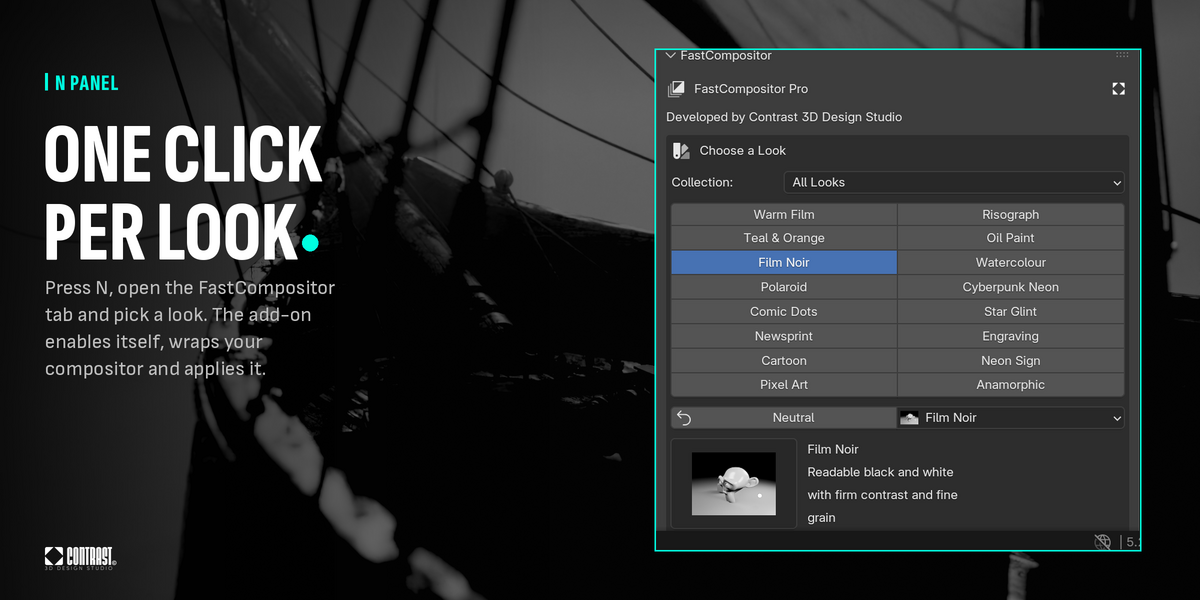
- Apply any of 16 looks plus Neutral with one click from the N panel
- See the look live in the viewport compositor, on your own scene, while you work
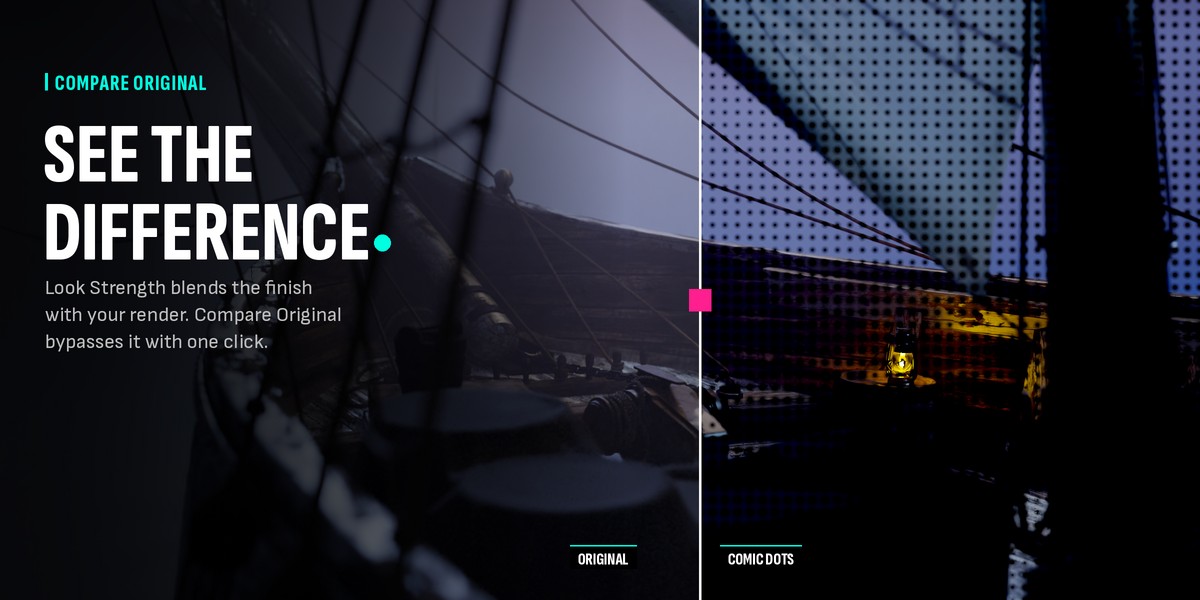
- Blend the look over your render with Look Strength, from 0 to 1
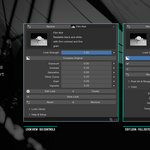
- Switch the look off for a moment with Compare Original, without losing your settings
- Fit graphic and print looks to the tonal range your render actually uses with Auto Range, so dark night scenes and overexposed frames still read
- Set the working black and white points by hand with Input Black and Input White
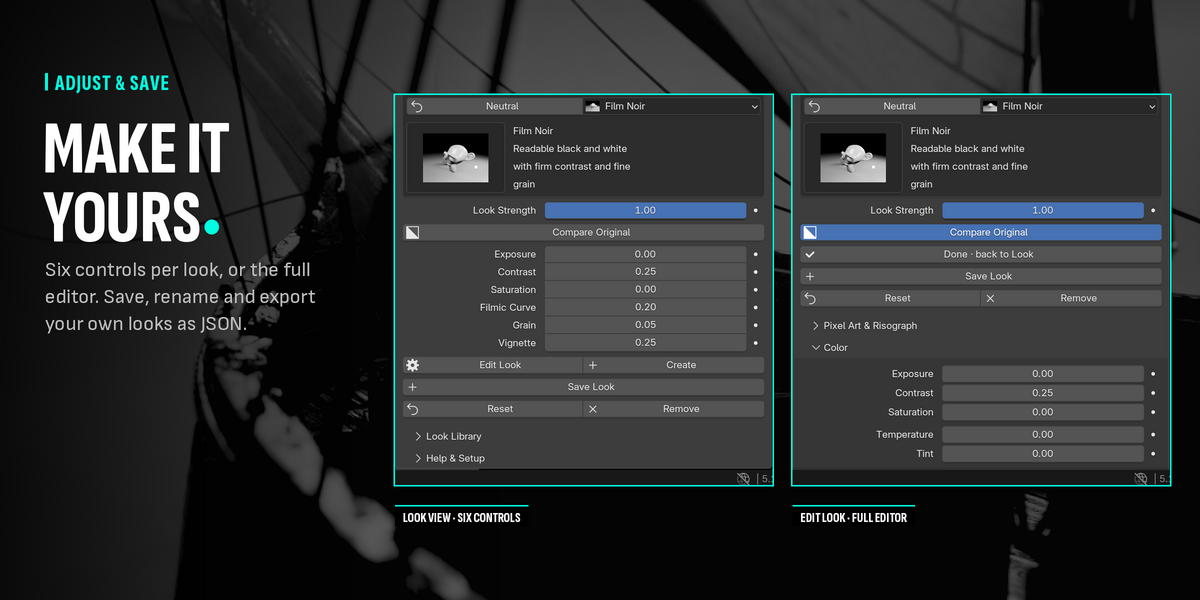
- Adjust each look with up to six controls chosen for it, such as dot size for Comic Dots or flare length for Anamorphic
- Open the full editor with every control grouped by topic: colour, stylize, glow and bloom, lens, atmosphere, detail and grain, texture overlay, comic, halftone, Polaroid, cartoon, paint, pixel art and risograph, engraving, neon and anamorphic, frame and flares
- Start a new look from Neutral with Create
- Save every control as a look of your own, update it, rename it or delete it
- Export and import looks as versioned JSON files to use them on another scene or computer
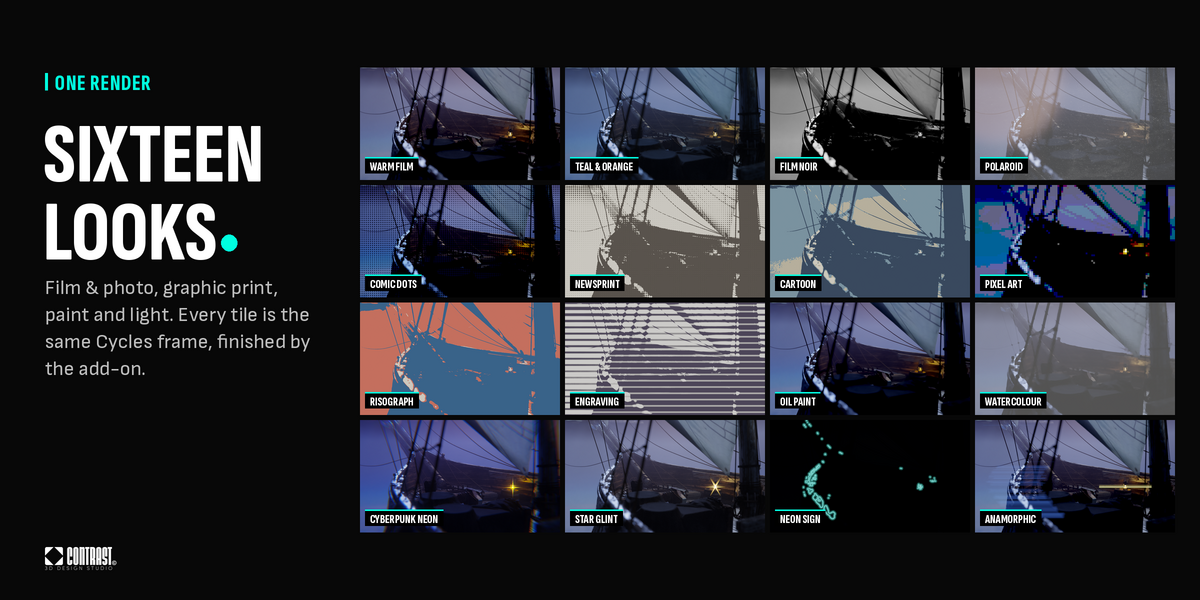
- Browse the thumbnail gallery to compare what each look does on a reference scene
- Filter the look buttons by collection
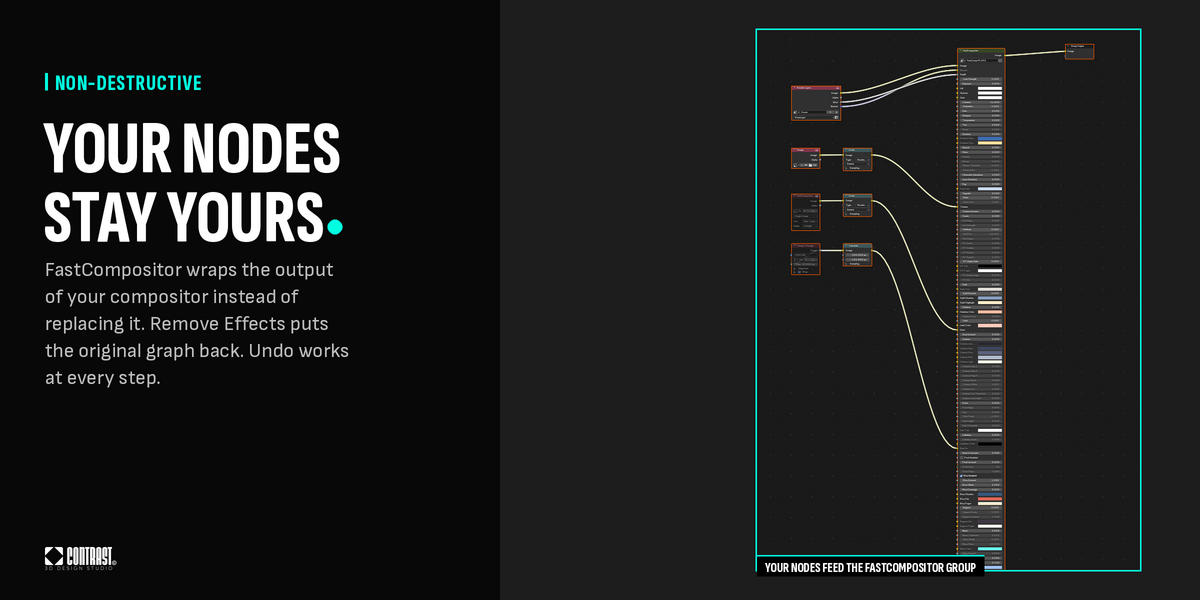
- Keep your existing compositor: FastCompositor wraps its output instead of replacing it, and your File Output nodes keep writing
- Put your original compositor back exactly as it was with Remove Effects
- Undo Enable, Remove, Reset and every control change with Ctrl+Z
- Keyframe any control or Look Strength like any other Blender property
- Get a clear message and a Repair Effects button if an effect node is deleted or a scene needs updating
- Work in scene-linear colour without changing your colour management
MAIN TOOLS
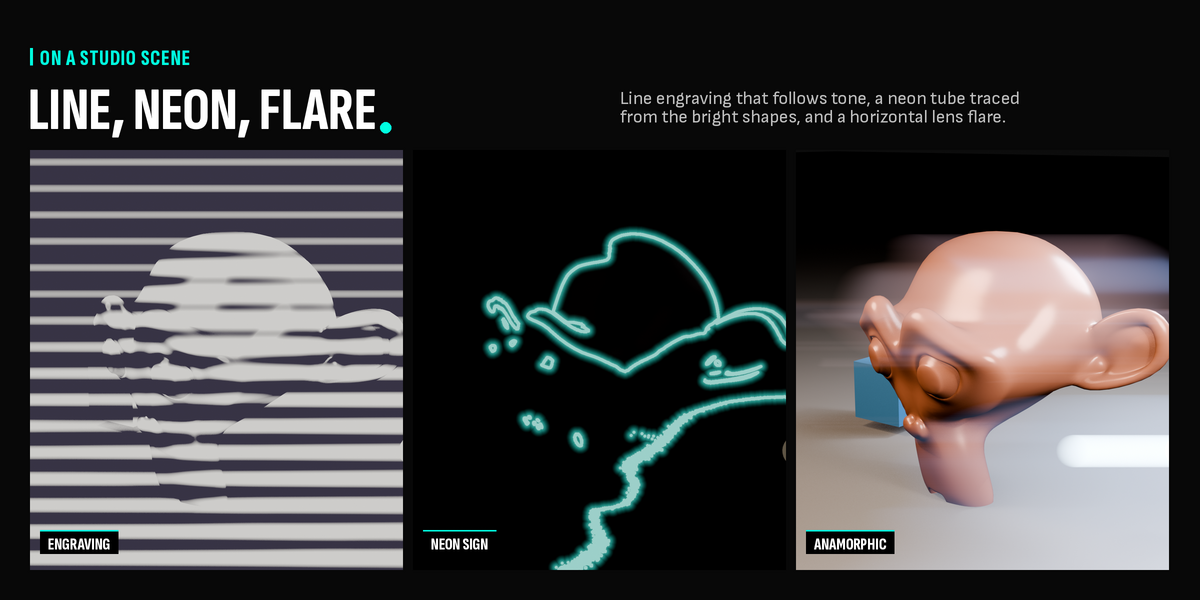
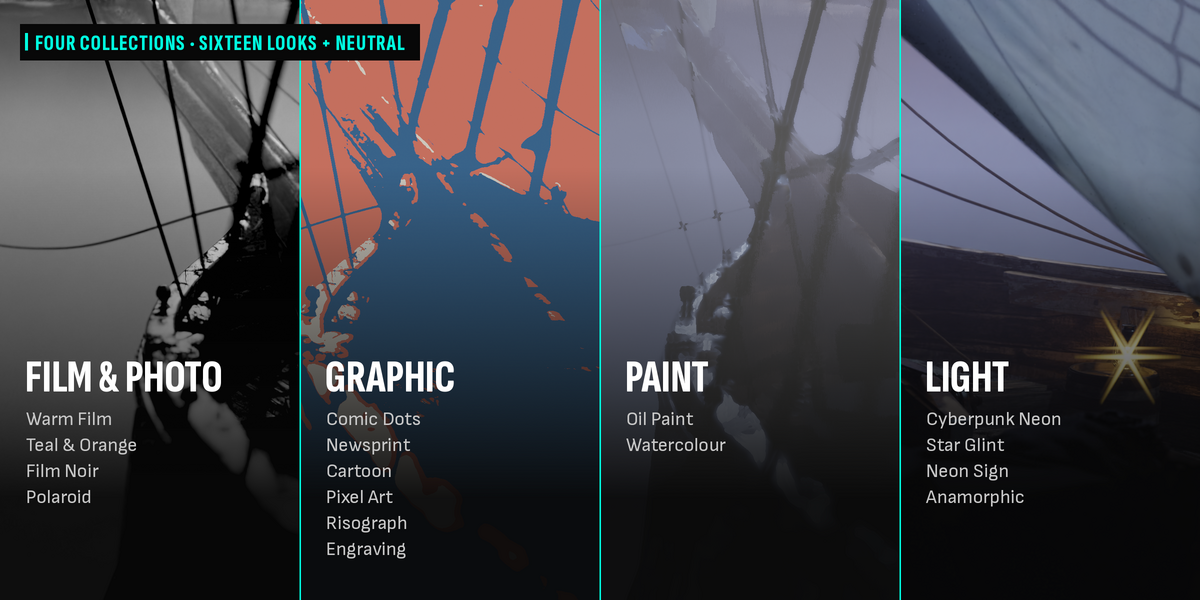
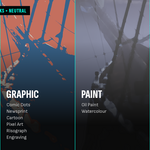
Looks — Sixteen looks in four collections. Film & Photo: Warm Film, Teal & Orange, Film Noir, Polaroid. Graphic: Comic Dots, Newsprint, Cartoon, Pixel Art, Risograph, Engraving. Paint: Oil Paint, Watercolour. Light: Cyberpunk Neon, Star Glint, Neon Sign, Anamorphic.
Strength & Compare — Blend the finished look over your render with Look Strength, and check it against the original with one click. Your settings stay as they are.
Auto Range — Graphic and print looks measure each frame and fit themselves to the tones it really uses. Set it to 0 to choose the black and white points yourself.
Editor — Every control of every effect in one place, grouped into sub-panels. Start from a factory look or from Neutral and build your own finish.
Look Library — Save, update, rename and delete your own looks, and move them between scenes and computers as JSON files.
Non-destructive — FastCompositor adds its stage after your existing compositor and never deletes your nodes. Remove Effects restores the compositor you had, including your Normal and Mist pass settings.
Animation — Keyframe Look Strength or any control. Values update on every frame and at render time.
GOOD FOR
Product visualization · Stylized renders · Illustration and concept art · Social media stills · Animation look development · Comic, print and pixel styles · Quick look exploration on client work
REQUIREMENTS
- Blender 5.2 LTS or newer
- Tested on Blender 5.2.2 LTS, Windows. macOS and Linux not validated yet
- Final renders with EEVEE and Cycles. Live preview in EEVEE Material Preview
- No internet connection required, no account and no licence key
INSTALLATION
- Download the ZIP file. Do not unzip it.
- Open Blender.
- Go to Edit > Preferences > Get Extensions.
- Open the menu at the top right and choose Install from Disk.
- Select the FastCompositor ZIP file. It installs and enables itself.
- Open the 3D Viewport sidebar with N.
- Go to the FastCompositor tab and click any look. No key needed.
SUPPORT
Developed by Contrast 3D Design Studio · www.contrast3d.com