 Fazoway


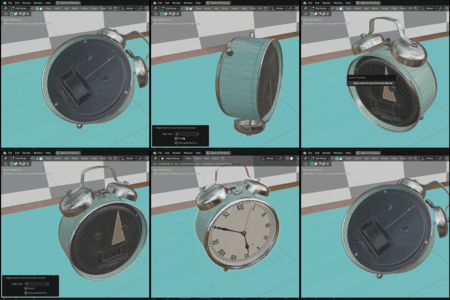
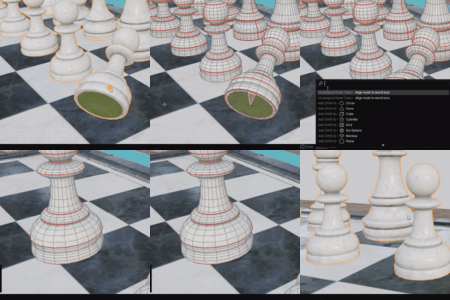

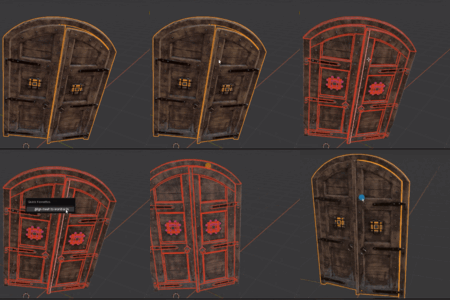
This is a set of tools for speeding up geometry work. Many of them solve problems that are simple in nature but difficult to solve given Blender's functionality. Some were also questions in the forums and were also difficult to solve. These tools, created using geometry nodes, will help speed up the solution to these "unusual" problems.
New tools will be added over time, and the price may change. However, for those who have already purchased this add-on, the new tools will be free.
Current number of Tools : 6
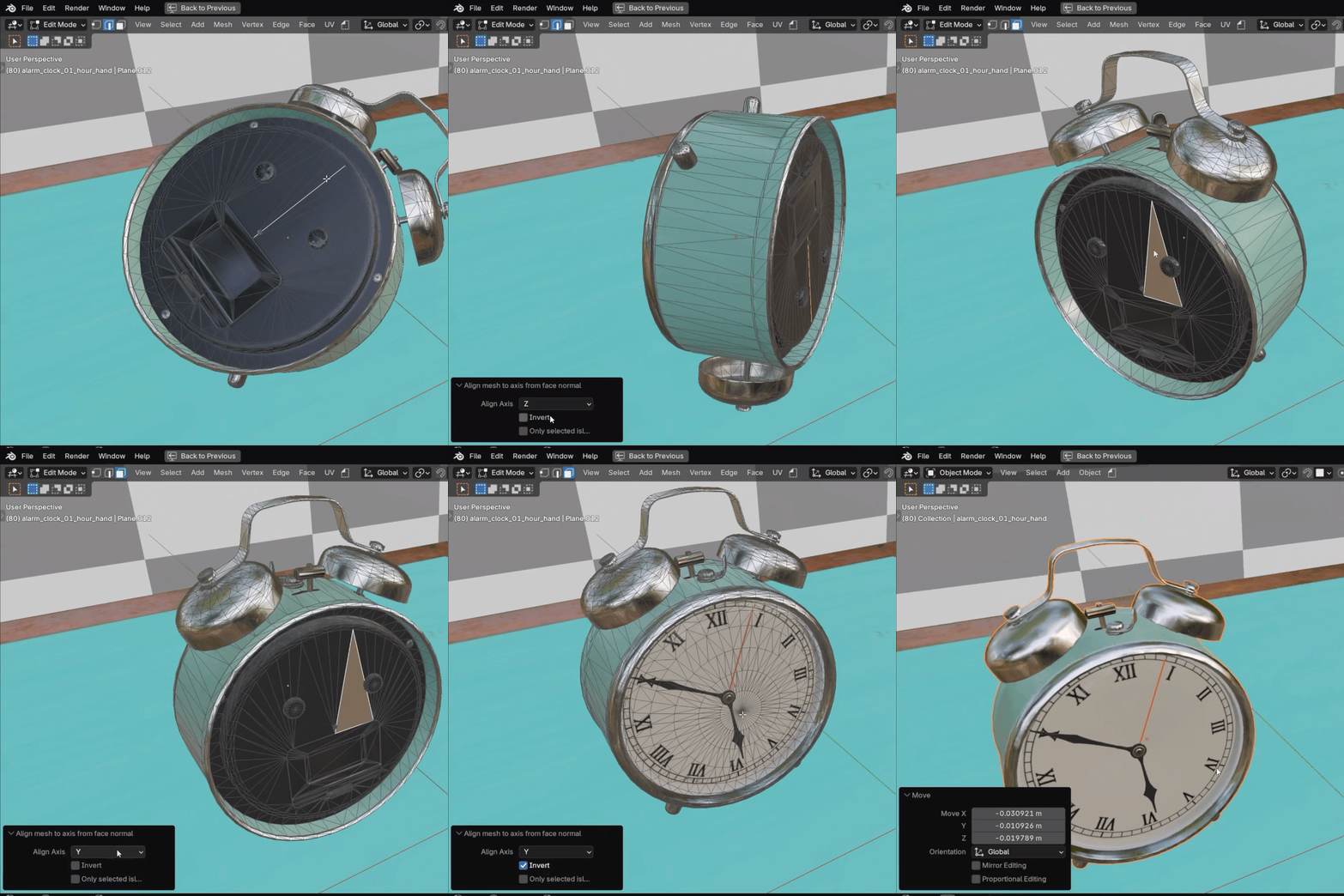
Align To World Axis
Align the mesh to the world axis.
Direction vector for different selection :
Face or 3 points(face): normal vector
2 point or edge : from first to second point vector
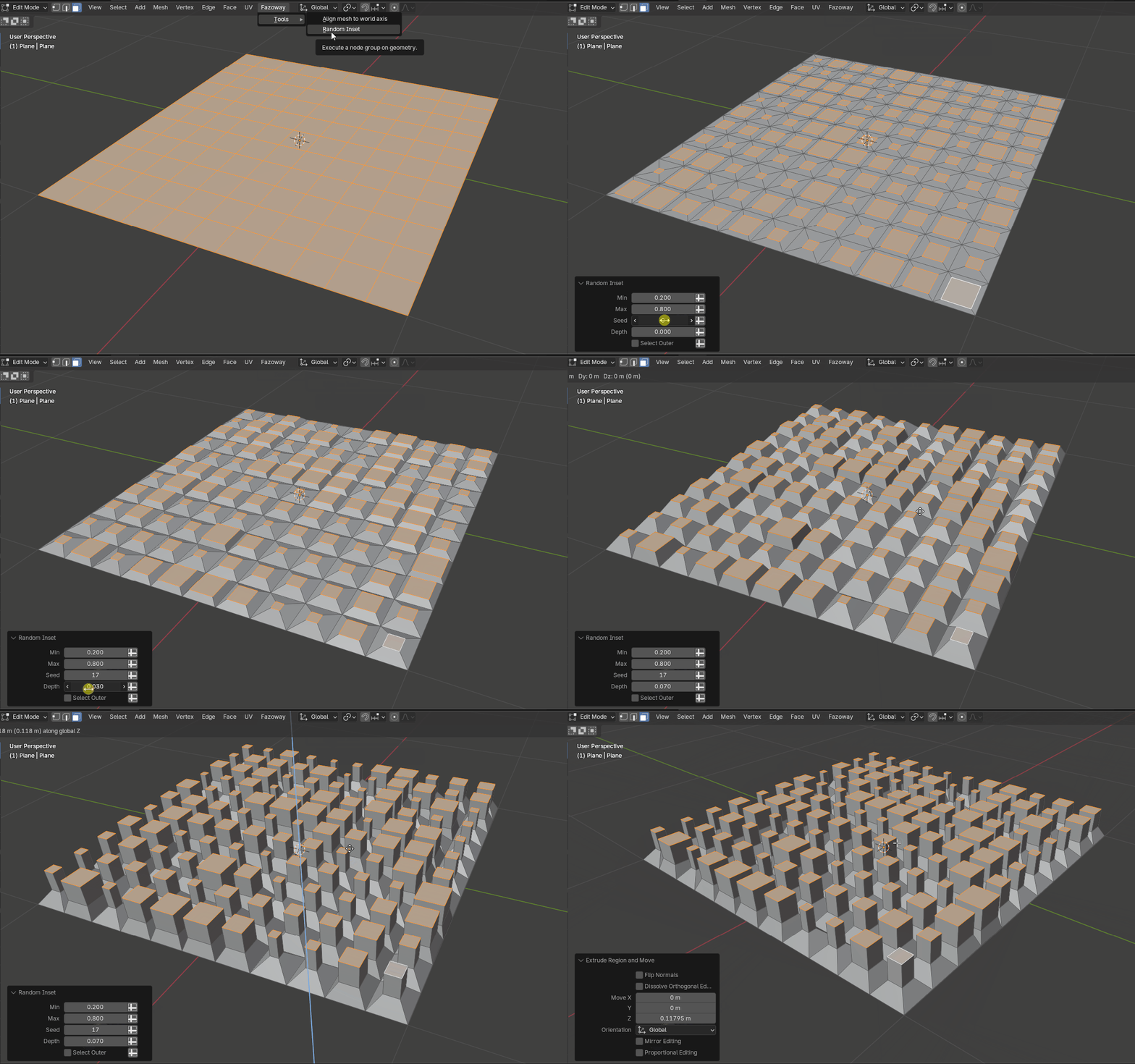
Random Inset
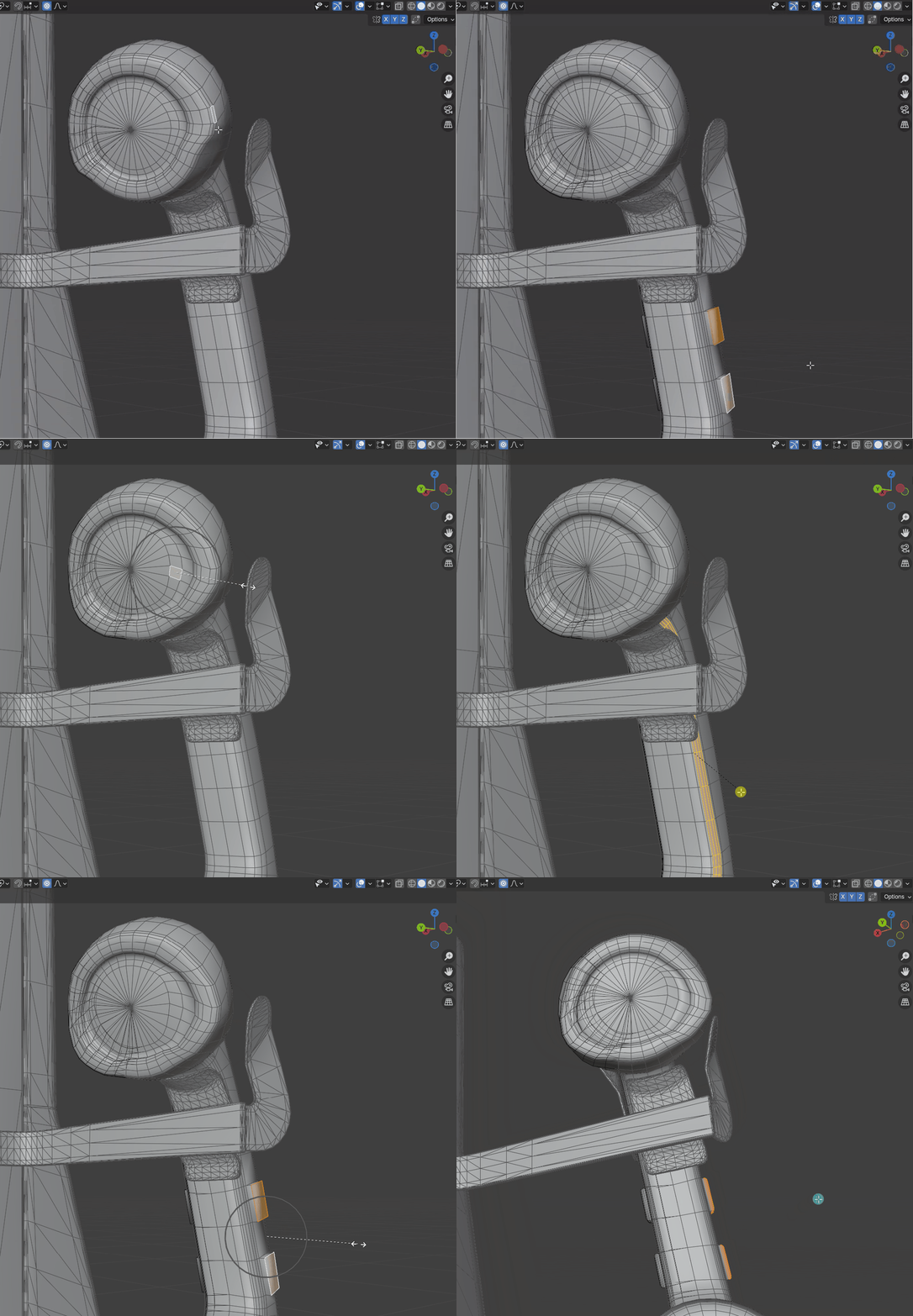
Local Mirror (and Local Mirror Tool)
This tool will create a mirror from central selection and direction that is local to that mesh. Situation when you've already applied mirror modifier and changed some part (not in that specific part of the mesh) and don't want to separate it, add another mirror mod, apply and join. Using this tool, you can immediately create this mirror locally.
How to use Modifier: First, select three vertices that will be the center and local directional plane, then create a vertex group and add them. Specify this group as the first parameter to the Mirroring 3 point parameter of Local Mirror modifier.
How to use Tool : select 3 vertices and call Local Mirror NT. Other side is to mirror another side. (some times it mirrors not edited side)
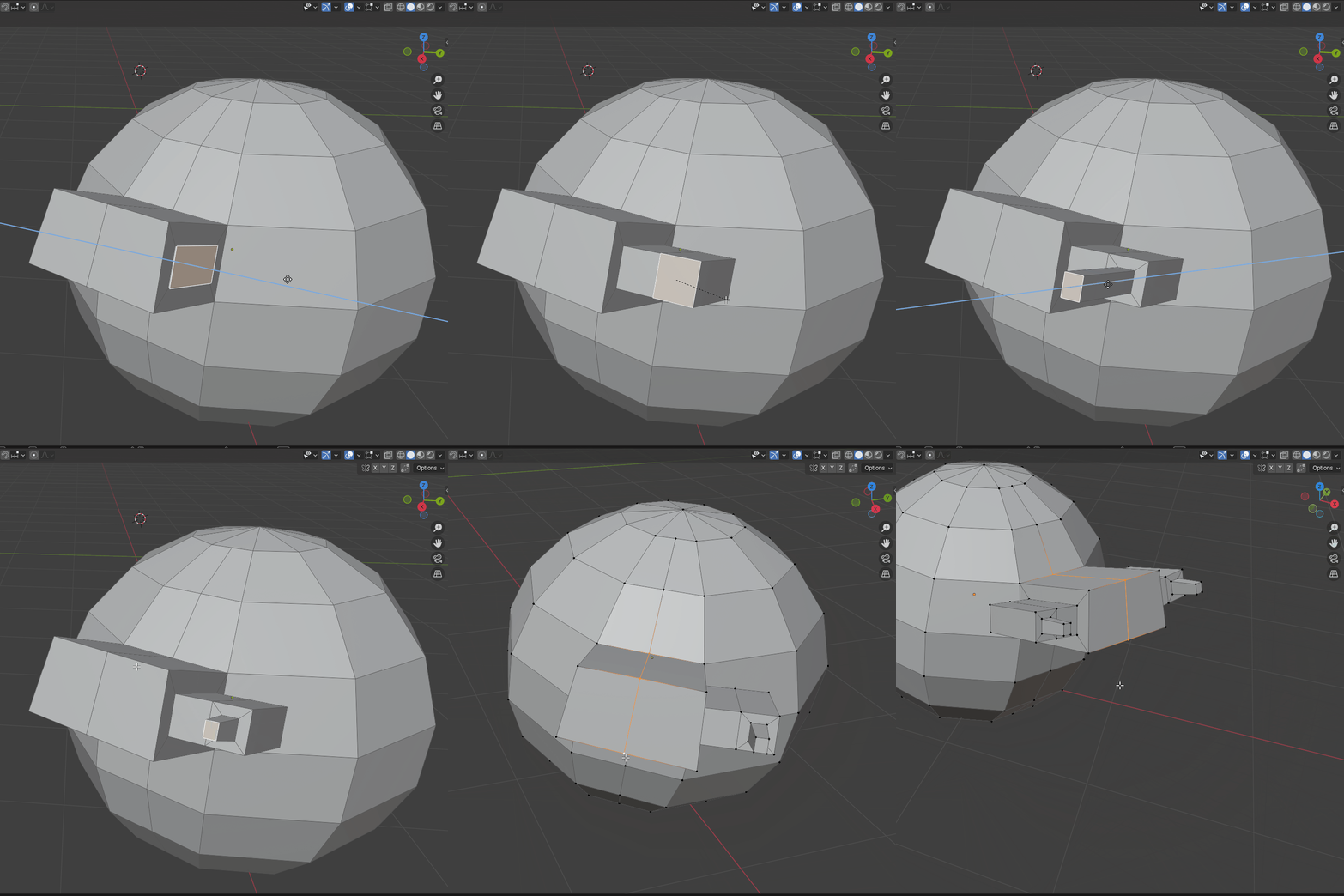
Island Boolean
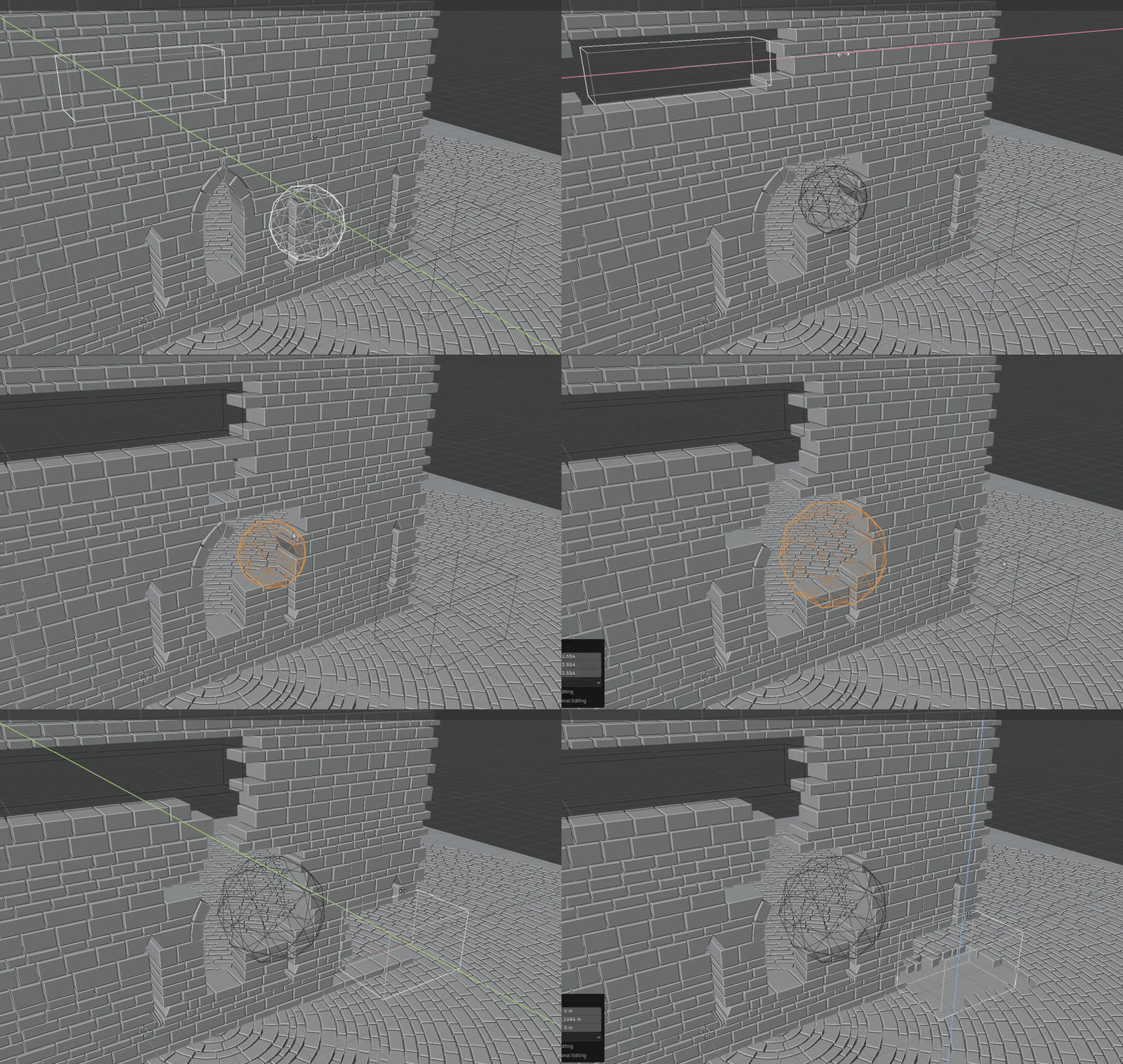
Delete the mesh island if it is inside boolean object.
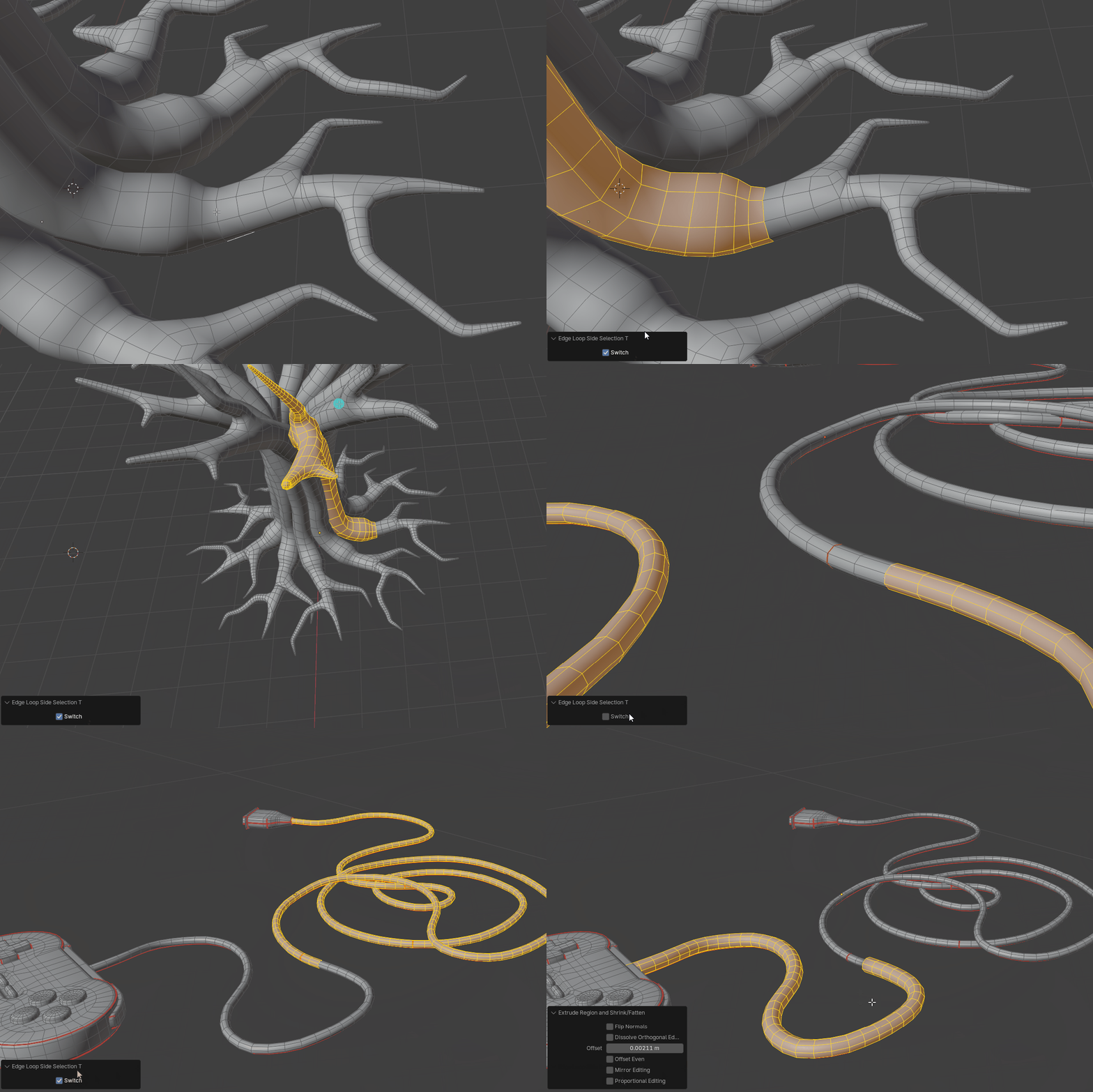
Edge loop side selection
You need to select the full edge loop as in the video.
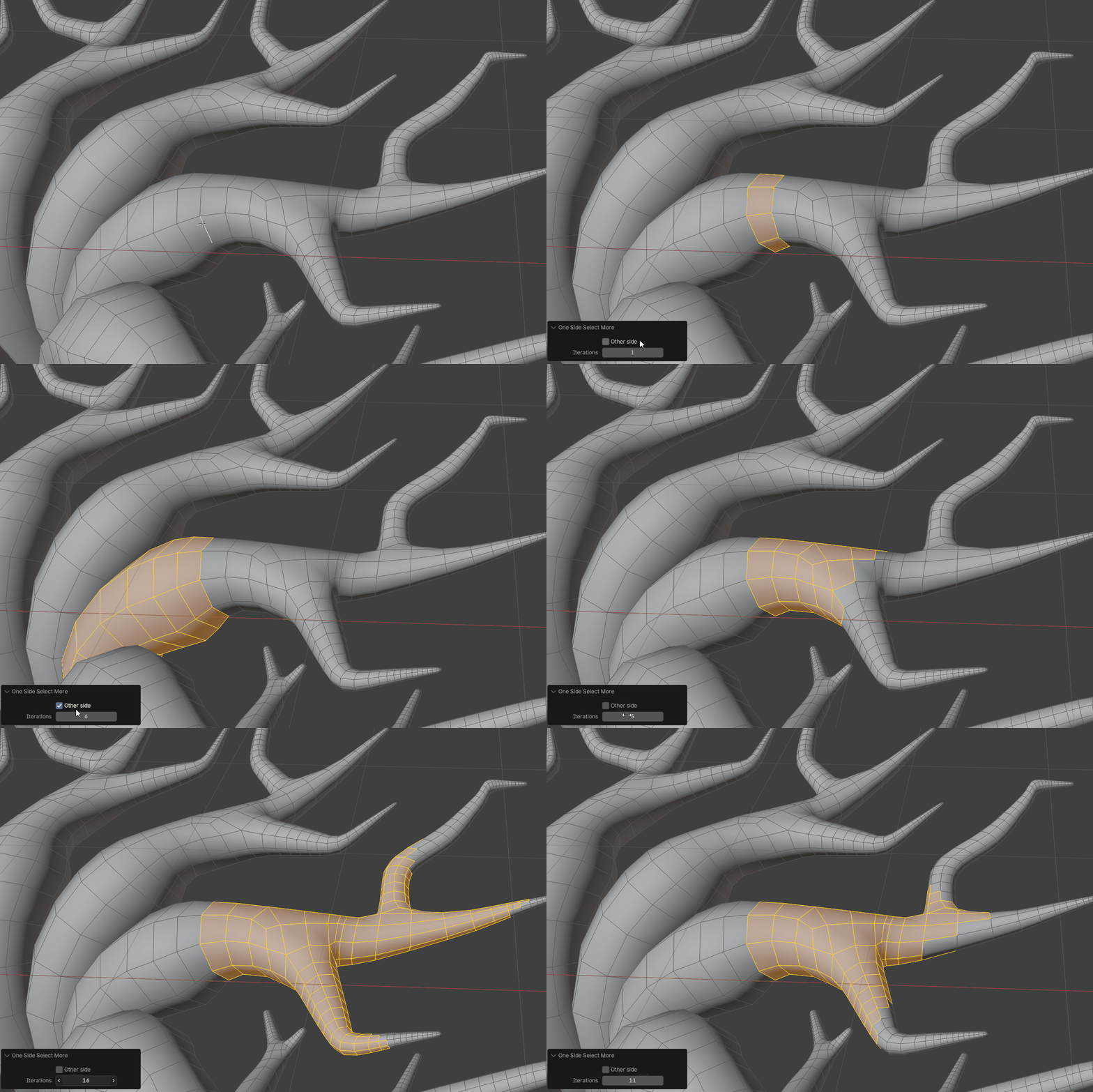
Edge loop one side select more
You need to select the full edge loop as in the video.
How to install
Since this is not an addon but an Asset, you need to add the path to this file in preferences.
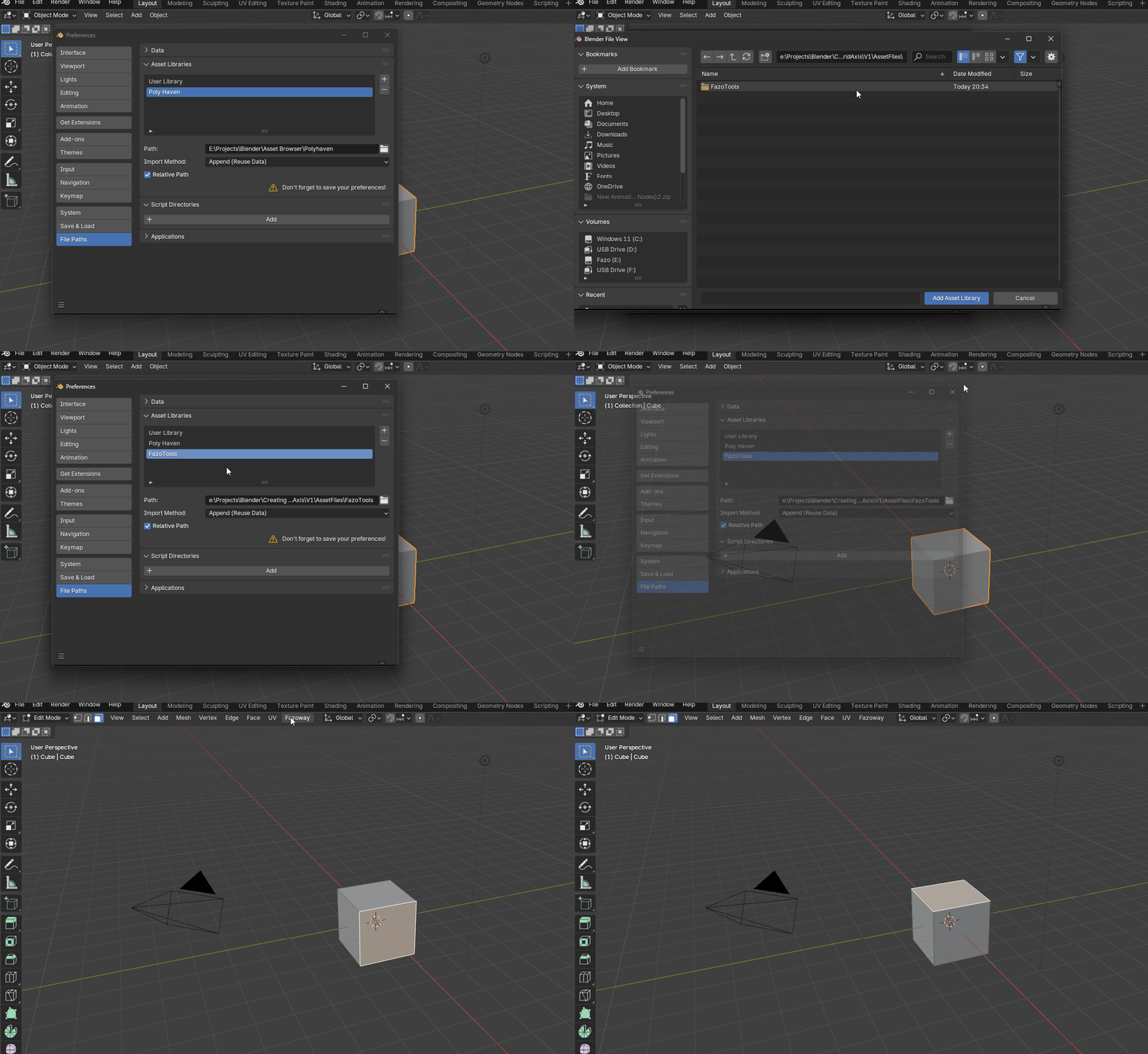
Node Tools automatically appear at the top of Fazoway. However, Modifiers don't appear there. To use them, you need to drag and drop them onto the object you want to use. They'll then be added to the project, and you can then use them as usual by simply adding a new modifier through the Modifiers panel.
To stay updated on these tools, you can subscribe to my X : Fazoway
Updates (d/m/y)-version-desc
13.01.2026 - V0_0_7 : Edge loop one side select more
11.01.2026 - V0_0_6 : Edge loop side selection
02.01.2026 - V0_0_5 : Added Island Boolean
26.12.2025 - V0_0_4 : Node Tool version of Local Mirror
25.12.2025 - V0_0_3 : New tool : Local Mirror
01.12.2025 - V0_0_2 : Added new tool : Random Inset
