Fieldlink Retro Sci-Fi Field Terminal AAA Game Ready 3D Asset & Full Tutorial
 reyhane_3d
in Sci-Fi
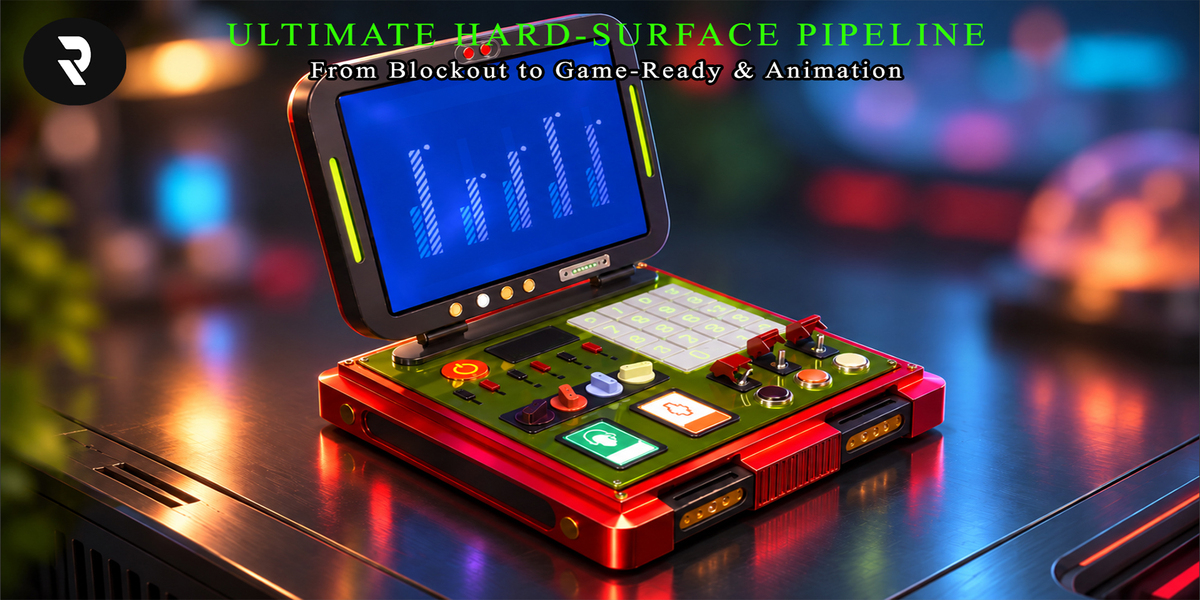
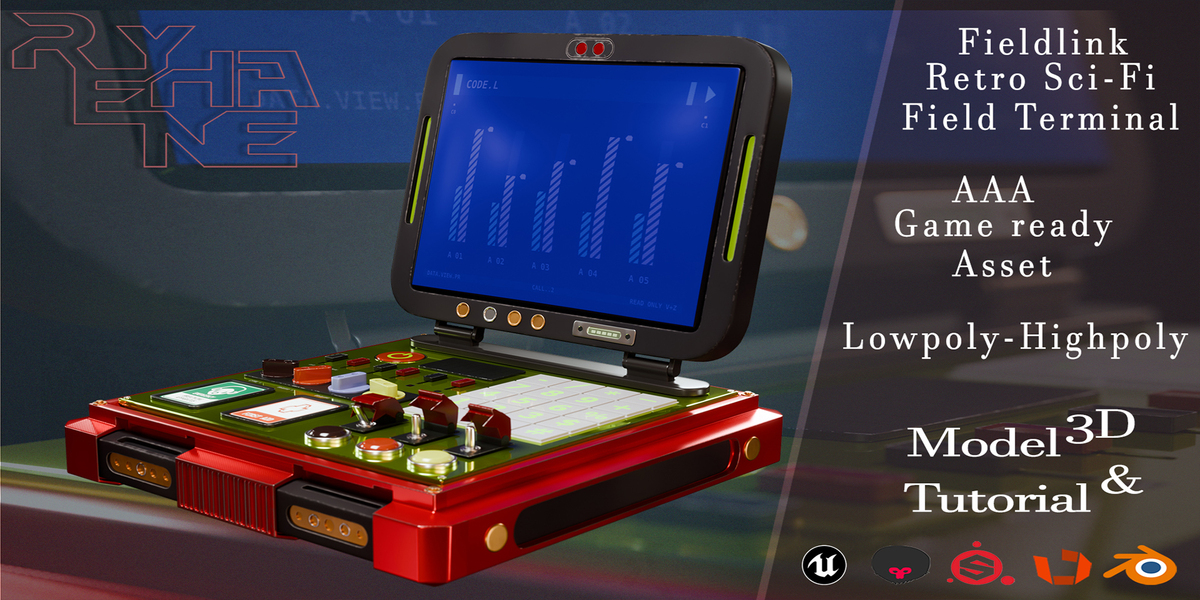
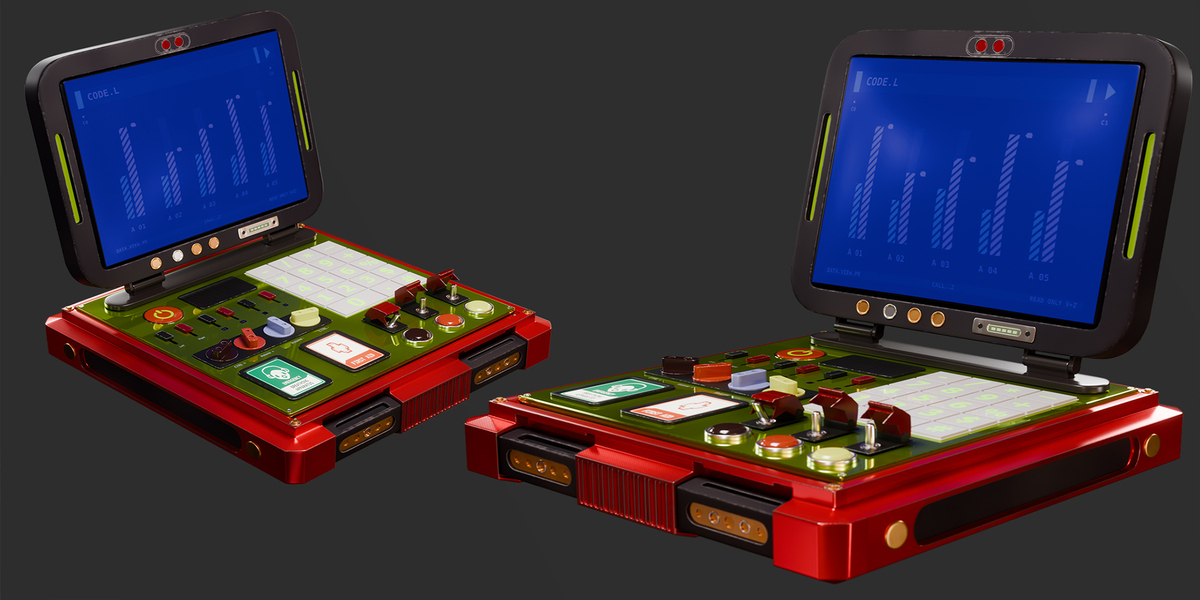
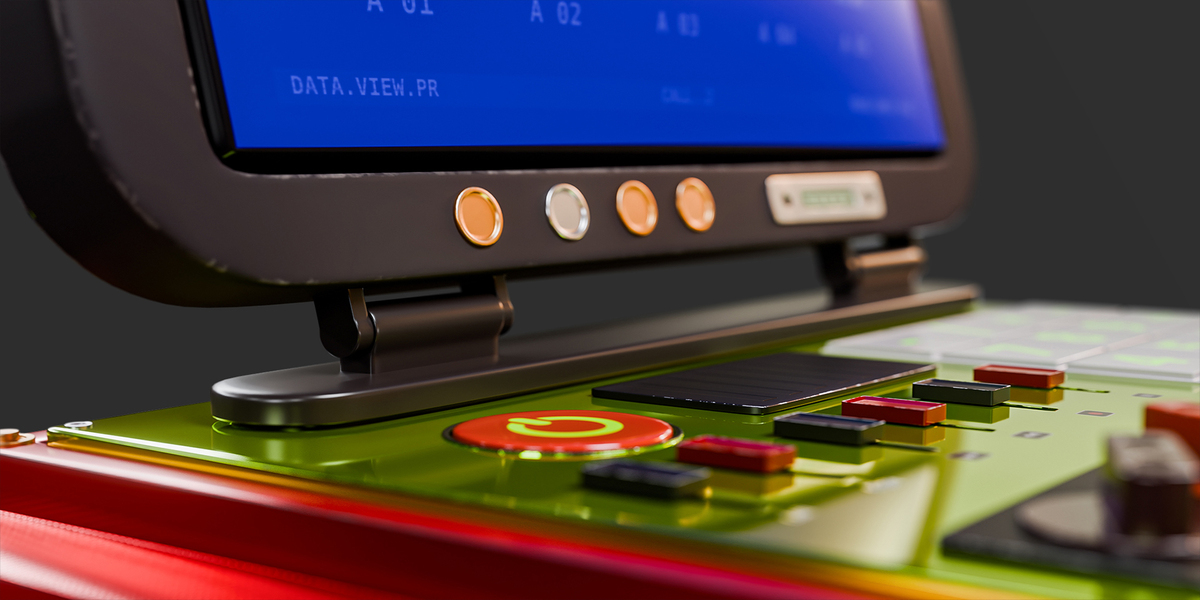
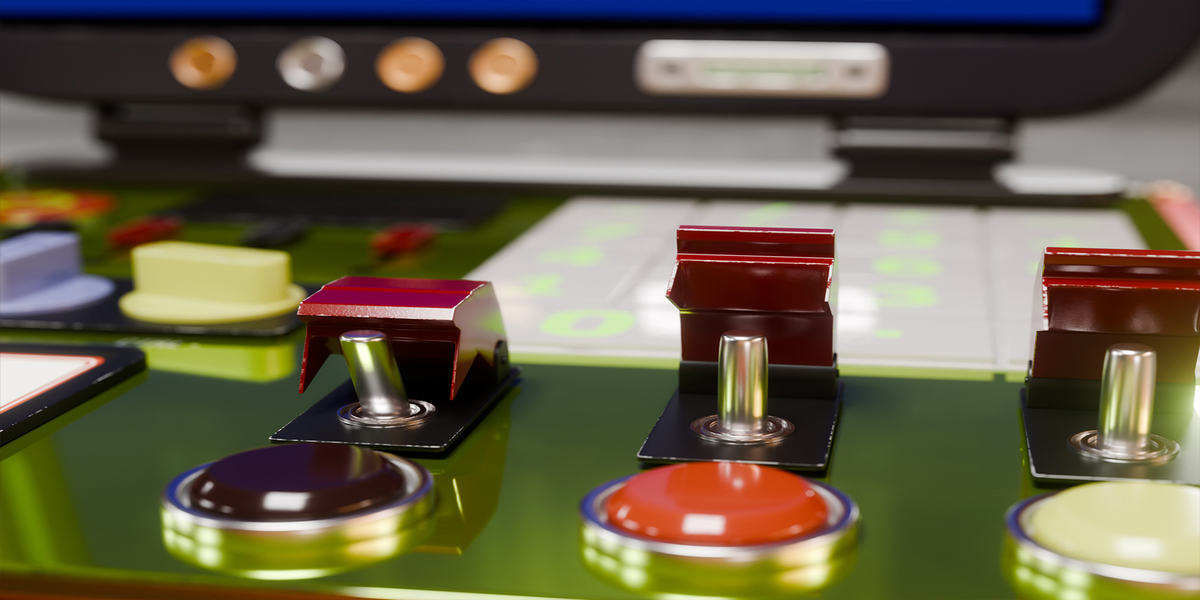
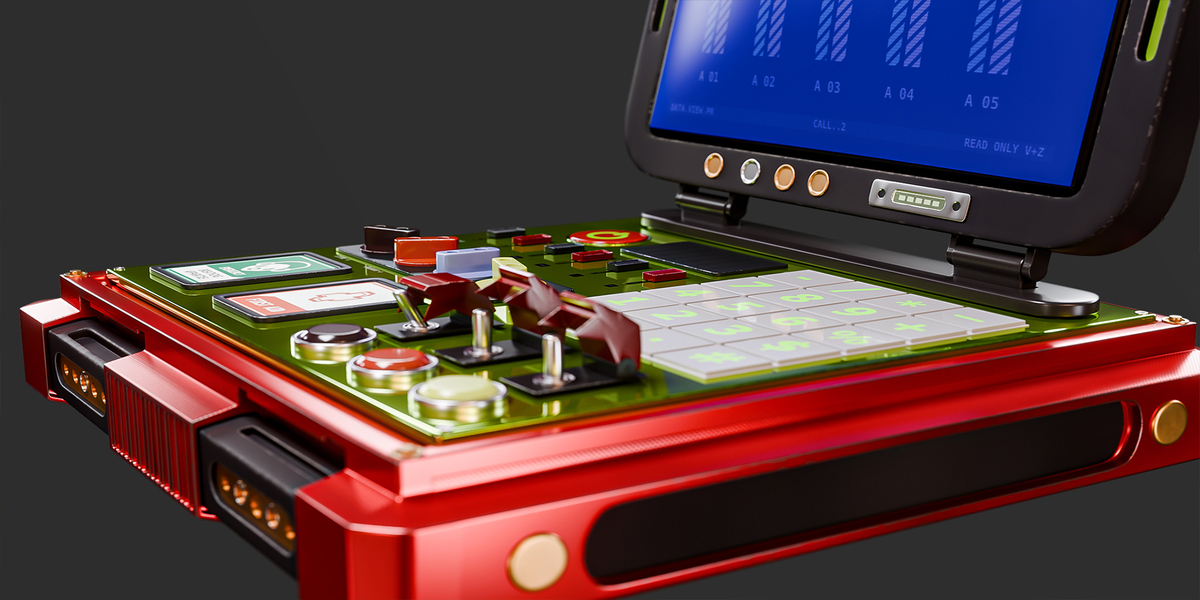
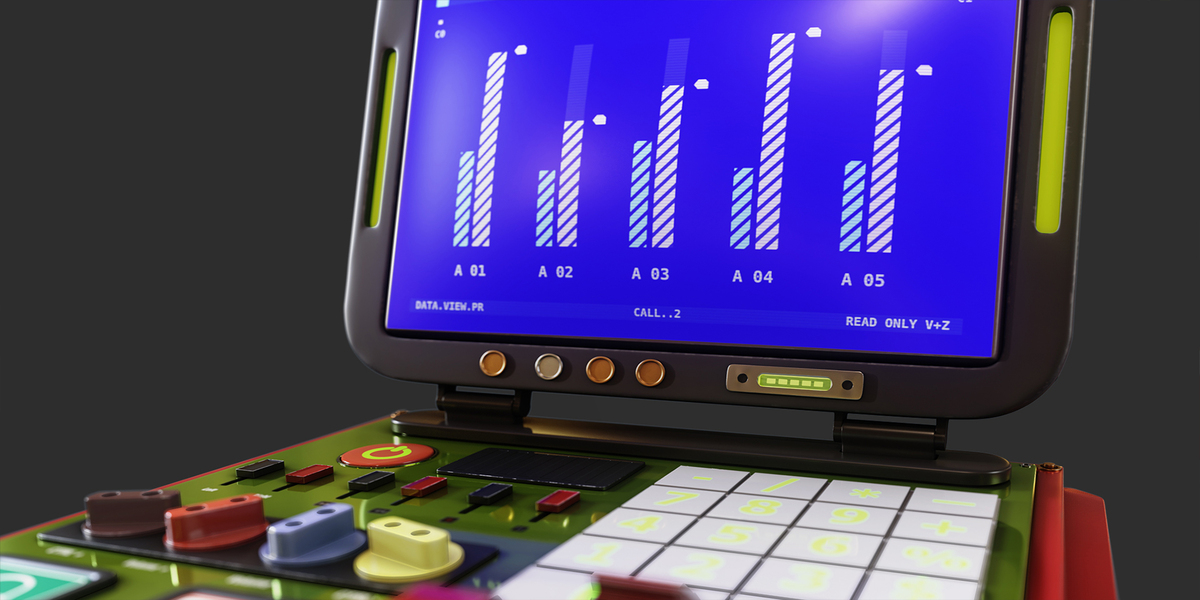
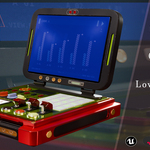
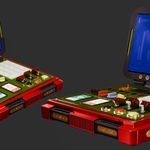

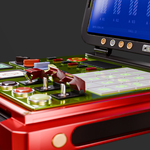
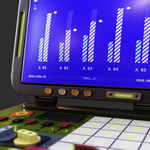
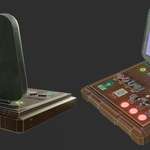
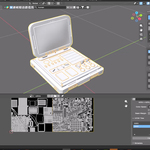
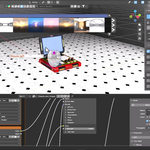
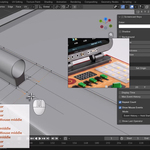
Fieldlink – Retro Sci-Fi Field Terminal
Product Documentation & User Guide
Created by Reyhane3D
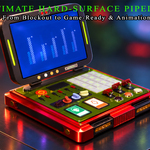
Thank you for your interest in Fieldlink, a detailed retro-futuristic portable field terminal designed for sci-fi games, cinematic environments, and professional hard-surface 3D workflows.
This documentation explains the package contents, technical specifications, file compatibility, texture setup, and included tutorial.
1. Technical Specifications
| Property | Details |
|---|---|
| Asset Name | Fieldlink – Retro Sci-Fi Field Terminal |
| Asset Type | Hard-Surface / Sci-Fi Environment Prop |
| High-Poly Geometry | 3,679,536 Triangles |
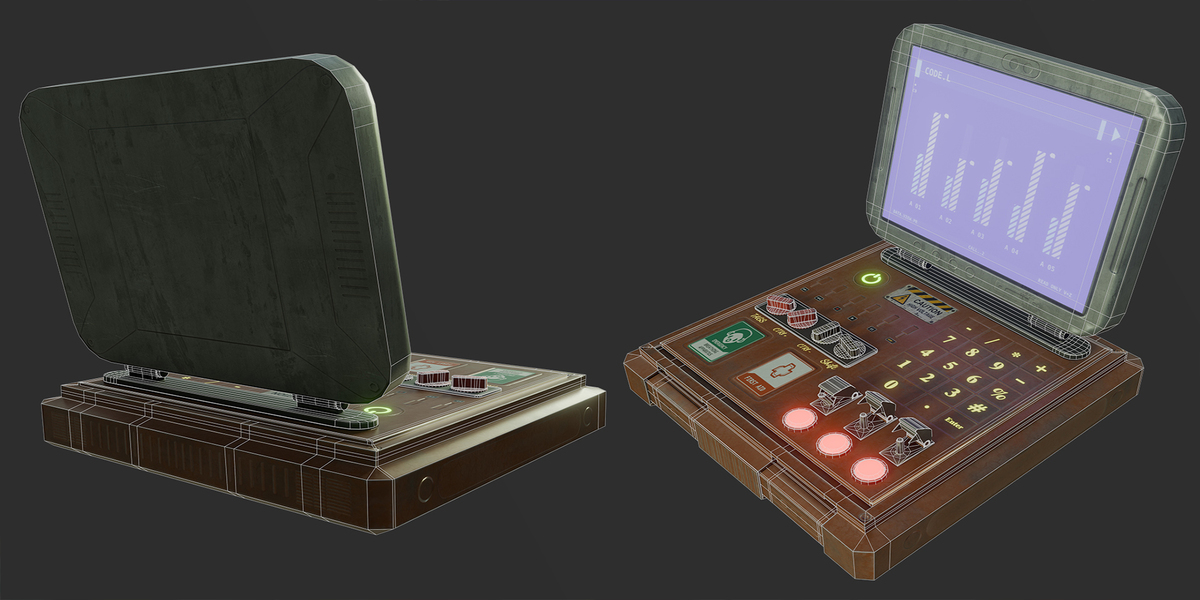
| Low-Poly Geometry | 12,042 Triangles |
| Texture Resolution | 4096 × 4096 (4K) |
| Texture Workflow | PBR Metallic / Roughness |
| UV Mapping | UV Unwrapped |
| 3D File Formats | BLEND, FBX, OBJ |
| Tutorial Duration | 7+ Hours |
| Tutorial Language | Silent / No Voice-Over |
2. Included Package Contents
High-Poly Model
Detailed original high-poly source geometry
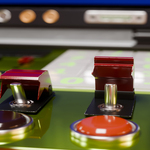
Mechanical components, buttons, switches, connectors, and display assembly
Suitable for detailed rendering, editing, and texture-baking workflows
Optimized Low-Poly Model
12,042-triangle game-ready geometry
UV-mapped and textured
Suitable for compatible real-time applications and game engines
Editable Blender Files
Native
.blendproject filesEditable asset geometry and materials
Additional 3D Formats
.fbxfor compatible game engines and 3D applications.objfor general 3D software compatibility
4K PBR Texture Maps
Base Color
Roughness
Metallic
Normal
Ambient Occlusion
Complete Workflow Tutorial
More than 7 hours of production footage
Silent screen-recorded tutorials
Visible mouse movements, clicks, and keyboard indicators
3. Getting Started
Using the Asset in Blender
Extract the downloaded package.
Open the included
.blendproject in a compatible Blender version.Locate the required high-poly or low-poly model.
Review the material and texture assignments.
Relink any missing texture paths if necessary.
Adjust lighting, materials, and rendering settings for your scene.
Using FBX or OBJ Files
Open your preferred compatible 3D application or game engine.
Import the appropriate FBX or OBJ model.
Import and assign the included PBR texture maps.
Verify normal-map orientation and texture color-space settings.
Adjust materials and scene scale as required by your software.
Material adjustments may be necessary when transferring the asset between different rendering engines.
4. PBR Material Setup
The provided texture maps follow a Metallic/Roughness workflow.
Base Color: Surface color information.
Roughness: Controls surface reflection and microsurface appearance.
Metallic: Defines metallic and nonmetallic surface behavior.
Normal: Adds high-poly surface detail without increasing low-poly geometry.
Ambient Occlusion: Adds contact and cavity shading information.
For Blender, Base Color is generally treated as a color texture. Roughness, Metallic, AO, and Normal textures should be treated as data rather than color information.
Connect the Normal map through an appropriate Normal Map node.
5. Complete 7+ Hour Tutorial
The included silent workflow tutorial demonstrates the professional production process used to create Fieldlink.
Covered Topics:
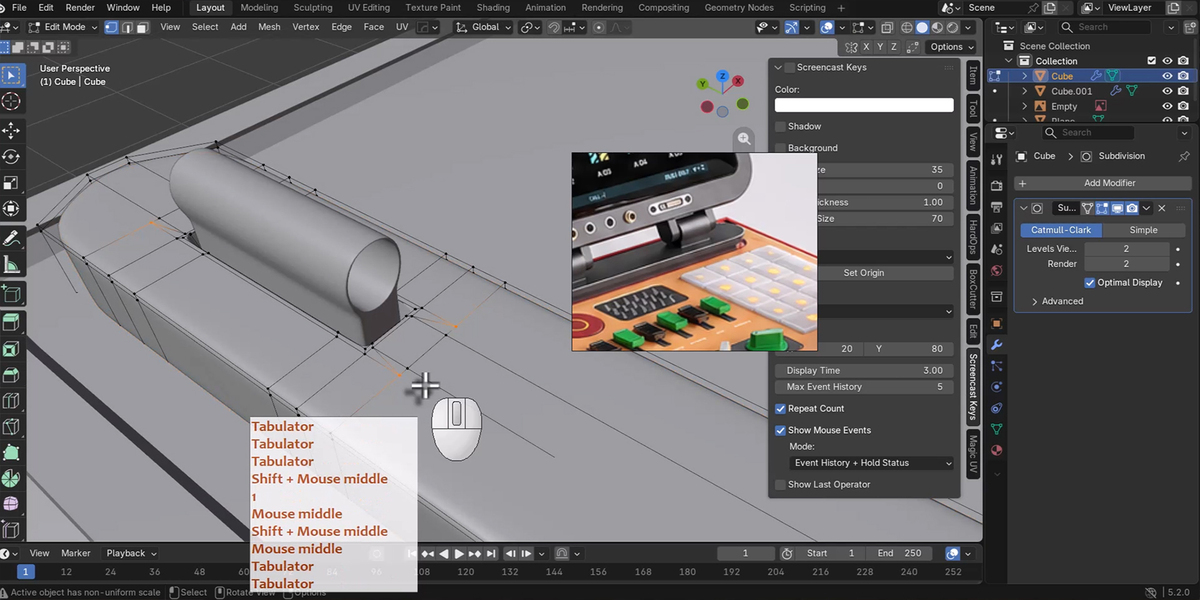
High-Poly Hard-Surface Modeling in Blender
Mechanical Component Construction
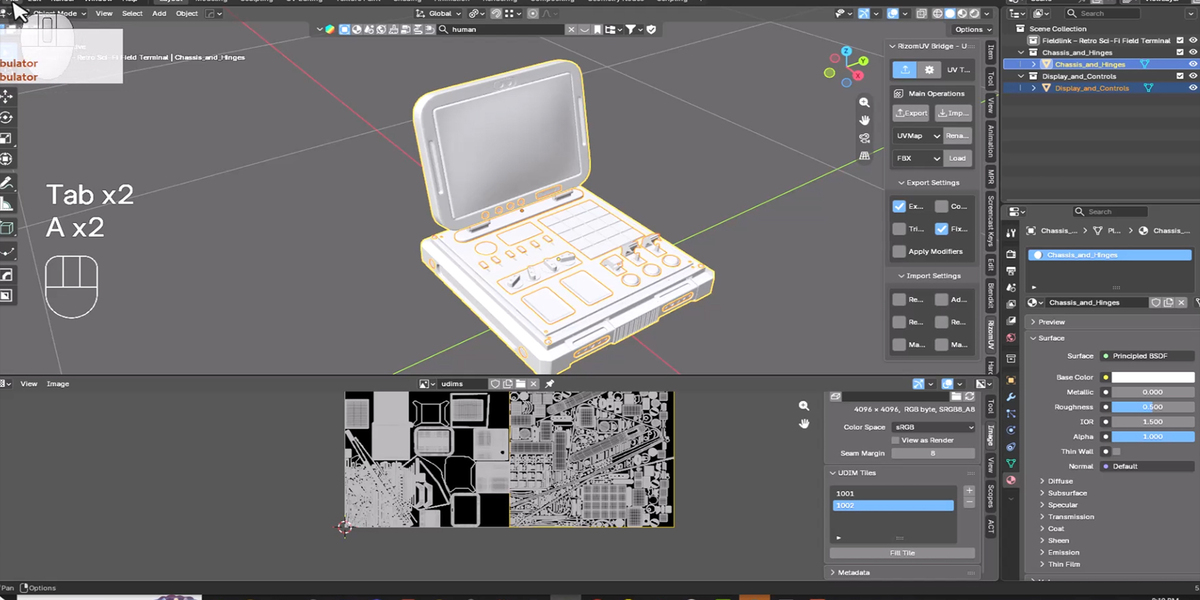
UV Unwrapping in RizomUV
High-to-Low Texture Baking
PBR Texturing in Substance 3D Painter
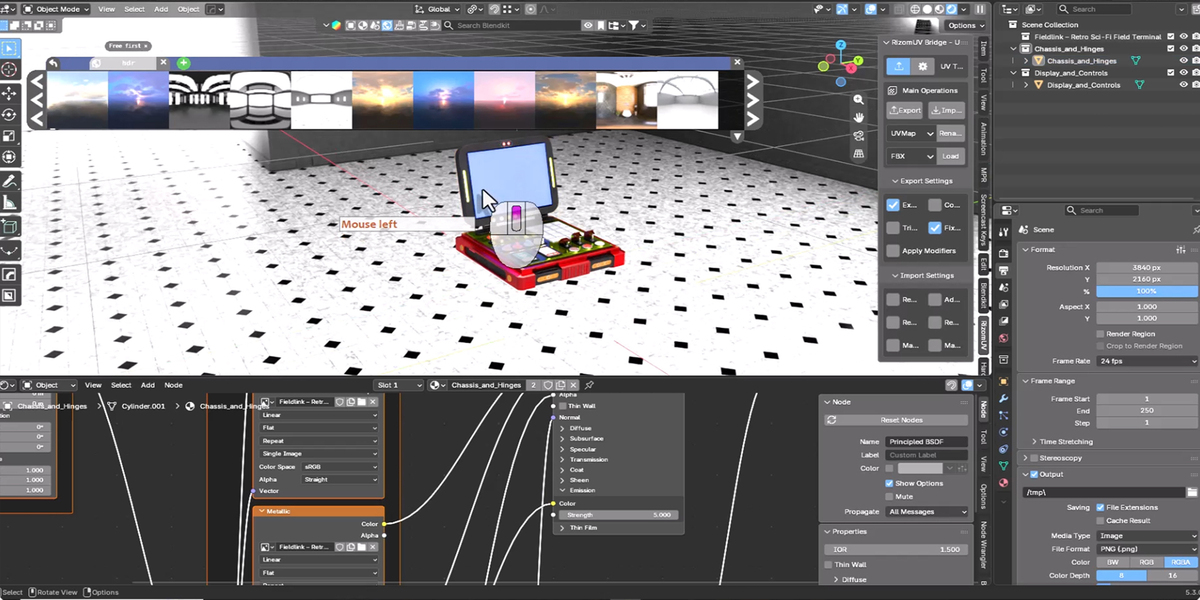
Material and Lighting Setup
Rendering in Marmoset Toolbag
Cinematic Rendering and Animation Workflow in Blender Cycles
Game-Ready Geometry Optimization
Wireframe Presentation
Unreal Engine 5 Import and Material Setup Workflow
Important: The tutorial is a silent screen recording without spoken commentary.
6. Software Information
Software demonstrated during production:
Blender
RizomUV
Adobe Substance 3D Painter
Marmoset Toolbag
Unreal Engine 5
You do not need every application listed above simply to use the exported 3D asset.
The additional software is relevant when following or reproducing the corresponding tutorial stages.
7. Important Notes
The asset is designed as a detailed sci-fi 3D prop.
The included low-poly model is optimized for real-time workflows, but performance depends on the target project and platform.
Materials may require adjustment when importing into other software or game engines.
Tutorial footage demonstrating animation does not necessarily mean an animation-ready rig is included.
A ready-made Unreal Engine project is not guaranteed unless explicitly listed among the downloadable files.
Exact compatibility may vary depending on software and version.
Please review the selected product license before using or distributing the asset.
8. Video Preview
Fieldlink – 3D Modeling Timelapse
Reyhane3D
Professional Hard-Surface 3D Assets for Games & Cinematics.
Have questions about this product?
Login to message
| Published | about 19 hours ago |
| Blender Version | 3.6 - 5.3 |
| Render Engine Used | Cycles |
| Misc Data | Uvs-Unwrapped, Low-High-Resolution, Normal-Mapped, Textured |
| License | Royalty Free |
Discover more products like this
low poly hard surface 3D game asset cyberpunk Retro-futuristic electronic prop blender pbr-textures Sci-fi props game ready Computer Terminal Sci-Fi Terminal