 Makatopia


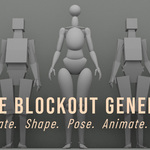
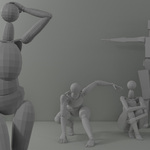
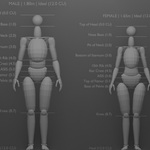
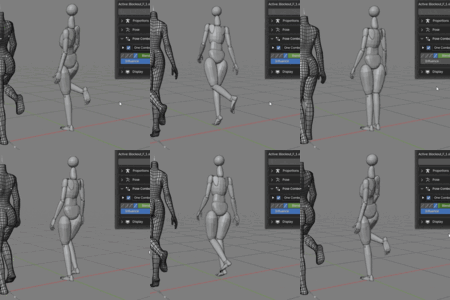
A generated figure foundation.
Figure Blockout Generator (FBG) is a Blender add-on for generating proportioned human blockout figures. It lets you shape the figure proportions, pose it through dedicated controls, use the generated meshes as a modeling base, or take the blockout further into animation and baked armature output.
THE WORKFLOW
One generated figure, five practical stages.
The sections below show the main stages FBG can support, from the first generated blockout to animation and baked output.
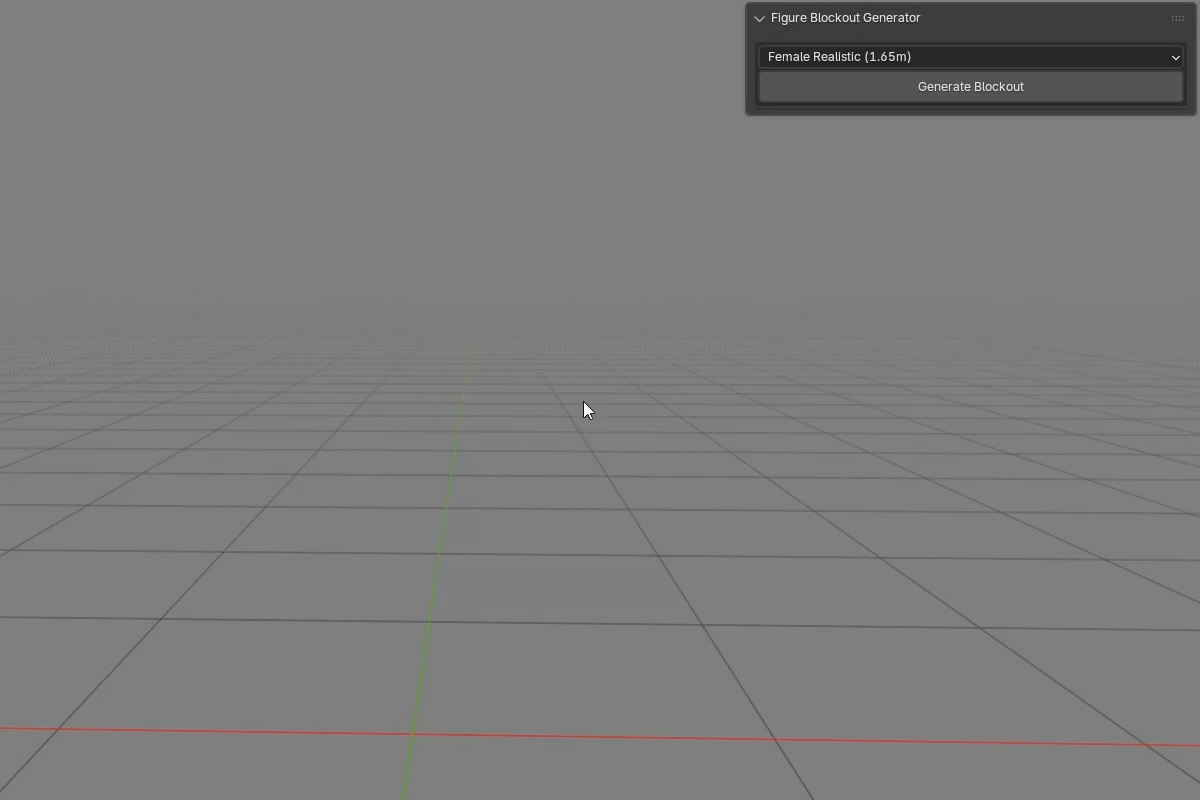
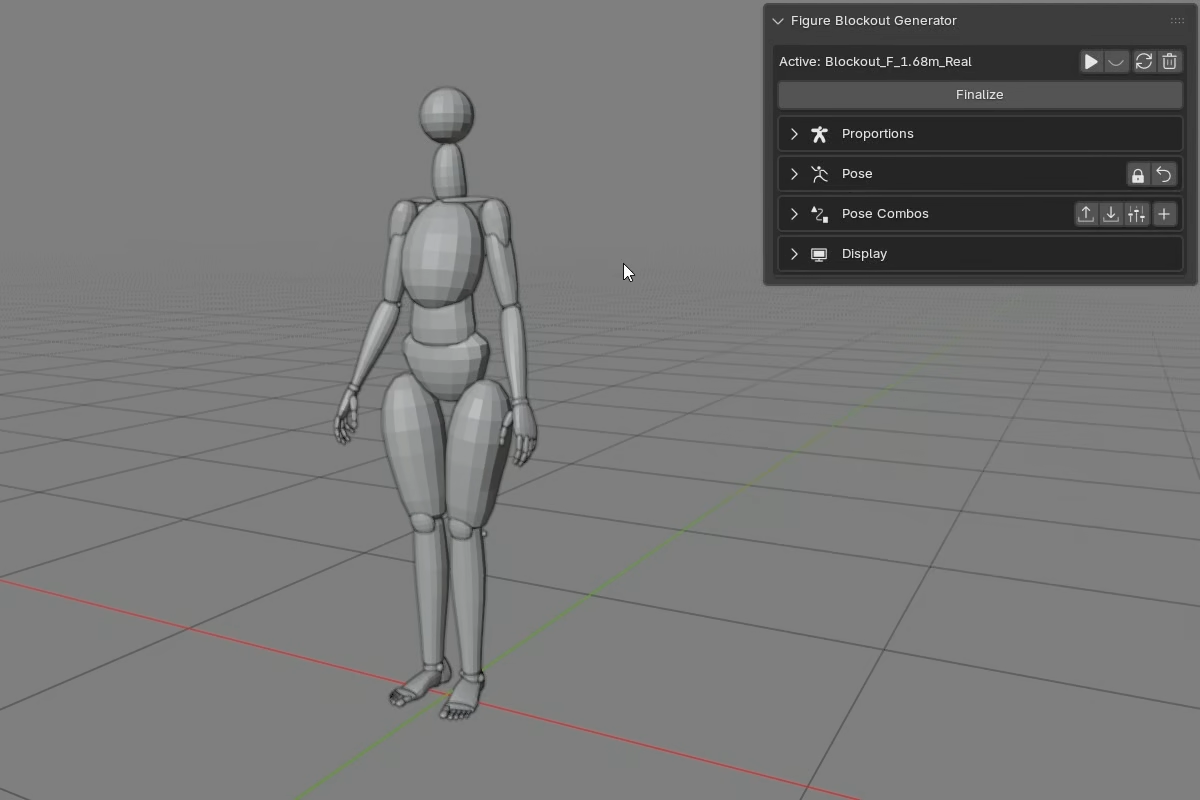
| 01 / GENERATE Generate the blockout foundation.FBG does not import a premade base mesh. It builds the figure directly in your scene. Instead of placing every primitive by hand, you generate the full blockout with one button. The figure is made of normal Blender mesh objects. From the moment the blockout is generated, you can select those objects, edit them, or use them like any other mesh data in the scene.
| 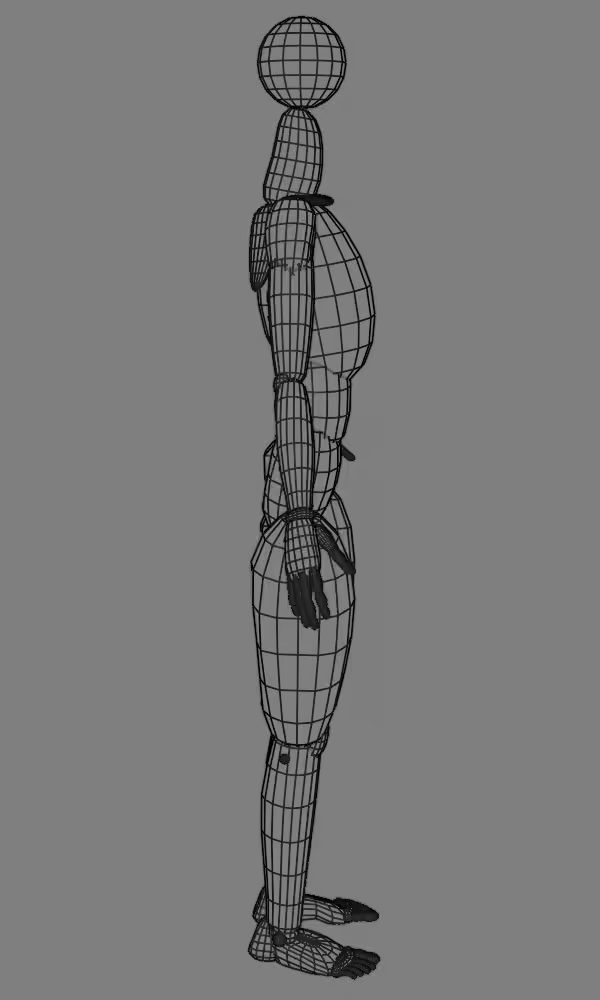 |
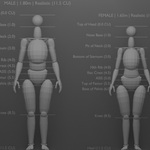
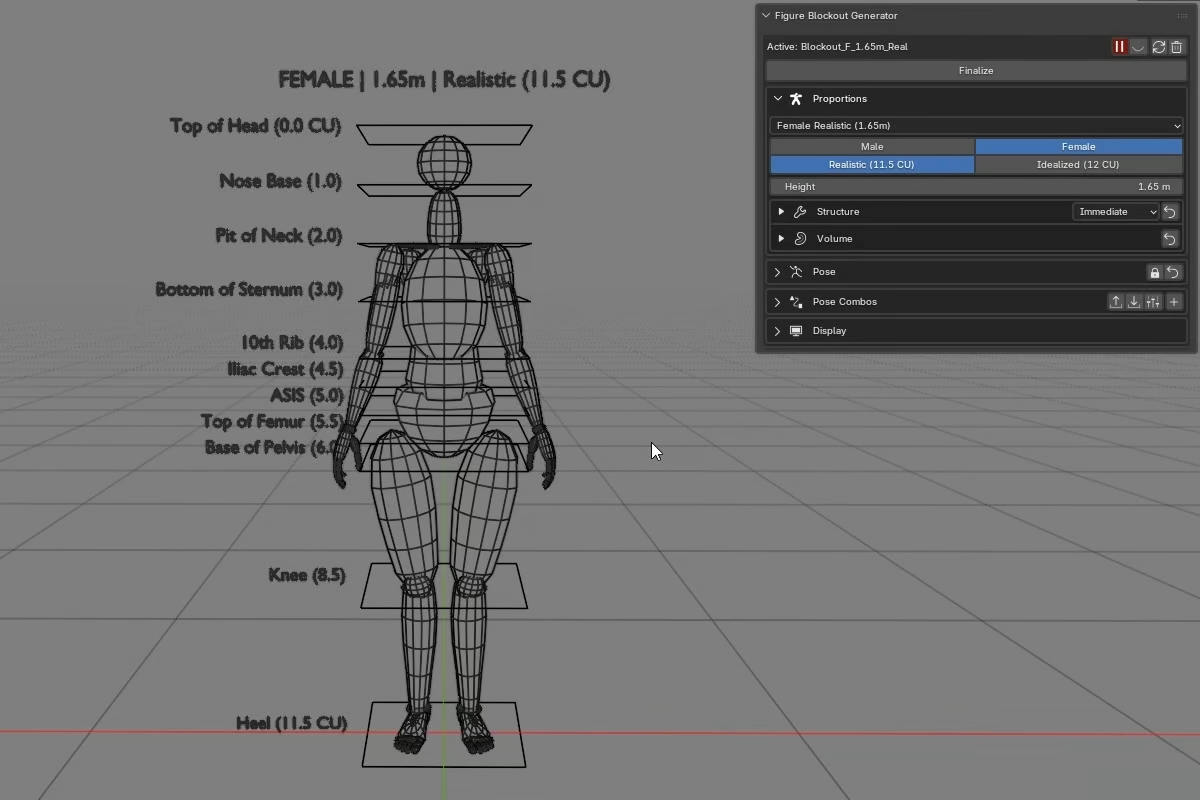
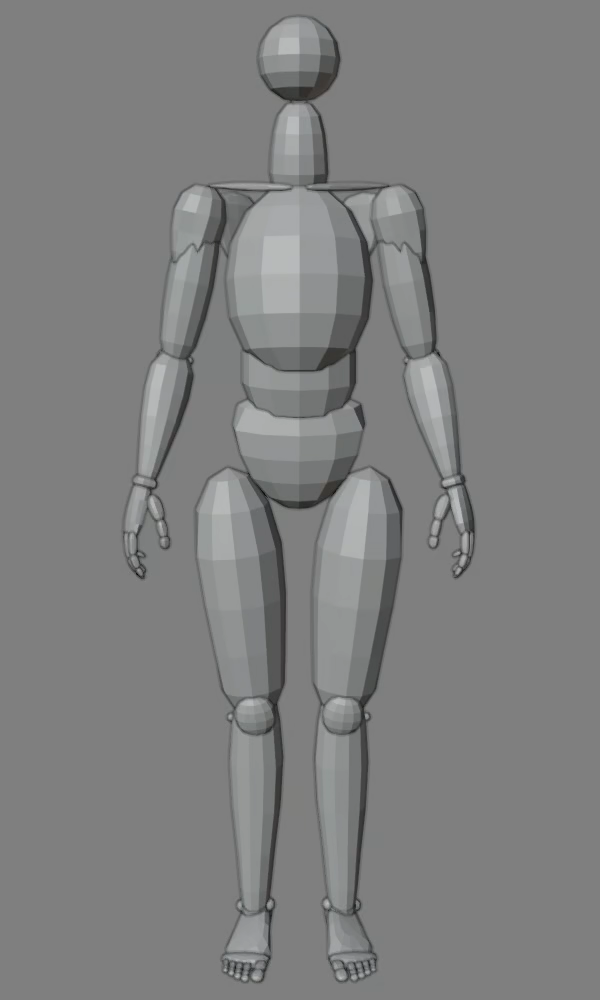 | 02 / SHAPE Shape the figure's build.A preset is only the starting point for the generated blockout. From there, you can configure the figure toward the body you need. Set the height, choose the gender base, and select the proportion type. Use Structure controls for the body layout, such as width relationships, limb lengths, and segment distribution. Use Volume controls to define visual mass on top of that structure.
|
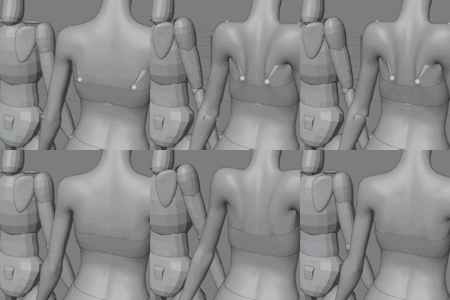
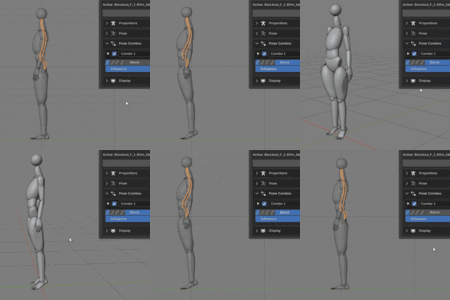
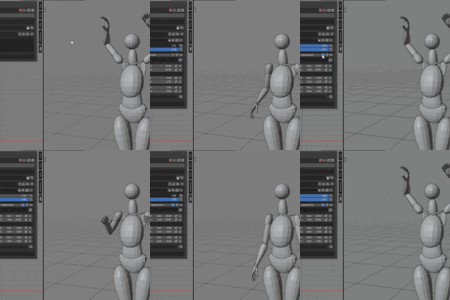
| 03 / POSE Property-driven pose workflow.FBG does not use a visible armature rig for posing. The pose controls live in the addon panel, where named properties drive the generated figure directly. Behind those controls, FBG solves the pose from the blockout's current build, so the pose system stays connected to the figure you shaped.
The documentation includes dedicated pages and examples for the full posing system. | 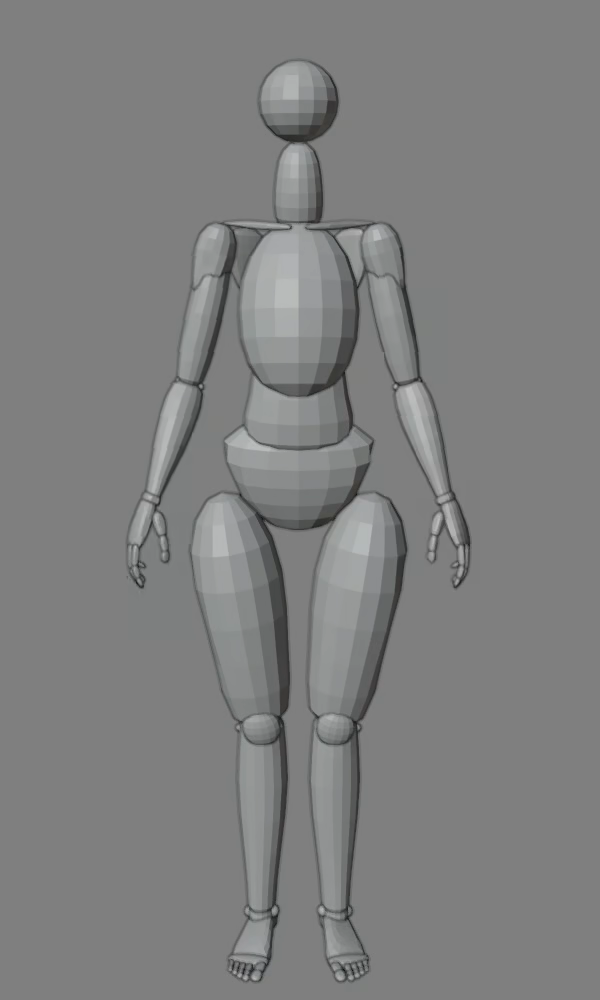 |
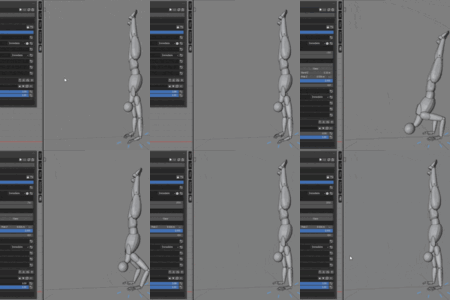
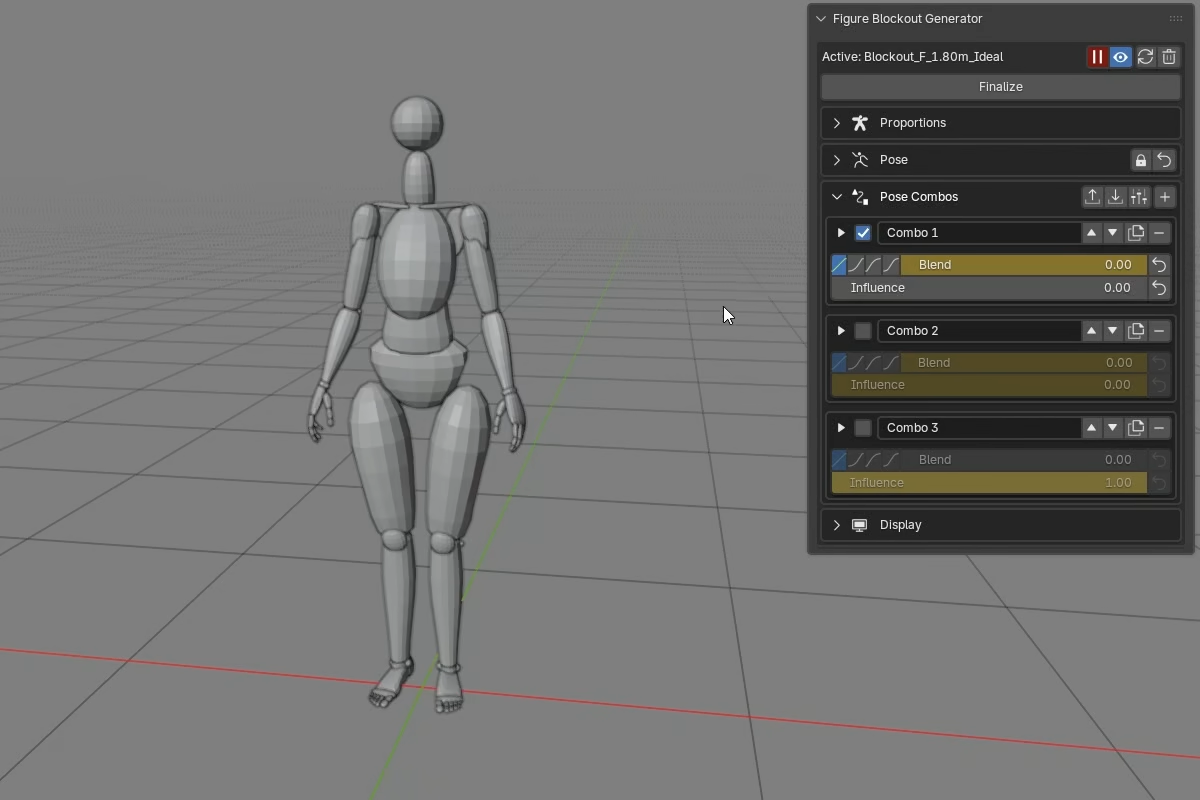
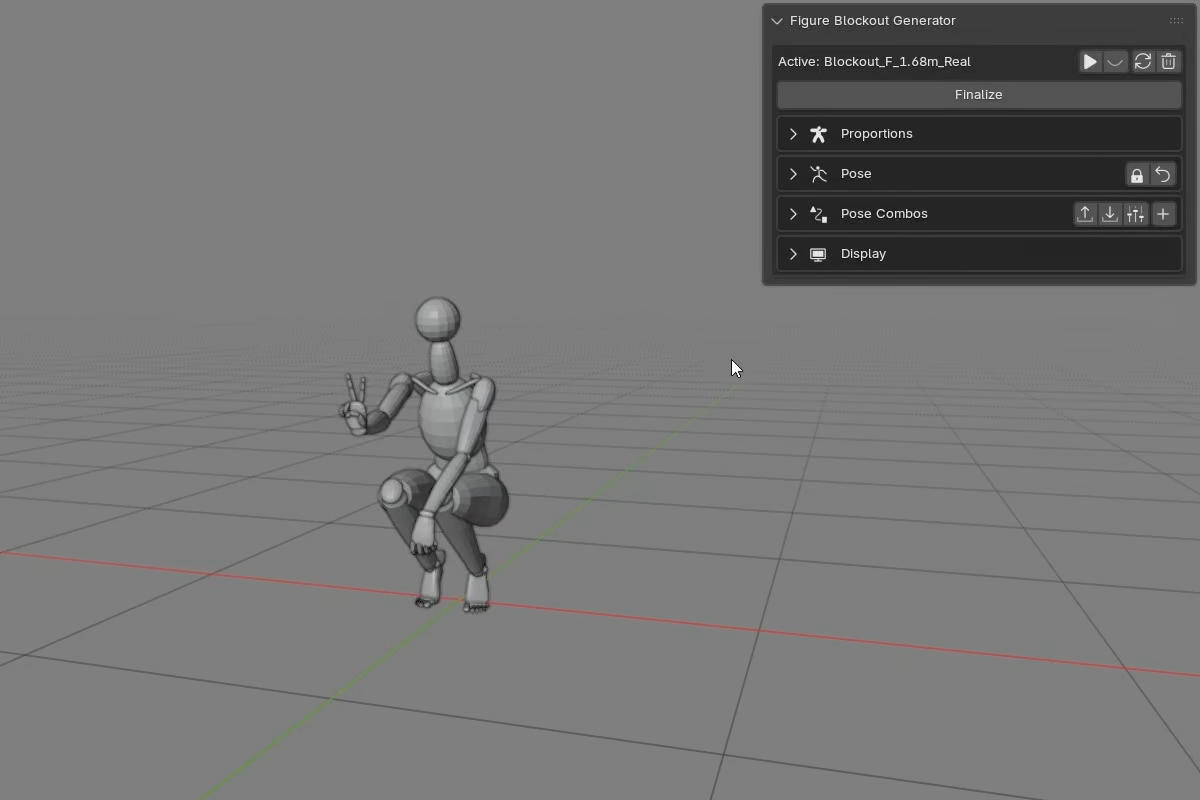
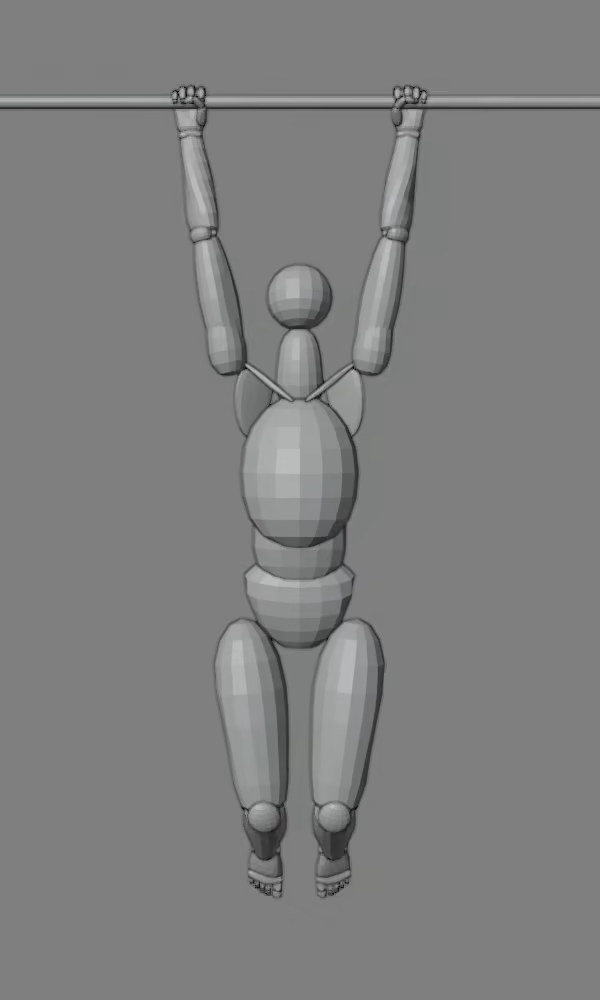 | 04 / ANIMATE Build motion with Pose Combos.Pose Combos are custom layers for FBG's pose properties. Capture a Start pose, capture an End pose, then use one Blend slider to interpolate between those stored poses. They go further than simple pose storage. Combos evaluate as a stack, from top to bottom, so multiple combos can layer, override, or mix together to build different results. Combo setups can also be saved as presets and reused later.
|
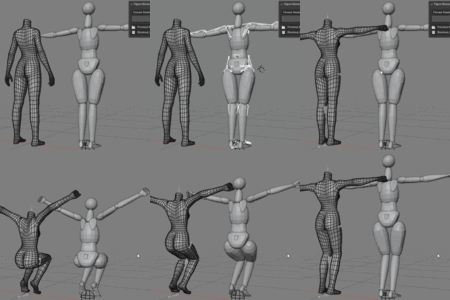
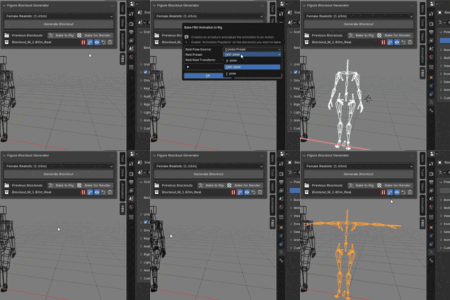
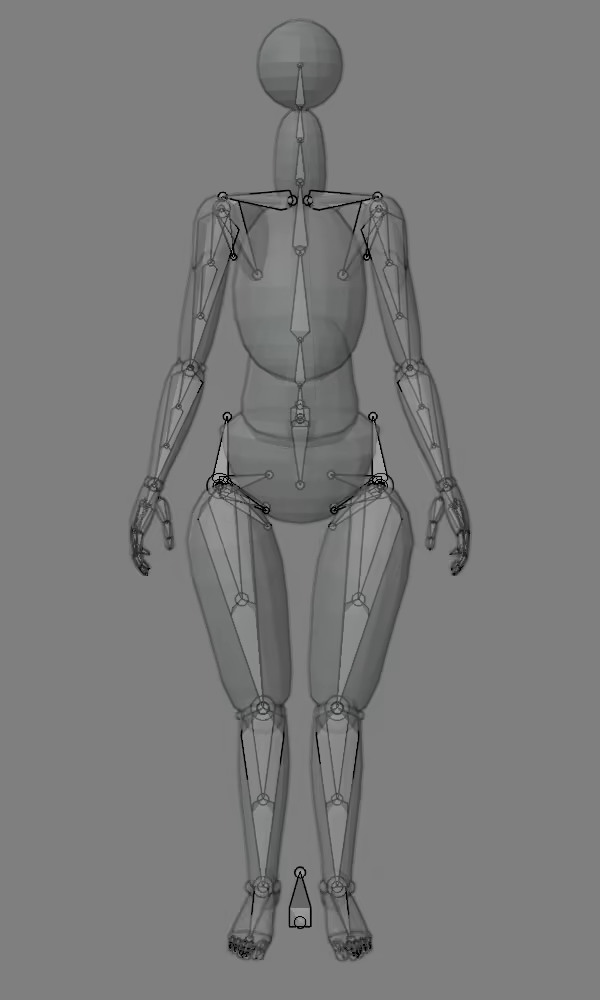
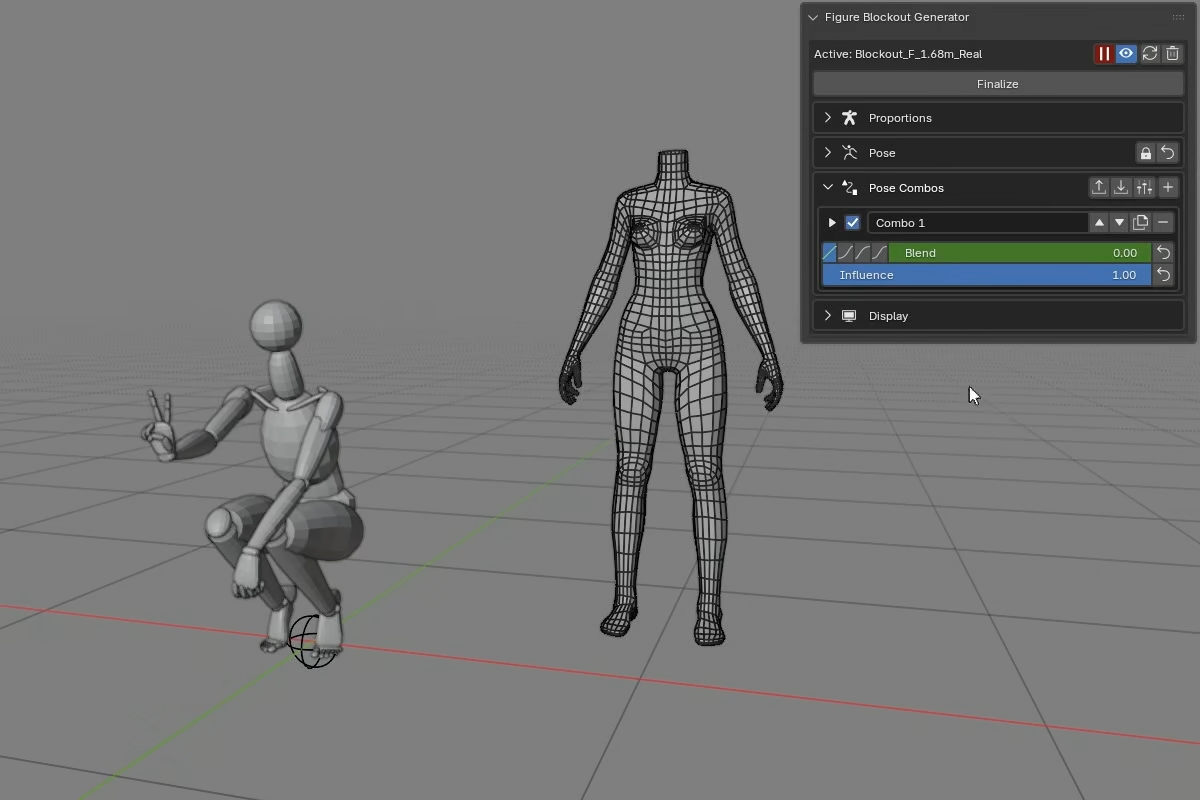
| 05 / BAKE Send the blockout downstream.FBG can pose and animate the generated blockout, but the result does not have to stay inside the add-on. Bake to Rig is the way out. It creates a standard Blender armature and writes the evaluated motion onto it as an Action. The rig is built from the figure you actually shaped, not from a fixed template. Change the proportions, then bake, and the generated armature follows that structure. Use it as a binding target or as a clean handoff point for further rigging work.
|  |
WORKFLOW NOTES
A few practical details.
- You can keep several blockouts in the same scene, but only one can be active and open for editing at a time.
- Finalizing a blockout puts it aside, but you can bring it back later for more changes.
- Animated blockouts are evaluated through FBG's own pose system, so live playback can be heavier than a native Blender rig.
USE CASES
The blockout does not have to follow one path.
A blockout can stay simple as posed figure meshes, or go further when you want to use it for animation and rigging.
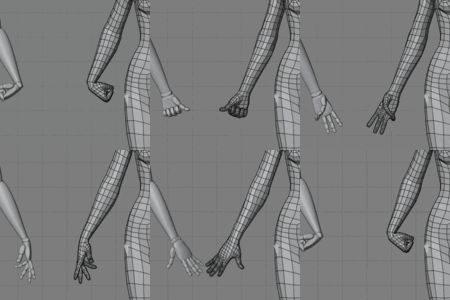
Blockout for modelingGenerate a blockout, finalize it, and use the mesh objects directly for modeling. Or pose the figure first when you want a specific silhouette before sculpting. The generated body masses and optional landmarks give you a proportioned reference to build from or compare against. | Pose and animationAnimate the figure with regular Blender keyframes. Key pose properties directly for local motion, or key Pose Combo channels when one Blend slider should drive a larger coordinated pose change. | Rigging and downstream workShape the blockout to match your character's proportions and pose, save that pose as a combo preset, then use Bake to Rig. The armature is built from the current figure proportions, with that combo preset used as its rest pose. |
THE IDEA BEHIND FBG
Why the blockout matters.
Blocking out a figure is one of the hardest early steps in character work. It asks for anatomical knowledge, proportional judgment, and a lot of repeated setup before the creative part can really begin.
The Method
I have always been inspired by Robert Beverly Hale's Cranial Unit method, an artistic anatomy approach for mapping human proportions through measurable relationships. Building that way by hand is valuable. It teaches you to look, compare, and understand the figure. However, after repeating the same proportional setup many times, I wanted a faster starting point that still respected that way of thinking.
Foundations, Not Shortcuts
FBG was born from that need. It is not a fixed mesh being imported, and it is not meant to give you a finished model. The blockout is made of simple generated objects, designed to give you a solid foundation while still leaving the modeling and design decisions in your hands.
Built for the Workflow
I wanted movement to stay connected to the figure's anatomy. FBG does not use a hidden standard Blender armature as its editing rig. Its posing system is built specifically for this generator, so the pose is solved from the current proportions. Change the leg length or leg-torso ratio, and the movement resolves from that new structure.
I also didn't want the workflow to stay locked inside the add-on. Bake to Rig is the bridge out: it converts the current proportions and evaluated animation into a standard Blender armature and Action, so the result can continue in standard Blender workflows.
FBG is a one-person project, built through a lot of design, testing, debugging, and iteration.
FIGURE BLOCKOUT GENERATOR
Start from a proportioned blockout, then build from there.
This page gives the broad overview. The documentation goes deeper into the practical details, examples, and behavior notes behind the workflow.
READ THE DOCUMENTATION