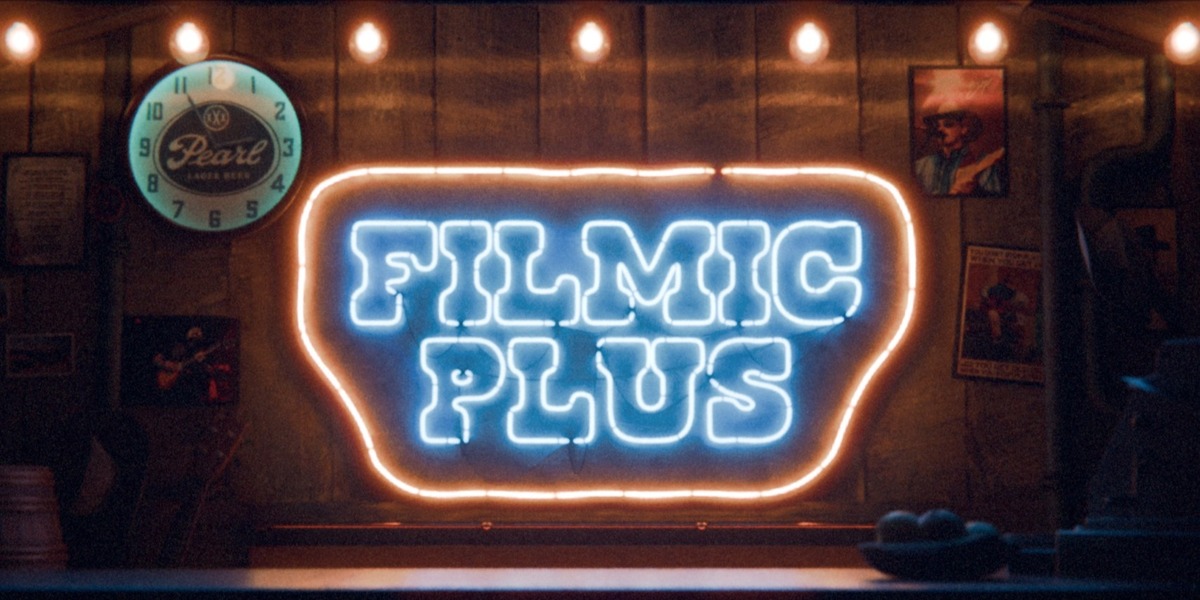
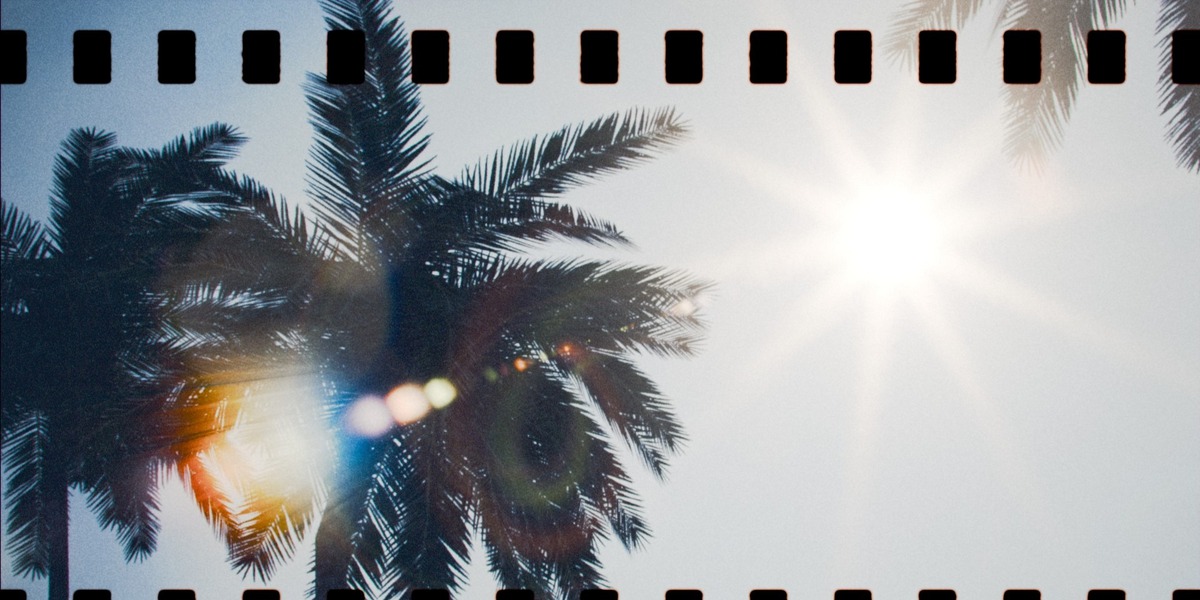
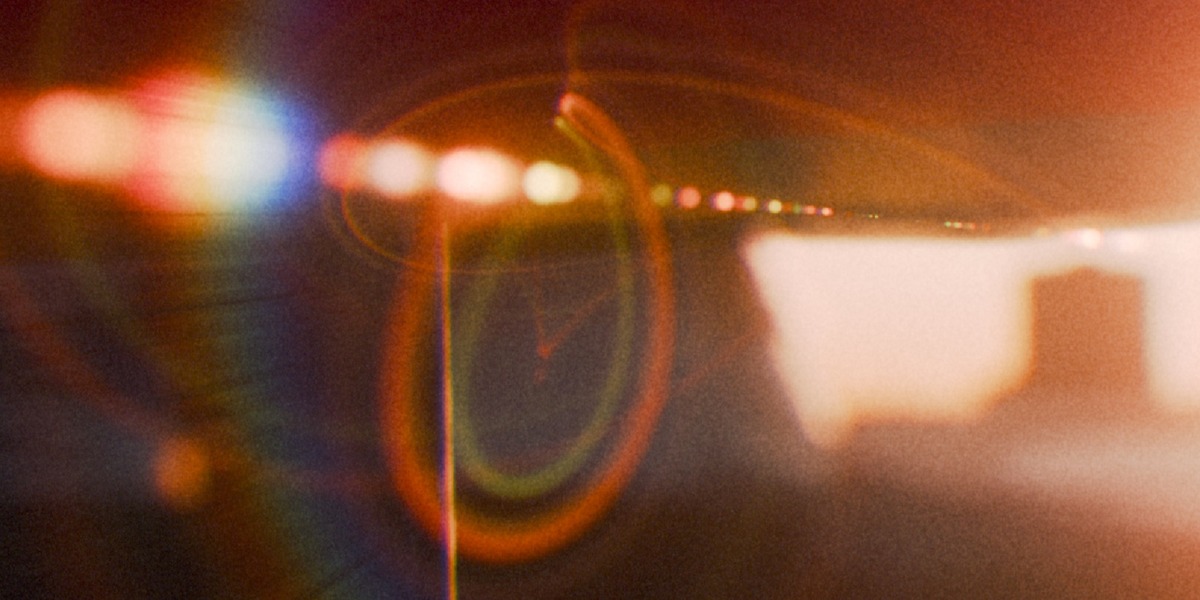
Filmic Plus - Complete Film Emulation For Cycles & Eevee
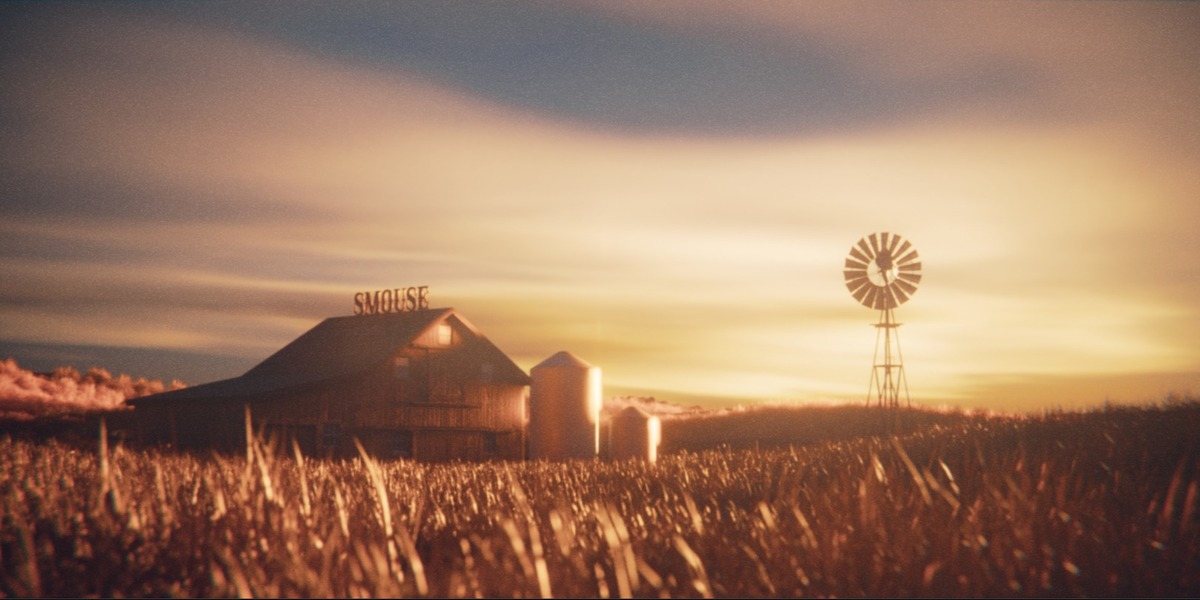
 SMOUSE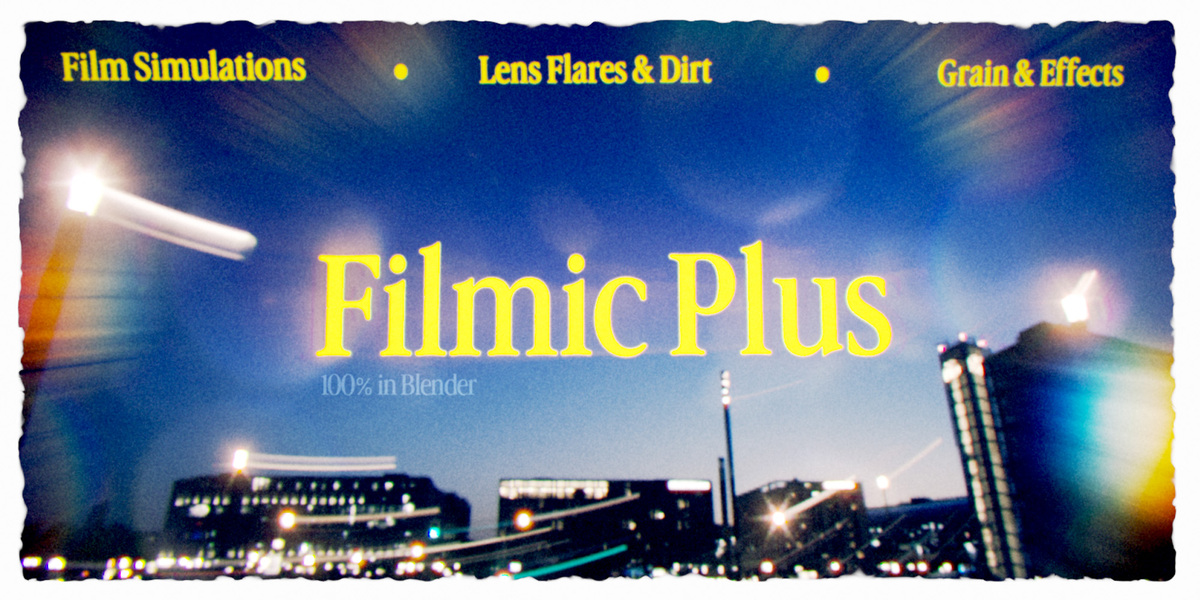




INSTALLATION GUIDE & MORE:
Install as an Asset Library.
> Unzip the download into a permanent folder you won't move or delete.
> Open Edit ▸ Preferences ▸ File Paths ▸ Asset Libraries and click the +.
> Select the unzipped Filmic Plus folder.
> Set the Import Method: to "Append", and finally hit Save Preferences.
> Open the Asset Browser, pick Filmic Plus from the library dropdown, and drag assets into your scene.
___________________________________________________________________________________
How to get Started:
1. Choose / Customize Film Recipe
2. Adjust Camera Settings
3. Adjust Lens Effects
4. Adjust Post Effects
5. Add a Frame is desired
Have questions about this product?
Login to message
| Sales | 70+ |
| Dev Fund Contributor | |
| Published | 5 days ago |
| Blender Version | 5.2 |
| Render Engine Used | Cycles, Eevee |
| License | Royalty Free |
Discover more products like this
lens dirt analogue film filmic color film grading film camera dslr film grain halation cinematic cycles lens flare fujifilm lensflare