Fir / Wreath Modifier (Geometry Modes Modifier)
 Dennis Hafemann



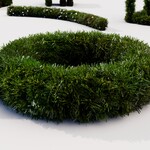
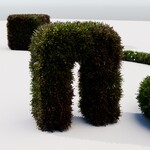
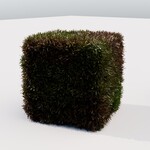





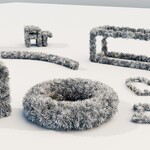
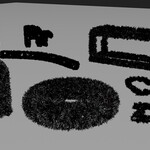
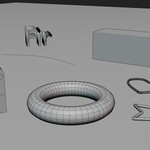
Fir / Wreath Modifier
|
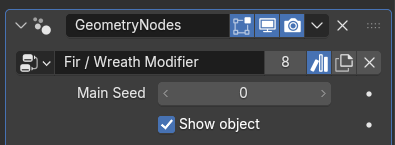
Main controllings, which doesn't fit into a category... Main / Overall random seed, Switch, if the main objects should be displayed. | |
|
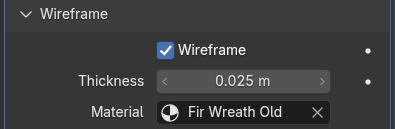
Turn your mesh into a wireframe, control the thickness, also the material. Also use this switch fo turn your curve into a fir garland. | |
|
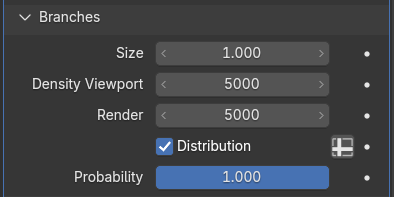
Creates invisible overall branches to distribute the needles on. Control the density, the distribution on your mesh (vertex group / weight mask), size, etc. | |
|
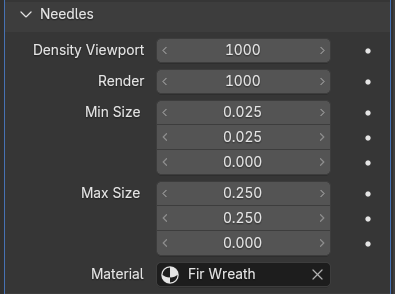
Control the main needles distribution by density, random min / max value proportions and material. | |
|
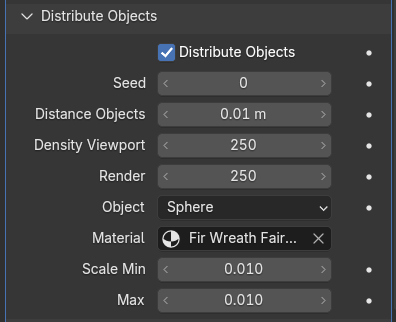
You can distribute fairy light objects, or custom objects, on your generated fir object. Use distance, density and scaling for tuning to your own needs. These objects are generated as instances, means, Fir / Wreath Modifier generates a random number from 0.0 to 1.0 for each instanced fairy light object, no matter if it's the default sphere or custom objects. You can use this random number via the "attribute (instancer)" fwm_rnd_instance_nr in materials. |
Versions Changelog
v2 (2025-12-05)
- Modifier separated in categories
- Create fir on mesh, from a integrated wireframe function, curve
- Distribution density splitted to viewport and render
- Distribution on vertex group / weight mask
- Integrated fairy lights (objects) distribution, to have to complete bunch for generating Christmas decoration
- Updated Materials: Fir and Old Fir, Colored and white fairy lights material
- "Fir / Wreath Modifier", assets, materials marked as assets
- (Blender version 4.1+)
v1 (2024-02-03)
- First initial version, modifier to distribute fir on a mesh.
- (Blender version 3.6+)
$3
Have questions about this product?
Login to message
| Sales | 20+ |
| Rating | 1 ratings |
| Dev Fund Contributor | |
| Published | over 2 years ago |
| Blender Version | 3.6 - 5.2 |
| License | Royalty Free |