 Fares Asem


Fire Generator
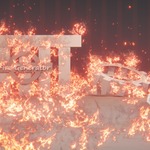
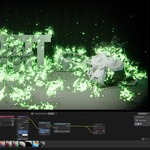
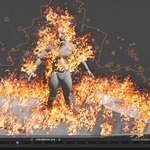
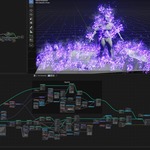
Fire Generator is a Geometry Nodes tool that creates animated stylized fire from points distributed on an object, collection, or custom mesh.
Each point generates a ribbon that always faces the camera and uses an animated fire material. The result is lightweight, fully procedural, and highly customizable for stylized scenes, and VFX.
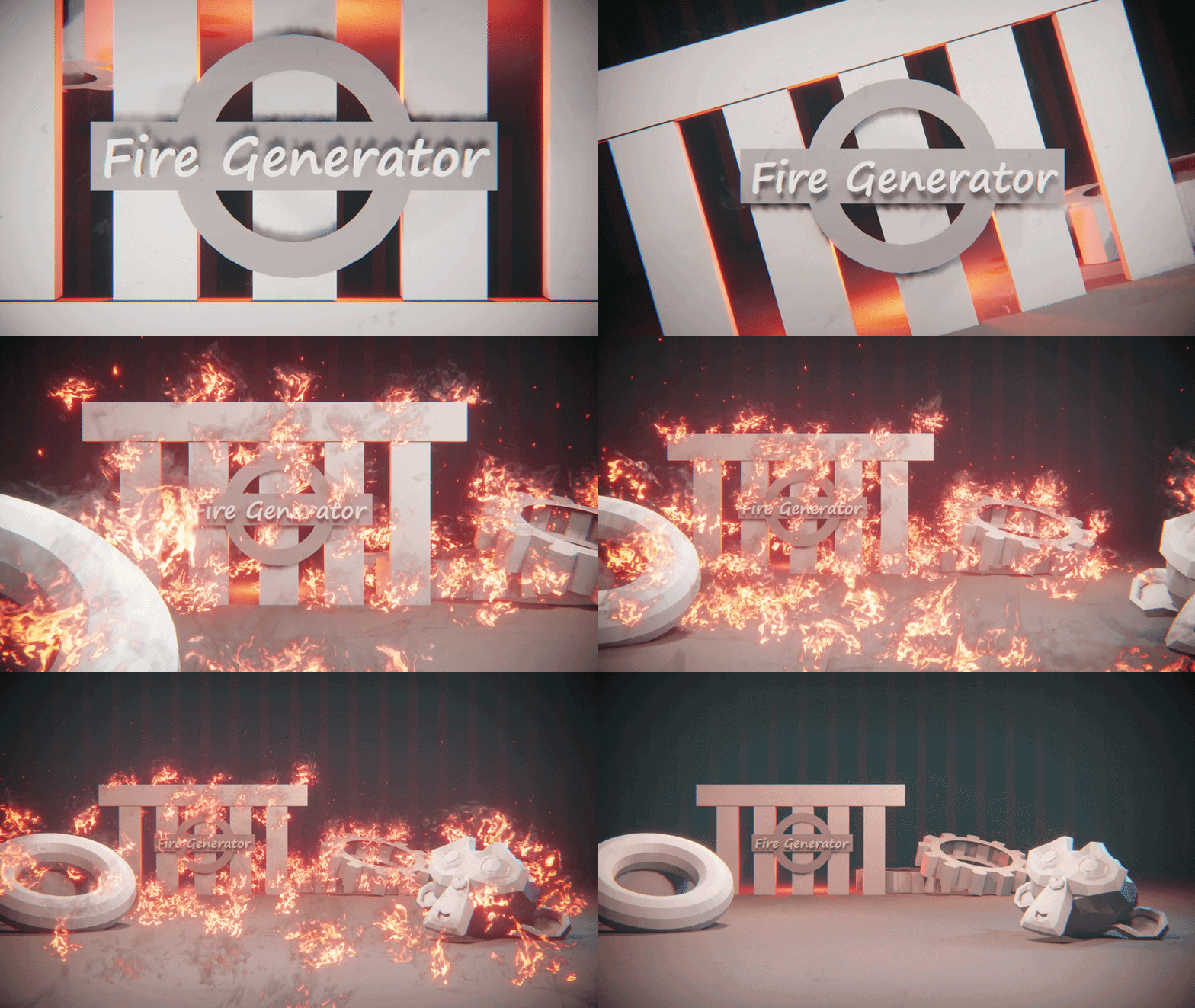
Create stylized animated fire in seconds. Simply choose an object or collection, and Fire Generator procedurally scatters animated flame ribbons with full control over density, size, direction, timing, noise, and sparks.
Features
- Fully procedural Geometry Nodes setup Works on objects or collections
- Animated fire material and procedural noise displacement
- Camera-facing flame ribbons
- Random flame size variation and Adjustable flame density and width
- Direction controls and Start and end frame controls
- Procedural sparks
- Lightweight and optimized
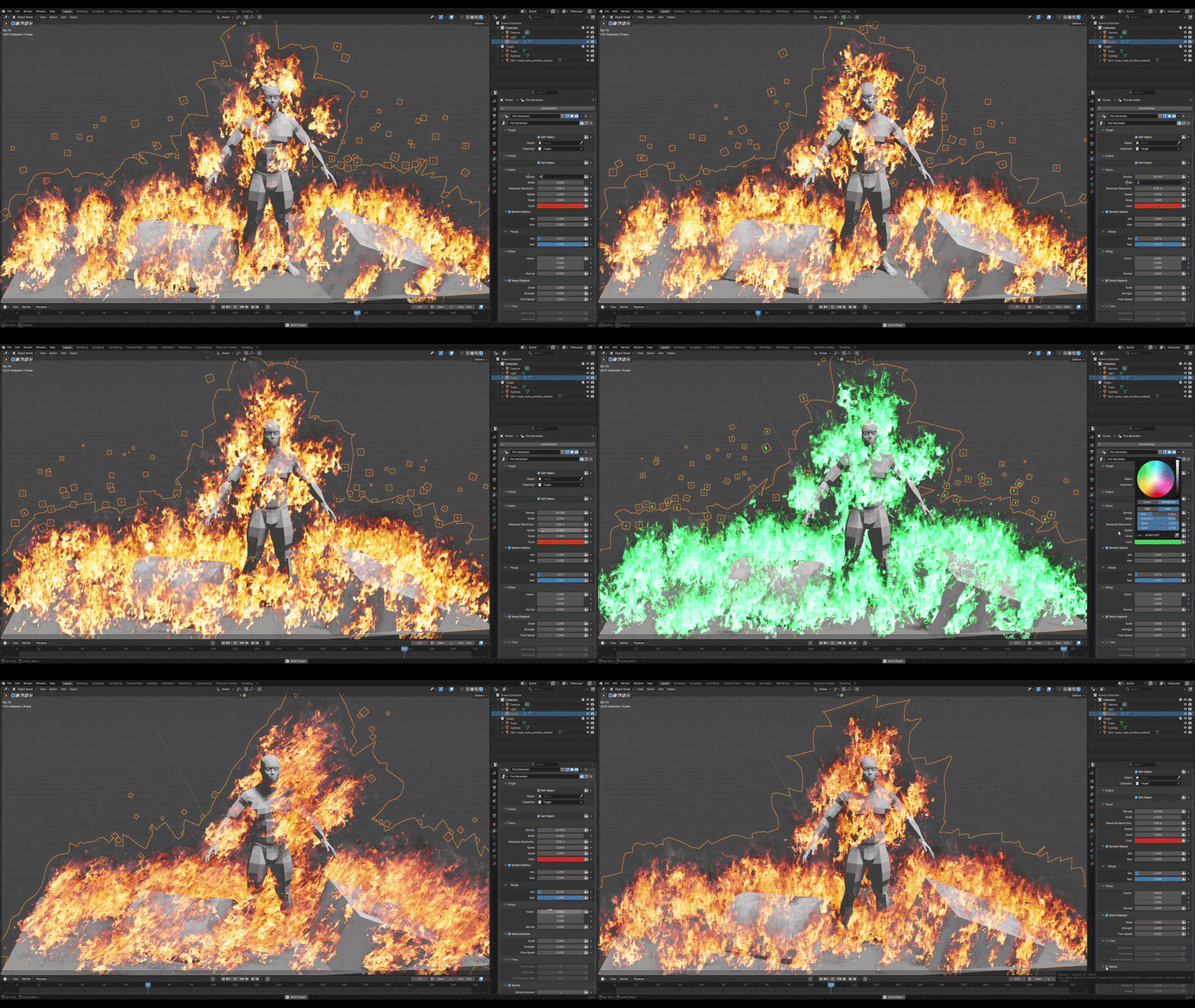
Parameters
Target
- Self Object – Uses the current object as the fire emitter.
- Object – Uses a specific object as the emitter.
- Collection – Generates fire from every object inside the selected collection.
Output
- Self Object – Outputs the original object.
Flame
- Density – Controls the number of generated fire ribbons.
- Width – Adjusts the width of each flame ribbon.
- Resample Resolution – Controls the spacing of generated mesh.
- Speed – Controls the animation speed of the fire material.
- Scale – Changes the overall flame size.
- Color – Changes the flame color.
Random Radius
- Minimum and Maximum width of each flame ribbon..
Range
Controls the visible portion of the fire material.
- Minimum and Maximum visible range, affecting the balance between flames and smoke.
Offset
- Vector – Moves the flames along the X, Y and Z axes.
- Normal – Offsets the flames along the emitter surface normal.
Noise Displace
Applies procedural noise to create more natural fire movement and control its:
- Scale, Strength and Flow Speed
Time
Controls when the fire appears during the animation through:
- Start Frame, End Frame and End Random Start – Adds a random delay to the start timing for a more natural fade-in.
Sparks
Adds animated sparks rising from the fire and control their:
- Density, Scale, Distance and Speed
Tips
- Increase Density for a fuller fire effect.
- Use Random Radius to create more natural-looking flames.
- Combine Noise Displace with Offset for dynamic fire movement.
- Enable Sparks to add extra realism.