 ZEG
ZEG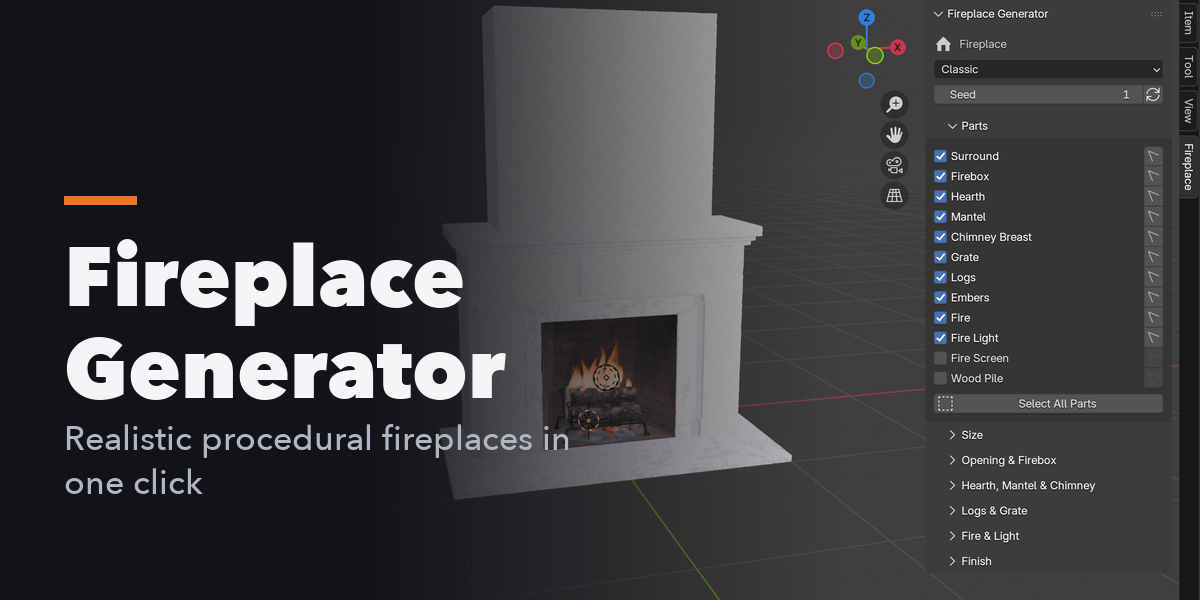
Installation
In Blender open Edit, Preferences, Get Extensions, then use Install from Disk and pick fireplace_generator-1.0.0.zip.
Usage
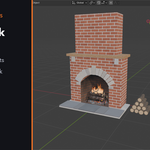
- In Object Mode press Shift+A and choose Mesh, Fireplace.
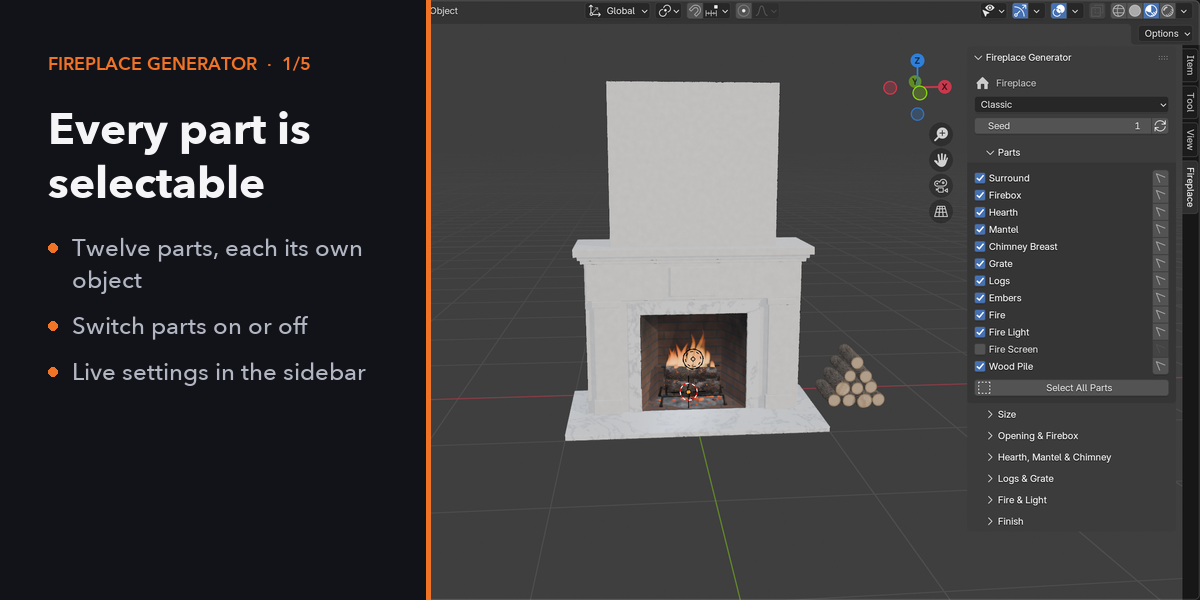
- Press F9 to adjust the settings right away, or open the 3D viewport sidebar (N) and go to the Fireplace tab.
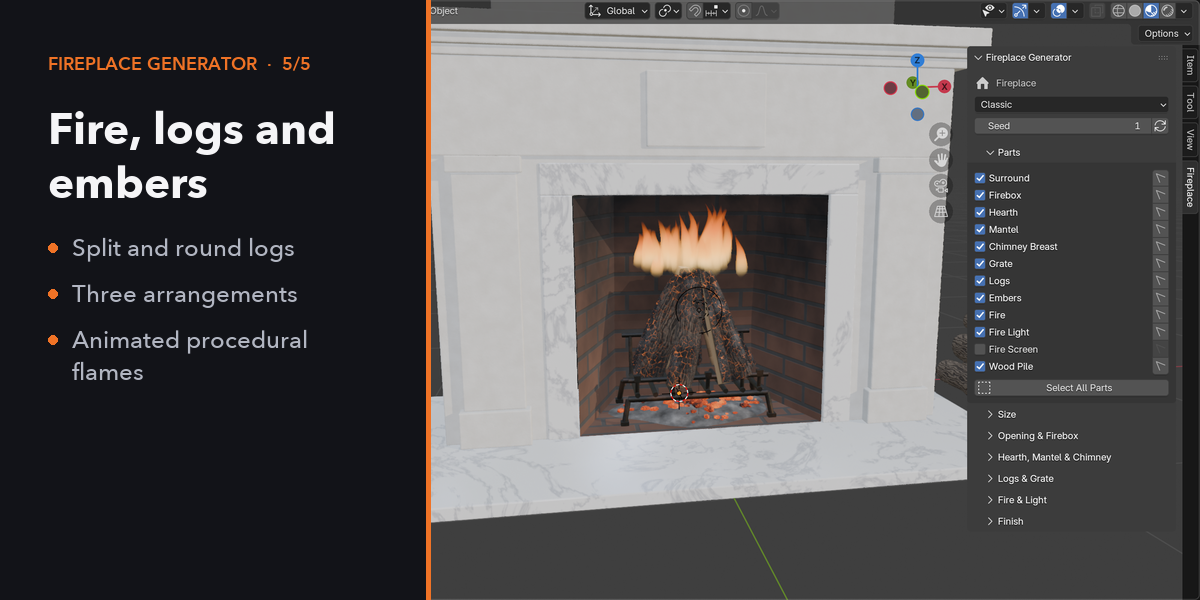
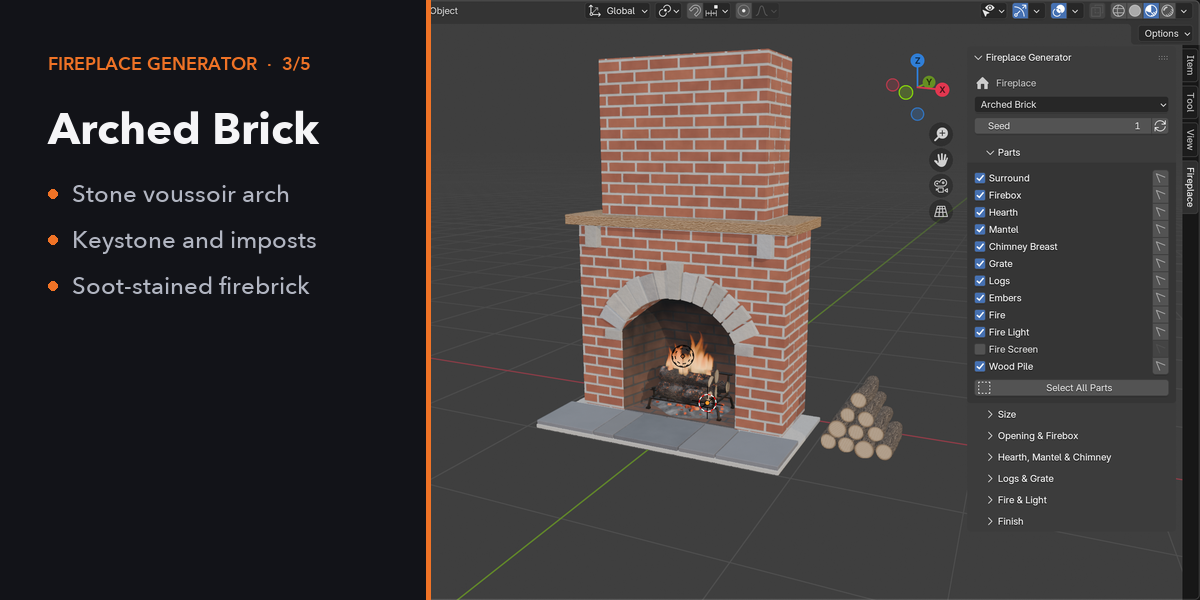
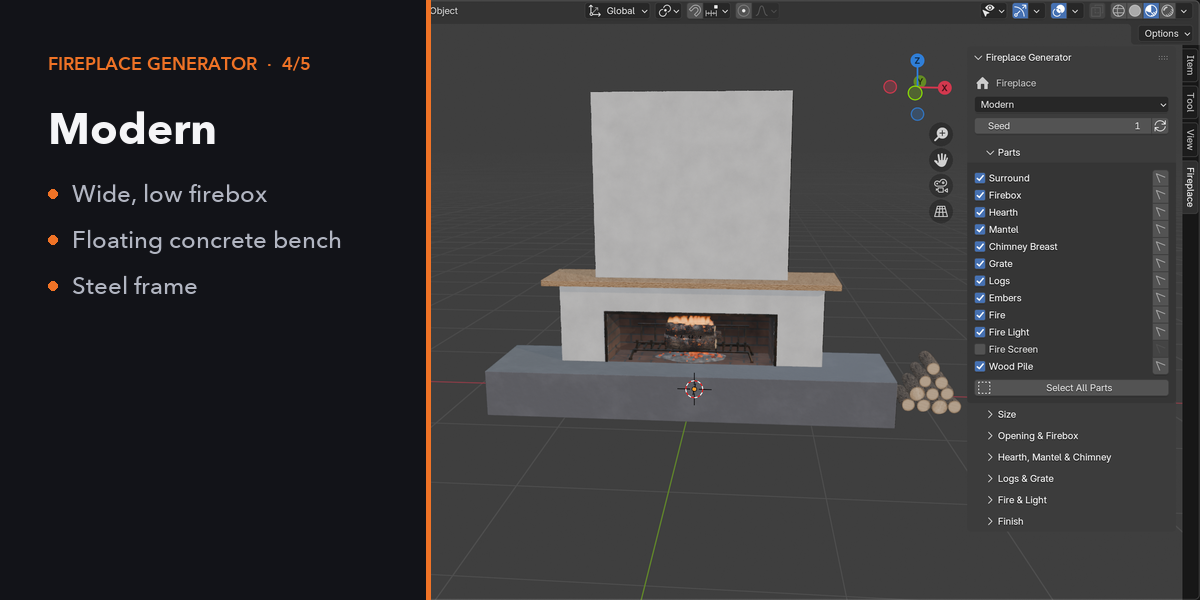
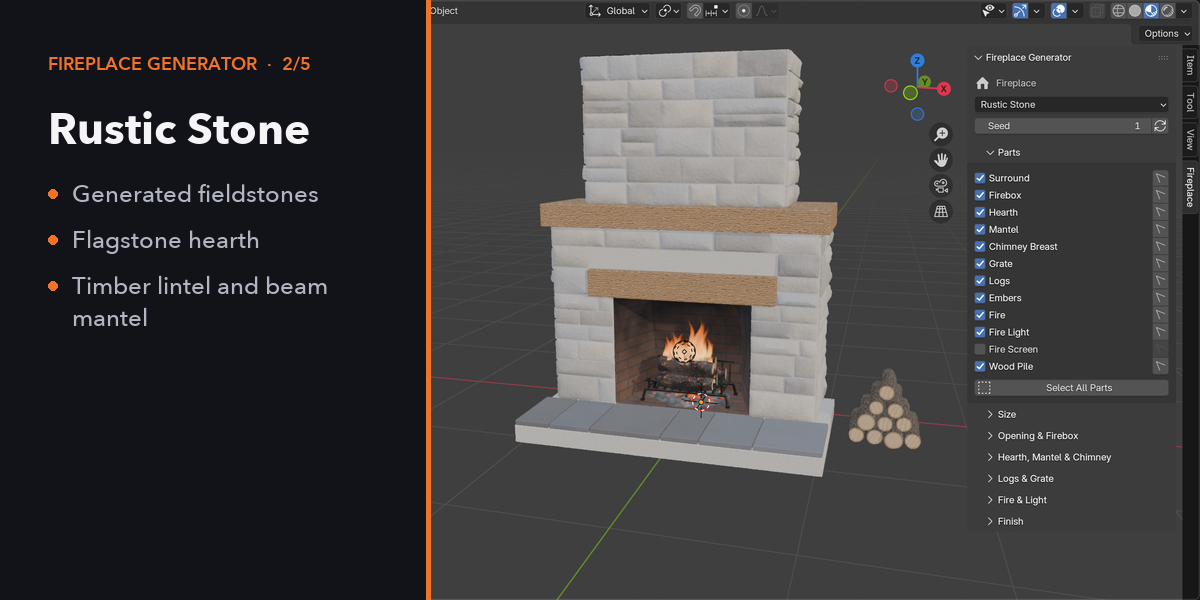
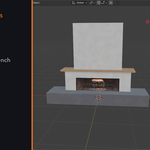
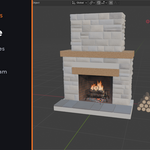
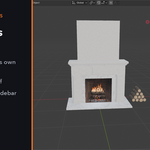
- Pick a style, then switch parts on or off under Parts. Click a part's arrow to select it.
- Adjust size, opening, hearth, logs and fire. Every change rebuilds the fireplace live.
- Switch to Material Preview or Rendered shading to see the procedural materials and the fire. Press play to see the light flicker.
- Use Make Static to turn it into plain objects, or Delete to remove the whole fireplace.
$9
Have questions about this product?
Login to message
| Blender Extension Compatible | Yes |
| Published | about 12 hours ago |
| Blender Version | 4.2 - 5.2 |
| Extension Type | Add-on |
| Render Engine Used | Cycles, Eevee |
| License | GPL |
