Fireworks Generator
 Animation Store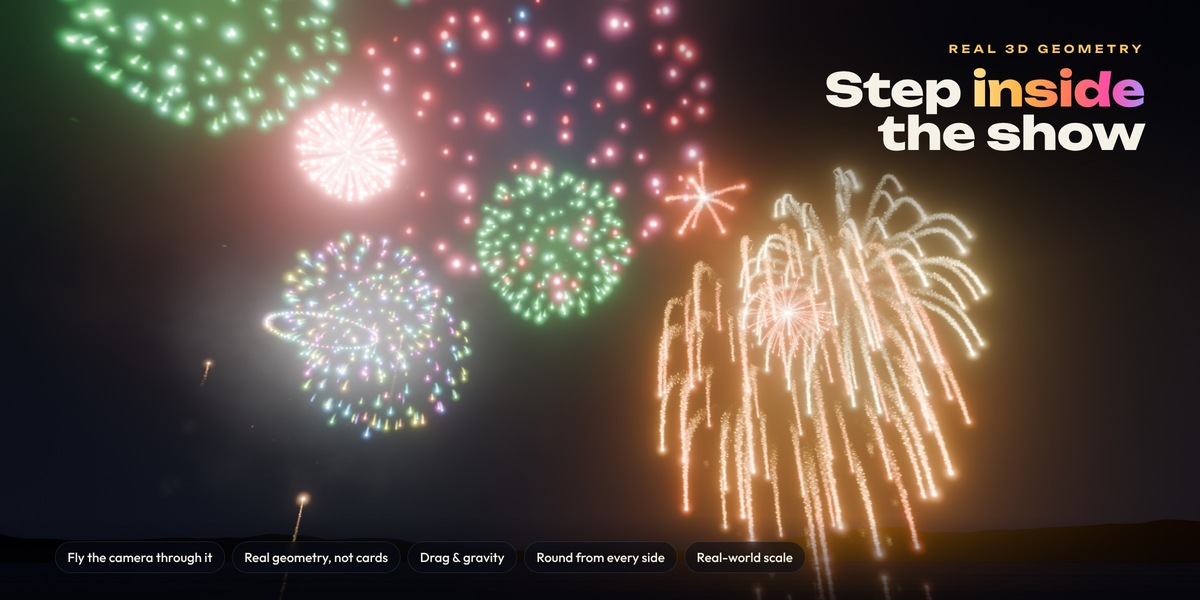
# Fireworks Generator
## Overview
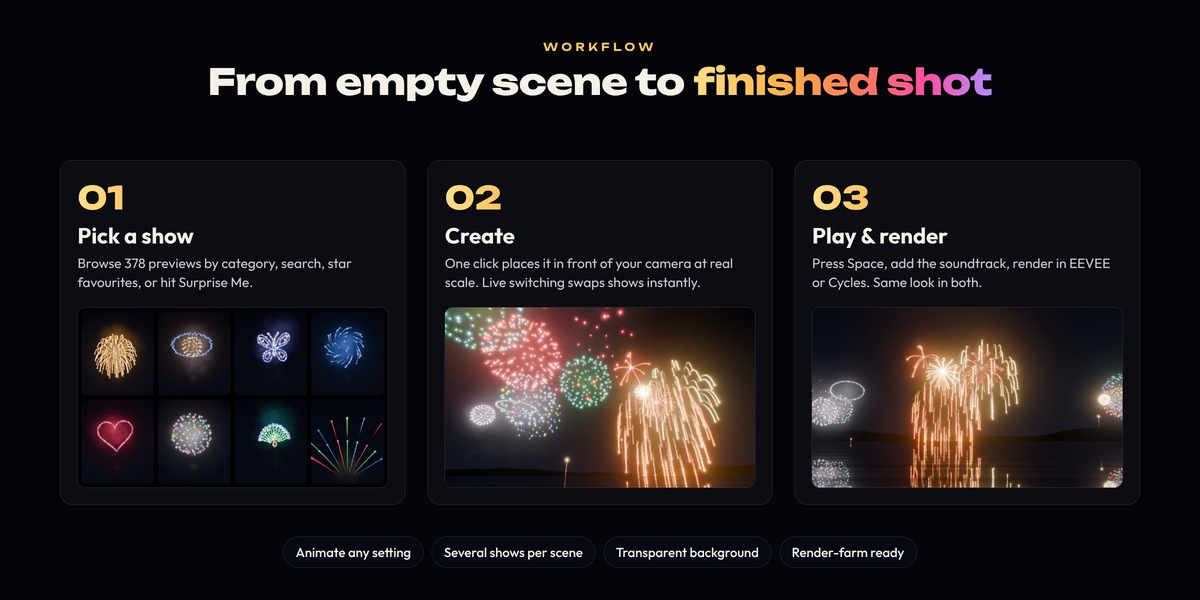
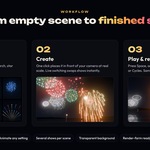
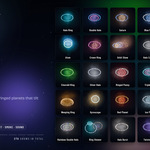
Fireworks Generator puts a complete fireworks display in your scene in a couple of clicks. Choose a show from a visual browser and press **Create Fireworks Show**. The add-on places it in front of your camera at real-world scale, so you can play it straight away.
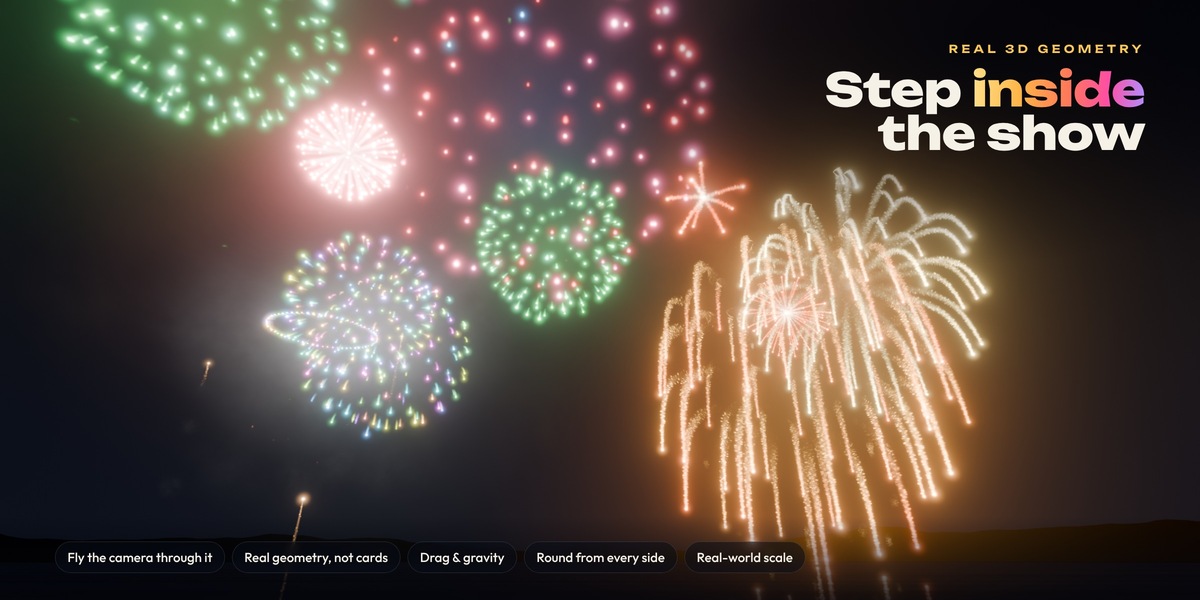
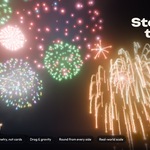
Every star, trail, halo, flash and smoke puff is real 3D geometry, generated each frame by a Geometry Nodes engine. Nothing is painted onto a plane, so you can fly the camera through the bursts, orbit around them, and look from below or from the side. They stay round and full from every angle.
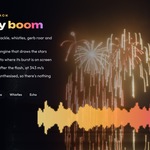
The add-on also synthesises a soundtrack from the same timing the engine uses. Launches, booms, crackle and whistles land on the right frames and are panned to where each burst sits in the camera's view.
## Key features
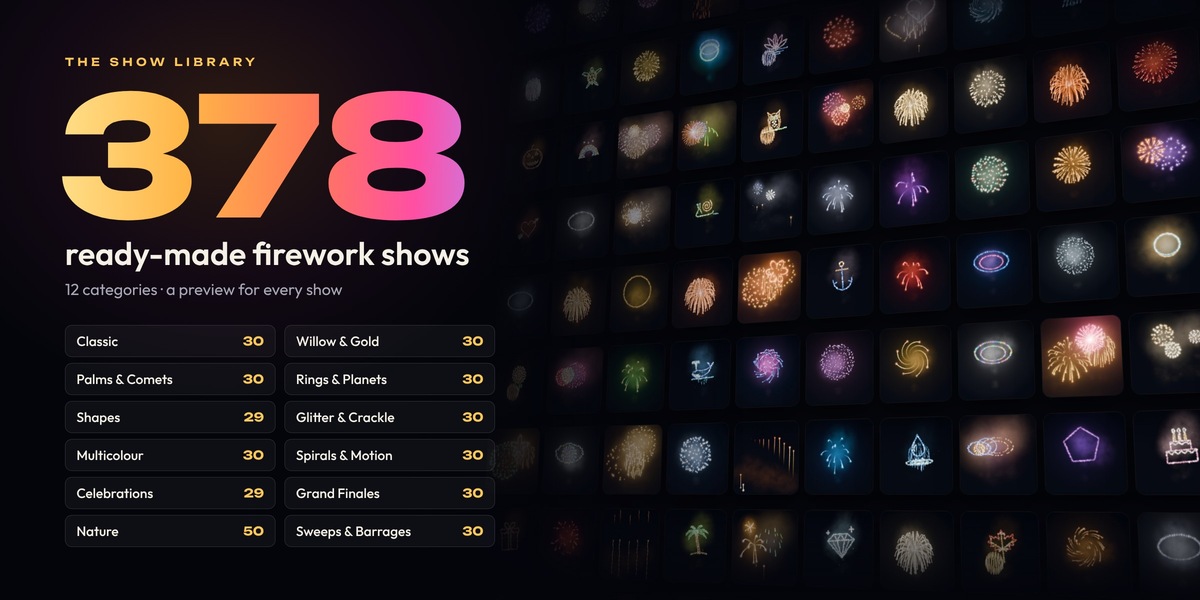
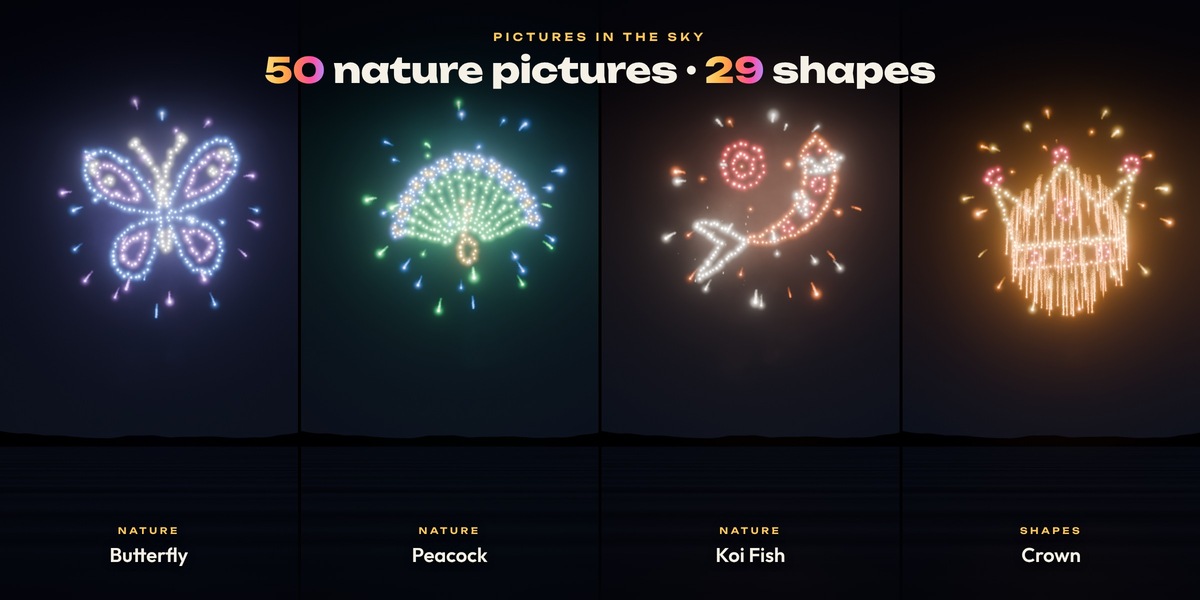
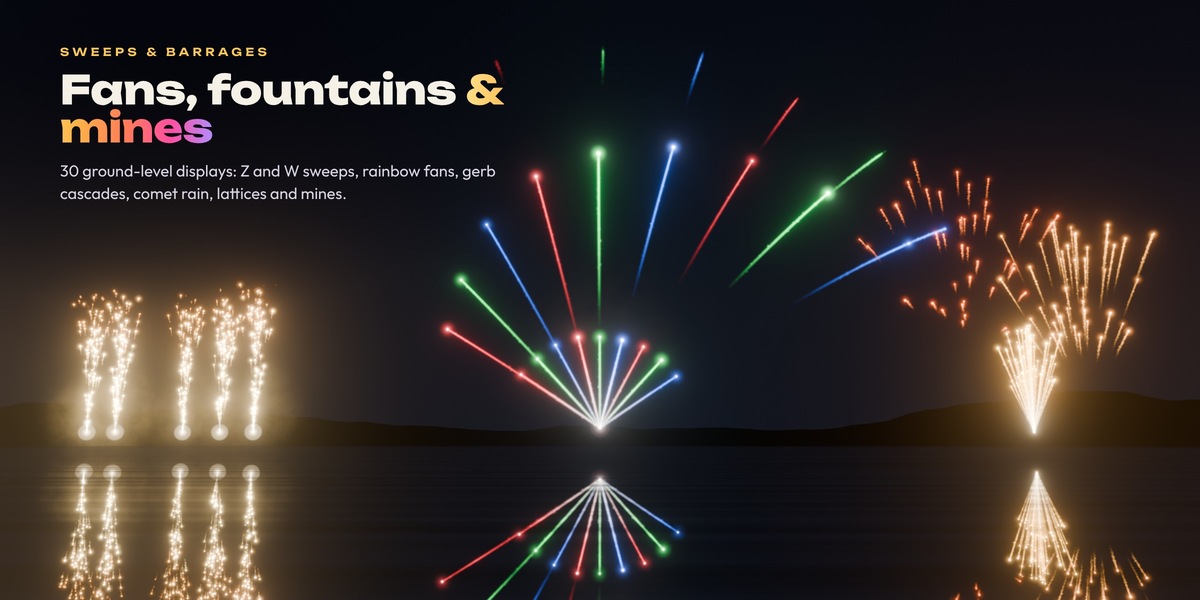
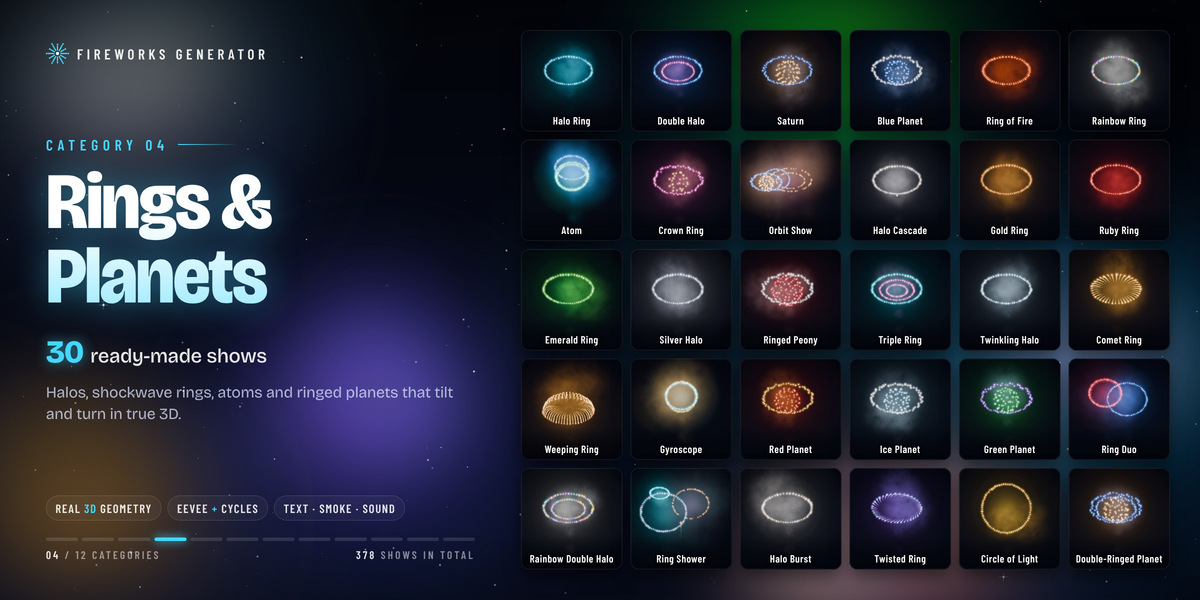
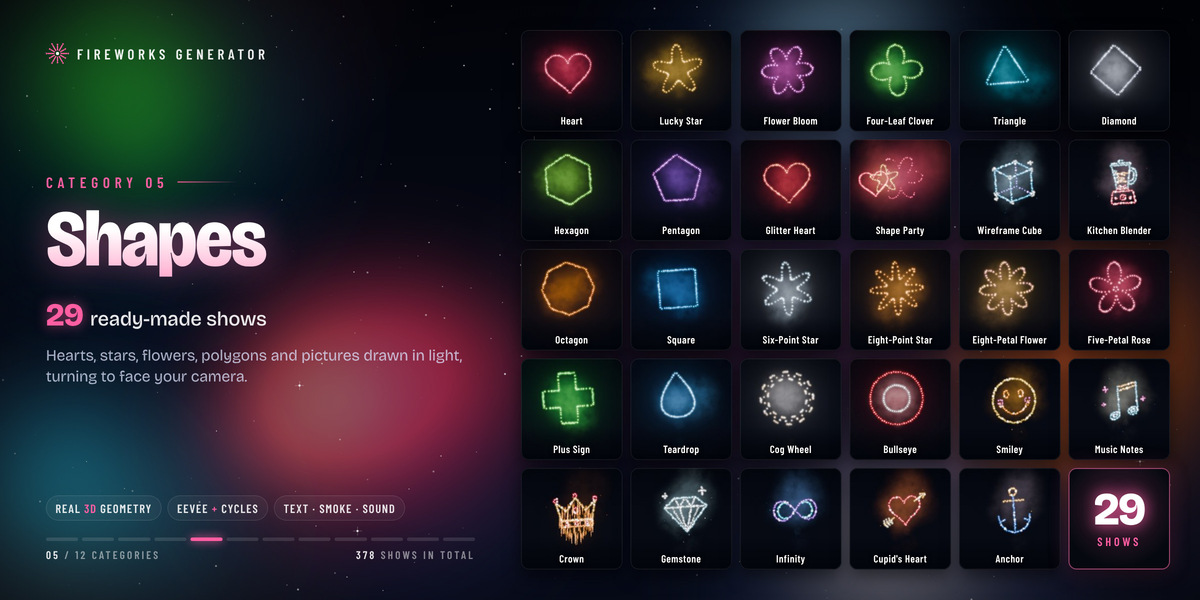
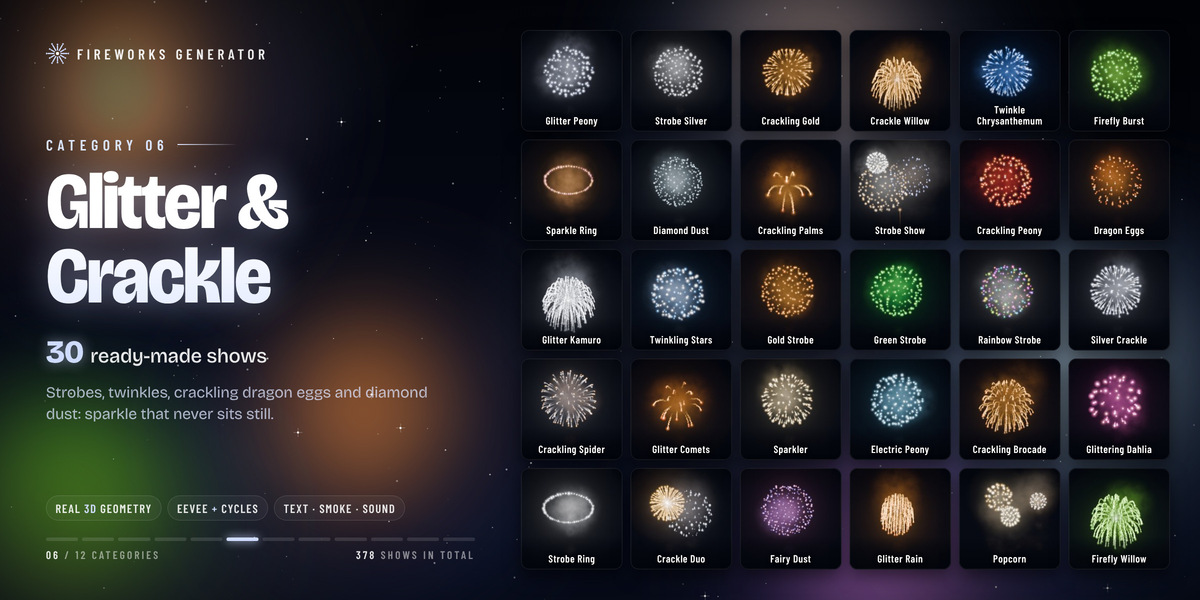
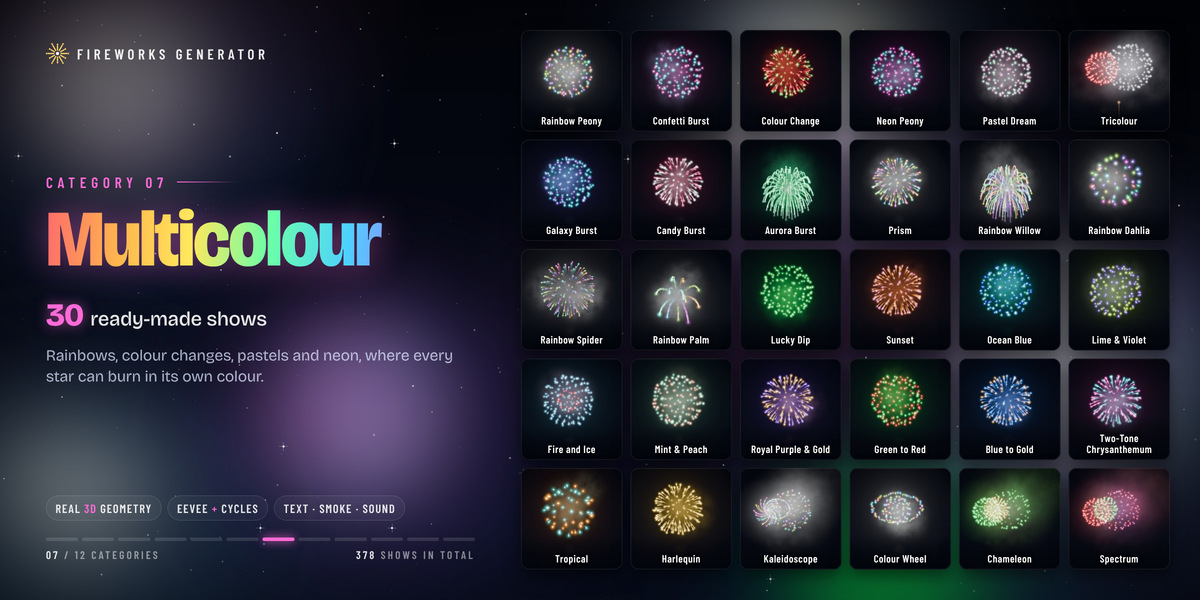
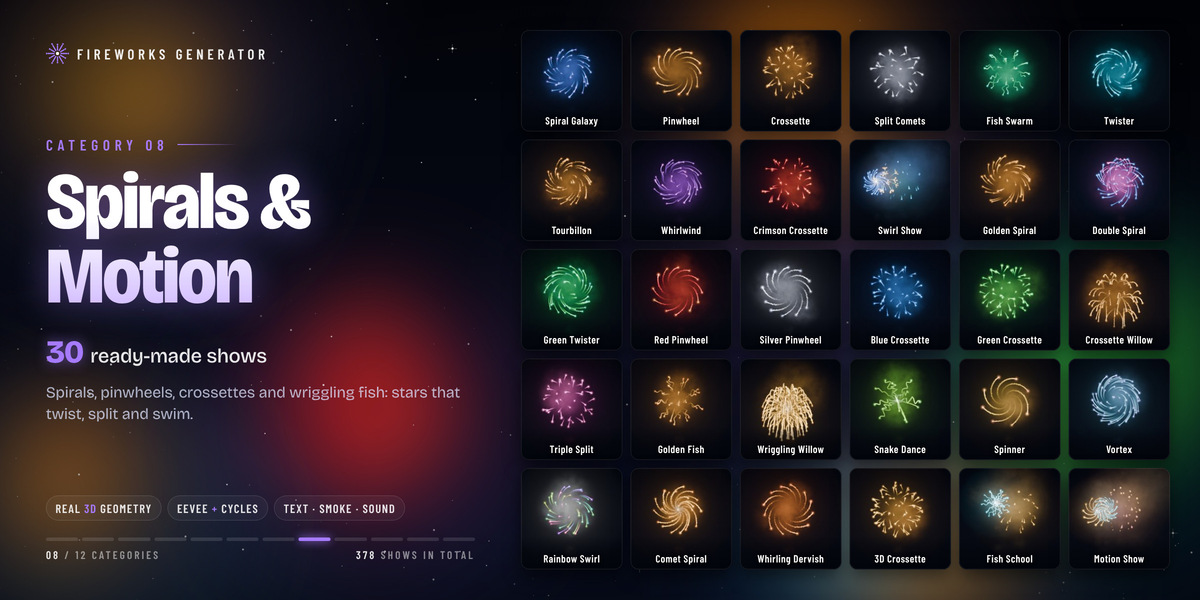
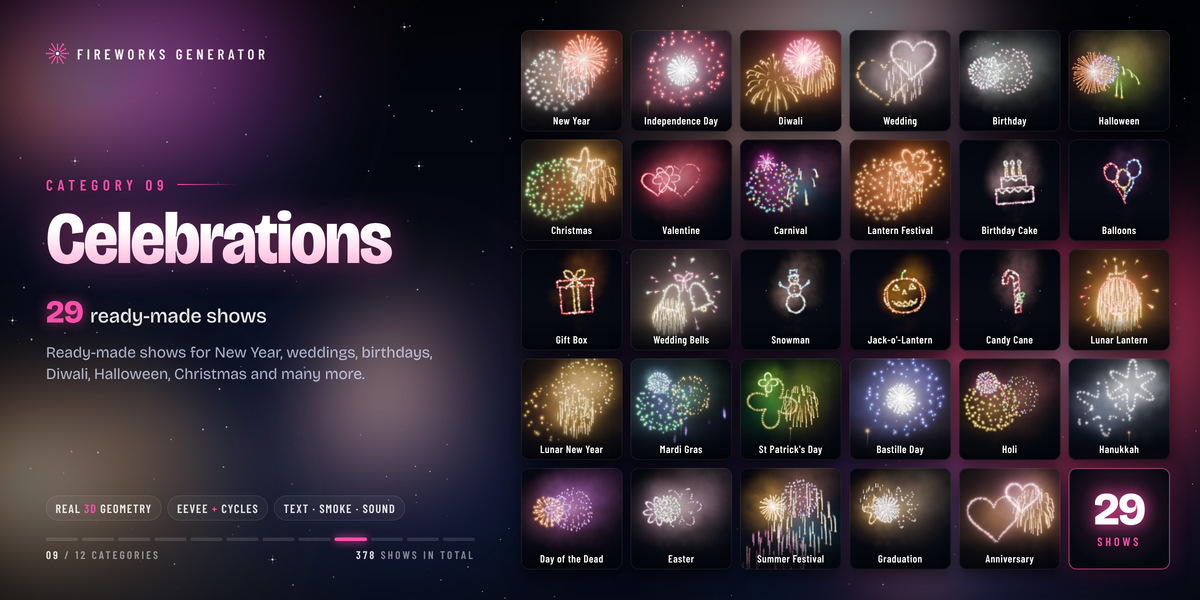
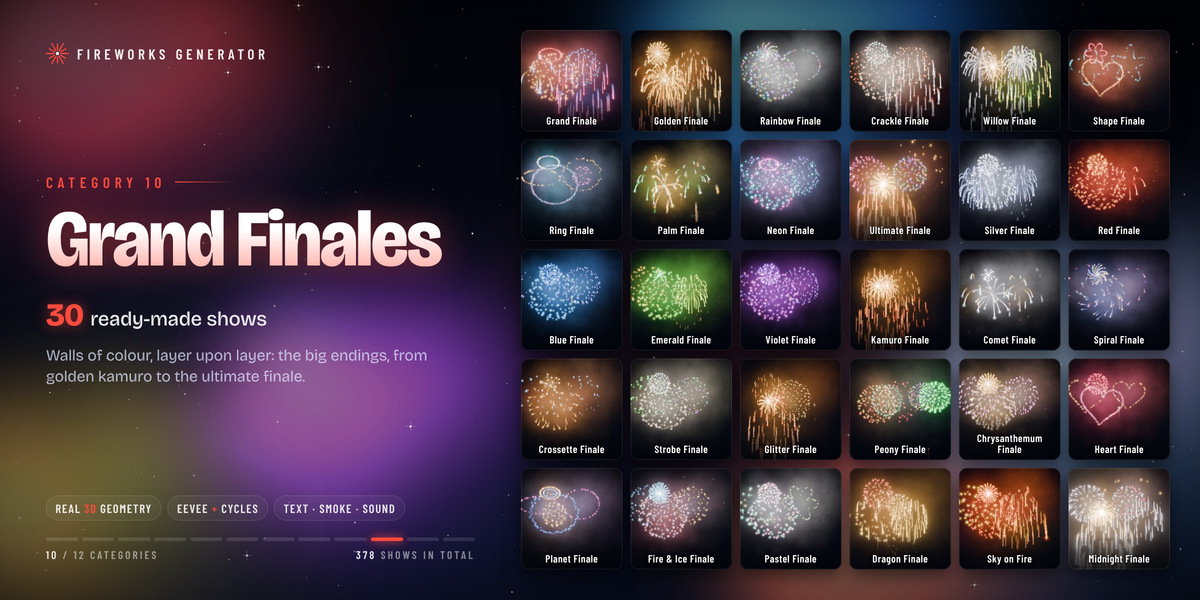
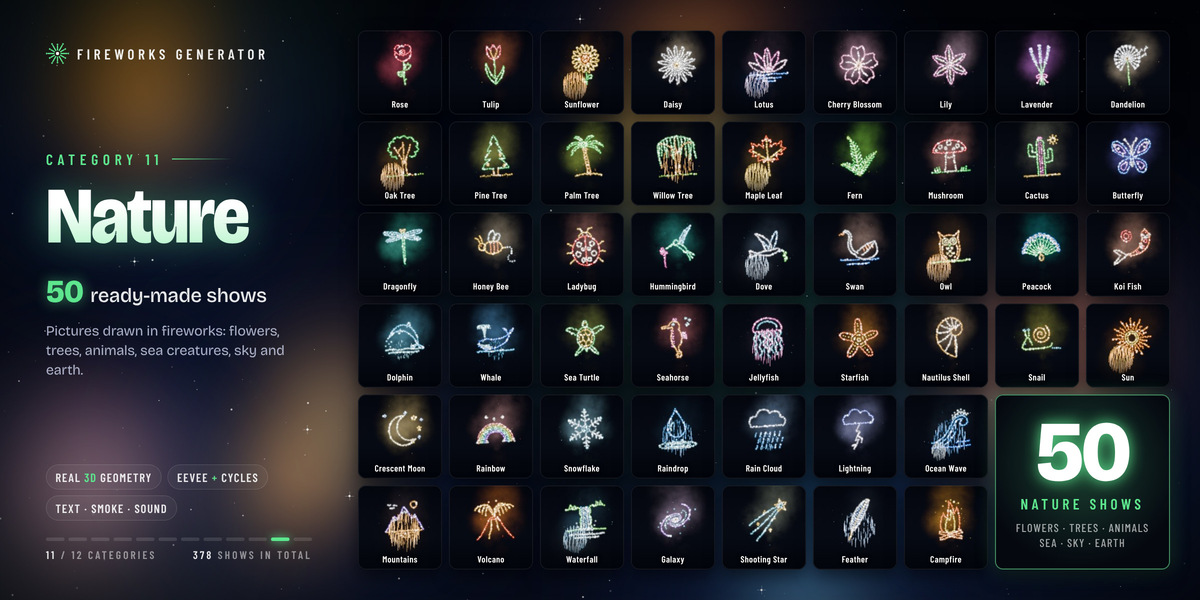
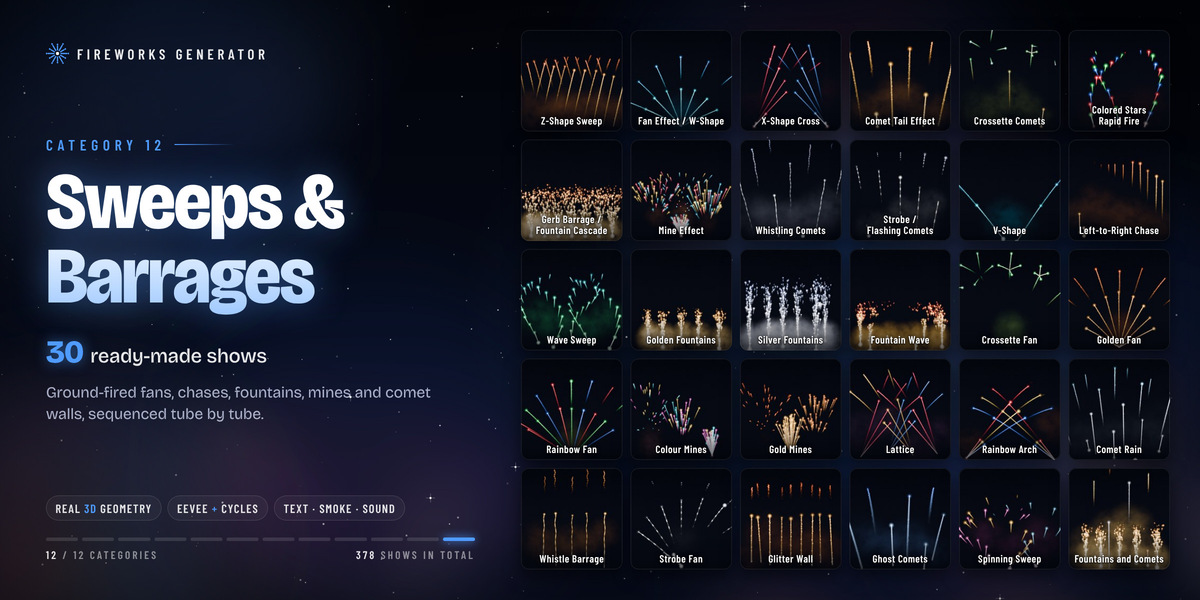
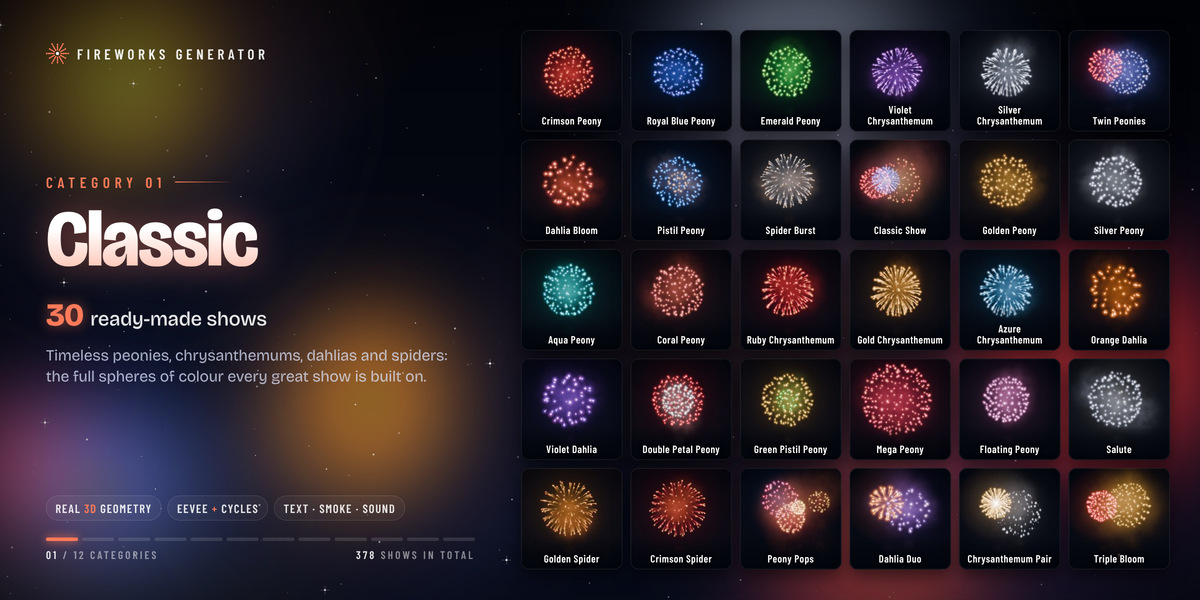
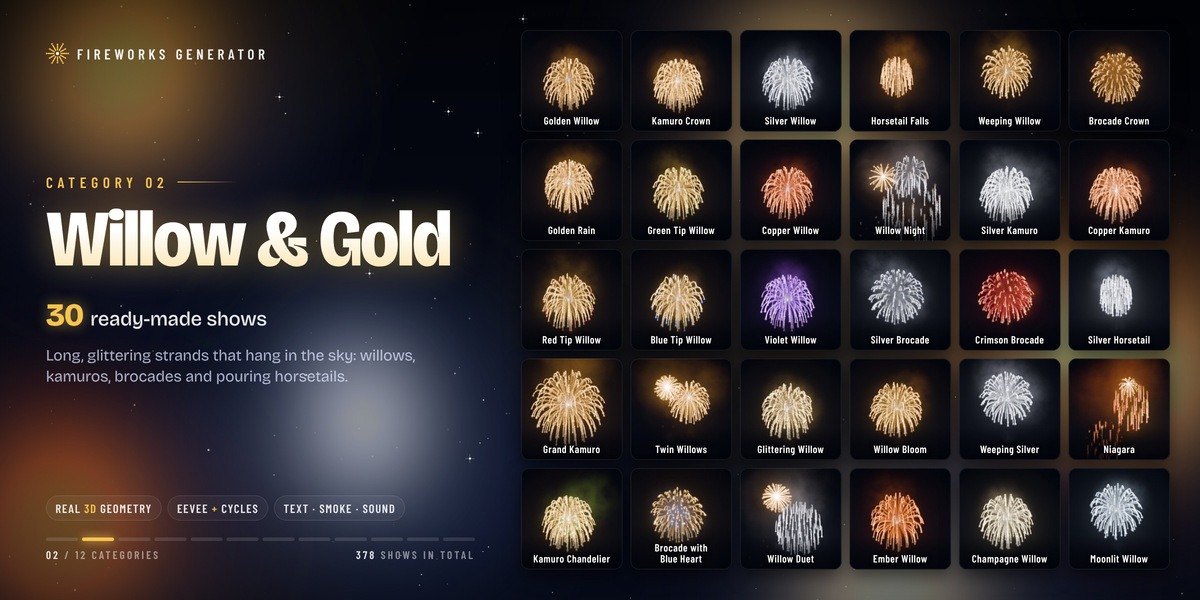
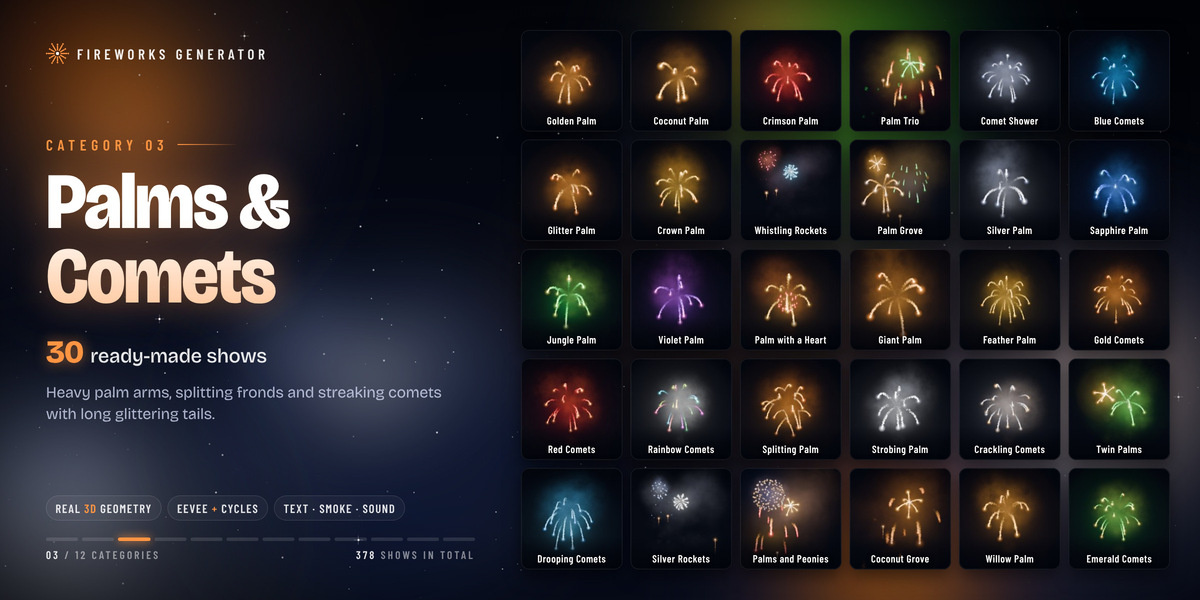
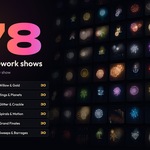
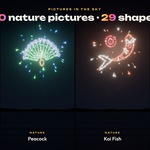
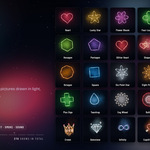
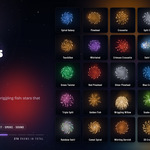
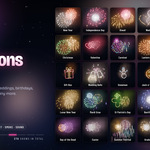
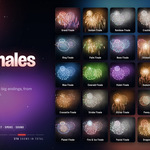
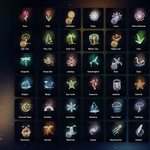
- **378 ready-made shows in 12 categories.** Classic peonies and chrysanthemums, willows and kamuro, palms and comets, rings and planets, shapes, glitter and crackle, multicolour, spirals and crossettes, celebrations, grand finales, 50 nature pictures, and ground sweeps and barrages.
- **Real 3D geometry.** Stars fly with drag and gravity, including crossette splits, crackle, spirals and wriggles. They look round from the front, the side, above and below.
- **One click to a finished shot.** The show is fitted to your camera at real scale: bursts are about 40 m across and 125 m up.
- **Live switching.** Click through the browser and the selected show changes instantly, so you can audition shows in the viewport.
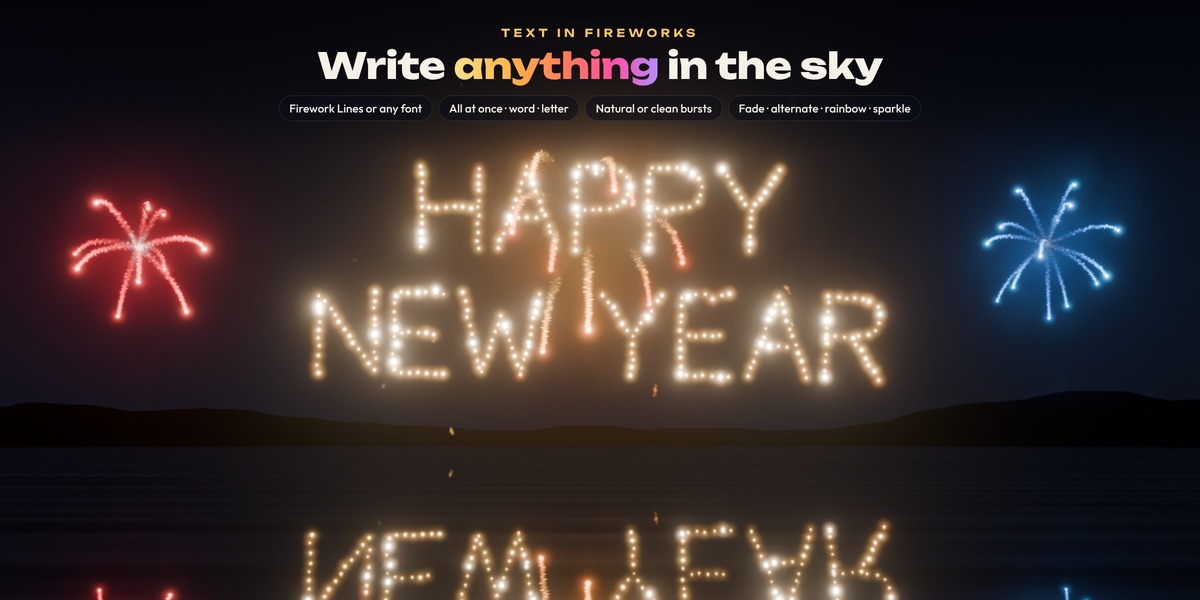
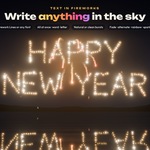
- **Text in fireworks.** Write up to two lines with built-in firework lettering or any font (outline or filled). Reveal the text all at once, word by word or letter by letter.
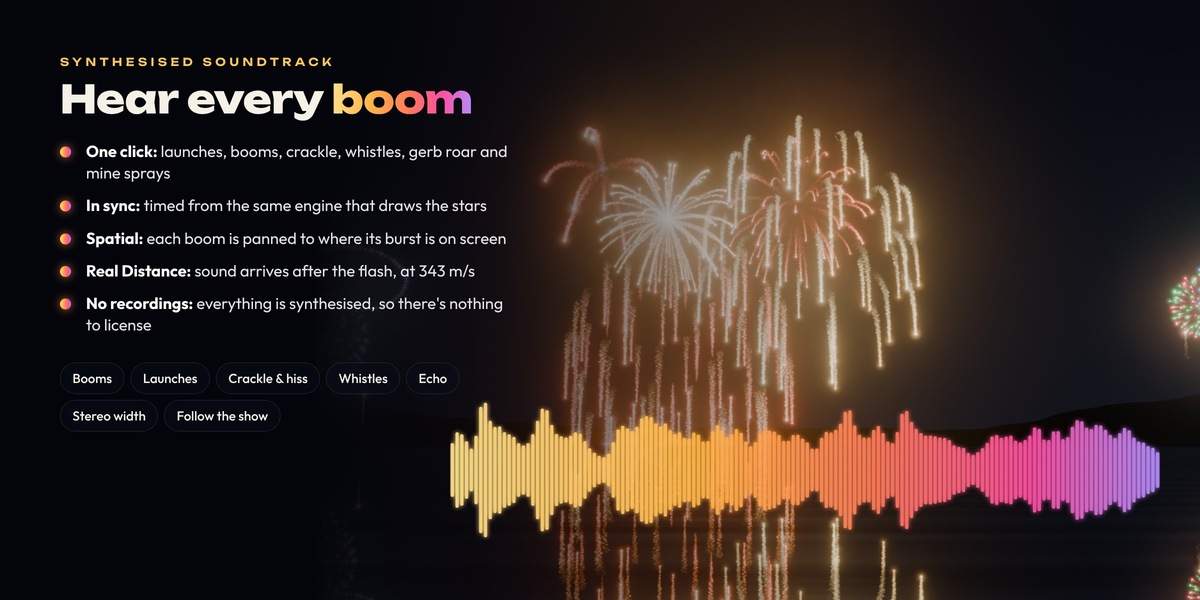
- **Synthesised soundtrack.** Every sound is generated, with no recordings: booms with echo, mortar thumps, rocket whooshes, crackle, sizzle, whistles, gerb roar and mine sprays. Each boom is panned to its burst, and *Real Distance* delays sound by the speed of sound.
- **Night skies and smoke.** A starry night sky, plain black, a transparent background for compositing, or your own world. Lit smoke drifts after each burst.
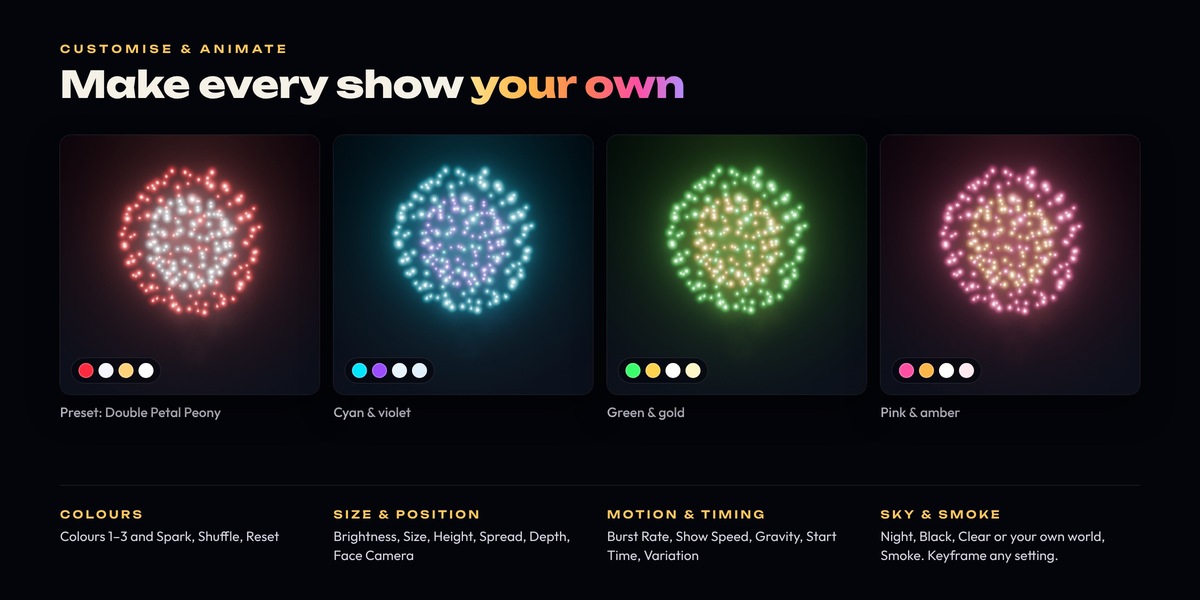
- **Fully customisable and animatable.** Colours, brightness, size, height, spread, depth, gravity, burst rate, show speed, start time and variation are all modifier inputs. Keyframe any of them.
- **Identical in EEVEE and Cycles.** Every glow adds light, so drawing order never matters. Both engines give the same picture.
- **Render-farm friendly.** The engine and materials are saved inside your .blend file. A file renders its fireworks on machines that don't have the add-on installed.
- **Built for performance.** *Light Viewport* keeps playback responsive while renders always use full detail.
## What's included
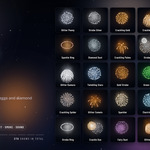
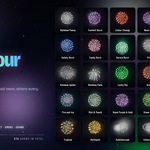
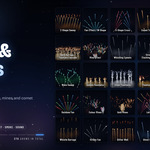
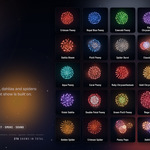
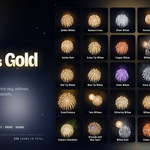
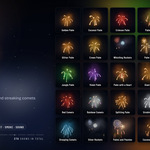
The add-on ships 378 shows, each with its own thumbnail in the browser. You can search them by name, description or category.
| Category | Shows | Examples |
| --- | --- | --- |
| Nature | 50 | Butterfly, Peacock, Koi Fish, Dolphin, Whale, Sunflower, Palm Tree, Snowflake, Crescent Moon |
| Classic | 30 | Crimson Peony, Royal Blue Peony, Silver Chrysanthemum, Dahlia Bloom, Spider Burst, Salute |
| Willow & Gold | 30 | Golden Willow, Kamuro Crown, Horsetail Falls, Grand Kamuro, Niagara, Kamuro Chandelier |
| Palms & Comets | 30 | Golden Palm, Coconut Palm, Whistling Rockets, Giant Palm, Splitting Palm, Rainbow Comets |
| Rings & Planets | 30 | Saturn, Blue Planet, Atom, Gyroscope, Rainbow Double Halo, Double-Ringed Planet |
| Glitter & Crackle | 30 | Crackling Gold, Dragon Eggs, Firefly Burst, Diamond Dust, Strobe Show, Electric Peony |
| Multicolour | 30 | Rainbow Peony, Prism, Aurora Burst, Fire and Ice, Kaleidoscope, Chameleon |
| Spirals & Motion | 30 | Spiral Galaxy, Pinwheel, Crossette, Tourbillon, Fish School, Vortex, Snake Dance |
| Grand Finales | 30 | Grand Finale, Ultimate Finale, Willow Finale, Heart Finale, Planet Finale, Midnight Finale |
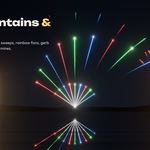
| Sweeps & Barrages | 30 | Z-Shape Sweep, Rainbow Fan, Golden Fountains, Gold Mines, Lattice, Rainbow Arch |
| Shapes | 29 | Heart, Lucky Star, Four-Leaf Clover, Smiley, Crown, Gemstone, Infinity, Cupid's Heart |
| Celebrations | 29 | New Year, Diwali, Wedding, Birthday Cake, Halloween, Lunar New Year, Holi, Hanukkah |
**In the download:** the add-on as a Blender extension (`fireworks_generator_1.2.0.zip`) and the lakeside demo scene from the product images (`Fireworks_Generator_Lakeside_Demo.blend`).
## Requirements
- **Blender 4.1 or newer.
- **Windows, macOS or Linux.** The add-on is pure Python and Geometry Nodes, with no compiled binaries.
- **EEVEE or Cycles.** Both are supported and give the same look. Cycles works on CPU and GPU.
- **No extra packages.** The soundtrack uses NumPy, which ships with Blender.
## Installation
1. Download `fireworks_generator_1.2.0.zip`. **Don't unzip it.**
2. Drag the zip onto the Blender window and confirm. Or install it from Preferences:
- Open **Edit › Preferences › Add-ons**.
- Click the **drop-down arrow (⌄)** at the top right and choose **Install from Disk…**.
- Select `fireworks_generator_1.2.0.zip` and click **Install from Disk**.
3. Make sure **Fireworks Generator** is ticked (enabled) in the list.
4. In the 3D Viewport, press **N** to open the Sidebar and click the **Fireworks** tab.
## Quick start: your first show in 60 seconds
1. **Pick a show.** In *Sidebar › Fireworks*, choose a category or type in the search box. Click the big thumbnail to open the visual grid, or step through shows with the ◀ ▶ arrows.
2. **Create it.** Click **Create Fireworks Show**. The show is placed in front of the active camera, filling its view at real scale. If the scene has no camera, the show goes to the 3D Cursor.
3. **Look at it.** Switch the viewport to **Material Preview** or **Rendered** (press **Z**, or use the shading buttons at the top right). Then press **Numpad 0** to look through the camera.
4. **Play.** Press **Space** to play the timeline.
5. **Add sound (optional).** In the *Sound* panel, click **Add Show Sound**.
6. **Render.** Press **F12** for a still, or *Render › Render Animation* for a video. For a video with sound, set the output to FFmpeg video (see *Rendering*).
**Tip:** in Solid view the glows show as plain boxes and tubes. That's expected. Use Material Preview or Rendered view to see the fireworks.
## The show browser
The top panel, **Fireworks Generator**, is where you choose and create shows.
- **Category.** *All*, *Favorites*, or one of the 12 categories.
- **Search.** Filters the shows by name, description or category as you type.
- **Thumbnail.** Click it to open a large grid of every show in the current list.
- **◀ / ▶ arrows.** Step to the previous or next show.
- **★ Favourite.** Star the shows you like. Favourites are saved in the add-on preferences, so they carry over to every file.
- **Info line.** Shows the category, the show's position in the list, and how many bursts or volleys it has.
- **Surprise Me.** Picks a random show from the current list.
- **Create Fireworks Show.** Adds a new show object, fitted to the camera.
- **Apply to Selected.** Gives the selected show objects the chosen show.
- **Live.** When this is on, choosing another show changes the selected show objects instantly. Turn it off to browse without changing anything.
When there's no show in the scene yet, a short *Get started* guide appears in the panel.
## Customize
Select a show object to customise it. Each show object keeps its own settings, so several shows in one scene can look completely different. Every value below is a modifier input: **right-click › Insert Keyframe** to animate it.
When the show is a nature picture, the top of the panel has a **Burst Style** switch. *Natural* is a real explosion with streaks, a slightly tilted and imperfect shape, sagging and dripping embers. *Clean* simply opens the picture out and fades it.
### Colours
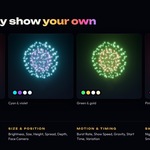
- **Colour 1, 2, 3.** The main colours of the show.
- **Spark.** The colour of white-hot cores and sparks.
- **Shuffle.** Tries a random, harmonious colour scheme.
- **Reset.** Restores the show's original colours and settings.
### Size & Position
- **Brightness.** How strongly the fireworks glow.
- **Size.** The size of every burst.
- **Height.** How high the bursts break. 0 is the middle of the frame and -1 is the ground.
- **Spread.** How far apart the bursts are, left to right.
- **Depth.** How far bursts and ground effects scatter towards and away from the camera.
- **Width ÷ Height.** The width of the show compared to its height. This is set from the camera's aspect.
- **Face Camera.** Shapes, rings, text and pictures turn to face the camera and stay upright. Turn it off to keep them flat in the show's own plane.
- **Face My View in Viewport** (on by default). While you look around in Material Preview or Rendered view, text, shapes and pictures turn to face *your* view, so they always read correctly. When you look through the camera, and in renders, they face the camera.
- **Fit to Camera.** Moves and scales the selected shows so they fill the camera's view again.
### Motion & Timing
- **Burst Rate.** How often shells are fired.
- **Show Speed.** Below 1 is slow motion, above 1 is faster.
- **Gravity.** How strongly the stars fall.
- **Starts At (s).** The time, in seconds, when the show starts on the timeline.
- **Variation.** Re-rolls the random positions, sizes and turns of every burst. Click the ⟳ button for a new variation. The same value always plays the same way.
### Sky & Smoke
- **Night.** A deep blue night sky with stars.
- **Black.** Fireworks on pure black.
- **Clear.** Transparent film for compositing. The glow keeps its alpha.
- **My World.** Keeps your scene's own world and background.
- **Smoke.** How much smoke the bursts leave behind.
- **Sky Brightness** (Night only). The brightness of the sky gradient and stars.
- **City Skyline.** Optional simple 3D buildings with lit windows under the show.
## Text in fireworks
Open the **Text** panel and tick its checkbox, or click **Add Text**.
- **Text / Second Line.** What the fireworks write. The second line is optional and appears below the first.
- **Burst Style.** *Natural* (a real explosion that sags and drips) or *Clean* (crisp and tidy).
- **Letters.**
- *Firework Lines:* built-in single-stroke letters, one row of stars per stroke. The easiest to read; supports A–Z, 0–9 and common symbols. If you type characters it can't draw, the panel lists them.
- *Font Outline:* stars trace the outline of each letter in any font.
- *Font Filled:* stars fill each letter of any font. Bold fonts work best.
- **Font.** Pick any font file for the Outline and Filled modes.
- **Stars.** How closely the stars are packed along the letters.
- **Reveal.** *All at Once*, *Word by Word* or *Letter by Letter*. **Delay Between** sets the gap between words or letters.
### Text Colours
- **Pattern.** *Fade* (colour 1 cooling to colour 2), *Alternate* (letters alternate between the two colours), *Rainbow* (each letter a different colour) or *Sparkle* (stars randomly in colour 1 or 2).
- **Own Colours.** Gives the text its own Colour 1, Colour 2 and Spark instead of the show's. The eyedropper button copies the show's colours as a starting point.
### Text Position & Timing
- **Size, Left / Right, Height.** Where the text sits and how big it is.
- **First Burst At (s).** When the text first bursts.
- **Every (s).** How often the text repeats.
- **Hold (s).** How long the letters burn.
- **Twinkle.** How much the letters twinkle as they burn down.
- **Rocket.** A rocket climbs to the text before it bursts.
**Tip:** for text on its own, set the show's **Burst Rate** to its minimum (0.05). The show's own shells then wait until long after your text, so the words have the sky to themselves.
## Sound
**Add Show Sound** makes a soundtrack for every show in the scene and places it in the Video Sequencer, starting at frame 0. It plays along with the timeline.
- **Everything is synthesised.** Booms with a rolling echo, mortar thumps and tube pops, rocket whooshes, whistles, crackle, glitter sizzle, strobe ticks, gerb and fountain roar, and mine sprays. No audio files are used.
- **Spatial.** Every sound is panned to where its burst really is in the camera's view.
- **Volume.** The loudness of the whole soundtrack.
- **Booms, Launches, Crackle & Hiss, Whistles.** A separate level for each group of sounds.
- **Echo.** How much each boom rolls back off buildings and hills.
- **Stereo Width.** How far sounds are spread left and right.
- **Real Distance.** Delays every sound by its true distance from the camera (343 m/s). The sound arrives after the flash, and farther bursts are heard later.
- **Distance.** When Real Distance is off, sets one fixed distance for the audience. 0 keeps the sound in sync with the picture.
- **Follow the Show.** Remakes the sound automatically when the show, its timing, its text or the frame range changes. Once a soundtrack exists the button reads **Update Sound**; with Follow the Show off, it turns red when the show has changed since the sound was made.
- **✕** removes the soundtrack from the timeline.
To keep the sound in your render, render to a video file: *Output Properties › File Format: FFmpeg Video*. The add-on switches the audio codec to AAC if it was off.
## Tools
- **Light Viewport** (on by default). Uses fewer trail samples and skips small details in the viewport, so playback stays smooth. Renders always use full detail.
- **New Show Distance.** How far from the camera new shows are placed. 0 means real scale.
- **Add Bloom Glow.** Adds a Glare (bloom) node to the compositor, so bright sparks bloom in both engines.
- **Select Fireworks Show.** Selects the show object in the scene so you can customise it.
- **Rebuild Engine.** Rebuilds the fireworks node groups, materials and every show's stars. Use it if something looks wrong after an update.
## Rendering
**EEVEE.** Fast, and gives the same look as Cycles. Click **Add Bloom Glow** (Tools) for a soft photographic glow around bright sparks.
**Cycles.** The add-on raises *Light Paths › Max Bounces › Transparent* to 256 when you create a show, because lots of overlapping glows need it. Keep it at 256 or higher. 64–128 samples with denoising is a good starting point.
**Video with sound.**
1. *Output Properties › File Format:* **FFmpeg Video**.
2. Container MPEG-4, video codec H.264, audio codec **AAC**.
3. *Render › Render Animation* (Ctrl F12).
**Compositing over live footage.** Set the sky to **Clear**. The film becomes transparent and the glows keep their alpha, ready to composite over a plate.
**Render farms.** The **FWG Engine** node group and the materials are saved inside the .blend file, so a farm renders the fireworks without the add-on. Only the sidebar and the sound tools need the add-on. The soundtrack strip is packed into the file when it is made.
## Working with shows
- **Move a show** by moving its object. **Resize it** by scaling the object; physics, glow and sound all follow the scale.
- **Several shows in one scene.** Create as many as you like. Use *Starts At* to sequence them into a longer display.
- **Different looks per show.** Each object keeps its own colours, timing and text.
- **Animate anything.** Keyframe Brightness, Size, Burst Rate, colours and more for build-ups and finales.
- **The same show, a new look.** Change *Variation* for a fresh arrangement of the same show.
### Performance tips
- Keep **Light Viewport** on while you work.
- Lower *Burst Rate*, or use a show with fewer bursts, for a lighter viewport.
- Preview in Material Preview. Rendered view in Cycles is the heaviest.
- In Cycles, the many transparent glows are the main cost. Use denoising and moderate sample counts.
### The lakeside demo scene
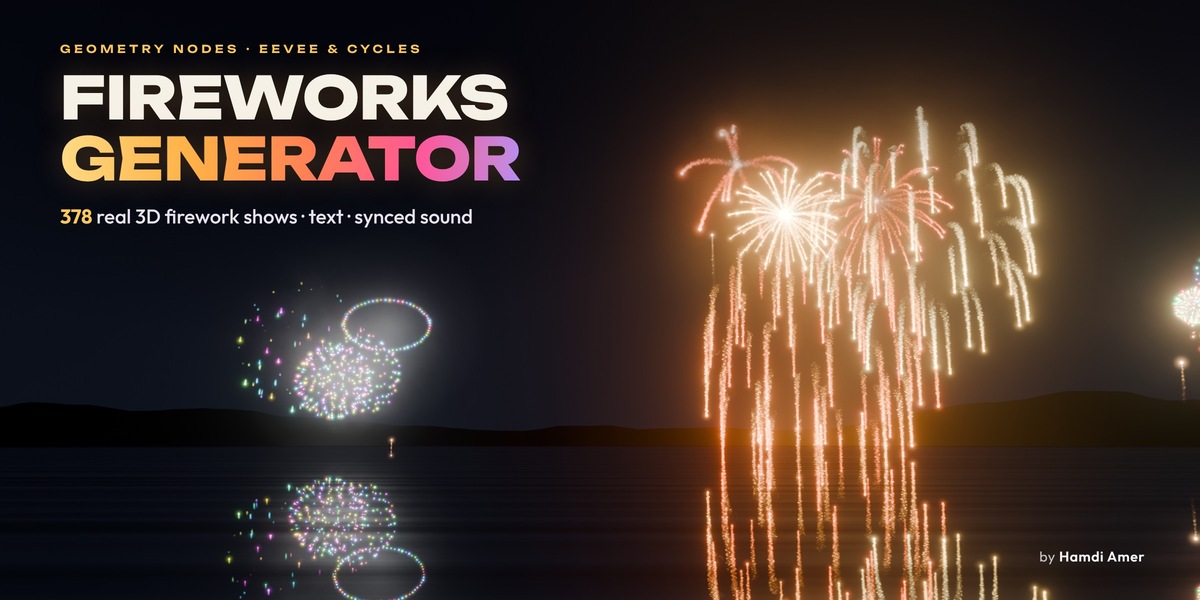
`Fireworks_Generator_Lakeside_Demo.blend` is the scene used for the product images and video: three finale shows over a lake, with hills, bloom, a soundtrack and video output already set up. Open it, press **Ctrl F12**, and you get an MP4 with sound.
- **The reflections follow the shows.** Each *Reflection* object reads its show's geometry with a Geometry Nodes *Object Info* node and is mirrored by the *Lake Mirror* empty. Change a show, move it or give it another preset, and its reflection updates with it.
- **To reflect a show you add yourself,** duplicate one of the *Reflection* objects and set its *Show* input and its *Copy Transforms* target to the new show.
- **The lake** is a dark, semi-transparent surface with soft ripple bands, so the mirrored fireworks read as reflections in the water.
## Troubleshooting
| Problem | Fix |
| --- | --- |
| I only see grey boxes and tubes | The viewport is in Solid shading. Switch to Material Preview or Rendered (press **Z**). |
| Nothing appears when I play | Check the timeline is past the show's *Starts At* time and you are looking through the camera (Numpad 0). Click **Select Fireworks Show**, then **Fit to Camera**. |
| The show isn't in front of my camera | Shows are fitted to the active camera when created. If you moved the camera, select the show and click **Fit to Camera**. |
| Cycles renders look dark or have black patches | Raise *Light Paths › Max Bounces › Transparent* to 256 or more. |
| My rendered video has no sound | Render to FFmpeg Video with the audio codec set to AAC, and check the *Fireworks Sound* strip in the Video Sequencer isn't muted. |
| The sound doesn't match after I changed the show | Turn on *Follow the Show*, or click **Update Sound**. |
| Text shows "Can't draw: …" | Firework Lines supports A–Z, 0–9 and common symbols. For other characters, switch Letters to *Font Outline* or *Font Filled*. |
| Something looks wrong after updating the add-on | Open *Tools* and click **Rebuild Engine**. |
## FAQ
**Does it work with EEVEE and Cycles?**
Yes. Both give the same picture. EEVEE is faster, and Cycles works on CPU and GPU.
**Are these real 3D particles or a texture on a plane?**
Real 3D geometry. Every star, trail, halo and smoke puff is generated in 3D space by Geometry Nodes, so you can move the camera anywhere, even inside a burst.
**Can I use it in commercial projects?**
Yes. Anything you render with Fireworks Generator is yours to use in commercial and personal work. The add-on code is licensed under the GPL, like all Blender add-ons.
**Do I need the add-on installed to render on a farm?**
No. The engine and materials are stored in your .blend file. Only the browser panel and the sound tools need the add-on.
**Can I animate the settings?**
Yes. Every setting in Customize is a modifier input that you can keyframe.
**Can I put several shows in one scene?**
Yes. Create as many shows as you like and time them with *Starts At*.
**Can I use my own fonts for text?**
Yes. Choose *Font Outline* or *Font Filled* and pick any font.
**Where does the sound come from?**
The add-on synthesises it from the show's own timing, using filtered noise, swept tones and envelopes. No recordings are used, so there's nothing to license.
**Can I export the sound separately?**
Yes. The soundtrack is a normal sound strip in the Video Sequencer. Mix it down with *Render › Render Audio*.
**Does it support a transparent background?**
Yes. Choose the **Clear** sky.
**Which Blender versions are supported?**
Blender 4.2 and newer. It's tested on 4.2, 4.5 and 5.2 LTS.
**Will my old files still work after an update?**
Yes. Files saved with an older engine upgrade automatically when you open them.
 Included
Includes 12 months of
- Support from Animation Store
- Product updates
Extend this product’s Support Period +12 months: 50% of product price
Have questions before purchasing?
Login to message
| Blender Extension Compatible | Yes |
| Dev Fund Contributor | |
| Published | about 7 hours ago |
| Blender Version | 4.1 - 5.2 |
| Extension Type | Add-on |
| Render Engine Used | Cycles, Eevee |
| License | GPL |
Discover more products like this
fireworks animation geometrynode asset light VFX 3d asset for visual effects animated-geometrynode 3d presentation 3D Effects