 Khaled Alghufaily



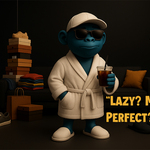
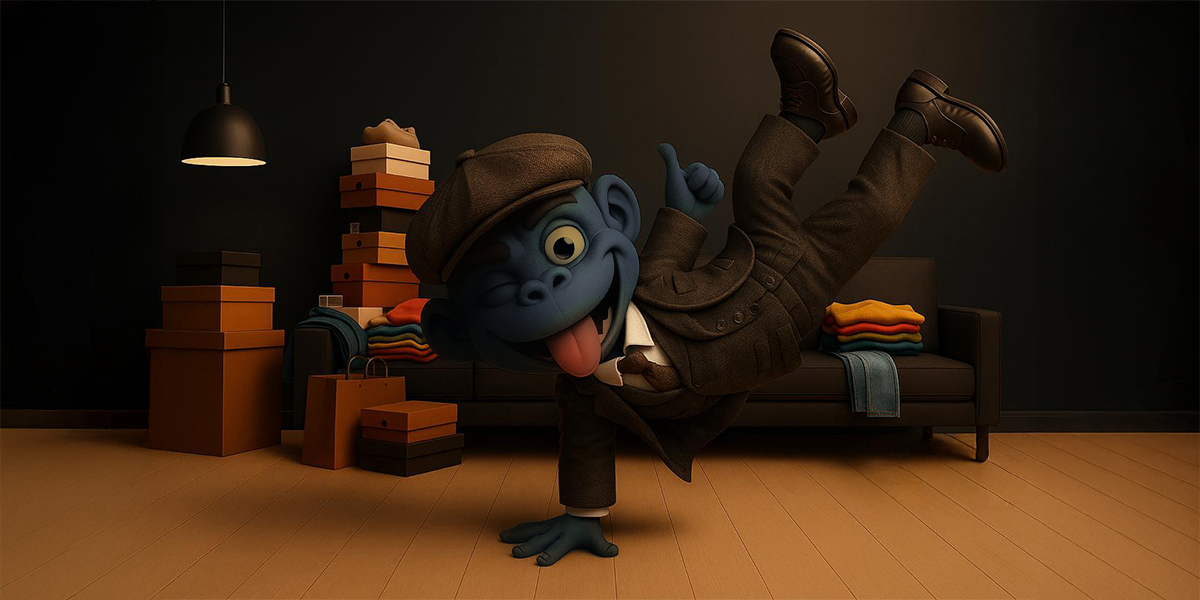
⚡ FitClick – One Click. Perfect Fit.
FitClick is a smart Blender add-on built to make clothing, hair, and accessory fitting effortless.
No setup, no bone selection, no manual weight transfer — just a clean, instant bind that follows your rig perfectly.
You choose what to fit.
FitClick handles the technical part — safely linking each piece to your character in under a second.
All versions fully support Rigify, ARP, and custom rigs.
🔑 Key Features
-
Bind all selected garments instantly.
Just align the clothing roughly to your character → click → done.
No weight painting, no vertex groups, no cleanup.🧠 Automatic body detection
When only one character is visible in the scene, FitClick identifies the correct rig automatically.
💎 Clean and non-destructive
No deformations, no mesh clipping, no lost modifiers.
Stable and predictable results every time.
✂️Smart Face Hair Binder (Pro Max Exclusive)
A fully intelligent module designed for eyebrows, eyelashes, mustache, beard, and head hair.
It automatically detects hair meshes and:
-
Ignores all clothes and accessories — even if they are selected
-
Binds hair only
-
Preserves all hair shape keys
-
Follows facial expressions perfectly
-
Remains fully stable with rig movement
✨ Recommended workflow:
-
Fit the clothes first
-
Select everything
-
Press Hair Binder — it binds hair only and ignores the rest
-
With the same selection, press Fit Accessories — it binds the remaining items and ignores anything already attached
This keeps the entire workflow clean, fast, and perfectly organized.
🎧 Smart Accessories System (Pro & Pro Max)
FitClick adapts intelligently to how accessories are positioned:
-
If headphones are on the head → they bind to the head bone
-
If they hang around the neck → they bind to the neck bone
Supports a wide range of items, including:
glasses, watches, headphones, rings, earrings, belts, bags, and many other accessories —
all bound intelligently based on placement and purpose.
Additional Pro & Pro Max features:
-
Auto-ignore previously bound items
-
Non-destructive binding (no merging, no data loss)
-
Toggle Stretch for optional scale inheritance
🔥 T-Pose Freeze – Rest Pose (Rest Position) Reinvented
This feature changes everything.
Convert any pose into a true Rest Pose (Rest Position) with a single click.
T-Pose, A-Pose, transition pose, or any custom pose — all can instantly become the new Rest Pose (Rest Position).
But the power isn’t only in “changing” the Rest Pose (Rest Position)…
It’s how FitClick does it:
✔ Preserves all shape keys
Not a single key is lost — even with complex rigs.
✔ Keeps the original rig binding
No broken parenting, no lost vertex groups, no armature resets.
✔ Prevents the body from clipping through clothes
Even if you’re not changing the pose at all —
pressing the button harmonizes the Rest Pose (Rest Position) so the body never passes through clothing again.
✔ More stable than manual weight edits
No repainting, no rebinding, no offsets.
⭐ And this feature exists only in FitClick.
No add-on — free or paid — offers a one-click Rest Pose (Rest Position) freeze that:
-
Preserves shape keys
-
Maintains rig binding
-
Fixes body/cloth intersections
-
Works instantly
This is a Pro Max exclusive breakthrough.
❌ Unbind Accessories
Cleanly removes FitClick accessory bindings without affecting clothes, hair, or rig linking.
❌ Unbind Hair
Removes hair bindings only — even if everything is selected.
It intelligently ignores clothes and accessories and unbinds hair safely.
💻 Compatibility
Blender 4.1 – 5
Works on Windows, macOS, and Linux.
🧩 Three Versions — One Smart Core
🩵 FitClick Basic
For quick clothing work and single-character scenes.
Select clothes only — FitClick links them to the correct rig automatically.
For multi-character scenes, select both the body and clothes together.
⚠️ The clothes button is made for garments only.
Using it on accessories may add unnecessary rig load.
💎 FitClick Pro
Built for full scenes with both clothing and accessories.
-
Smart Accessories System
-
Auto-ignore bound items
-
Toggle Stretch for scale control
After fitting clothes, select everything and press Fit Accessories —
even tiny rings and earrings attach perfectly.
👑 FitClick Pro Max
The complete workflow upgrade.
Everything in Pro, plus:
-
Smart Face Hair Binder
-
Shape-key-safe T-Pose Freeze
-
Future premium modules
-
The most advanced binding logic and stability
Ideal for studios, animators, stylized creators, and anyone needing the smartest and fastest binding pipeline.
| Feature | (Basic) |
(Pro) |
(Pro Max) |
|---|---|---|---|
| Fit Clothes | ✔ |
✔ |
✔ |
| Smart Accessories | ✖ |
✔ |
✔ |
| Auto-Ignore Bound Items | ✖ |
✔ |
✔ |
| Smart Face Hair Binder | ✖ |
✖ |
✔ |
| Rigify + ARP Support | ✔ |
✔ |
✔ |
| T-Pose Freeze (Shape-Key Safe) | ✖ |
✖ |
✔ |
| Future Premium Modules | ✖ |
✖ |
✔ |
⚙️ Installation
Do not unzip the file.
Blender → Edit → Preferences → Add-ons → Install
Select the ZIP → Install Add-on
Enable FitClick
Find it in the N-Panel under “FitClick”.
Safari users: re-compress the folder if Safari unzips it automatically.
📜 Usage & License
FitClick may be used for personal and commercial Blender projects.
Redistribution, resale, or modification of its source is not permitted without written permission.
✨ Dress. Press. Impress.
FitClick — One Click. Perfect Fit.
Create faster. Fit smarter.
Start using FitClick today — and enjoy a seamless, worry-free workflow from the very first click.