 DayDream Studio
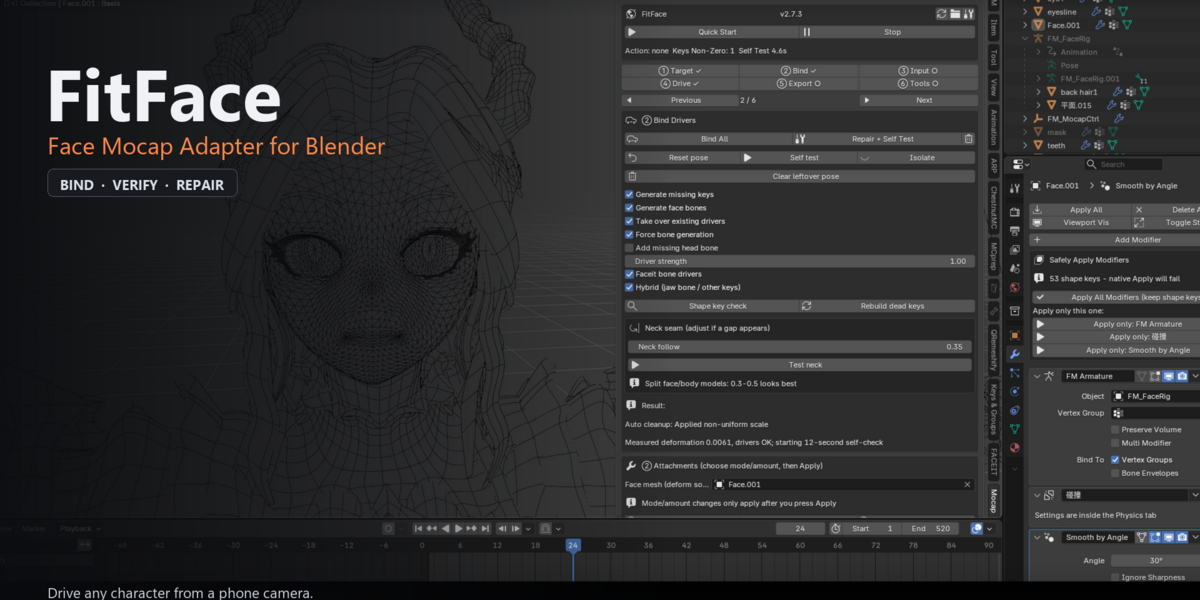
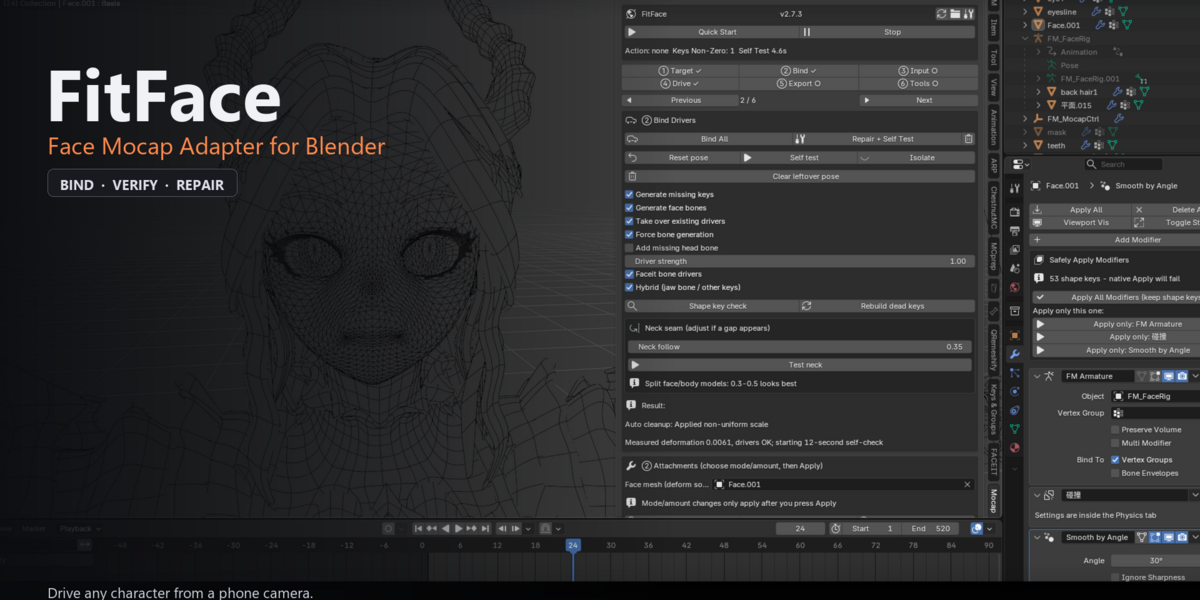
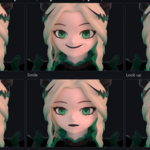
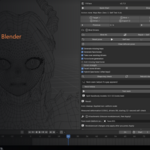
**FitFace adapts face capture to the character you already have.**
Most mocap tools assume their own rig. FitFace reads your model first — existing ARKit
or MMD shape keys, or a bare mesh — then builds the shortest path from a phone camera
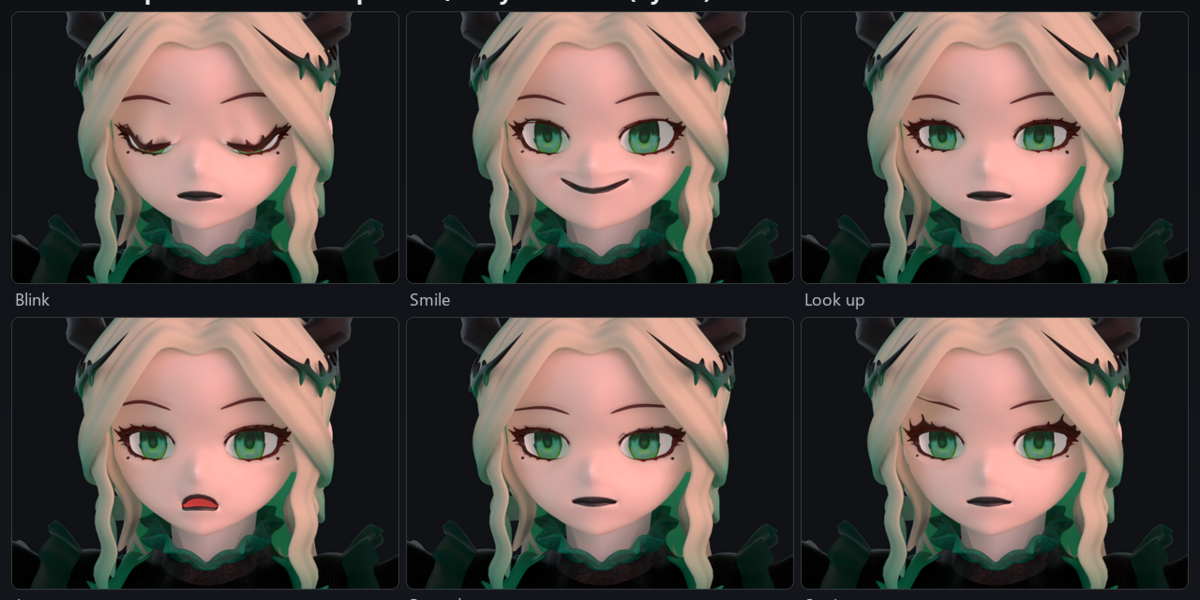
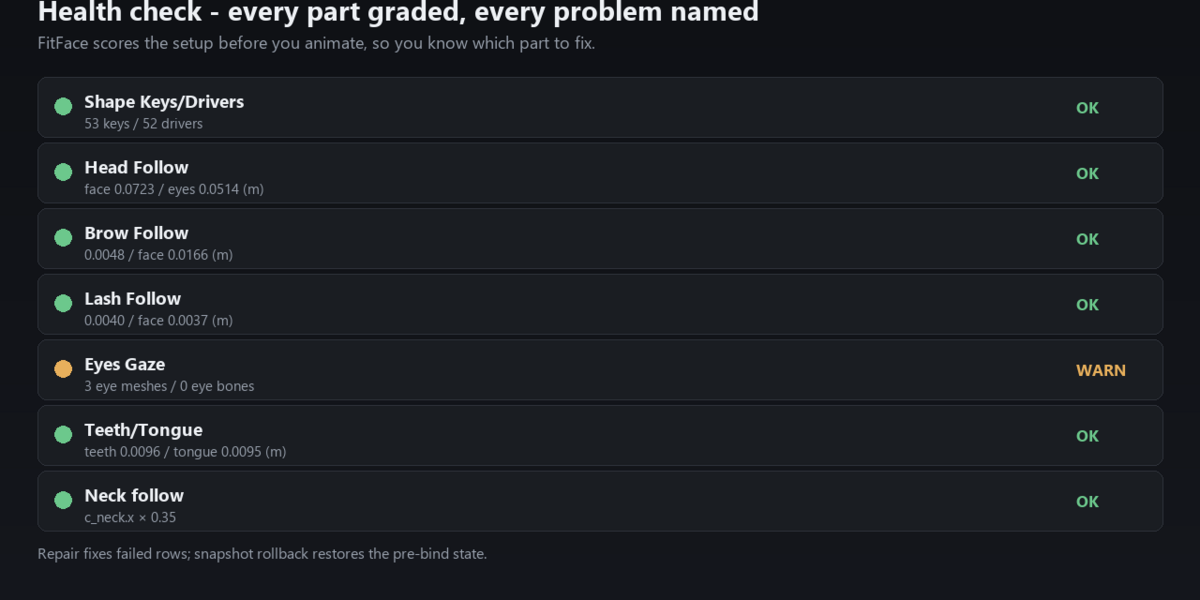
to a working face, and proves it with a health check, one-click repair and six rendered
expression tests.
### Capture
- Browser capture with QR login — phone, tablet or desktop camera, no app to install
- UDP (Live Link Face compatible), CSV replay, Live Link, optional Faceit bridge
- 52 ARKit channels + head rotation
### Binding
- One-click bind for existing ARKit/MMD keys, or generate a face rig for a bare mesh
- Separate face meshes (Faceit style) and single-mesh characters (MMD/ZZZ style)
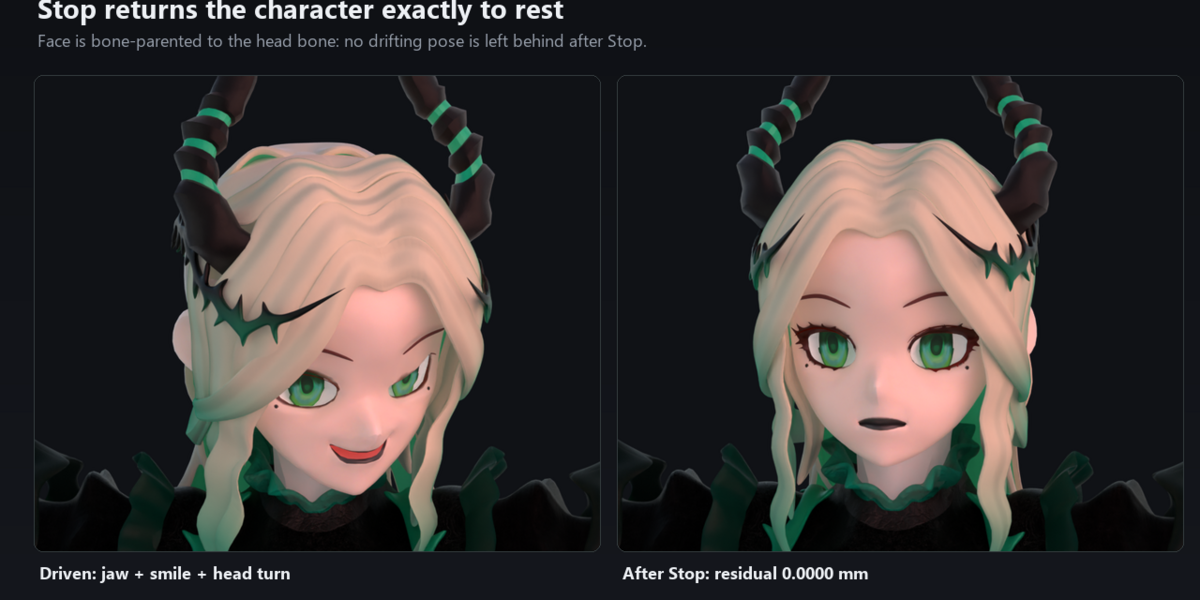
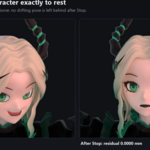
- Head follow by bone parenting: stop playback, the character returns exactly to rest
### Adaptation
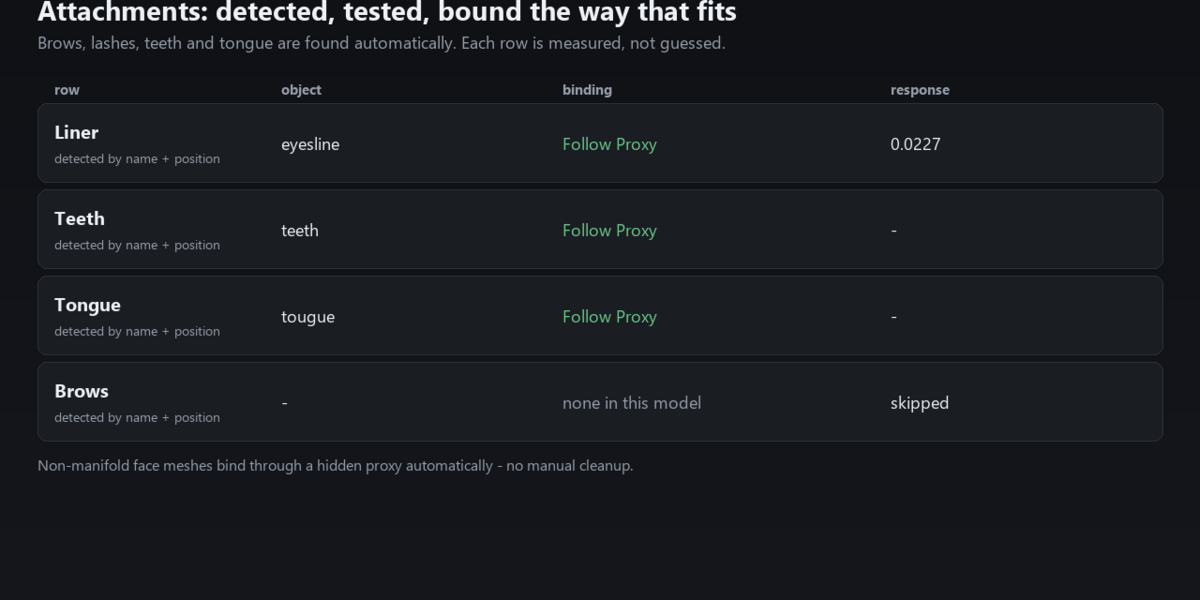
- Auto-detect attachments (brows, eyelines, teeth, tongue); never picks eyeballs, hair or MMD bone-display meshes
- Smart adapt tests skin-follow vs rigid-follow per row and auto-calibrates the amount
- Surface Deform proxy fallback for non-manifold faces
- Eyes gaze via eye bones, with an object fallback when the model has none
### Verify
- Health check (6 metrics) with a one-line fix for each
- Repair from health check, sync check, snapshot & rollback, model profiles
- Run expression test: blink / wide / look-up+smile / jaw open / brow down / head turn
### Compatibility
- Blender 4.0 – 5.x (developed on 5.2.2 LTS)
- Windows 10/11 (macOS/Linux expected, not yet verified)
- Verified on: a Faceit-style rebound asset, Mingchao (76k verts), Zenless Zone Zero (40k verts)
- UI in English with built-in Blender translation to Simplified Chinese
### Requirements
- Blender 4.0+
- A phone/tablet with a front camera, or a webcam (UDP/CSV work without a camera)
- No account, no cloud, no subscription
### License
GPL-3.0-or-later. Commercial support terms (seats, update window, response times) are
listed in the README.