 FV Design




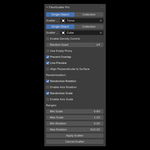
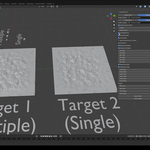
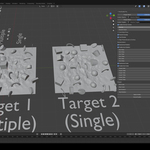
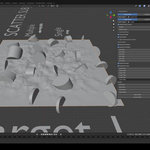
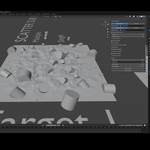
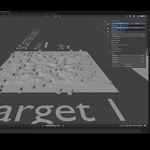
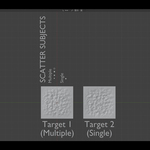
How to install the addon?
1. Open up Blender.
2. Press Edit - Preferences - Addons and click on the small icon of a arrow pointing down, then "Install from Disk".
3. Locate the FlexiScatterPro.zip file and confirm its installation.
Close the window, then press N to open up the sidebar where you will find the "FlexiScatter Pro" button listed.
Have questions about this product?
Login to message
| Published | 7 months ago |
| Blender Version | 4.0 - 5.0 |
| Extension Type | N/A |
| Render Engine Used | Cycles, Eevee |
| License | GPL |

Discover more products like this
blender addon addon scripts Level Design 3d scatter best addons for blender ease-of-use multiple-object-scatter flexible design Python 3d best addon