Flicker Fix
 Adrian Kulawik


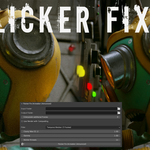
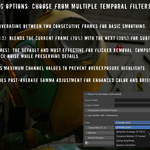
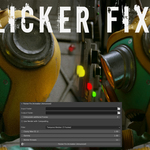
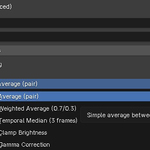
User-Friendly Interface: Accessible via the Node Editor Sidebar under the Compositing tab, with intuitive controls for folders, filters, clamp/gamma values, and thread count.
How It Works:
Set your input folder containing the rendered image sequence (sorted by filename).
Choose an output folder for the fixed frames.
Select your preferred filter, adjust parameters like clamp (0-1) or gamma (0.1-5.0), and set interpolation if needed.
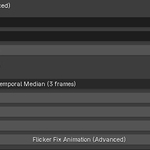
Hit "Flicker Fix Animation (Advanced)" and let the addon handle the rest—processed images are saved as PNGs with names like "fixed_0001.png".
No external dependencies—runs entirely within Blender's Python environment.
Have questions about this product?
Login to message
| Sales | 20+ |
| Dev Fund Contributor | |
| Published | about 1 year ago |
| Blender Version | 4.0 - 5.0 |
| Extension Type | N/A |
| Render Engine Used | Arnold, Blender-Internal, Blender-Game-Engine, Cycles, Eevee, Freestyle, Luxrender, Mental-Ray, Octane, Vray, Yafaray |
| License | GPL |
Discover more products like this
AI Denoise filter auto denoise octane presets Frame Interpolation eevee flicker frame fix addon sid filtering Render best denoiser ai Cycles Advanced animation fixing flickering PRO Filters ai denoiser Interpolation fix temporal denoiser animation denoise Denoiser vray interpolate Noise rendering