 Larry3d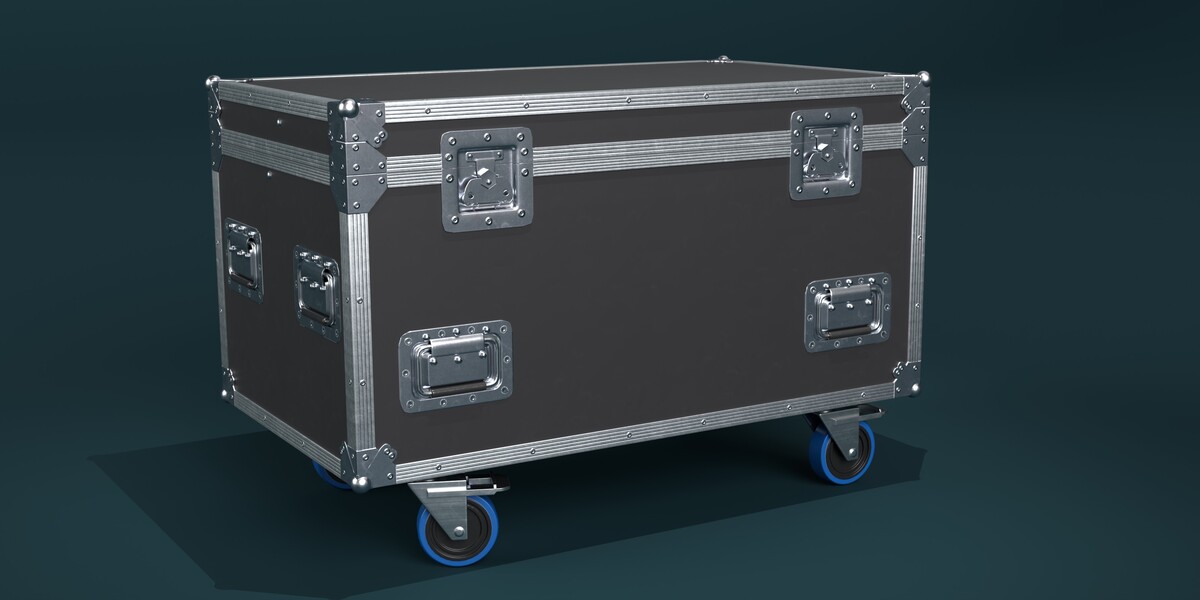
Import into your scene
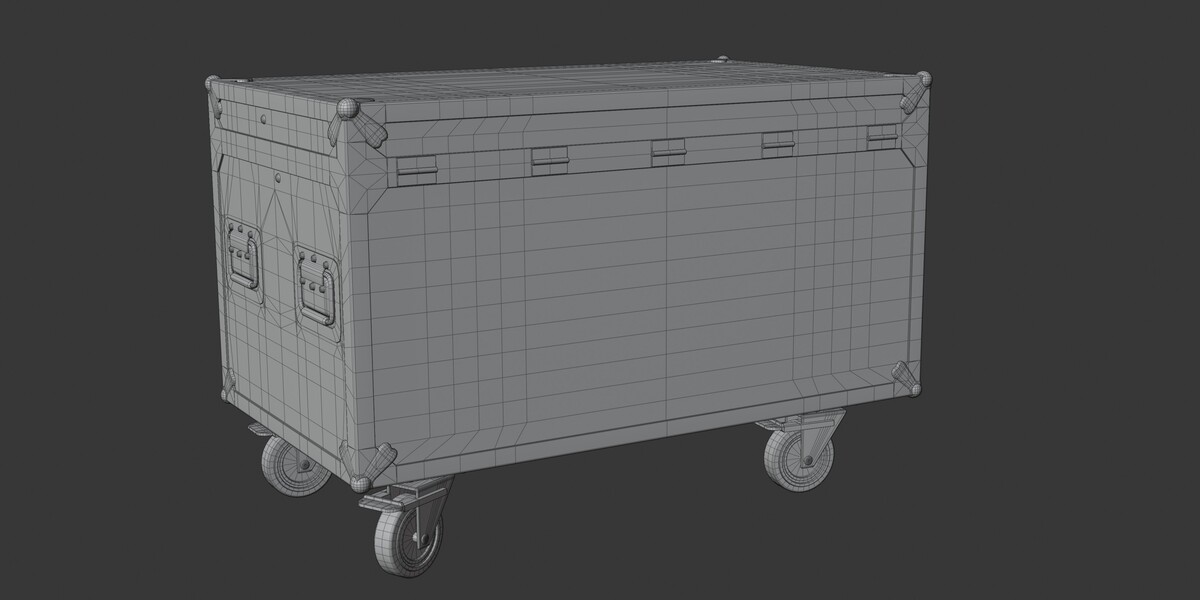
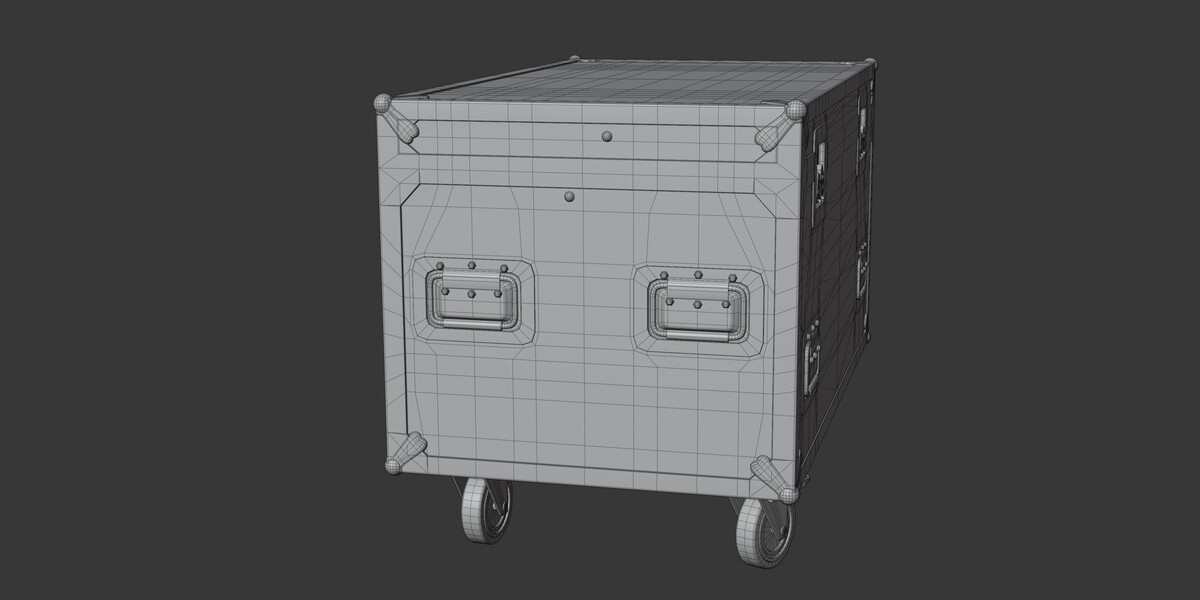
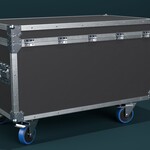
The .blend file contains two collections: Flightcase (the model) and Camera and Set (the studio preview setup – camera and spot light, not needed for the model itself).
Use File ▸ Append (or Link if you prefer a referenced setup), navigate into the .blend, open the Collection folder and pick Flightcase. That brings in the complete case including all parts, materials and textures. You can ignore Camera and Set unless you want the preview lighting.
Structure
All objects are parented to a single Empty named after the case. Move, rotate or scale that Empty and the whole case follows. The sub-collections are:
-
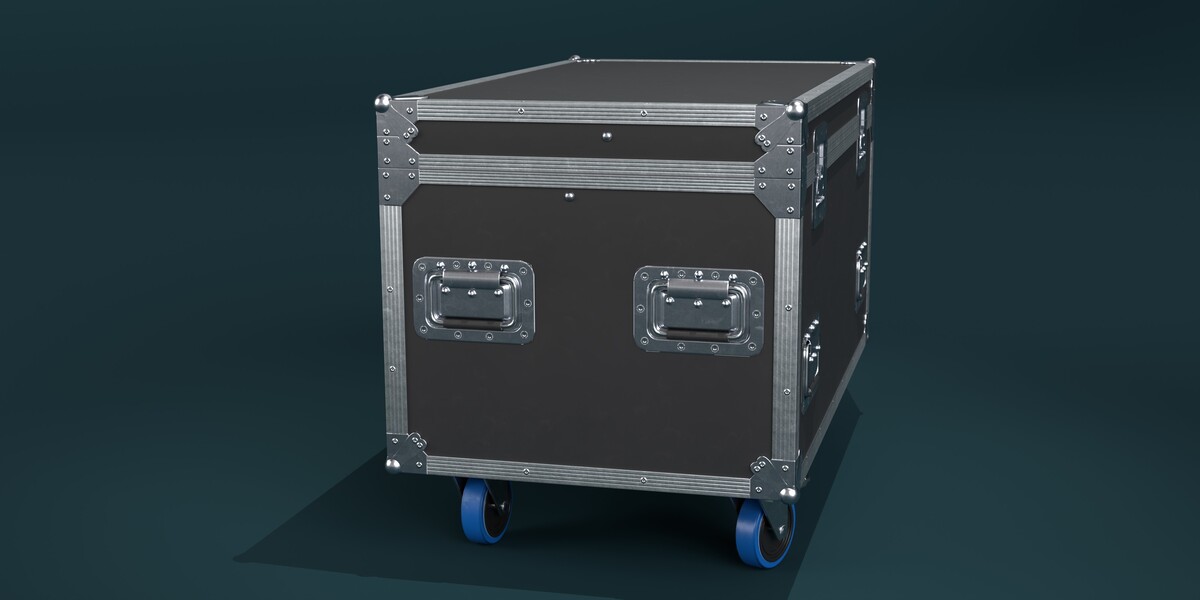
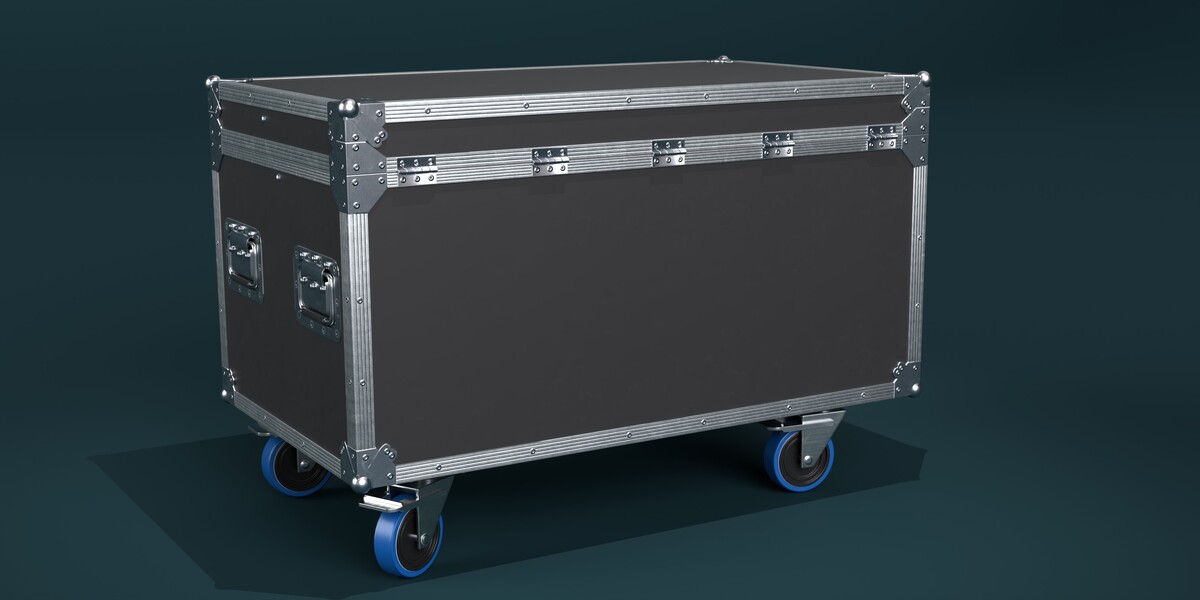
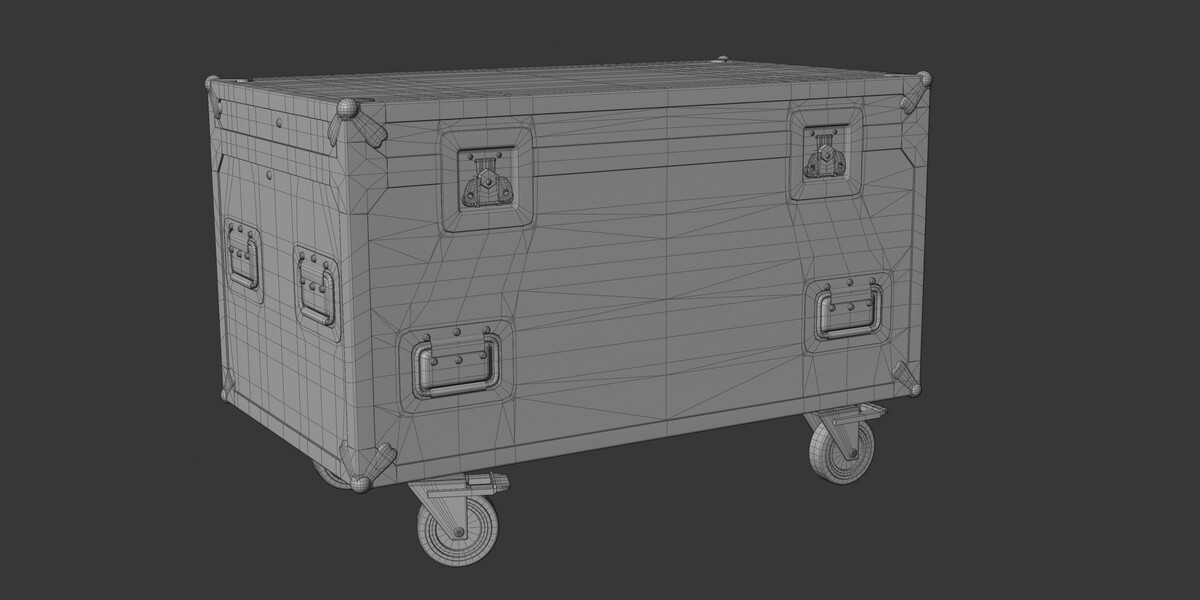
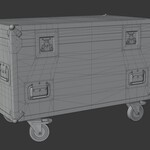
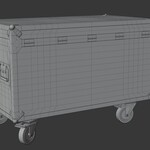
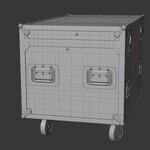
body_low– case body, lid, hardware, latches and handles -
wheels_low– the four swivel casters, each a separate object with its origin at the swivel axis so it can be rotated or animated -
Emptys_mirror– helper empties used by the mirror and array setup of the original build
Materials and textures
The entire model uses one material, fcase_low, with a single 4K PBR texture set for the metal-rough workflow: base color, metallic, roughness and normal (OpenGL / Y+). The textures are packed into the .blend, so the file works standalone. The same maps are also included in the textures folder of the download, in both PNG and JPEG, if you want to plug them into another engine or swap them out.
Scale and units
Built to real-world scale, roughly 1.6 × 0.94 × 1.09 m. Transforms are applied, scale is 1.0 on all axes.
Other formats
Besides the .blend, the download contains GLB, USDZ and OBJ (with MTL) exports. For OBJ, keep the textures folder next to the file so the MTL finds the maps.
Asset Browser
The case is marked as an asset and assigned to the catalog Models/Industrial. The included blender_assets.cats.txt provides that catalog – place it in the root folder of your asset library if you want the category to show up.
Have questions about this product?
Login to message
| Sales | 10+ |
| Dev Fund Contributor | |
| Published | almost 5 years ago |
| Blender Version | 2.93 - 5.2 |
| Render Engine Used | Cycles, Eevee |
| Misc Data | Uvs-Unwrapped, Normal-Mapped, Textured |
| License | Royalty Free |
Discover more products like this
4k textures case flightcase touring roadcase stage backstage crate game ready container PBR industrial