Floor Standing Audio Speaker 3D Model | Hi-Fi Tower Speaker
 Cognito Visuals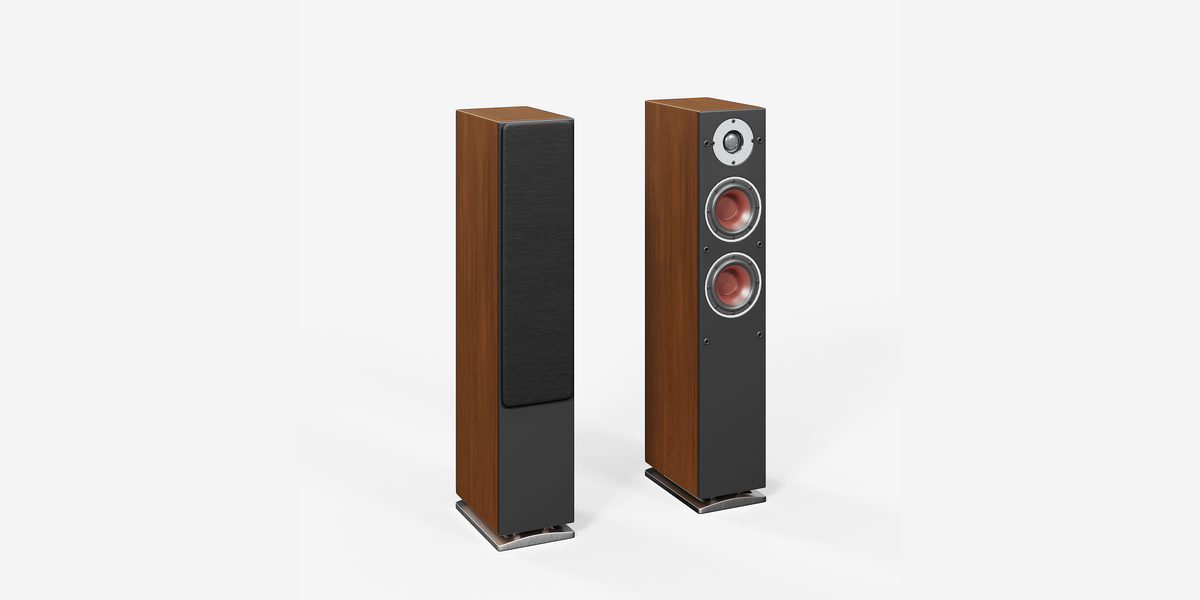
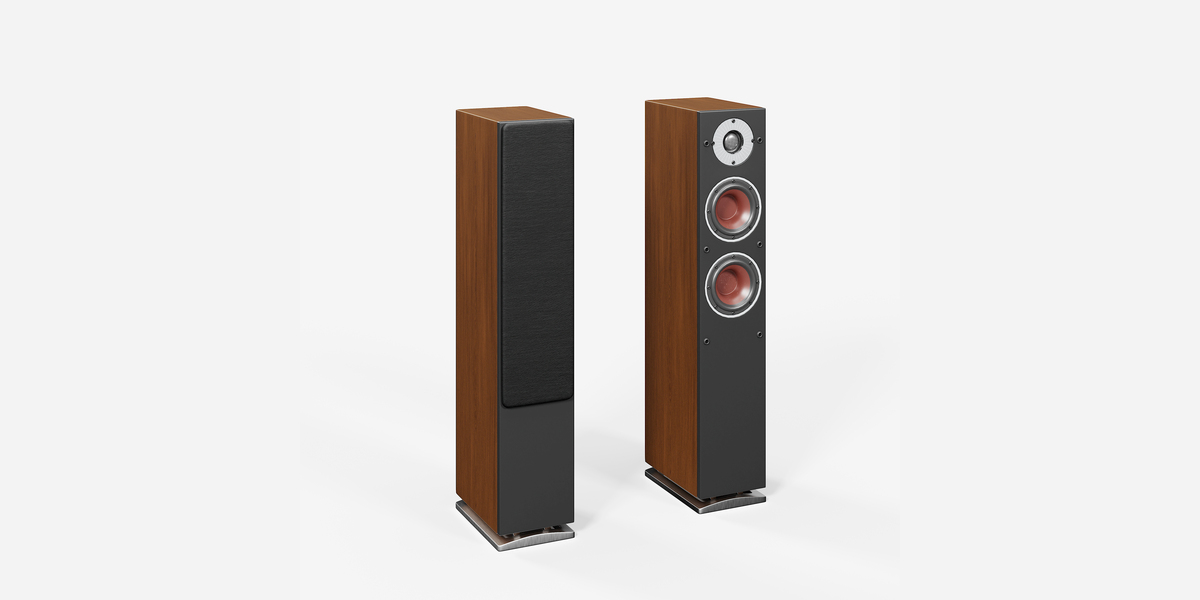
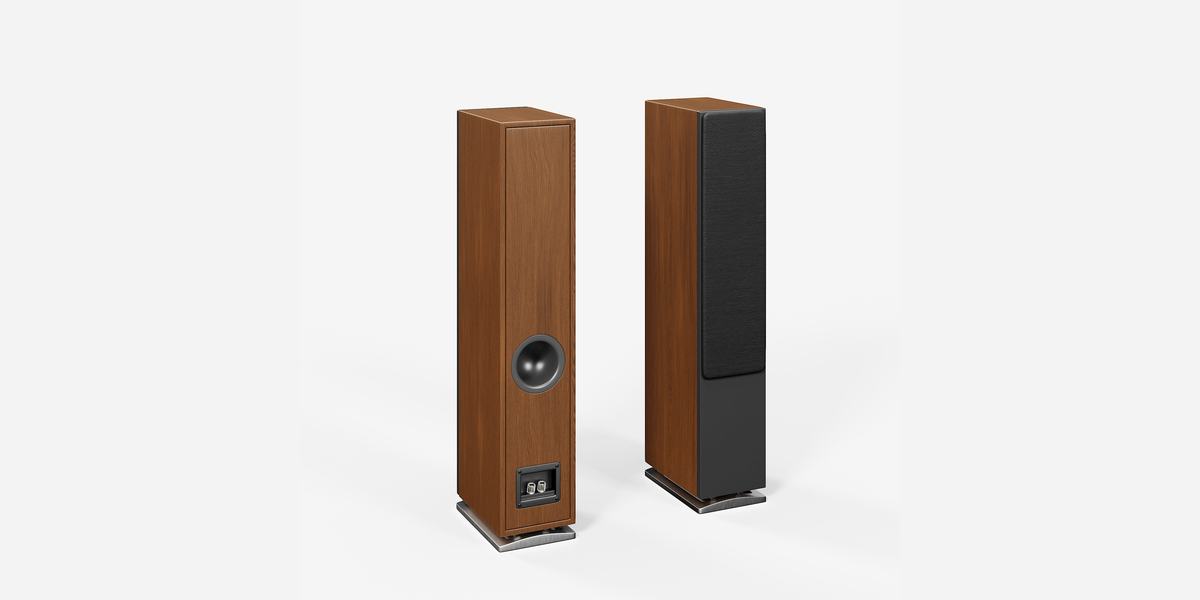
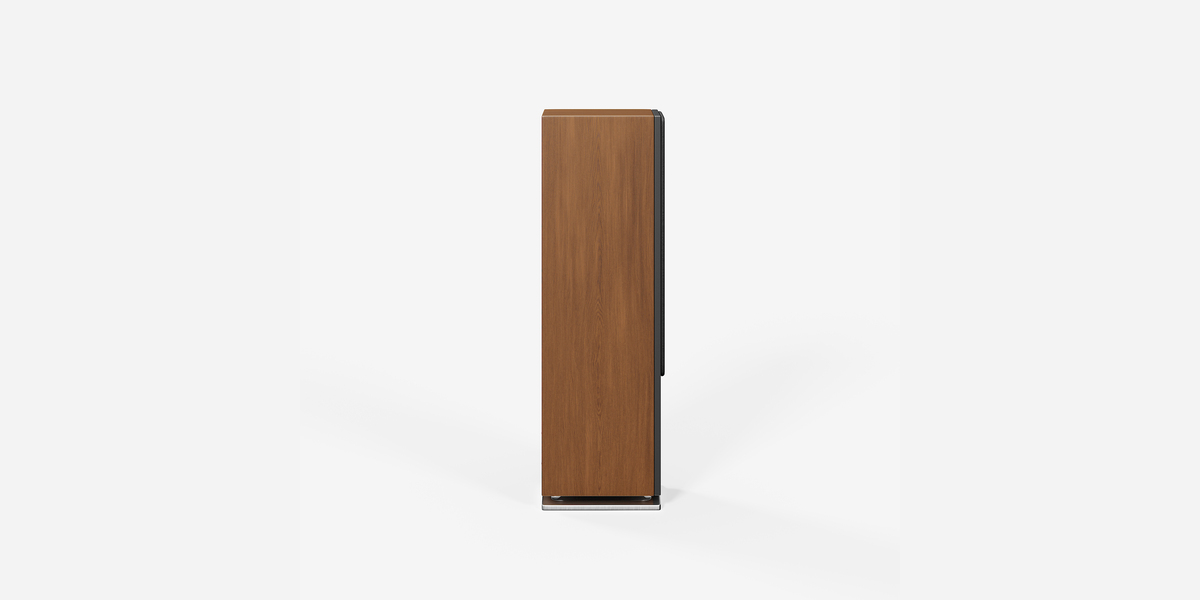
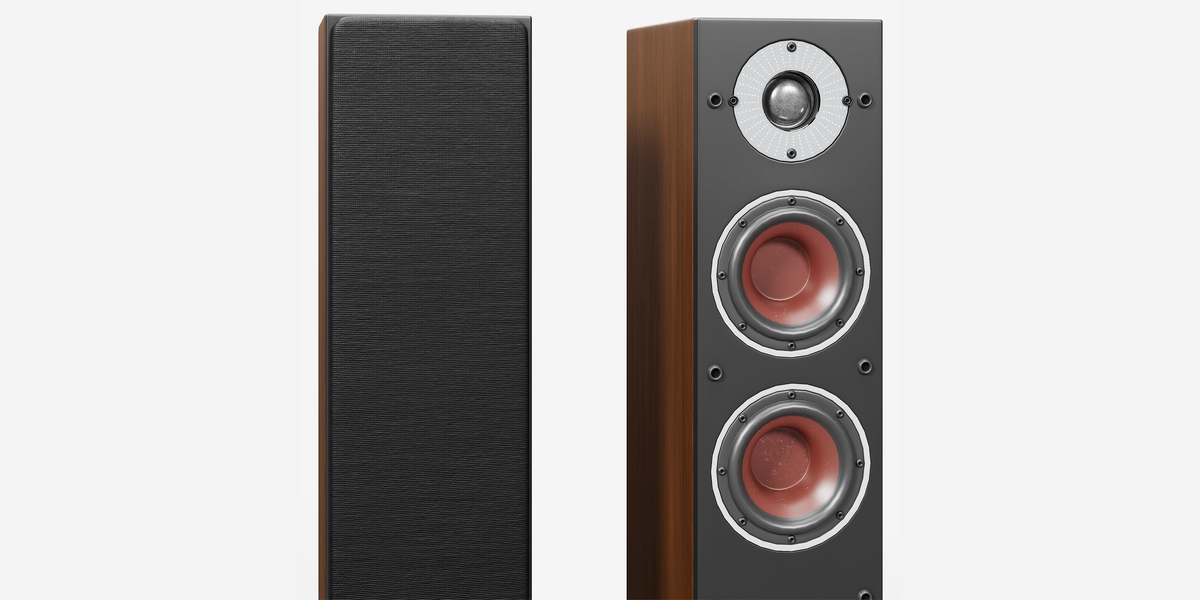
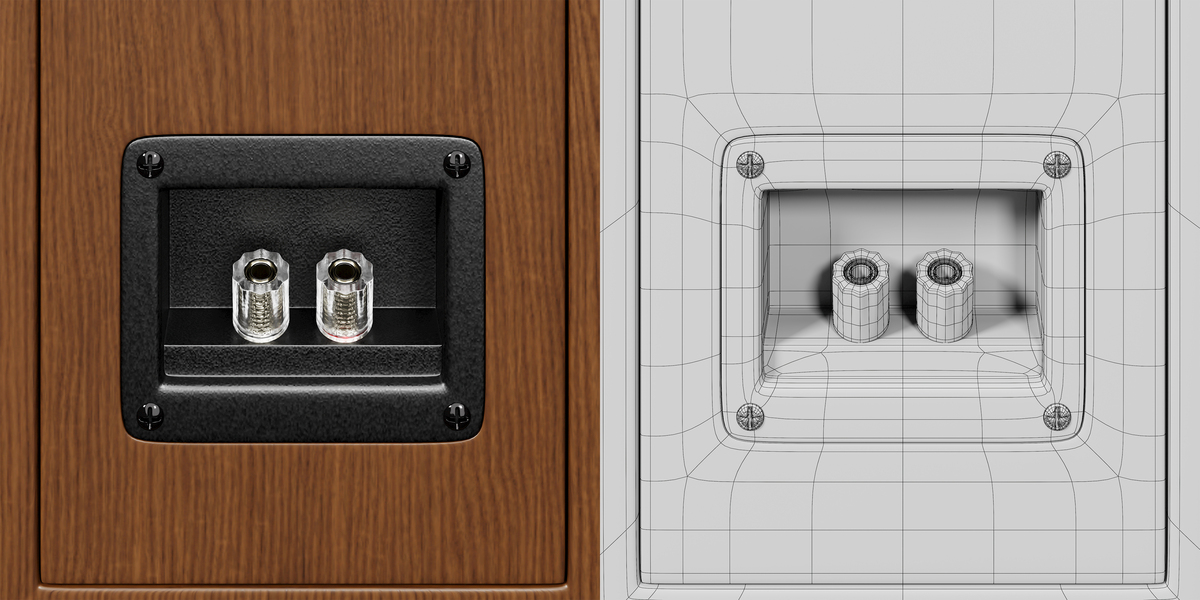
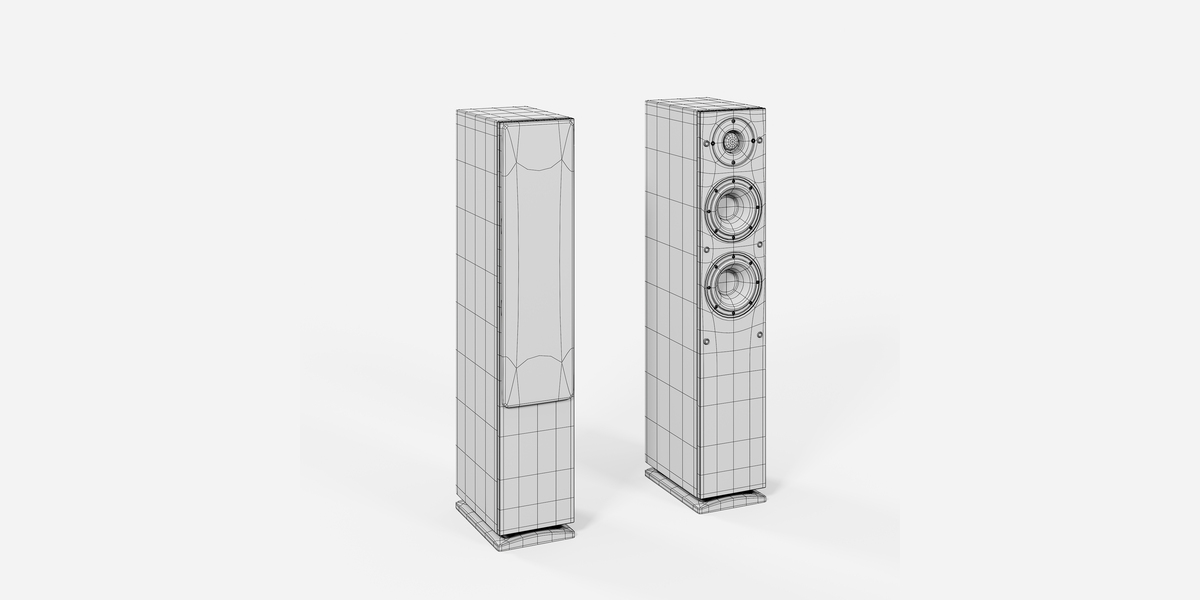
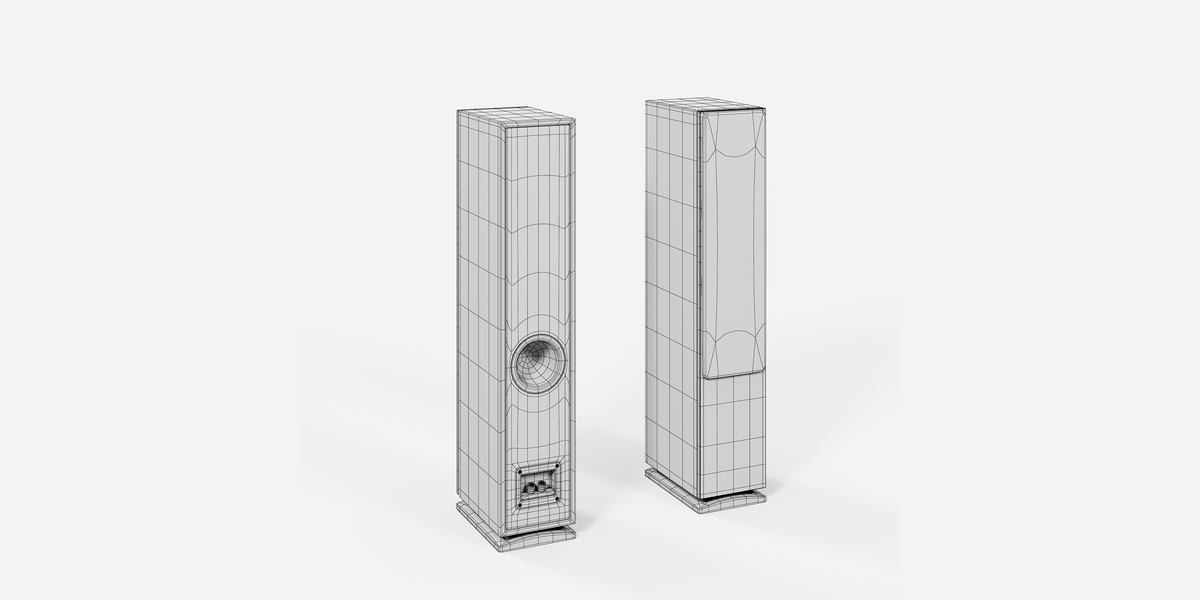
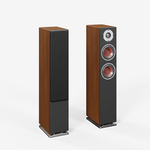
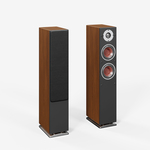
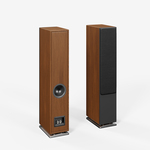
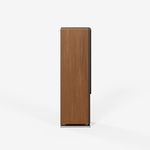
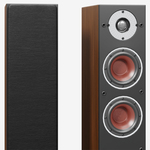
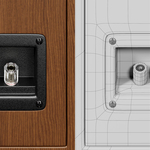
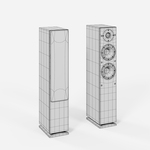
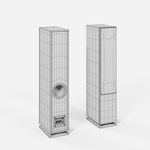
Floor Standing Audio Speaker 3D Model | Hi-Fi Tower Speaker
Getting Started
Download and extract the complete product package before using the model.
Locate the supplied 3D model files and choose the format that best matches your workflow.
For Blender users, open the supplied BLEND file when available.
Working With PBR Materials
The material setup can be adjusted through the Principled BSDF shader.
Common PBR properties include:
- Base Color
- Roughness
- Metallic
- Normal information
When replacing or rebuilding textures, use appropriate color-space settings for each map.
Recommended Color Space
| Map | Color Space |
|---|---|
| Base Color | sRGB |
| Roughness | Non-Color |
| Metallic | Non-Color |
| Normal | Non-Color |
Using the FBX Version
FBX can be used to transfer the model into compatible 3D applications.
After importing, check:
- Scale
- Materials
- Texture paths
- Normal information
- Roughness
- Metallic properties
Material reconstruction may be necessary depending on the target software.
For the most complete Blender experience, use the native .blend file.
Using the GLB Version
GLB can be useful for compatible:
- Real-time applications
- Interactive presentations
- Web-based viewers
- 3D product presentations
After importing, verify material appearance and texture assignments because different applications can interpret PBR materials differently.
Import & Export
The package includes the following formats:
BLEND
The native Blender file and recommended format for Blender users.
FBX
Use FBX for general-purpose 3D exchange workflows.
OBJ
OBJ provides a widely supported geometry format for applications requiring basic mesh exchange.
GLB
GLB provides a portable 3D format for compatible applications and workflows.
Texture Files
The supplied texture files can be used with the corresponding materials and can also serve as a starting point for customized material workflows.
When importing the model into another application, material appearance may require adjustment because different software and render engines can interpret PBR materials differently.
 Included
Includes 12 months of
- Support from Cognito Visuals
- Product updates
Extend this product’s Support Period +12 months: 50% of product price
Have questions before purchasing?
Login to message
| Published | 11 days ago |
| Blender Version | 5.2 |
| Render Engine Used | Arnold, Blender-Internal, Cycles, Eevee, Octane, Vray |
| Misc Data | Uvs-Unwrapped, Low-High-Resolution, Normal-Mapped, Textured |
| License | Royalty Free |