 Fine studio


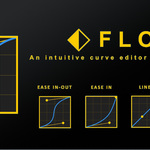
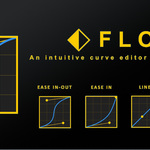
FLOW
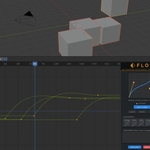
The visual Bezier curve editor for Blender that brings the power of After Effects-style easing to your animation workflow.
Transform Your Animation Timing
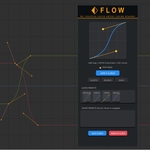
Blender’s built-in curve editor can be tedious. Flow introduces a sleek, interactive, and GPU-accelerated modal UI that makes adjusting keyframe timing faster and more intuitive. With a visual 2D graph and yellow Bezier control points, you can drag and dictate spatial flow with immediate feedback.
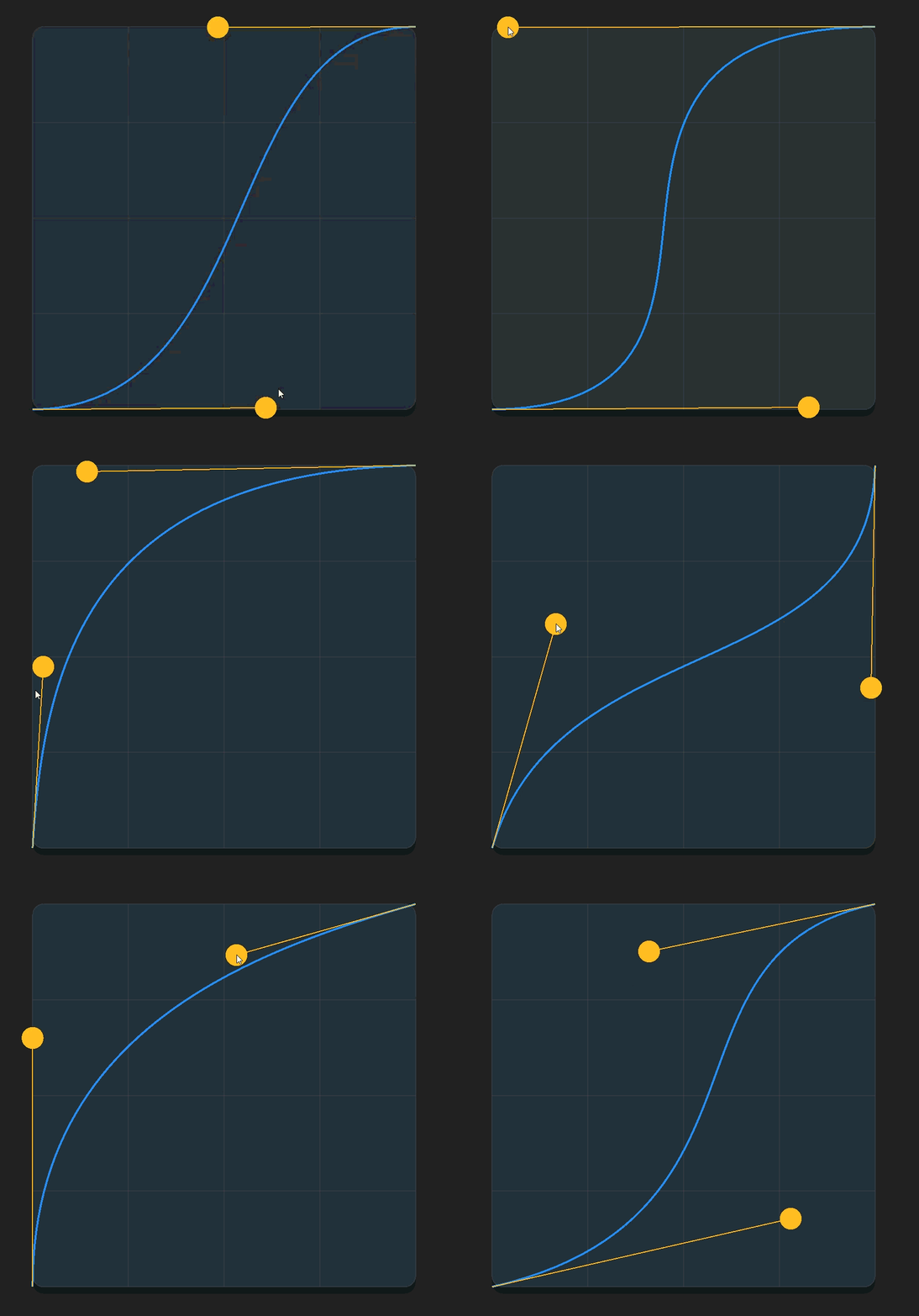
Visual Curve Editing
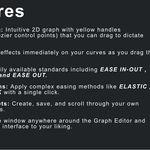
Drag handles on a dedicated 2D graph to shape your easing curves precisely.
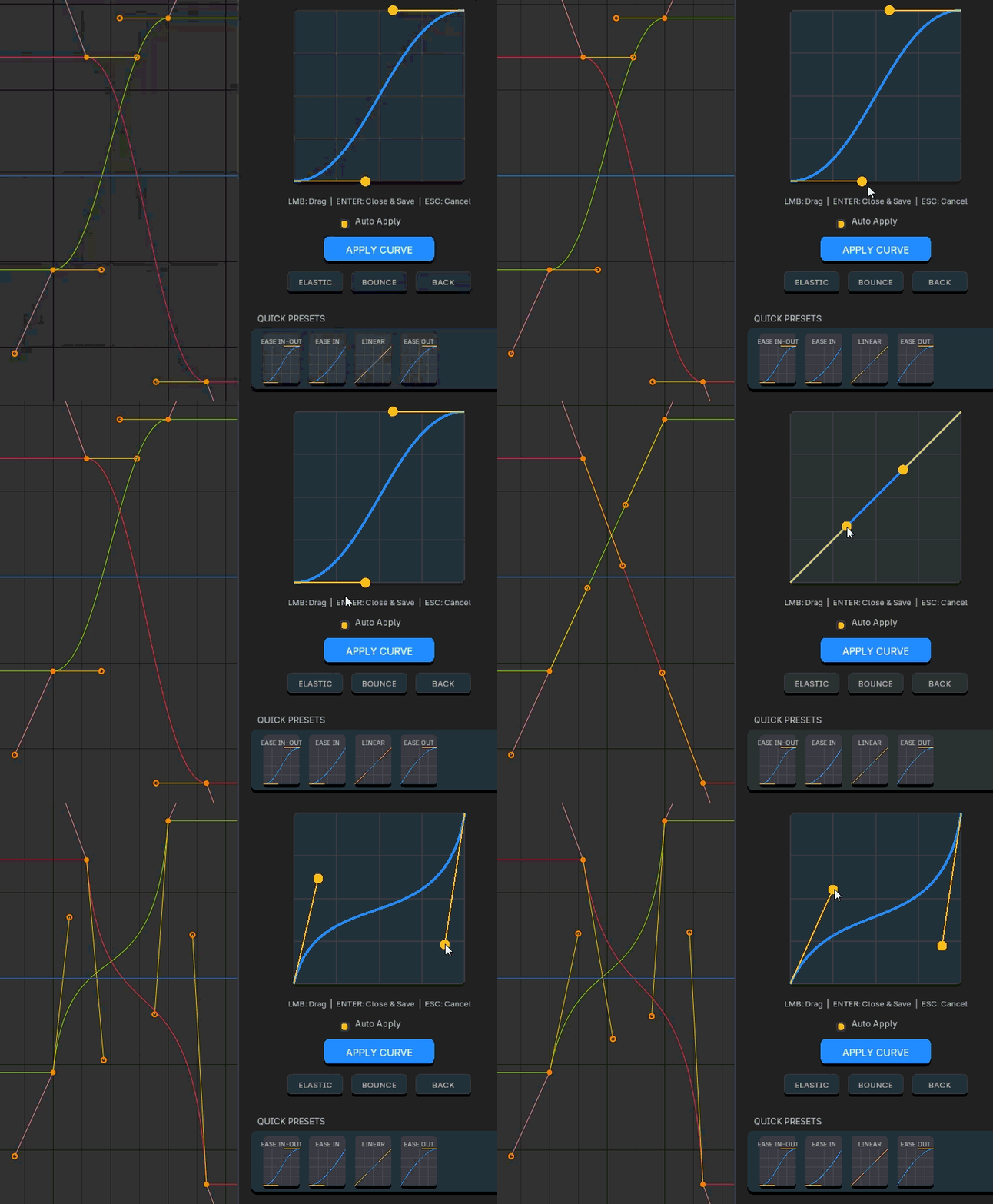
Auto Apply
See effects immediately in Blender's Graph Editor as you adjust your handles.
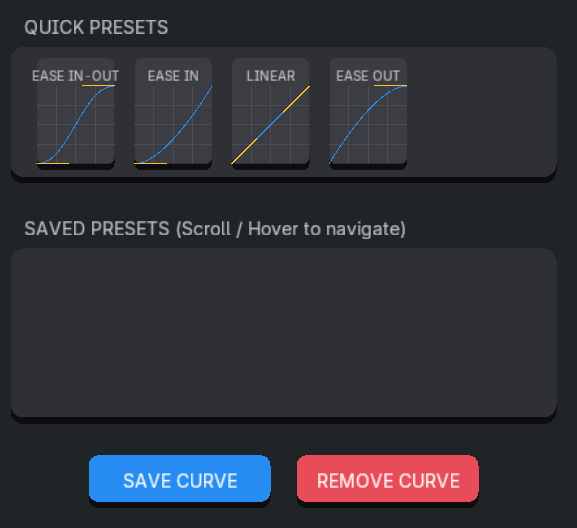
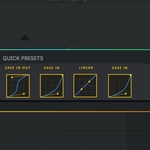
Quick Presets
Instant access to Ease In-Out, Ease In, Linear, and Ease Out standards.
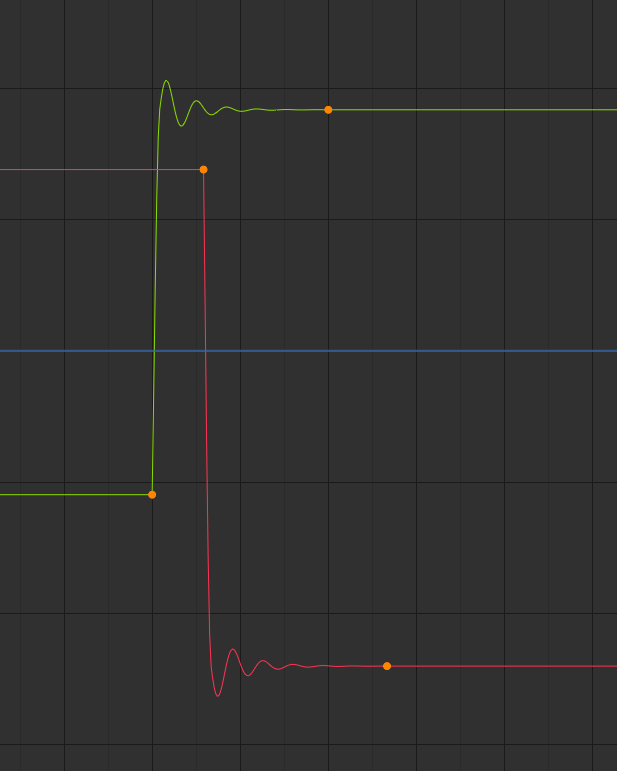
Advanced Easing
Apply complex Elastic, Bounce, and Back interpolations with a single click.
Build Your Own Library
Create, save, and scroll through your own custom easing presets to maintain consistency across all your projects.
Fast Workflow Controls
Compatible with Blender 5.0+ and optimized for high-performance animation workflows.