 Mark Kingsnorth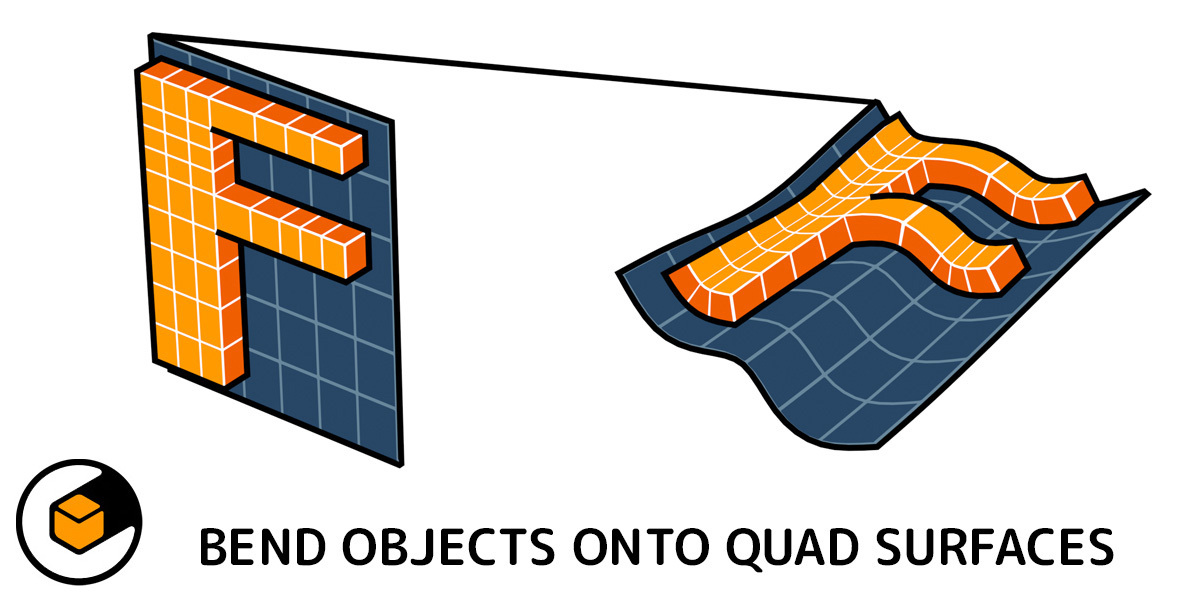
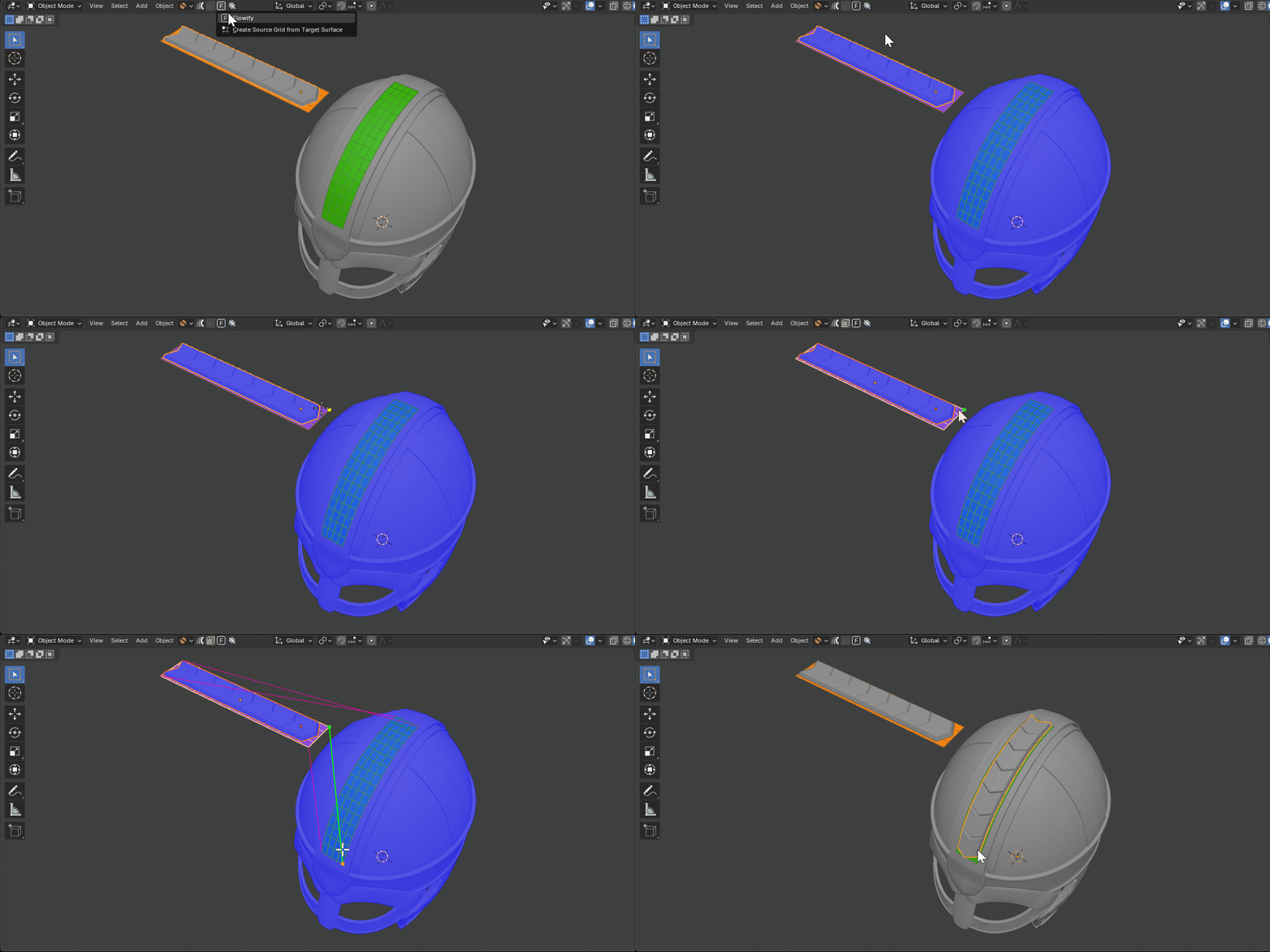

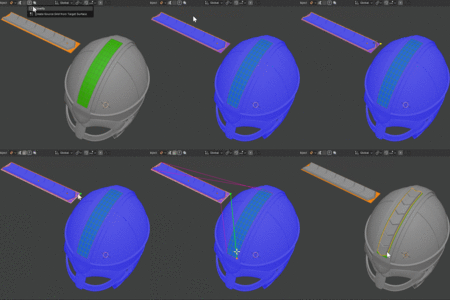

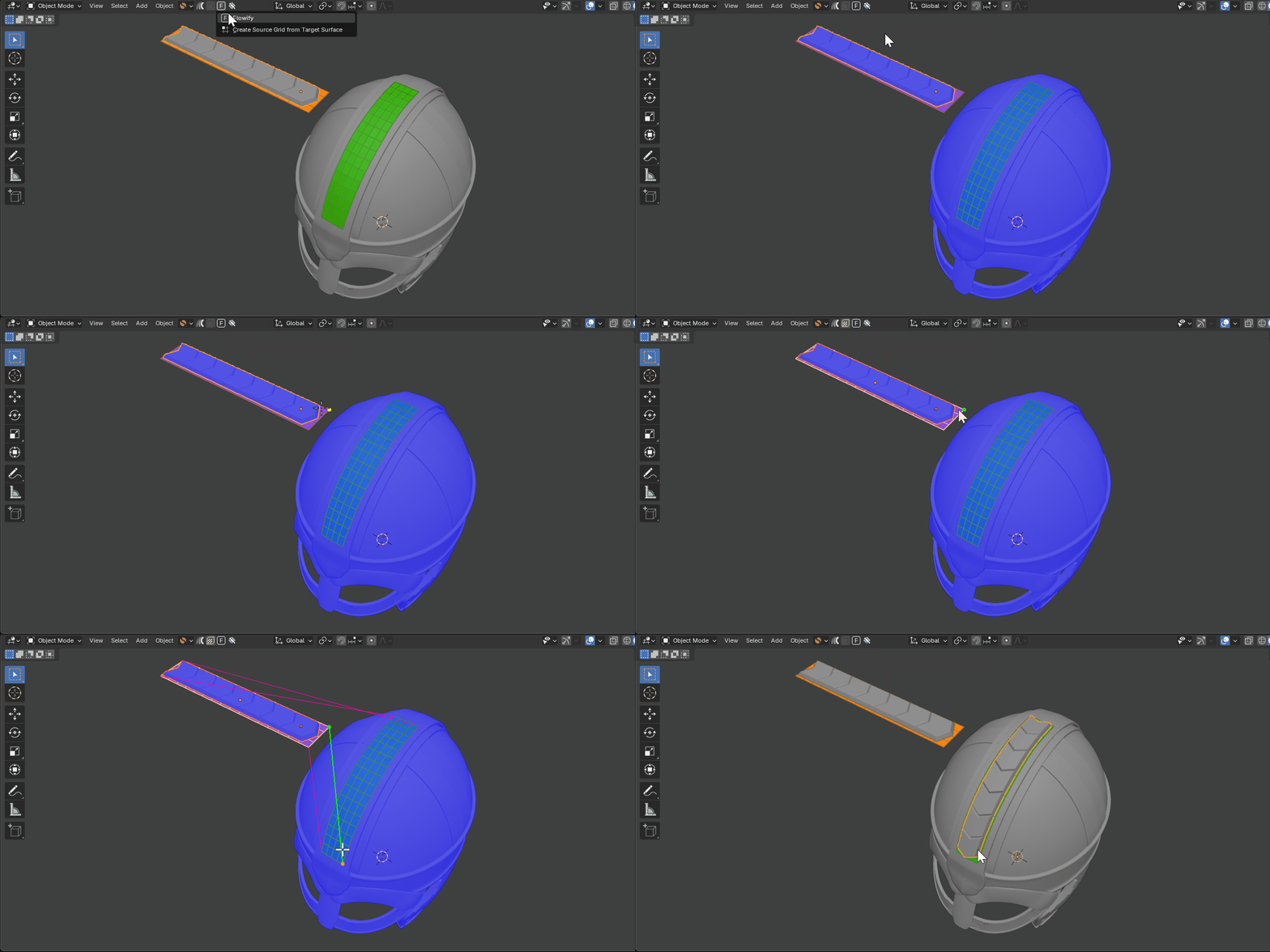
Adding detail onto a Helmet object (model by Andy Woodhead on Sketchfab). Tip: if the object is overlapping the target target surface, try temporarily hiding it.
What is Flowify?
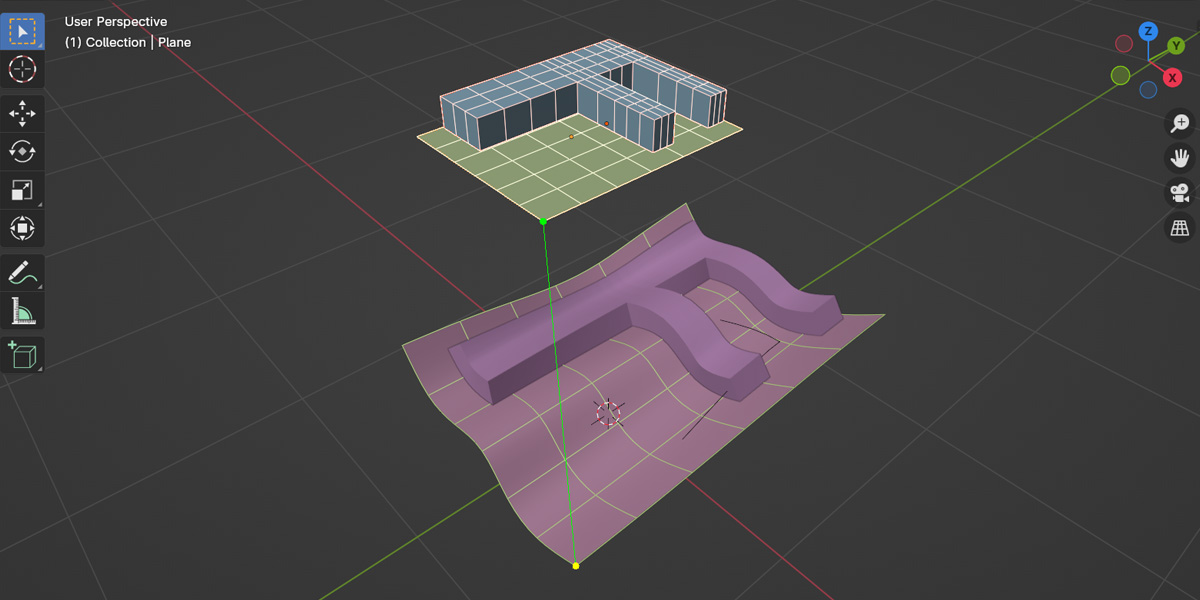
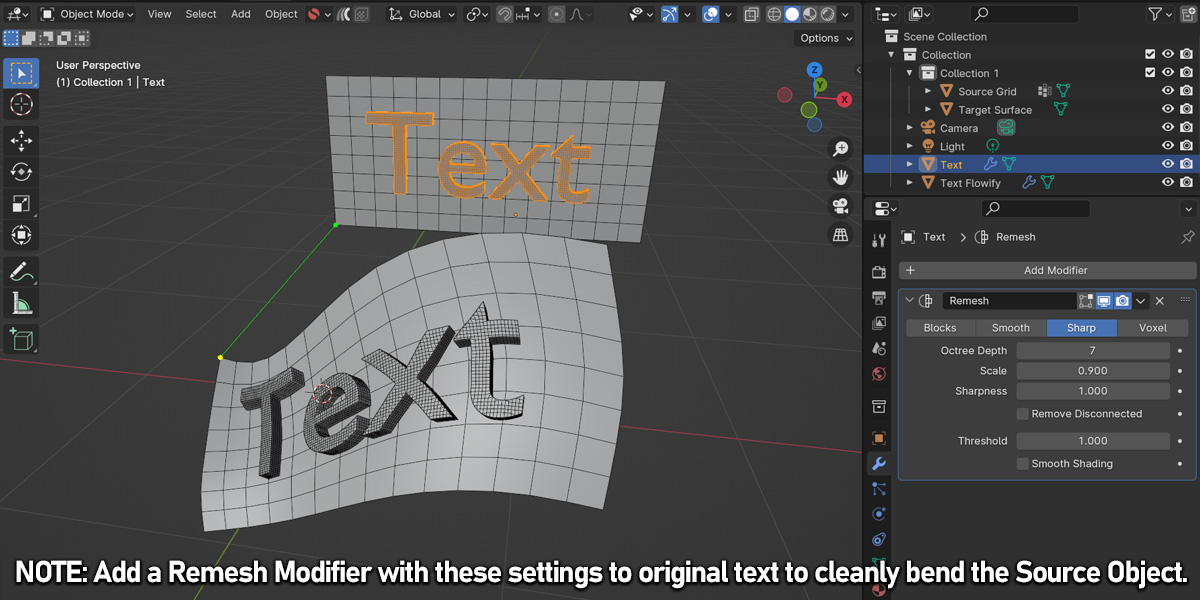
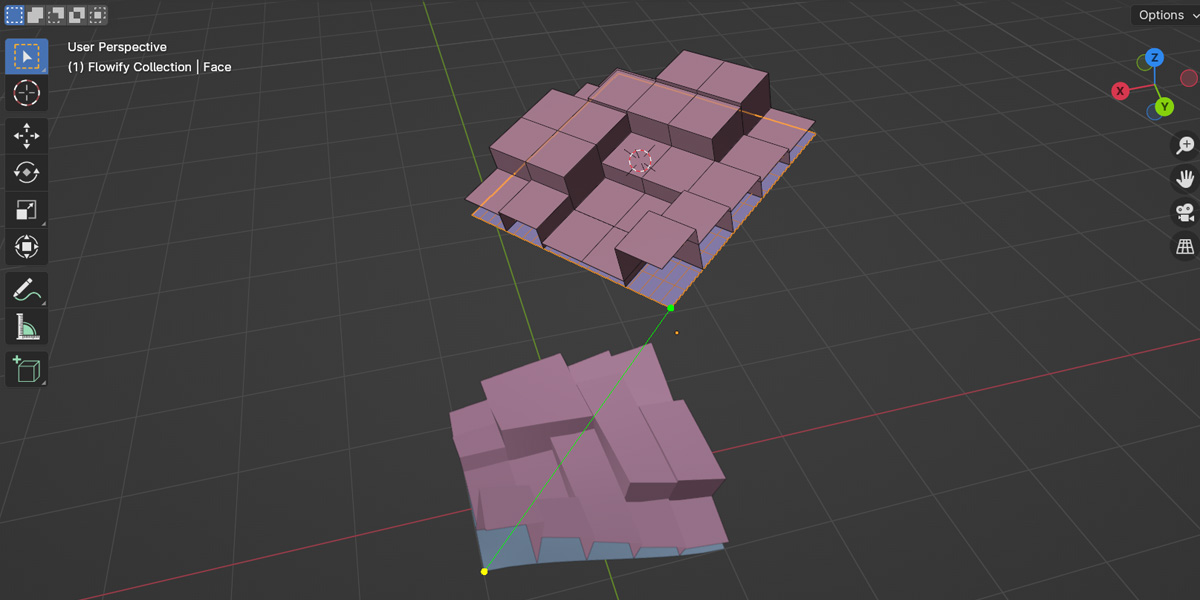
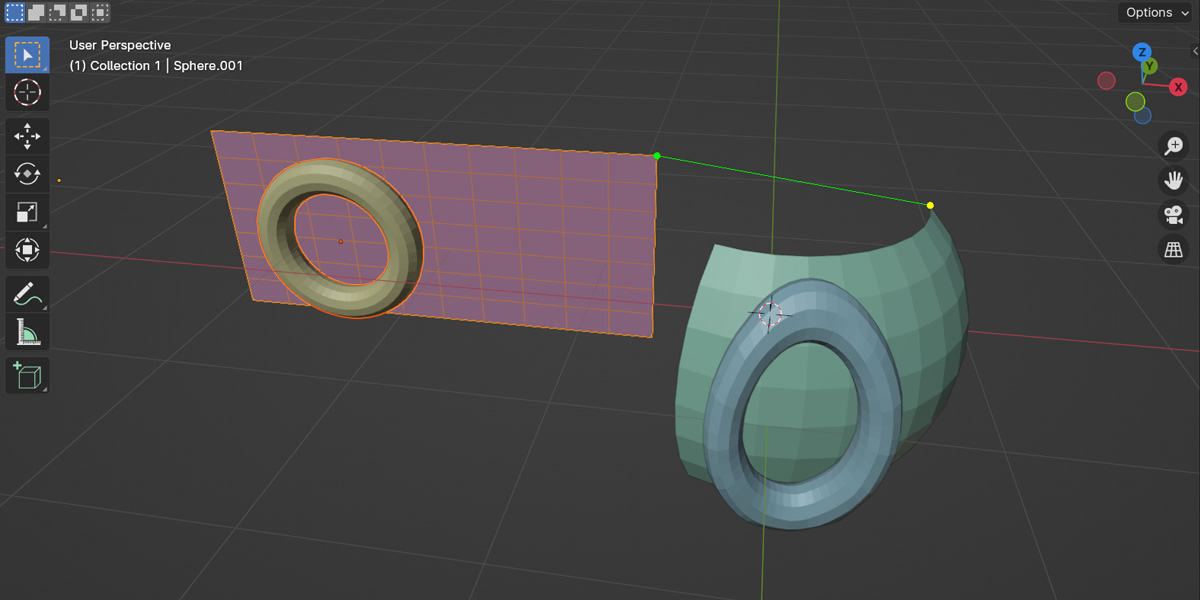
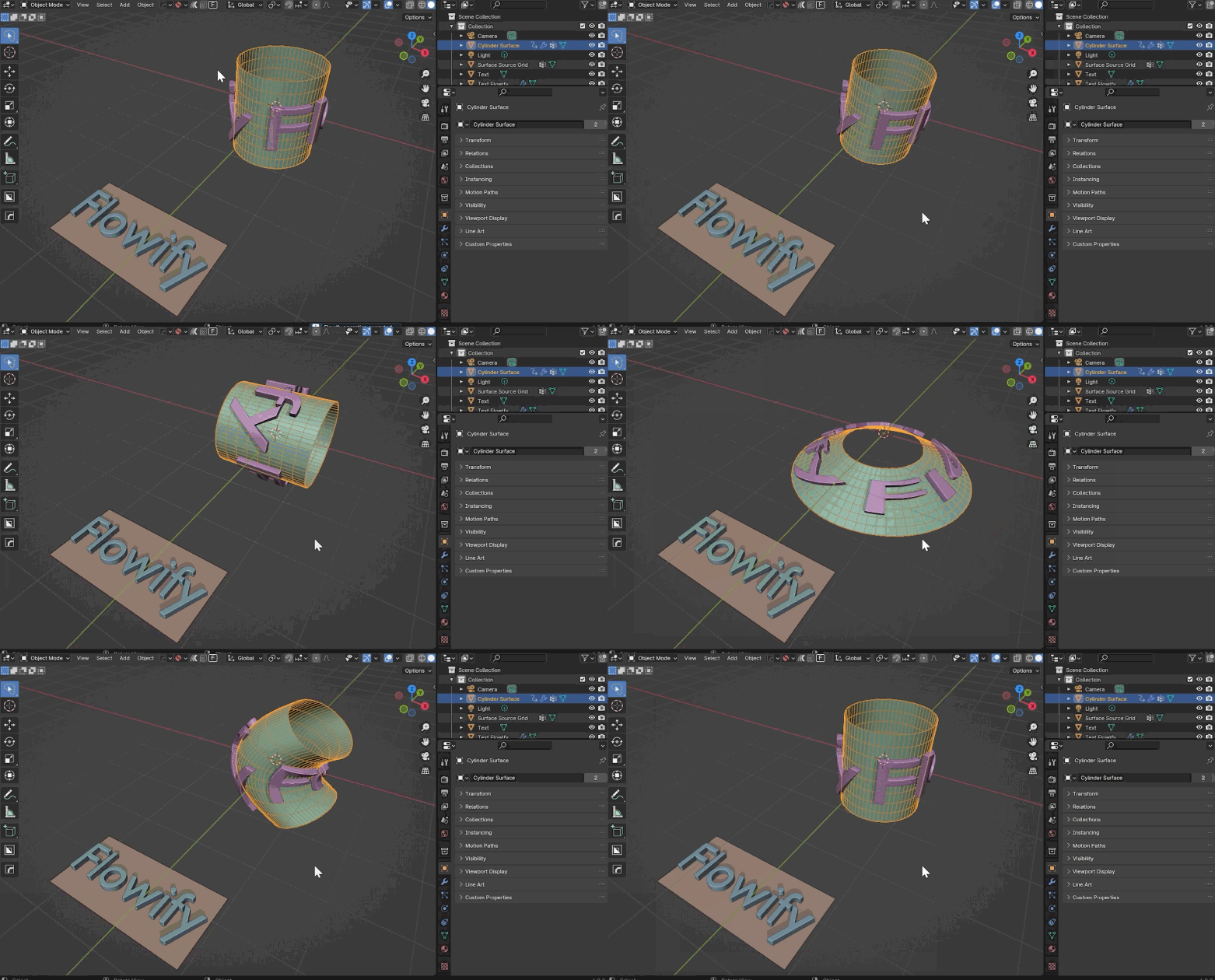
Flowify is a Blender add-on for 3D modelers that can bend an object to a surface object that has evenly spaced four sided faces and four corners or are cylindrical in nature. A simple flat reference grid is used to guide the deformation.
This enables the creation of interesting objects that could be challenging to model otherwise.
See these videos by popular YouTubers Artisans of Vaul and CGEssentials:
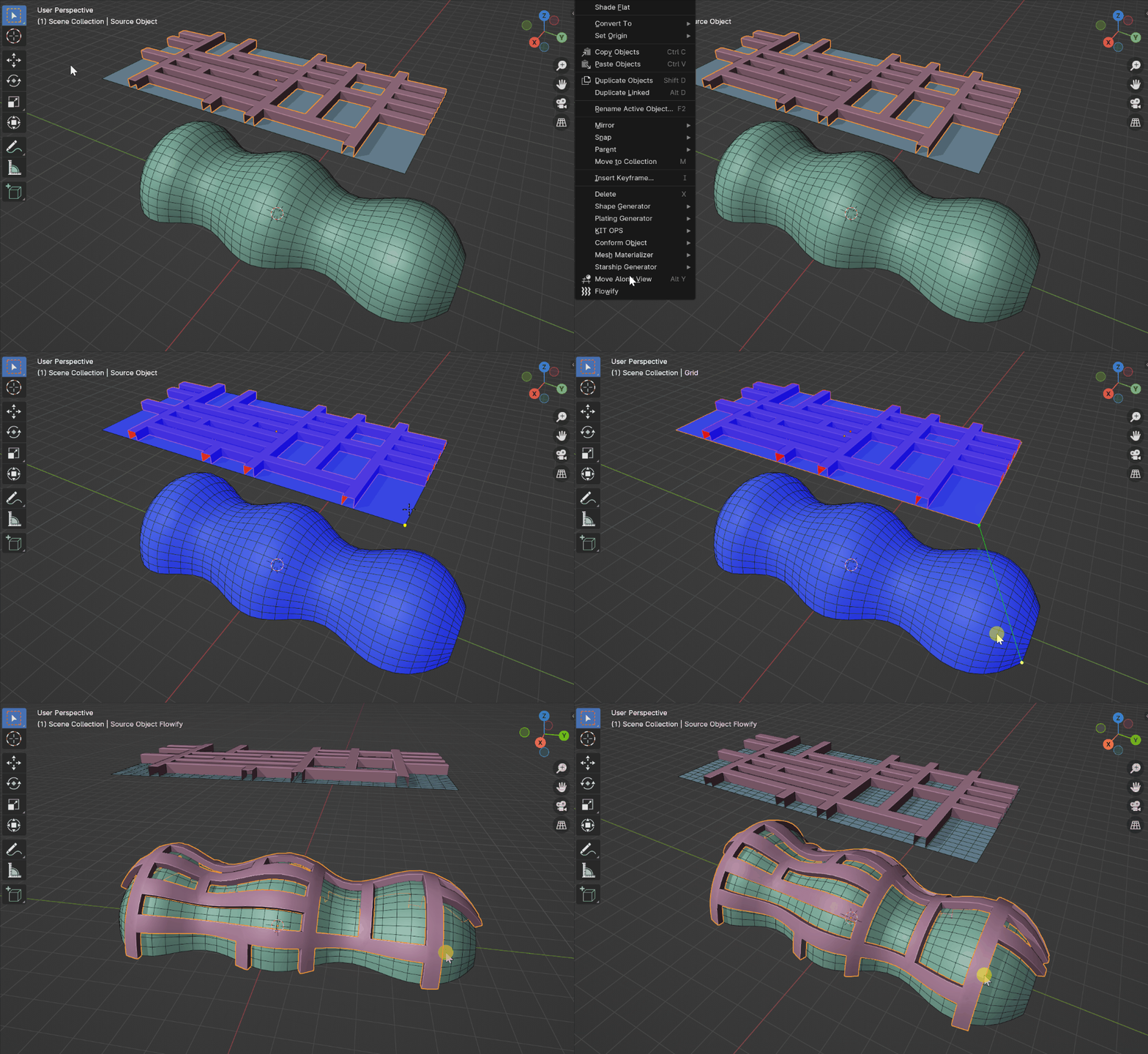
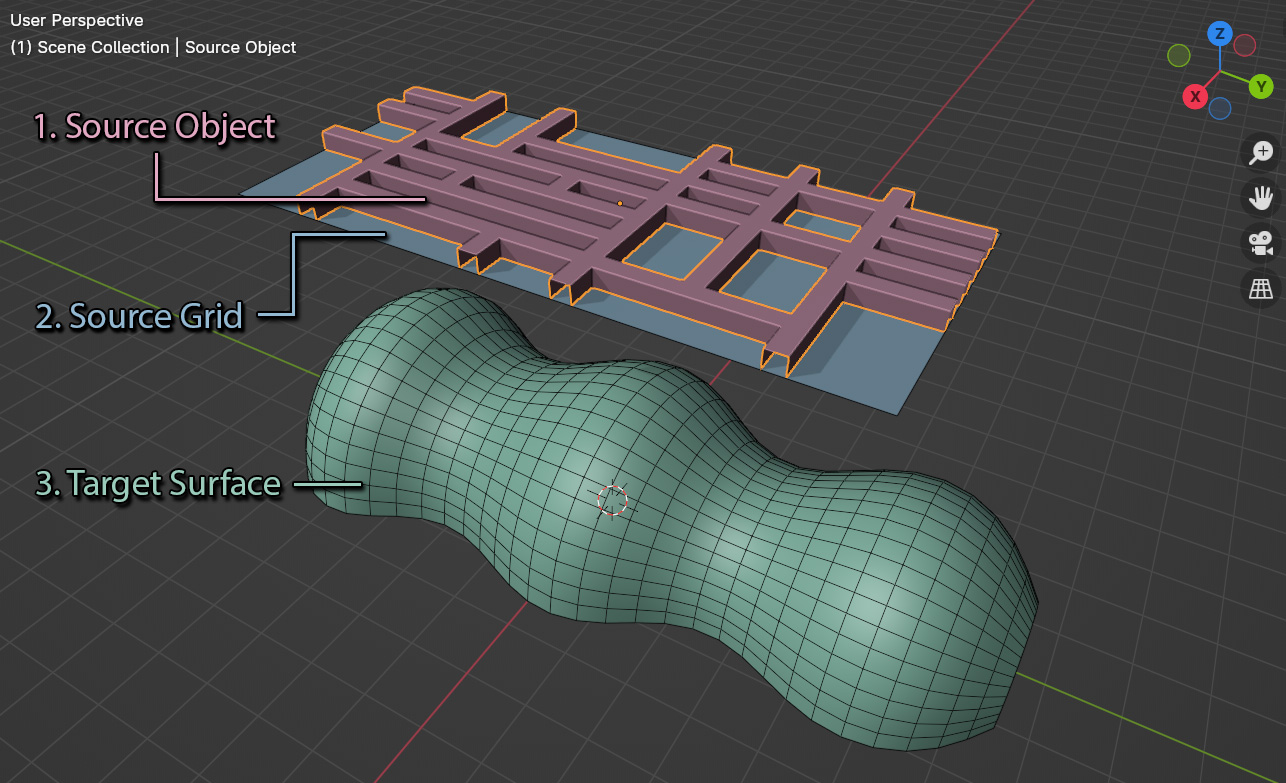
To use, create the following objects:
- The Source Object is the object you wish to bend.
- The Source Grid is a flat reference plane used to guide the bending.
- The Target Surface is either a 4 sided, 4 faced surface you wish to bend to, or an open cylinder.
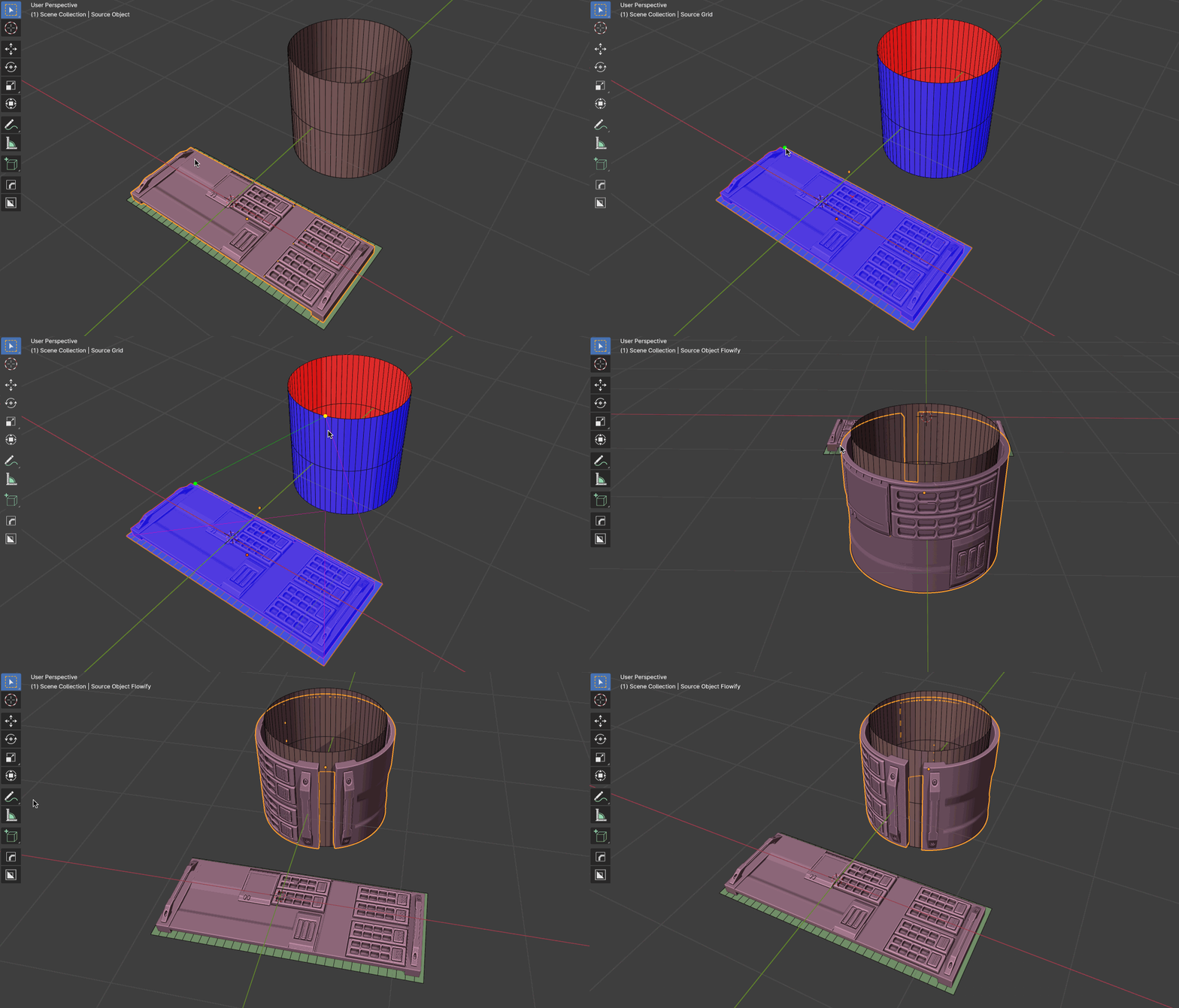
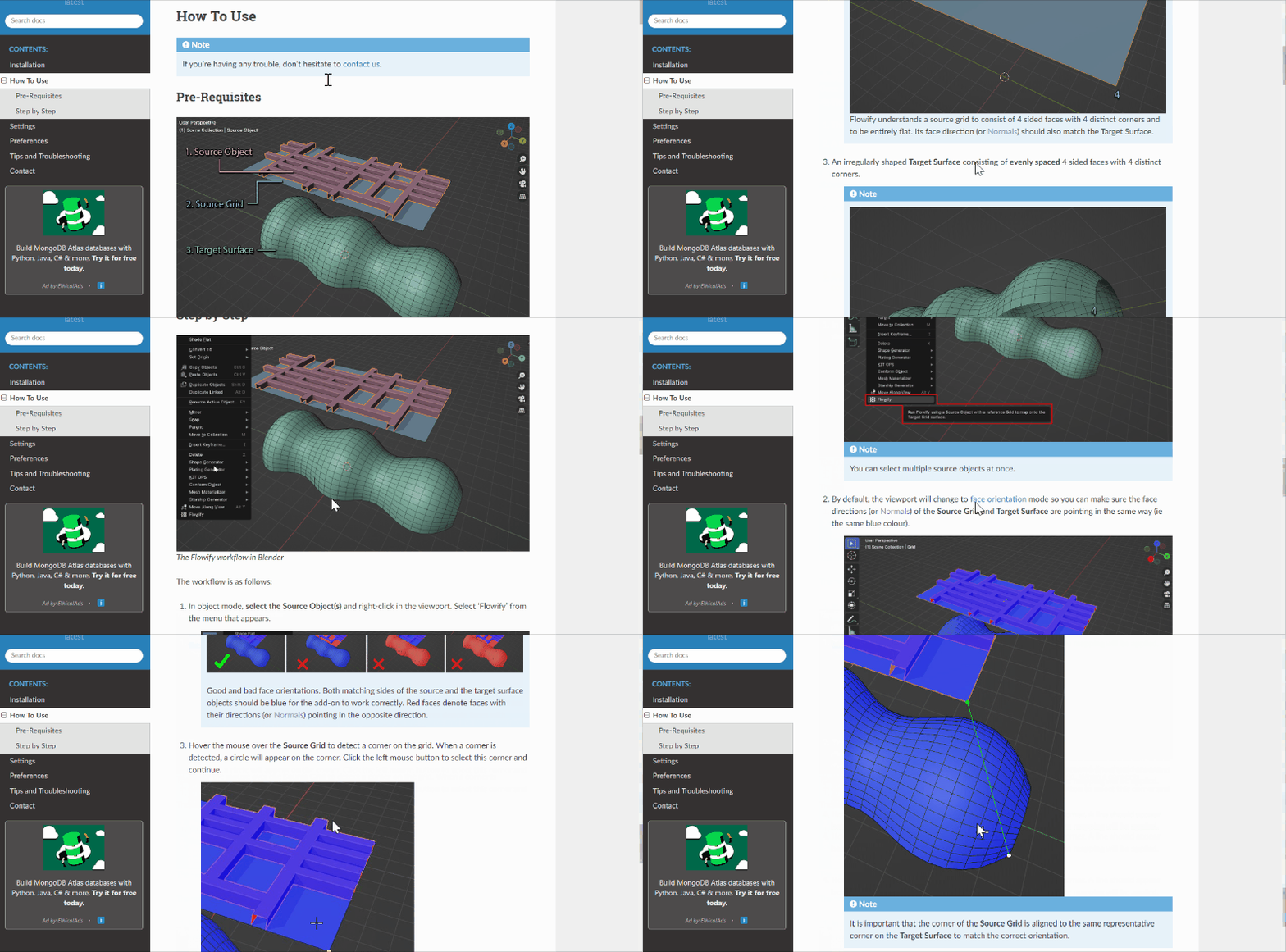
Then select the Source Object and run Flowify from the right-click menu. Choose a matching corner between the Source Grid and the Target Surface. Flowify will then generate the result for you.
For more detailed information see the Overview Video or read the Step By Step guide.
This Add-On is based on the Flowify Sketchup plugin of the same name, which is in turn based on the Flow Along Surface (Move AlongSurf) command in Rhino.
Features
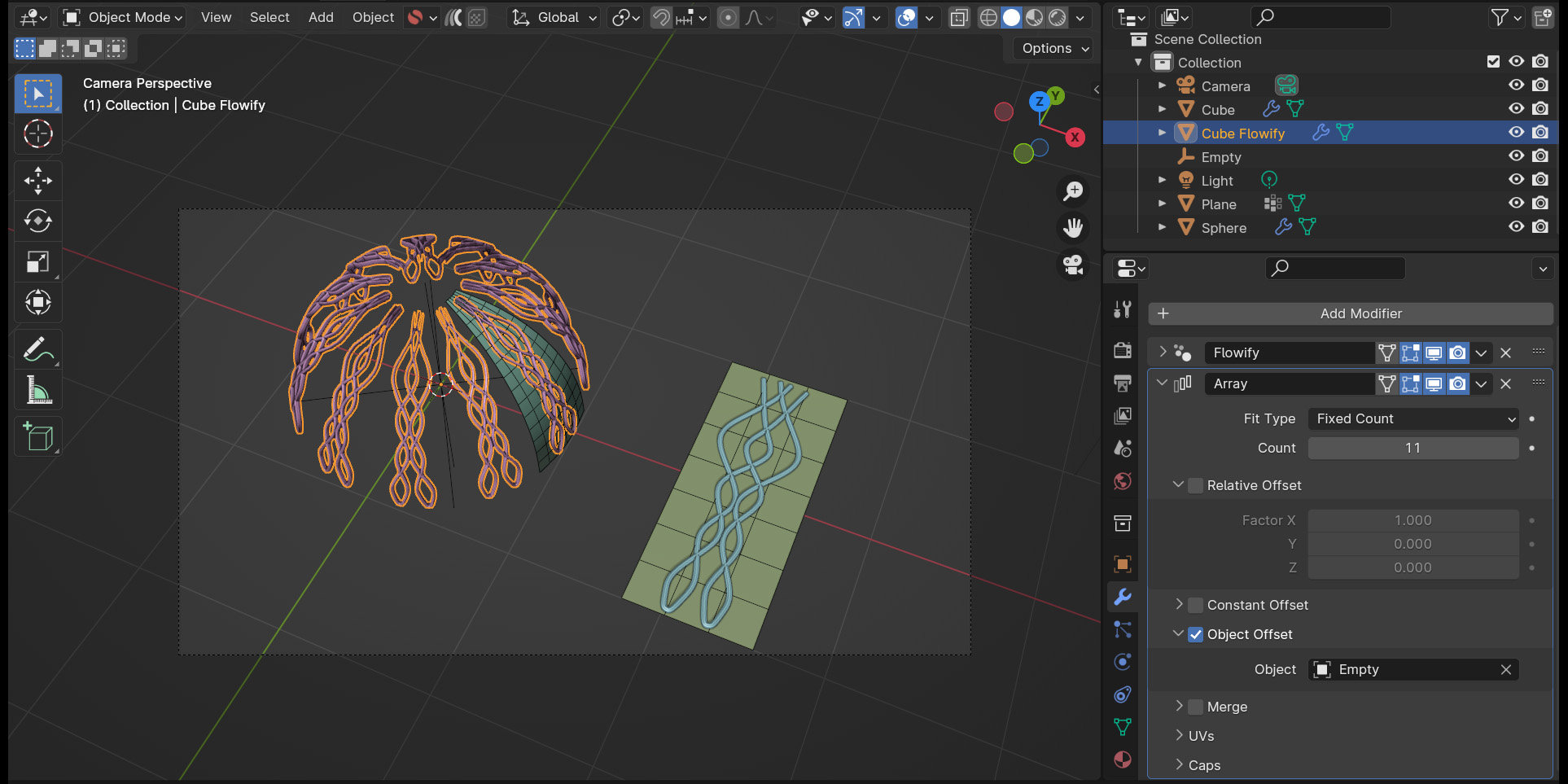
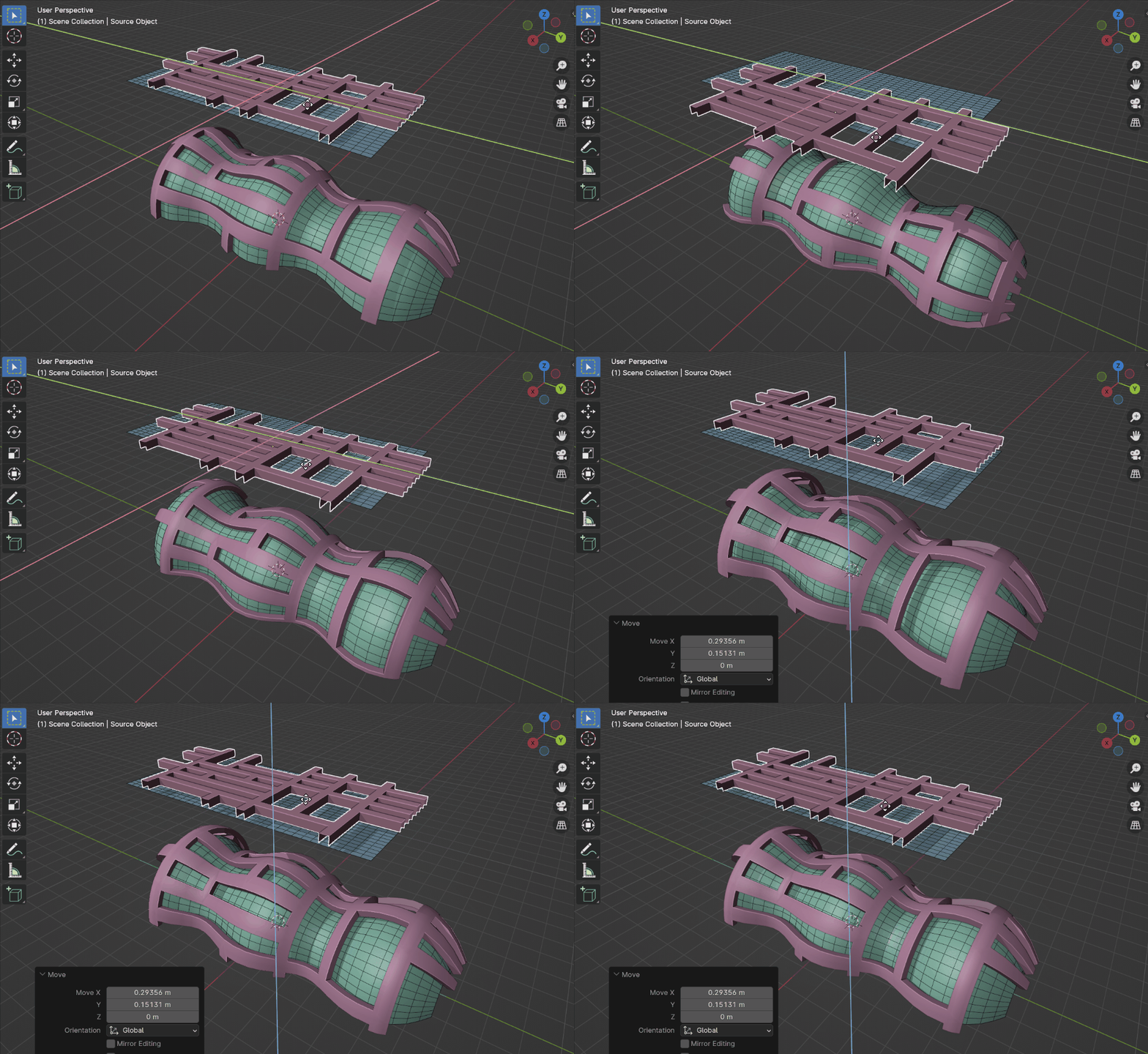
- Edit the Source Object and the result will be automatically updated.
- Edit the Target Surface and the result will automatically update as well.
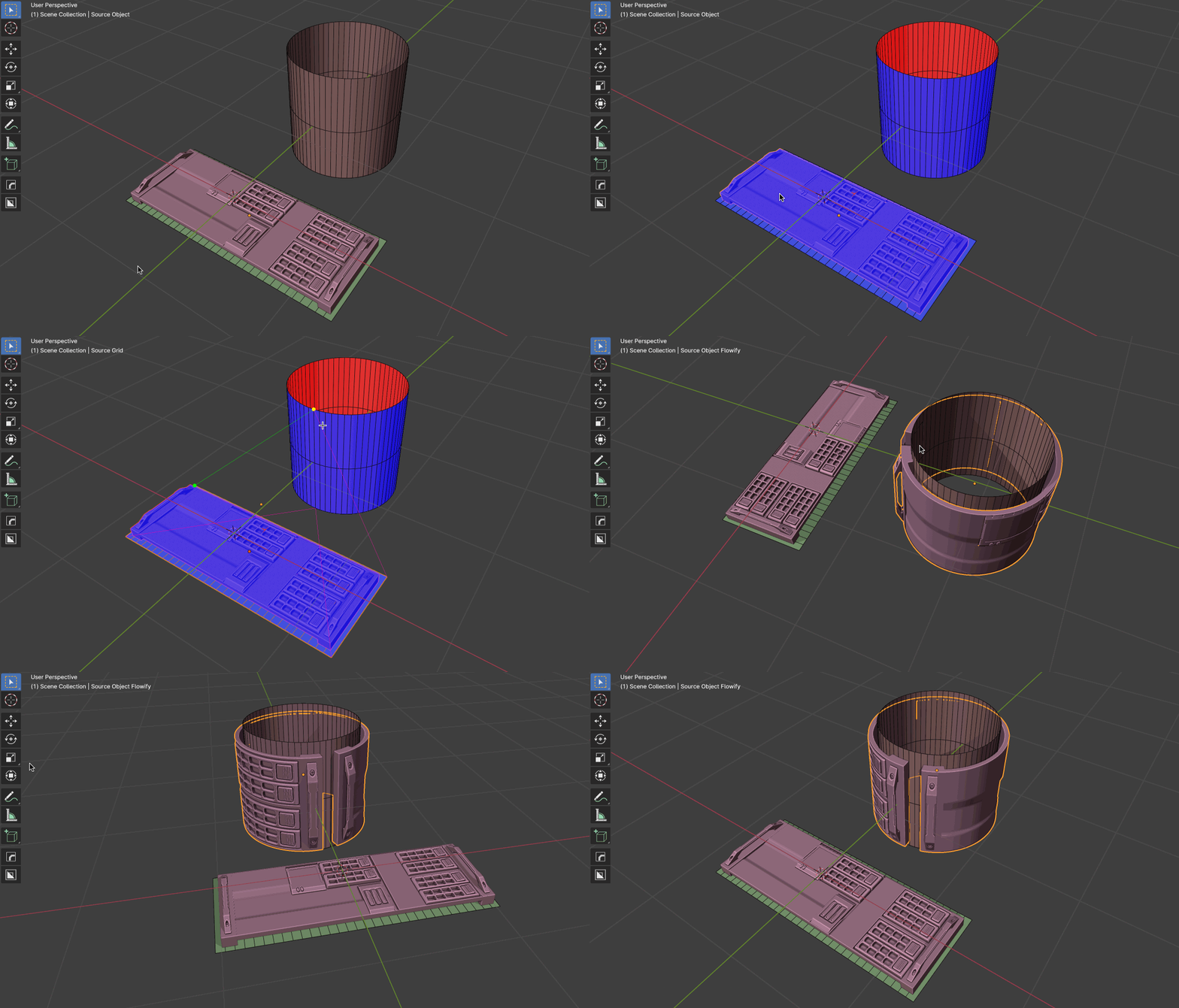
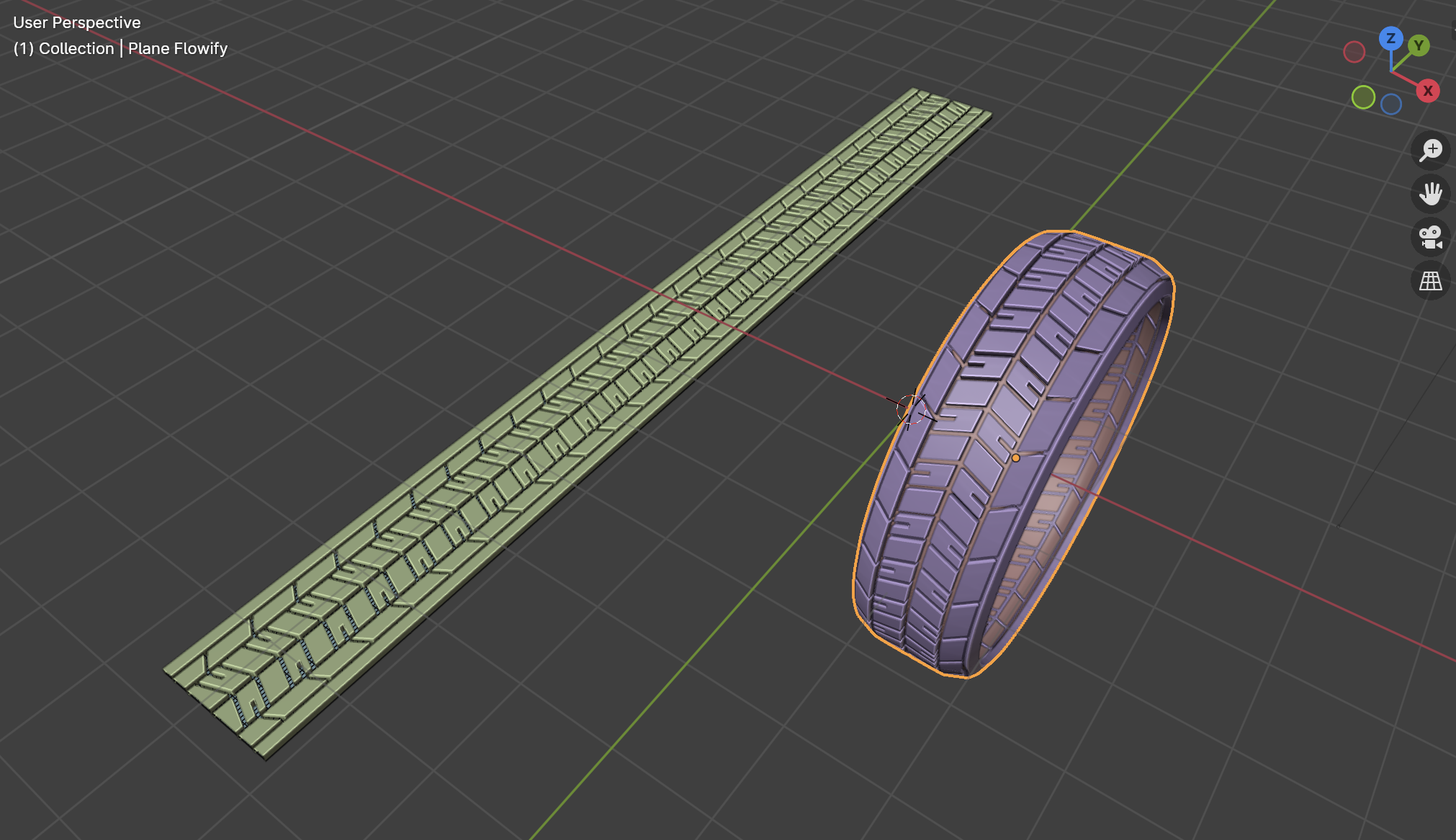
- Works on flat and cylindrical surfaces.
- Materials are also copied over.
- Use on regular objects, instanced objects and text (As long as they have deformable topology).
- Configure a Flowify modifier with additional options afterwards.
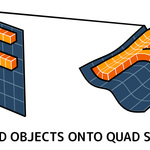
- Use optionally in Blender’s Quad View mode.
Please Note...
- The deformation will only be as good as a Source Object’s mesh topology: The mesh needs enough vertices and faces for it to deform well.
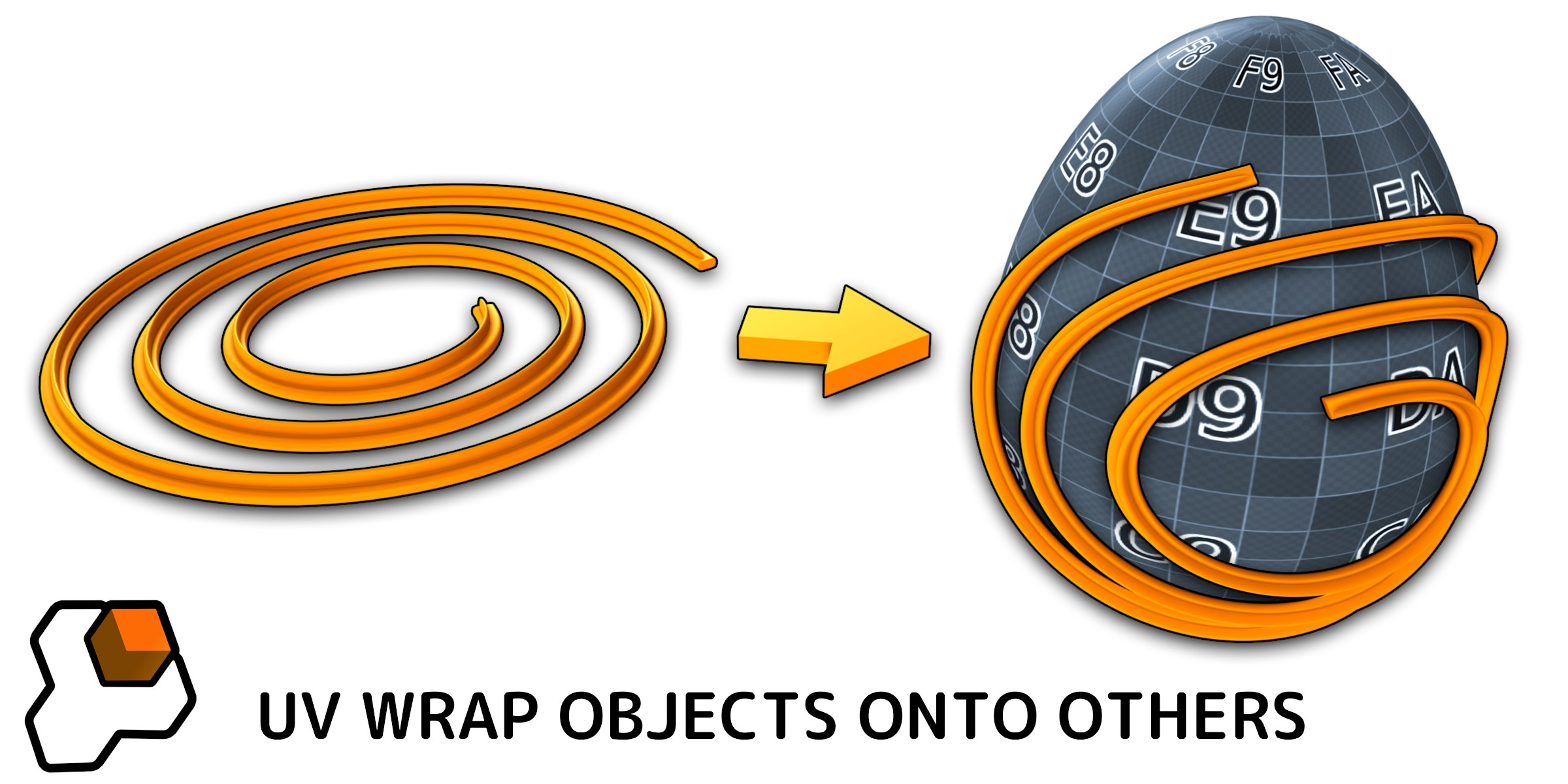
- See the differences between this and my other surface matching add-ons Conform Object and Mesh Materializer in the FAQ here.
- Contact [email protected] if you have any questions.
Questions?
If you have any questions or issues do not hesitate to get in touch by clicking the 'Ask a Question' button on this page or by emailing [email protected].
Documentation
Read the documentation at https://flowify-docs.readthedocs.io/
Updates
Version 1.1: Cylindrical Surfaces
Flowify now comes with the ability to bend objects around cylindrical surfaces as well. See this update video:
Reviews & Testimonials
★★★★★
Britt
“After weeks of having issues getting a complex mesh to wrap around another mesh perfectly, not only did this add-on work exactly for what I needed, but Mark (the developer) even took the time to make me a personalized video showing how I could solve my issue step by step. That's above and beyond customer service and support and I can't thank him enough. I highly recommend this and all his other add-ons!”
★★★★★
JQ
“Great product, has become absolutely indispensable in my hard surface modeling, helping me get just the right look in the armors and weapons I've been making. (Pro: don't forget to dice/slice the likely solid mesh BEFORE you try to Flowify it).”
★★★★★
Clément
“Perfect add-on which solved my problem. Mark is very helpful and very responsive, he made a video to help me understand what i missed to use the add-on and gave me some other blender tips. I recommend it, very cool add-on and developper !”
★★★★★
Jeroen
★★★★★“I needed an easy way to put pockets and belt loops on some pants. This add-on made that process very easy. I could even change the position as well as the geometry afterwards and after the pants was already rigged. Awesome! … Both the addon and the support: 10/10 And his other addons are just as awesome by the way!”
Lee Ashworth
“Only had a quick go with Flowify, I can already see the amazing wonders of making space craft greebles with it, those made by others that look impossible to do are now easy, thanks for this addon.”
You may also like...
 Conform Object
 Mesh Materializer
 Curves to Mesh
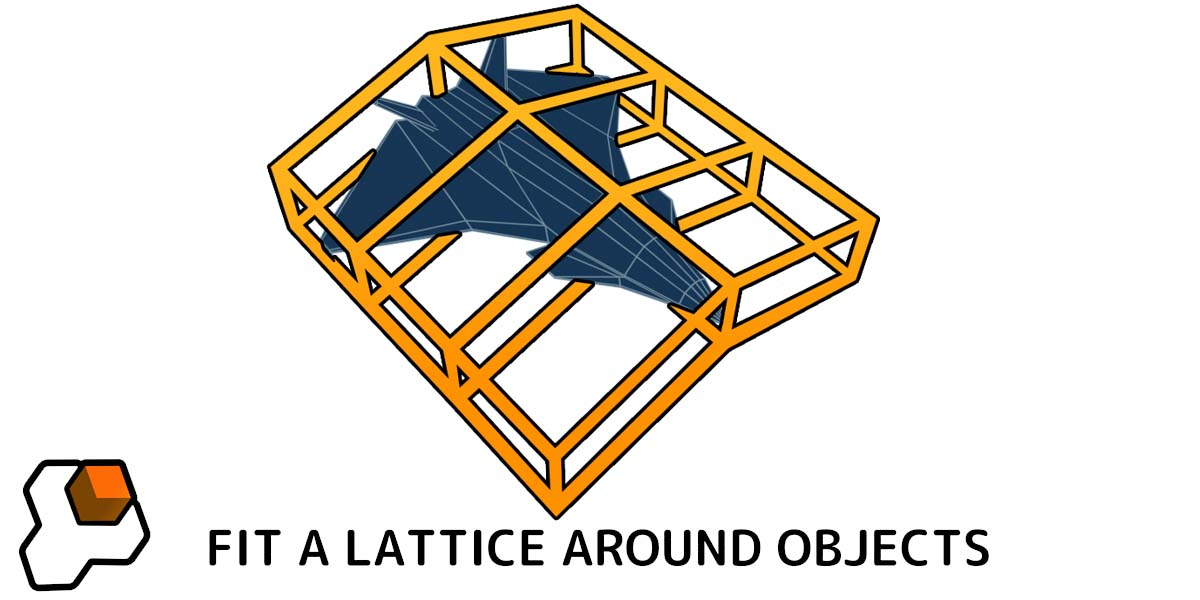 Fit Lattice
...or any of my other add-ons.
