FlowMap Studio – Paint Flow Maps and Realistic Water for Blender
 Blender Procedural

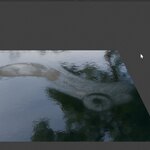
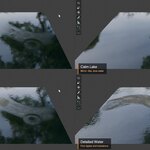
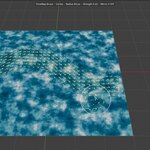
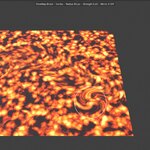
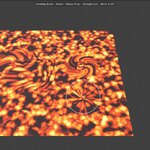
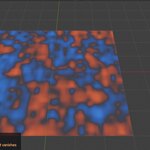
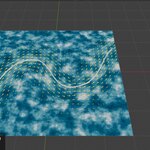
Quick start
- Edit > Preferences > Get Extensions, open the small arrow at the top right, choose Install from Disk and pick the zip.
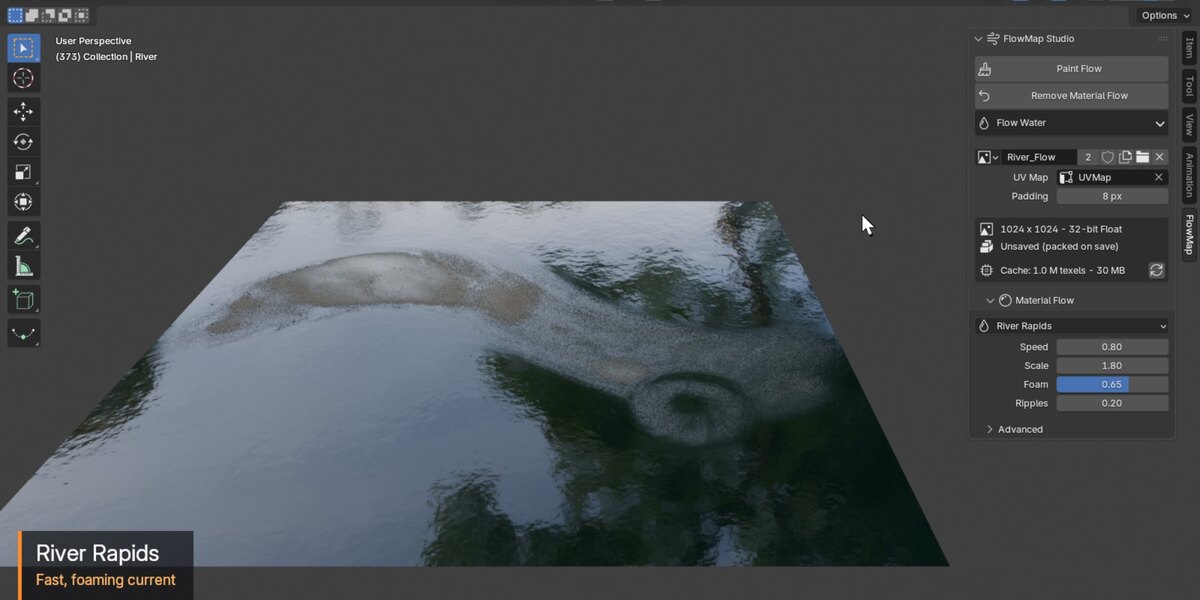
- Select a mesh with a UV map, press N in the 3D Viewport and open the FlowMap tab.
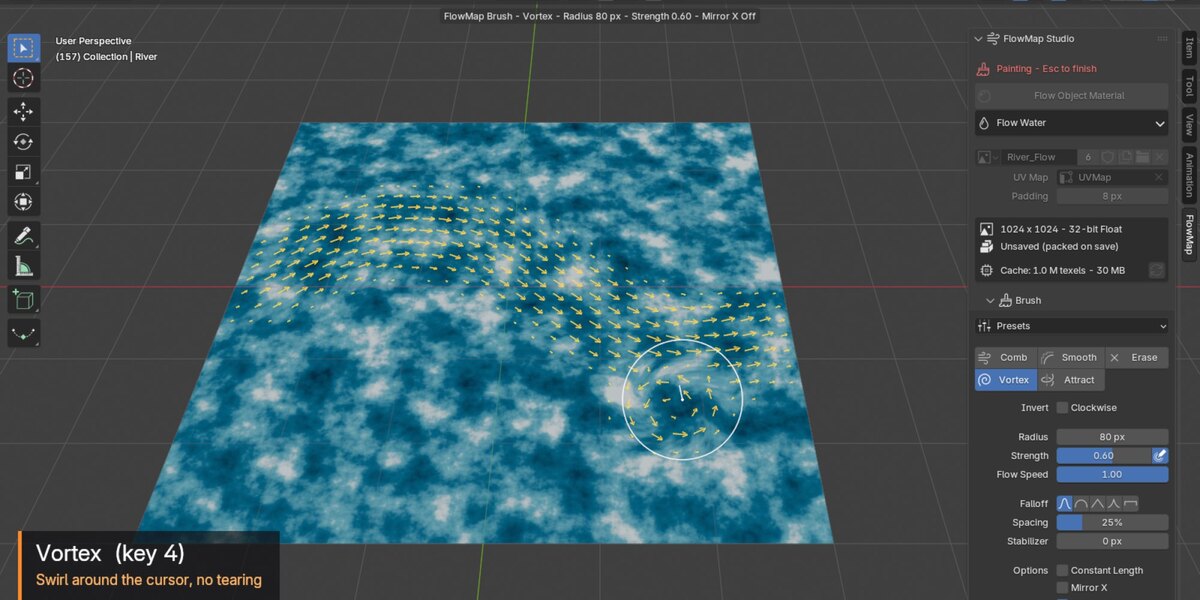
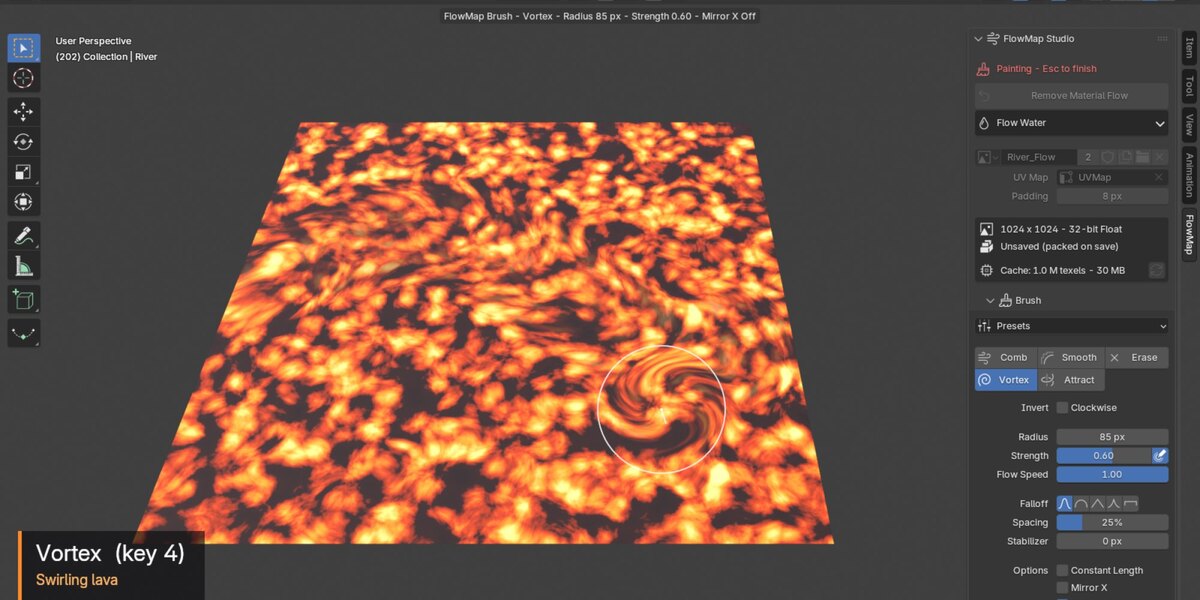
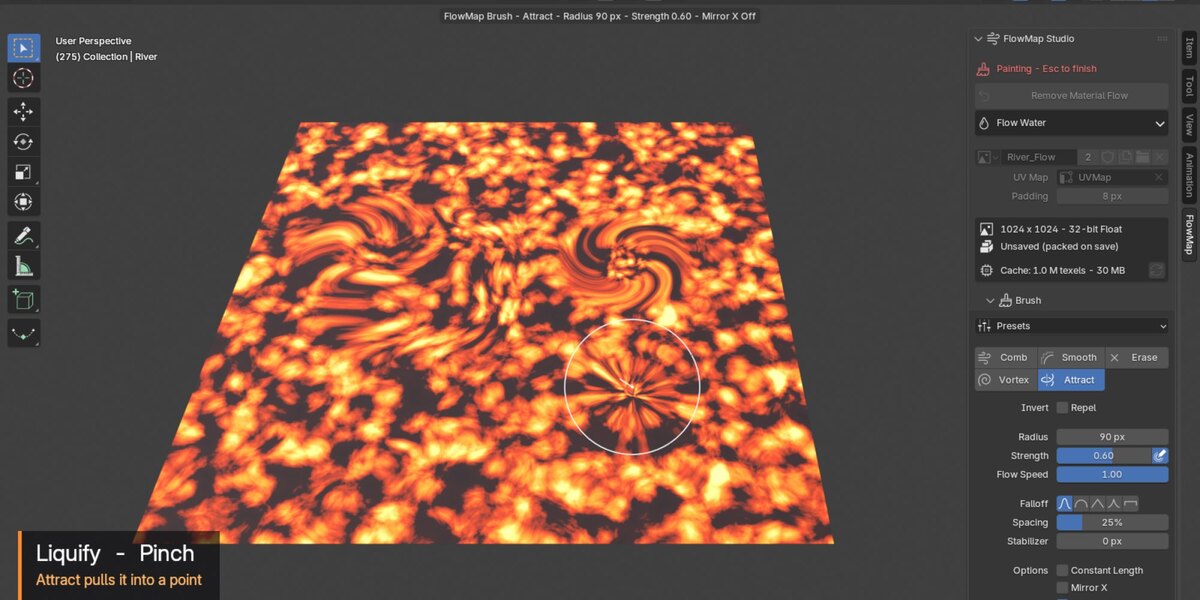
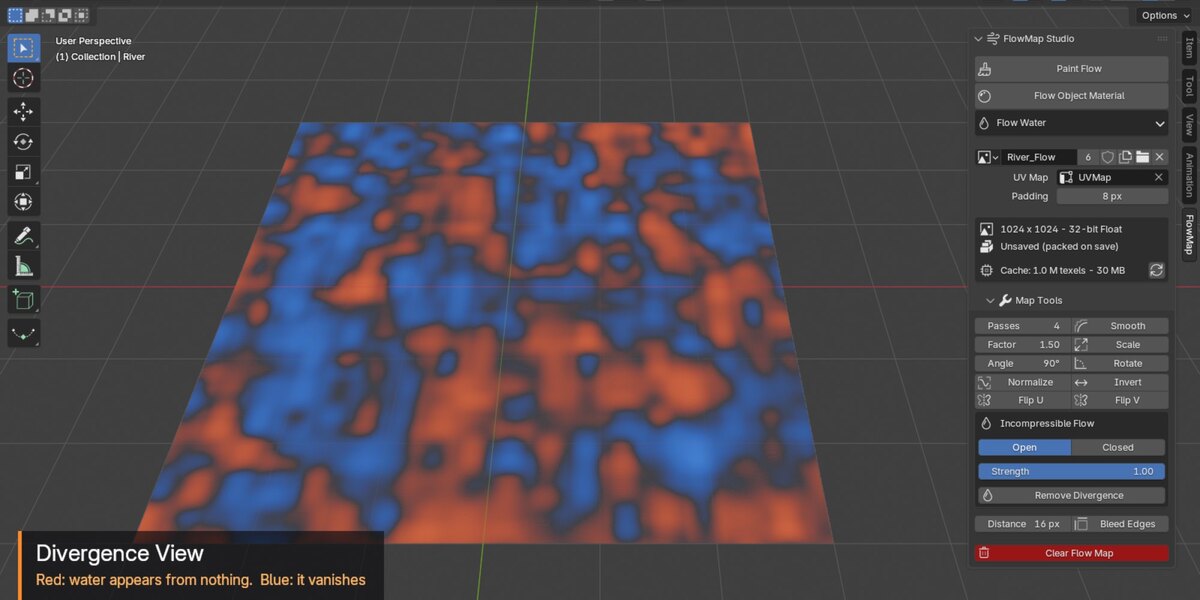
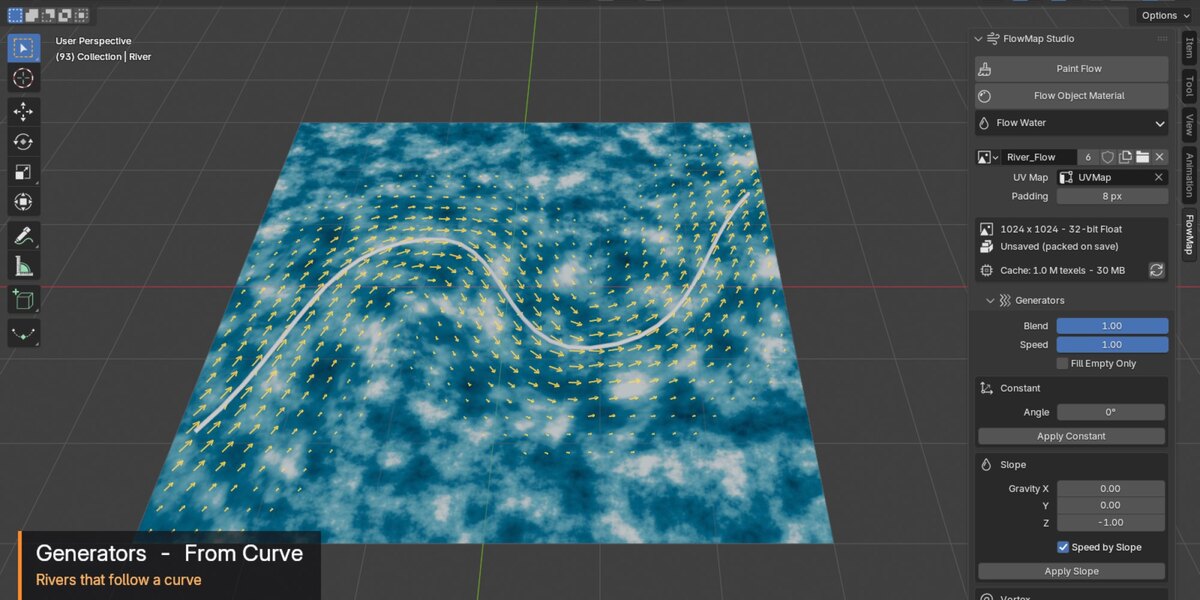
- Press Paint Flow, Flow Object Material or Flow Water. Each one creates the flow map for you.
- Paint with the left mouse button, press Esc to finish, and press Space to watch it flow.
Have questions about this product?
Login to message
| Blender Extension Compatible | Yes |
| Published | about 11 hours ago |
| Blender Version | 4.2 - 5.3 |
| Extension Type | Add-on |
| Render Engine Used | Cycles, Eevee |
| License | GPL |