 Blender Procedural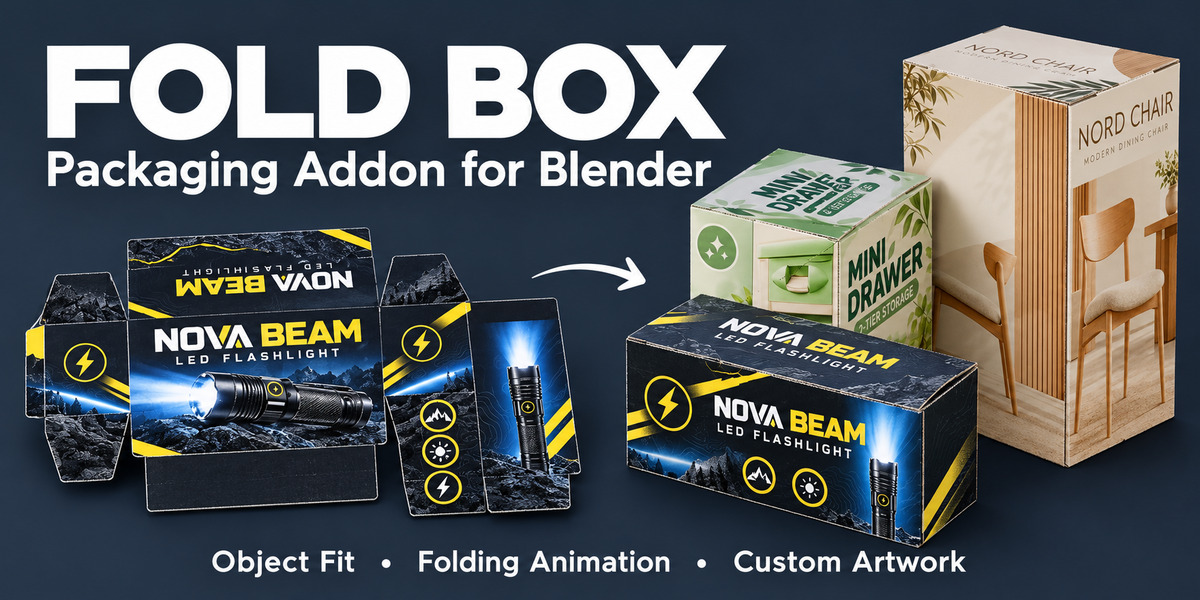
PACKAGING TOOLS FOR BLENDER
FOLD BOX
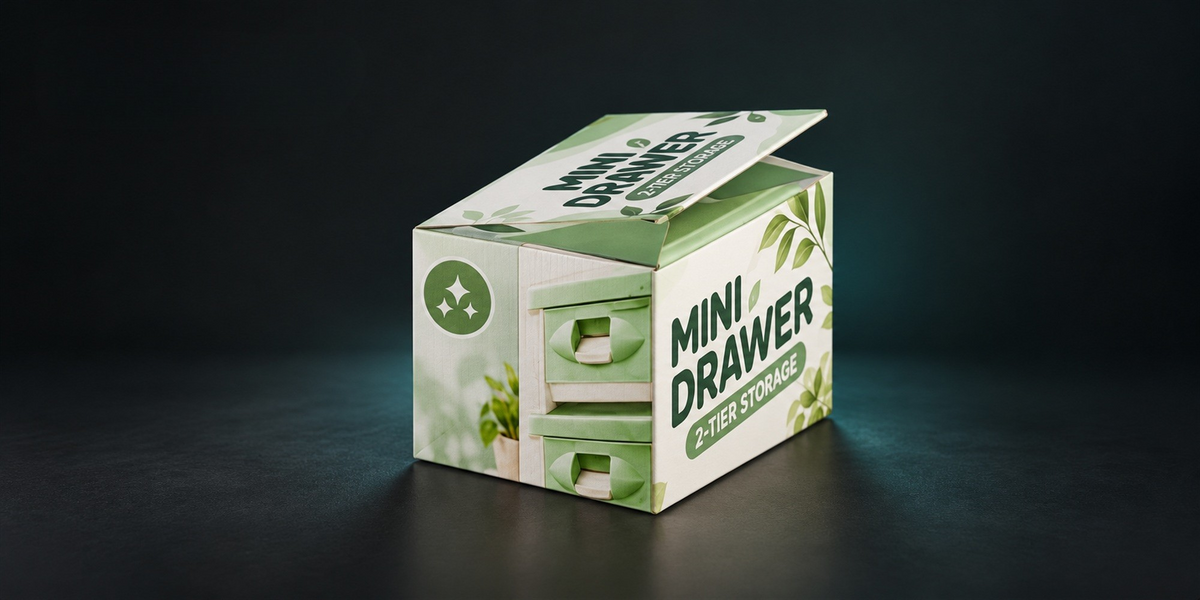
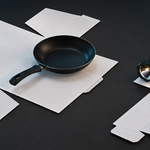
Turn your selected 3D object into a fitted box. Animate the folds, add text, and bring your own packaging artwork to life.

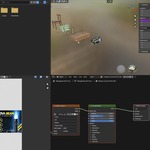
Watch Fold Box in Action
From 3D Object to Packaging
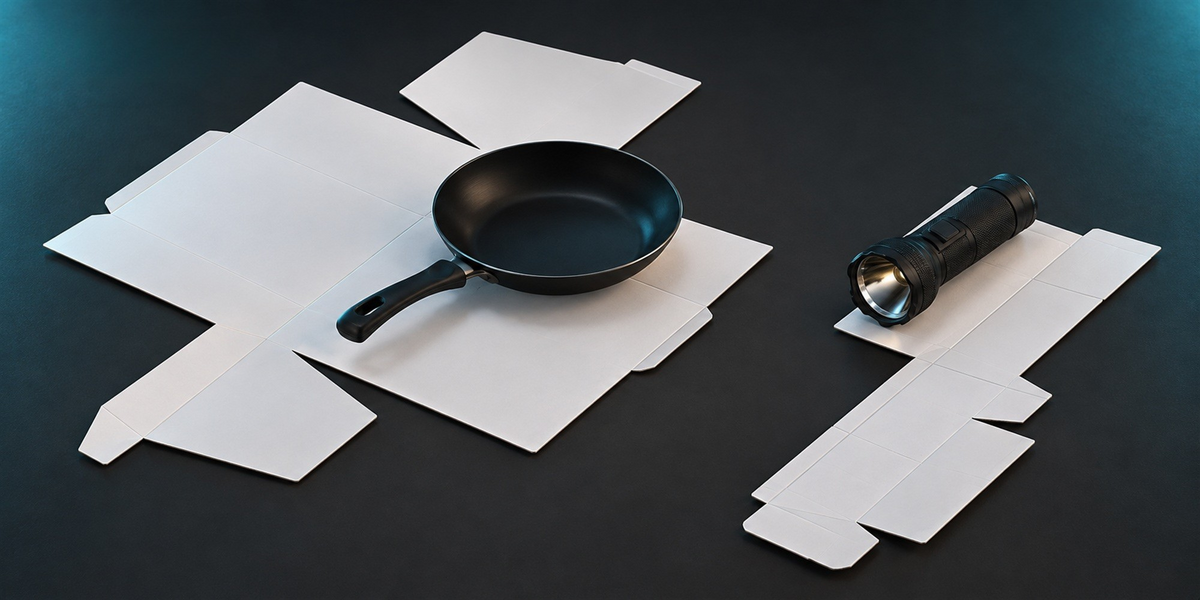
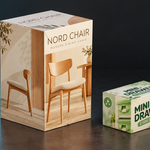
Fold Box helps you create packaging directly inside Blender. Select a 3D object and generate a box sized to fit it, then refine the dimensions, board settings, and appearance from one convenient panel.
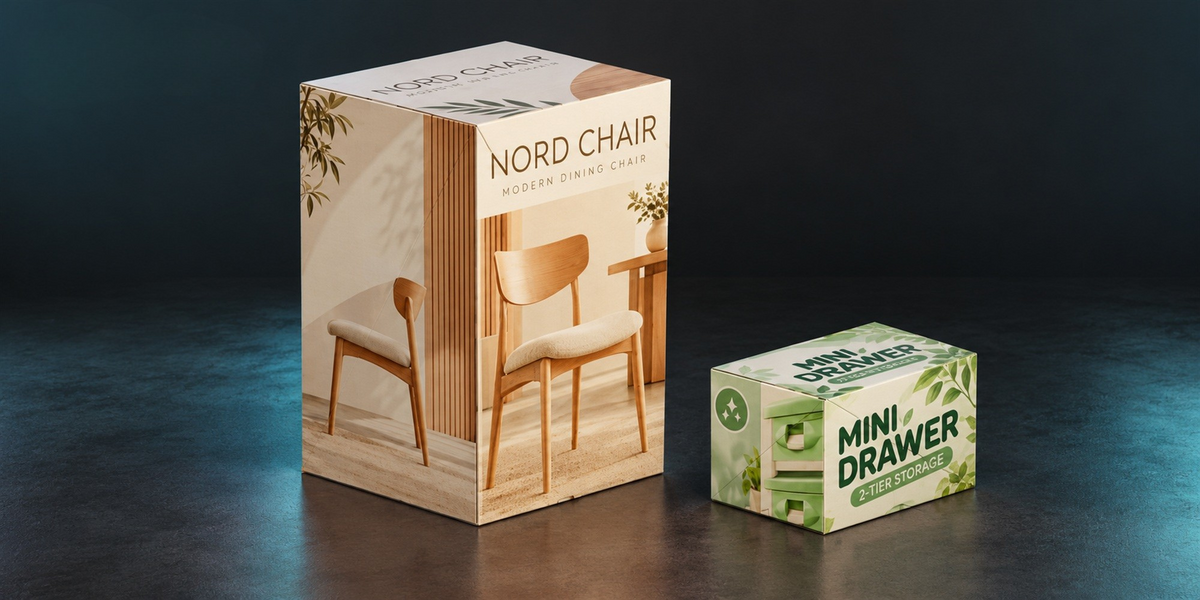
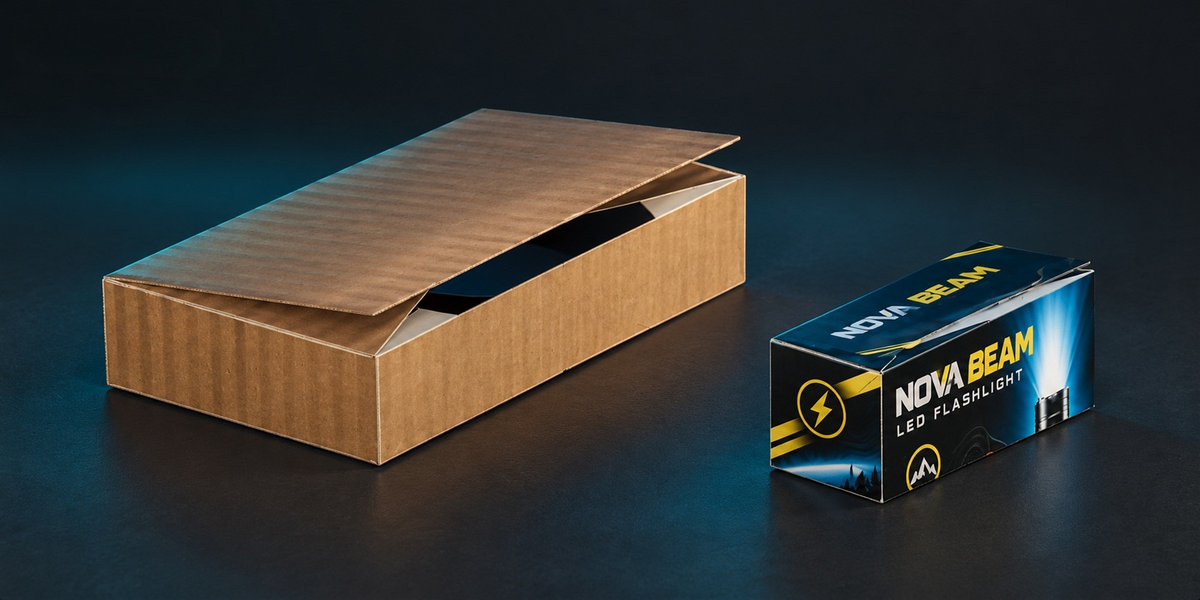
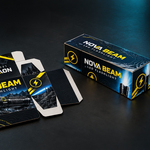
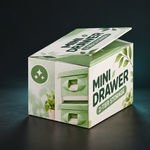
Build a simple unprinted carton or a fully branded package. Preview it unfolded, explore its folding motion, and see your artwork wrapped around the finished box.
What You Can Do
- Generate a fitted box: Create packaging sized around your selected 3D object.
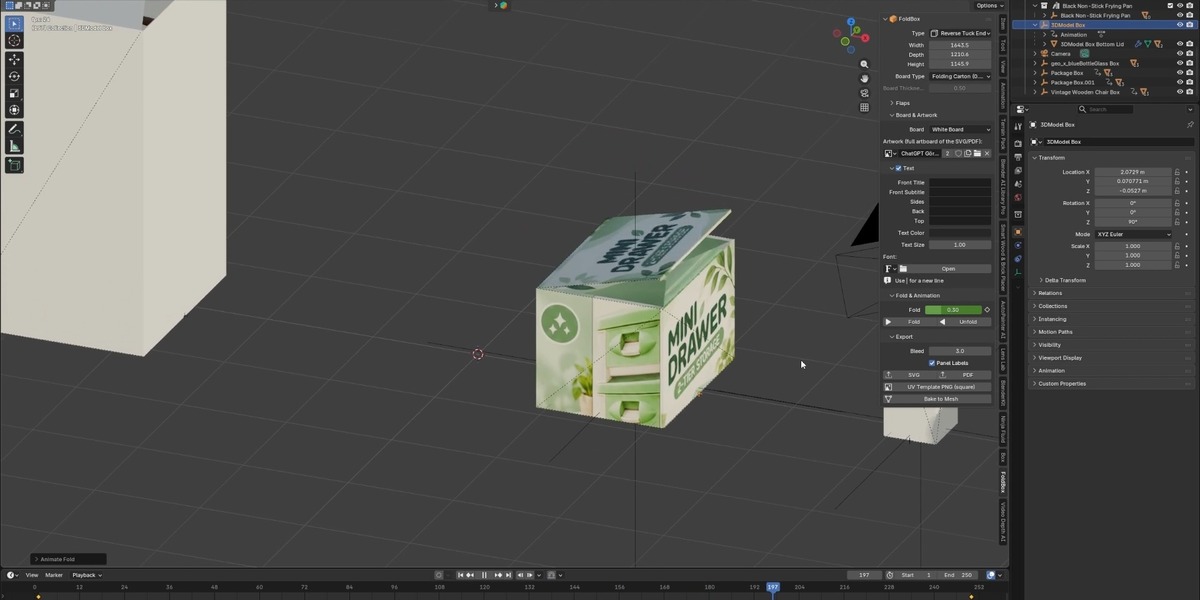
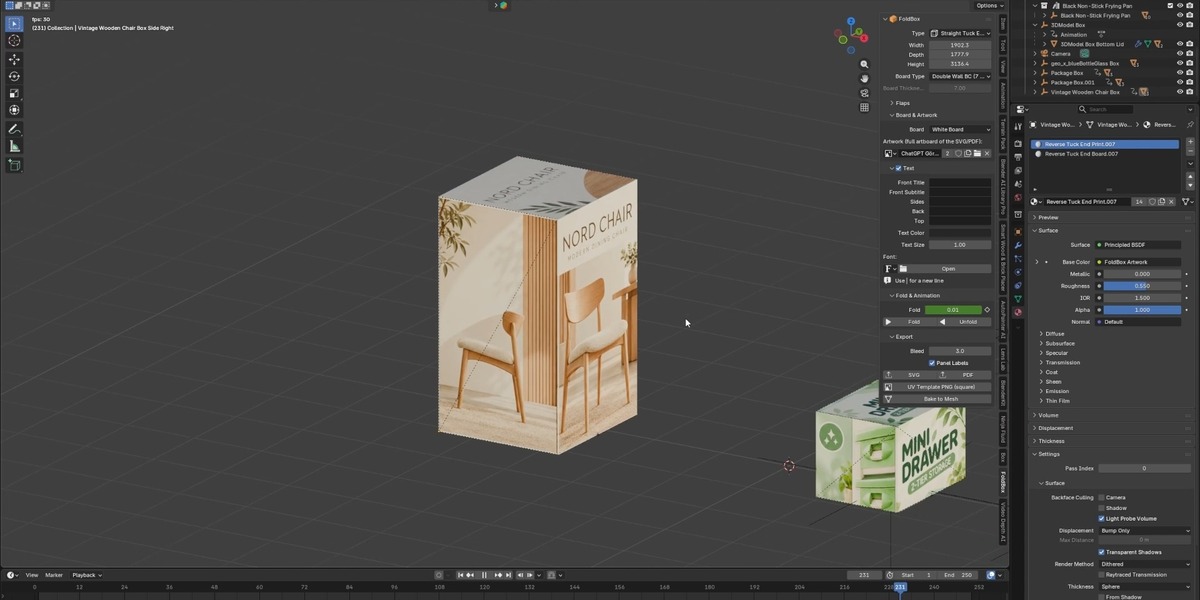
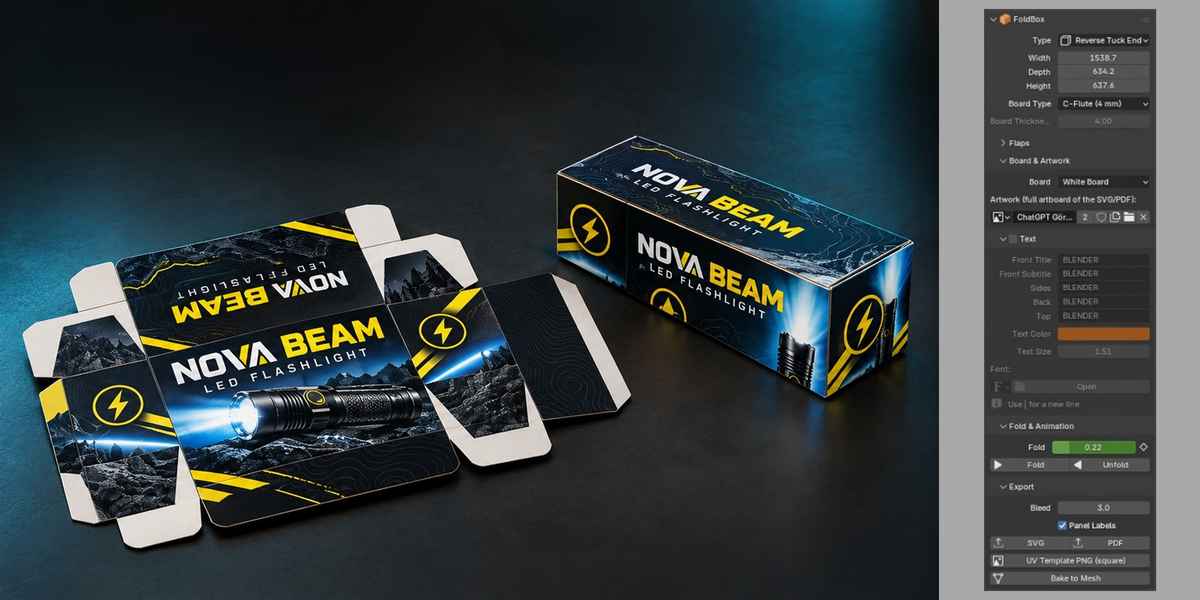
- Refine the construction: Adjust width, depth, and height, and configure the available box type, board type, and flap settings.
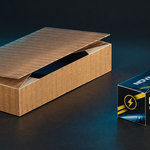
- Animate the folds: Use the Fold control and Fold / Unfold buttons to explore the box’s folding motion and create animated presentations.
- Add text to the packaging: Customize the front title, front subtitle, sides, back, and top. Adjust text color, size, and font to suit your design.
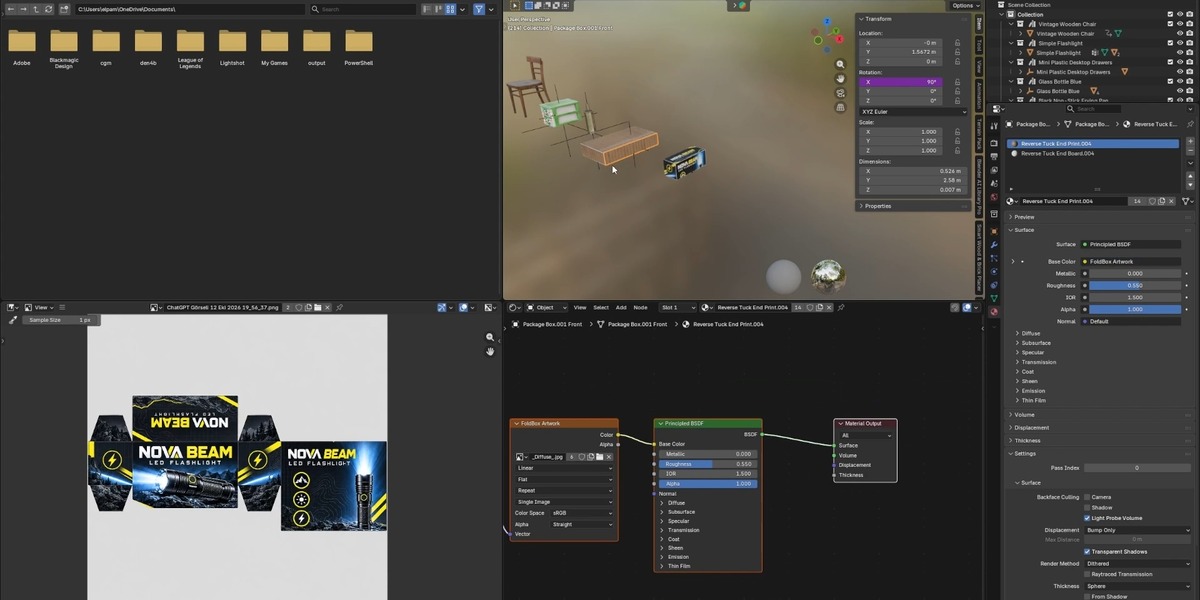
- Design with a PNG template: Export the box’s UV template as a PNG and use it as a guide for creating your packaging artwork in an image editor.
- Apply your artwork: Load your edited texture back onto the box and inspect the design in 3D.
- Export and continue working: Access SVG and PDF export options, configure bleed and panel labels, or use Bake to Mesh for further mesh editing.
A Simple Packaging Workflow
- Select your object. Start with the 3D product you want to package.
- Create and refine the box. Generate a fitted package and adjust its dimensions and board settings.
- Add your design. Use the text controls or export the PNG UV template to create custom artwork externally.
- Preview the finished packaging. Apply your texture and inspect the box as it folds and unfolds.
- Present or export. Create a packaging render, show the folding animation, or use the available export tools.
Your Artwork. Your Packaging.
Take your design from a flat template to a folded 3D package. Export the PNG UV guide, add your graphics, colors, and branding, then load the texture back into Fold Box to see how it looks across the box panels.
Made for Packaging Presentations
Use Fold Box for product mockups, branding concepts, packaging visualizations, and folding animations. Keep box creation, text customization, artwork previews, and folding controls together in your Blender workflow.
Fit it. Design it. Fold it.
Bring your packaging ideas to life with Fold Box.