Foldable Smartphone (Rigged & Animated)
 Nils Richter


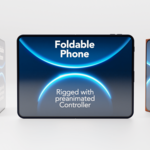
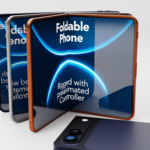
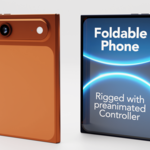
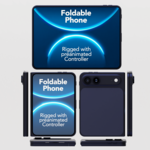
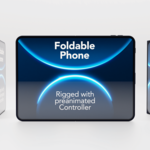
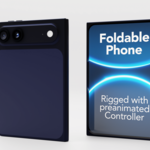
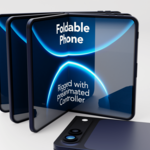
Hello and thank you for purchasing the foldable smartphone model.
General Outliner Setup
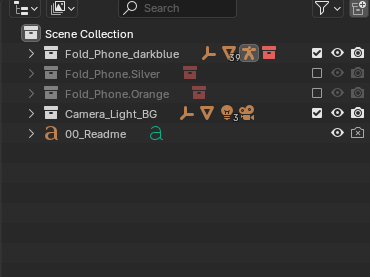
Depending on which color variant you have purchased, you will find a corresponding Collection with the respective smartphone in the Outliner. If you purchased the version that includes all color variants, there is a separate composition for each color option. Additionally, each blend file contains a Collection for camera, backdrop, and lighting.
Smartphone Animation
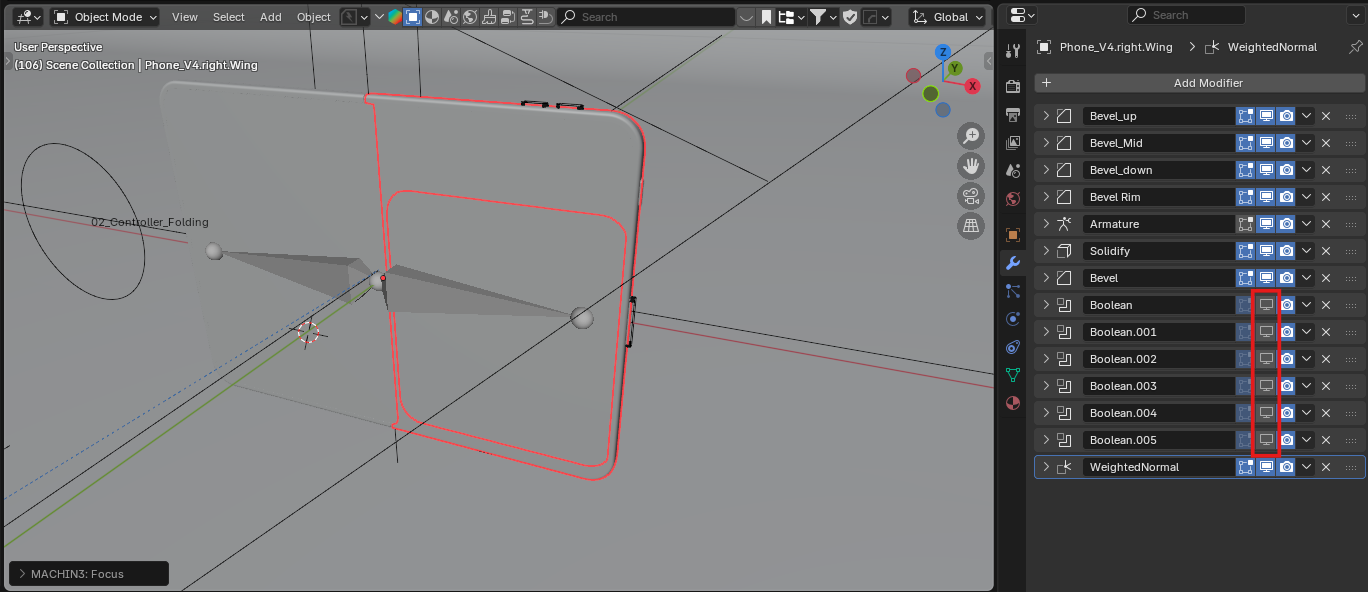
Recommendation: While working on the animation, I recommend disabling all Boolean modifiers on the object Phone_V4.right.Wing to ensure smoother playback. Remember to re-enable the Booleans before rendering.
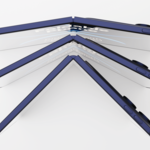
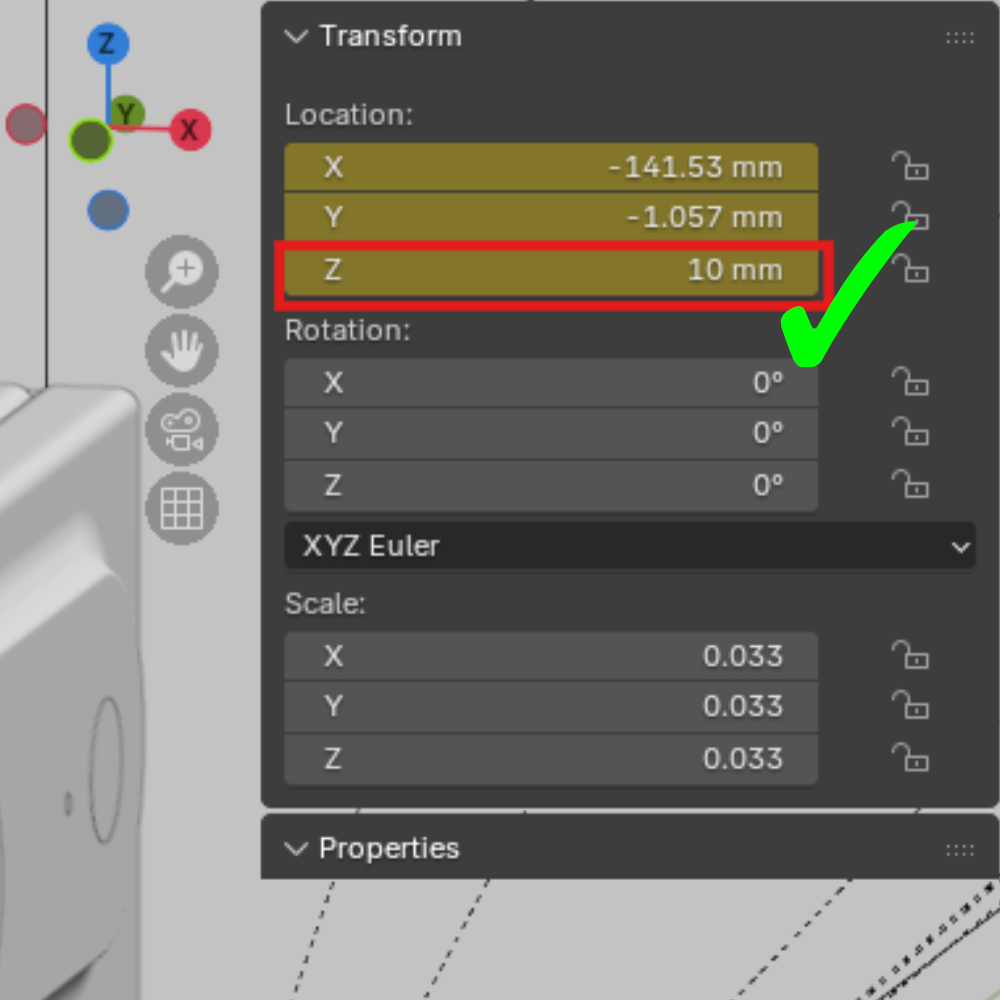
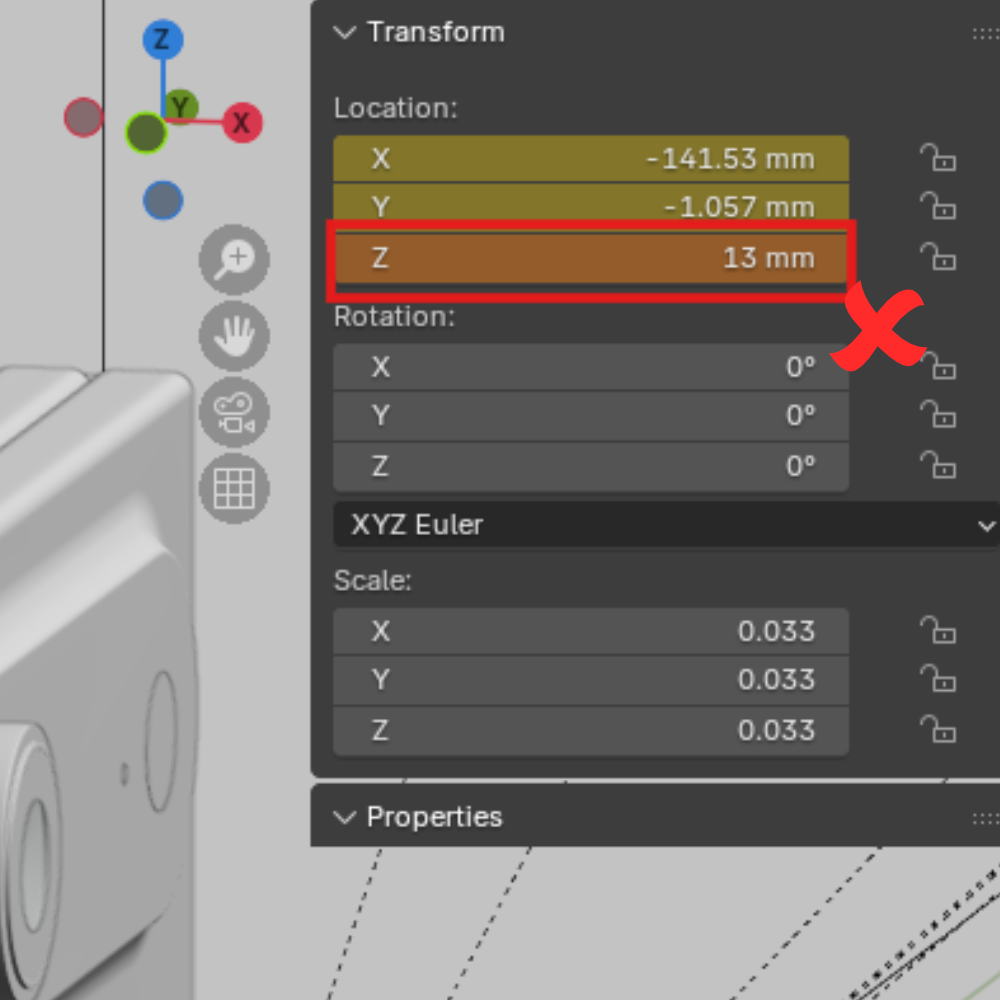
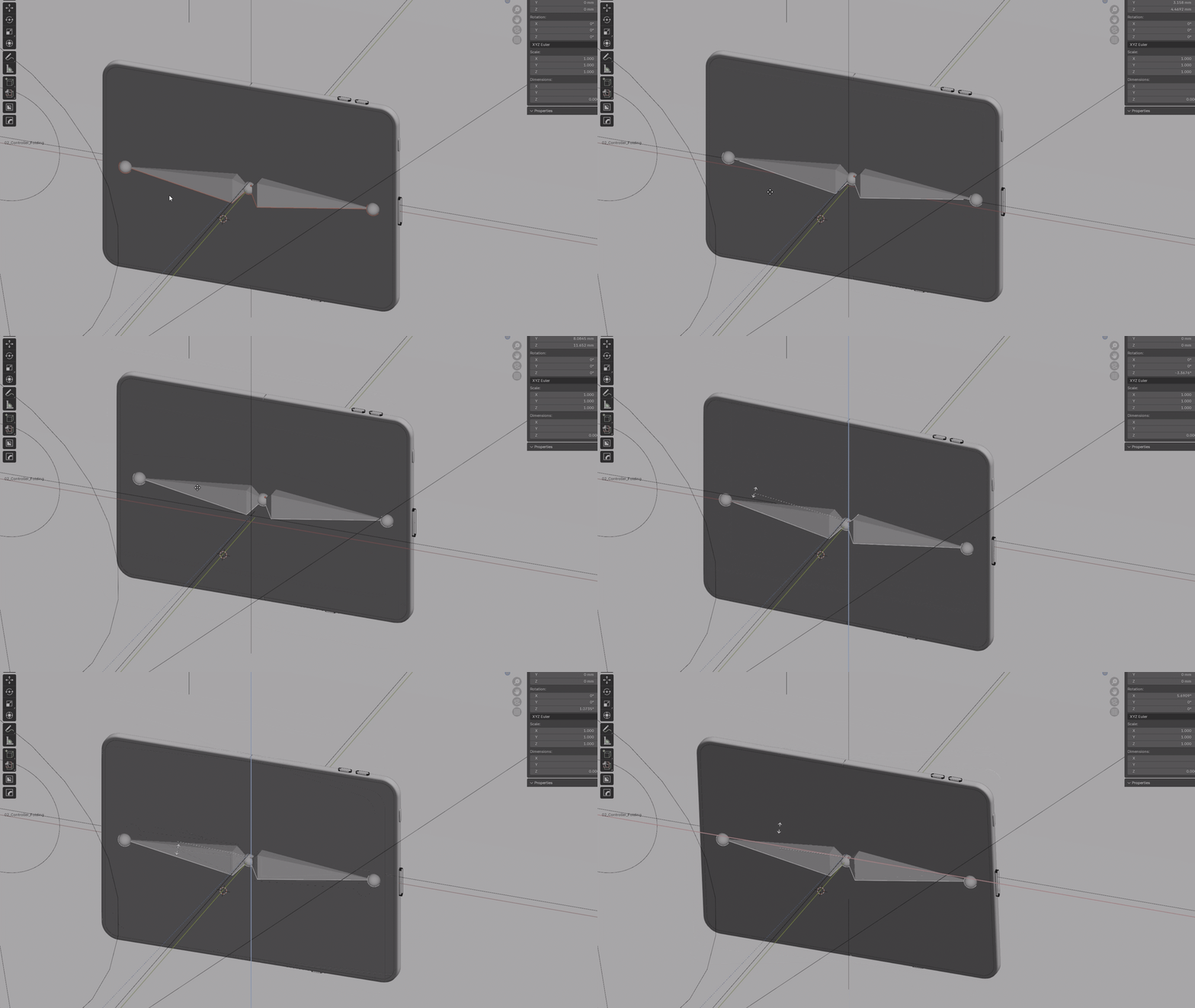
The opening and closing of the smartphone can be controlled via the Z position of 02_Controller_Folding, which is located inside the Smartphone Collection.
• At +10 millimeters, the smartphone is closed with both sides facing the camera.
• At 0 millimeters, the smartphone is fully opened.
• At –10 millimeters, it closes to the right so that the outer display becomes visible.
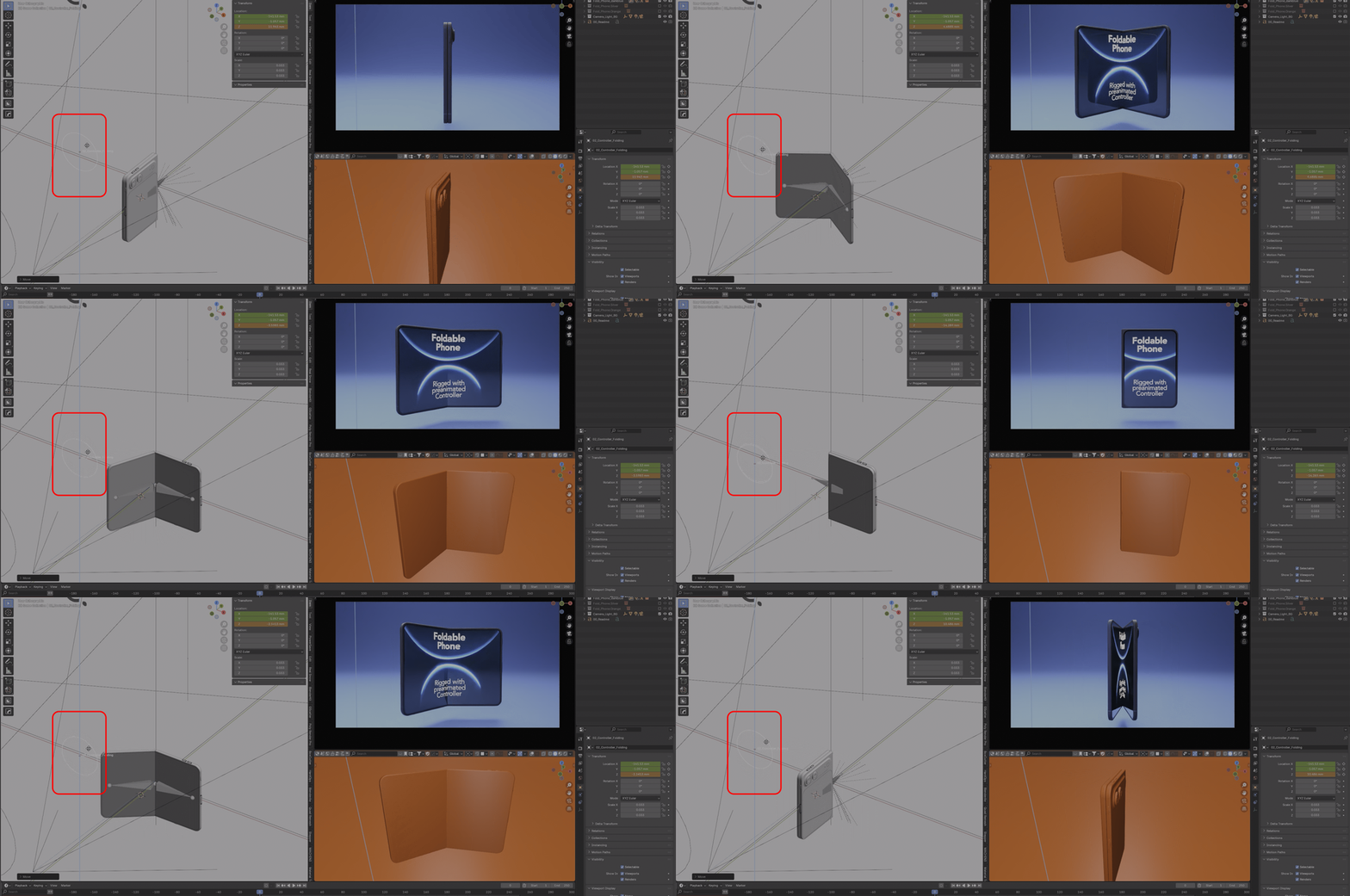
Important: If you animate the controller’s motion path using bézier curves to achieve a smooth closing animation, make sure the animation stops at a maximum of +10 millimeters or a minimum of –10 millimeters. Otherwise, the Bézier interpolation will not function correctly because the controller has hard limits at +10 and –10 millimeters, while the Z value may continue to increase or decrease beyond those limits.
In parallel with the folding animation, you can animate the global position and rotation of the smartphone. To do so, use the global Position/Rotation of 03_Armature_Phone (not in Pose Mode, but globally in Object Mode).
Display Material and Content Replacement
To replace the display content, adjust the screen brightness, or create a power on/off animation for the displays, use the materials Screen_In and Screen_Out in the Shader Editor.
The material nodes are properly commented to ensure easy handling. You may also refer to this older tutorial. Please note that the tutorial is only still relevant for editing and adjusting the Screen_In and Screen_Out materials:
https://youtu.be/W9CQ6tF5z8E?t=201
If you have any questions, feel free to contact me via support. I will respond as quickly as possible.
Have questions about this product?
Login to message
| Dev Fund Contributor | |
| Published | 10 months ago |
| Blender Version | 4.5 - 5.0 |
| Render Engine Used | Cycles |
| Misc Data | Rigged, Animated, Textured |
| License | Royalty Free |

Discover more products like this
animated generic smartphone smartphone modern smartphone duo 3D smartphone highquality not branded folding phone Rigged folding smartphone fold iPhone