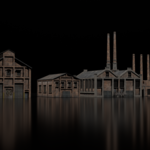
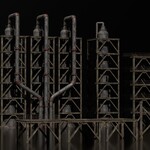
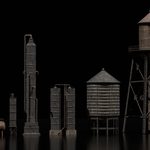
Foundry Industrial Asset Pack
 Rithick_03d


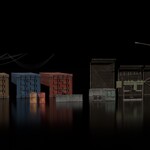
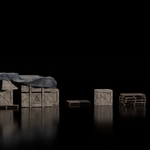
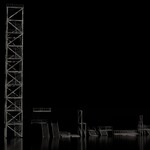
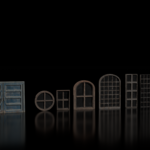
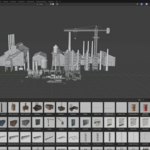
Set Up an Asset Library in Blender:
- Download and unzip the pack you received. Inside, you’ll find a Blender file (.blend) containing all the assets.
- Open Blender
- Go to Edit > Preferences > File Paths
- Find the Asset Libraries section
- Click the “+” icon to add a new library.
- Browse and select the folder where your .blend file is stored
- Name it (e.g., Foundry Industrial Assets)
- Save Preferences
Note:
All assets in this pack are textured using Box Projection in Blender.
Please keep the following in mind:
- Do not change the object origin. Leave it as it is when you open the .blend file.
- Changing the origin may cause textures to shift.
- If the origin is changed by mistake, you can fix the textures in the Shader Editor with Texture Coordinate node.
This method ensures that textures stay seamless across all the assets.
License Information:
The Foundry – Industrial Asset Pack is released under a Royalty-Free License.
- Use the assets in personal and commercial projects (animations, films, visualizations, artworks, etc.).
- Modify and adapt the assets to fit your needs.
- Include the assets in your final works (renders, animations, or client projects) without attribution (credit is appreciated but not required).
- ❌ You may not redistribute, resell, or share this asset pack (in whole or in part) or claim it as your own.
$20
Have questions about this product?
Login to message
| Sales | 20+ |
| Published | about 1 year ago |
| Blender Version | 3.1 - 4.5 |
| Render Engine Used | Cycles |
| Misc Data | Textured |
| License | Royalty Free |

Discover more products like this
3d-industry-asset Blender Industrial Assets Asset_Pack pipes hardsurface 3d environment asset for blender blender 3d factory model industrial props