 ZEG
Installation
In Blender open Edit, Preferences, Get Extensions, then use Install from Disk and pick the fountain_generator zip.
Usage
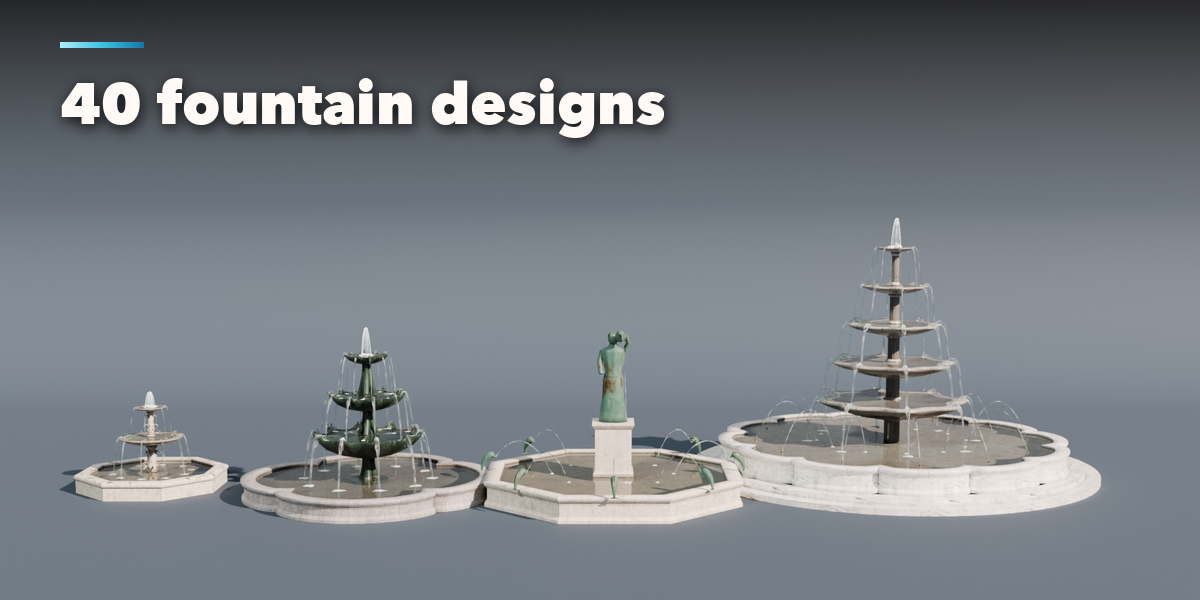
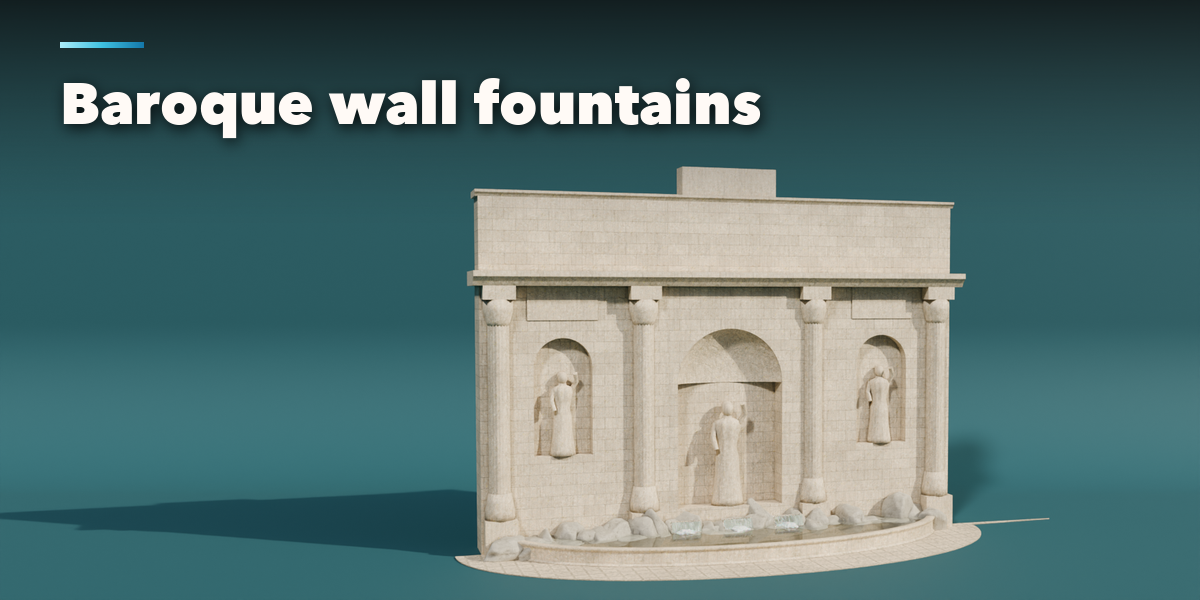
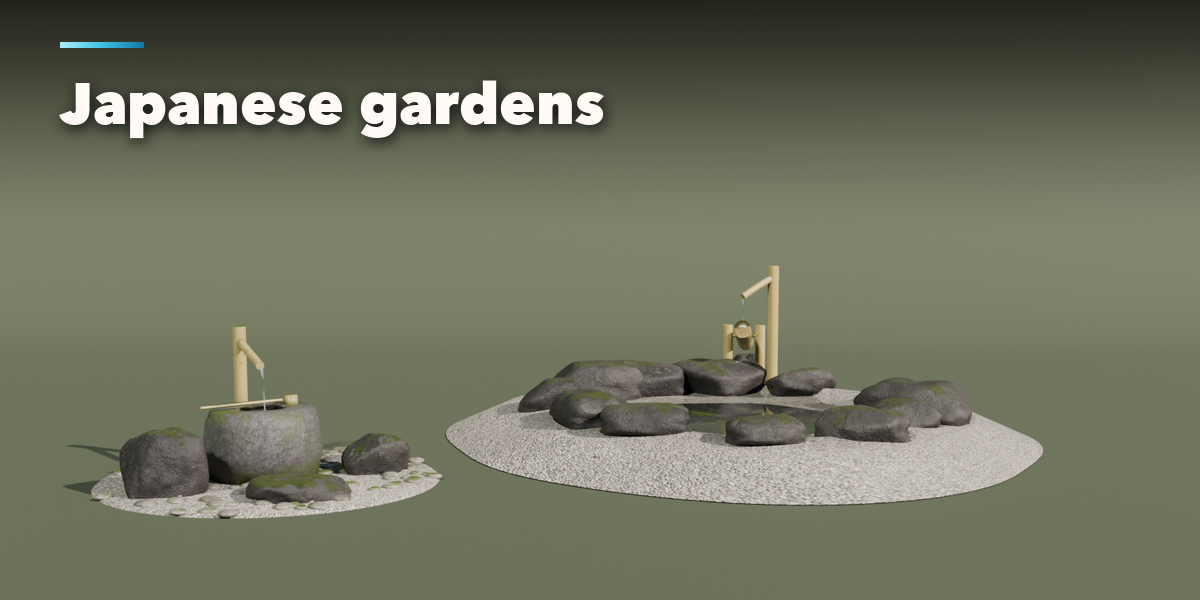
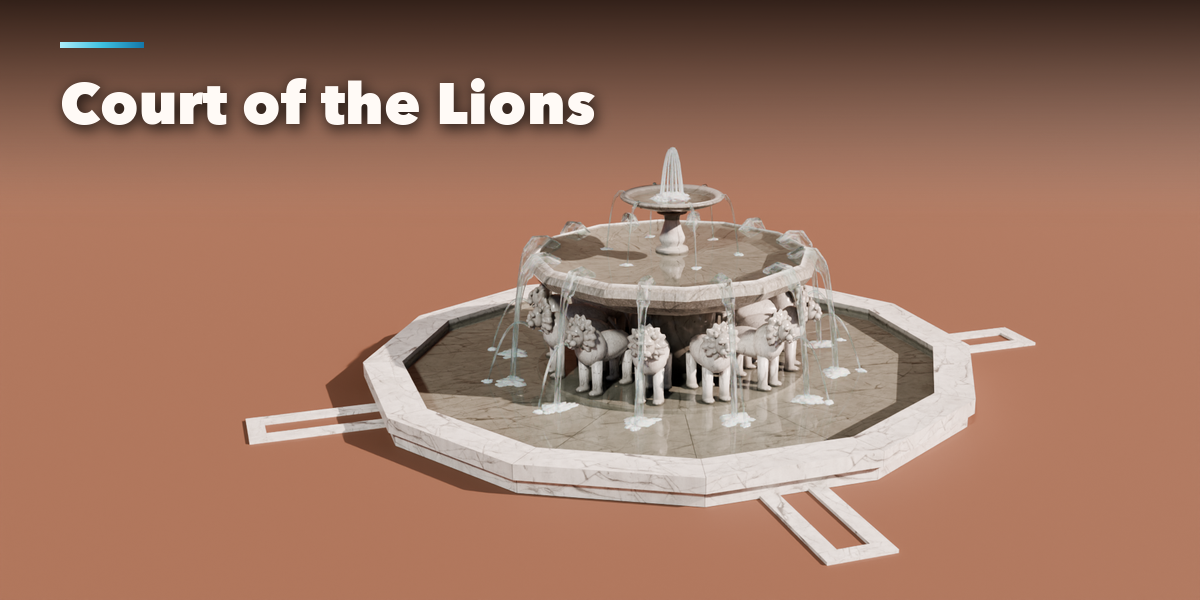
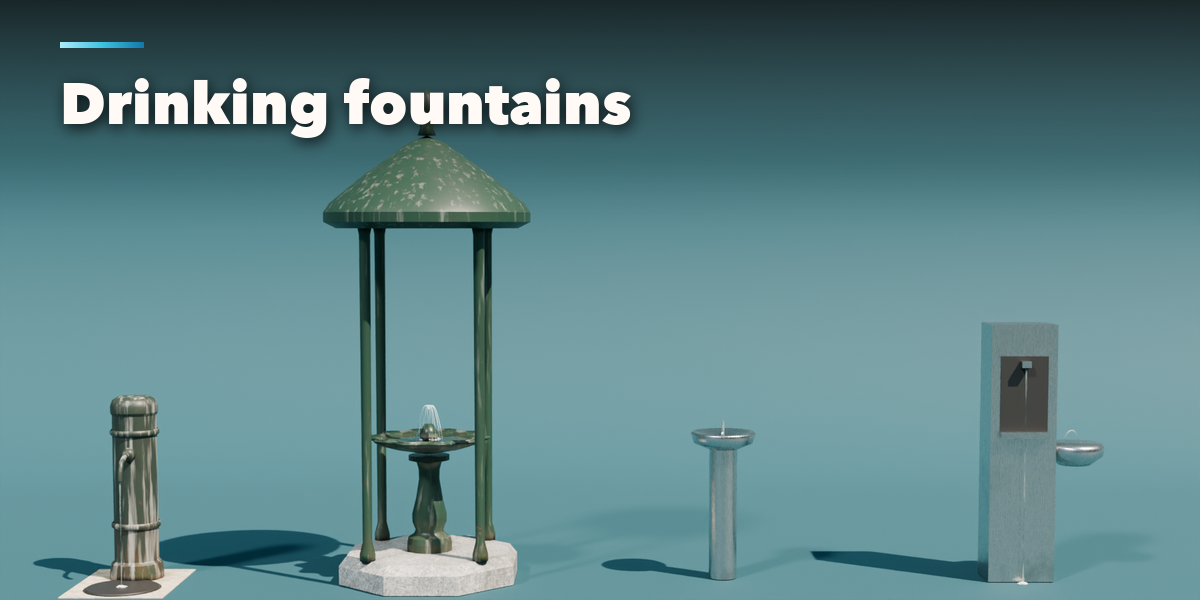
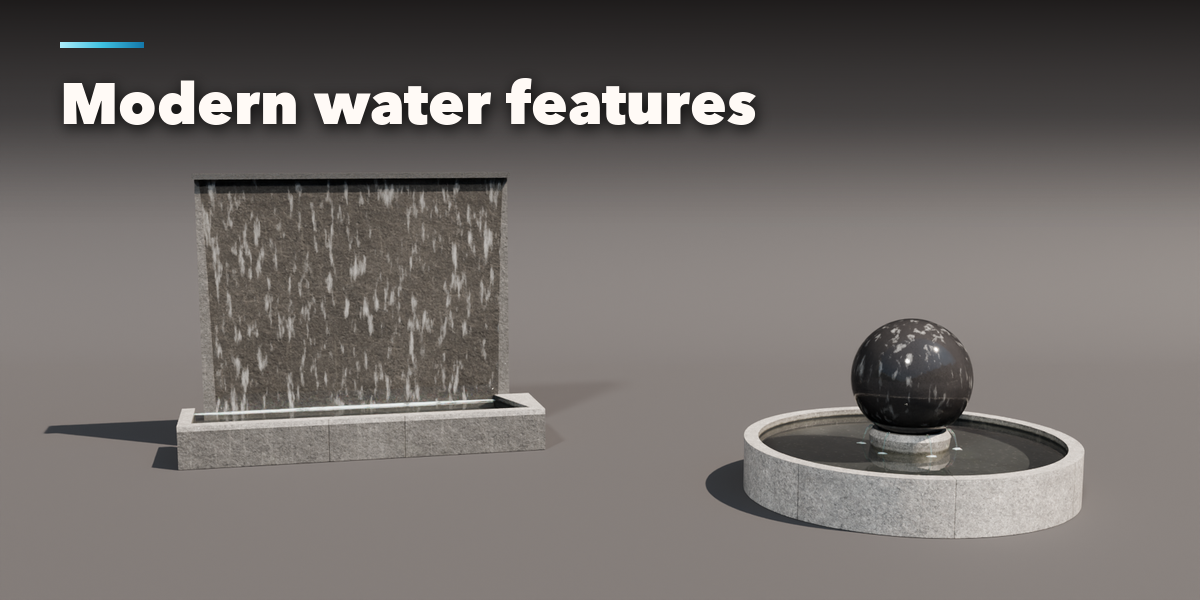
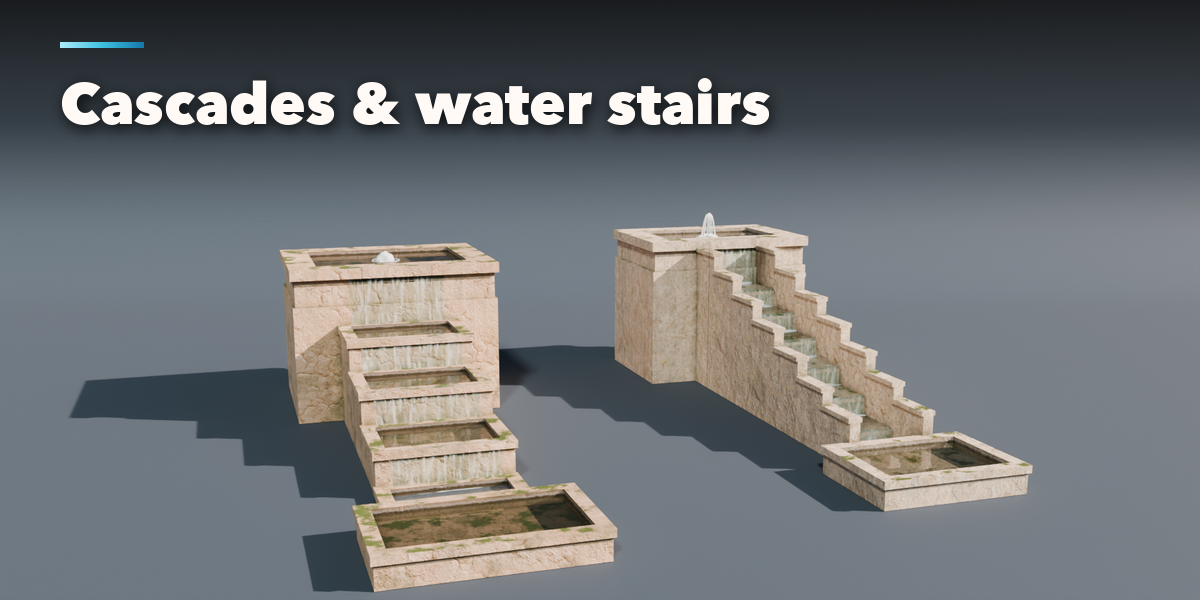
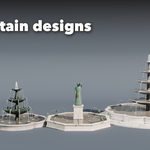
- Open the Fountain tab in the 3D viewport sidebar (N). With no fountain selected, click the big picture to browse the designs, or pick a group and a design, then press Add to place it at the 3D cursor. You can also use Shift+A, Mesh, Fountain.
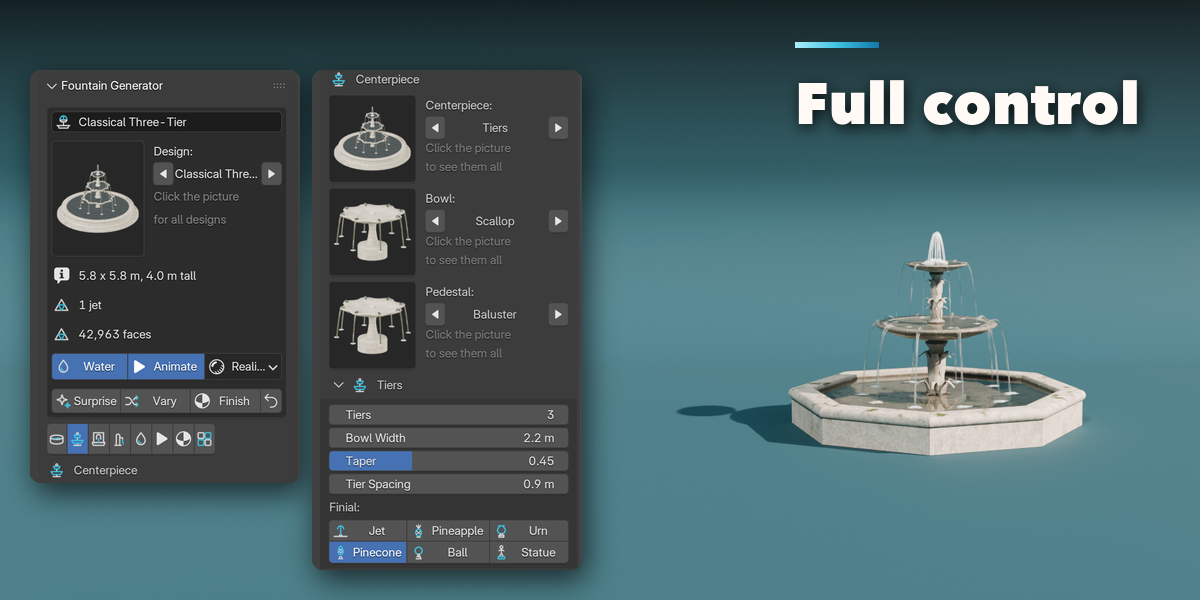
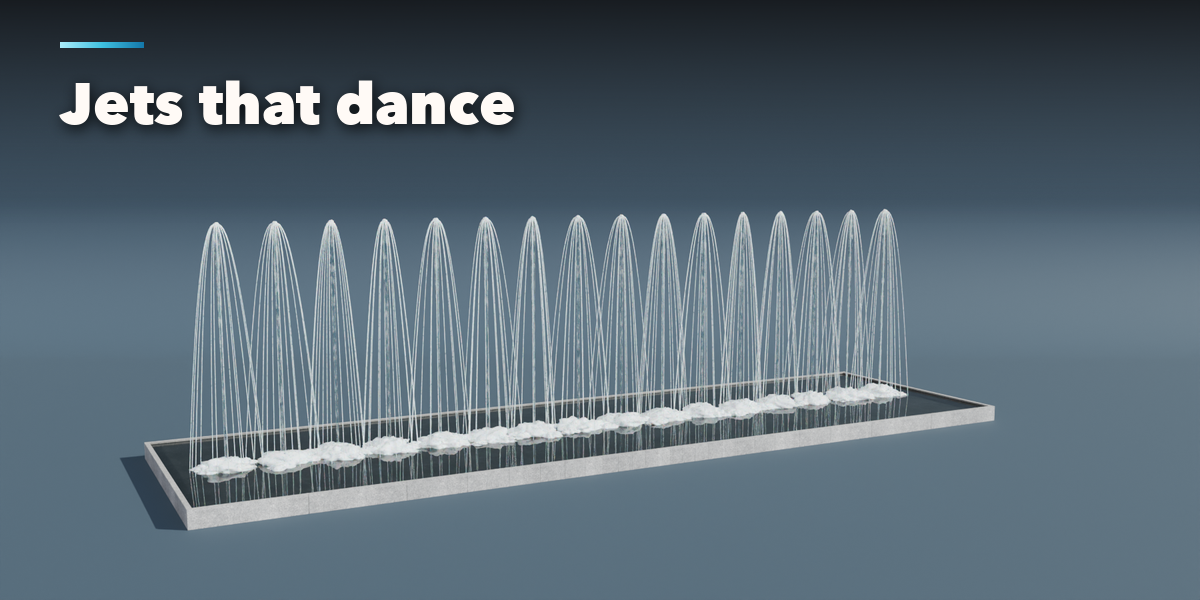
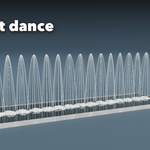
- The card at the top shows the design, its size, the number of jets, spouts and statue slots and the face count. Water switches all the water on and off, Animate plays the jets, flowing water and the shishi-odoshi (press Play), and the menu next to them switches between Realistic and Game water. Surprise makes a new random fountain, Vary changes the current one a little and Finish gives it new stone and metal.
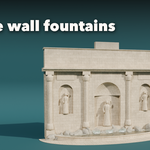
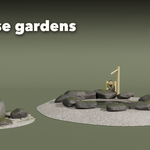
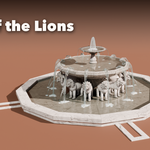
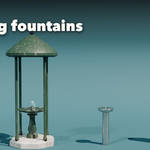
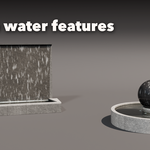
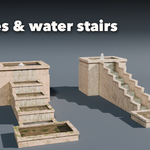
- The icon tabs hold every setting: Basin & Cascade (shape, size, rim, steps, paving, half basin, infinity edge, cascades and rills), Centerpiece (tiers, bowls, pedestals, finials, obelisk, statue, lion court, sphere and sculptures), Backdrop (walls and their spouts), Fixture (drinking fountains, tsukubai, shishi-odoshi, bird bath), Water (center jet, falls, ring jets, ground jets, splashes, lake and water look), Motion (dance pattern, speed, amount and flow), Finish (stone, metal, tiles and aging) and Parts & Export (part visibility, detail level, Convert to Mesh).
- To use your own statue, parent it to the Statue Slot empty and hide the placeholder statue.
- Convert to Mesh copies the fountain as plain meshes (optionally freezing the jets on the current frame); Delete removes it with all its parts.
All sizes are in meters. The root empty sits on the ground in the middle of the basin; backdrops stand behind it (+Y) and cascades run toward the front (-Y). Use Rendered view to see the water.
Have questions about this product?
Login to message
| Blender Extension Compatible | Yes |
| Published | about 14 hours ago |
| Blender Version | 4.2 - 5.2 |
| Extension Type | Add-on |
| Render Engine Used | Cycles, Eevee |
| License | GPL |

Discover more products like this
Generator environment garden Water procedural Game asset water feature architecture animation fountain plaza park