 LarkLab
Do I get updates?
Yes. Updates are uploaded here, and you can download the new version from your Superhive account.
Which cameras do I get?
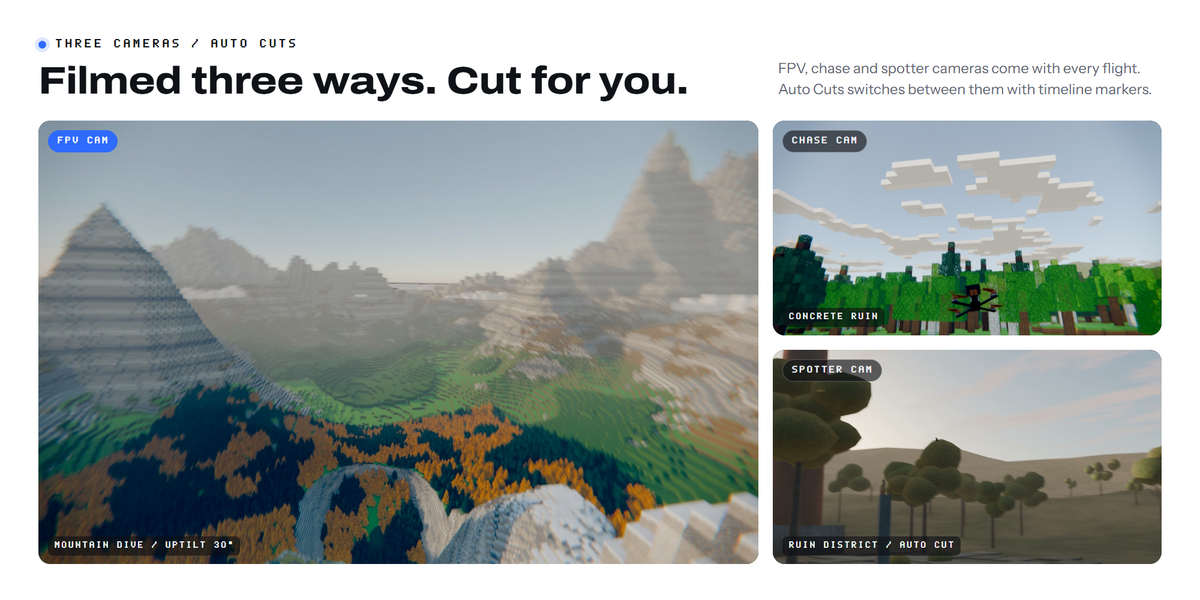
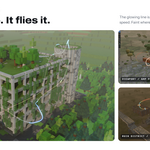
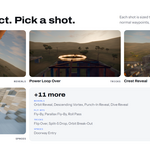
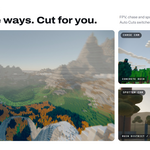
The drone's own FPV camera, a third person camera (Chase, Wide Follow or Top Chase) and, with one click, spotter cameras on the ground near each trick. Auto Cuts adds timeline markers that switch between them.
What scale should my scene be?
Meters. In a scene built at another scale, scale the speeds and sizes with it.
My scene is very heavy. Is live update slow?
Live update reuses the last scan of your scene. Press Fly Route after big scene changes to rescan, and turn off the refresh button next to Fly Route if you prefer to fly only on demand.
How do I start over?
Press Reset Flight Line at the bottom of the main panel. After you confirm, the drone, cameras, route and animation are deleted and every setting goes back to default. Press New Flight to begin again.
Does the drone avoid my scene?
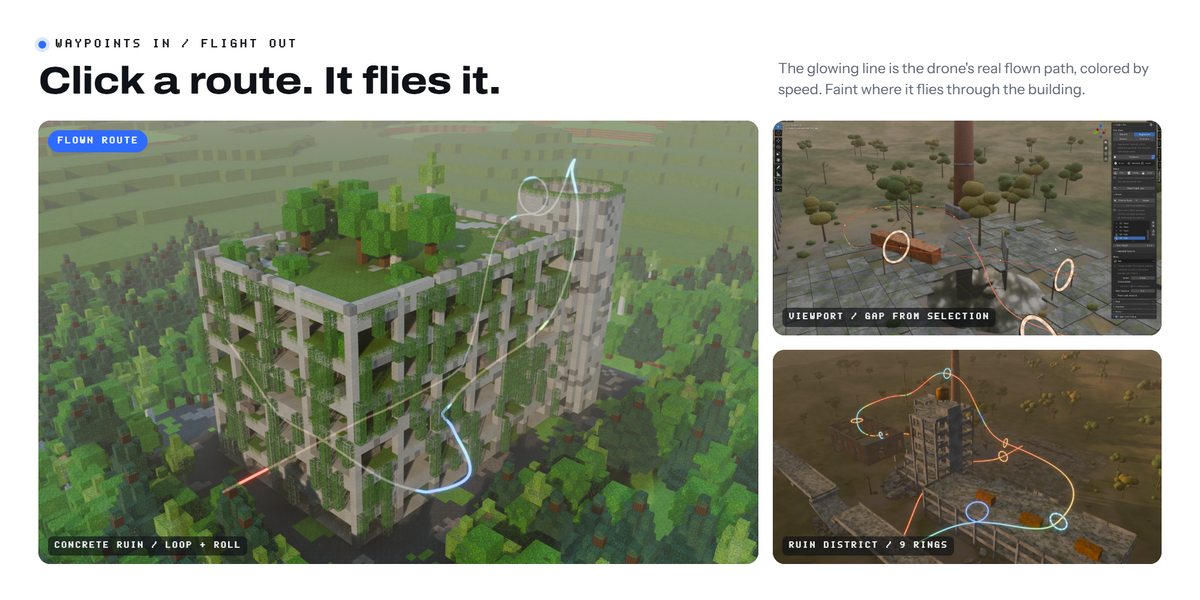
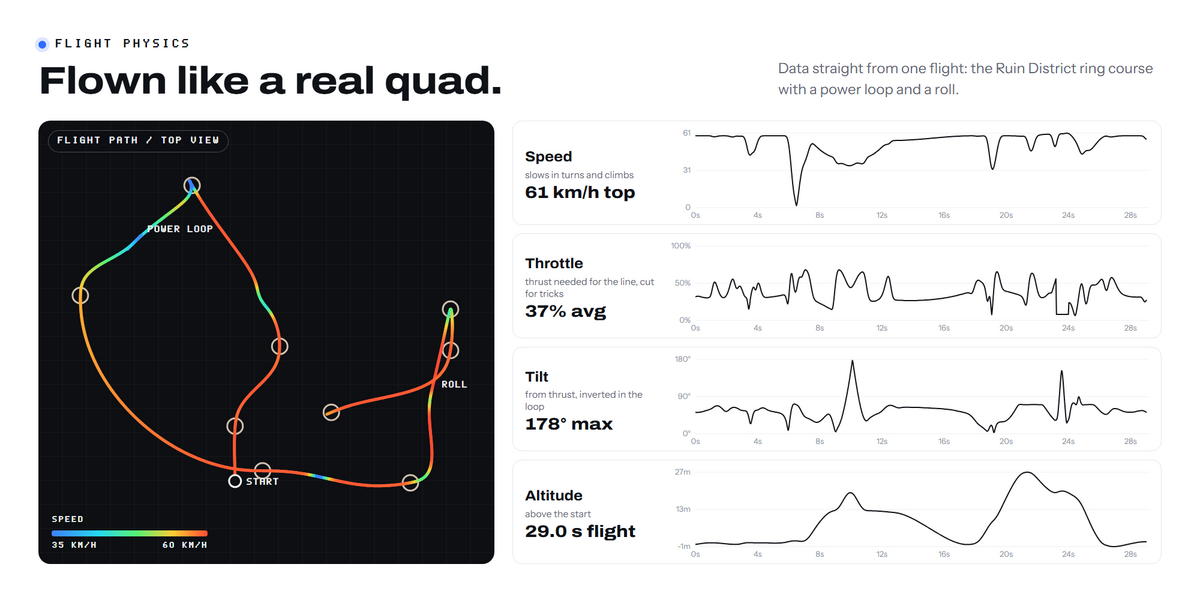
Yes. The route is kept a set distance from your geometry (Clearance) and finds its way around walls between waypoints. If a move has no room, it is flown smaller or straight through and the panel tells you which waypoint it was.
Can I use my own drone model?
Yes. Select your model and press Use Selected as Drone. Its front should face +Y and its top +Z, centered on its origin. Put its propellers in a collection and pick it as Your Props to make them spin with the throttle.
Do I need the add-on to render the animation?
No. The flight is written as ordinary keyframes, so the file renders on any machine, also without the add-on.
How do I install it?
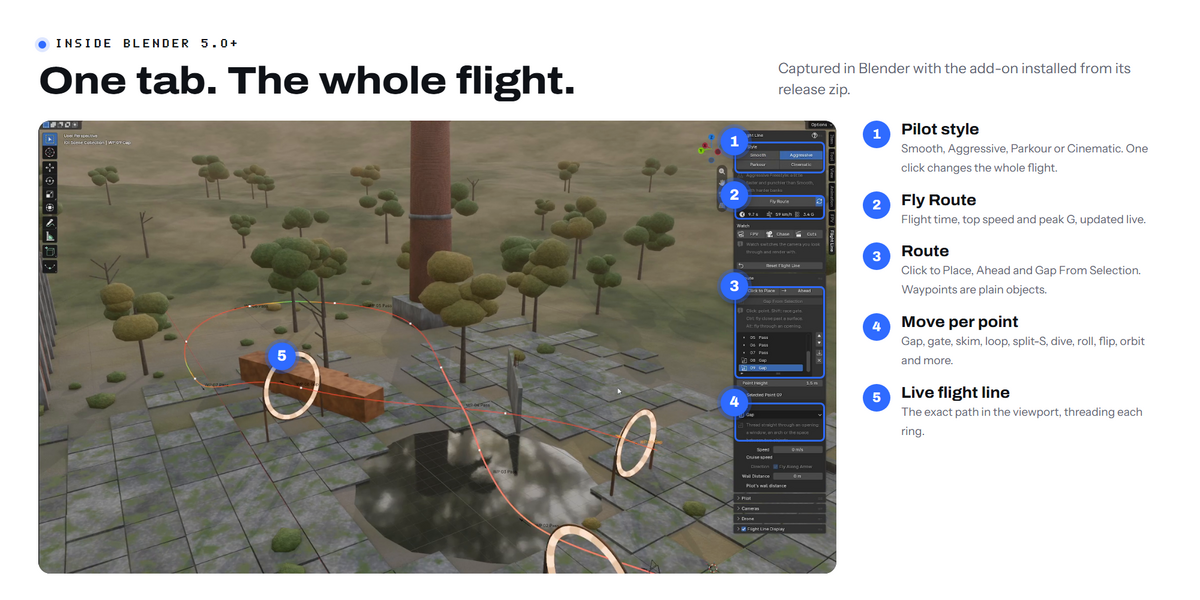
Download the zip and don't unzip it. In Blender go to Edit > Preferences > Get Extensions, open the arrow menu at the top right, choose Install from Disk and pick the zip. The add-on is in the 3D Viewport sidebar (N), in the Flight Line tab.
Have questions about this product?
Login to message
| Blender Extension Compatible | Yes |
| Published | 1 day ago |
| Blender Version | 5.0 - 5.2 |
| Extension Type | Add-on |
| Render Engine Used | Cycles, Eevee |
| License | GPL |
Discover more products like this
Flight-animation fpv flight drone realistic animation #dji animated camera fpv-animation cinematic animation 360 camera animation fpv-drone Motion Blur