 Blender Procedural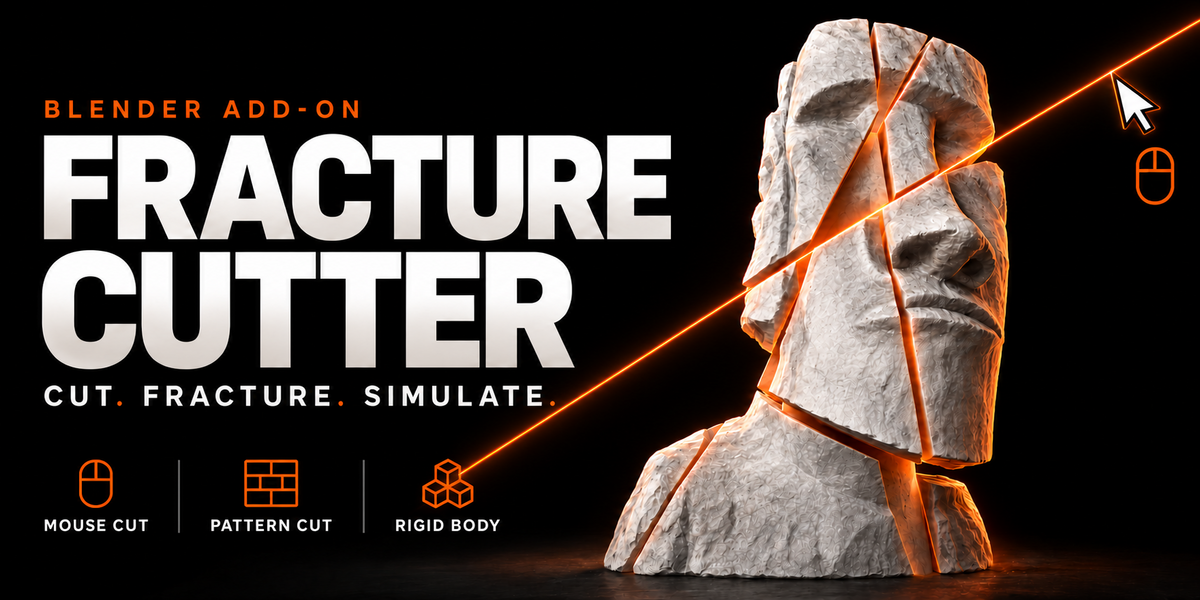
MESH FRACTURING & DESTRUCTION TOOLS
FRACTURE CUTTER
CUT. FRACTURE. SIMULATE.
Choose where your model breaks. Draw cuts directly in the viewport, fracture meshes with adjustable patterns, add damage, and set the pieces in motion with rigid body simulation — all inside Blender.
MOUSE CUT PATTERN CUT DAMAGE TOOLS RIGID BODY
From intact mesh to fractured scene.
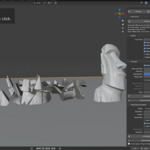
A carefully placed split, a brick-style breakup, or a pile of damaged fragments: Fracture Cutter brings cutting, fragment preparation, and simulation controls into one workflow. Use it for destruction shots, broken props, architectural breakup, and motion graphics.
01 / DRAW YOUR CUTS
Mouse Cut
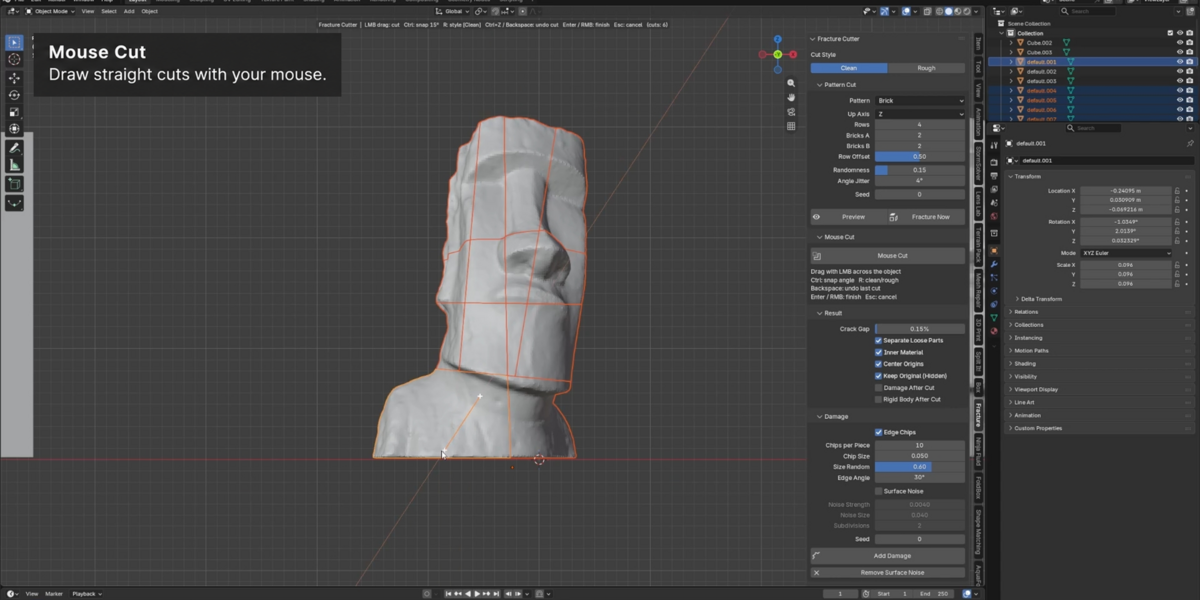
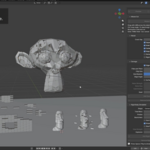
Drag across your object in the viewport to define cuts where you want them. Snap the cutting angle, switch between Clean and Rough styles, and undo the last cut as you work. Shape the breakup around your composition.
02 / BUILD THE BREAKUP
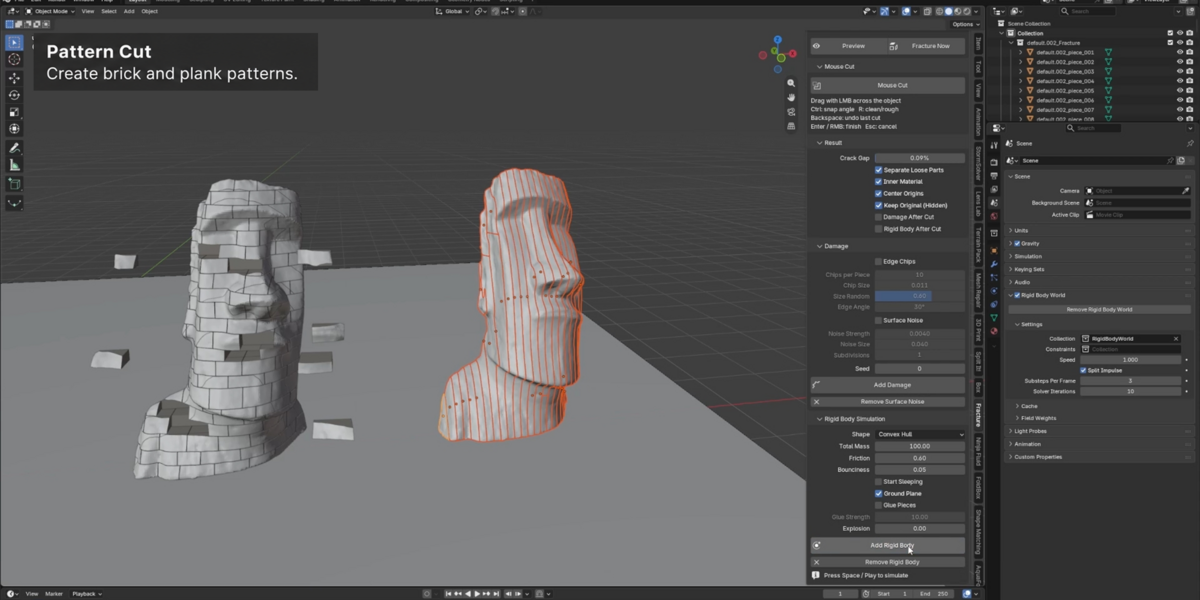
Pattern Cut
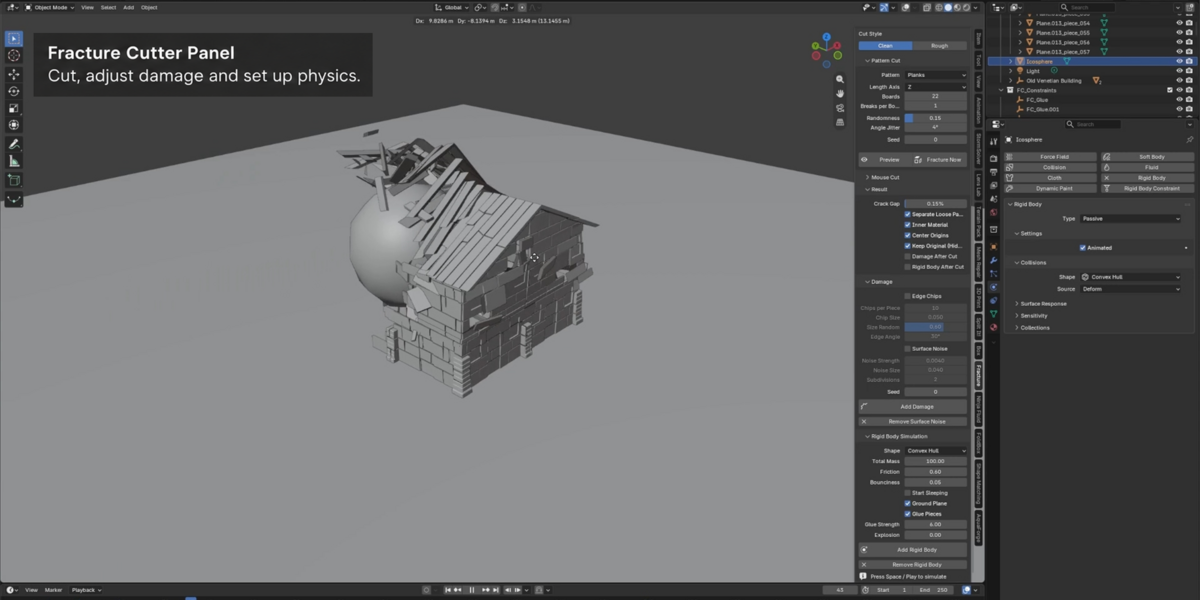
Create structured fractures with Brick and Planks patterns. Adjust rows and brick counts, row offset, board counts, and breaks per board according to the selected pattern. Fine-tune the axis, randomness, angle jitter, and seed to explore different results.
03 / INSPECT BEFORE APPLYING
Preview Your Fragments
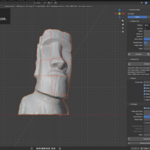
Check the pattern and piece count before applying. Use Fast Preview, Live Update, and Color Pieces to inspect the breakup, then spread the preview with Explode View to see the individual fragments more clearly.
04 / REFINE THE RESULT
Fragment & Surface Controls
Adjust Crack Gap, separate loose parts, center fragment origins, and use an inner material for exposed cut surfaces. Keep a hidden copy of the original object when you want a reference for your fractured result.
05 / ADD CHARACTER
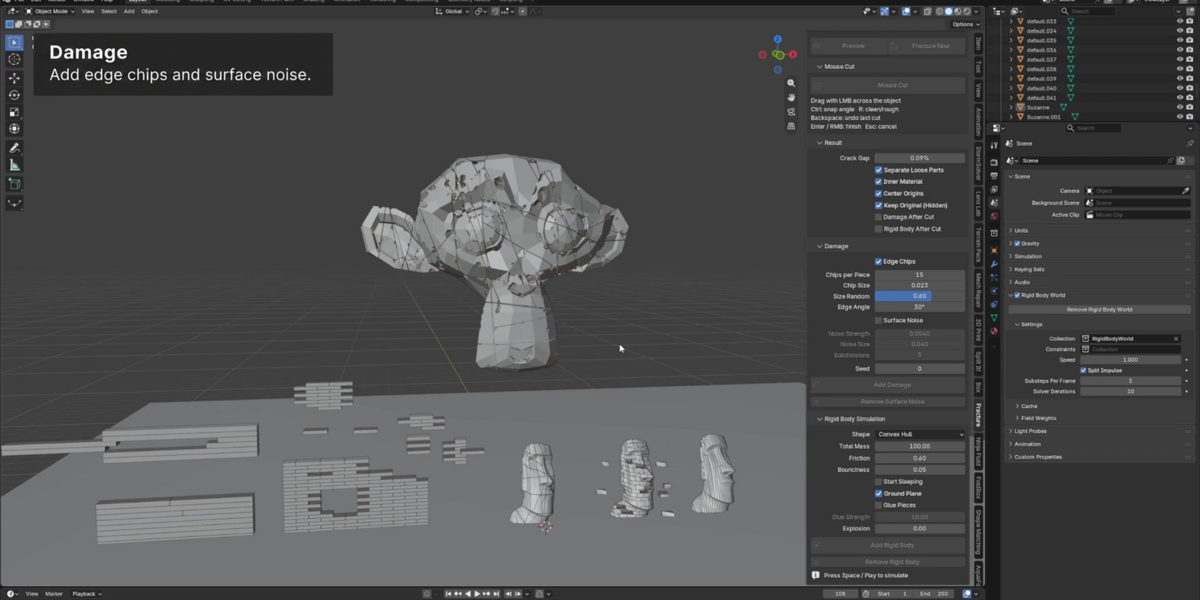
Edge Chips & Surface Noise
Give fragments a more damaged appearance with adjustable edge chips and surface noise. Control chip count, size, size variation, and edge angle, then tune noise strength, scale, subdivisions, and seed.
06 / SET IT IN MOTION
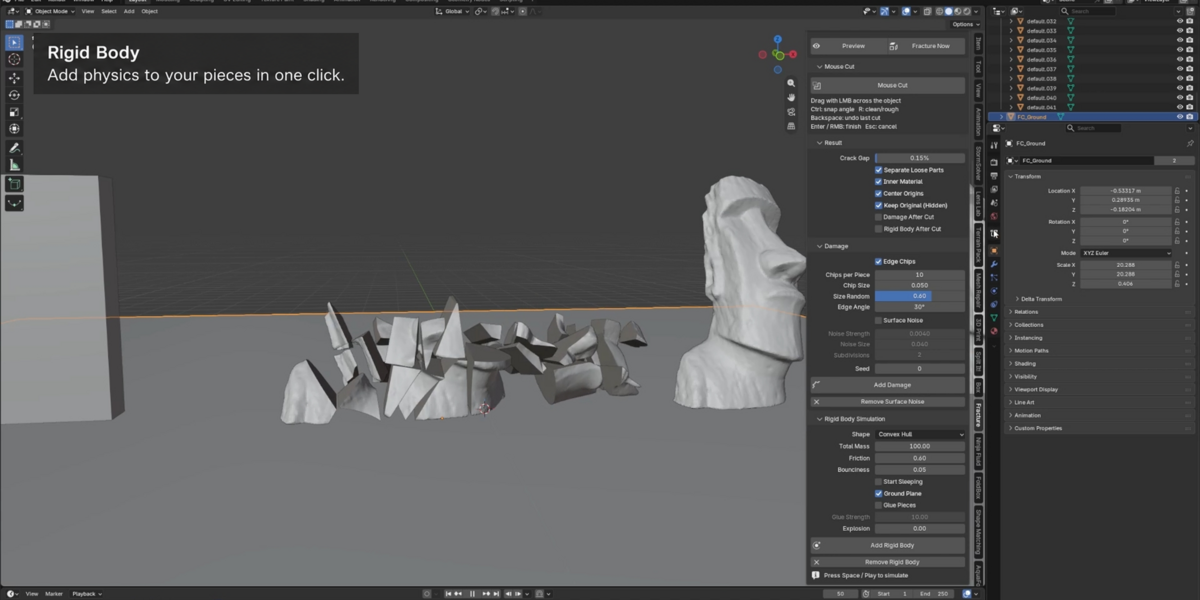
Rigid Body Simulation
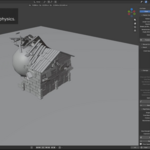
Prepare fractured pieces for Blender's rigid body simulation. Adjust collision shape, total mass, friction, and bounciness. Work with Start Sleeping, Ground Plane, Glue Pieces, Glue Strength, and Explosion controls to set up your scene, then play the timeline to inspect the motion.
A workflow that keeps you creating.
- Choose your approach. Draw custom cuts or start with a fracture pattern.
- Refine the breakup. Preview the pieces and adjust your result settings.
- Add damage. Tune edge chips and surface noise for the look you need.
- Simulate. Add rigid bodies, adjust the physics, and play your scene.
Your mesh. Your cuts. Your destruction.
From fractured statues and chipped props to brick walls and broken planks, build the breakup your scene calls for with Fracture Cutter.
Fracturing and simulation performance depend on mesh complexity, fragment count, damage settings, and your hardware.