 chelik


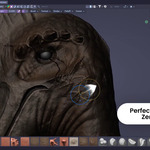
Tired of constantly undoing your anchored strokes?
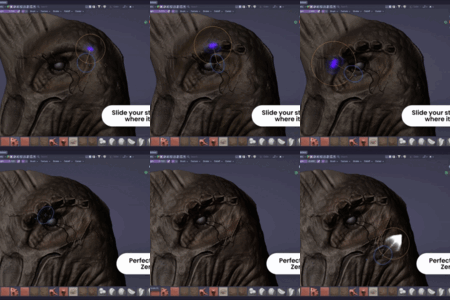
When detailing models in Blender's Sculpt Mode, placing an anchored alpha exactly where you want it can be frustrating. Free Anchored: Brush Pan is a lightweight workflow enhancer that allows you to move the starting point of an "Anchored" stroke on the fly. No more undoing because you missed the center by a few pixels.
Key Features
-
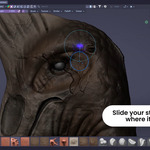
Reposition on the Fly: Hold SPACE while dragging to move the stamp's center exactly where it needs to be.
-
Customizable UI: Use the 'Anchored Pan' panel in the 3D View Sidebar (N-panel > Sculpt tab) to adjust texture brightness or toggle the addon influence.
How to Use
-
Set your brush Stroke Method to 'ANCHORED'.
-
Click and drag on the mesh to start sculpting.
Hold SPACE and move your cursor to pan the stroke.