Space Nebula — 4K & 8K HDR Files
 Space Store
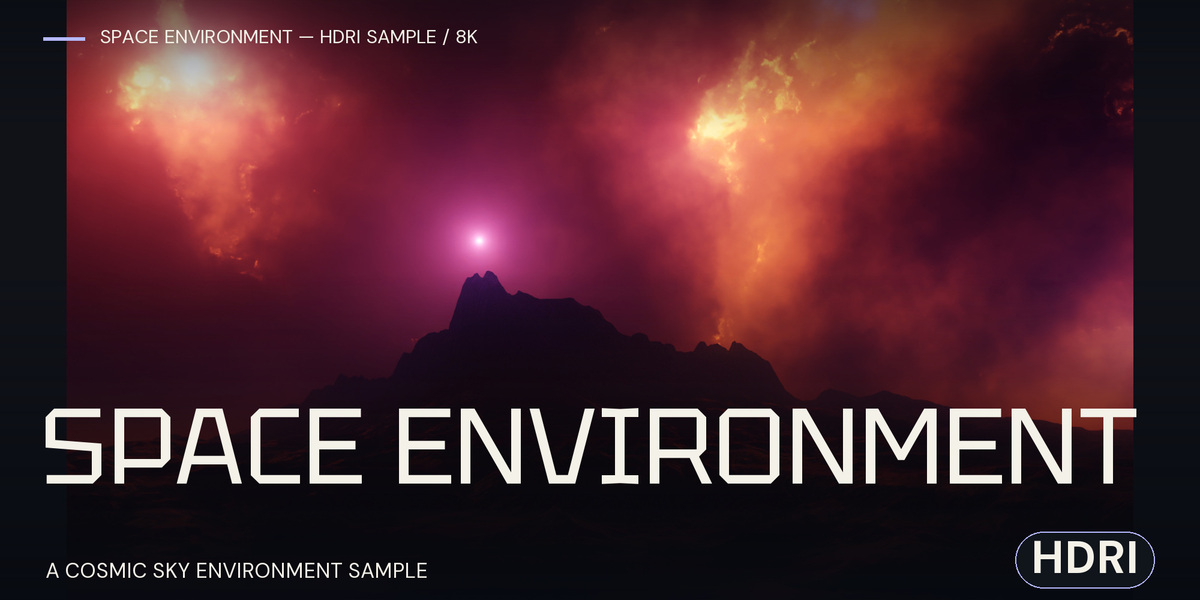
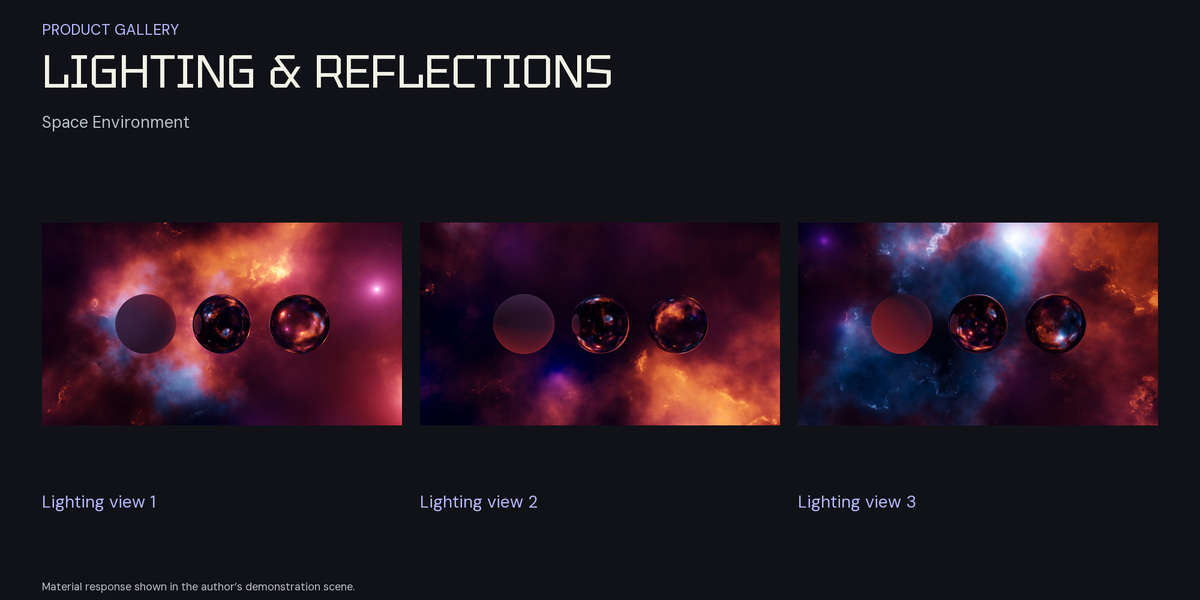
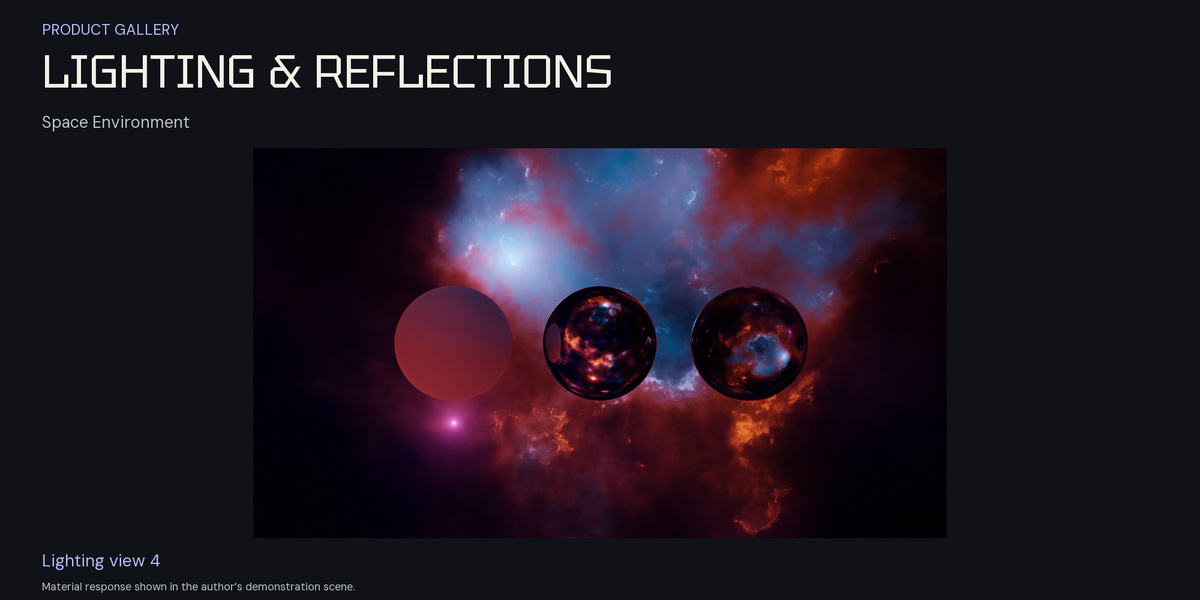
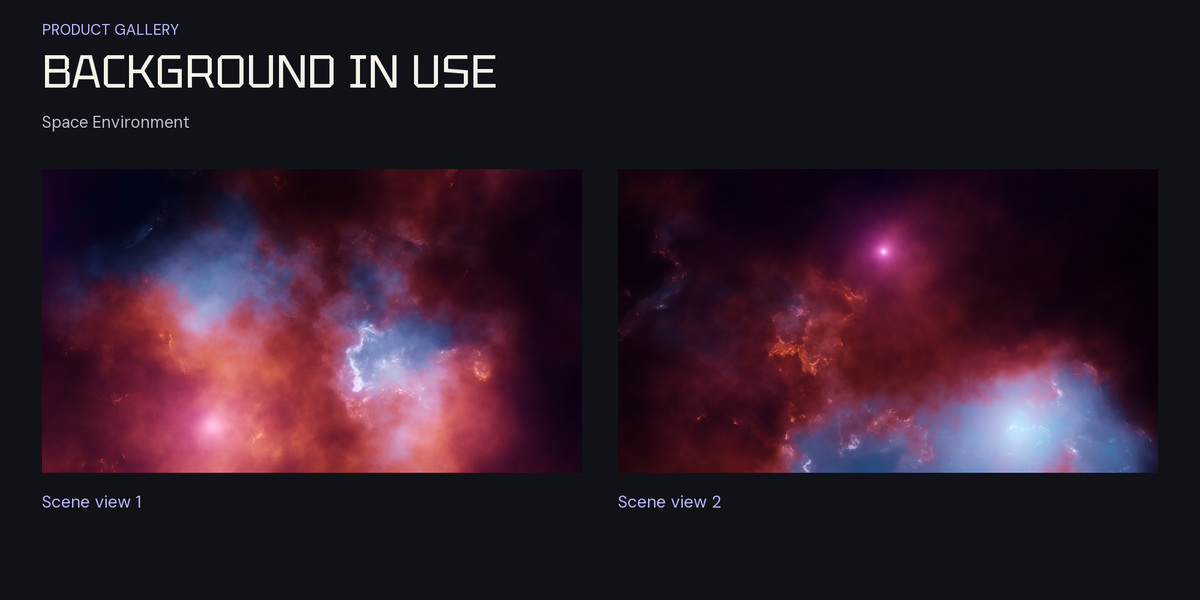
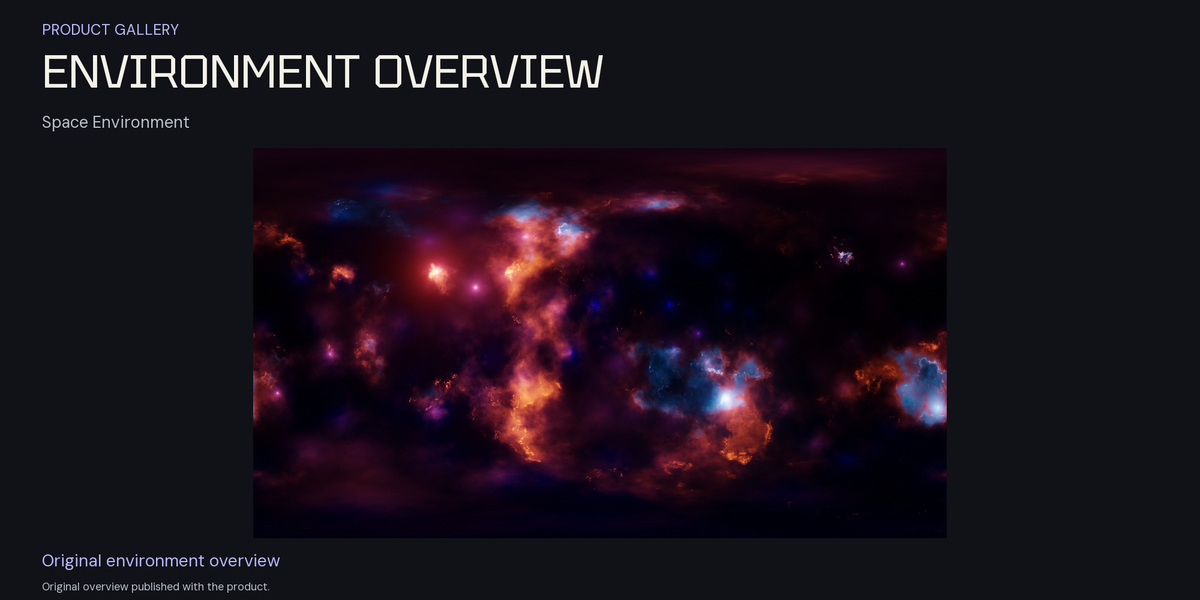
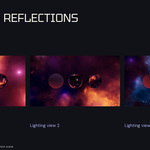
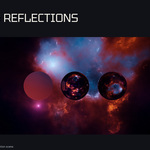
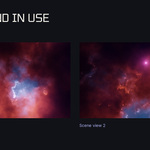
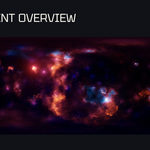
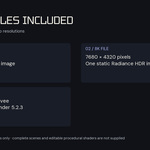
Download either or both supplied files
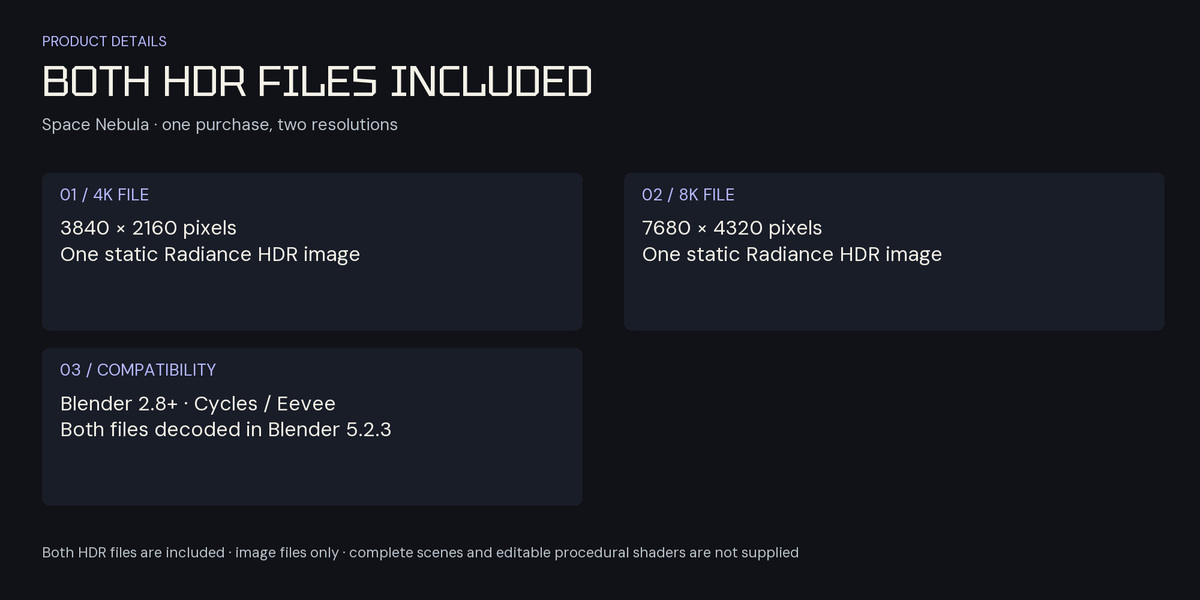
| File | Pixels | Format |
|---|---|---|
Free HDRi 4k.hdr |
3840 × 2160 | 16:9 |
Free HDRI 8k.hdr |
7680 × 4320 | 16:9 |
Both files belong to the same product purchase. No archive extraction or BLEND scene is required. Keep the original HDRs unchanged in a permanent project folder.
Set up a Blender World
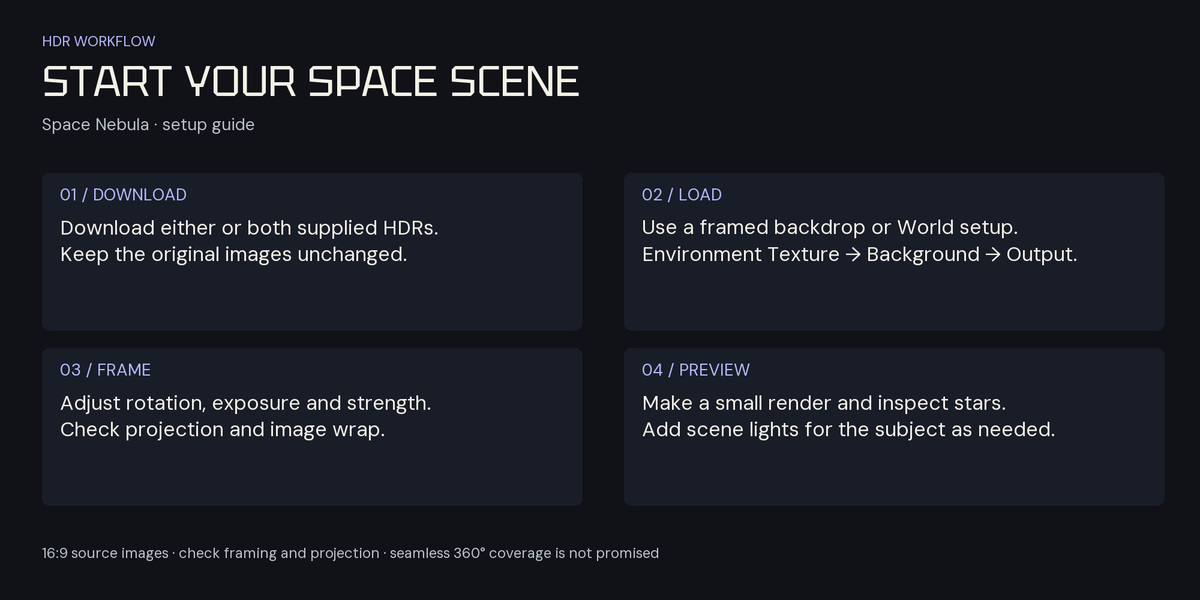
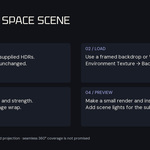
- In the Shader Editor, switch to World and enable Use Nodes.
- Add an Environment Texture and open one supplied HDR. Connect Color to Background Color, then Background to World Output.
- Use Texture Coordinate and Mapping nodes for rotation control. Inspect the intended camera view in Rendered viewport shading.
- Adjust World strength and scene exposure. Add lights for the subject as needed.
Frame and preview
The supplied images have 16:9 format. Check projection, framing and image wrap in your intended World setup; seamless 360° coverage is not promised. A camera-facing image backdrop is another option for a particular composition. The images do not provide motion parallax or separate geometry.
Make a small preview and inspect stars, bright regions and framing at the intended output size. Pack or relink the HDR path when moving your Blender project.
Compatibility and content scope
Both exact supplied HDR files were decoded in Blender 5.2.3 LTS. HDR image workflows are available in Blender 2.8 and later, including Cycles and Eevee. Demonstration objects, terrain, complete scenes, procedural shader source and animation are not supplied.
License
New purchases use the Superhive Standard Royalty Free license. Previously granted licenses and applicable third-party terms remain valid.
Have questions about this product?
Login to message
| Sales | 80+ |
| Dev Fund Contributor | |
| Published | about 3 years ago |
| Blender Version | 2.8 - 5.2 |
| Render Engine Used | Cycles, Eevee |
| License | Royalty Free |