 PixelicaCG


Blender Skin Sculpting Tutorial
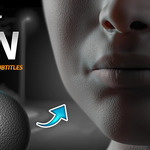
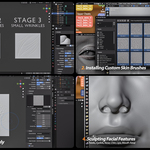
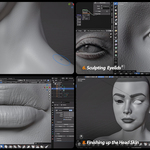
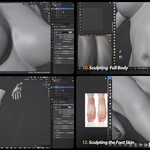
This is a full sculpting tutorial where I show how I sculpt skin details in Blender — from the face all the way to the hands and feet. It’s aimed at artists who want to get more confident with skin sculpting and make the most out of custom brushes. Everything is broken down step by step so you can follow along at your own pace.
What’s Included:
✅ Voiced/Narrated Tutorial: Clear instructions with voice.
✅ English Subtitles: Follow along effortlessly with complete English subtitles.
✅ Real-Time Workflow: Watch the entire process in real time for a deeper understanding of every step.

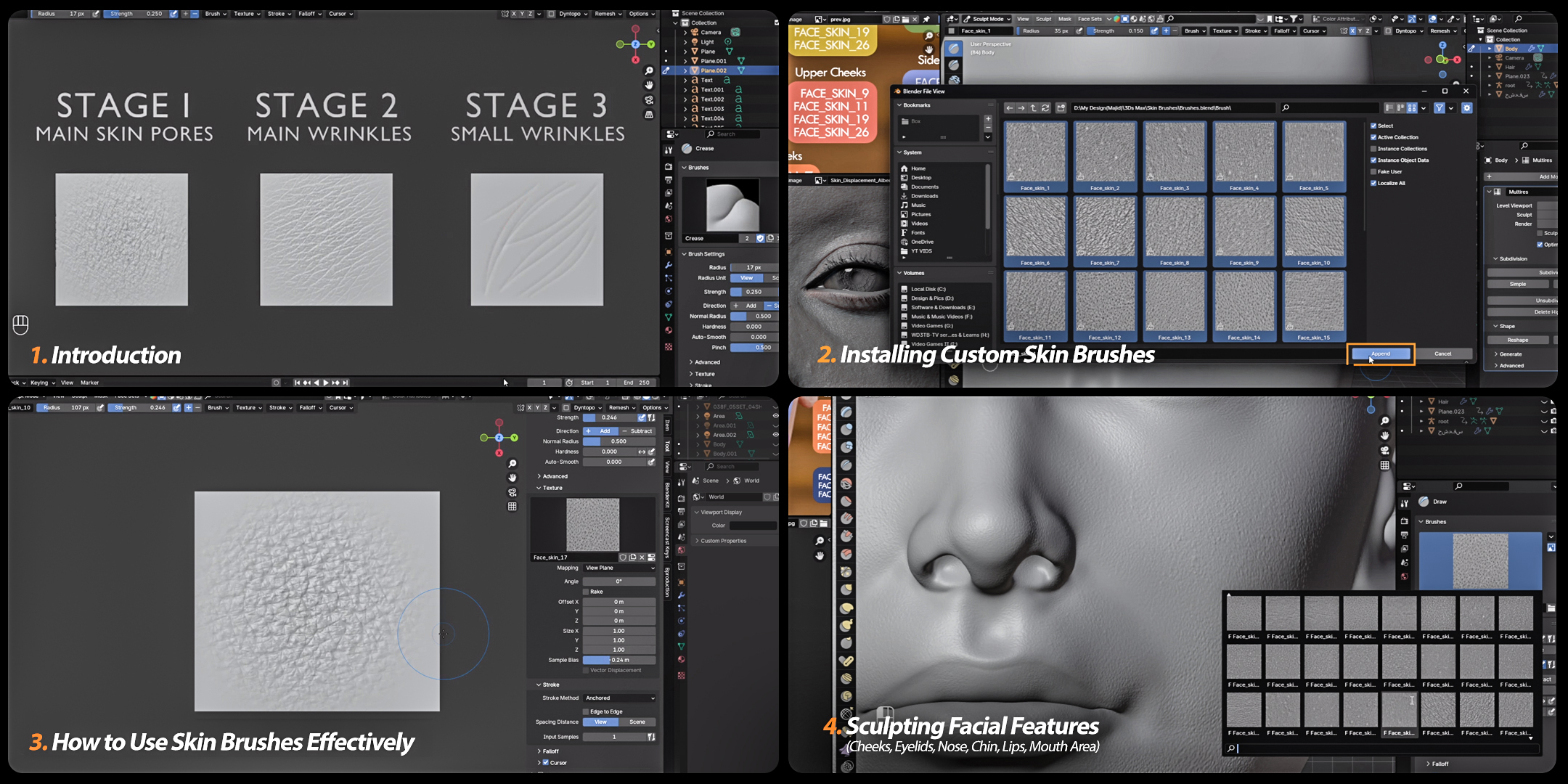
Intro
Installing Brushes
How to Use These Brushes Correctly
Sculpting the Cheeks
Sculpting the Scalp
Sculpting Eyelids
Sculpting Nose and Chin
Sculpting the Mouth Area
Sculpting the Neck and overall face
Sculpting The Lips
Working on the Eyelids
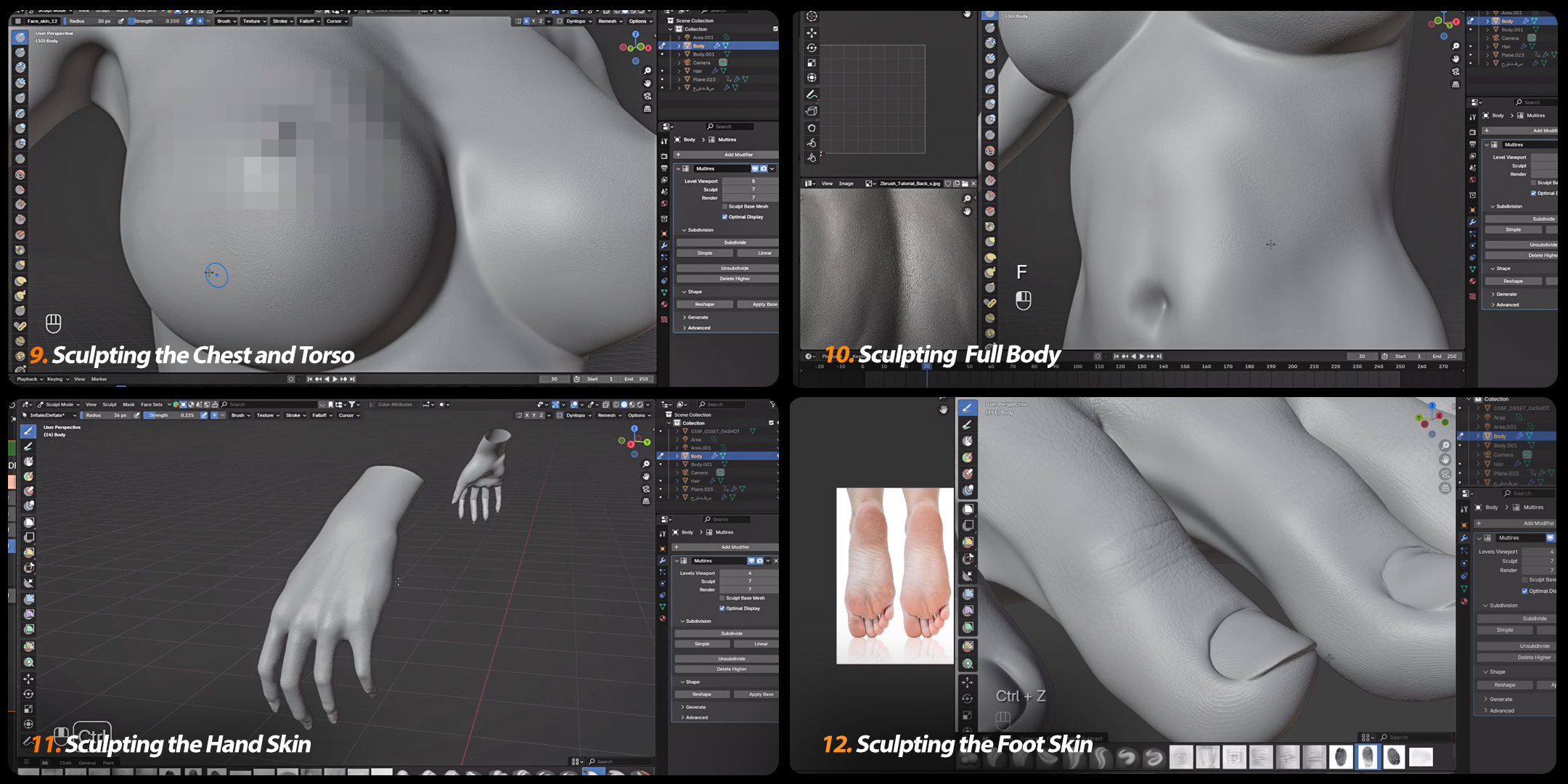
Sculpting the Torso (Neck, Chest, Breasts etc)
Adding More Details to the Body
Sculpting the Finger Joints Details (knuckles)
Sculpting Hand's front
Sculpting the Fingers
Refining the Finger skin and Sculpting the Back of the hand
Sculpting the Veins and Fingernails
Sculpting Foot Skin
-
Adding more details to the foot

Important:
✅ Full Support: You can contact me before or after the purchase and ask me about the workflow or any issuses you might have.
✅ Blender Version: Blender 4.2.3 or older cause there are lot more brushes for it on the internet.