 Harry Helps


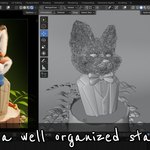
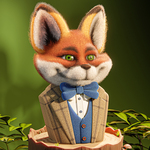
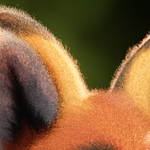
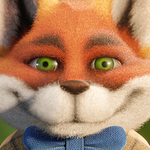
Are you struggling to add realistic fuzz and fur to your models in Blender? Well, have I got a class for you!
Hello and welcome to this adorably fuzz-filled Blender class! I'm Harry, a seasoned 3D artist with over a decade of professional experience, specializing in Blender tutorials.
In this class, we'll learn how to add realistic fuzz to an adorable fox model so it looks like a needle felted character! The file we’ll use in class comes fully modeled, textured and lit. This means we can jump right into the process of adding fuzz to this charming little fox without needing to do a bunch of set up! Just download the files and we’re ready to start!
This ENTIRE CLASS is available COMPLETELY FREE (including the Blender files and texture images) on my YouTube channel, however if you'd like to support me and download all of the video lessons (.mp4) and the completed Blender 4.5.3 LTS file you can get them here! I really appreciate it!
If you’ve never heard of “needle felting” before, it’s a real-world crafting technique where you use a specialized needle covered in barbs to weave together the coarse fibers of wool into a solid shape rather than a sheet of fabric. It’s often used by artists to create adorable characters with a soft appearance and a layer of short fuzz on their surface. This is the technique we’re going to replicate in Blender!

If this is your first time learning with me, it’s important to note that my Blender classes are well-regarded for their clarity and ease, thanks to a step-by-step approach that's perfect for beginners. While this class is a shorter mini-class, you can still expect thorough explanations that anyone can follow regardless of experience!
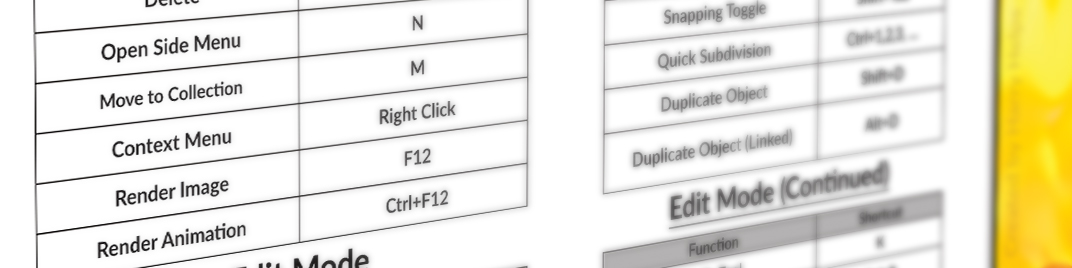
I’ve also included a handy cheat sheet filled with important keyboard shortcuts that you can reference during the class and in the future!
In this class, you'll learn:
- Curves based hair systems
- Hair styling tools and techniques
- Texture based hair materials
- Lighting and material customization tips and tricks
- Basic compositing and rendering workflows
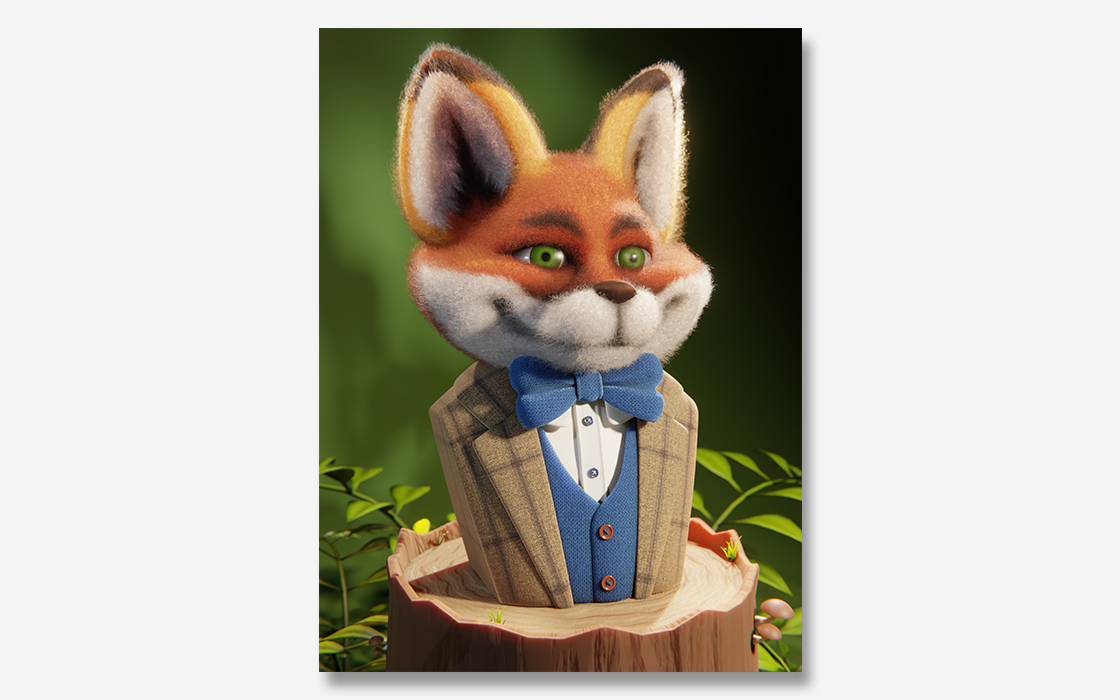
By the end of the class, you'll create:
This adorable fuzzy fox render!
You'll receive:
-
7 Video Lessons [.mp4] (Containing 1.5 hours of focused instruction)
- Introduction
- Setting Up the File
- Adding the Short Fuzz
- Creating the Fuzz Material
- Adding the Long Fuzz
- Rendering the Final Image and Compositing
- Class Project Ideas
- All required assets to follow along including: Blender files (start and finish), texture images and reference images
By the end of this class, you'll be amazed how easy it is to create adorable curly fuzz for your characters in Blender!
So, if you're ready, I invite you to join me in class! Let's jump into our first lesson together!
-------------------------------
Please note that Blender version 4.5.3 LTS or later is required to access the provided files and follow along. You can download the latest version of Blender for free from their website!
-------------------------------
Brand new to Blender? You might want to check this class out first!
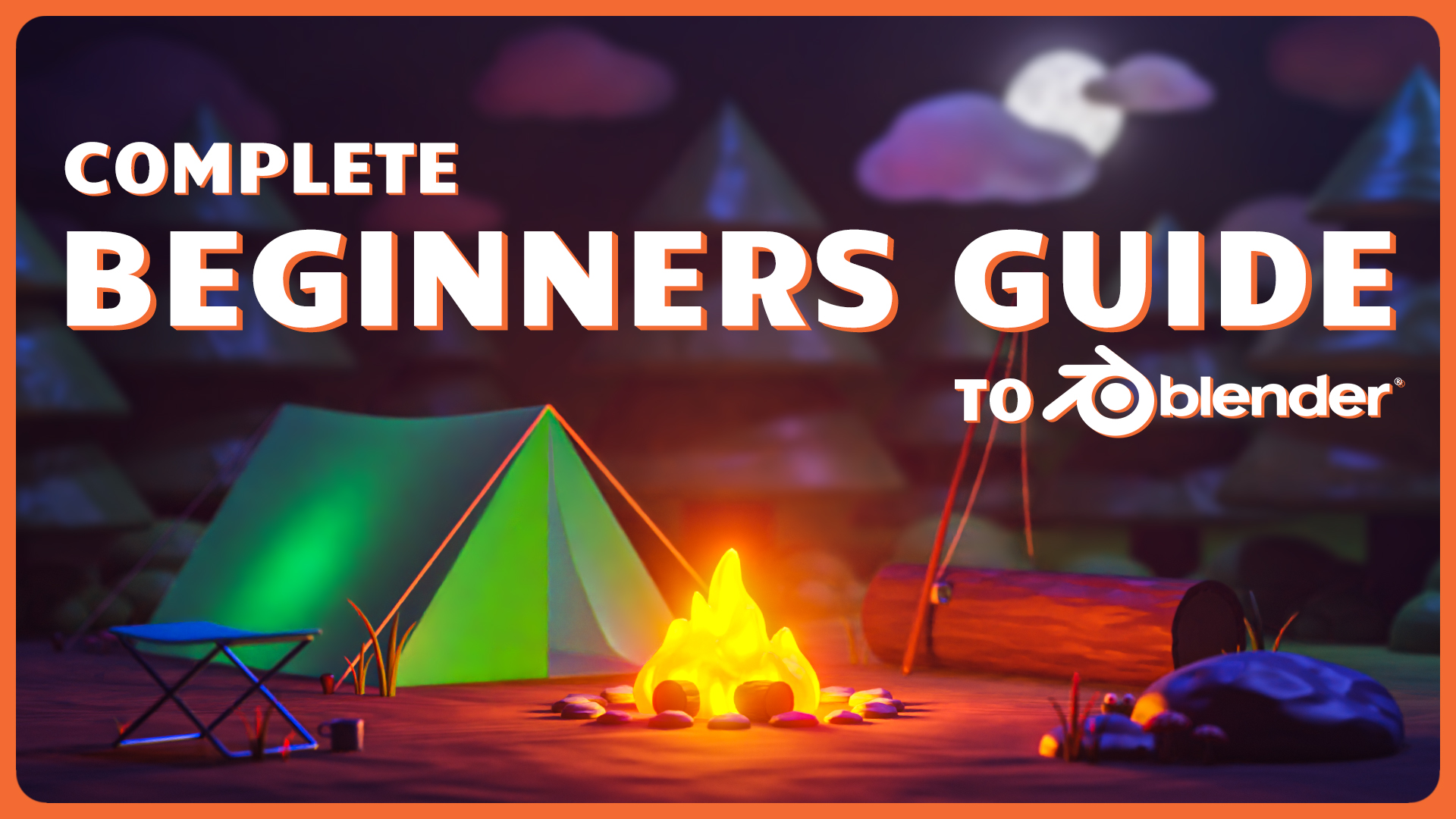
https://superhivemarket.com/products/complete-beginners-guide-to-blender
Interested in animating characters? Try this class out too!

https://superhivemarket.com/products/learn-the-basics-of-character-and-object-animation