Fyr Baker
 Fyr Plugins
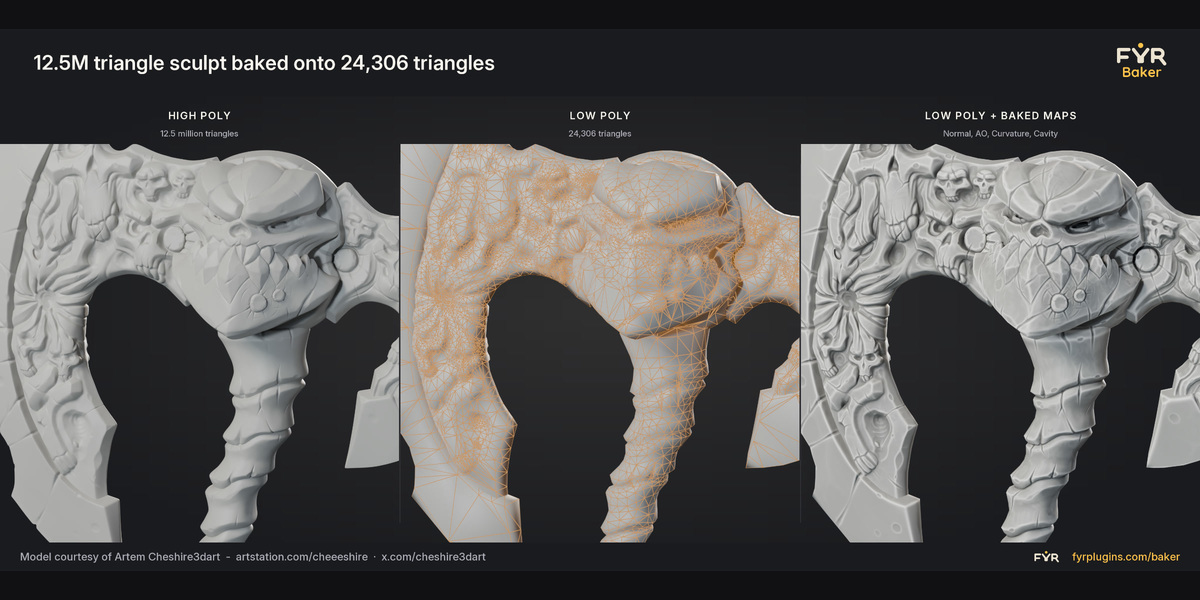
Install
- Download fyr_baker-1.2.0-superhive.zip. Do not extract it.
- Open Blender 4.2 LTS or newer and drag the ZIP into the Blender window, then confirm Install. Or use Edit > Preferences > Get Extensions, open the menu in the upper right, choose Install from Disk and pick the ZIP.
- Make sure Fyr Baker is enabled under Edit > Preferences > Add-ons.
- Windows only: run fyr-baker-backend-1.2.0-windows-x64.exe. It installs the native GPU baker. The add-on finds it by itself, there is nothing to configure. Without it, the add-on bakes through Cycles.
- In a 3D Viewport, press N and open the Fyr Baker tab.
On macOS and Linux only the ZIP is needed. Baking runs through Cycles there.
First bake
- Place the low poly and high poly in the same world-space position, give the low poly a non-overlapping UV map, and save the .blend. Textures go to a FyrBaker folder next to it by default.
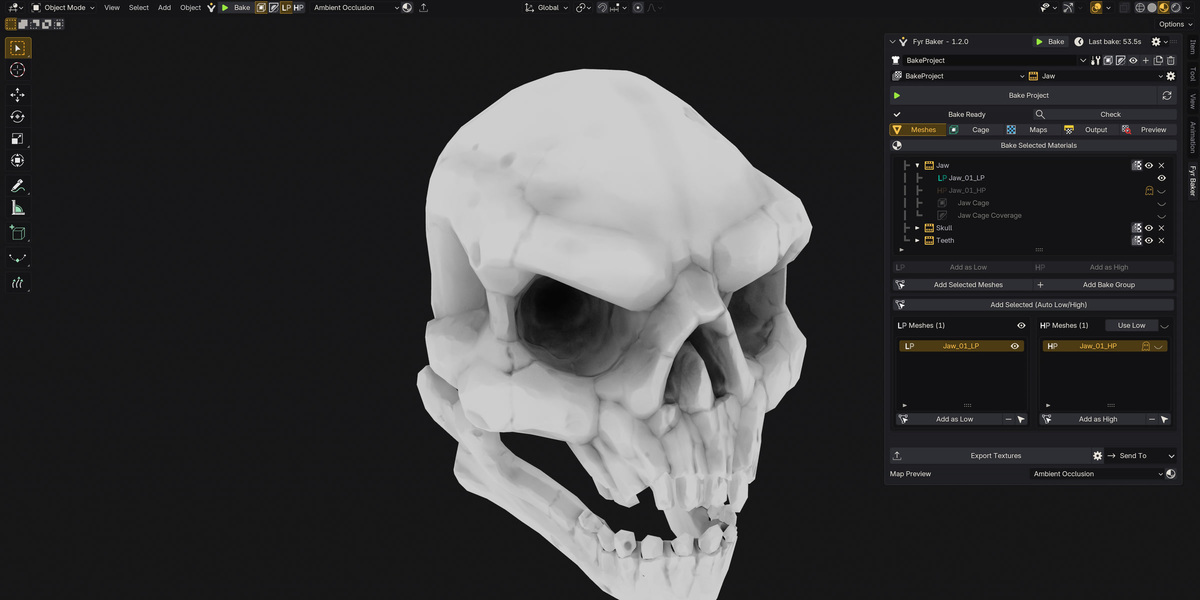
- In the Fyr Baker tab, select the low poly and press Add as Low, then select the high poly and press Add as High. This creates the project and the bake group. Meshes named like asset_low and asset_high can be paired automatically with Auto Setup.
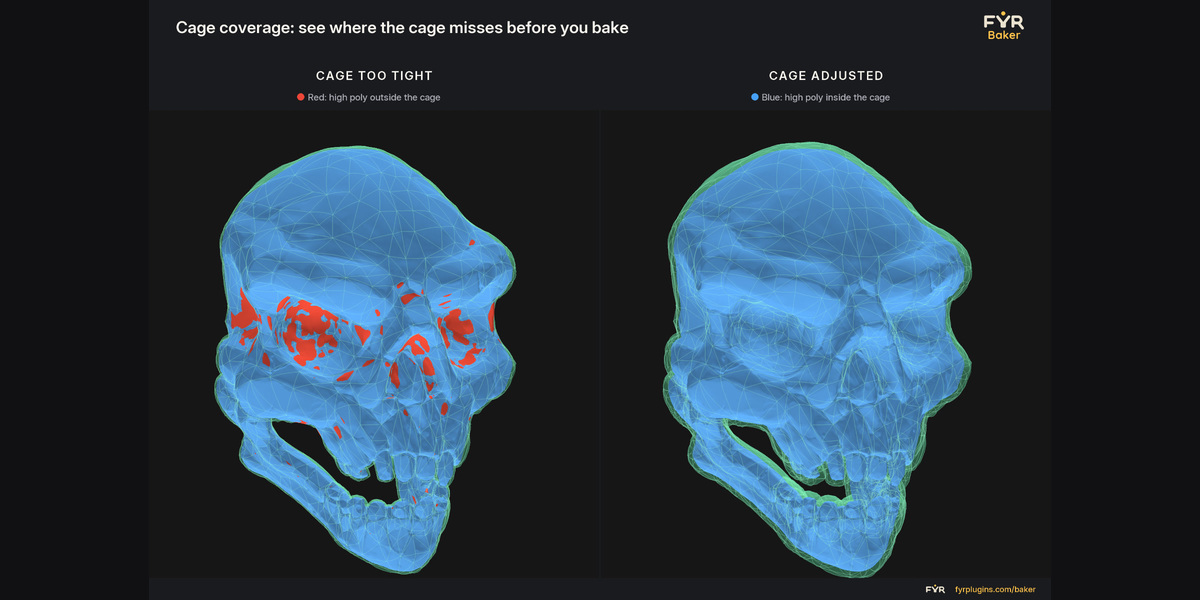
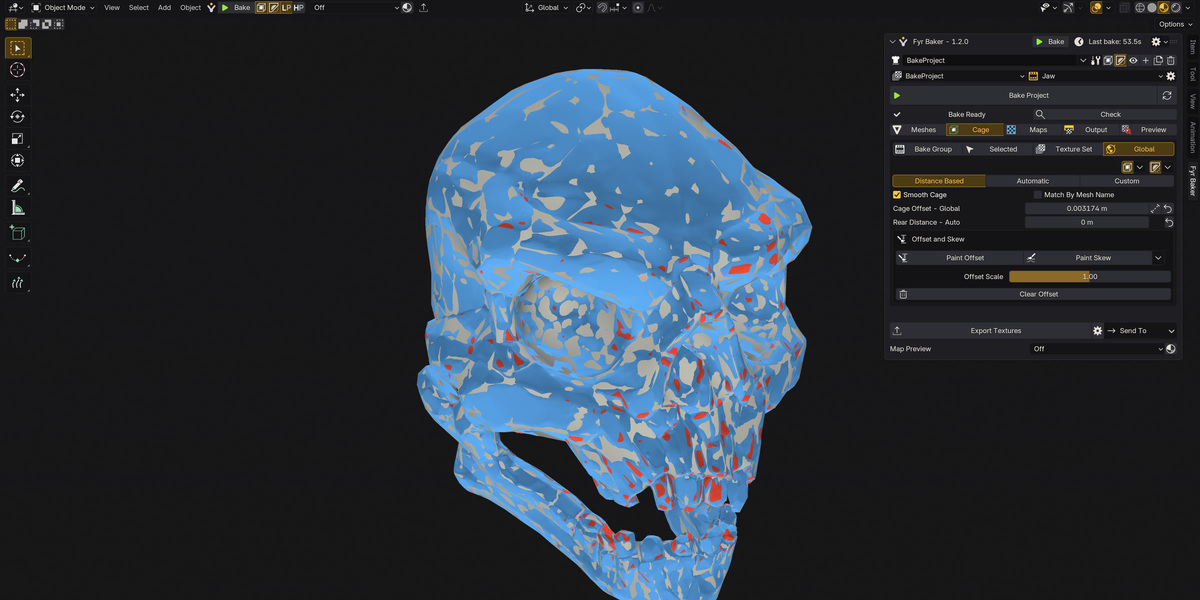
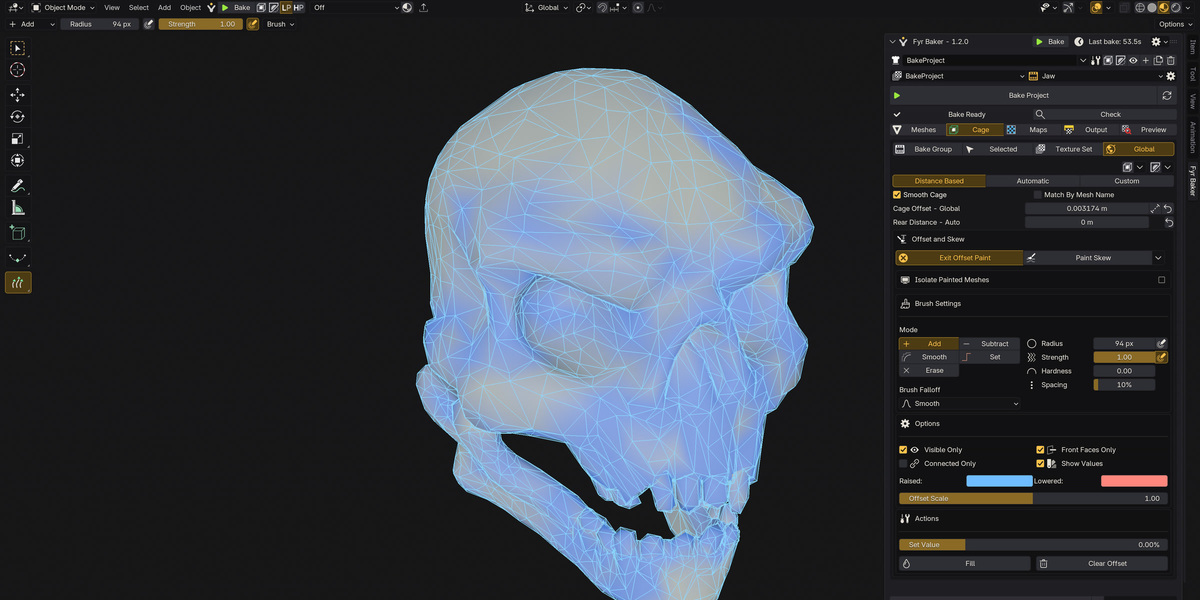
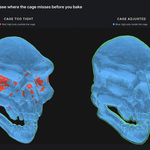
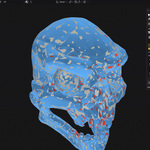
- Open Cage, press the estimate button next to Cage Offset and turn on Show Cage Coverage. Blue means covered, red means the rays miss. Raise the offset, switch to Automatic, or paint offset where it falls short.
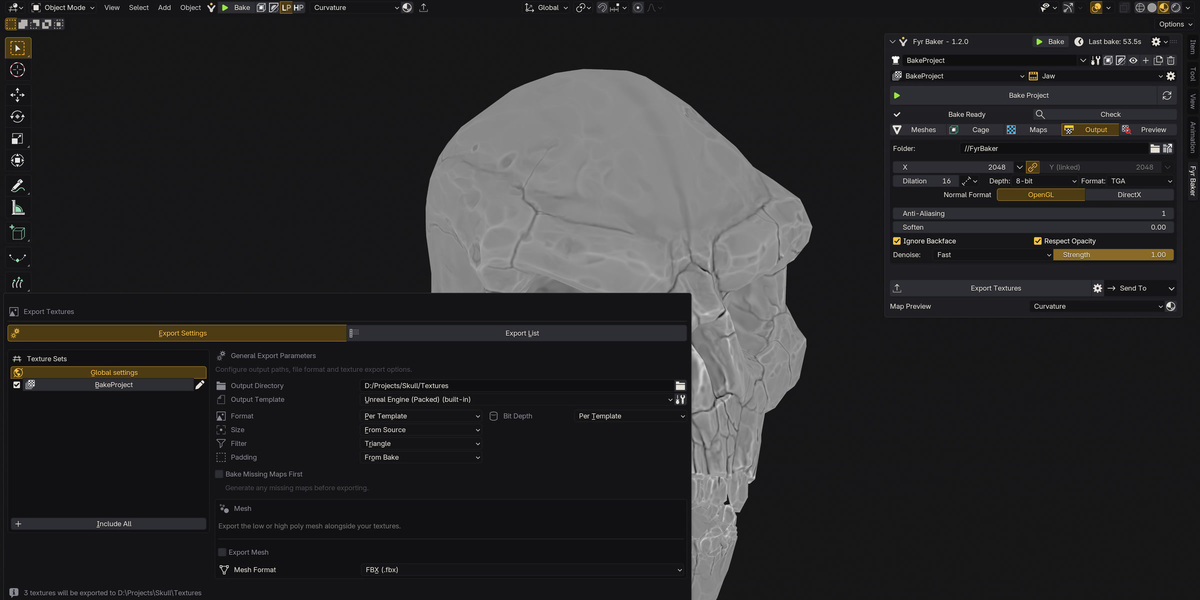
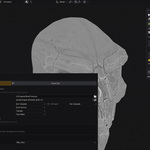
- Open Output, set the resolution and the normal map format (OpenGL or DirectX) your target app expects. Open Maps and enable the maps you need.
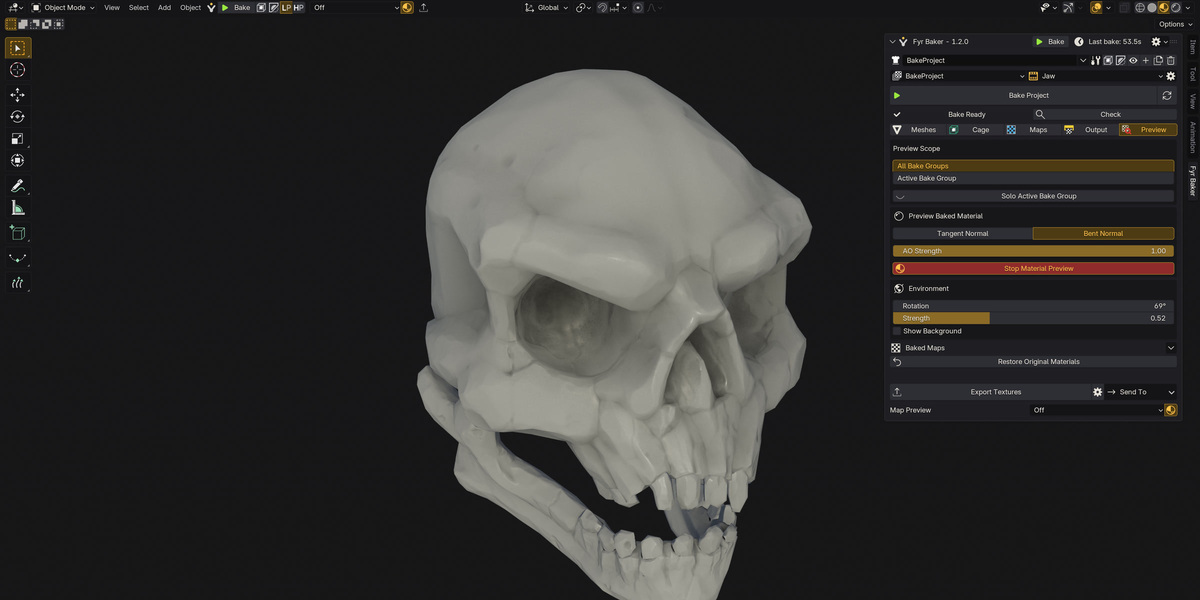
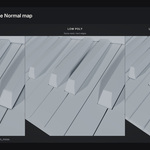
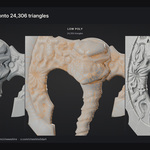
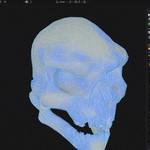
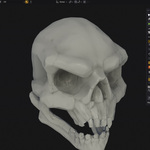
- Press Bake Project. Use Map Preview at the bottom of the panel to check the result on the low poly.
The first bake of a session takes a bit longer while the bake worker starts. After that, Rebake Changed Maps only rebakes what changed.
Updating
New versions are published here on Superhive. Download the new ZIP (and the new backend installer on Windows) and install them over the old version.
Uninstall
Remove the add-on under Edit > Preferences > Get Extensions. On Windows, remove the Fyr Baker backend under Settings > Apps. Baked images in your project folders are not deleted.
Full manual
Every panel, map type, cage mode and export option is covered in the manual at docs.fyrplugins.com.
Have questions about this product?
Login to message
| Blender Extension Compatible | Yes |
| Published | 31 minutes ago |
| Blender Version | 4.2 - 5.3 |
| Extension Type | Add-on |
| Render Engine Used | Cycles |
| License | GPL |

Discover more products like this
bake ambient occlusion normal map texture-baking cage baking bevel game-art udim high-to-low Texturing PBR