 Fyr Plugins
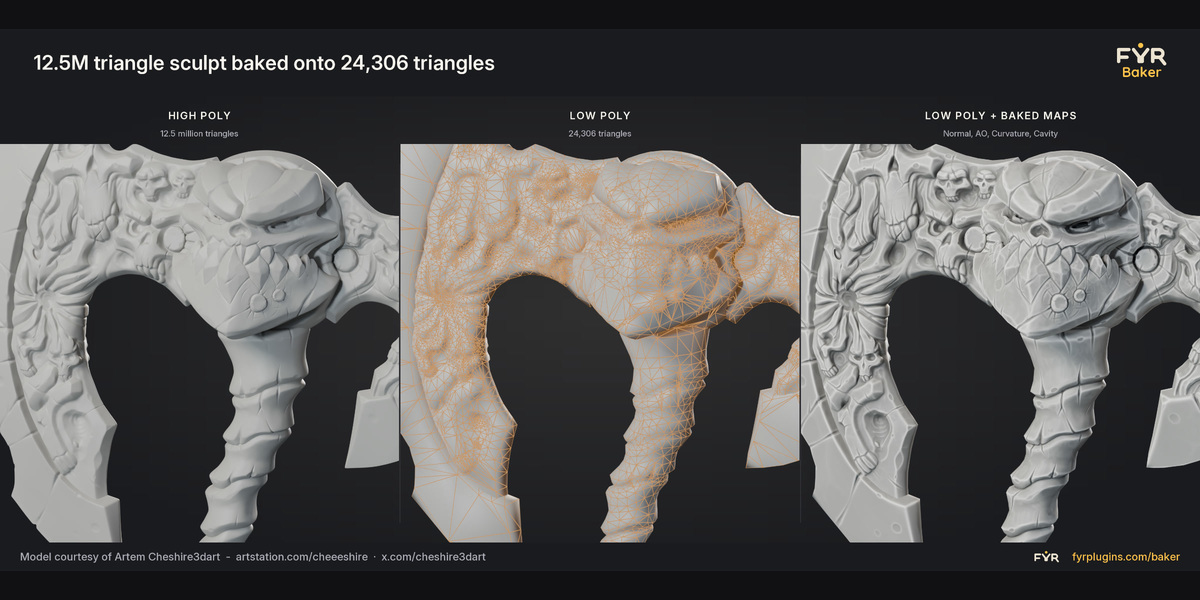
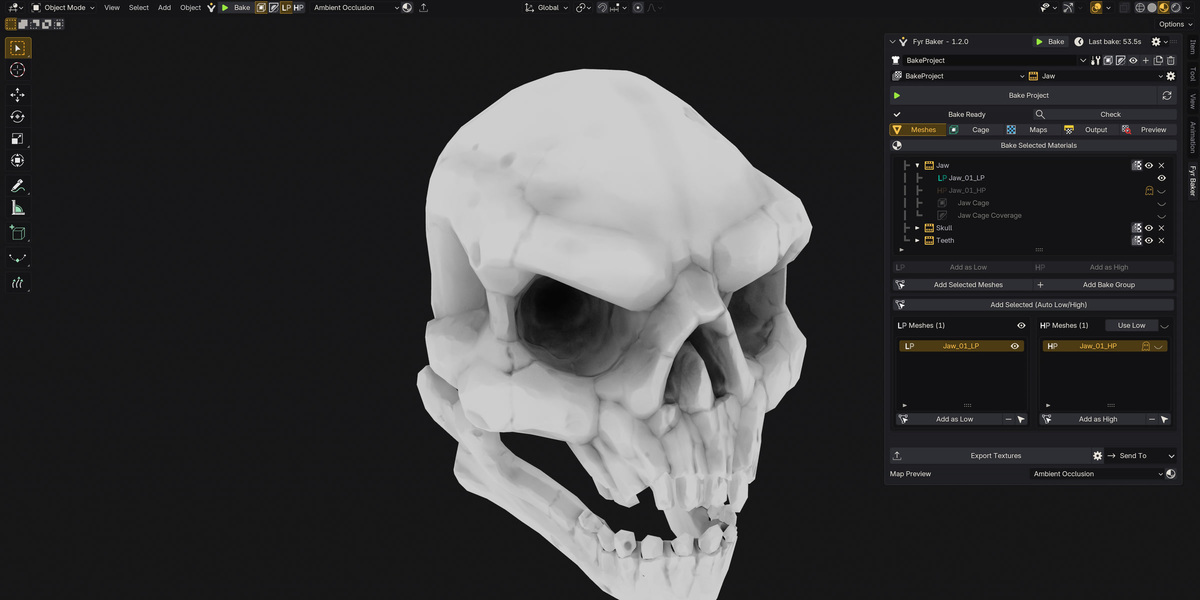
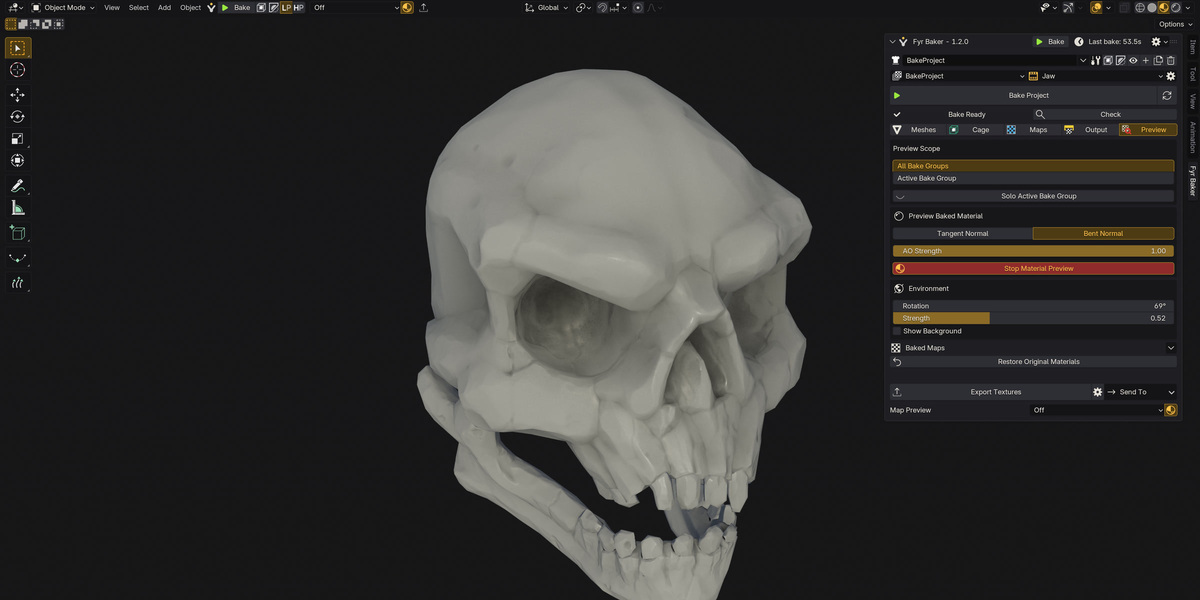
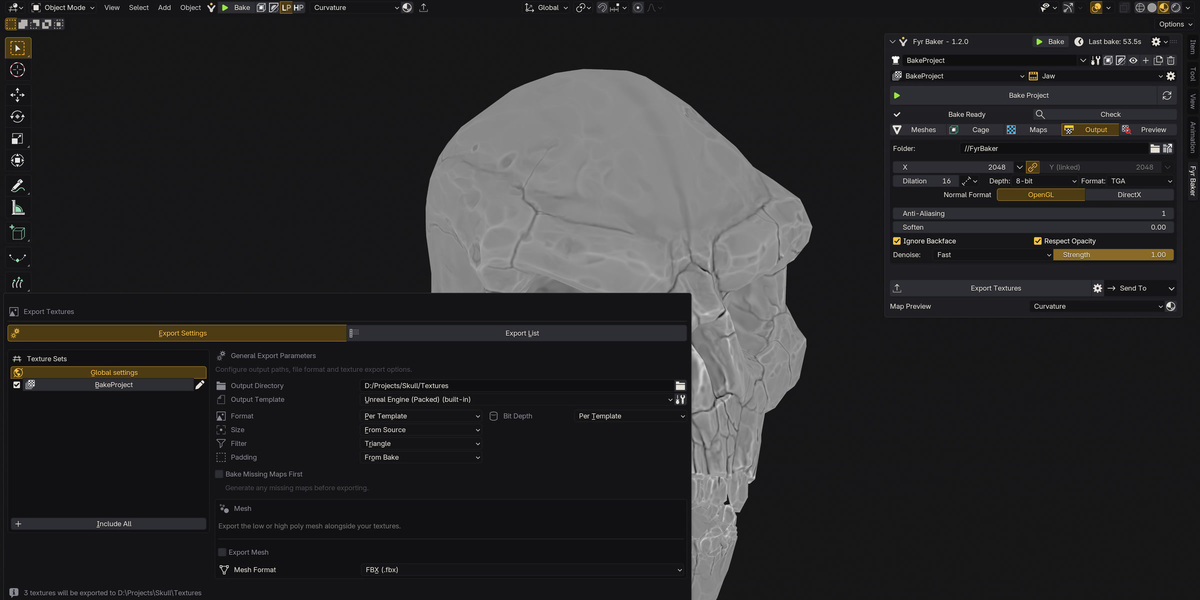
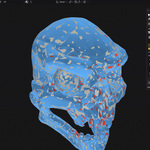
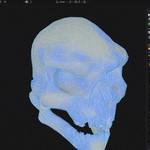
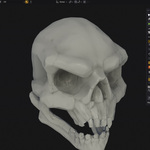
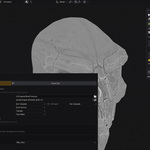
High to low baking in Blender, with its own GPU ray tracer.
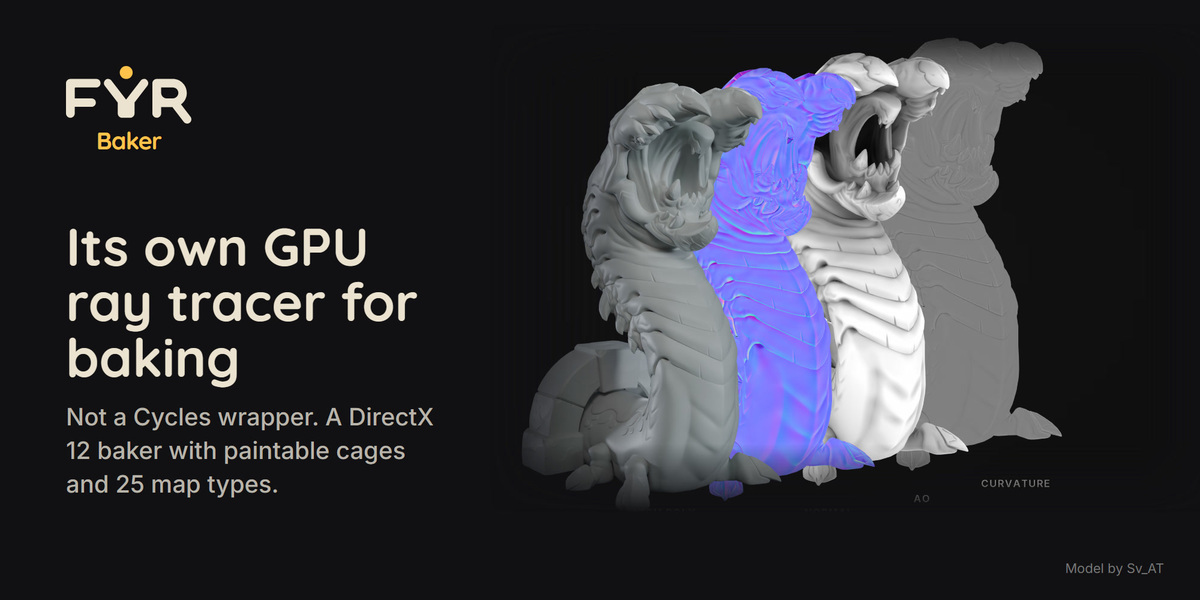
On Windows, with the optional backend installed, Fyr Baker doesn't bake through Cycles. It uses its own DirectX 12 ray tracer, built just for baking, so it behaves a lot more like the baker in Toolbag or Painter. You set up the high and low poly, check the cage right in the viewport and bake. Nothing gets exported, and the whole setup is saved in your .blend.
It also bakes the things those apps can't see: your procedural materials and Blender's Bevel shader.
 DirectX 12 ray tracing
 Procedural material bakes
 Bevel shader baking
 Adjustable cages
 Baked lighting
 UDIM support
 25 map types
 Channel packing
 Send to other apps
 Auto Setup
 Bakeability check
 Saved in your .blend
 Fast rebakes
 Denoising
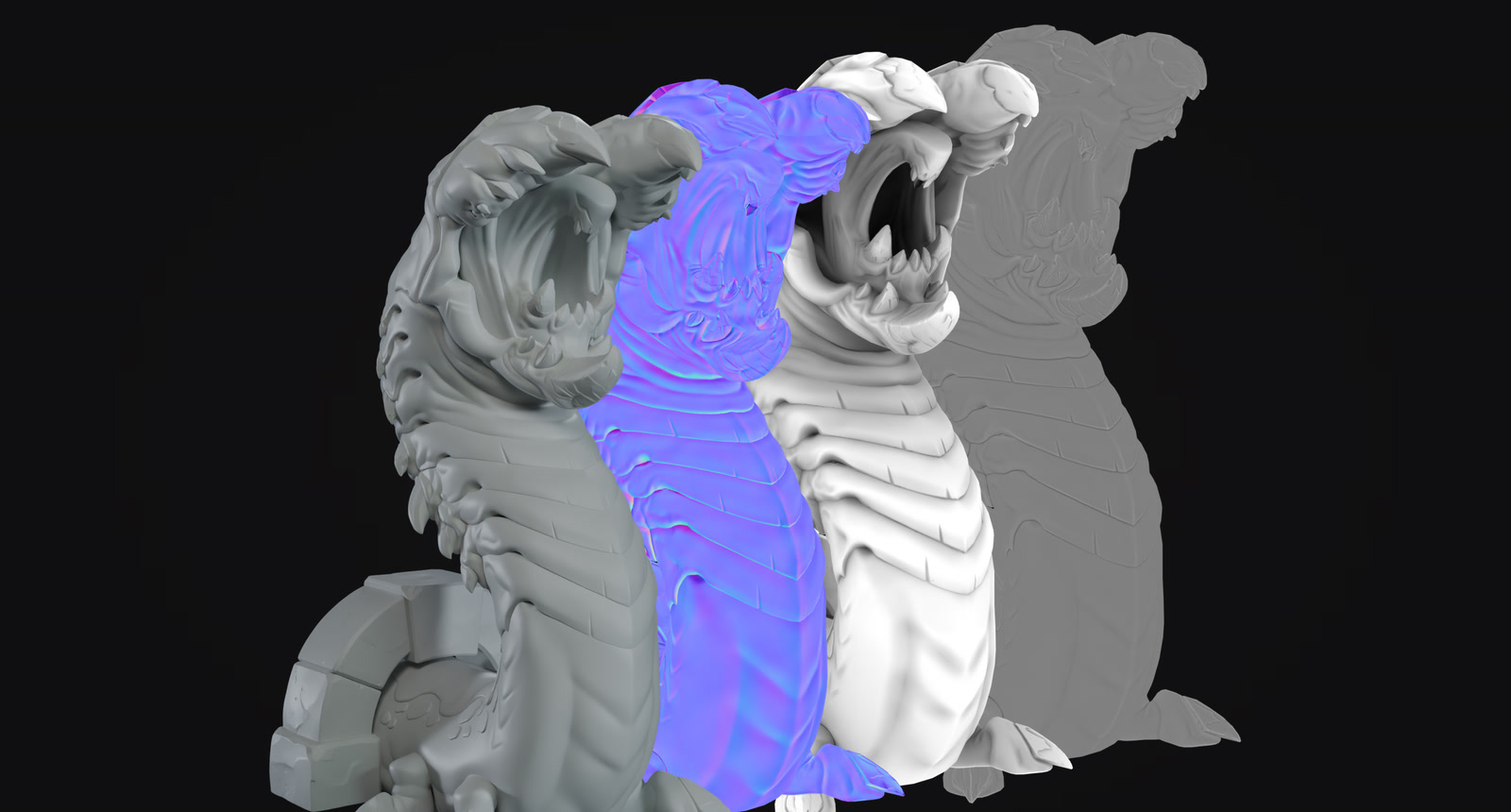
Model by Sv_AT
 Compared
How it compares
Here's Fyr Baker next to the bakers people usually ask me about. NexBake is another GPU baker inside Blender, SimpleBake automates Blender's own Cycles baking, and Toolbag and Painter are separate apps you export your meshes to.
| Fyr Baker | NexBake | SimpleBake | Toolbag 5 | Painter | Cycles bake | |
|---|---|---|---|---|---|---|
| Bakes inside Blender |  |
|
|
 |
|
|
| Its own GPU ray tracer for baking | |
|
|
|
|
|
| Procedural Blender materials to textures | |
|
*
|
|
|
*
|
| Blender's Bevel node in the normal map | |
|
*
|
|
|
*
|
| Scene lighting baked into a texture | |
|
*
|
|
|
*
|
| Cage offset and skew you can paint | |
|
|
|
|
|
| Keeps the scene loaded between bakes | |
|
|
|
|
|
* Cycles can bake materials, the Bevel node and lighting, and so can SimpleBake, which bakes through Cycles. Every map renders as its own pass though, so it's a lot slower (see the timings below).
Checked on 18 November 2026 against NexBake 1.0.6, the SimpleBake 2.9.11 listing and FAQ, Toolbag 5.0.2, Painter 12.1.3 and Blender 5.3. Fyr Baker's own GPU baker is Windows only. On macOS and Linux it bakes through Cycles.
 Speed
Same model, same PC
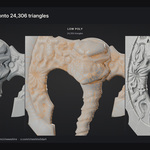
I timed Fyr Baker against Toolbag, Painter and a regular Cycles bake on one model: a 12.5 million triangle axe going down to 24,306 triangles. Normal and AO at 4K, then again at 8K, with 4x4 anti-aliasing. The times include loading the high poly, and each one is the median of three runs. Lower is better.
Most Blender baking add-ons, SimpleBake, Bake Wrangler, Quick Baker and Auto Bake among them, run on Blender's own Cycles baker. Cycles is a renderer, so it treats every map like a render. That's where the 302 seconds come from. On Windows, Fyr Baker skips Cycles and uses its own ray tracer built just for baking.
* Painter with a warm cache. From a cold start it was about 33 s. Painter and Toolbag also need the meshes exported out of Blender first, which isn't counted here.
Measured on an RTX 4070 and an i9-12900K with Fyr Baker 1.2.0, Toolbag 5.0.2, Painter 12.1.3 and Blender 5.3.
Material baking
Turn procedural materials into textures
Noise, Voronoi and gradient nodes only exist while Blender renders. Export the model and the material stays behind. Fyr Baker reads your node graph, evaluates it on the GPU and writes each channel to its own texture. You don't need a high poly or a cage for this.
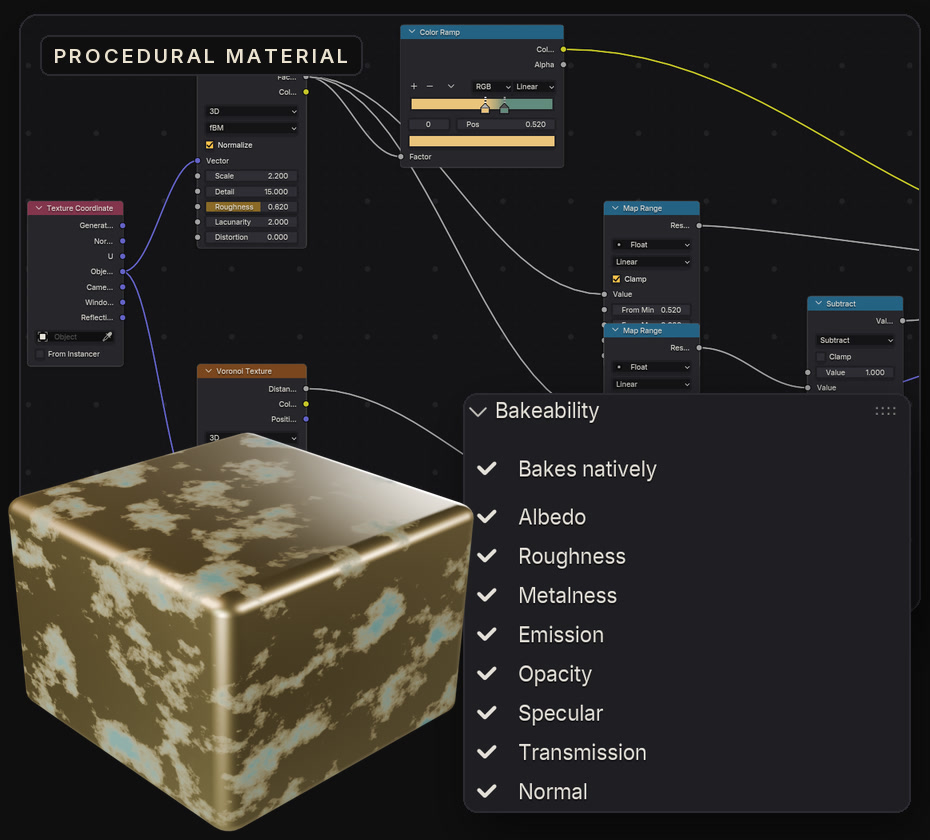
 A full PBR setBakeability check
 Your own masks
 Preview before you exportBaked lighting
Bevel shader baking
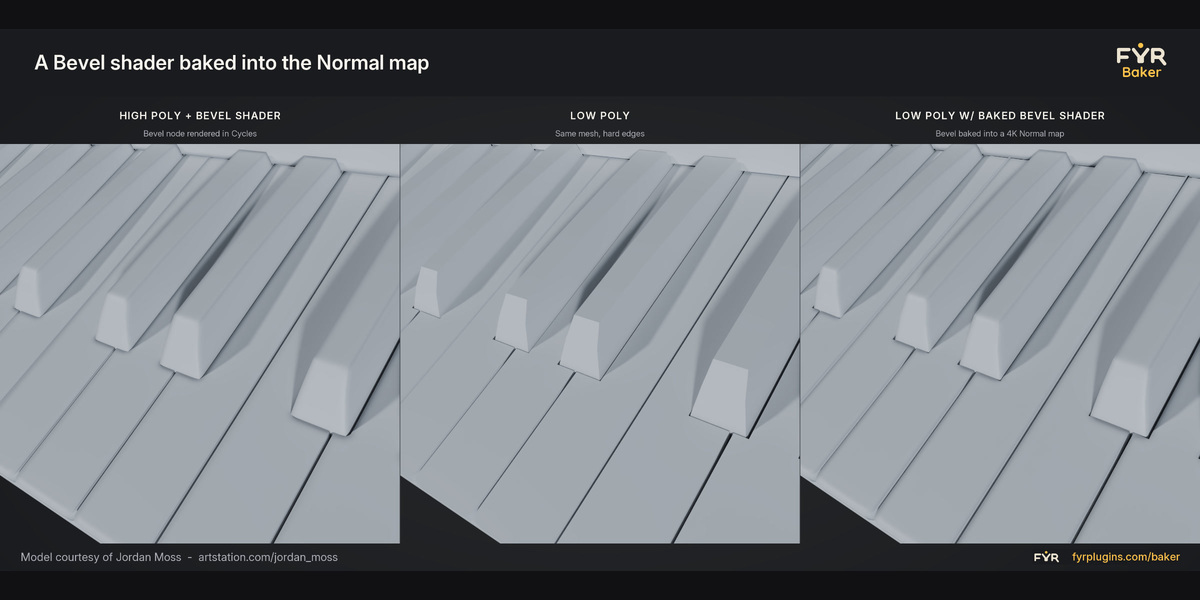
Bake the Bevel node into your normal map
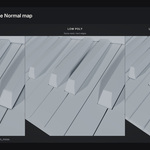
Blender's Bevel node only shows up in Cycles renders. Fyr Baker evaluates it on the GPU, following the same estimator as Cycles, so the rounded edges end up in your normal map. You get small bevels on every edge without modelling any of them.
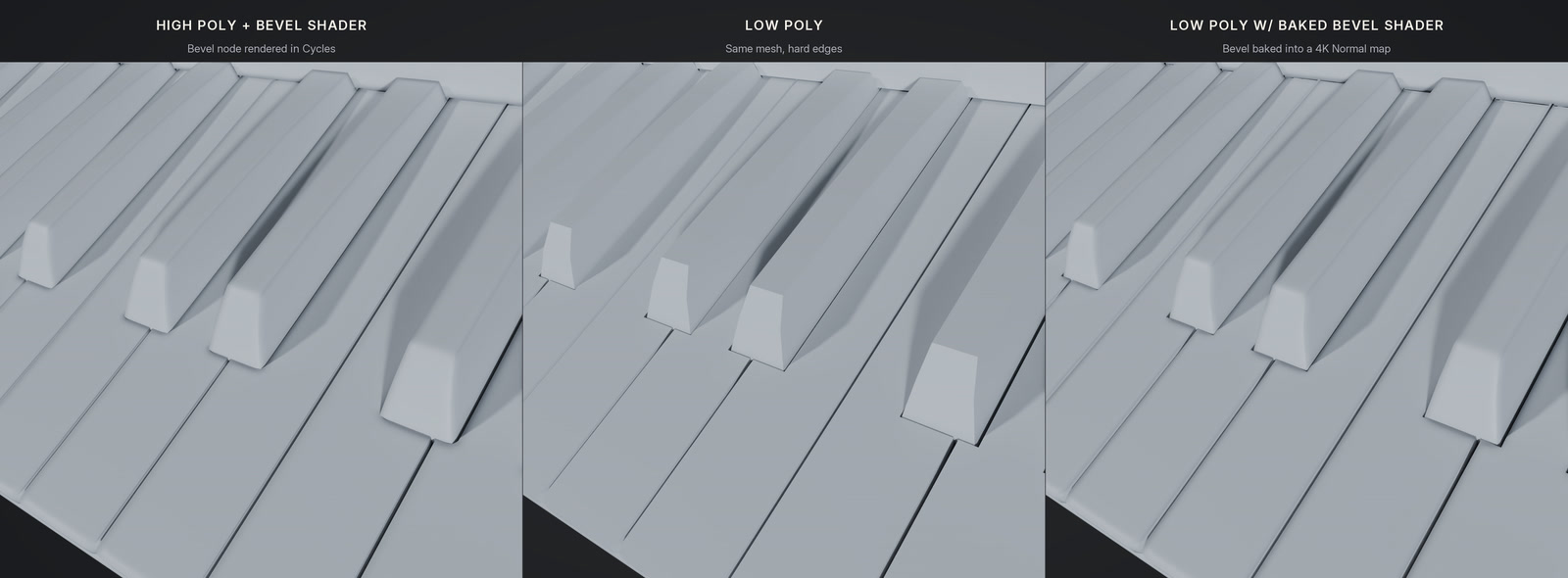
Model by Jordan Moss
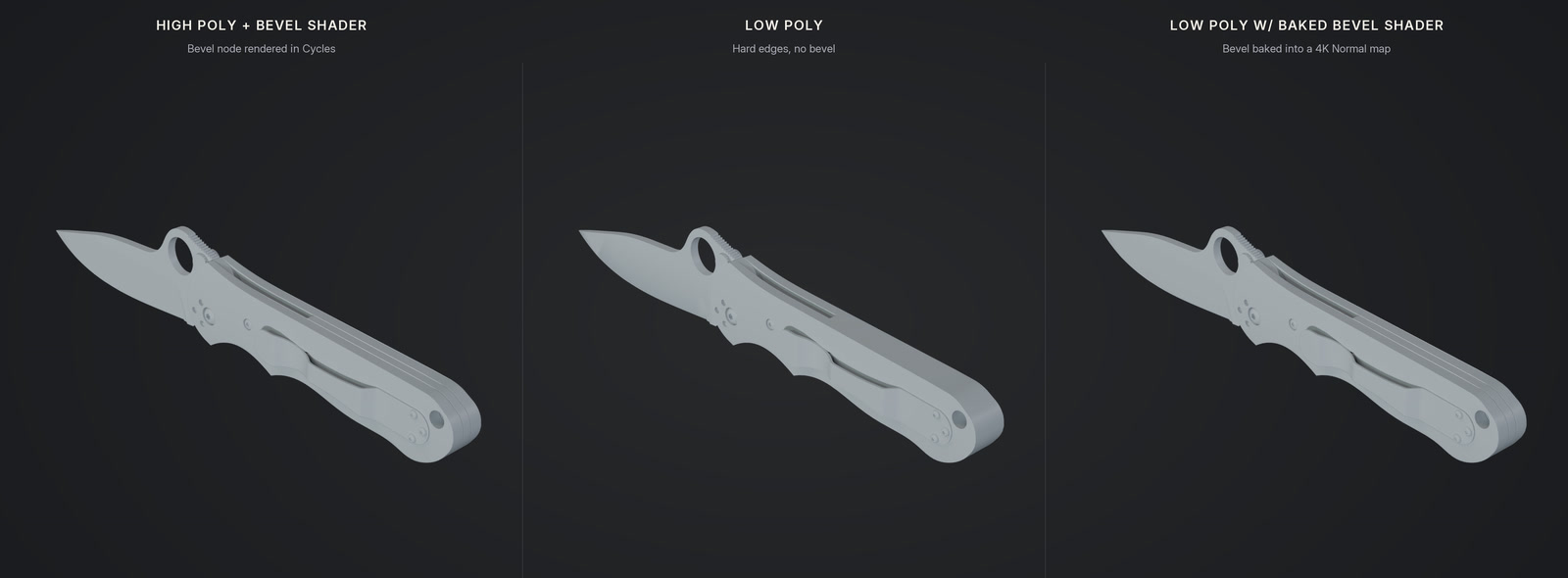
 High to low or a single mesh
 AO that follows the bevel
 Edge-wear masks
Adjustable cages
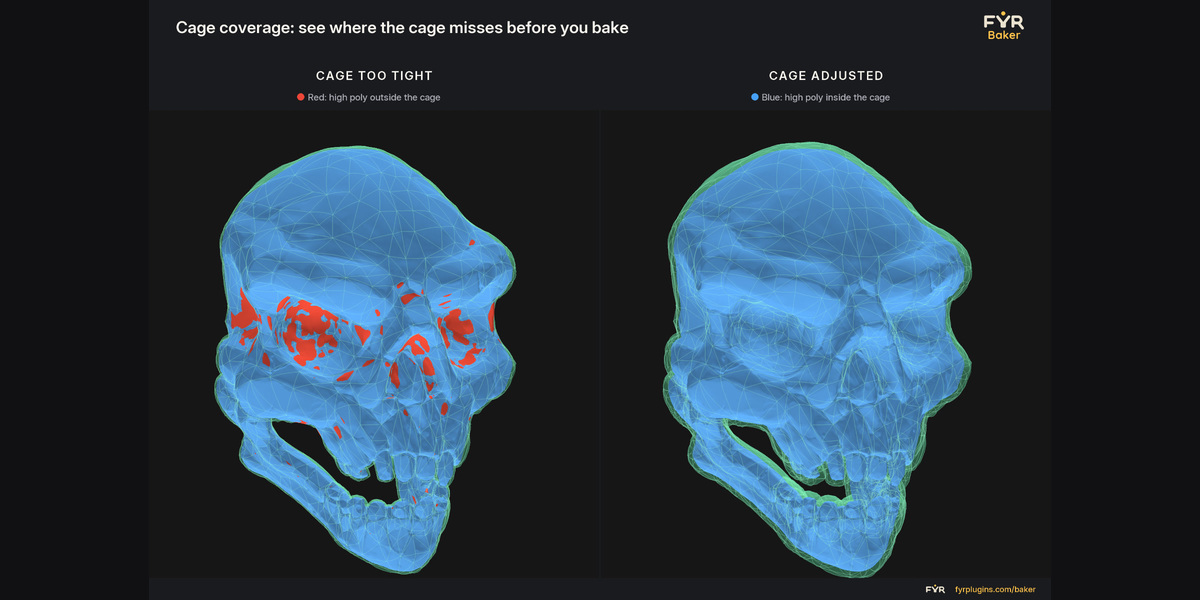
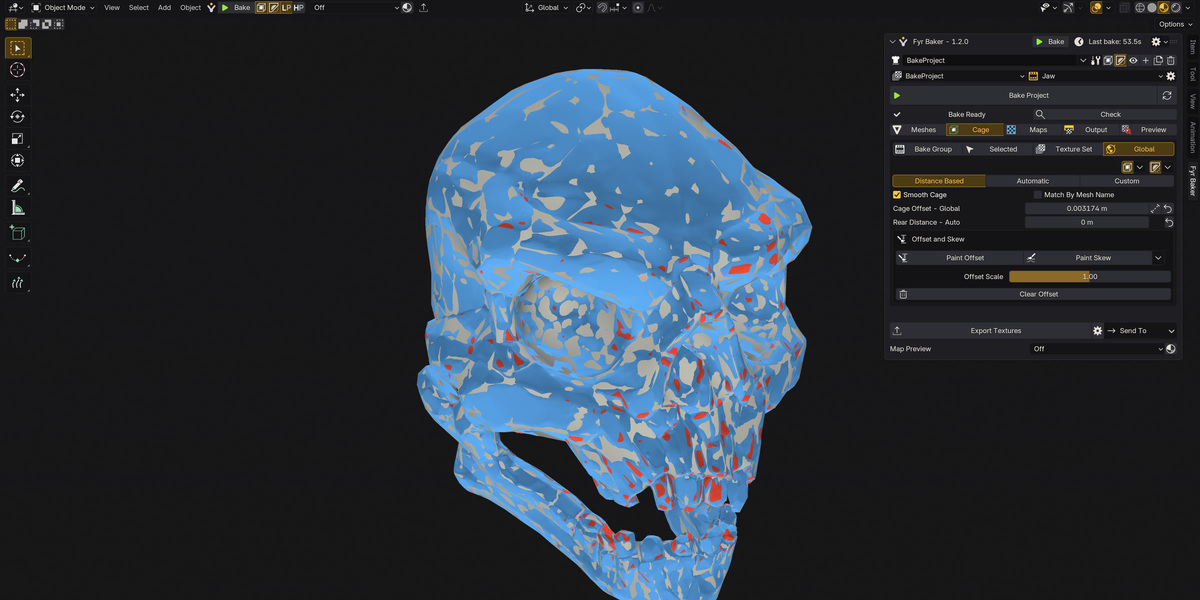
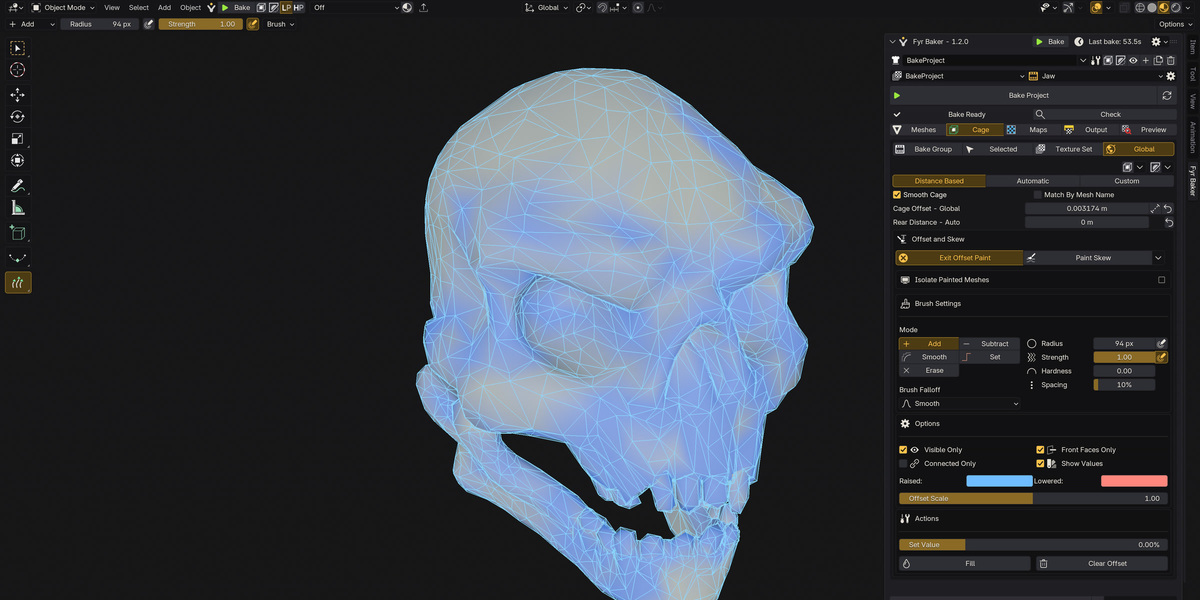
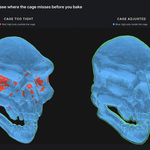
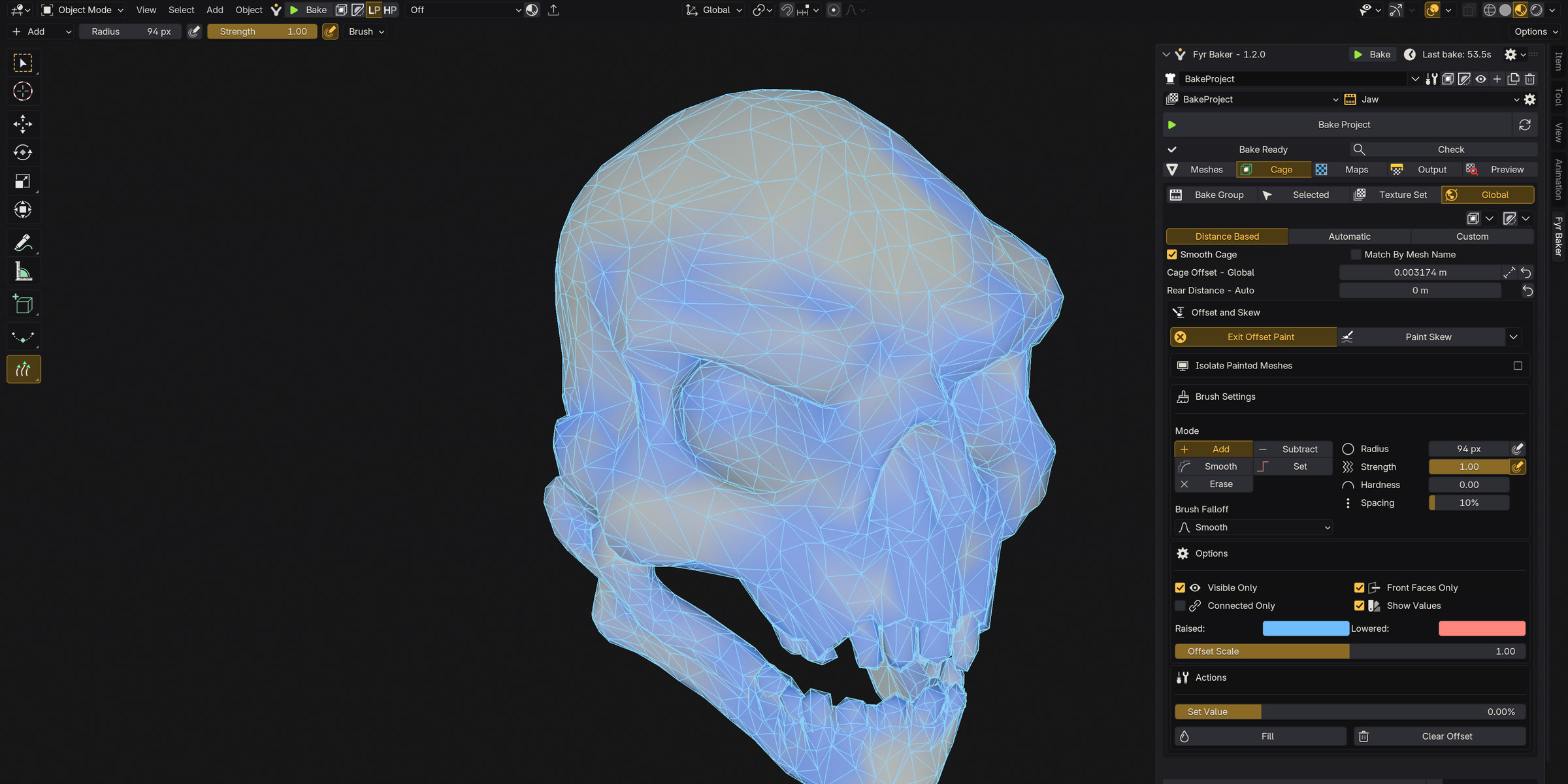
See where the cage misses before you bake
Fyr Baker estimates a cage for you and colours the high poly red wherever the rays would miss. Raise the offset, let it fit a separate offset per vertex, or paint offset and skew on the low poly exactly where it falls short.
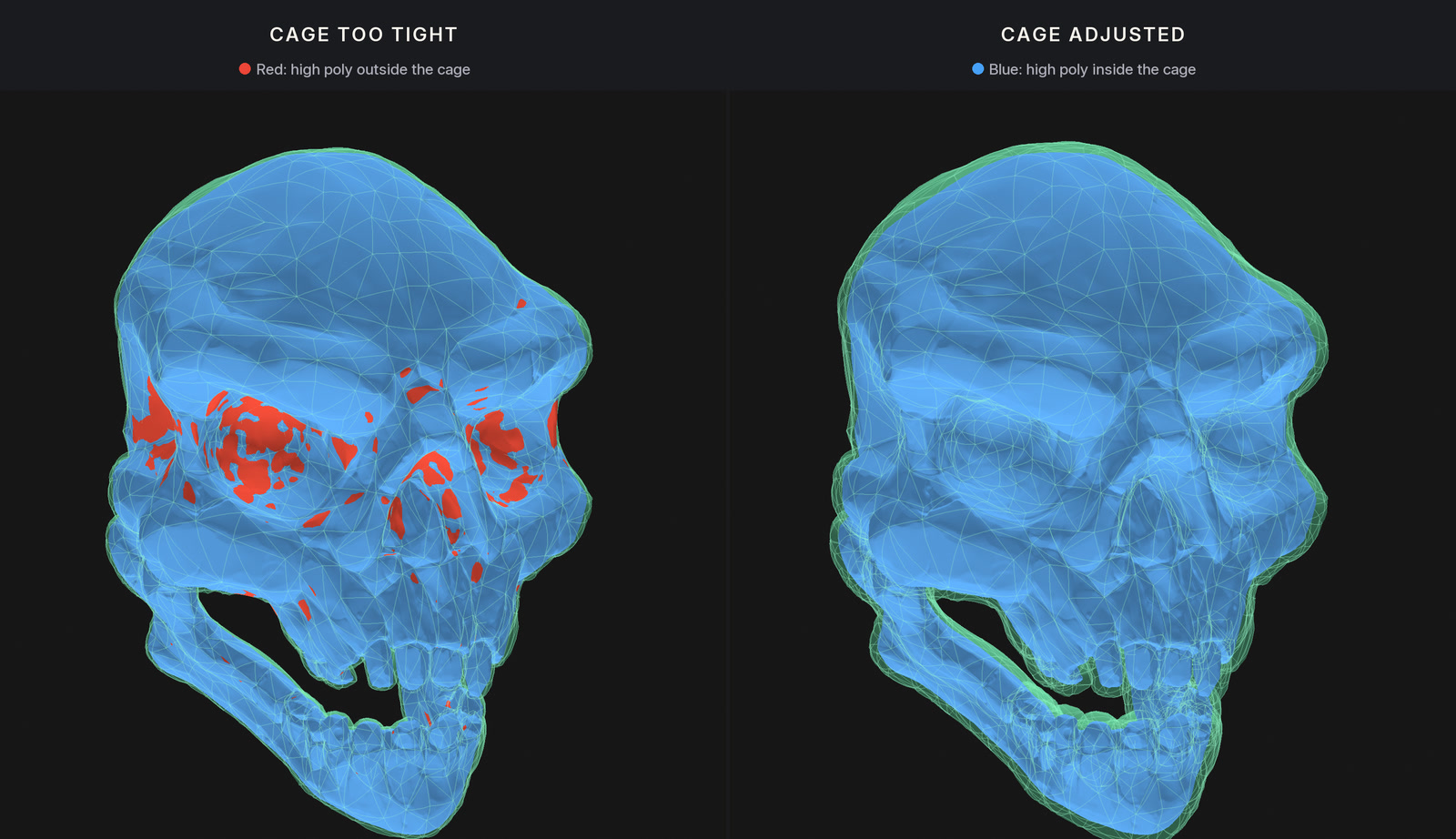
Mesh maps
25 map types
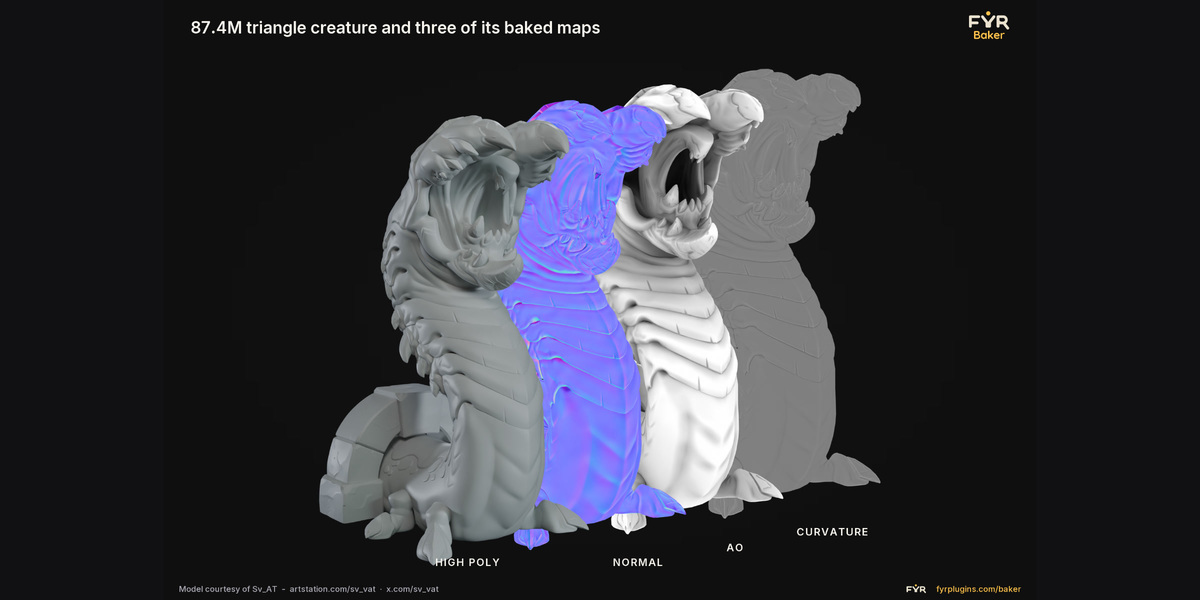
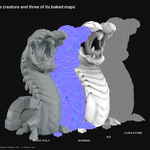
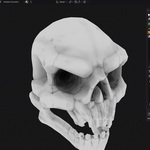
Normal, object and world normal, AO, bent normal, curvature, cavity, thickness, position, ID and more, all from the same setup.
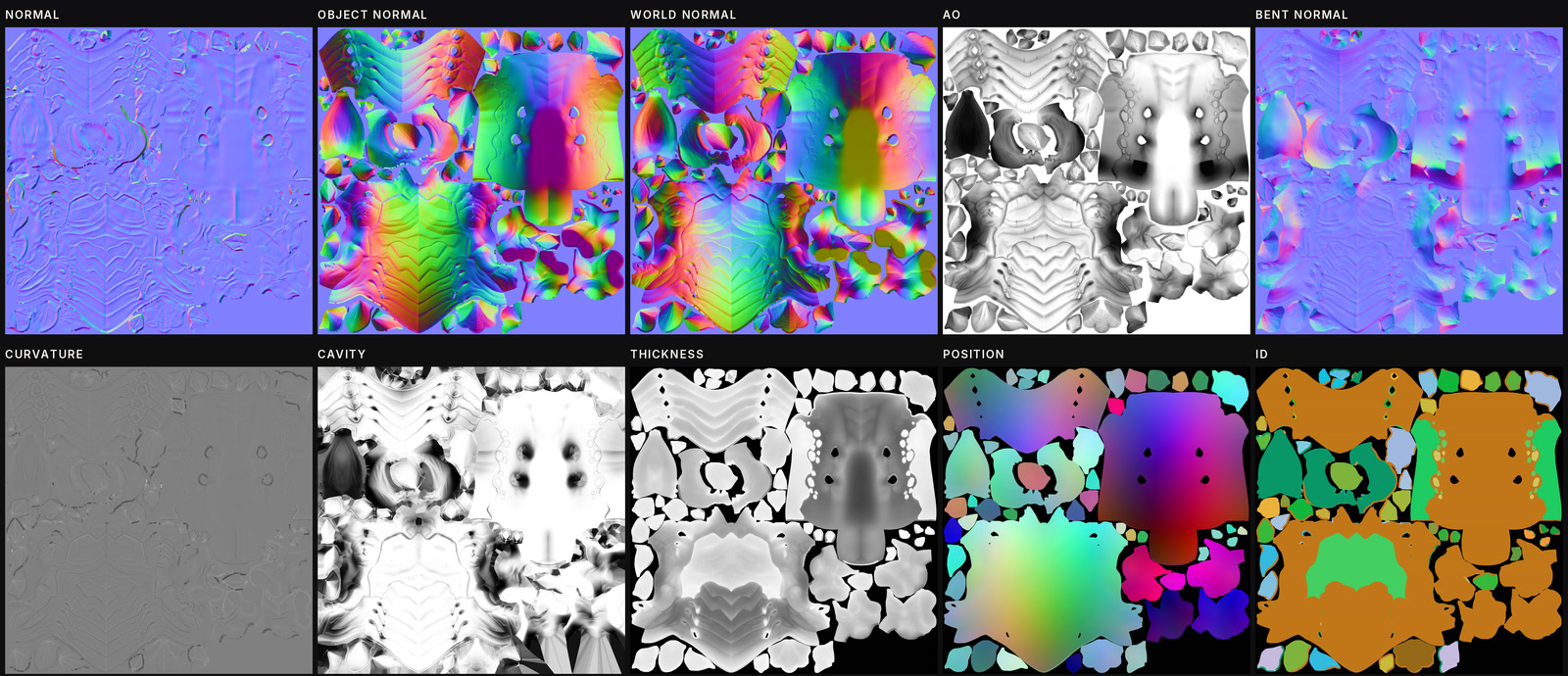
Model by Sv_AT
 Export
 the way your engine wants it
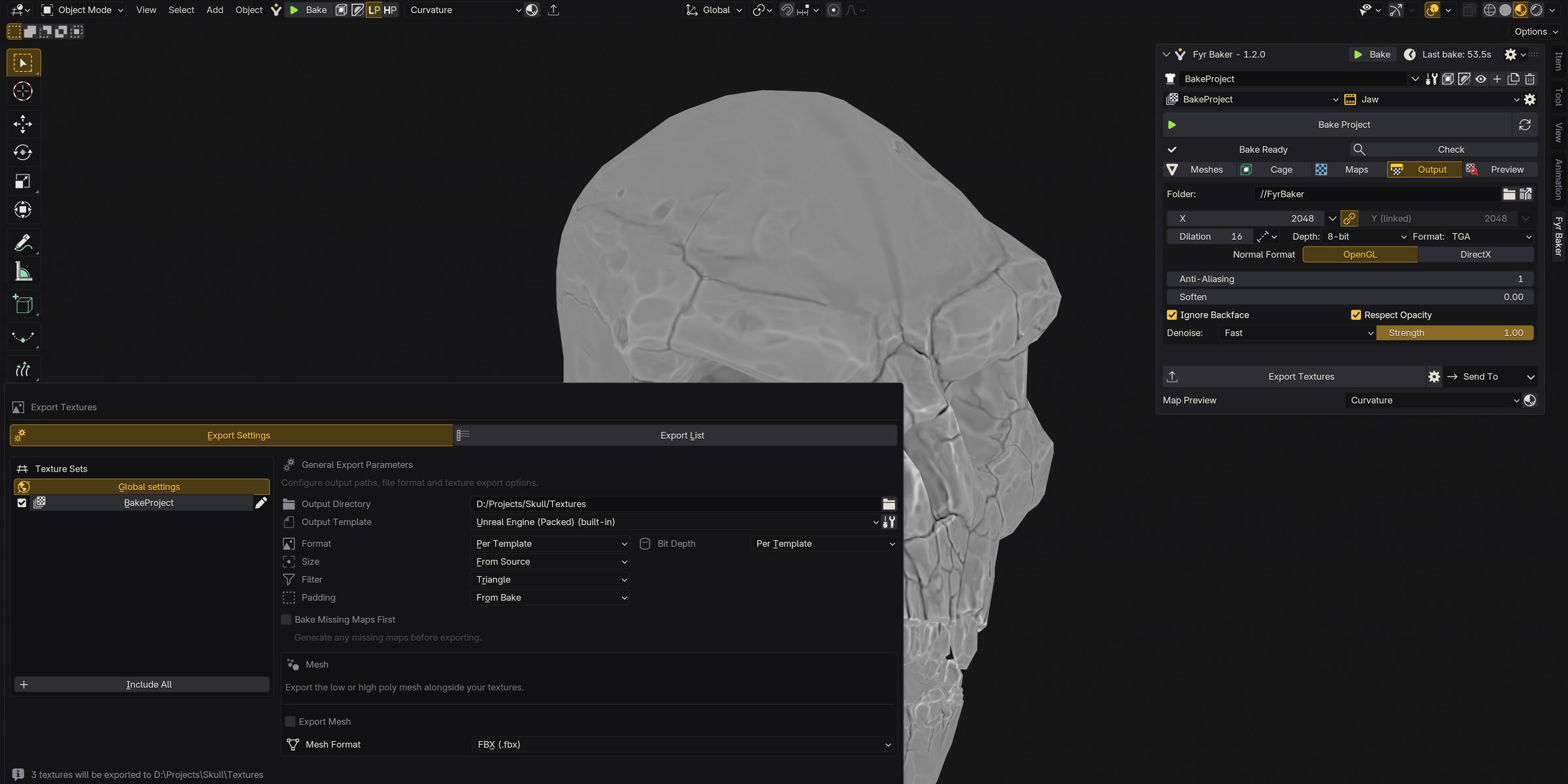
Export templatesSend To Formats
 Also included
 Large high polysAnti-aliasing and denoisingFast rebakesAutomatic setupUDIMSaved with the scene
 Requirements
 Blender
 Windows backend (optional)
 macOS and Linux
 Support
Installation and a first bake are covered in the Documentation tab, and the full manual is at docs.fyrplugins.com. If something doesn't work on your setup, message me here and I'll help you sort it out.
