Galactic Observatory — Crater & Galaxy Scene for Blender
 Space Store
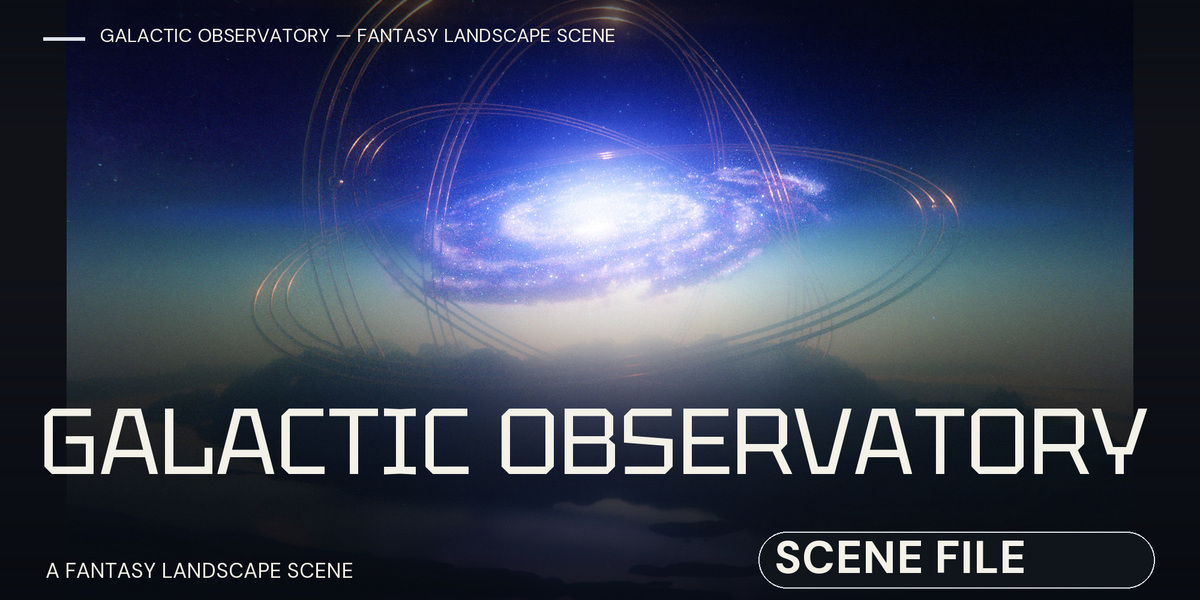
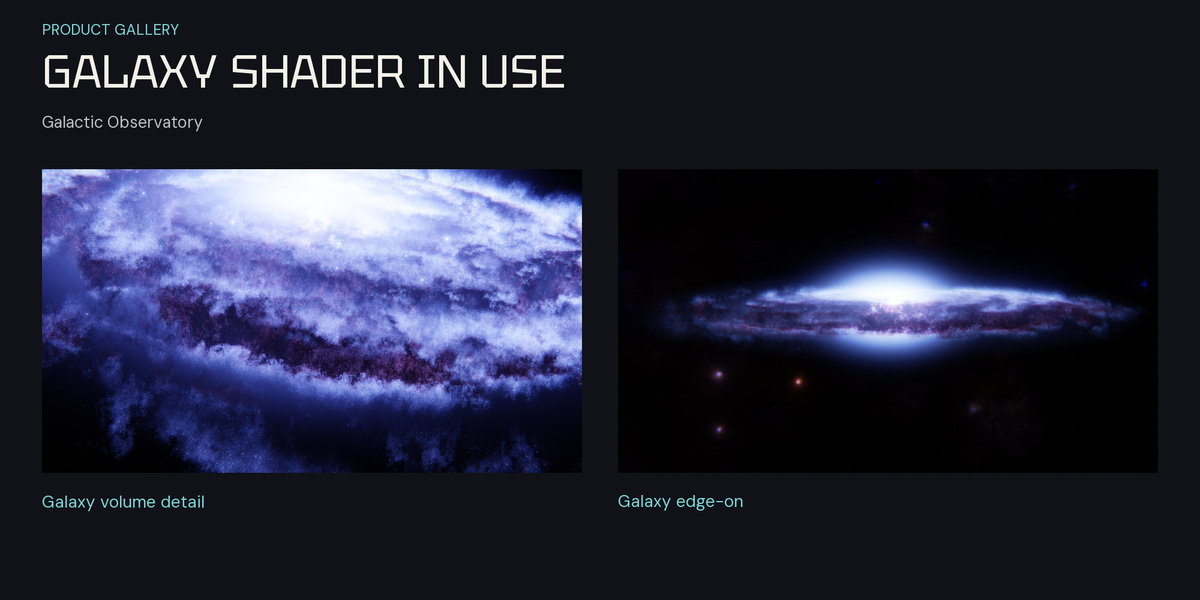
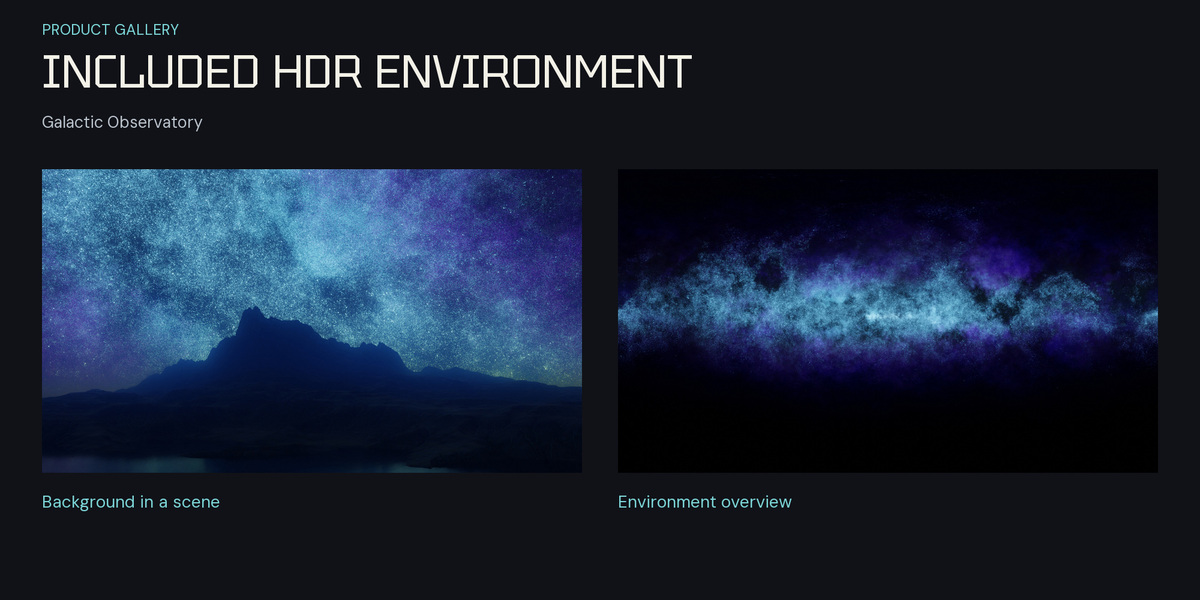
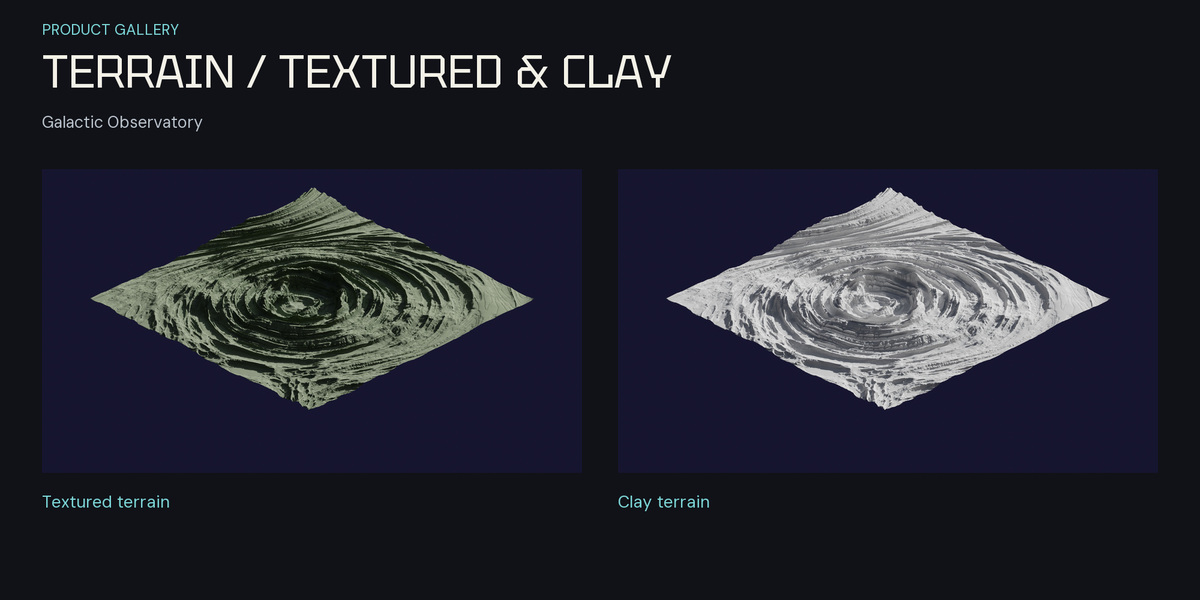
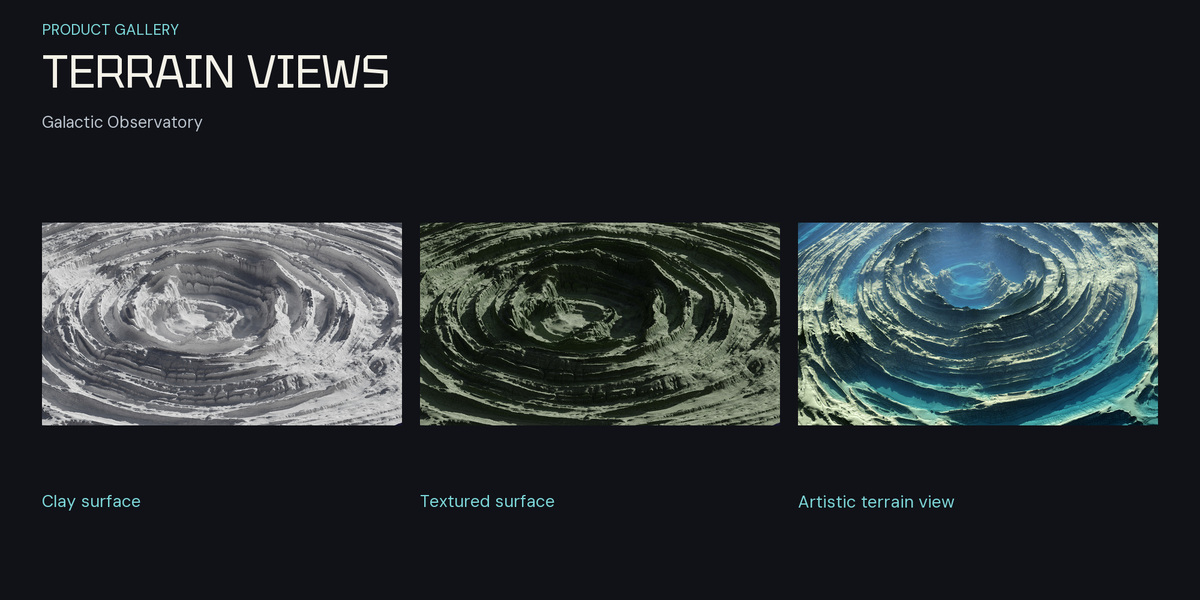
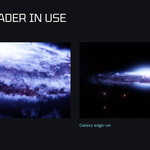
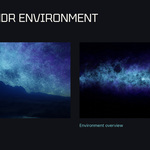
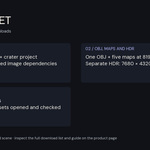
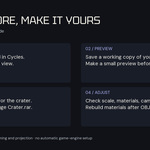
Start with the composed scene
- Download and open
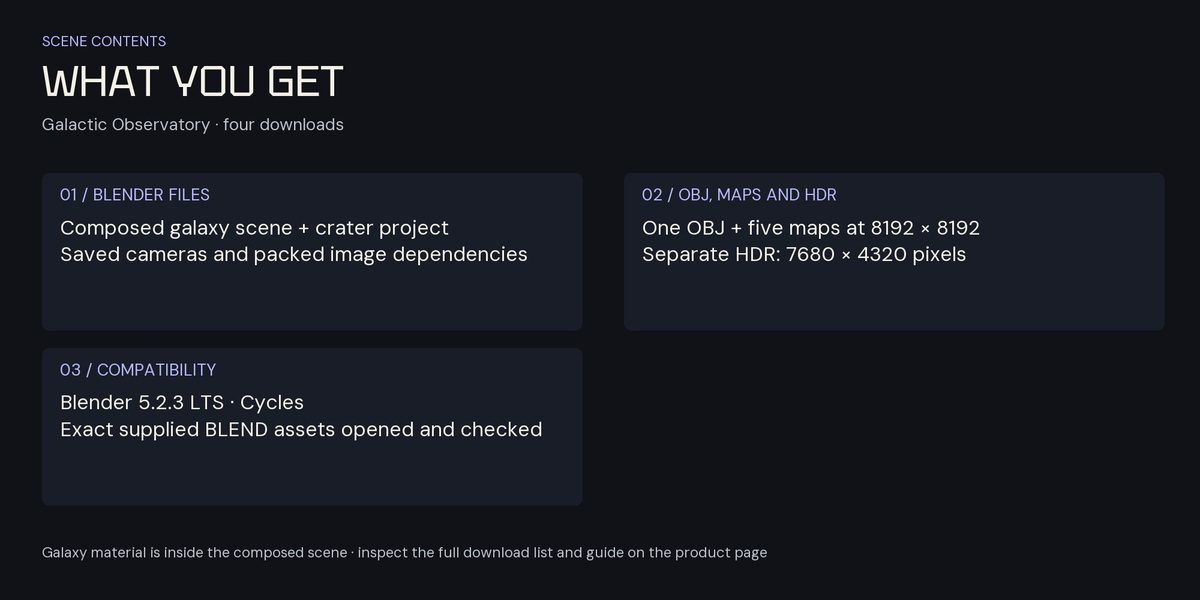
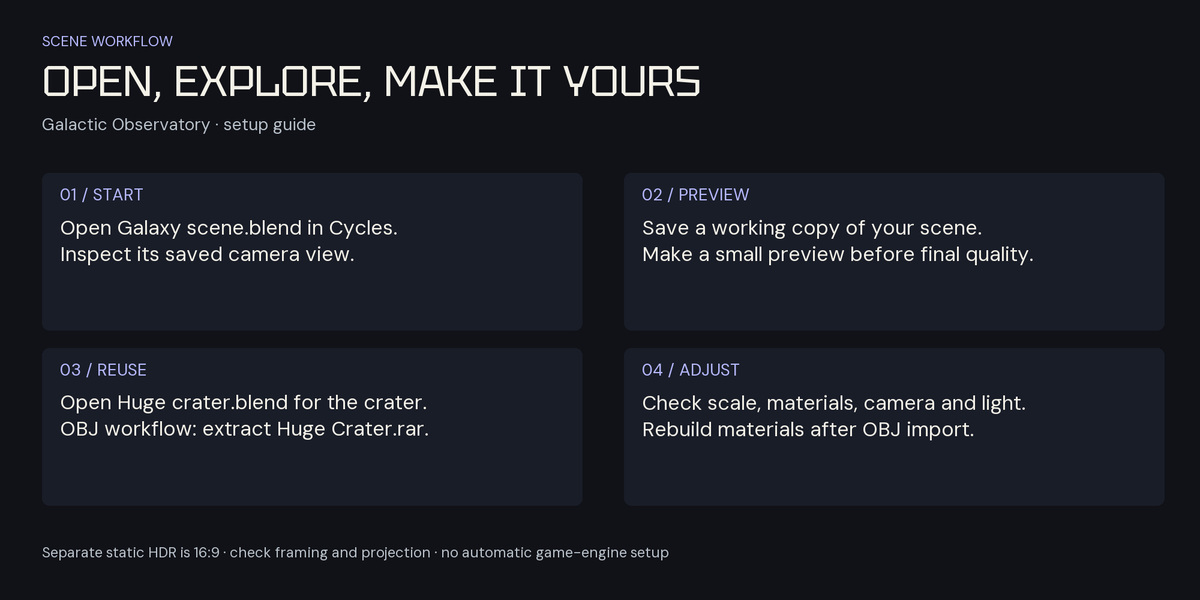
Galaxy scene.blendin Blender 5.2 / Cycles. Its images are packed and a saved camera is present. - Save your edits as a new project. Inspect the camera in Rendered viewport shading and make a small preview.
- Adjust the composition, camera, galaxy material, lighting and render quality for your project.
Reuse the crater
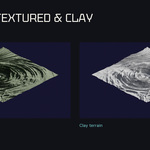
Open Huge crater.blend for its separate saved setup. To bring objects into another Blender project, use File → Append and choose Object or Collection. Appending a terrain object alone does not automatically include separate scene objects, World, camera or render settings.
OBJ and standalone maps
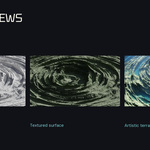
Download and extract Huge Crater.rar. Import Huge crater.obj and rebuild the material with Specular.png, Albedo.png, Heightmap.exr, Normal Map.png, Roughness.png. All five maps are 8192 × 8192 pixels. No MTL file is included.
Use Albedo as color data and the other maps as data with appropriate non-color handling. Connect the normal image through a Normal Map node in Blender. Check orientation, normals and scale. Preview displacement before increasing subdivision.
Separate HDR
Dark blue starfield HDRI 8k.hdr is a static Radiance image at 7680 × 4320 pixels, supplied separately from the BLEND files. Use it in an image-based World or a framed backdrop. Check projection, wrap and exposure; seamless 360° coverage is not promised.
Compatibility and scope
The two exact supplied BLEND assets were opened in Blender 5.2.3 LTS / Cycles with saved cameras and packed image dependencies. Older releases were not separately verified for this scene. The galaxy material is provided inside Galaxy scene.blend. Prepare your own engine materials, optimization, LODs and collisions for game use.
License
New purchases use the Superhive Standard Royalty Free license. Previously granted licenses and applicable third-party terms remain valid.
Have questions about this product?
Login to message
| Sales | 10+ |
| Dev Fund Contributor | |
| Published | almost 3 years ago |
| Blender Version | 5.2 |
| Render Engine Used | Cycles |
| Misc Data | Uvs-Unwrapped, Textured |
| License | Royalty Free |