 ZEG
Installation
Open Edit → Preferences → Get Extensions. From the menu in the upper right, choose Install from Disk and select the downloaded zip. Enable Game Console Generator if Blender prompts you.
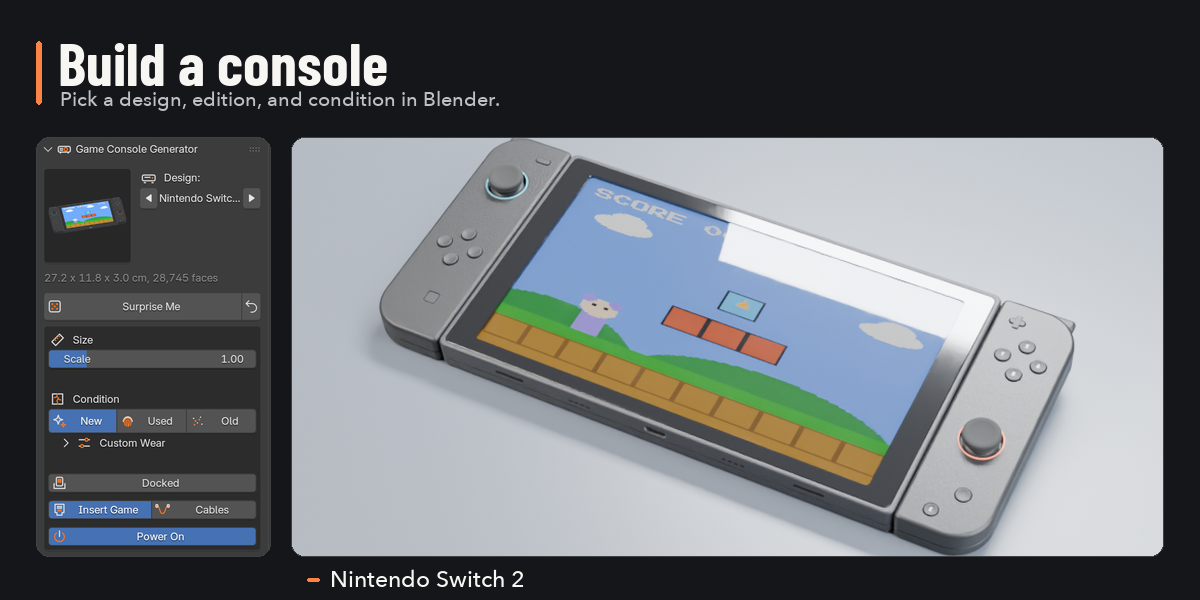
Build a console
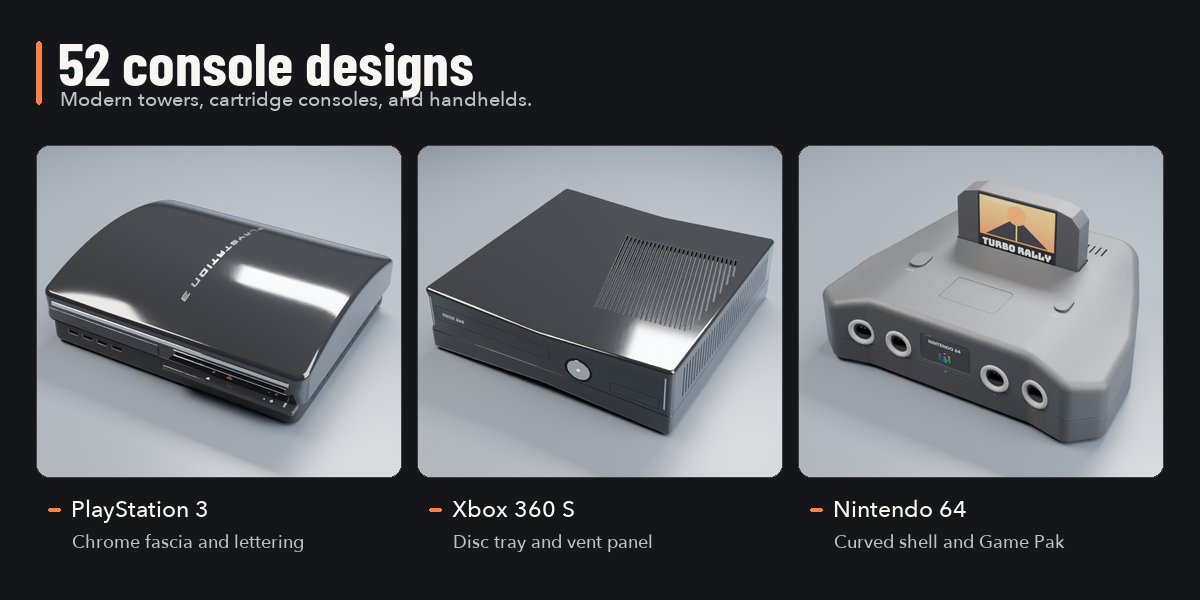
- In the 3D Viewport press N and open the Console tab. With no generated console selected, choose a design and click Add Console. You can also use Shift+A → Mesh → Game Console.
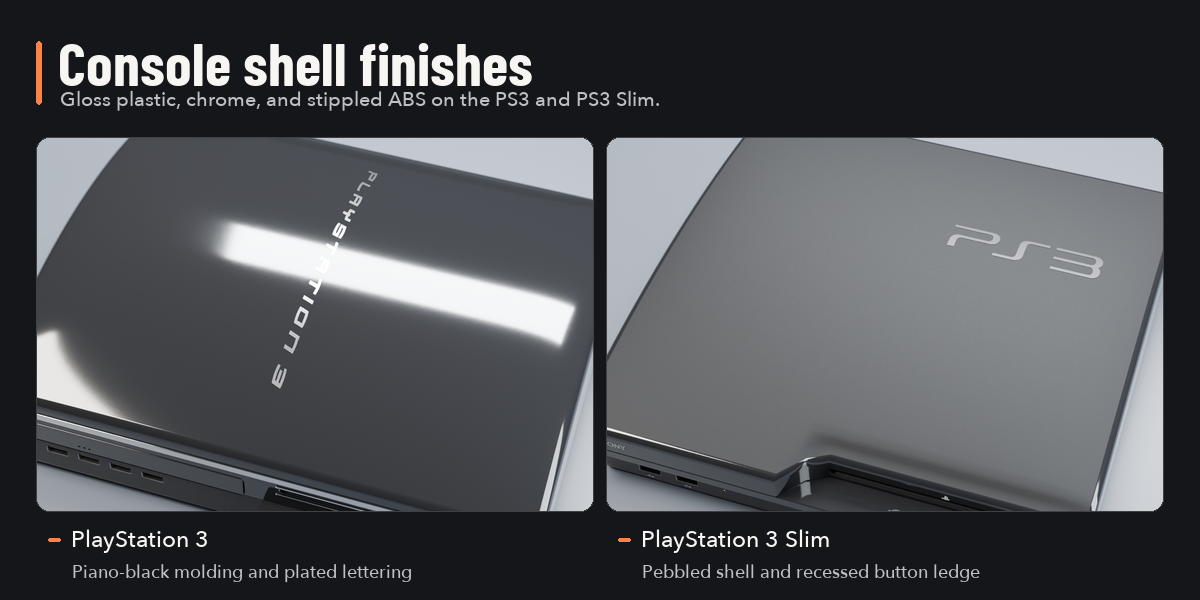
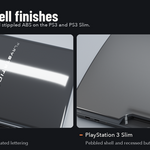
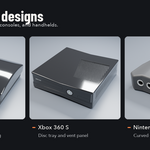
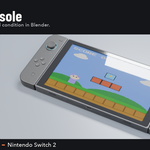
- Select the generated console to change its design, color edition, scale, and condition. The sidebar shows the drive, orientation, dock, and accessory options supported by your design.
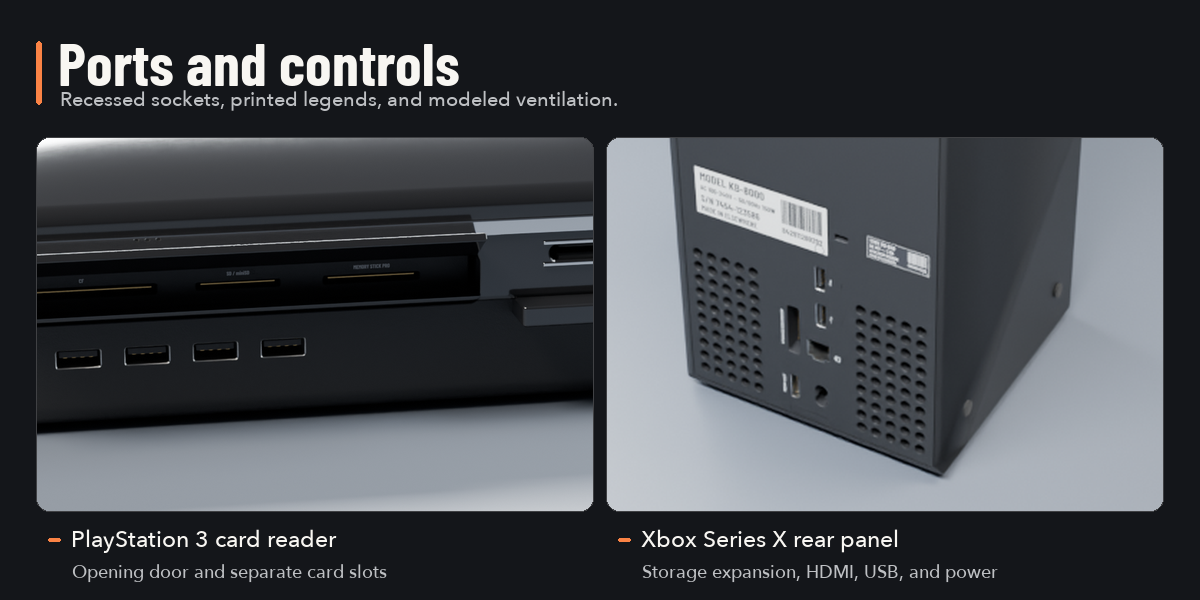
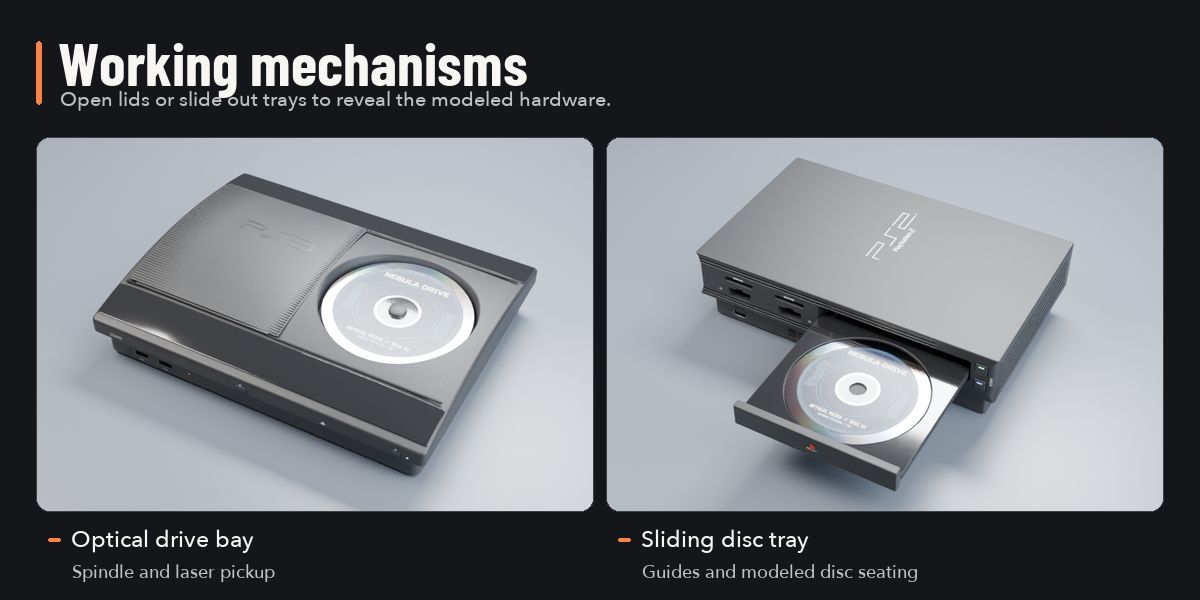
- Open Details for compatible lid and tray positions, screen pictures, and game labels. Use Custom Wear for individual material adjustments.
- When you have finished customizing, open Export and click Apply as Mesh if you want to continue with standard mesh editing tools. Keep an editable copy if you plan to make more variants.
Have questions about this product?
Login to message
| Blender Extension Compatible | Yes |
| Published | 2 days ago |
| Blender Version | 4.2 - 5.2 |
| Extension Type | Add-on |
| Render Engine Used | Cycles, Eevee |
| License | GPL |

Discover more products like this
Generator gaming props gamepad game console cartridge handheld Electronics procedural controller retro hard surface