 peterz



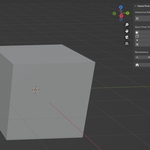
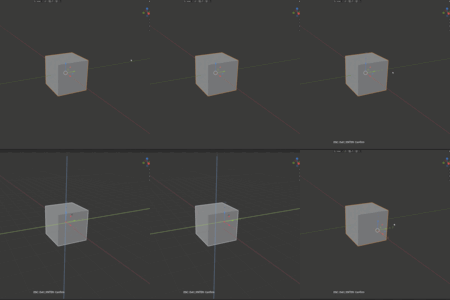
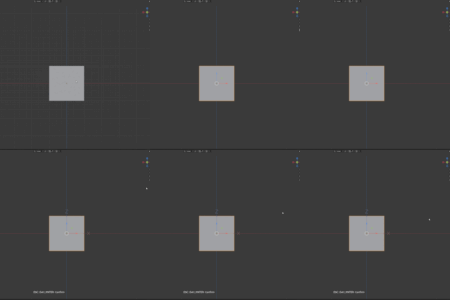
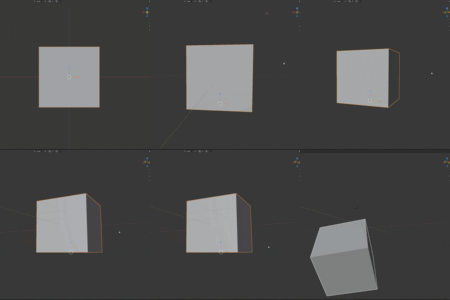
Why did the model position change after editing the axis point?
This is normal behavior. Moving the pivot point changes the object's position in world space because the pivot is the object's reference point. If you don't want to change the position, you can use the "Bake" function.
How to precisely place the axis point at a specific position?
Use the "3D Cursor" feature. First use `Shift+S` to move the cursor to the target position, then click the "3D Cursor" button.
Will the baking function change the appearance of the model?
No. Baking only applies transform information to mesh data, the visual appearance remains unchanged.
$2
Have questions about this product?
Login to message
| Blender Extension Compatible | Yes |
| Published | 9 months ago |
| Blender Version | 3.6 - 5.0 |
| Extension Type | Add-on |
| Render Engine Used | Cycles |
| License | GPL |
Discover more products like this
Modeling tools pivot editor blender addon pivot point origin editing Blender Plugin pivot-tools Model Preparation axis point gizmo tools transform tools