 ZEG
ZEG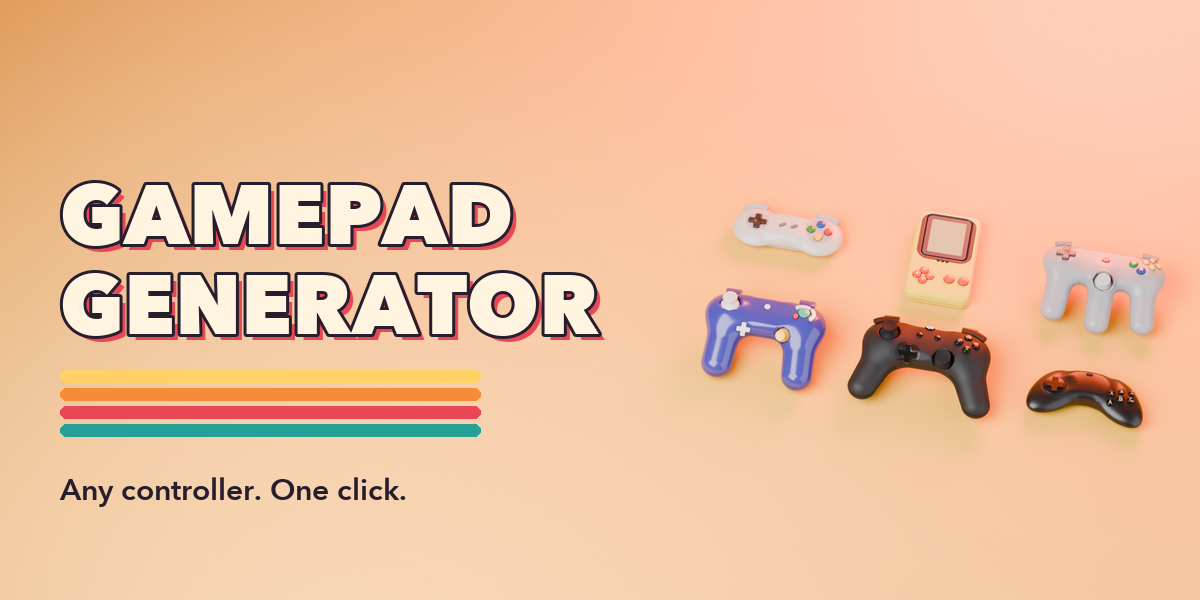
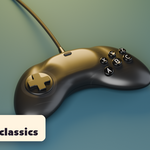
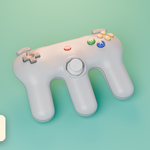
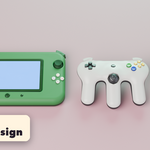
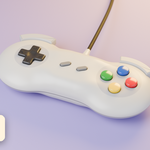
Installation
In Blender open Edit, Preferences, Get Extensions, then use Install from Disk and pick gamepad_generator-1.0.0.zip.
Usage
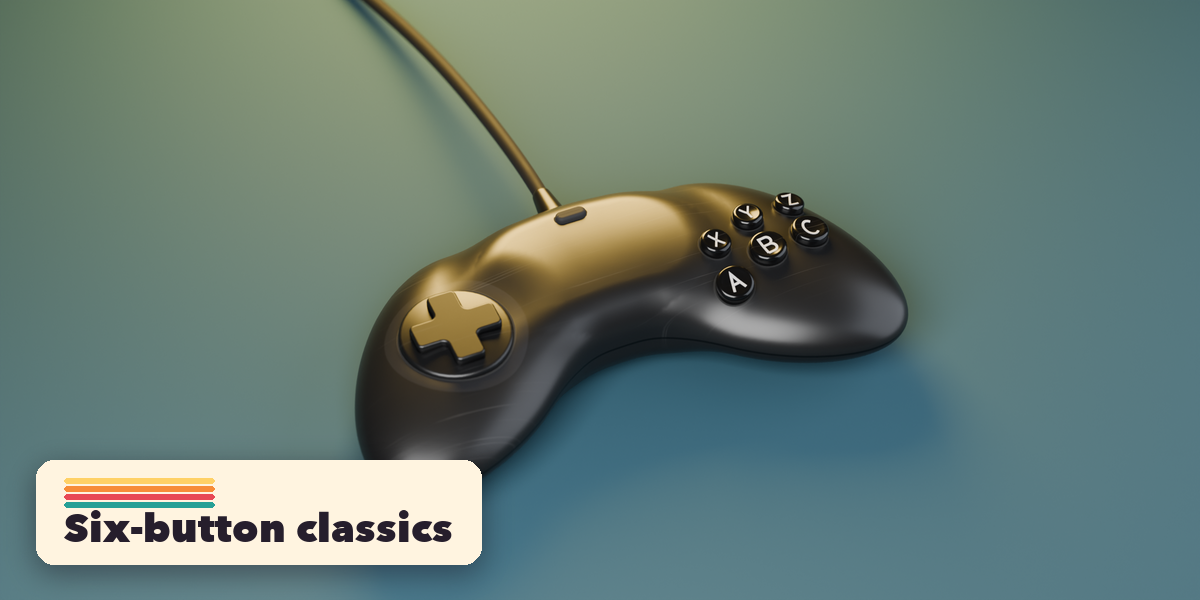
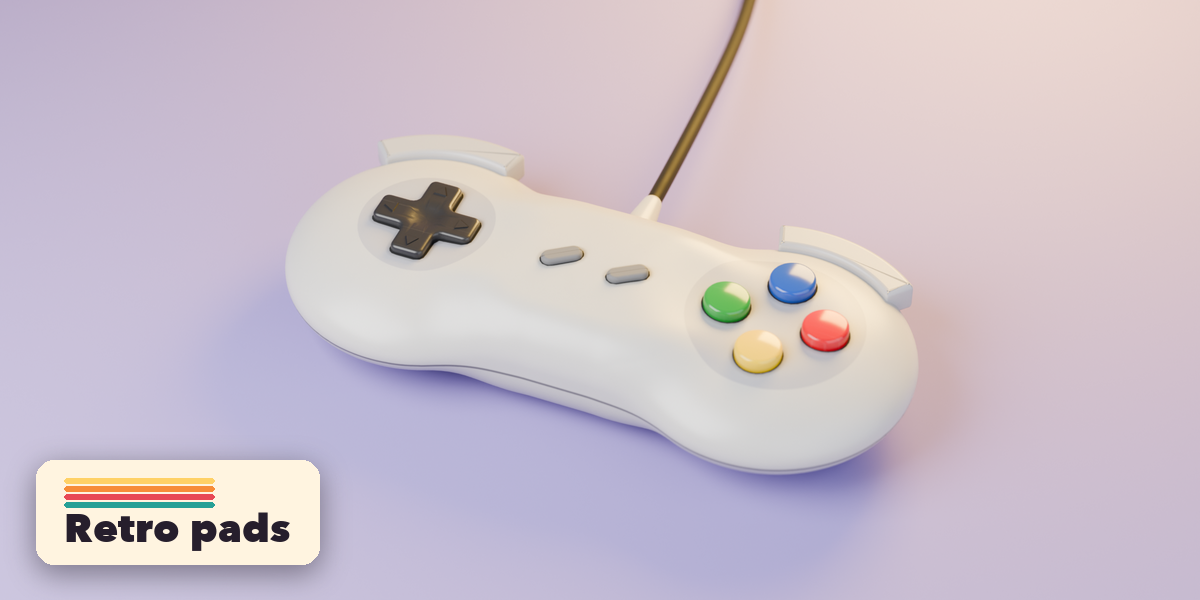
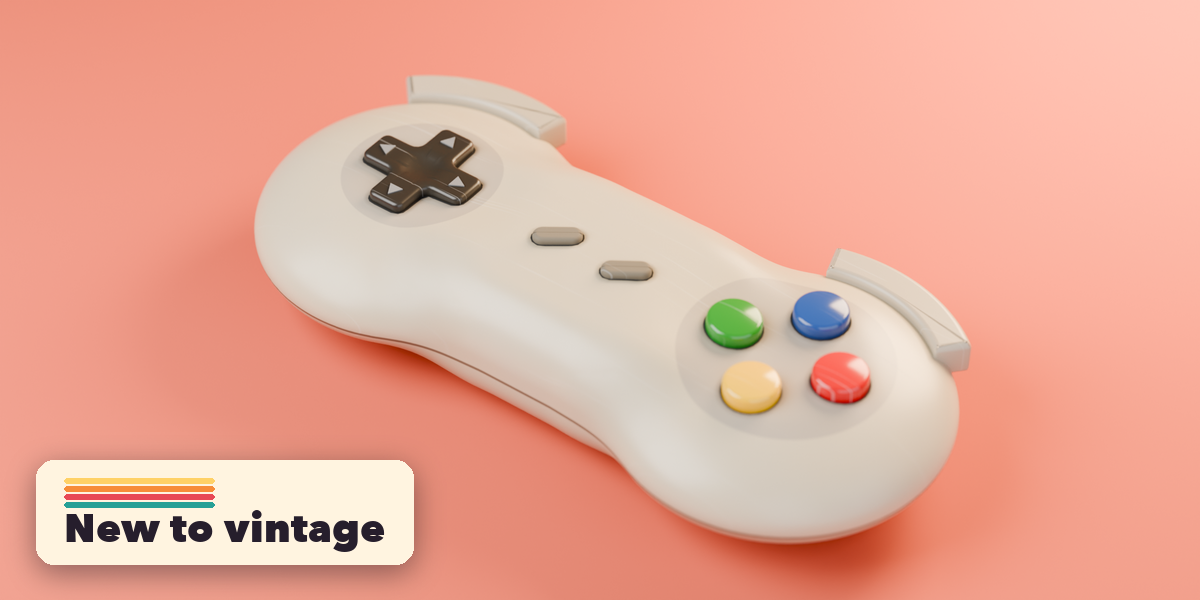
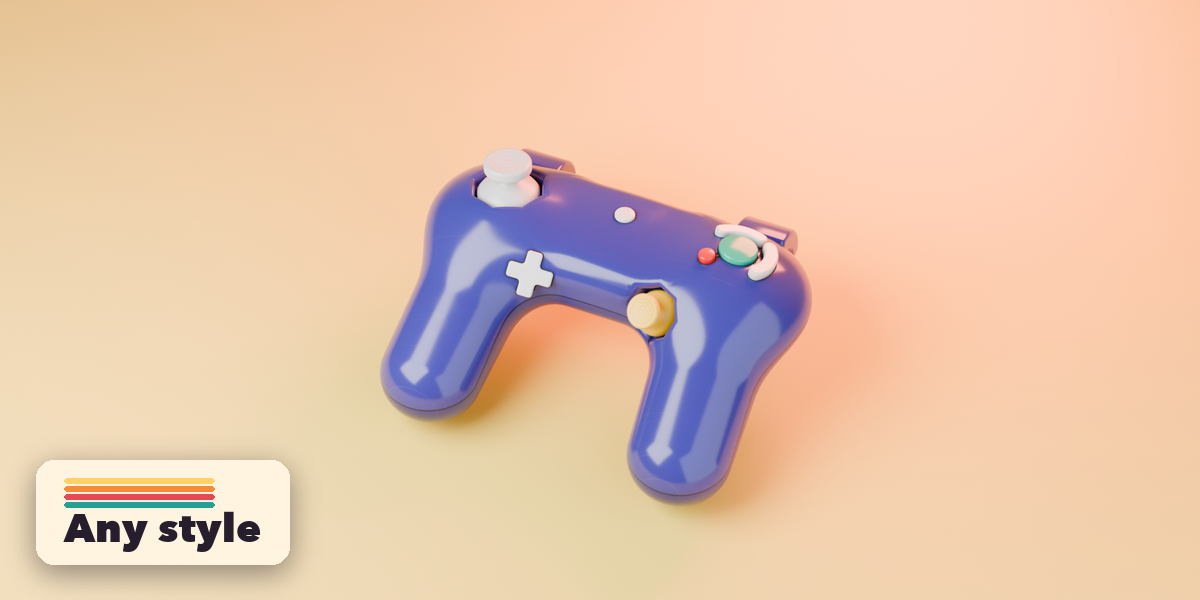
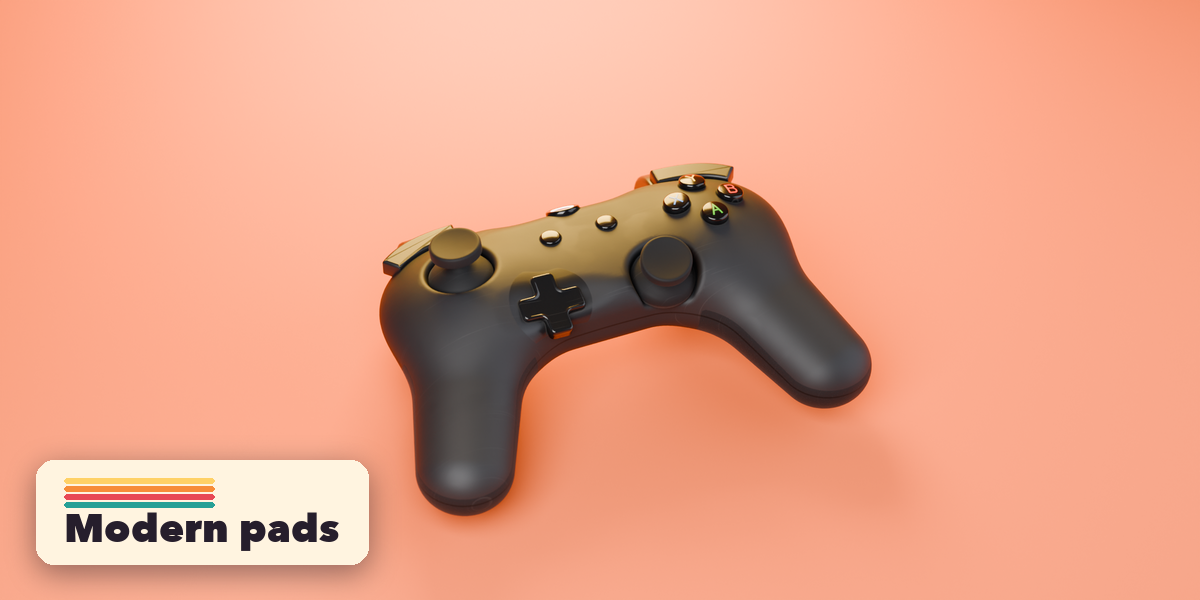
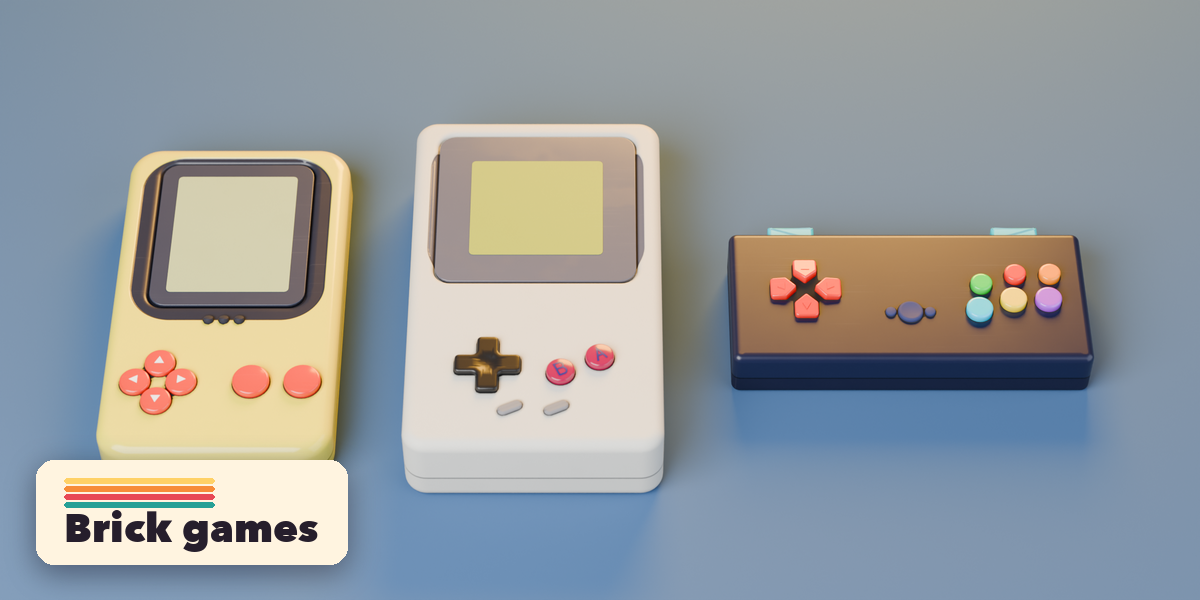
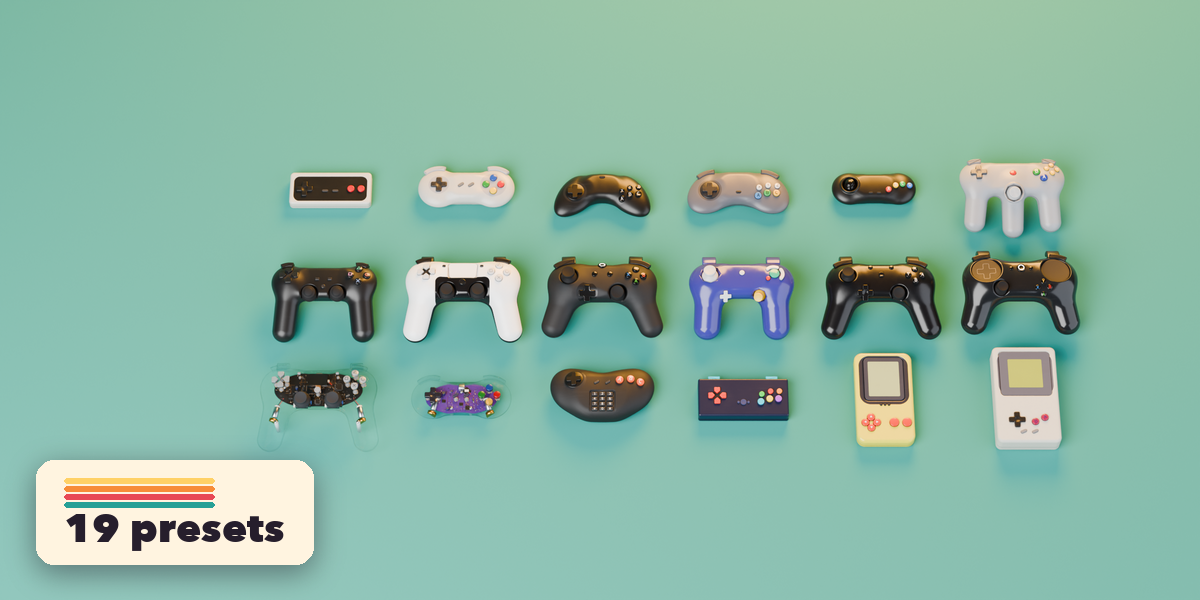
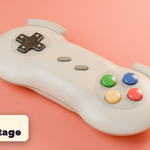
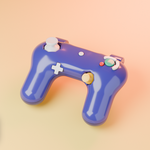
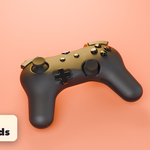
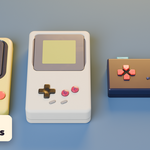
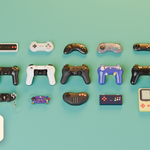
- In Object Mode press Shift+A and choose Mesh, Gamepad, then pick a preset. You can also use the Gamepad tab in the 3D viewport sidebar (N).
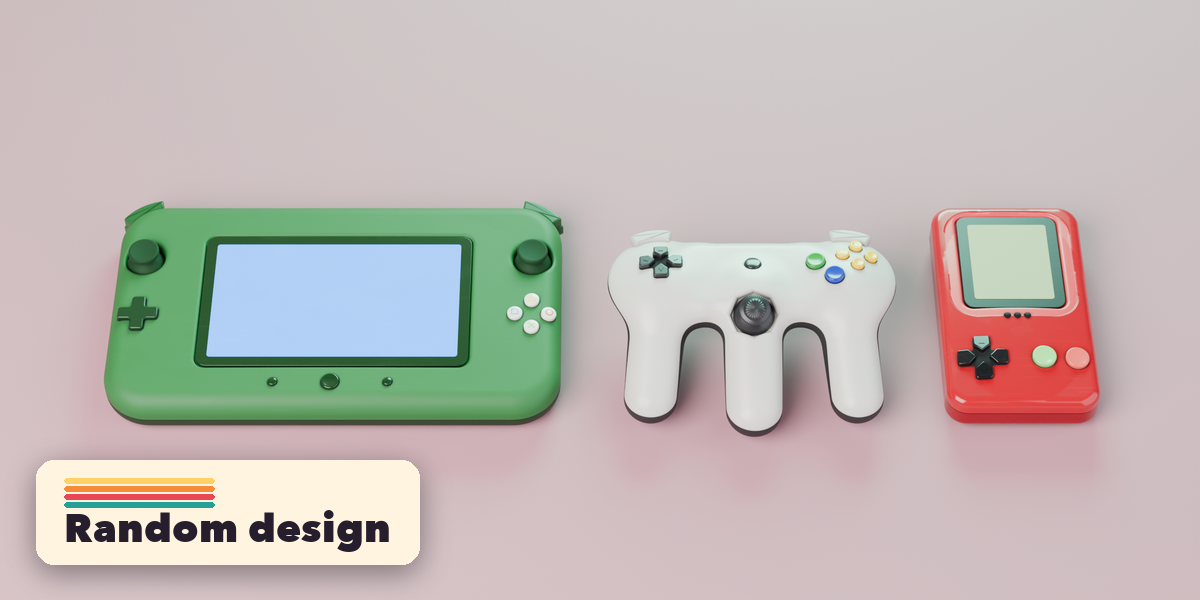
- Change the preset, or press Random Design for a new controller and Random Colors for a new color scheme.
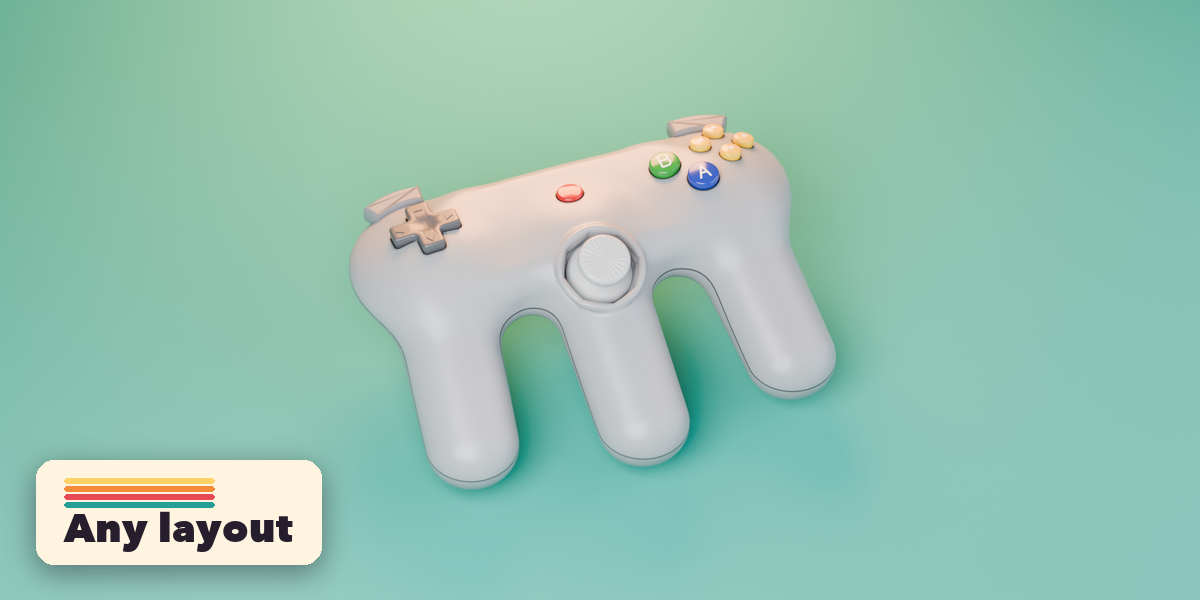
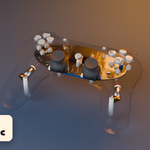
- Under Body pick the body shape and adjust its size, lobes, grips and bend.
- Under Control Layout choose what goes in each spot (d-pad, stick, buttons or trackpad, plus a center touchpad, screen, keypad or emblem), then fine-tune each control in its own panel.
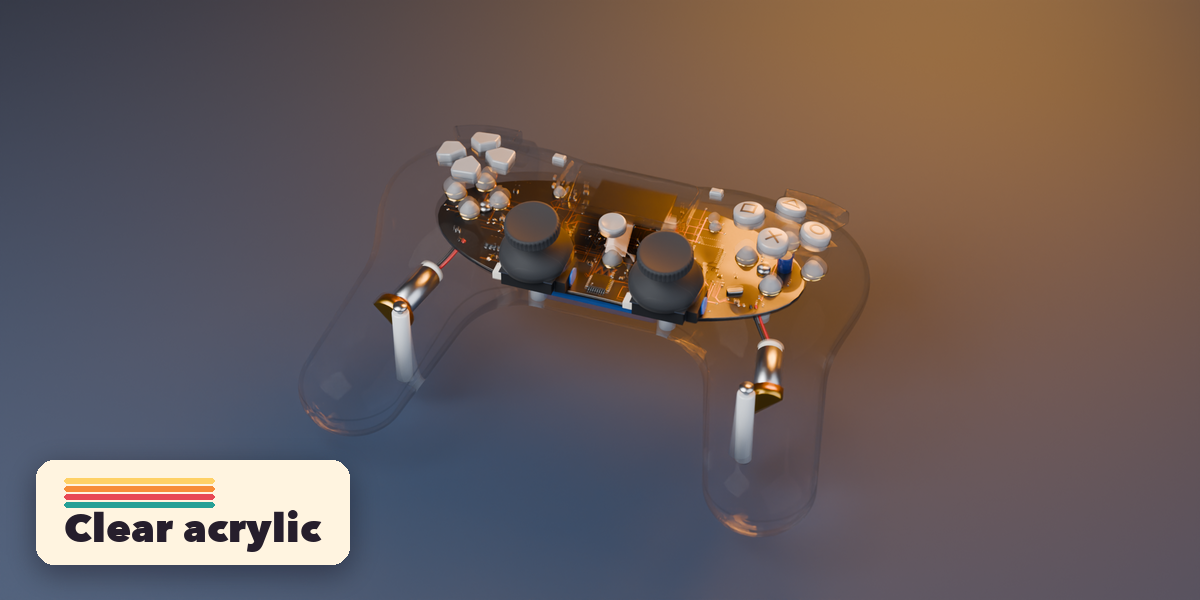
- Under Colors and Materials pick a part, then set its color, finish and pattern.
- Under Condition choose Brand New, Used, Worn or Vintage, or set yellowing, dirt, scratches, edge wear and label fade yourself. Each material's Wear scales them.
- Click a part in the Parts list to select it. Rotate a stick or trigger object to pose it.
- Use Make Static to turn the gamepad into plain objects, or Delete to remove it with its materials.
Switch the viewport to Material Preview or Rendered to see the materials. Lower Shell Detail under Detail and Finish for smoother shells.
$12
Have questions about this product?
Login to message
| Blender Extension Compatible | Yes |
| Published | about 3 hours ago |
| Blender Version | 4.2 - 5.2 |
| Extension Type | Add-on |
| Render Engine Used | Cycles, Eevee |
| License | GPL |

Discover more products like this
Generator controller gaming hard surface procedural Game Controller product-visualization props retro add mesh joystick gamepad