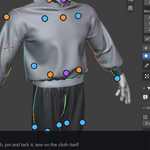
Garment Studio (Beta) - Draft, Sew and Drape Garments
 george zaky
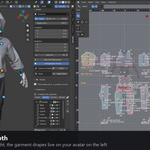
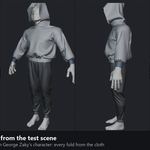
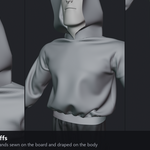
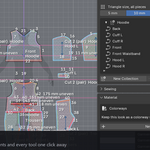
Install
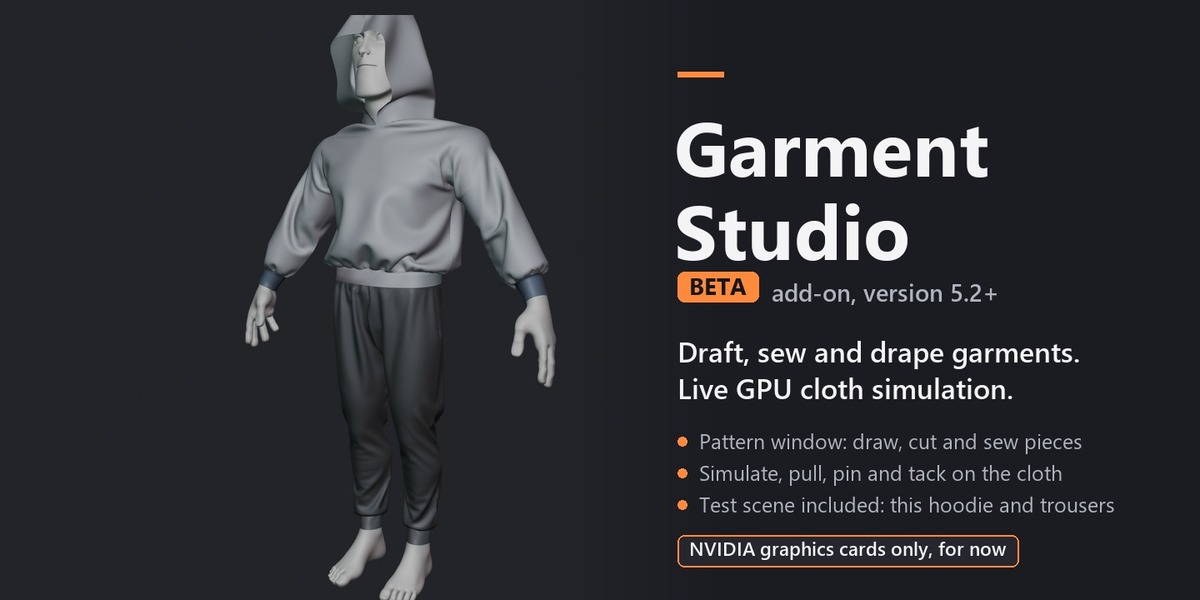
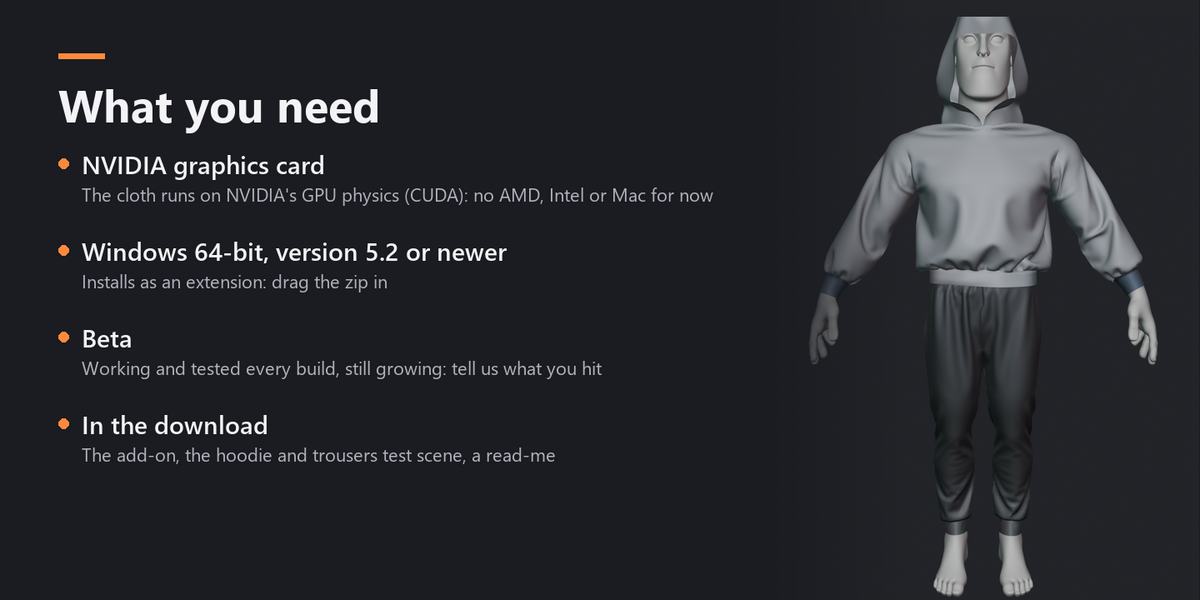
- You need an NVIDIA graphics card (up-to-date driver), Windows 64-bit and Blender 5.2 or newer.
- Unzip the download: it holds garment_studio-1.9.1.zip (the add-on), the test scene and a read-me.
- Drag garment_studio-1.9.1.zip into Blender and click Install (or Edit > Preferences > Get Extensions > the arrow at the top right > Install from Disk). Do not unzip the add-on itself. The physics engine is inside it; the first start takes a few seconds.
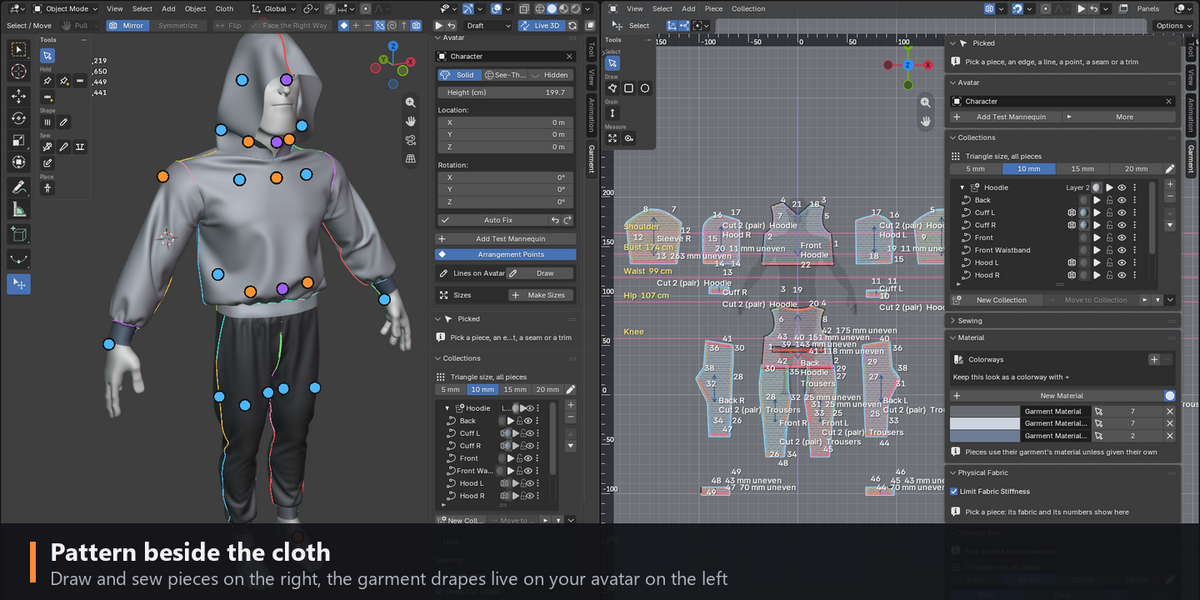
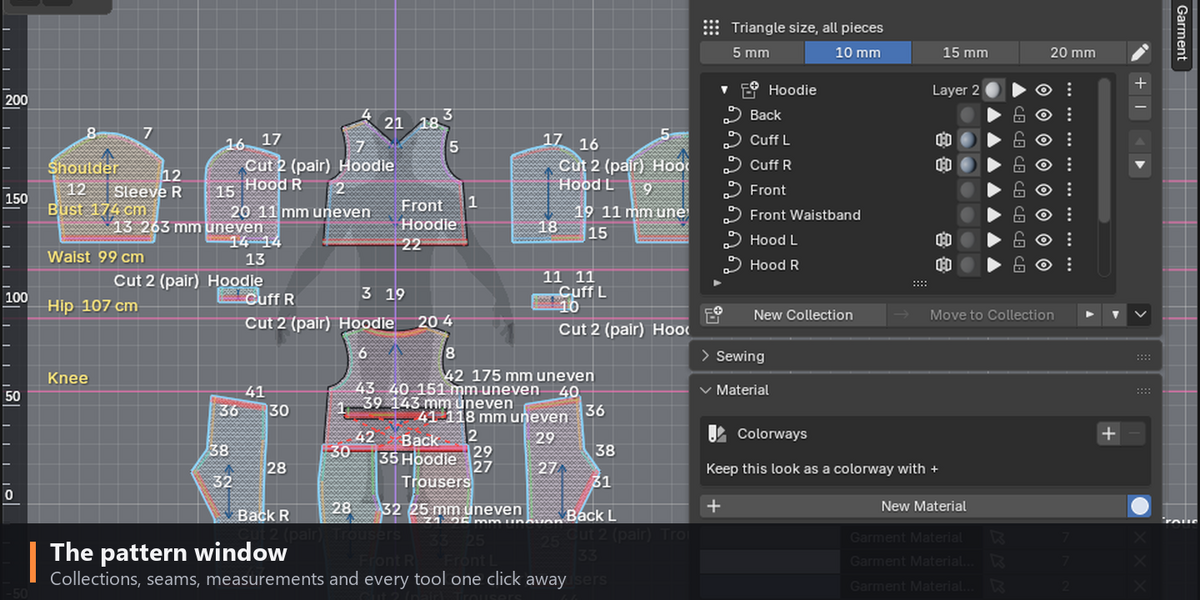
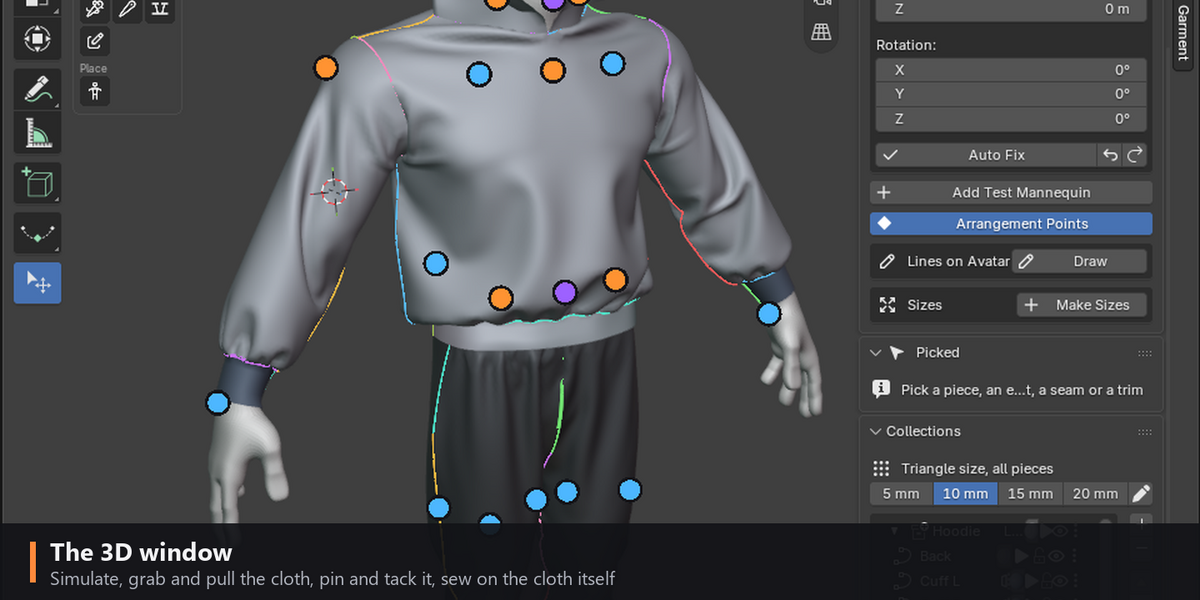
- In any 3D view press N: the Garment tab has Open Garment Studio. It makes the Garment workspace: the 3D window on the left, the pattern window on the right.
The test scene
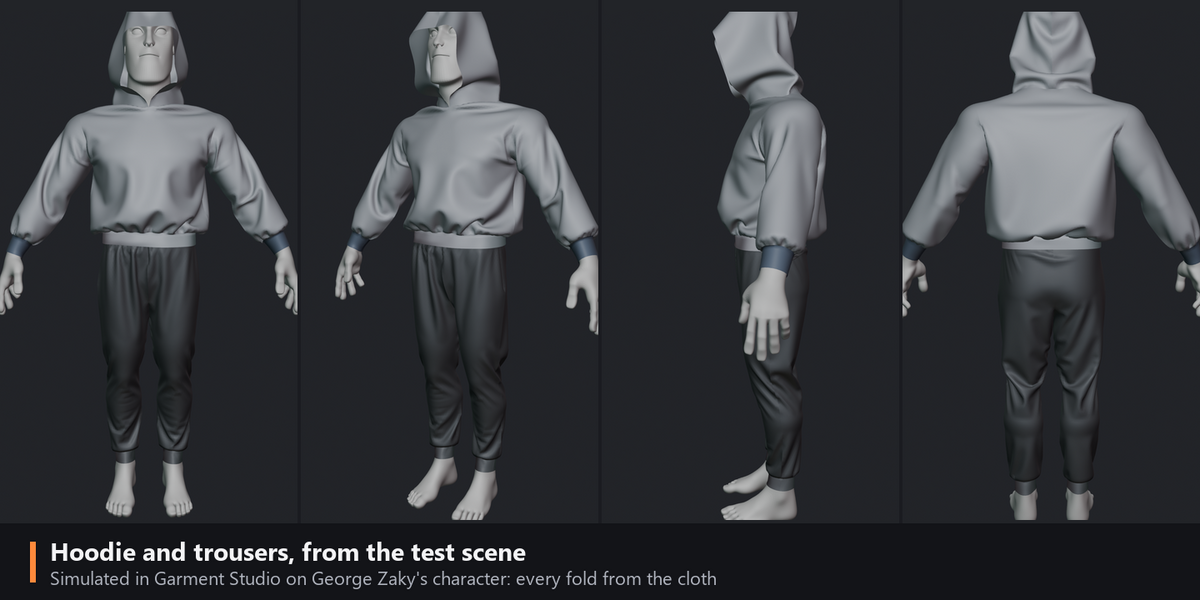
- Install the add-on first, then open Garment Studio Test Scene - Hoodie.blend.
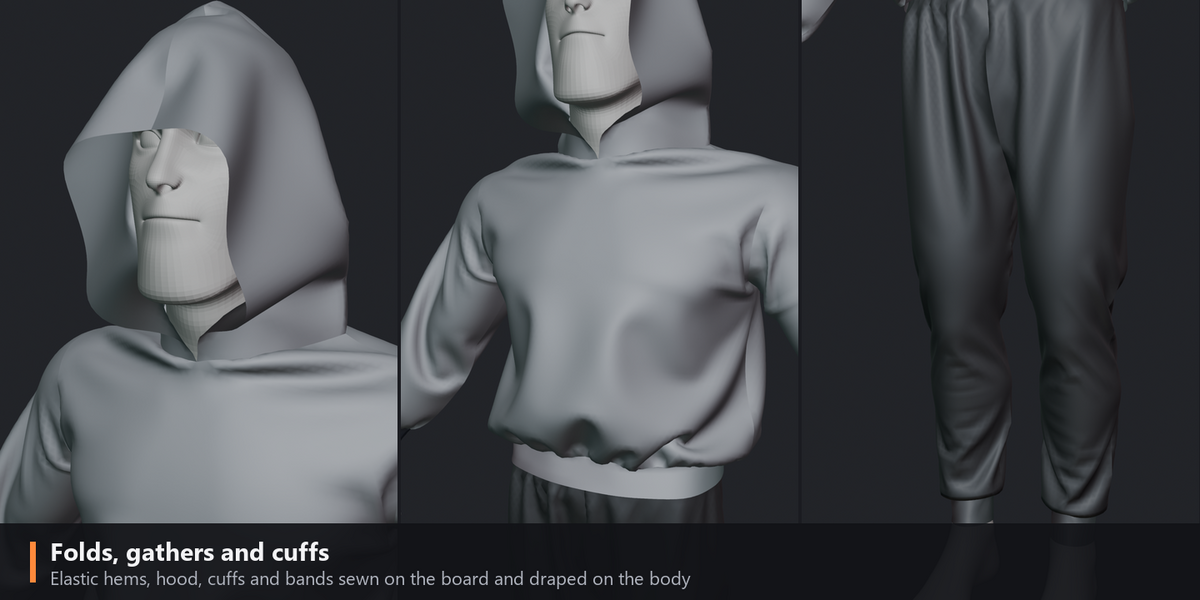
- Press Space with the mouse over a window to simulate; Space again pauses.
- The sidebar's Snapshots hold two versions: Snapshot 2 is the finished drape.
- Pick a piece in the pattern window and change it: the cloth follows.
Learn
- The guide, every tool step by step: https://gzr-art.github.io/garment-studio-guide/
- A cloth made from scratch: https://www.youtube.com/live/IVSZvuuFJg8
Have questions about this product?
Login to message
| Published | 34 minutes ago |
| Blender Version | 5.2 |
| Extension Type | N/A |
| Render Engine Used | Cycles, Eevee |
| License | GPL |

Discover more products like this
character simulation fashion clothing cloth simulation garment sewing-pattern sewing cloth outfit