 ZEG
Installation
In Blender open Edit, Preferences, Get Extensions, then use Install from Disk and pick the victorian_mansion_generator zip.
Usage
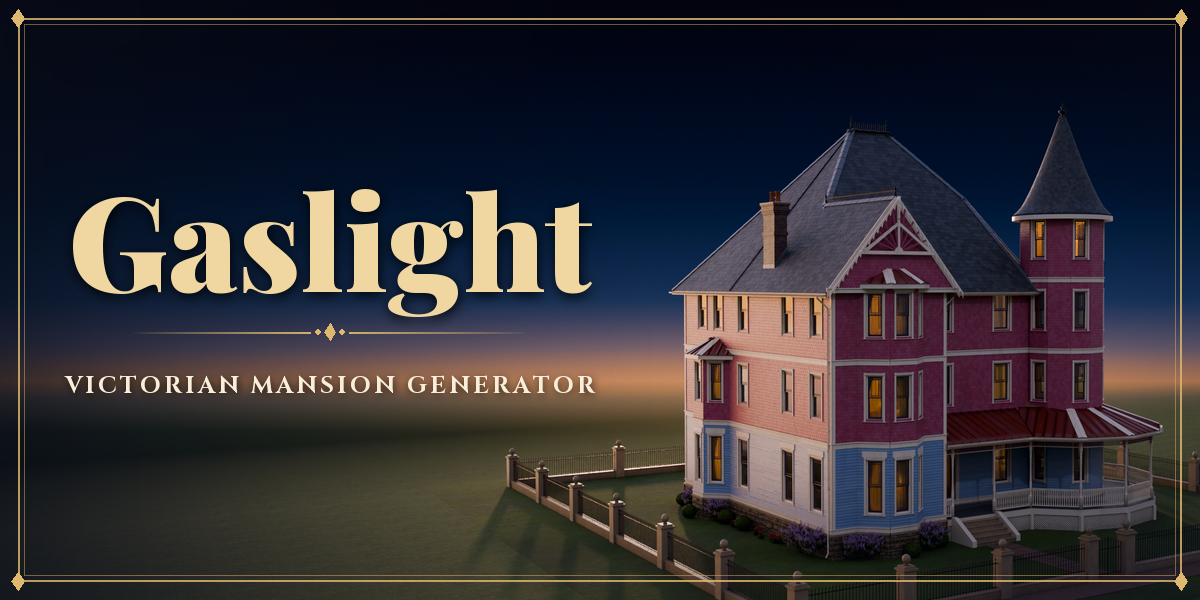
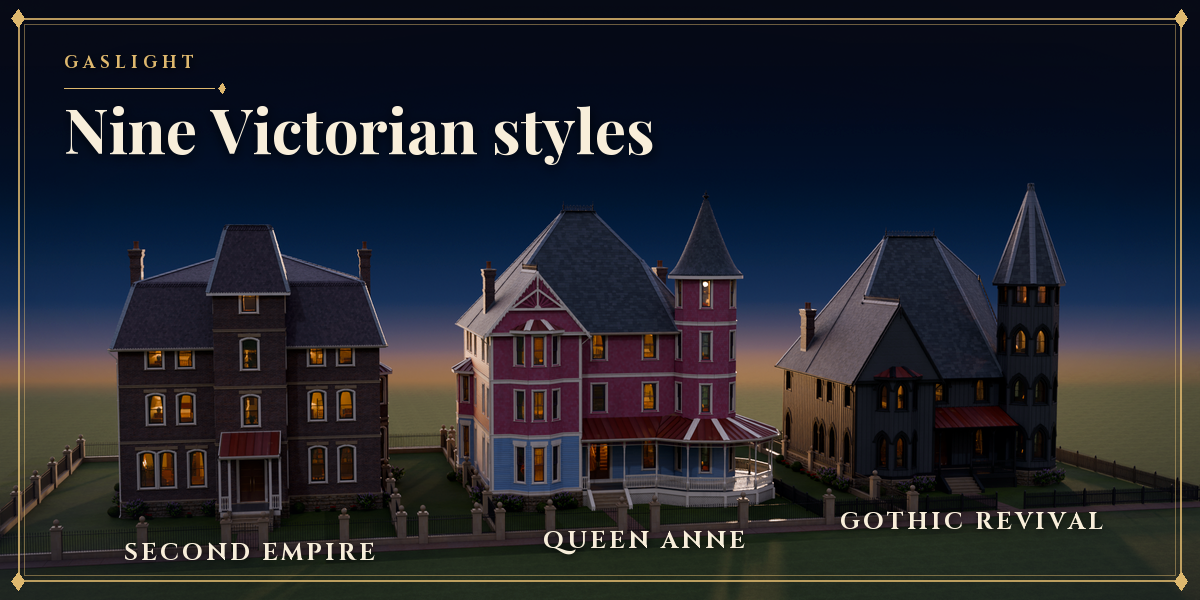
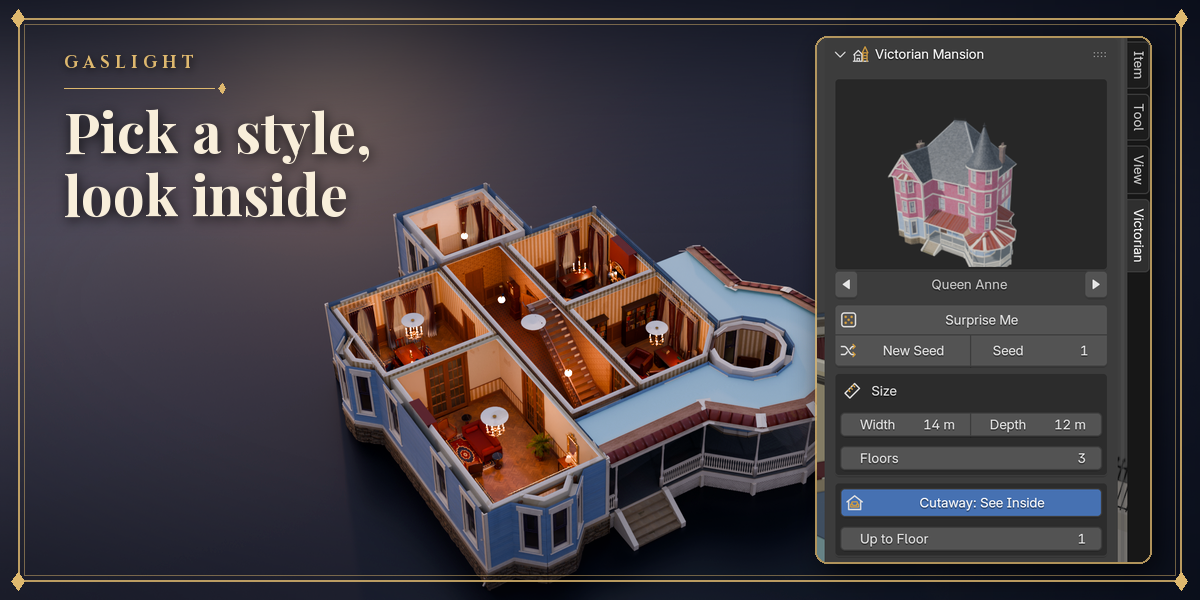
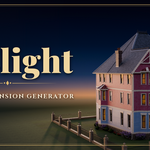
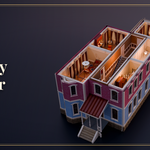
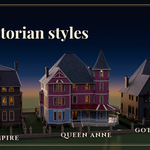
- Open the Victorian tab in the 3D viewport sidebar (N). With nothing selected, click the picture to choose one of the nine styles and press Add Mansion, or use Shift+A, Mesh, Victorian Mansion. Surprise Me adds a random mansion.
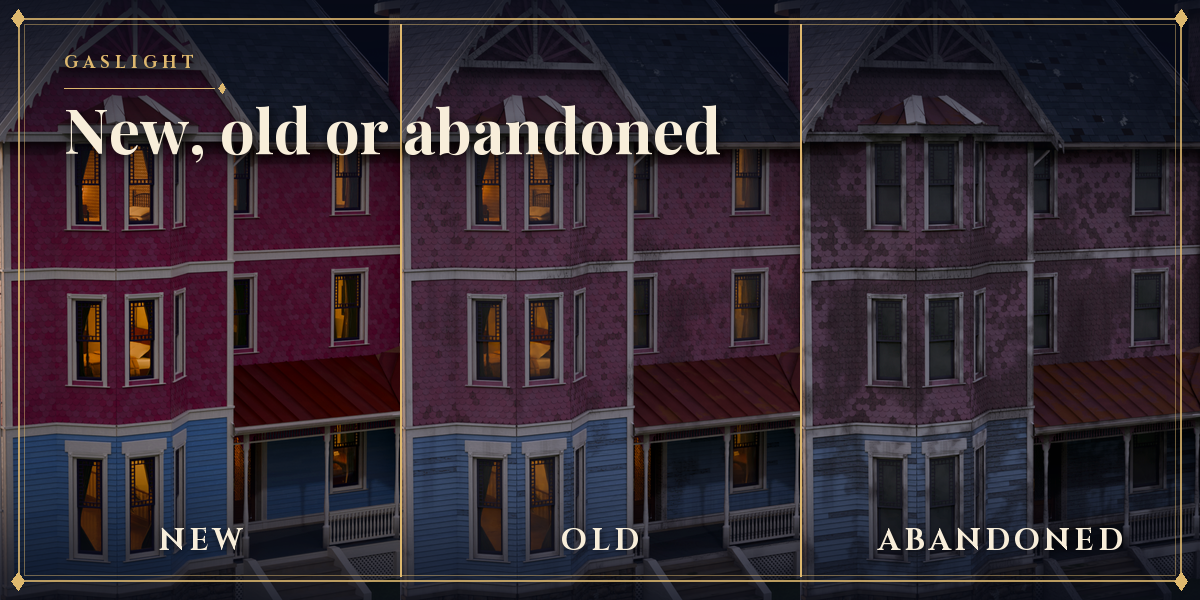
- With the mansion selected, the first page holds the main choices: style, size and floors, colours and condition, tower, roof, porch and windows. Click a picture to open its gallery, or step through the options with the arrows.
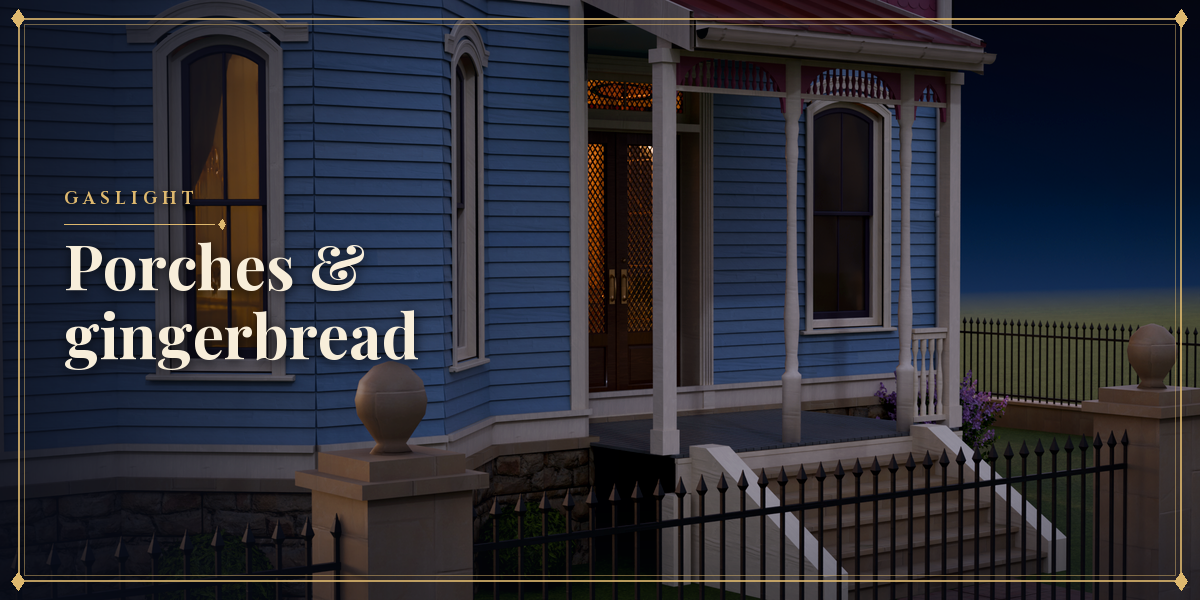
- The sub-panels below hold every other setting: Massing, Roof, Walls, Windows & Doors, Porch, Gingerbread, Interior, Grounds and Custom Colours.
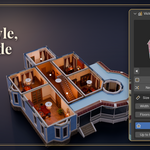
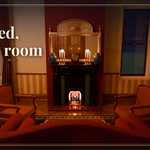
- Shape changes rebuild the outside at once; the rooms, furniture and yard follow a moment later.
- Mansion tools: Rebuild, Convert to Plain Meshes (for editing or export) and Delete Mansion.
Detail Low builds fastest while you design; switch to High for the final render.
Have questions about this product?
Login to message
| Blender Extension Compatible | Yes |
| Published | 3 days ago |
| Blender Version | 4.2 - 5.2 |
| Extension Type | Add-on |
| Render Engine Used | Cycles, Eevee |
| License | GPL |

Discover more products like this
House furniture Generator procedural Interior architecture exterior queen-anne haunted house victorian mansion building