 GBB
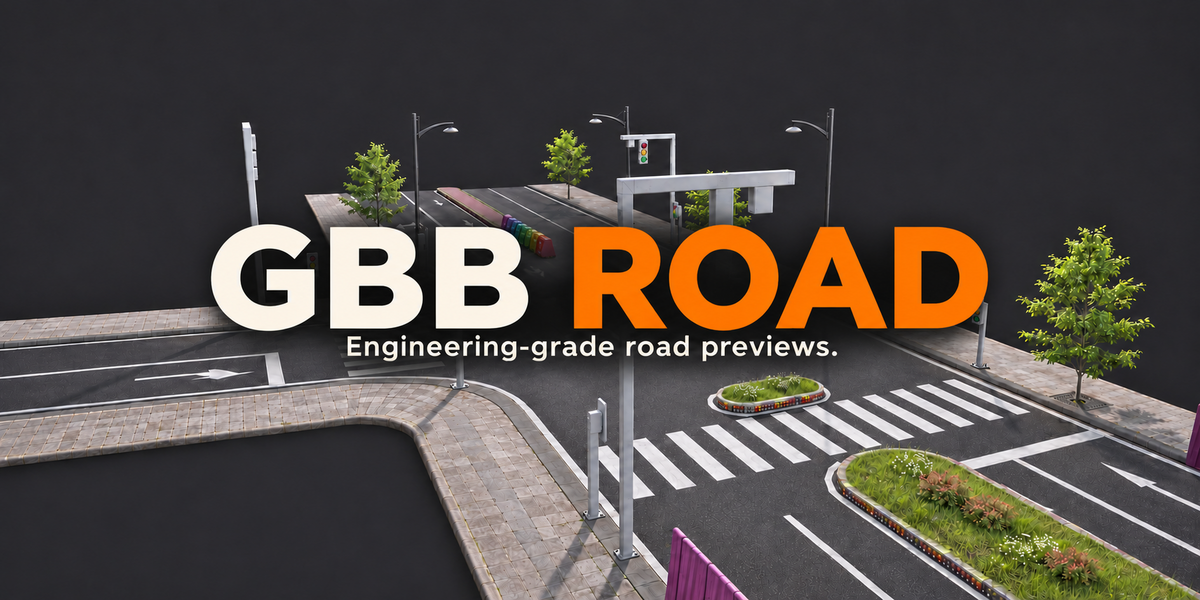

GBB ROAD.
Engineering-grade road previews.
A procedural road system add-on for engineering-grade previews. Customize lane types, widths and counts, as well as all road surface elements. The system supports arbitrary road intersections, including T-junctions and Y-shaped ramps.
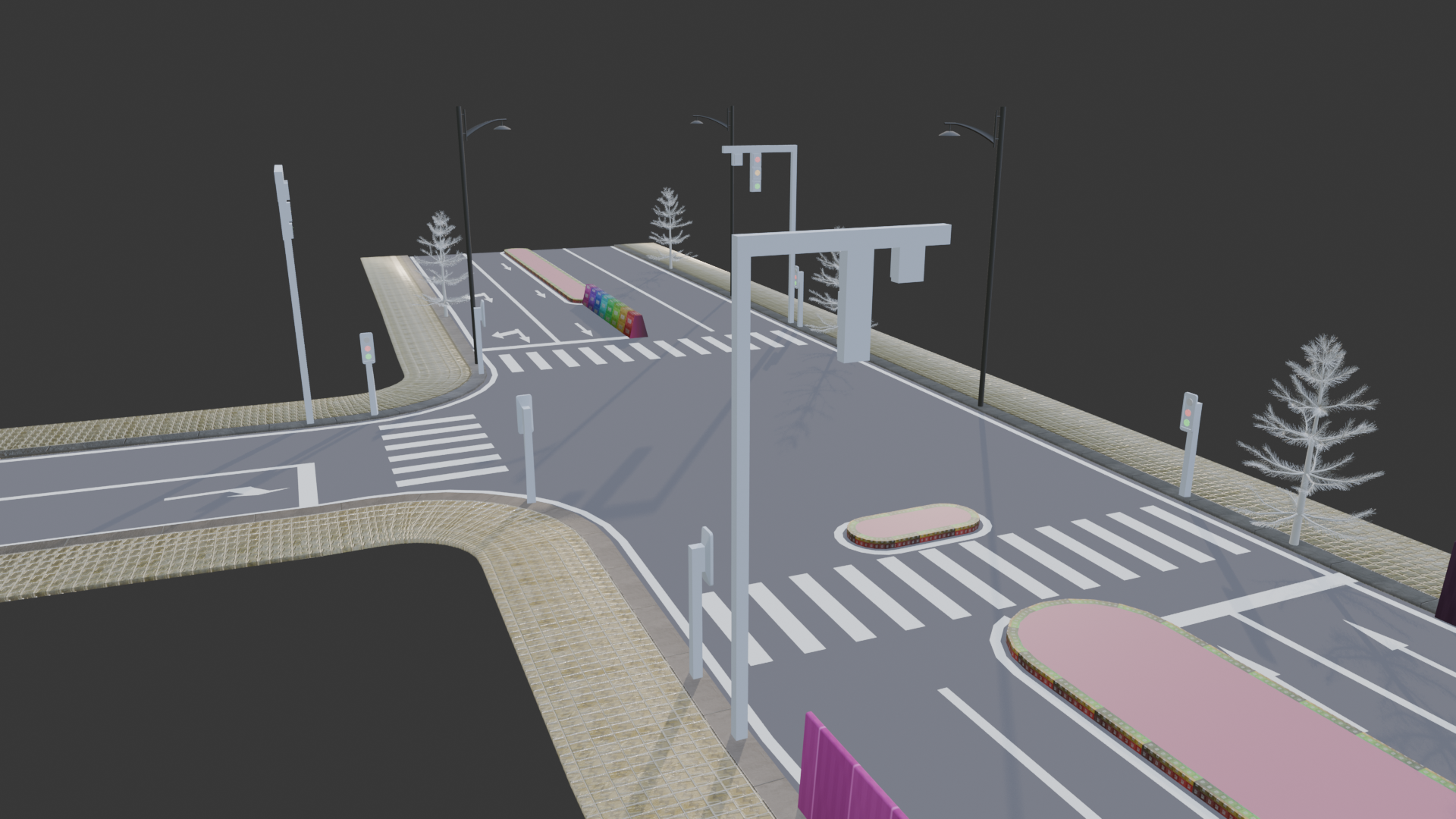
Your road, your elements
Configure the road system around your project, from lanes to road surface elements.
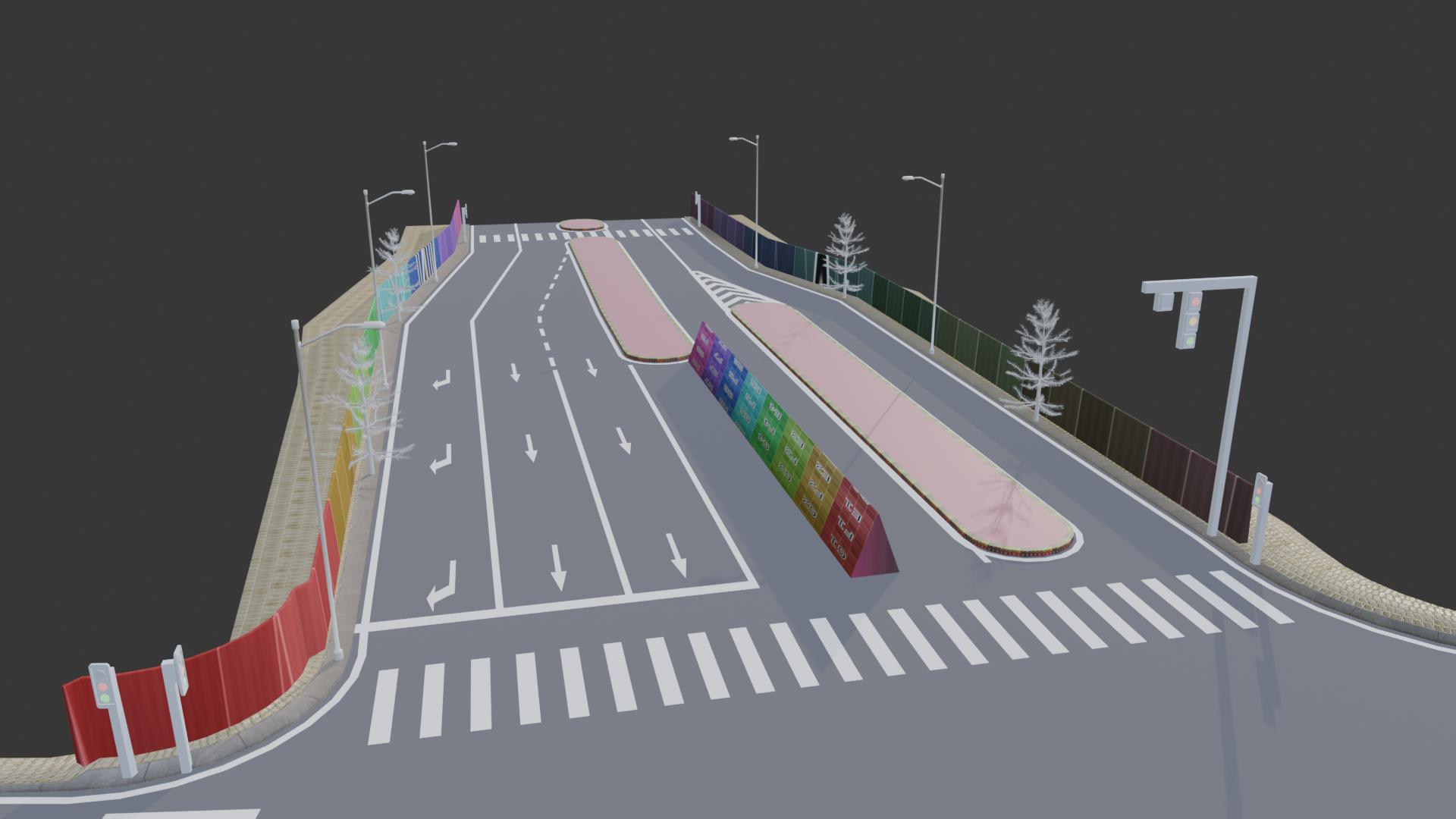
Six modules
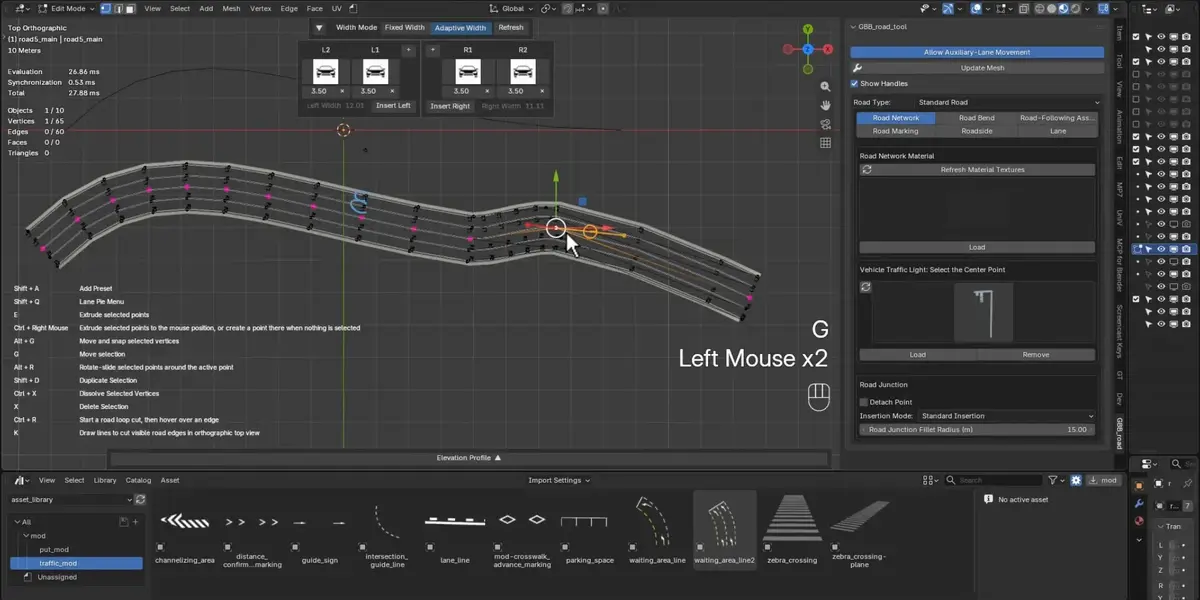
The interface organizes the toolset into Road Network, Road Bend, Road-Following Assets, Road Marking, Roadside and Lane modules.
|
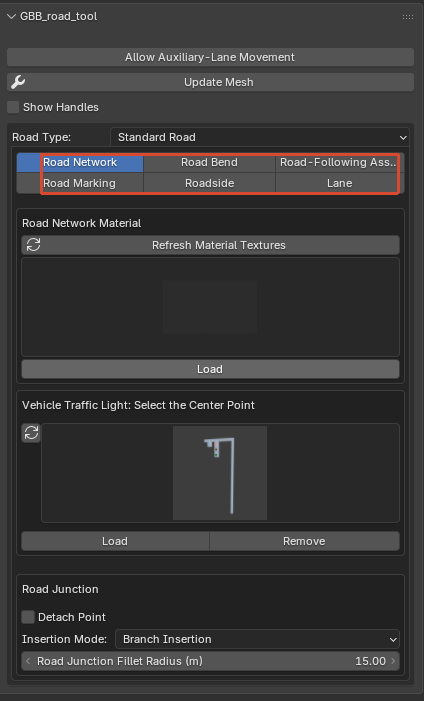
From the first segment
to your road layout.
Explore the tools in the demonstrations below.
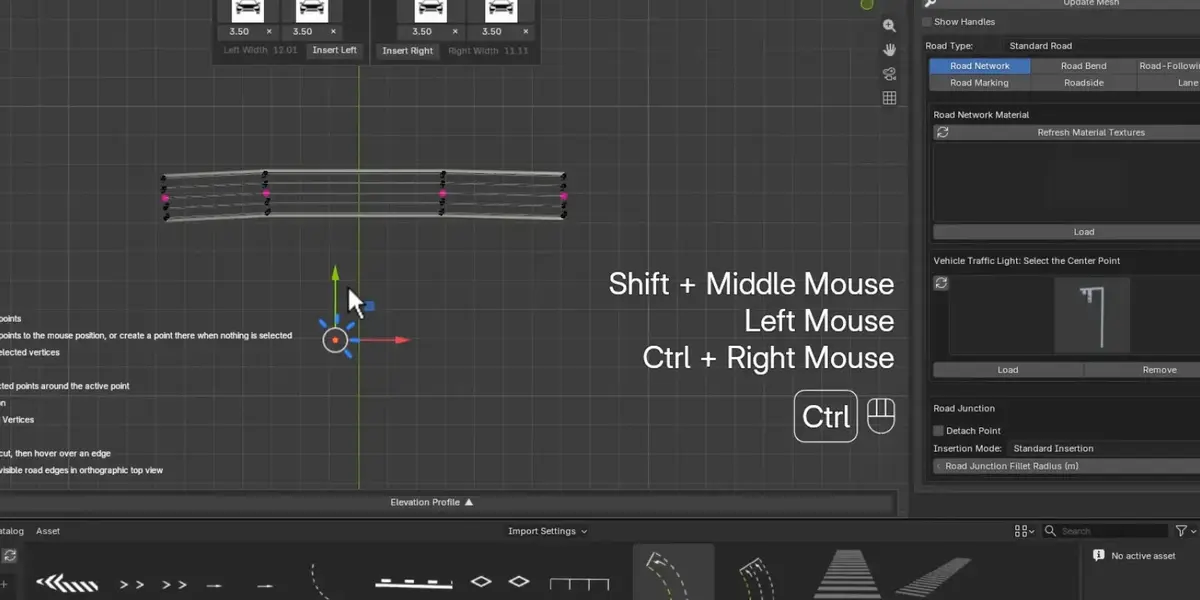
Quickly create road segments
Create the first road segment.
Curves
Adjust the alignment to create curved road sections.
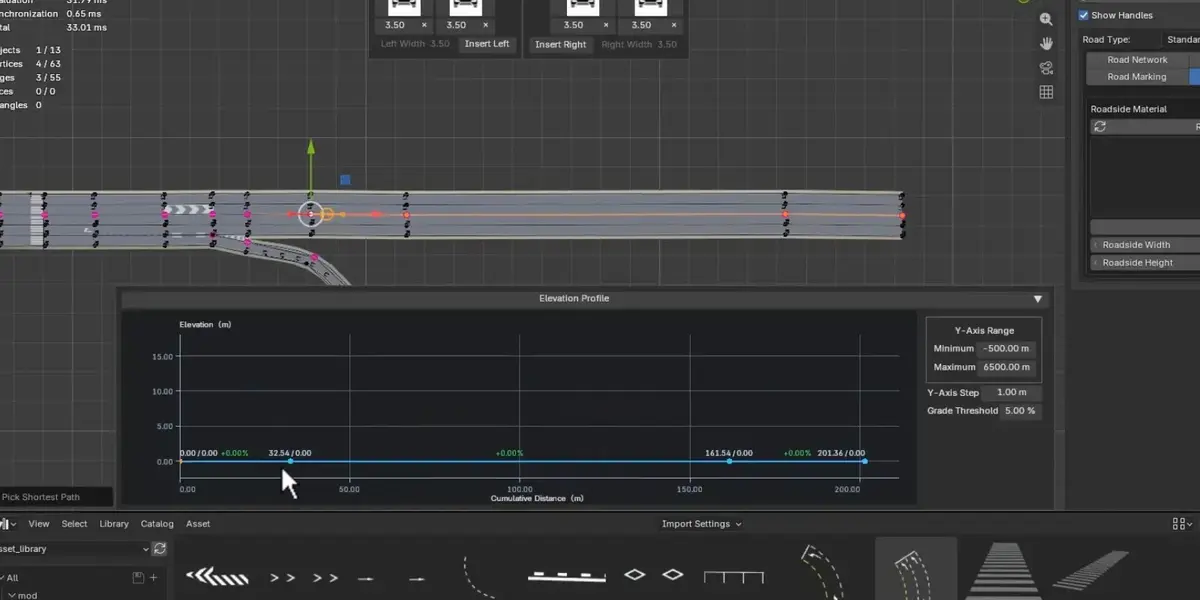
Elevation
Shape the vertical profile of your road.
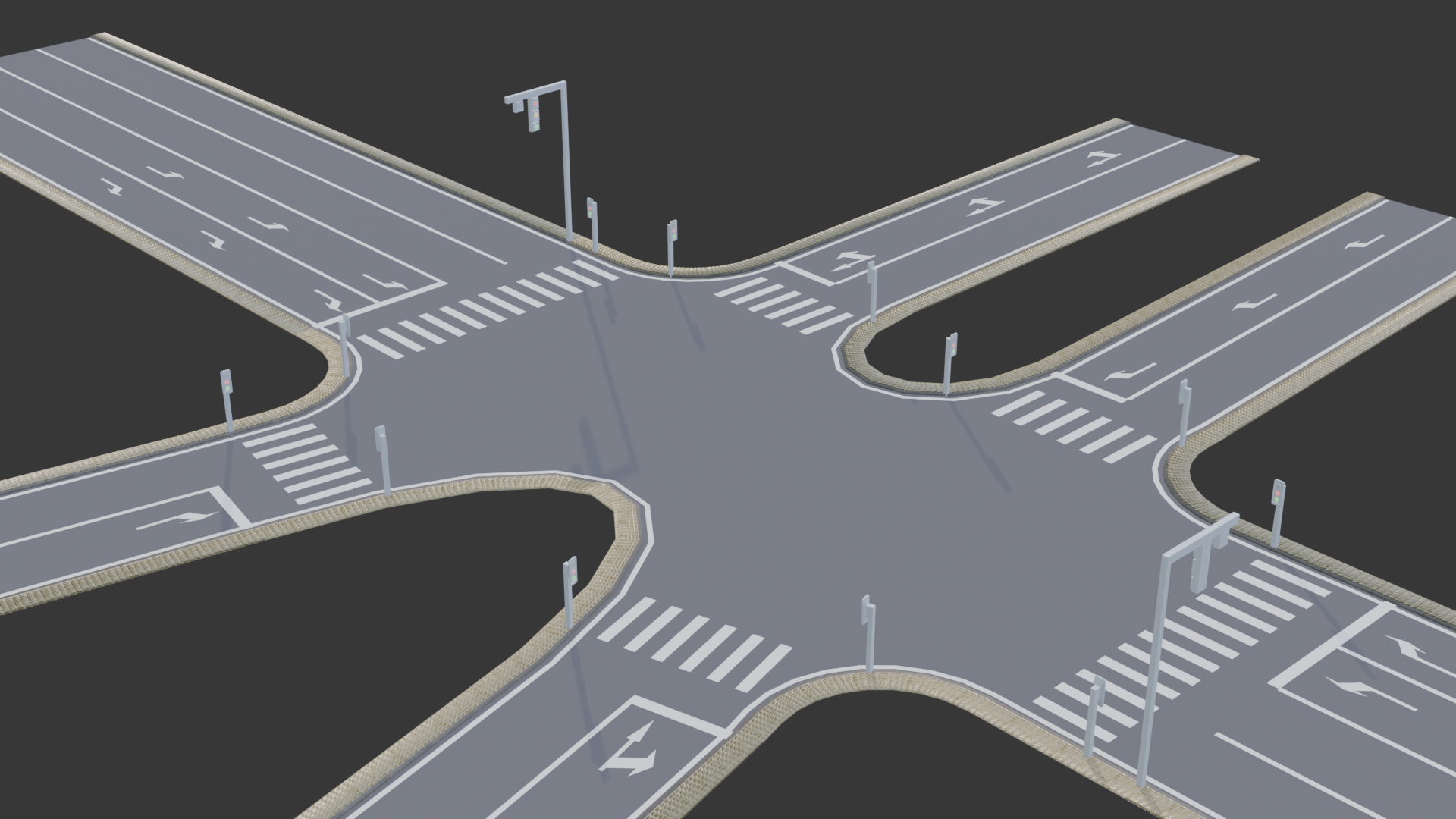
Intersections
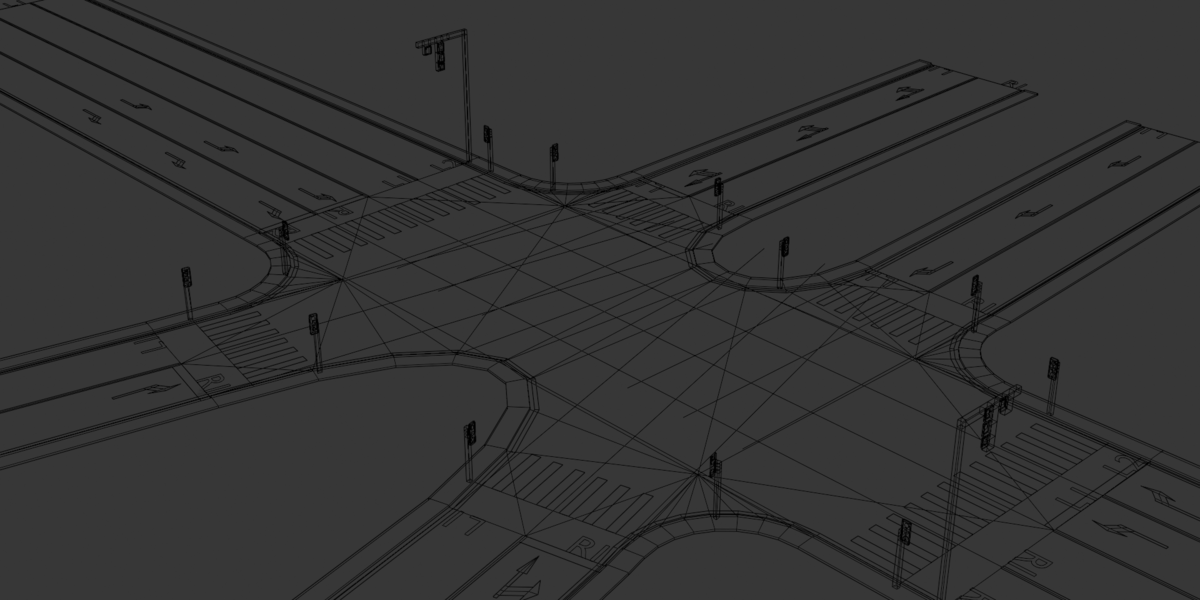
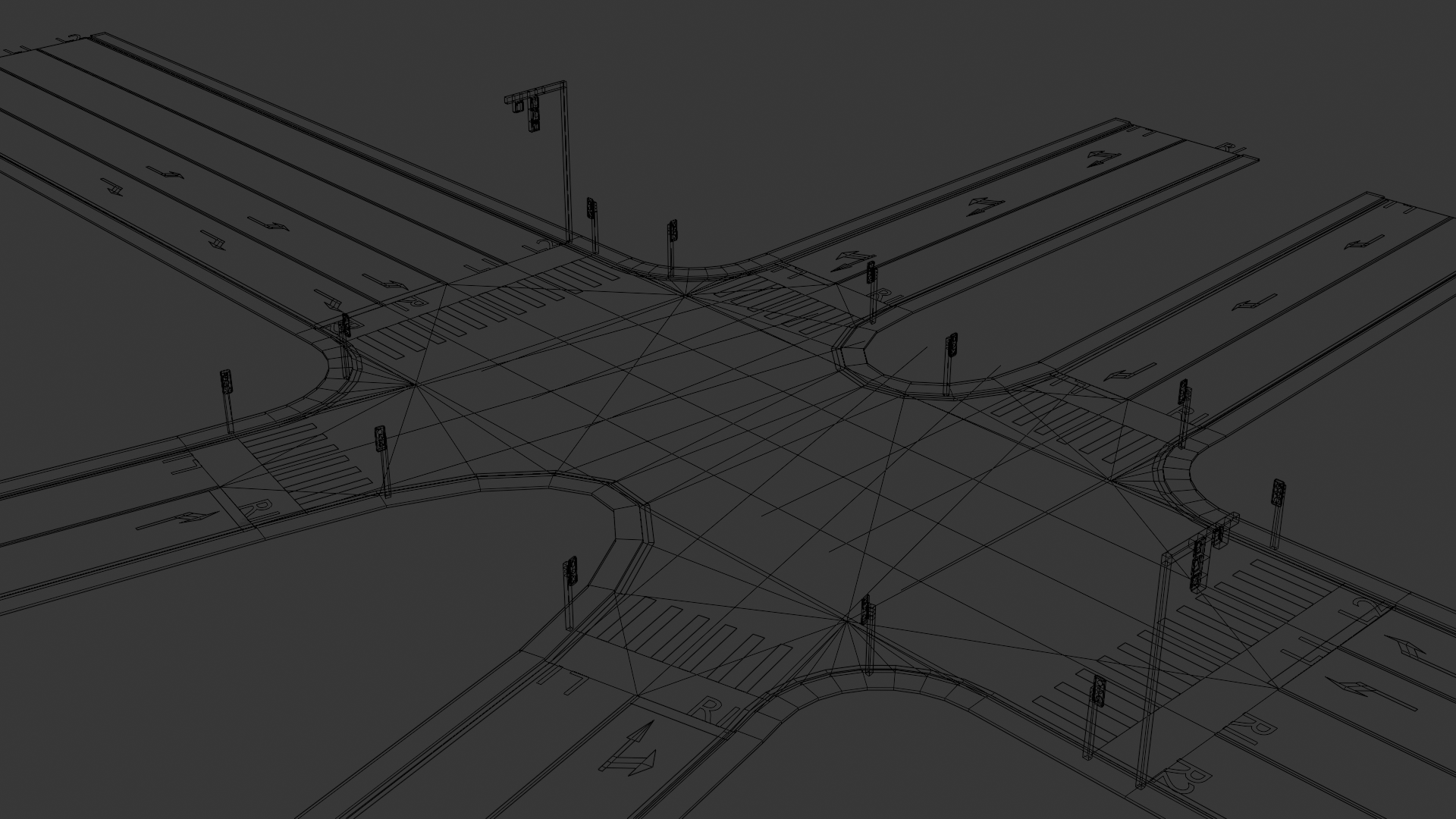
Bring road sections together into an intersection. Inspect both the resulting road layout and its underlying topology.
Branching junctions
Create branching road layouts.
Insert lanes
Add lanes as needed for the road layout.
Remove lanes
Remove selected lanes.
Lane transitions
Changes in lane count.
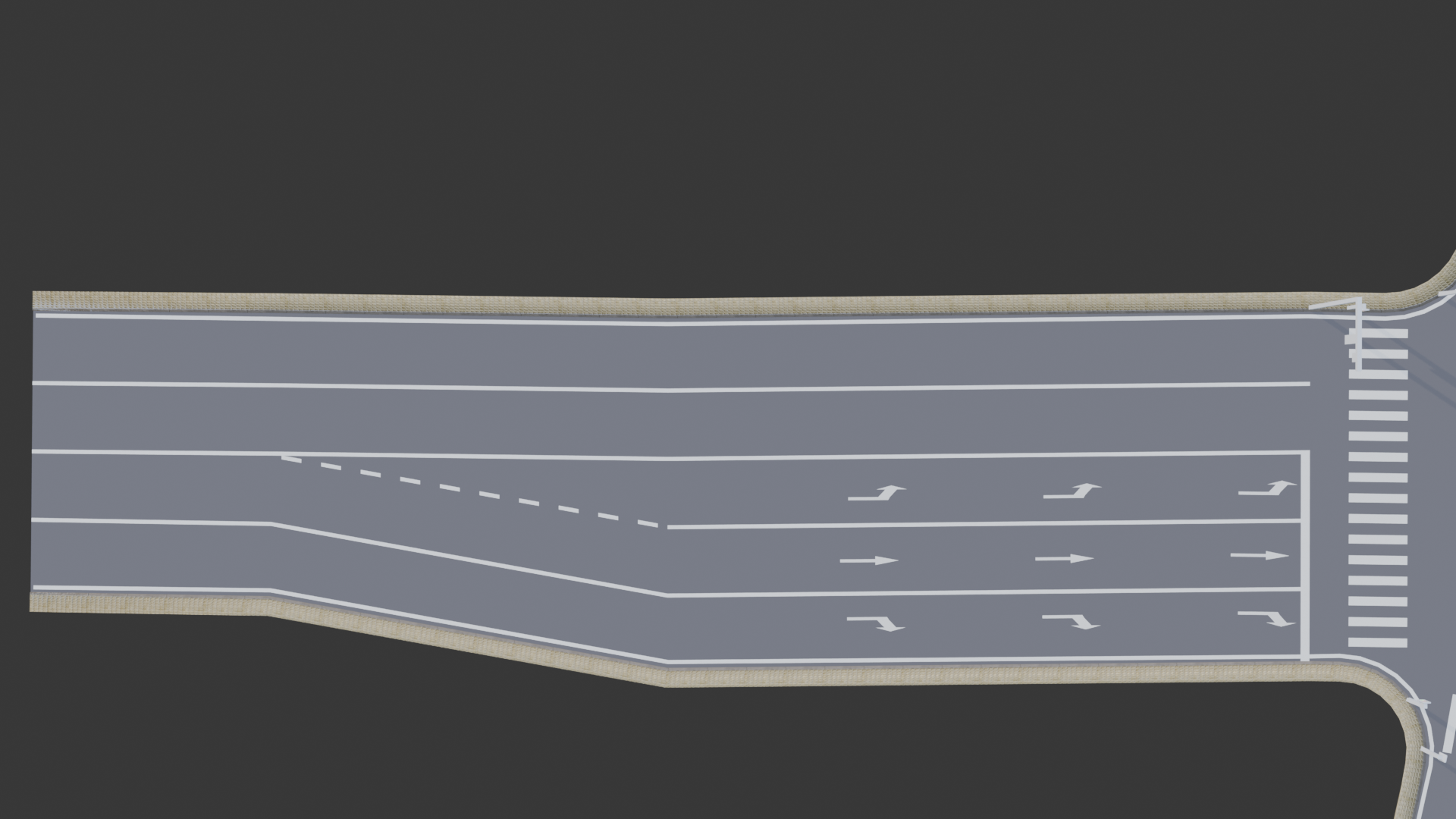
Adjust lane widths
Adjust the width of each lane.
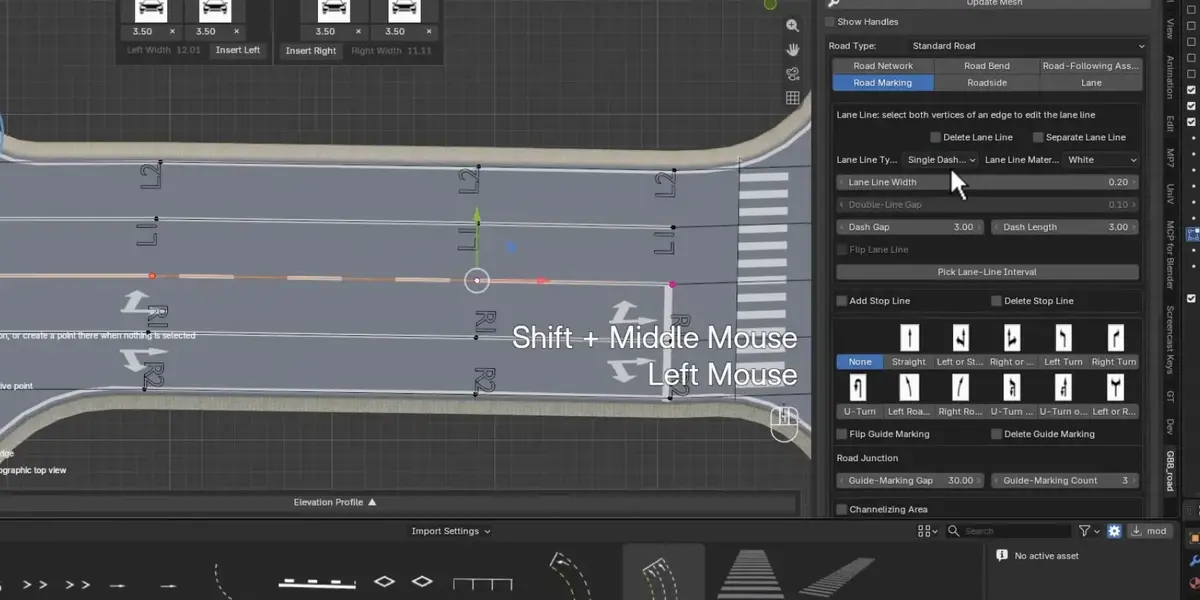
Lane markings
Customize lane markings as part of the road design.
Note: lane markings are mesh surfaces positioned 5 mm above the road surface.
Road surface elements
Customize road surface elements.
Assets
Extend road surface elements through assets, with support for your own assets.
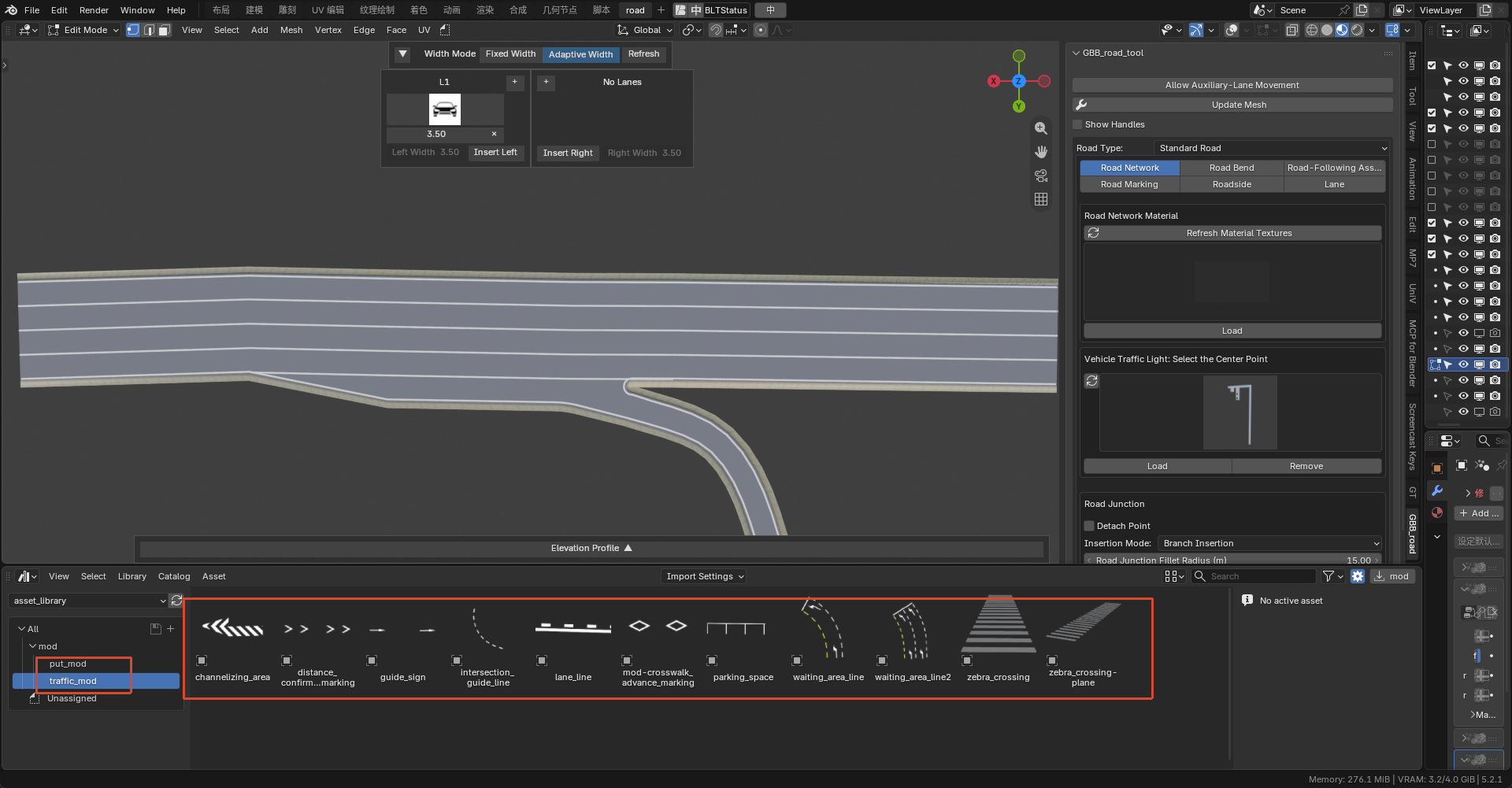
New nodes
New nodes are introduced for improved interaction and performance.
Our custom Blender build introduces three nodes for the road workflow.
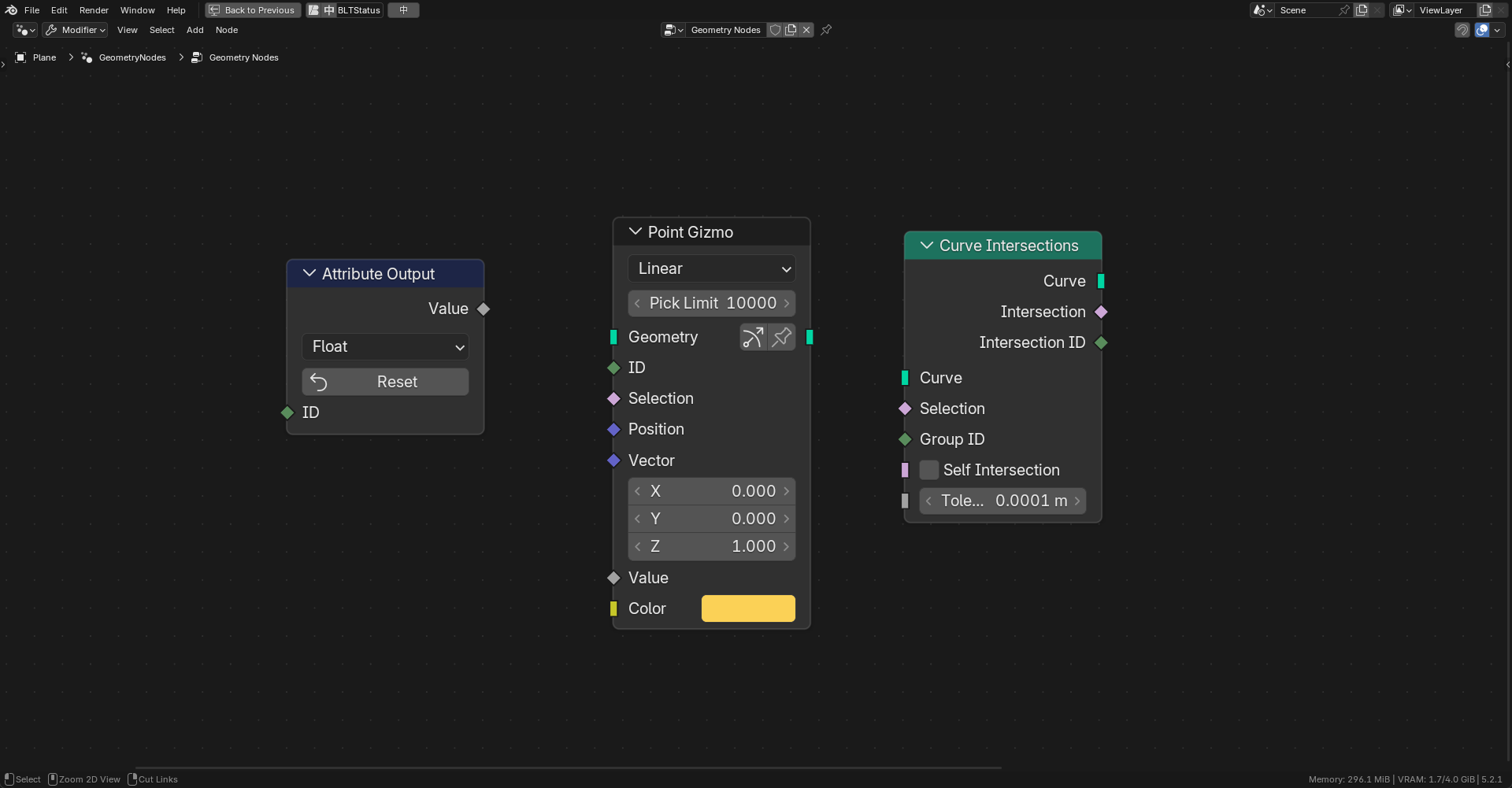
Point Gizmo
Generate handles.
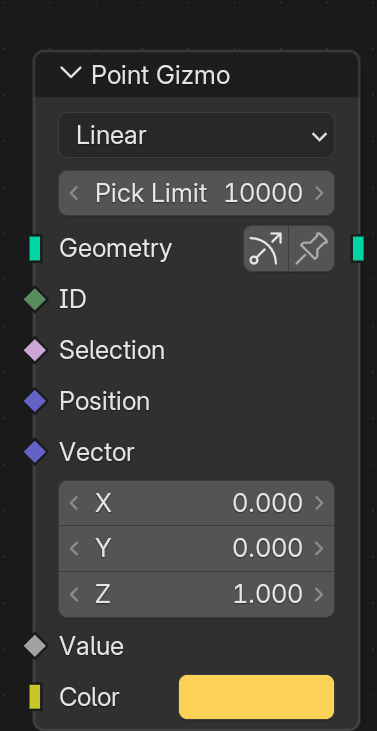
Attribute Output
A node designed specifically for Point Gizmo.
Persistently store handle data.
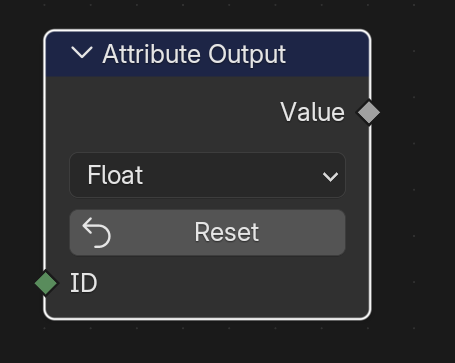
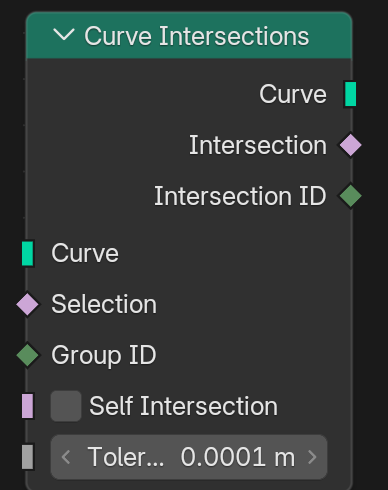
Curve Intersections
Handle intersections between different types of curves.
Blender workflow
Recommended: custom Blender build
Use the custom Blender build for the intended interactive workflow. This build adds three nodes: Point Gizmo, Attribute Output and Curve Intersections.
Official Blender 5.2 and later
A separate add-on edition is available for official Blender 5.2+: road_asset-6.0.9-V5.2. Choose the custom Blender build for the full interactive experience.
Development
GBB Road is currently in an early stage of development. Supply your own assets to build the road facilities you need. More assets and features will be announced in future updates.
Release Notes
6.0.8
Initial release, providing full road editing functionality. Assets are not included.
