 ZEG
Installation
In Blender open Edit, Preferences, Get Extensions, then use Install from Disk and pick the zip.
Usage
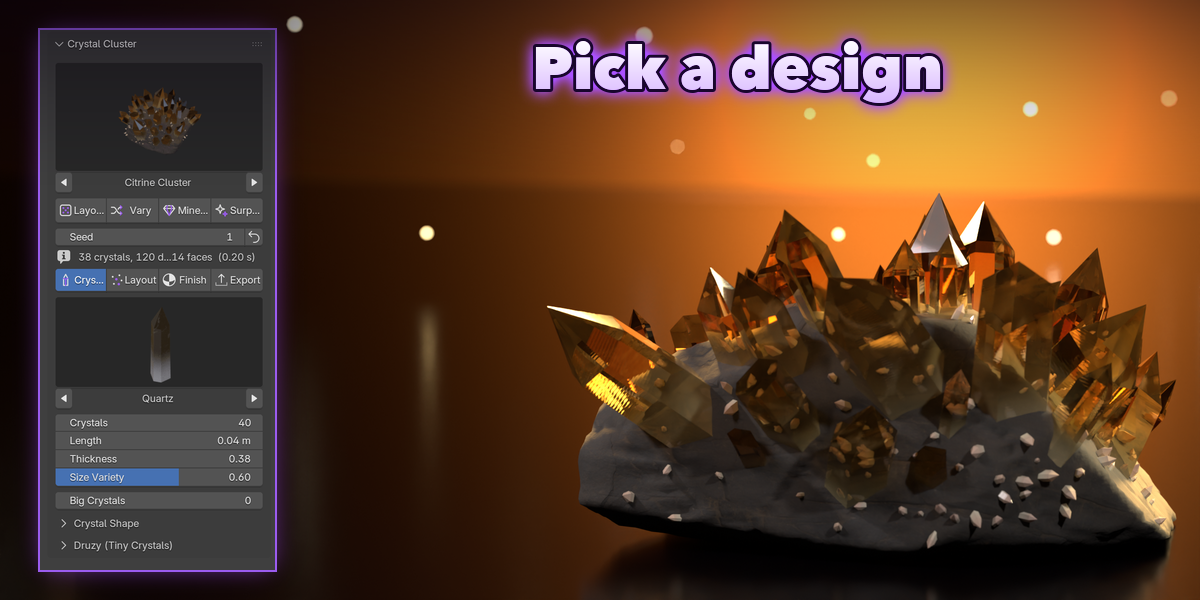
- Open the sidebar (N) and pick the Crystal tab.
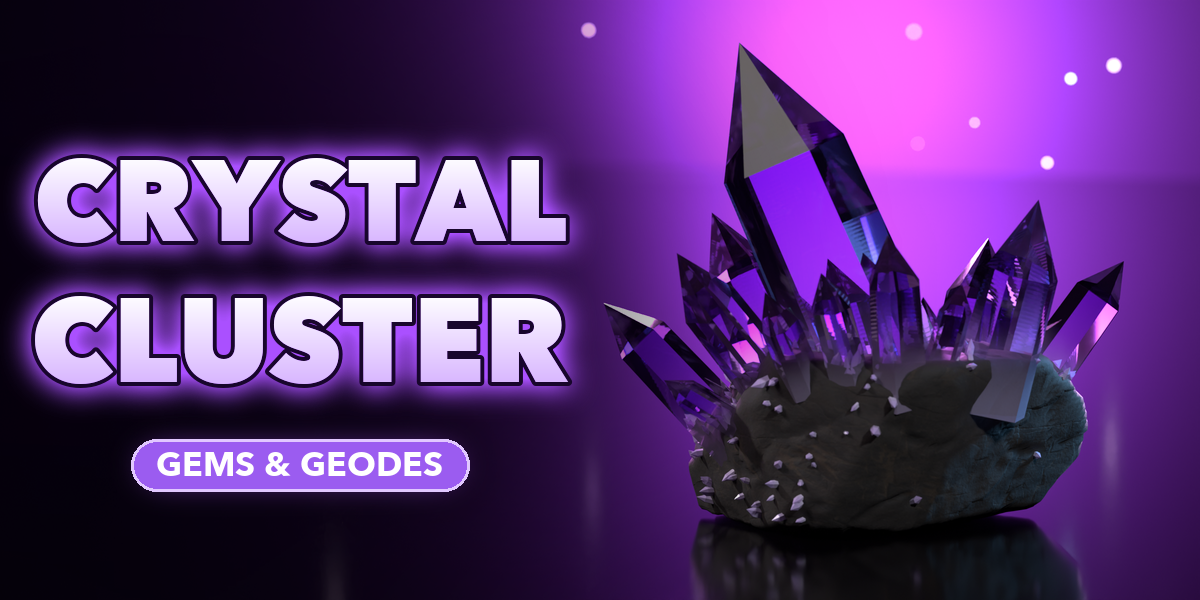
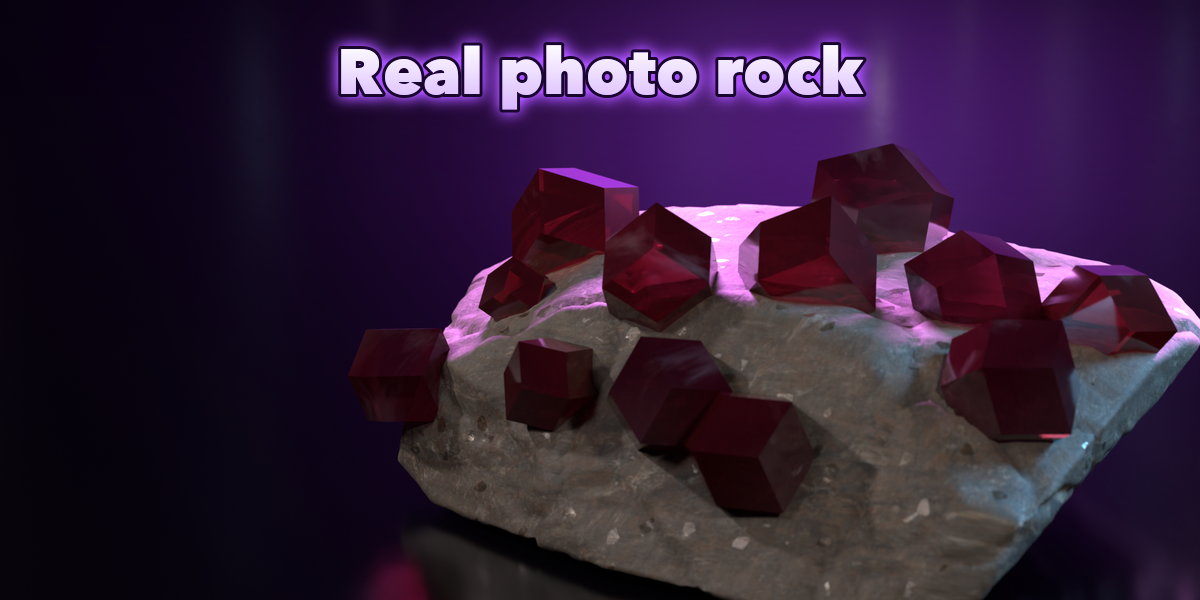
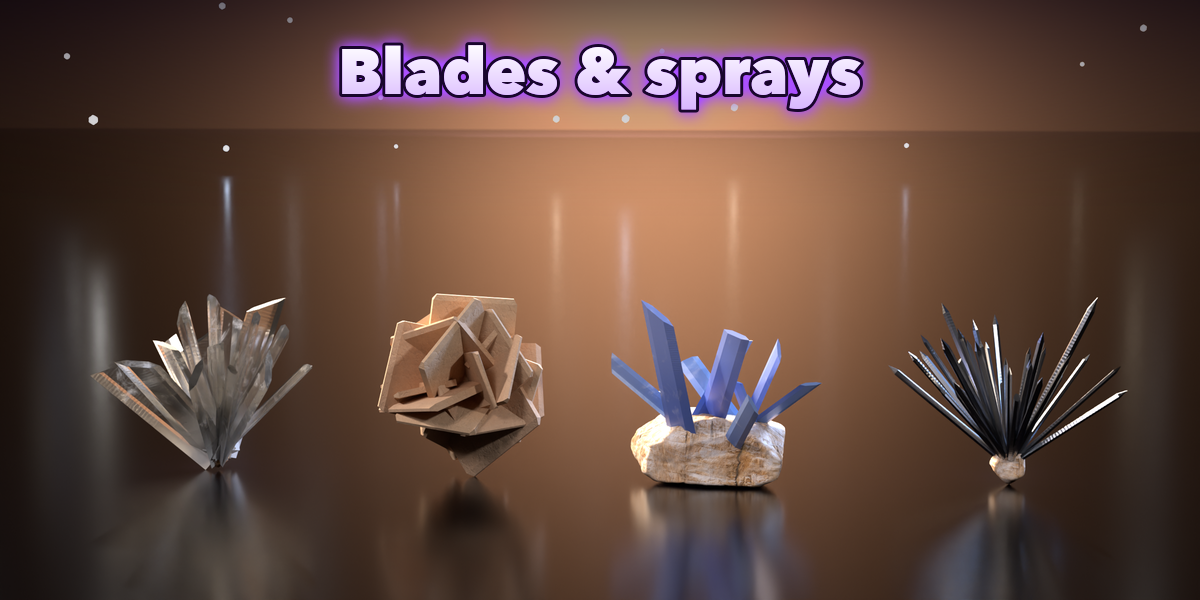
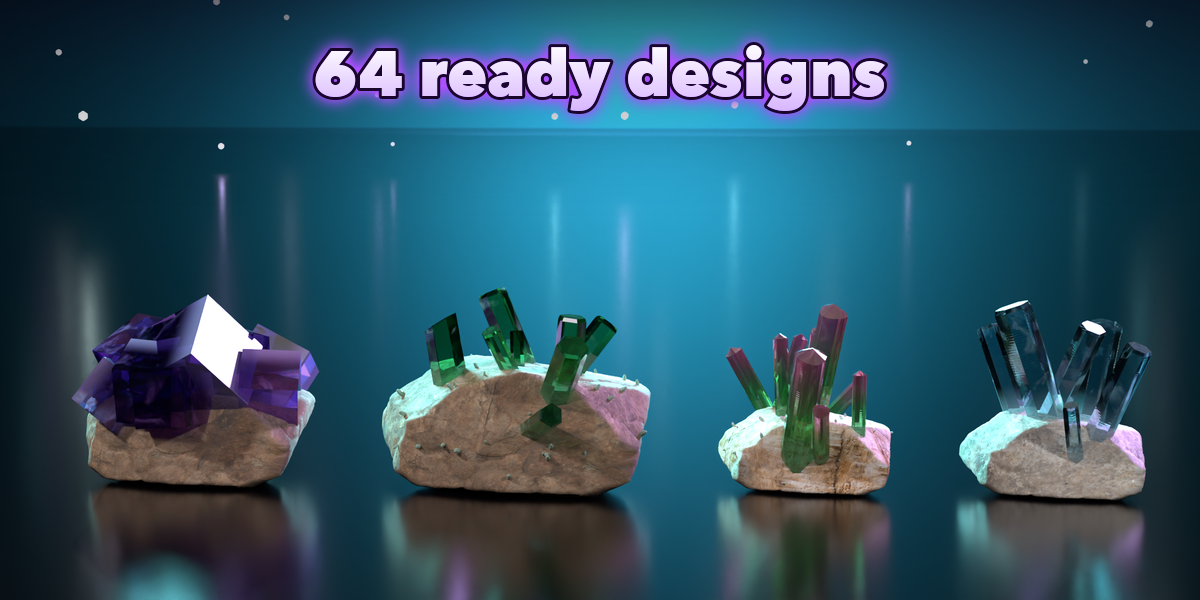
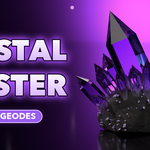
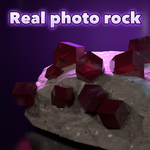
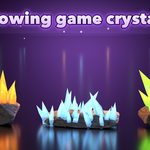
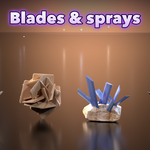
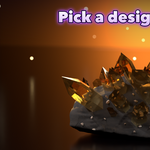
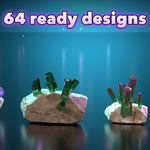
- Pick a design picture and click Add Crystal Cluster.
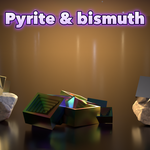
- Click Layout, Vary, Mineral or Surprise to randomize, or change the Crystals, Layout and Finish settings.
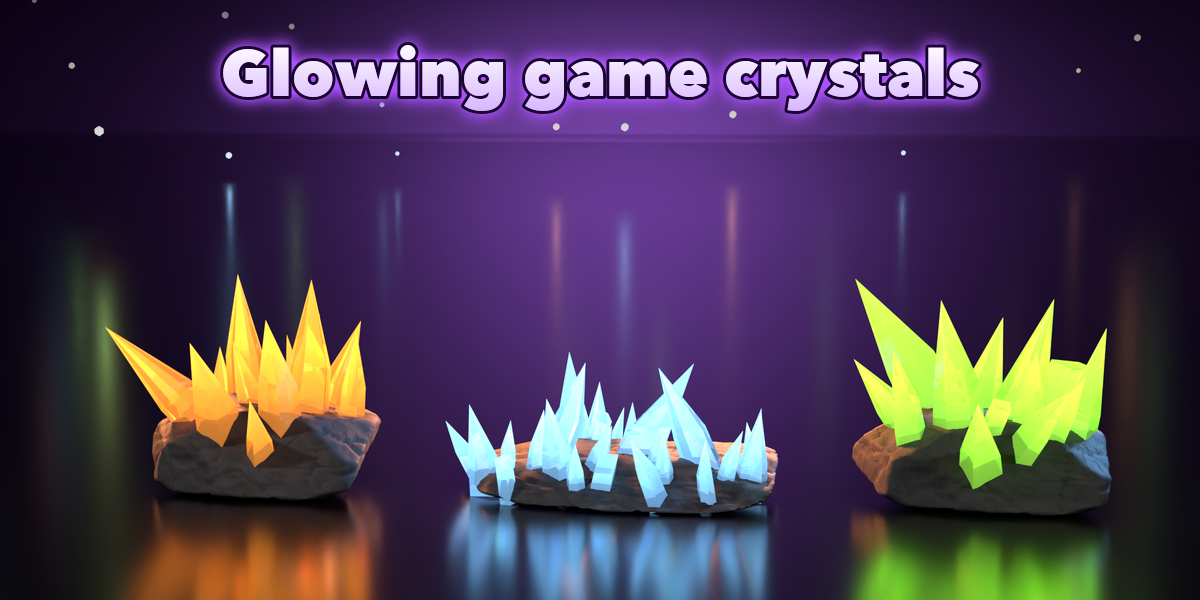
- Export tab: choose Low detail for games, or convert the cluster to a plain mesh.
Have questions about this product?
Login to message
| Blender Extension Compatible | Yes |
| Published | 1 day ago |
| Blender Version | 4.2 - 5.2 |
| Extension Type | Add-on |
| Render Engine Used | Cycles, Eevee |
| License | GPL |
