Geo-Fish
 Apex Assets


How to install the Addon-
Download "Geo-Swarmv4 addon" File>Open Blender>Edit>Preferences>Install>Select addon file and choose install. Don't forget to enable the addon after install.
How to Install Assets
- Download the "Geo-Fish Assets" file.
- Unzip the downloaded file.
-
Move the
Category1andCategory2folders into your desiredAssetsfolder. - Go to Addon Preferences and select that
Assetsfolder.
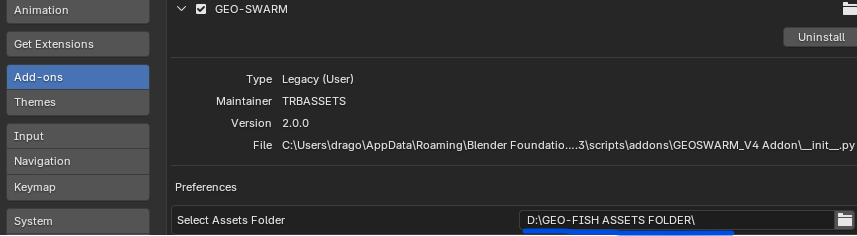
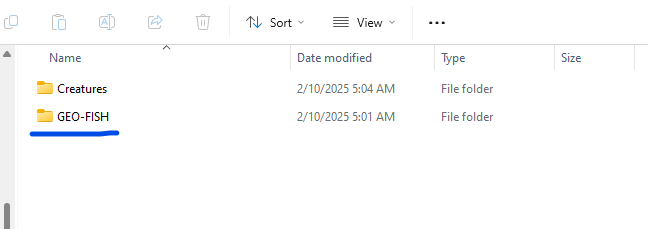
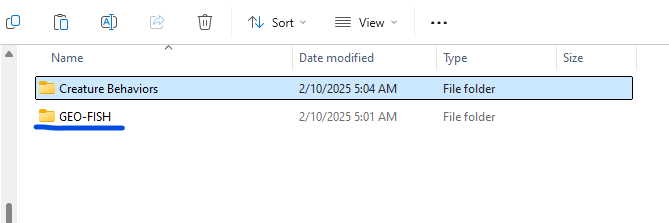
Installation for GEO-SWARM Owners: Adding the New Geo-Fish Assets
GEO-FISH folders into the following directories:-
Category1(Swarm Presets) -
Category2(Individual Creatures)
How to Set Up Your Fish
1.Start by importing your fish preset and your fish model into Blender.2. Add your fish model to a new collection, Then add that collection to the Fish System.
Note: If your fish model already has an animation modifier, remove it first.
These modifiers are meant for individual animations, but since the Fish System handles animation automatically, they’re not needed.
That’s it! The Fish System will take care of the rest. Enjoy!
How to Add Animation to Your Models
- Select Your Model.
-
Add a Geometry Nodes System to the model.
-
Choose the "Procedural Animation System" Node Group.
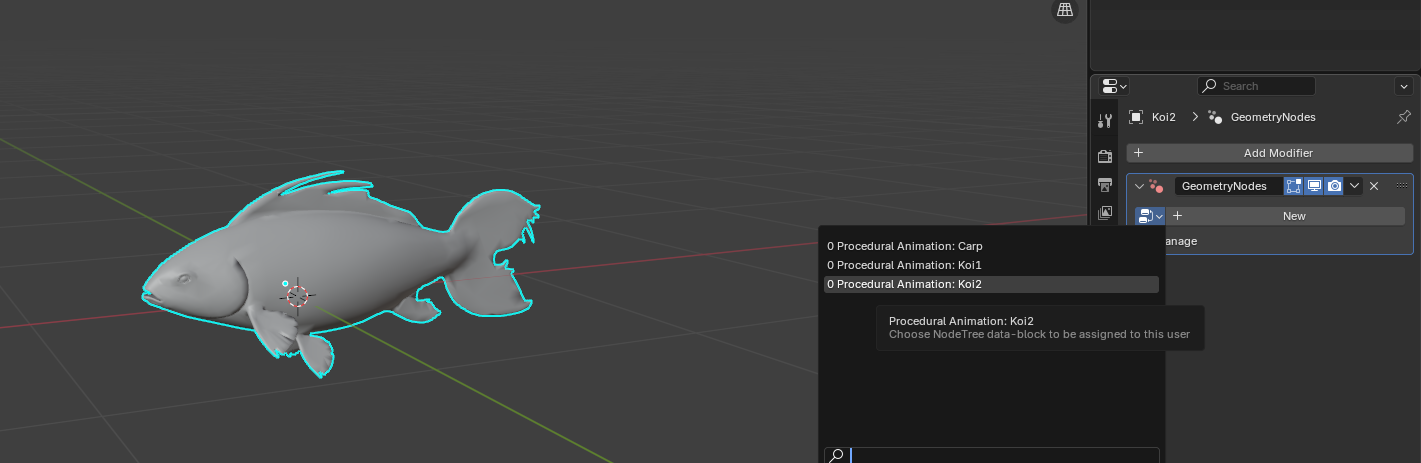
- If the node group isn't available, append it from the individual fish files first
Press Play!
Note: Make sure your fish model is facing along the X-axis, and apply both rotation and scale before animating.
Press Play!
Have questions about this product?
Login to message
| Sales | 300+ |
| Rating | 1 ratings |
| Dev Fund Contributor | |
| Published | almost 2 years ago |
| Blender Version | 5.0 - 5.2 |
| Render Engine Used | Cycles, Eevee |
| License | Royalty Free |